12 Best Lightweight Gaming Mouse of 2026: Which Last Through FPS Grind

Which lightweight gaming mice survive heavy scroll wheel use for months. For FPS competitors who need speed without short lifespans.

Many lightweight gaming mice feel incredible out of the box—fast flicks, crisp clicks, weightless glides. But after a few months of intense use, a common weakness surfaces: the scroll wheel begins to skip or fail entirely. This isn't limited to budget models; it appears even on premium flagships that dominate esports circuits.

Rather than treating this as a fatal flaw, savvy gamers adjust their expectations. These mice are high-performance tools with moving parts that wear. Our guide focuses on identifying which models deliver the best balance of speed, durability, and warranty coverage for your playstyle. Whether you're a competitive FPS grinder or a casual weekend warrior, there's a pick here that fits your grip and your replacement tolerance.

1

Best Overall Lightweight Gaming Mouse

Glorious Model O Wired

95 /100
Lab Score Outstanding

Key details

Weight
68 g
Shape & Grip Style
Ambidextrous honeycomb
Connectivity & Battery
Wired (paracord)
Build & Switch Durability
Omron switches, 20M clicks
View on Amazon

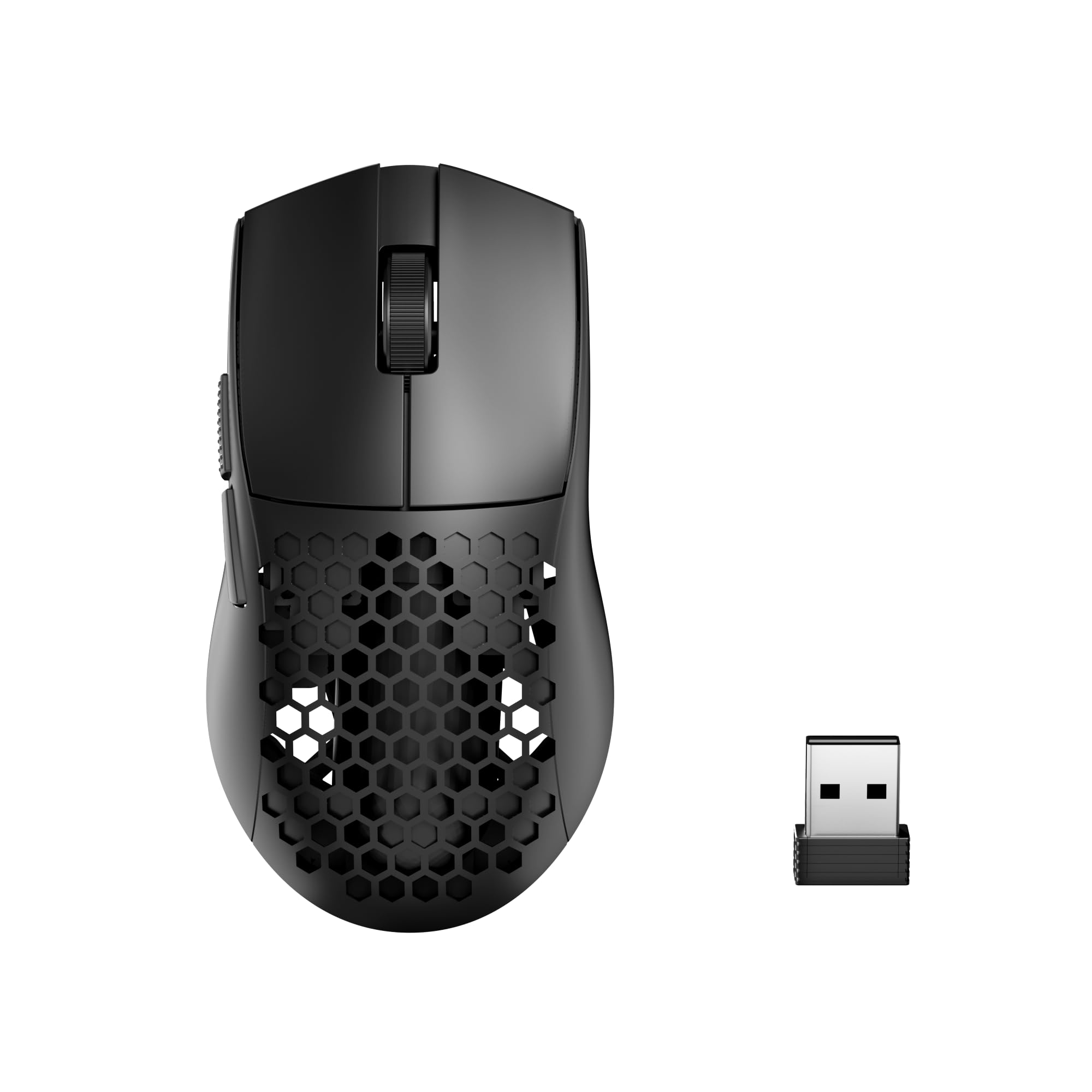
The Glorious Model O Wired drops weight to 67 grams without sacrificing sensor performance, using a Pixart 3360 that delivers precise 1:1 tracking and minimal acceleration. A flexible paracord cable reduces drag so much that it mimics a wireless connection, making broad swipes and quick flicks feel unencumbered. Low click latency and Omron switches with a 20-million-click rating keep inputs instant and consistent during fast-paced shooters.

Honeycomb shells often invite skepticism about rigidity, but this one stays firm with no flex under pressure. The matte coating offers a dry, confident grip, and the body feels more premium than the price would suggest. RGB lighting streams through the hexagonal cutouts with deep color saturation and a wide range of effects, tuned through the Glorious software without intrusive resource demands.

Ambidextrous shaping and a medium-to-large footprint comfortably support claw and fingertip grips, with enough length for palm grippers who have larger hands. The lightweight chassis wards off fatigue during marathon sessions, and the contouring avoids aggressive curves that force a single hand posture, adapting readily to different play styles.

Competitive FPS players seeking a wired, ultra-light mouse on a budget will find the Model O a standout. It pairs flagship sensor speed with unshackled movement that favors fast reflexes in titles like Valorant or CS2. Heavy scroll wheel usage—such as binding jump or cycling through weapons—may reveal that the wheel encoder can become erratic in some units over time, a risk that matters less if you primarily use keybinds for those actions rather than the mouse wheel.

💡 To prolong scroll wheel life, remap weapon switching or jump to side buttons in games where you’d otherwise rely on the wheel heavily.

Pros

  • Weighs only 67 grams, making flick shots and rapid repositioning feel almost frictionless.
  • Build quality feels substantial for the price, with a honeycomb shell that resists flex and creaking.
  • Pixart 3360 sensor and low click latency provide tracking and response suited for competitive FPS.
  • Delivers flagship-level sensor and weight at a cost that undercuts many similarly spec'd mice.

Cons

  • Side buttons may loosen or detach on some units with prolonged heavy use.
Our verdict

For wired competitive FPS on a budget, the Model O's sensor and weight outperform its price class, making it the go-to pick if you can work with occasional scroll wheel imperfection.

Check Latest Price
2

Best Premium Wireless

Logitech G Pro X Superlight

93 /100
Lab Score Outstanding

Key details

Weight
63 g
Shape & Grip Style
Right-handed closed
Connectivity & Battery
Wireless, 70h battery
Build & Switch Durability
5 programmable buttons
View on Amazon

The PRO X Superlight packs Logitech’s lag-free LIGHTSPEED connection and multi-week battery into a sealed 63 g chassis that feels like an extension of your hand. The newer Superlight 2 adds 8K polling and USB-C, but for gamers who prioritize raw wireless stability and endless battery over those incremental upgrades, the original remains a peerless performer. The micro-USB port is the only meaningful departure from current-gen friction — and it’s a minor one.

This mouse speaks directly to competitive FPS players and wireless purists who favor a claw or fingertip grip. The no-holes design stays clean and maintains rigidity under pressure. However, the scroll wheel encoder can begin skipping or become unresponsive after about a year of regular use — a caveat for anyone who relies on middle-click binds. Side buttons land on the softer side, lacking the crisp snap of the main left and right clicks. Buyers already in the Logitech G ecosystem will slip right in.

The glide is whisper-smooth thanks to the stock PTFE feet, and the HERO sensor tracks with zero perceptible delay. The lightweight body encourages fast, precise flick shots without strain during long sessions. Across countless LANs and ranked queues, the Superlight has earned its place on the desk — not through flashy specs, but through a focused commitment to what matters in the moment.

💡 Middle-click users can extend scroll wheel life by remapping that function to a side button in Logitech G HUB.

Pros

  • Extremely light 63 g body enables rapid flick shots with minimal fatigue
  • Battery runs for weeks on a single charge, cutting down charging interruptions.
  • Smooth PTFE feet and responsive clicks give a wired-like connection to every micro-movement.
  • Adopted widely by esports competitors and casual players for its consistency and closed-shell build.

Cons

  • Scroll wheel encoder can develop skipping or stop registering after extended use, especially with heavy middle-click.
  • Side buttons feel less crisp and may be perceived as mushy compared to the main click switches.
Our verdict

If a sealed, sub-70g wireless mouse with weeks-long battery and razor-sharp tracking is the target, the G Pro X Superlight delivers a competitive edge — just account for potential scroll encoder wear over time and consider remapping middle-click to a side button.

Check Latest Price
3

Best for Small Hands & Budget Wired

Razer Viper Mini

95 /100
Lab Score Outstanding

Key details

Weight
61 g
Shape & Grip Style
Right-handed mini
Connectivity & Battery
Wired, Speedflex
Build & Switch Durability
Optical switches
View on Amazon

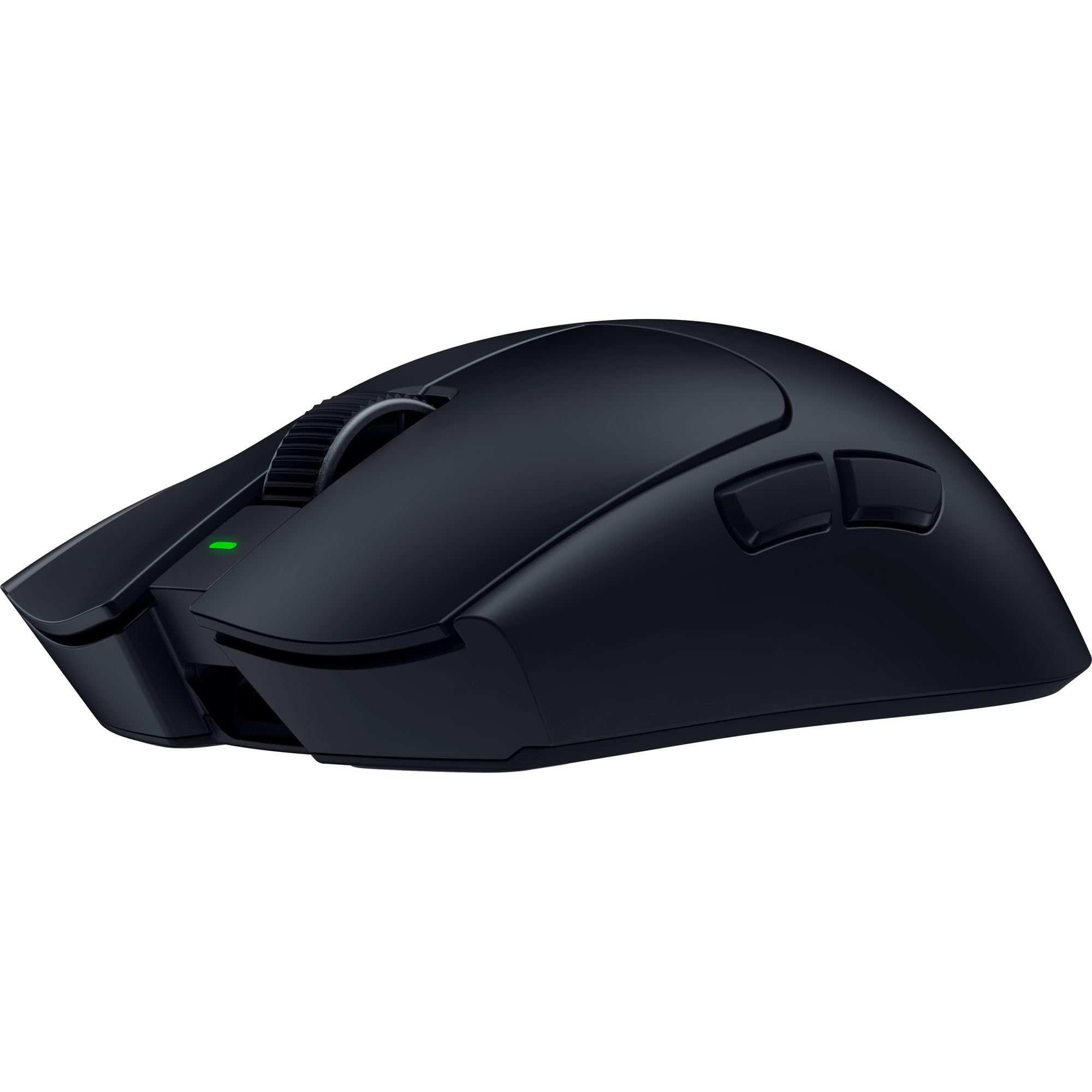
At 61 grams with Razer's Speedflex cable, the Viper Mini glides with a near-wireless feel that demands less arm lift than many heavier mice. The cable resists kinking even after being coiled tightly, keeping drag minimal in fast swipes.

Optical switches fire with a sharp, consistent click and zero debounce delay, making rapid single-taps in Valorant or League of Legends predictable. The 8500 DPI sensor holds steady up to its max tracking speed, enough for any sensitivity below 3200 DPI in competitive play.

At its original retail price, the Viper Mini delivers Razer build quality and lighting for less than many no-name budget ultralights. The six programmable buttons and Chroma RGB add customization without adding grams.

The compact shell fits small-to-medium hands in claw or fingertip grip; palm grip users or those with larger hands will find it too narrow, causing hand fatigue. Optical switches tend to outlast mechanical ones, but in some units the main buttons can develop double-clicking or a mushy feel after months of intensive use. If you can find it at its intended price, the occasional click inconsistency is a manageable trade-off for its low weight and snap.

💡 Register the mouse with Razer upon purchase; should click inconsistencies arise over time, warranty support typically replaces the unit.

Pros

  • 61g ultralight build with flexible Speedflex cable for near-wireless movement
  • Sharp optical switch clicks with no debounce delay, ideal for fast-paced shooters
  • Contoured shell fits small to medium claw/fingertip grips comfortably for hours
  • Excellent value at its typical retail price, frequently discounted well below competitors

Cons

  • Mini shape can cause cramping for palm grip users or those with larger hands
  • Clicks may develop occasional double-registering or mushiness after months of intensive use
Our verdict

The Viper Mini is the pick for competitive small-handed gamers who value low weight and optical switch technology on a strict wired budget, especially when found at or below its original launch price.

Check Latest Price
4

Best Value Wireless (Featherweight)

Attack Shark X3

89 /100
Lab Score Excellent

Key details

Weight
49 g
Shape & Grip Style
Ambidextrous griptape
Connectivity & Battery
Tri-mode, 200h battery
Build & Switch Durability
Kailh GM 8.0 switches
View on Amazon

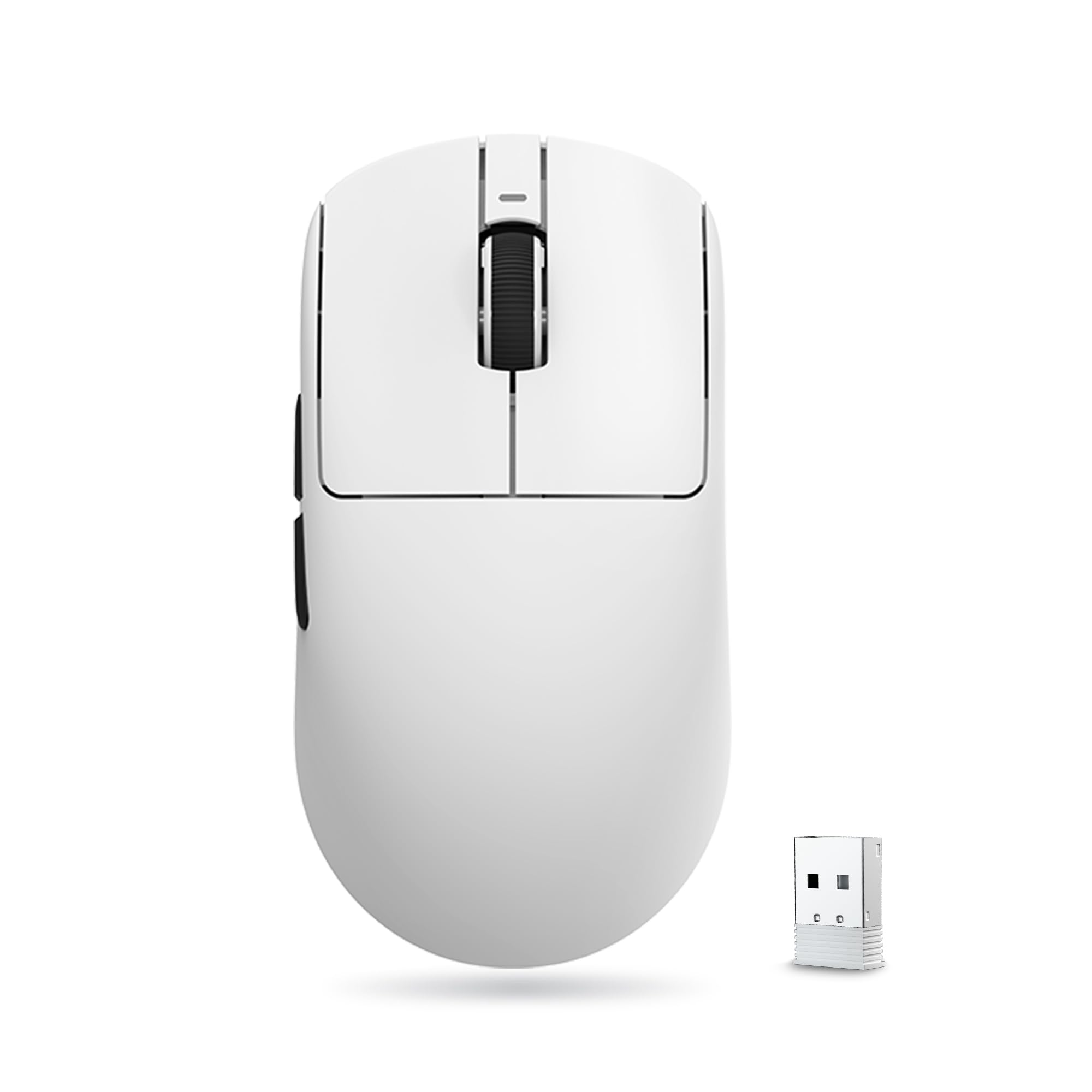
The Attack Shark X3 shaves every possible gram to land at just 49g, pairing a flagship PAW3395 sensor with crisp Kailh GM 8.0 clicks. At a budget-friendly price, it undercuts many competitors while offering tri-mode connectivity, a 200-hour battery, and an ambidextrous shape that suits most grip styles — a combination that feels almost unreal for the cost.

The 2.4 GHz connection may stutter or freeze — especially when the dongle is plugged directly into a rear PC port without the extender — but moving it closer usually restores stability. A few units have been noted to stop responding after a few months of use, suggesting the ultra-lightweight internals may not hold up to prolonged daily grind. For many, the floating sensation and snappy sensor justify these trade-offs for casual or backup duty.

The X3 is right for gamers who treat a mouse as a short-term performance tool — ideal as a travel backup, a secondary desk mouse, or for those who upgrade frequently. If you demand flawless wireless during competitive matches or expect a mouse to last beyond a year, the connectivity quirks and potential longevity gap will feel like too much compromise.

💡 Keep the USB dongle nearby using the included extension cable — this reduces 2.4 GHz dropouts and stutter.

Pros

  • Ultra-light 49g build feels near weightless for rapid flicks and long sessions.
  • Flagship PAW3395 sensor and Kailh GM 8.0 switches at a wallet-friendly price.
  • Tri-mode connectivity and 200-hour battery reduce charging downtime.

Cons

  • 2.4 GHz wireless may stutter or disconnect during sessions, fixable by moving the dongle closer or restarting.
  • Some units may become unresponsive after a few months of regular use.
Our verdict

If absolute minimal weight is your main requirement and you accept the occasional wireless hiccup and the chance of a short lifespan, the X3 is a high-risk, high-reward gamble that undercuts the competition by a wide margin.

Check Latest Price
5

Best Esports 8K Wireless

Razer Viper V3 Pro

92 /100
Lab Score Outstanding

Key details

Weight
55 g
Shape & Grip Style
Right-hand ergo
Connectivity & Battery
Wireless 8K, 95h batt
Build & Switch Durability
Optical switches, 90M
View on Amazon

The Viper V3 Pro shaves every possible gram to land at 55g while packing a 35K sensor and 8K wireless polling, a spec sheet few competitors match. Gen-3 optical switches deliver crisp actuation with zero debounce delay and no risk of double-click degradation, giving rapid-tap players a direct connection to every action.

Running at 8K polling cuts the rated 95-hour battery to a real-world 2-3 days of heavy use, so daily charging becomes part of the routine. The trade-off is the lowest click-to-photon latency of any wireless mouse in this weight class — an edge that matters in flick-heavy shooters and battle royales where milliseconds count.

This is a mouse for esports competitors willing to treat it as a high-performance consumable. The scroll wheel encoder and right-click switch can develop issues over months of intense use — a pattern seen across many ultralight mice — but the 55g frame and near-instant response are designed for players who prioritize match-day performance over multi-year durability.

💡 Switch to 1K polling when not competing to stretch battery life to a full week, and keep the hyperpolling dongle on a powered USB hub to avoid signal stutter.

Pros

  • Incredibly light 55g body balanced for rapid flicks during intense firefights.
  • Flawless tracking across all DPI settings thanks to the Focus Pro 35K sensor.
  • Gen-3 optical switches deliver crisp clicks with zero debounce and zero double-click risk.

Cons

  • Scroll wheel encoder may develop malfunction after extended use, and right-click can become unresponsive in some units.
  • Battery life can drop to 2-3 days when running at 8K polling, requiring frequent top-ups.
Our verdict

For competitive FPS players who crave the lowest wireless input lag in a 55g package, the Viper V3 Pro delivers — provided you accept the trade-off of frequent charging and a possible scroll wheel repair down the line.

Check Latest Price
6

Best Stylish Performer

GravaStar Mercury M2

90 /100
Lab Score Outstanding

Key details

Weight
79 g
Shape & Grip Style
Ambidextrous hollow
Connectivity & Battery
Tri-mode, 82h battery
Build & Switch Durability
5 buttons
View on Amazon

While the premium magnesium-shelled option emphasizes material refinement, the Mercury M2 stakes its claim on a sci-fi hollowed chassis with edge-to-edge GLOWSYNC RGB. This is a mouse that looks like it belongs in a spaceship cockpit. Under the striking exterior sits a PAW3395 sensor capable of 26,000 DPI, tracking with the precision expected from current lightweight gaming mice.

The 79g weight keeps the M2 agile for fast flicks, and the ambidextrous hollow shell provides a comfortable claw or fingertip grip for medium hands. Battery life reaches 82 hours with RGB disabled, and USB-C charging brings it back to full in under two hours. With lighting active, runtime still holds up through a long gaming session.

This mouse targets gamers who treat their setup as a personal statement. The right-click may become unresponsive on some units after months of use--a trade-off for the distinct aesthetic. Those with very large hands or anyone needing a mouse that fades into the background should look elsewhere. For medium-handed players drawn to the cooling airflow of the hollowed shell and the customizable light show, the Mercury M2 provides a unique lightweight option.

Pros

  • Futuristic hollowed design with fully customizable RGB zones creates a standout desk aesthetic.
  • Lightweight 79g build and comfortable shape for medium hands enhance quick maneuvering.
  • Long battery life up to 82 hours and convenient USB-C fast charging minimize downtime.

Cons

No notable drawbacks to flag.

Our verdict

For style-first gamers who can accept the slight chance of a right-click hiccup, the Mercury M2 delivers a lightweight mouse that turns a desk into a display.

Check Latest Price
7

Starter Budget

TMKB Falcon M1SE

91 /100
Lab Score Outstanding

Key details

Weight
75 g
Shape & Grip Style
Right-hand honeycomb
Connectivity & Battery
Wired (paracord)
Build & Switch Durability
6 buttons
View on Amazon

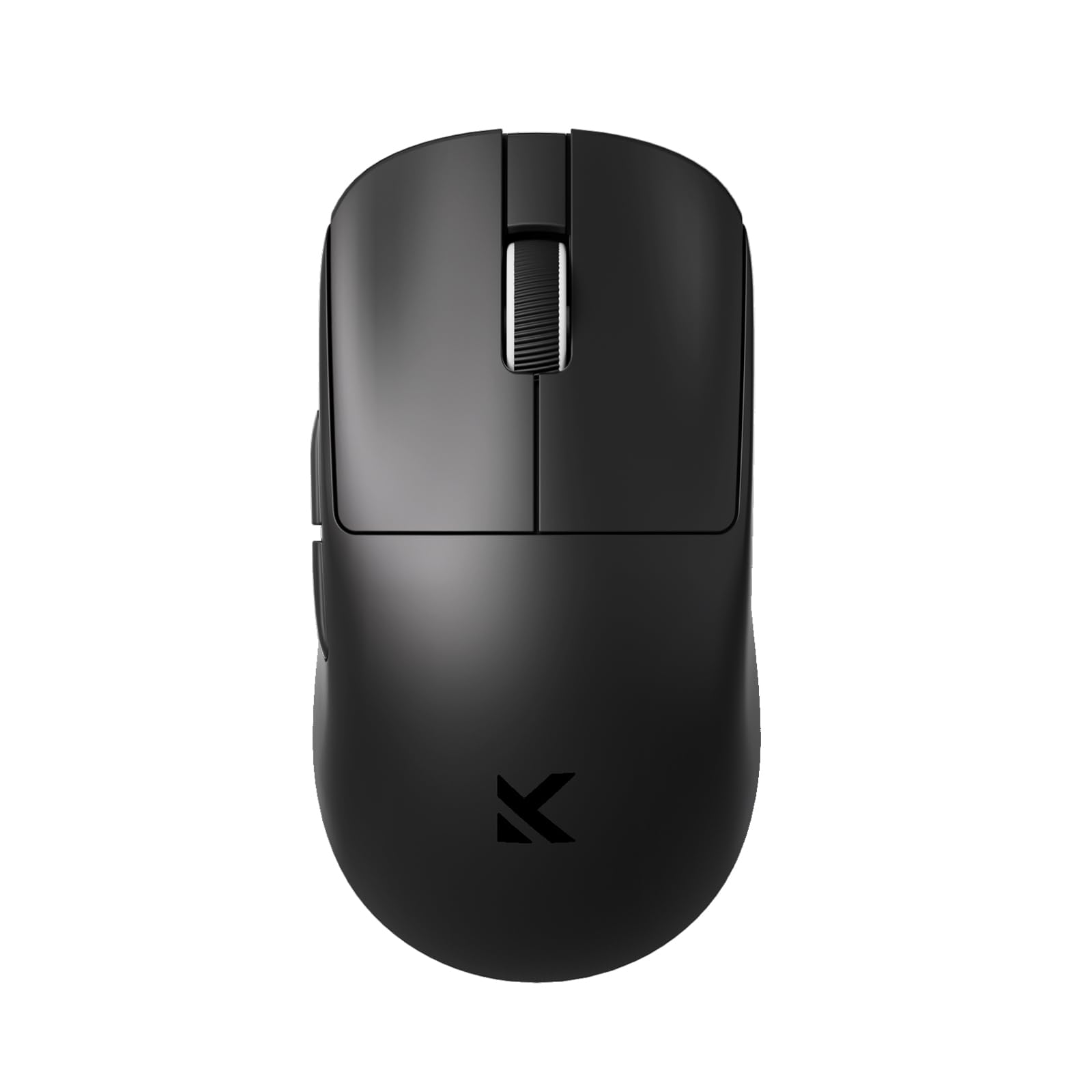
The Falcon M1SE weighs 75 grams with a honeycomb body and PTFE feet, making it a lightweight option that won't strain your wrist during casual gaming sessions. Its right-handed shape fits a range of hand sizes, and the 16.8-million-color RGB strip adds visual flair that's rare at this budget tier. The optical sensor reaches 12,800 DPI, sufficient for non-competitive play.

The scroll wheel can feel stiff and notchy, with potential for failure after extended use — a compromise expected at this price. Setting DPI and lighting requires downloading basic software from the brand's site rather than plug-and-play configuration. For the absolute minimum investment, these trade-offs are easy to overlook, but anyone with a few more dollars will find smoother scrolling and more robust build quality elsewhere.

Pros

  • Extremely affordable, making lightweight gaming accessible to tight budgets
  • 75g honeycomb shell and PTFE feet provide low-resistance movement
  • 16.8M-color RGB illumination extends across the honeycomb for a vibrant look

Cons

  • Software must be downloaded from the TMKB website; basic interface with limited macro support
  • Scroll wheel may feel stiff and could develop skipping or accidental scrolling over time
Our verdict

If your budget is capped at the price of a fast-food meal and you want a honeycomb mouse with lighting, this is the entry point — casual gamers and first-time buyers will find enough to enjoy before eventual wear sets in.

Check Latest Price
8

Next-Gen Premium

Logitech G Pro X Superlight 2

92 /100
Lab Score Outstanding

Key details

Weight
60 g
Shape & Grip Style
Right-hand closed
Connectivity & Battery
Wireless USB-C, 95h
Build & Switch Durability
LIGHTFORCE hybrid switches
View on Amazon

At 60 grams, the Superlight 2 feels weightless in motion, with a shape that suits claw and fingertip grips. The HERO 2 sensor delivers 44K DPI tracking and the 8K wireless polling shrinks input latency to levels pros will notice in twitch shooters. USB-C charging finally replaces micro-USB, and the 95-hour battery means you recharge two to three times a month even with intensive daily gaming. The premium price, however, inherits the Superlight series' tendency for occasional input quirks after prolonged use — not a dealbreaker for everyone, but a tradeoff for those expecting flawless durability. If you need the highest wireless specs available today and can tolerate a minor maintenance risk, the Superlight 2 sits at the bleeding edge.

Pros

  • 60g chassis with a refined shape that makes quick flicks effortless
  • 95-hour battery life even at 1K polling, practically a month between charges for heavy users
  • 8K Hz LIGHTSPEED wireless polling cuts latency to near-wired levels for competitive play

Cons

  • Double-clicking or sticky primary clicks can surface on some units, requiring firmware updates or switch maintenance
  • Scroll wheel encoder may develop wobble or skipped steps after months of heavy scrolling
Our verdict

If you prioritize sub-80g weight, 8K wireless responsiveness, and USB-C, the Superlight 2 offers elite sensor performance — provided you're willing to accept potential post-break-in click or scroll wheel quirks.

Check Latest Price
9

Wireless Honeycomb

Glorious Model O Wireless

91 /100
Lab Score Outstanding

Key details

Weight
68 g
Shape & Grip Style
Ambidextrous honeycomb
Connectivity & Battery
2.4GHz, 71h batt
Build & Switch Durability
Omron switches, 20M
View on Amazon

The Glorious Model O Wireless preserves the iconic honeycomb shell and ambidextrous shape, now at 68 grams with a stable 2.4 GHz connection. Real-world battery life can drop to 3–5 hours with RGB lighting, and the scroll wheel encoder may degrade, causing erratic scrolling. For gamers who can keep it plugged in via USB-C most of the time and value the Model O’s signature feel and cooling honeycomb grip, it functions best as a wired mouse with wireless convenience for short sessions.

💡 To get the most out of wireless sessions, disable RGB and charge after each day; the battery drain is aggressive.

Pros

  • Lightweight 68g design with smooth gliding feet that enhance maneuverability.
  • Stable 1ms wireless latency for competitive gaming when within close range.
  • Ergonomic honeycomb shell keeps hands cool during extended sessions.

Cons

  • Scroll wheel encoder may become erratic or stop registering steps after moderate use.
  • Real-world battery life with RGB lighting can be as short as 3–5 hours, requiring daily charging.
Our verdict

Only consider if you plan to use it primarily wired and value the Model O shape above all else — the wireless mode is a bonus for short bursts, not an all-day untethered solution.

Check Latest Price
10

Metal Luxury

GravaStar Mercury M1 Pro

91 /100
Lab Score Outstanding

Key details

Weight
78 g
Shape & Grip Style
Ambidextrous metal
Connectivity & Battery
Tri-mode, 200h
Build & Switch Durability
5 buttons
View on Amazon

The magnesium alloy shell immediately stands out — cool to the touch, noticeably premium, and weighing 78 grams. Battery life is the standout spec: 200 hours means charging becomes a monthly task rather than a daily nuisance. Tri-mode connectivity lets you seamlessly hop between a Bluetooth laptop and the 2.4 GHz dongle for gaming.

However, the wireless performance has a boundary: the dongle needs clear line-of-sight; tucking it behind a PC can introduce stutter and lag. That makes this mouse less ideal for competitive players who can't reposition their receiver, but it fits material enthusiasts and productivity-gaming hybrids who value the metal build and marathon endurance over absolute wireless range.

Pros

  • Cool-to-the-touch magnesium shell offers a premium, lightweight feel.
  • 200-hour battery with tri-mode connectivity (Bluetooth, 2.4 GHz, wired) reduces charging to a monthly routine.
  • Responsive 4K polling and PAW3395 sensor deliver smooth tracking for fast-paced games.

Cons

  • Wireless dongle placement is sensitive: stutter can appear if the receiver is tucked behind a PC or not in direct line-of-sight.
Our verdict

If you switch between a laptop and desktop throughout the day and value a premium metal chassis with weeks-long battery life, the M1 Pro is a compelling choice — provided you can keep its dongle in clear line of sight.

Check Latest Price
11

AA Battery Marathon

Razer Viper V3 HyperSpeed

89 /100
Lab Score Excellent

Key details

Weight
82 g (with AA)
Shape & Grip Style
Ambidextrous closed
Connectivity & Battery
Wireless, 280h AA
Build & Switch Durability
Gen-2 mech switches
View on Amazon

The Razer Viper V3 HyperSpeed trades ultralight weight for relentless battery life. A single AA delivers up to 280 hours, lasting months, and the Focus Pro 30K sensor tracks accurately. The ambidextrous shape is comfortable, and the tactile scroll wheel works well for gaming and work. But at 82 g, it sits above the sub-80g target; the extra weight is noticeable if you're used to lighter options. The wireless dongle can drop connection when far away, though using a front USB port or extension adapter solves it. This is for those who prefer instant battery swaps over cutting every gram.

💡 For the best wireless stability, plug the dongle into a front USB port or use the included extension adapter.

Pros

  • AA battery delivers up to 280 hours of wireless use, allowing months of play without recharging.
  • Comfortable ambidextrous shape with a tactile scroll wheel that satisfies both gaming and browsing.
  • Focus Pro 30K optical sensor provides consistent tracking across most mousepads and desk surfaces.

Cons

  • At 82 g, the weight lands above the sub-80g threshold preferred by competitive ultralight seekers, and may feel heavier for those downsizing from 60g mice.
  • Wireless connection can become unstable if the dongle is plugged into a rear PC port far from the mouse, making a front port or extension adapter necessary.
Our verdict

If you prioritize instant battery swaps and months-long cordless use over a sub-70g shell, this mouse fits — just keep the dongle within arm's reach.

Check Latest Price
12

Travel Compact

Razer Orochi V2

89 /100
Lab Score Excellent

Key details

Weight
60 g (without batt)
Shape & Grip Style
Compact right-hand
Connectivity & Battery
Dual-mode, 425h (AA)
Build & Switch Durability
Gen-2 mech switches
View on Amazon

At 60 grams without a battery, the Orochi V2 slips into a bag easily and runs on a single AA or AAA for up to 425 hours on HyperSpeed, making it a grab-and-go gamer's dream. Its compact shell is sculpted for claw and fingertip grips, offering comfortable control for small to medium hands. However, the mechanical switches may develop double-click after months of use, and the scroll wheel can become unreliable. Bluetooth connectivity may also stutter at range. This mouse is a capable travel companion, but treat it as a replaceable tool rather than a permanent daily driver.

💡 Switch to the 2.4 GHz HyperSpeed dongle for critical gaming sessions to avoid Bluetooth dropouts.

Pros

  • Featherlight 60g build and compact size make it an effortless travel companion
  • Marathon battery life on a single AA/AAA
  • Ergonomic shape well-suited for claw and fingertip grips, even during long sessions

Cons

  • Bluetooth connectivity may drop or become inconsistent, particularly at distance or through walls
  • Mechanical switches can develop double-clicking, and scroll wheel may skip or fail over time
Our verdict

For gamers who need a lightweight, travel-friendly wireless mouse and rely on AA/AAA batteries, the Orochi V2 is a handy companion — just treat it as a replaceable tool rather than a long-term investment.

Check Latest Price

How to Choose

Weight

Every gram shaved improves flick acceleration and reduces fatigue during long sessions, but there's a structural catch. Sub-60g mice often trade internal bracing for a lighter shell, making them more susceptible to flex or creak over time.

Honeycomb shells save weight by removing material, yet they invite dust and lint into the sensor cavity. Closed-shell designs in the 60–80g range strike a balance between rigidity, cleanliness, and still-deliver rapid aim.

Sensor DPI & Polling Rate

DPI numbers above 20K are largely marketing territory; most pros compete at 400–1600 DPI. The real performance gain comes from polling rate—4K or 8K Hz shaves milliseconds off input latency, but only if your PC and monitor can saturate the frame rate.

Enabling 8K polling on a wireless mouse can halve the advertised battery life because the sensor and radio chip run at full tilt. Unless you're tracking at 240+ FPS with a high-refresh monitor, 1K Hz polling provides all the responsiveness you'll notice.

Connectivity & Battery

A 2.4 GHz dongle gives you latency indistinguishable from wired on a good mouse, but the dongle needs line-of-sight to the mousepad. Bluetooth adds lag and is best for travel or office work, not competitive gaming.

Advertised battery hours assume 1K Hz polling with RGB off. Real-world use with RGB and higher polling often yields 50–70% of that number. Batteries also degrade chemically; after a year, you may notice shorter run-times, especially on models that need daily charging.

Shape & Grip Style

The shape must match your hand size and grip. A claw or fingertip grip on a large ambidextrous mouse can leave your pinky unsupported and cause wrist pain. Conversely, a palm grip on a mini mouse forces a cramped arch that fatigues your hand within an hour.

Pay attention to the hump's highest point and the grip width, not just the listed dimensions. A mouse that feels comfortable in a store may reveal hotspots under sustained use.

Build & Switch Durability

The scroll wheel encoder is the most common failure point in lightweight gaming mice, regardless of price. Mechanical encoders wear down under rapid, repeated scrolls, leading to skipping or total loss of registrations. Optical encoders exist but are rare and often feel less tactile.

Optical switches under the main buttons eliminate the physical corrosion that causes double-clicking in traditional mechanical switches, yet some optical implementations can feel mushy. Hybrid switches attempt to blend reliability with crisp tactility, but reports of inconsistencies still appear across nearly every popular model.

Frequently Asked Questions