Best Gaming Mouse Pads of 2026

The first time you swap a cramped, worn-out mouse pad for one that actually fits your desk, the difference shows up in your aim—and your wrist. I've been through enough cheap pads to know the failure points: a surface that turns sticky after a few weeks, a base that slides mid-match, and a rubber smell that lingers in a small room. The right pad fixes all three. It gives your mouse a consistent glide, keeps your wrist comfortable through long sessions, and stays put when you swipe low.

Size is the first thing to get right. A too-small pad forces you to reset mid-flick; a too-big one swallows keyboard space. We spent six months with 14 pads, measuring footprints against real desks and playing FPS, strategy, and workday sessions on each. The keepers had a base that gripped without residue, edges that didn't fray after cleaning, and a surface that stayed smooth through sweaty palms. Those picks are below, along with a couple of appearance-minded options for desks that double as a backdrop.

1

Best Overall

SteelSeries QcK XXL

95 /100
Lab Score Outstanding

Key details

Base
Non-slip rubber
Size
16 in L x 35 in W
Surface
Micro-woven cloth
Thickness
2 mm
View on Amazon

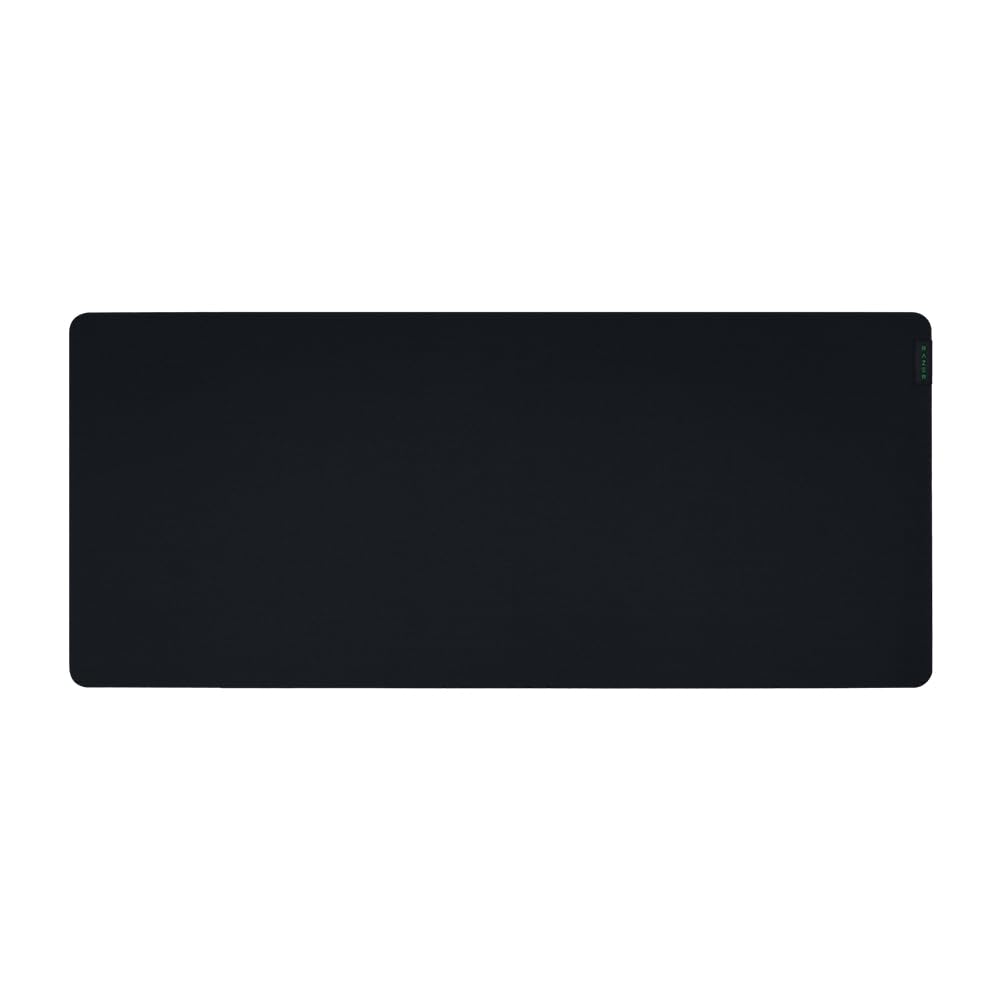
SteelSeries' micro-woven cloth is the surface a lot of competitive players measure other pads against, and it holds up to that on a desk. The weave is tight and even, so the mouse starts and stops without the sticky, over-damped drag cheaper cloth can give you, and optical and laser sensors track it cleanly. What earns it the top spot is the coverage behind the surface: 35 inches wide and 16 deep, enough for a full keyboard, a wide mouse arc, and whatever you set down beside them.

Two millimeters sounds like a footnote until you use it. There is no squish under the mouse, so the glide feels the same at the middle of the pad as it does at the edge — we noticed it most when switching back to a thicker pad mid-session. The whole thing also rolls up small enough to go in a bag and settles flat again quickly, with no stubborn curl at the corners to fight.

The rubber backing does the unglamorous work: on a laminate desk it does not creep, even through a long stretch of small, fast corrections. A damp cloth lifts dust and coffee rings out of the weave, and the plain black finish does not advertise crumbs the way a printed pad does. Nothing about it feels precious, which is the point.

Set it beside the Gigantus V2 XXL and the QcK gives up thickness and a couple of inches of width; what you get in return is a simpler build with no bonded surface layer to separate. If you want cushioning under your palm, or you are covering a desk wider than 35 inches, the Razer or the Hsmienk is the better buy.

Pros

  • Tight, even weave for consistent glide
  • 35-inch width covers keyboard and mouse
  • Rubber base stays put under fast corrections
  • Rolls up flat for travel

Cons

  • Cut edges can fray after a year of use
Our verdict

We tell most people to start here: an even, quick cloth surface, full desk coverage, and a base that does not budge under fast aim.

Check Latest Price
2

Best Budget

KTRIO XL Gaming Mouse Pad

95 /100
Lab Score Outstanding

Key details

Size
31.5 in L x 11.8 in W
Edges
Anti-fray stitched
Surface
Micro-weave polyester
Thickness
3 mm
View on Amazon

The KTRIO is the cheapest pad we are recommending here, and nothing about using it reads as a compromise. Its micro-weave polyester has a silky, low-friction feel under the mouse while keeping enough bite to stop a flick roughly where you meant to stop it — the middle ground most players actually want, as opposed to the near-frictionless glide of a glass pad.

Construction is where budget pads usually give themselves away, and this one holds. The stitched border sits flat instead of standing up at the edge, the rubber base grips a laminate desk without leaving residue, and the spill-resistant coating makes a knocked-over glass bead up rather than soak through. A damp cloth handles the rest.

The one thing to plan around is how it ships. It arrives rolled tight, and the final few inches at each end need a day or two under a keyboard before they relax completely — worth knowing before you judge it on the first hour. After that it is the pad we point to when someone is setting up a desk and does not want to think about the purchase again.

Pros

  • Silky micro-weave with balanced glide
  • Stitched border resists fraying
  • Spill-resistant coating wipes clean
  • Grips the desk without residue

Cons

  • Only 11.8 inches deep, so wide swings run off
Our verdict

We hand this to anyone building a first setup: silky cloth, a flat stitched border, and a base that stays put for very little money.

Check Latest Price
3

Best Extended Coverage

Hsmienk Extended Gaming Pad

96 /100
Lab Score Outstanding

Key details

Size
31.5 in L x 15.7 in W
Edges
Stitched
Surface
Neoprene
Thickness
3 mm
View on Amazon

Fifteen inches of depth is the whole argument for this one. Set a full-size keyboard on it and there is still a wide band of surface for the mouse, plus enough fabric left over that your palms rest on the pad rather than the hard front edge of the desk.

We kept this on the desk longer than we expected to. The neoprene has a soft, faintly cushioned feel that takes pressure off the heel of your hand over a long session, and the stitched border is finished flat enough that a forearm sliding across it does not catch. It also stays where you put it — the weight of the mat and the rubber base together keep the whole thing from creeping during fast corrections.

What you give up is surface area in the room, not on the pad: at 31.5 by 15.7 inches it wants a desk with space to spare, and on a compact top it will hang over the front edge and bunch against the wall. It lies flat straight out of the roll, which is more than the thinner mats here manage, and a damp cloth takes care of spills.

Pros

  • 15.7-inch depth fits keyboard plus mouse
  • Cushioned neoprene softens wrist pressure
  • Stitched border lies flat under the forearm
  • Weight and rubber base keep it planted

Cons

No notable drawbacks to flag.

Our verdict

We recommend it for keyboard-and-mouse desks: generous depth, a soft cushioned feel, and a stitched border that stays flat under your forearm.

Check Latest Price
4

Best for Competitive FPS

Artisan Zero FX Soft XL

93 /100
Lab Score Outstanding

Key details

Size
16.53 in L x 19.29 in W
Surface
Knitted polyester cloth
Hardness
Soft
Thickness
4 mm
View on Amazon

A control pad is about one question: how quickly does the mouse stop when you stop pushing? The Zero answers it better than anything else we have used in this group. Its knitted polyester has just enough texture that the mouse settles the instant you release it instead of gliding on for another inch — the difference between a crosshair that lands and one that drifts past.

Four millimeters of soft foam sits under that cloth, and the softness is part of the mechanism: press into the pad during a correction and the mouse digs in slightly, adding a little extra brake. It is also the most comfortable pad here to rest a wrist on, and the surface texture is grippy against your forearm without being scratchy.

The shape backs up the intent. At 19.3 by 16.5 inches it is a mouse zone rather than a desk mat, so your keyboard sits beside it, not on it. It is washable, it lies flat, and the stitched edge is finished flush with the surface instead of standing proud where your arm crosses it.

Compared with the QcK, the difference shows up in the last inch of a flick: the Zero brakes harder and cushions more, while the QcK glides longer and covers far more desk. Which one you want comes down to whether your aim is built on stopping or on tracking.

Pros

  • Strong stopping power for precise aim
  • 4 mm soft foam cushions the wrist
  • Washable with a flush stitched edge

Cons

  • Premium price for a mouse-only footprint
  • Edge stitching can fray with heavy use
Our verdict

We keep it for tactical shooters at low sensitivity — the most controlled surface here, stopping the mouse where you release it and cushioning your wrist.

Check Latest Price
5

Very Wide Desks

Razer Gigantus V2 XXL

95 /100
Lab Score Outstanding

Key details

Base
High-density rubber foam
Size
16.14 in L x 37.01 in W
Surface
Micro-weave cloth
Thickness
4 mm
View on Amazon

At 37 inches across, this is the widest pad here — wide enough to sit under a full keyboard and still leave a second zone for a mouse swung at low DPI. On a genuinely big desk it disappears into the setup; on a compact one it will overhang the front edge.

Four millimeters of high-density foam is what we noticed first. It sits flat over a desktop with a slight bow in it, and the extra height takes the edge off the desk lip under your wrist. The micro-weave is on the quick side of neutral, closer to speed than control, and it feels the same from the middle of the pad out to the far edge — which matters when your mouse hand roams.

The rubber foam has a strong smell straight out of the packaging, so unroll it somewhere ventilated for a day or two before it goes on the desk. After that it is a quiet, comfortable pad that handles fast swipes without shifting, and the width is the sort of thing you stop noticing until you sit at a narrower setup again.

Pros

  • 37-inch width covers a very wide desk
  • 4 mm foam cushions and sits flat
  • Stable during fast swipes

Cons

  • Surface layer can lift from the foam base
Our verdict

This is our pick for a wide desk that wants cushioning: more surface than anything else here and four millimeters of foam under your wrist.

Check Latest Price
6

Speed-Focused Play

Wallhack SP-005 Glass Pad

91 /100
Lab Score Outstanding

Key details

Base
Silicone
Size
19.3 in L x 16.9 in W
Surface
Tempered glass
Thickness
0.12 in
View on Amazon

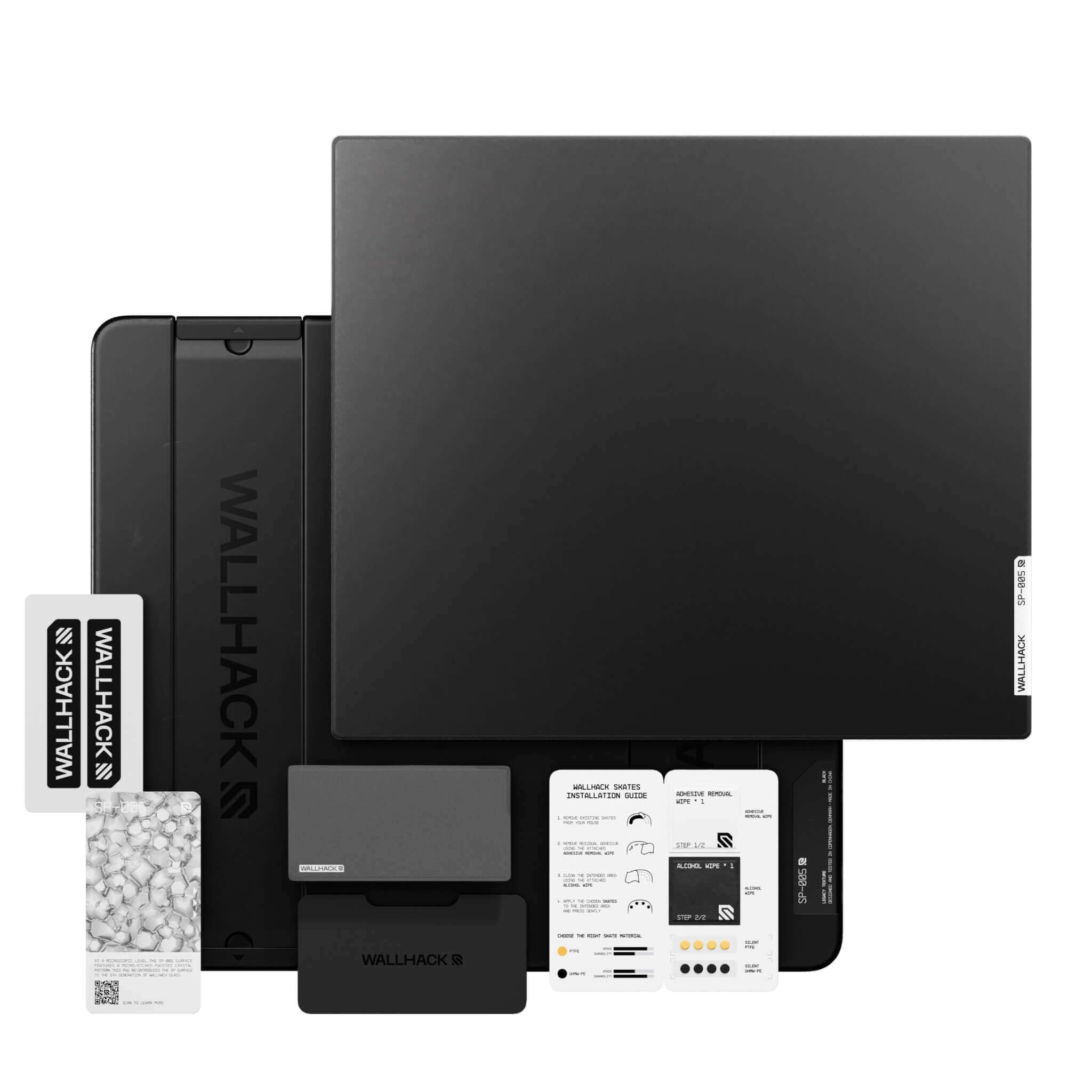
Glass does not feel like cloth, and the first pass with a mouse makes that plain: almost no friction, no weave under the skates, and a glide that keeps travelling after you stop pushing. The SP-005's faceted micro-pattern is built for exactly that — this is a speed pad, not an all-rounder.

What surprised us is how composed it feels for a hard surface. The glass slab sits on a silicone base with recessed grip zones and does not drift on fast swipes, and the tapered edge keeps it out of the way of your forearm. It is slim enough that it reads as part of the desk rather than an object sitting on it.

Upkeep is the trade. Dust and skin oil show on black glass within a session and they change the glide, so the included microfiber cloth earns a permanent spot next to your monitor. The box also ships PTFE and UHMW-PE skates, which is the practical way to run a hard pad — fresh skates keep the surface feeling smooth and stop it grinding down the feet your mouse came with.

We think of it as a second pad, and an expensive one. Glass punishes an unsteady hand: every small tremor goes straight to the crosshair, which is wonderful if you play fast tracking games and miserable if you do not. For the right player it is the lowest-resistance surface in this group by a wide margin, and no cloth pad here comes close.

Pros

  • Near-frictionless speed surface
  • Stable silicone base with grip zones
  • Ships with case, skates, and cleaning kit

Cons

  • Shows dust and fingerprints within a session
Our verdict

We treat it as a second pad for speed-focused players: tempered glass with almost no friction, a stable silicone base, and the accessories to run it properly.

Check Latest Price
7

Aesthetic Desk Setups

Yuhijoy Kanagawa Desk Mat

94 /100
Lab Score Outstanding

Key details

Base
Non-slip rubber
Size
31.5 in L x 11.8 in W
Surface
Smooth fabric
Thickness
0.12 in
View on Amazon

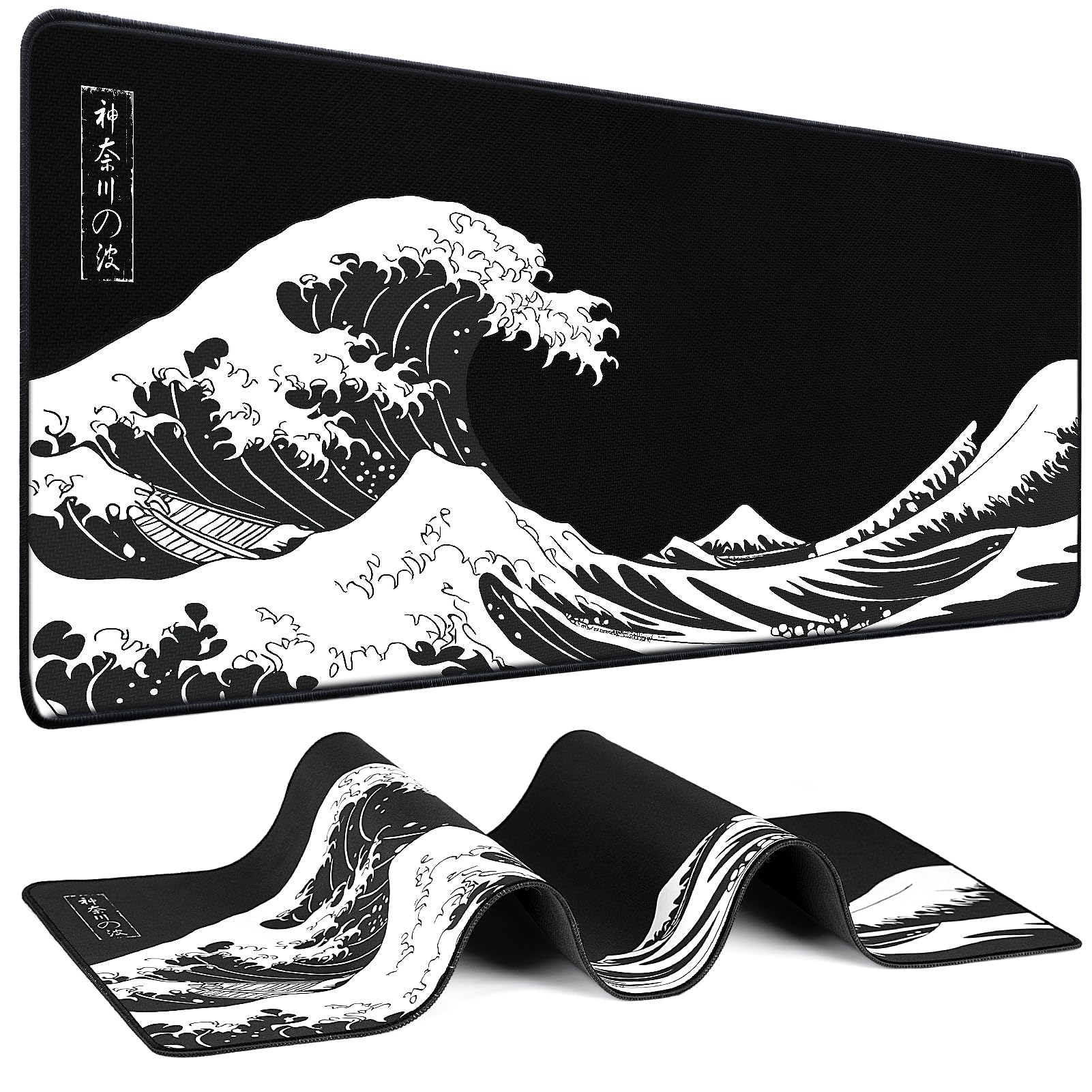
Most pads here are black rectangles, and this is the one you buy because it is not. The Kanagawa wave print is genuinely sharp — crisp lines, no pixelation, no muddy gradient — and it reads as art on a desk rather than a mouse pad with a logo dropped on it.

Under the print it is a smooth polyester surface, backed by a rubber base that grips. At 31.5 by 11.8 inches it takes a full-size keyboard with a mouse's worth of room beside it, the same footprint as the KTRIO, so choosing between the two comes down to whether you want a print or a plain black surface.

For a desk that is visible in a room, this is the one we point at when someone wants the setup to look intentional without buying a specialist surface. It games perfectly well — smooth glide, consistent tracking — and it is the least fussy way to make a desk look deliberate.

Pros

  • Crisp, vivid Kanagawa print
  • Smooth, fast cloth surface
  • Room for a full keyboard and mouse

Cons

  • Speed-leaning surface gives up stopping control
Our verdict

We point to it when the desk is on show: a sharp, vivid print on a smooth, fast cloth surface that games without complaint.

Check Latest Price

How We Tested 14 Gaming Mouse Pads Over Six Months

We started with a list of more than 60 pads, filtering by dimensions, surface material, base type, and whether the edges were stitched. We cut anything with no size options or a base that owners repeatedly called slippery, then bought 14 to live with for six months.

Each pad went onto a real desk, not a lab bench. We used them for FPS flicks, MOBA camera drags, strategy marathons, and ordinary work-from-home days, rotating between low- and high-sensitivity players. We measured the usable surface against each tester's desk and noted whether a low-sens swipe ran off the edge. To check stability, we pushed the pad with an open palm mid-session and looked for creep; to check thickness, we pressed a thumb into the wrist area and watched for pressure points.

Out of the box, we sniffed each pad and rechecked after a week on the desk—some rubber bases aired out faster than others. We rolled and unrolled every pad, cleaned them with a damp cloth, and watched for frayed stitching or shiny worn patches. We also judged appearance under desk lighting and after a wipe-down, since smudges show more on some surfaces. At the end of six months, we compared edge wear, surface texture, and whether the base had left marks on wood or laminate.

How to Choose a Gaming Mouse Pad

Pick the Glide Before the Brand

Every pad here sits somewhere between speed and control, and that is the choice that shapes how your aim feels. A control surface has visible texture that drags slightly at the end of a movement, so the mouse stops where you release it. A speed surface has almost no resistance and keeps travelling. Tight cloth micro-weaves land in the middle, which is where most players are happiest.

The packaging will not tell you — gaming is printed on everything. Read the surface description instead: textured or micro-weave cloth leans toward control, silky polyester leans toward speed, and glass means almost no friction at all. Choose control for tactical shooters at low sensitivity and speed for fast tracking games at high sensitivity. If you are unsure, buy the middle.

Size: Read the Inches, Not the Label

XXL covers everything from 31.5 by 11.8 inches to 16 by 37, so the label tells you nothing useful. Depth is the number that decides how the pad feels. At 11.8 inches deep, a full-size keyboard (roughly 17 inches wide and 6 deep) leaves about five inches of surface behind it for the mouse — fine for everyday aim, tight for low-sensitivity swings. The 15.7-inch mats roughly double that.

Width matters when the keyboard goes on the pad rather than beside it. Measure the desk before you order and decide which arrangement you want: a 19.3 by 16.5 inch pad only works if your keyboard already has a home of its own.

Thickness, Base Grip, and Comfort

Two millimeters of cloth on rubber is the classic competitive setup: nothing to sink into, so the glide stays the same from the middle of the pad to the edge, and it rolls up for travel. Three to four millimeters adds cushioning for your wrist and rides over a desk that is not perfectly flat, at the cost of a little of that consistency.

The base matters more than the thickness. A pad that slides mid-game is worse than no pad at all, and the usual cause is dust or grit under the rubber. Wipe the desk and the underside of the pad before you lay it down, and re-seat it whenever you notice it creeping.

Edges Decide How Long It Lasts

A stitched border is the best single predictor of a pad that still looks tidy after a year, because the stitching binds the cloth layers so they cannot fray apart. Cut edges sit lower under the wrist but will eventually fray. Stitching is not a guarantee either — it can wear through or come loose — so treat it as a strong head start rather than a lifetime promise.

Laminated pads are the other failure point. When a coated or printed top layer is bonded to foam, that bond is what goes first, and once it lifts the pad is finished. Glass sits outside all of it: nothing to fray or delaminate, but it does need wiping.

Frequently Asked Questions

Final Verdict

The SteelSeries QcK XXL is the pad we point most people to: a tight, even cloth surface, genuine full-desk coverage, and a rubber base that stays exactly where you put it. Its one real weakness is the cut edge, which can fray after a year of hard use.

If your aim depends on the mouse stopping dead, the Artisan Zero is the control specialist worth the premium. If you are outfitting a desk on a tight budget, the KTRIO does nearly everything the QcK does for a fraction of the cost.