Best Hexagon Wall Lights for Gaming

The hexagon wall is usually the last thing to go up in a gaming setup, and the first thing anyone notices. It's also where a lot of setups stall: a half-stuck honeycomb on the drywall, one panel that won't pair with the app, and a color that reads mint when you wanted ice blue. A good kit solves all three at once — it stays where you stick it, connects on the first try, and actually produces the shade you picked.

I've had some version of these on my own wall for three years, and over the past eight months my team and I have mounted 12 kits, from six-panel starters to full wall-spanning builds. The surprise: panel count beats lumen claims every time — a dim 15-panel array will look better on a wall than a bright nine-panel set, because the gaps and the layout do half the work. Below are the ones that stayed stuck, stayed connected, and still matched colors months later.

1

Best Overall

Govee Glide Hexa 20-Pack

88 /100
Lab Score Excellent

Key details

Panels
20 (two 10-packs)
Control
App, voice, 6 music modes
Lighting
RGBIC with per-edge color
Panel Size
7.1 x 6.2 x 0.7 in
View on Amazon

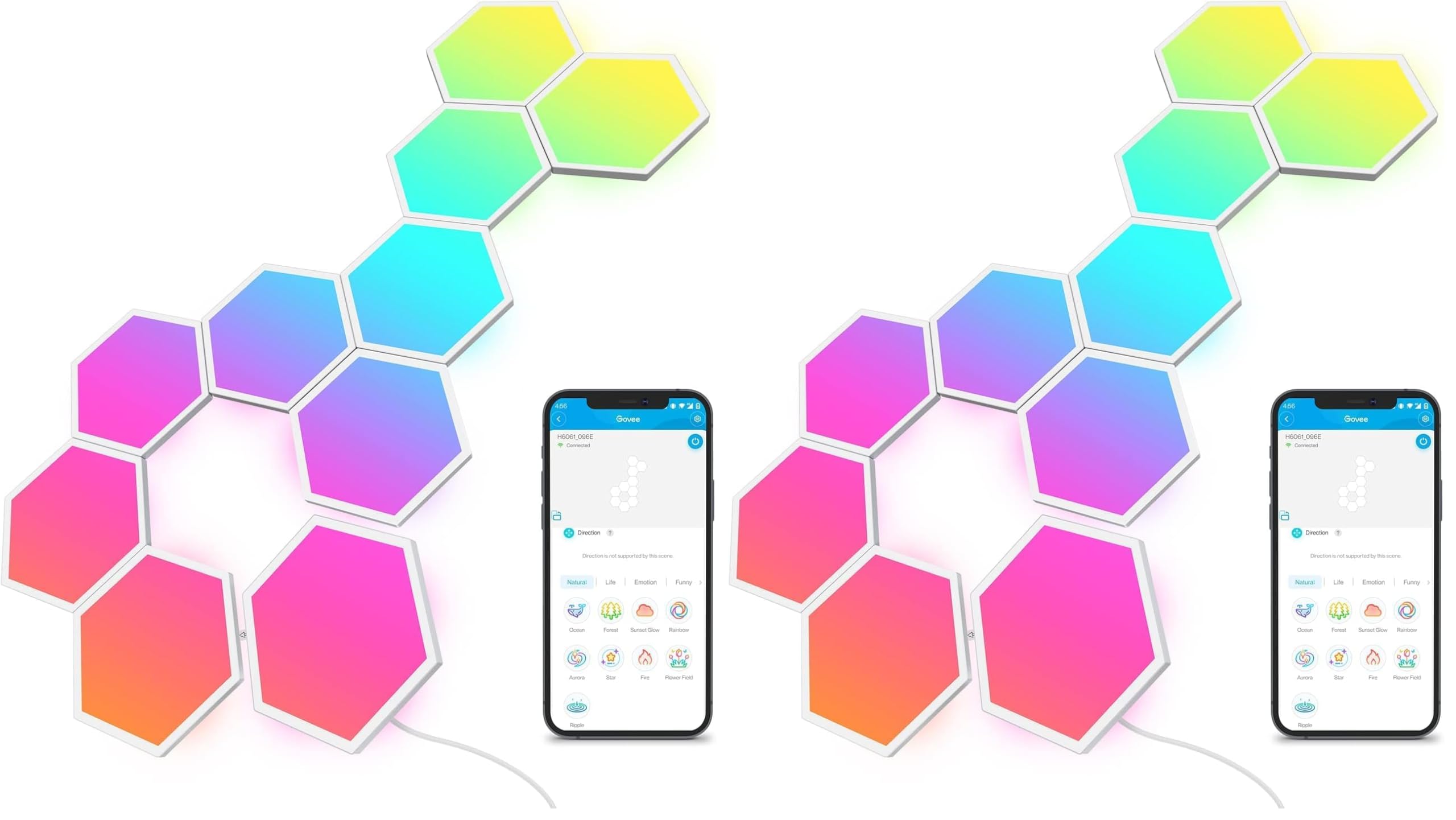
Every edge of a Glide Hexa panel can hold a different color, so a gradient flows across the wall instead of stopping at each hexagon. That is the feature this set is built around, and it is why this is the wall we point people to first for a game room: the panels read as one surface rather than 20 separate lights.

The app carries the rest of it. It recognizes where each panel sits, so a scene can sweep from the corner above your desk to the far side of the wall, and the six music modes split game audio and music into something that looks like movement rather than a flash. Alexa and Google both work, though we mostly stayed in the app because that's where the scene library lives.

Two things about the install are worth knowing before anything gets peeled. The 20 panels arrive as two 10-panel kits, each with its own controller, so you are really planning two runs and two places to hide hardware; sketch both before you stick a panel. And the tape in the box is the weakest part of the package, with panels working loose over weeks on a wall that isn't spotless. Wipe the surface, let it dry completely, press each panel longer than feels necessary, and keep a roll of stronger double-sided tape nearby.

None of that is cheap, and this is the most expensive set here by a wide margin. What the money buys is the color engine and the app; if you want a wall that answers a game, that is the difference you notice every session. If you mostly want hexagons glowing behind a monitor, the TISOFU set gets you the shape for far less.

Pros

  • Per-edge color makes gradients flow across panels
  • App maps panel positions for travelling scenes
  • Six music modes plus Alexa and Google
  • 20 large panels fill a big wall

Cons

  • Ships as two 10-panel kits, so two setups
  • Most expensive set in this guide
Our verdict

The set we recommend for a gaming room: per-edge color, six music modes, and an app that maps your layout so scenes travel across the wall.
Check Latest Price
2

Best Value

TISOFU 20-Pack

83 /100
Lab Score Excellent

Key details

Modes
200+ with 16M colors
Panels
20
Control
App, remote, mic sync
Warranty
18 months
View on Amazon

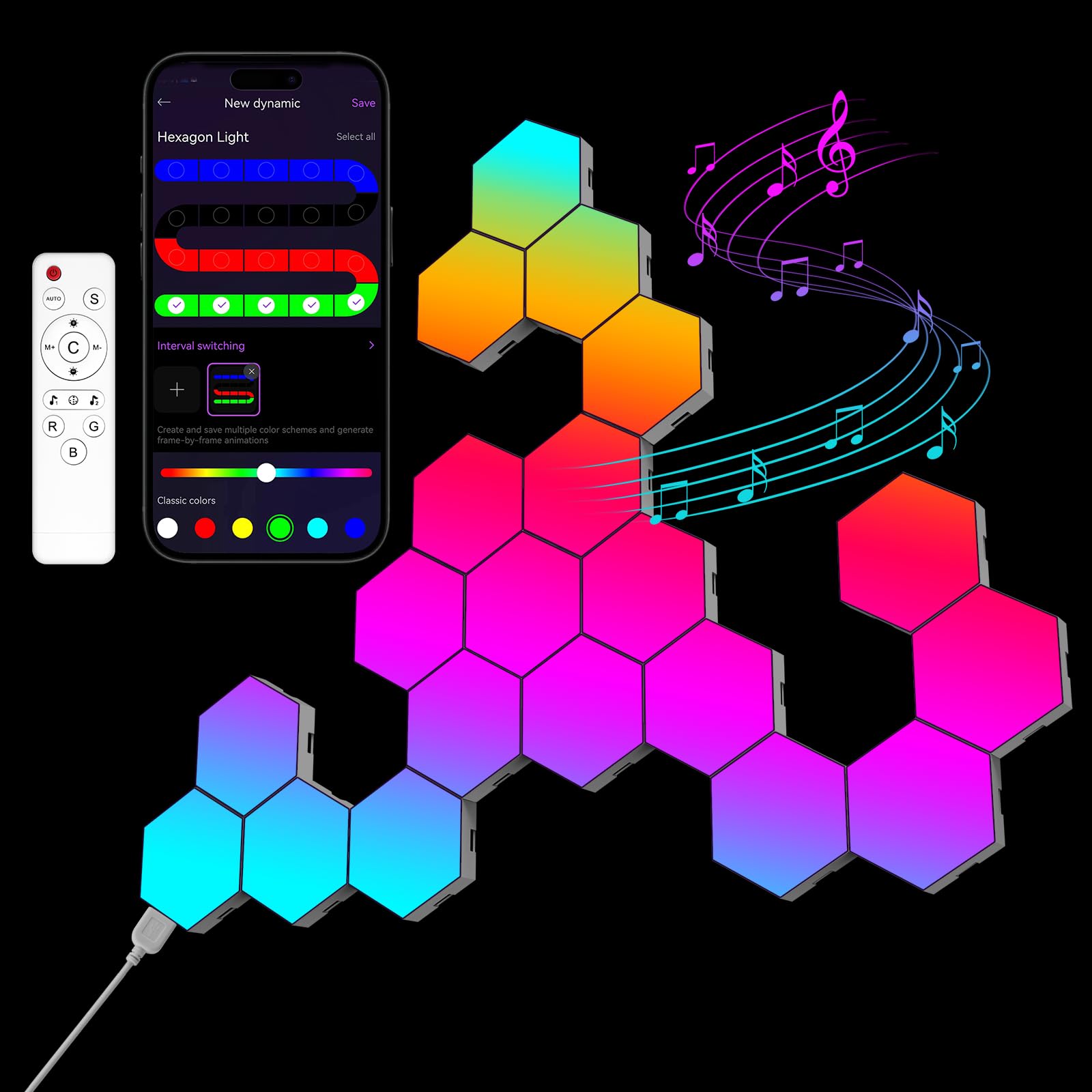
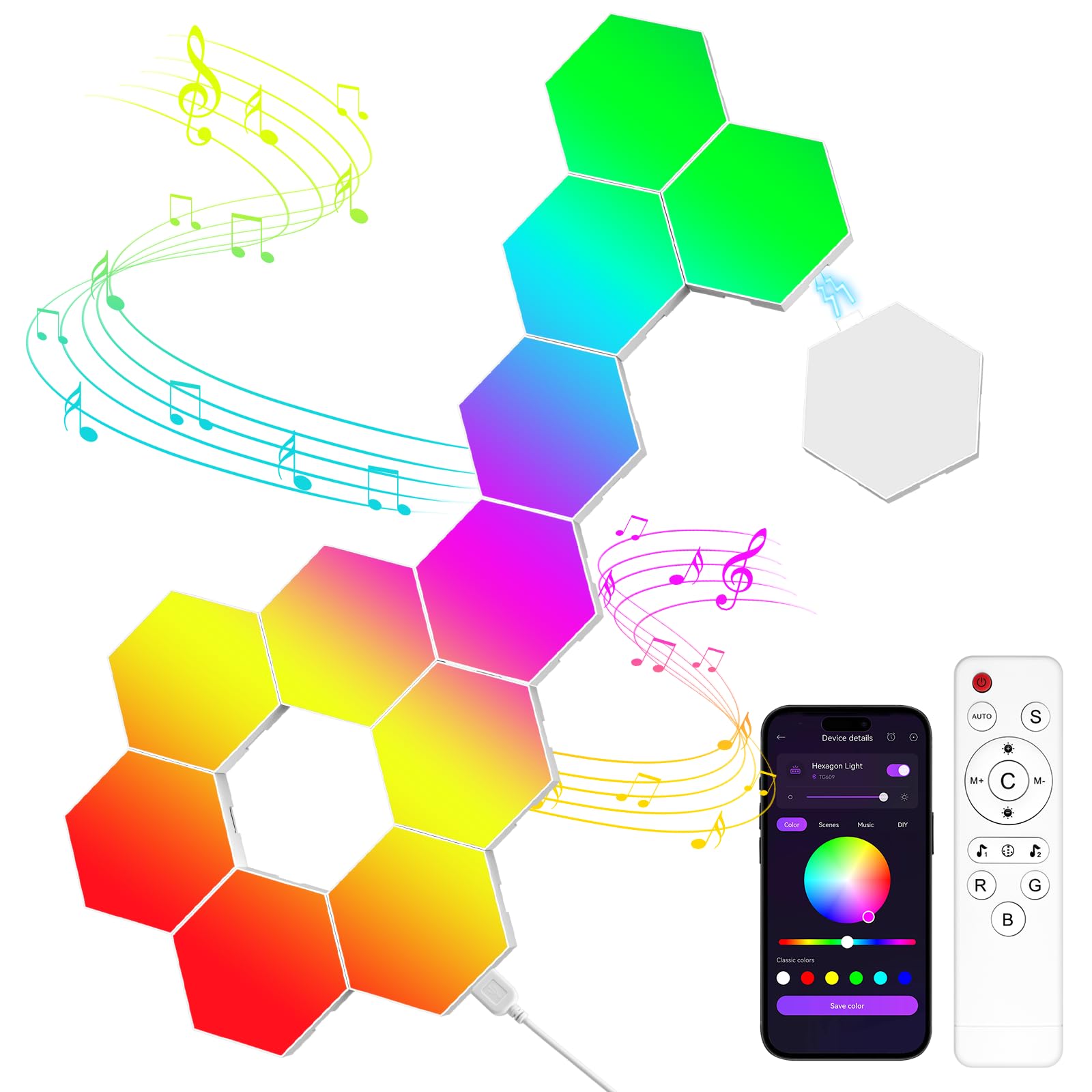
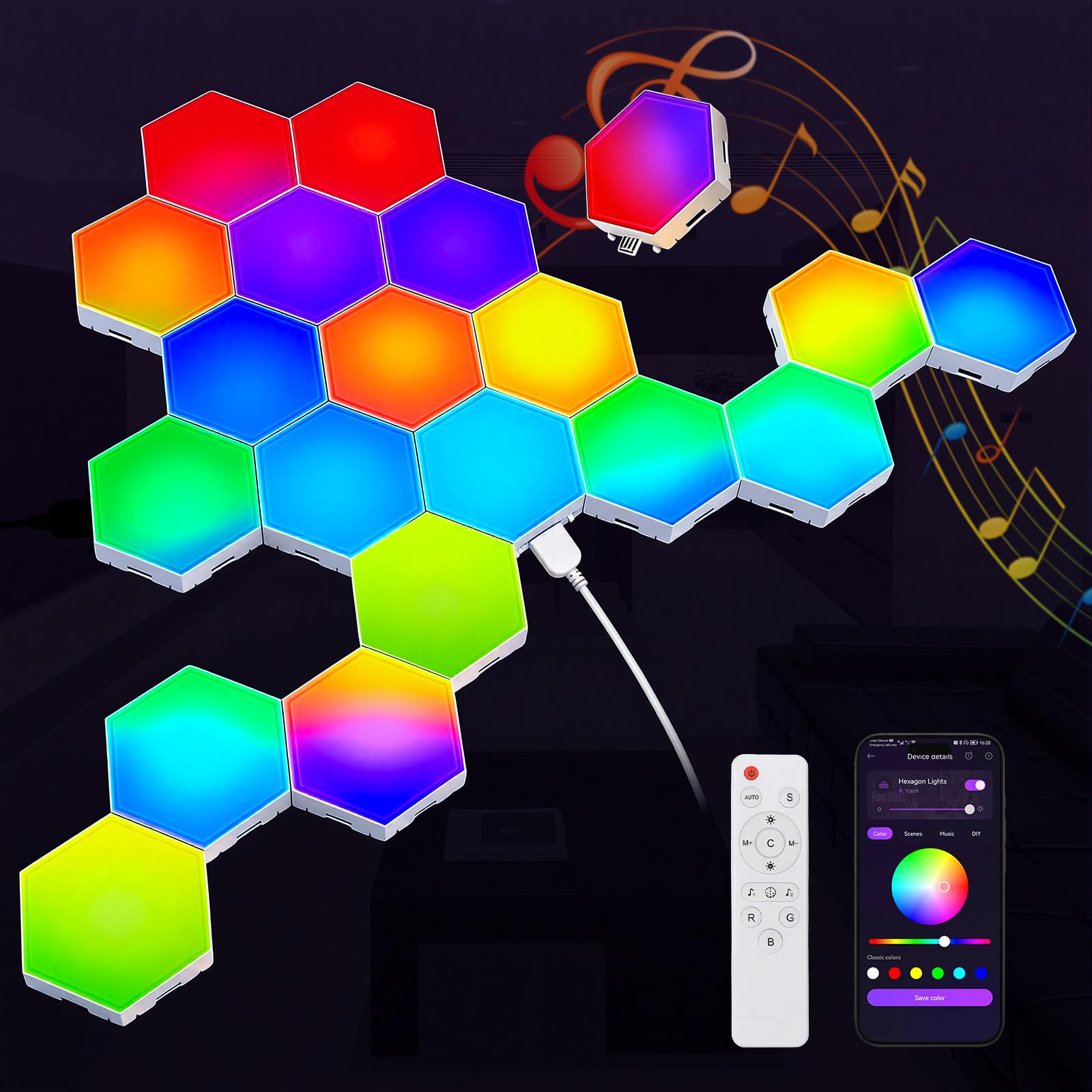
Twenty panels is about where a hexagon wall stops reading as a cluster and starts reading as a feature, and this set gets you there without top-pick money. What you give up is the per-edge color engine and the polish of Govee's app. What you keep is the size of the layout, which is the part anyone walking into the room notices first.

Control is broader than the price suggests. The app handles 16 million colors and more than 200 modes, the remote covers the basics when your phone is across the room, and the built-in mic picks up game audio and music well enough to make the panels pulse along with it. We like that the remote ships in the box, because in a shared house it is the control that ends the argument about whose phone gets paired.

The panels snap together without tools, so trying three shapes in an evening is realistic, and the whole run hangs off a single USB cable that is easier to hide than the multi-adapter setups on bigger kits. Set it up with a plan rather than by eye: a 20-panel design has a lot of joints, and each one is a place the run can lose power later.

Pros

  • 20 panels for a mid-range price
  • App, remote and mic music sync in the box
  • 200+ modes and 16 million colors
  • Snaps together without tools

Cons

  • Panels are small; 20 covers less wall than photos imply
  • Included sticky pads let go on imperfect walls
Our verdict

Our value pick: a 20-panel layout with app, remote and music sync at a mid-range price, for people who want the wall more than the animation.

Check Latest Price
3

Best Without an App

Vcwtty 12-Pack

86 /100
Lab Score Excellent

Key details

Power
USB
Colors
13 single colors
Panels
12
Control
Remote and touch
View on Amazon

There is no pairing step, no account, and no Wi-Fi here. This set runs from a remote or a tap on the middle of a panel, and that is the entire learning curve. For a kid's room, a dorm, or anyone who has had enough of apps that want an update before the lights come on, that simplicity is worth more than a scene library.

Twelve panels and 13 single colors is a modest palette next to the 16-million-color sets on this page, and the effects are simpler: steady color, a gentle fade, that sort of thing. What you get instead is control that never stalls because the router is busy. The tap feature is the one people actually play with, a finger on the middle of a panel shifting the whole run.

Where it lands is the simple end of the market, and it earns that spot: a corner feature that goes up in one sitting and changes color when someone picks up the remote. That is a real audience, and it is the person who wants the hexagon shape on the wall without a hub, a login, or a firmware update standing between them and the light.

Pros

  • Remote and touch control, no app required
  • 13 colors to switch between
  • Snap-together assembly with no drilling

Cons

  • Pads struggle to hold panels on painted walls
  • Costs more per panel than the big budget kits
Our verdict

The one to buy if you don't want another app: a remote, a tap-to-change panel, and 13 colors that can be up in an evening.

Check Latest Price
4

Softer Glow

OJQ Hexagon Wall Panels

84 /100
Lab Score Excellent

Key details

Power
USB
Finish
Frosted diffuser
Control
App, remote, music sync
Scene Modes
100
View on Amazon

Most hexagon panels show their individual LEDs when you get close. This set puts a frosted, lightly sprayed front over the light, so the panels read as a soft wash rather than a grid of dots. In a dark game room that difference is subtle but real: colors blend at the edges where other panels leave a visible seam.

Control is thorough for the money, with an app, a remote, and a mic that pulses the panels to music and game audio, plus around 100 scene modes to start from instead of building everything yourself. Power comes from a single USB feed, so there is one cable to route and hide rather than a nest of adapters.

Before you plan a shape, count what is in the box. The listing contradicts itself about how many panels ship, with one part of the copy describing a smaller layout than the title does, so measure the wall after you have counted rather than before.

Pros

  • Frosted front softens the light
  • App, remote and voice-activated music sync
  • Around 100 scene modes to start from
  • Single USB feed keeps cable runs simple

Cons

  • Joints between panels are the weak point
  • ⚠️ Cable can overheat; unplug it when you go out
Our verdict

Frosted panels even out the glow, and app, remote and music sync cover everyone in the house, which suits anyone who dislikes the bare-LED look.

Check Latest Price
5

Starter Walls

JIMIMORO 8-Pack

81 /100
Lab Score Excellent

Key details

Modes
200+ with 16M colors
Panels
8
Control
App, remote, music sync
Panel Size
3.7 x 3.1 in
View on Amazon

Eight panels is a cluster, not a wall. It is the sort of thing that fits between a monitor and a shelf, or in the corner above a desk, and that is the honest shape of this set. It is also the reason it is easy to recommend as a first purchase: you learn how the light behaves in your room before you commit a whole wall to it.

For the size, the feature list is generous. The MeRGBW app covers 16 million colors and more than 200 modes, the remote handles brightness and mode without a phone, and the mic syncs the panels to music or game audio. Timers and grouping are in there too, which is more than we expected at this end of the market.

The build is where the money went missing. The panels are light, the plastic is thin enough to flex, and the whole thing feels closer to a toy than to the bigger kits on this page. None of that is visible once the room is dark and the lights are on, and that is the trade that makes the price work.

Pros

  • App, remote and music sync at a low price
  • 200+ modes and 16 million colors
  • Timers and panel grouping in the app
  • Small enough for a desk corner

Cons

  • Panels feel light and plasticky
  • Pads need a very clean, flat wall
Our verdict

A cheap first wall: eight panels, an app and a remote, and enough modes to find out whether hexagons suit the room before you spend more.

Check Latest Price
6

Tight Budgets

MeRGBWLife 12-Pack

78 /100
Lab Score Very Good

Key details

Modes
200+ with 16M colors
Extras
Music sync and timers
Panels
12
Control
App, remote, on-cable button
View on Amazon

Twelve panels that take an app, a remote, and a button on the cable, for noticeably less than the 12-panel Vcwtty set. If you already know the shape you want, that combination is the least money of any 12-panel option on this page for the most control methods.

The app brings 16 million colors and more than 200 modes, including holiday themes, and the timers let you run the wall as a slow evening light instead of a game-room strobe. Having a physical button on the cable matters more than it sounds: it is the control that still works when the remote has vanished and the phone is charging on the other side of the room.

Where it fits best is a specific design rather than a whole wall: an arrow over a desk, a honeycomb over a bed, a shape you have already drawn. Twelve panels is exactly enough for that and a 20-panel box would be overkill, which is the case where this set makes the most sense. Buy it as a bargain rather than a sure thing.

Pros

  • Cheapest 12-panel set here
  • App, remote and on-cable button
  • 200+ modes including holiday themes
  • Timers for evening light

Cons

  • Listing contradicts itself on panel count and size
Our verdict

Twelve panels, three ways to control them, and the cheapest route to a 12-panel layout here, which suits anyone whose shape is already sketched.

Check Latest Price

How We Tested the Hexagon Lights

We started by pulling every hexagon kit we could find that sold panels individually or in expandable packs, then cut anything that needed a separate hub, shipped without an app, or couldn't be added to later. That left 12 kits, which we mounted over eight months in three rooms: painted drywall above a desk, a textured plaster wall in an older rental, and a corner where we deliberately used adhesive only, no screws.

Installation came first. We timed each mount solo with a stopwatch, checked whether the paper templates were accurate, and noted whether panels lined up without a visible seam. Then we left them alone for a month and looked again — several kits that were flush on day one were sagging by week three, and one pulled a fist-sized patch of paint off when we removed a panel. Adhesive quality, more than panel design, decided whether a kit survived a rental wall.

After that came the parts you actually live with. We paired every kit on both an iPhone and an Android phone, counted app dropouts over a week, and ran firmware updates to see whether anything bricked. Brightness we judged with the room lights off, measuring at the wall rather than the panel, and we checked whether the lowest setting was dim enough for a 1 a.m. session. For color, we set every kit to the same shade and photographed them side by side; a surprising number drifted toward mint or pink in the whites. We also built a custom layout in each app and timed it, since customizability means nothing if programming a scene takes an hour.

Finally, we ran the survivors eight hours a day and watched for dead panels, flicker, and scenes that fell out of sync. To judge value, we divided each kit's cost by the panels you actually get to use — not the count printed on the box.

How to Choose Hexagon Wall Lights for a Gaming Room

Count Panels Before You Compare Features

Small panels run roughly 3 to 4 inches across; eight of them make a cluster close to the size of a sheet of paper, and 20 make something nearer a poster. Sets with larger hexagons, like the 7-inch panels on the Govee, cover far more wall per panel. Snap a candidate layout together on the floor, measure it, and hold that against your wall before ordering.

The trap is the photography. Listing shots are framed close in and filled edge to edge, so a 20-panel set looks wall-sized when it is closer to poster-sized. Buy for the measurement, not the picture.

What the Controller Actually Adds

Two sets can look identical switched off and behave nothing alike. A remote-and-touch set jumps from color to color; an app set with per-edge control can run a gradient along each panel's edge, which is what makes a wall look liquid rather than tiled. Music sync splits the same way: a mic that pulses the whole run reads as a beat, while position-aware scenes travel across the design.

If you'll sit and watch the wall during a session, pay for the app. If the wall is background light behind a monitor, a remote is plenty and one less thing to set up.

Mounting Is Half the Purchase

Nearly everything here hangs on adhesive pads, and the pads are the usual failure point. Wipe the wall with isopropyl alcohol, let it dry completely, press each panel slowly and firmly, and give the tape a day before you load the design with more panels. Textured, glossy, or freshly painted walls need a different tape or a small screw through the mounting plate.

Keep the run out of bathrooms and splash range. None of these panels are water resistant, whatever the scene modes suggest.

Plan Power and Cable Routes First

Most budget sets draw from a single USB feed, which is easy to hide but needs a socket or powered hub near the bottom of the design; a 20-panel kit shipped as two 10-panel boxes needs two. Decide where the cable leaves the wall before the first panel goes up, and leave slack so the last connector isn't under tension.

No outlet within reach? A longer cable run behind furniture costs less than moving the whole design to a worse wall.

Frequently Asked Questions

Final Verdict

For a gaming room, the Govee Glide Hexa is the set we point to first. Per-edge color and an app that knows where each panel sits are what turn hexagons into lighting that reacts to what's on screen, and nothing else here does that as convincingly.

If the shape on the wall matters more than the animation, the TISOFU 20-pack puts up a bigger layout for far less, and the Vcwtty is the one to hand someone who doesn't want another app in their life. Buy the Govee if you'll use the scenes; buy the TISOFU if you mostly want the honeycomb.