Best Low-Profile Gaming Keyboards of 2026

Low-profile keyboards promise a lot: shorter key travel that feels fast, a slimmer deck that frees up room for your mouse, and a typing angle that doesn't crank your wrists upward. The catch is that a bad one feels like typing on a laptop lid — hollow, wobbly, and louder than it deserves to be. Plenty of slim boards look the part on a product page and then rattle like a tray of cutlery once the game gets tense. The right one fixes all of that without announcing your 1 a.m. session to the rest of the house.

I've cycled through a handful of slim boards at my own desk, and my team has spent the past six months with 14 of them, typing through workdays and gaming late at night. Here's what first-time buyers tend to miss: low-profile switches don't all actuate in the same place, and travel listed in millimeters won't tell you whether a board fires too early or forces you to bottom out on every word. The picks below span both camps, from near-silent to satisfyingly clicky.

1

Best Overall

Alienware AW510K

90 /100
Lab Score Outstanding

Key details

Layout
Full-size (104 keys)
Switches
Cherry MX Low Profile Red (linear)
Connection
Wired USB
Front Height
1.2 in
View on Amazon

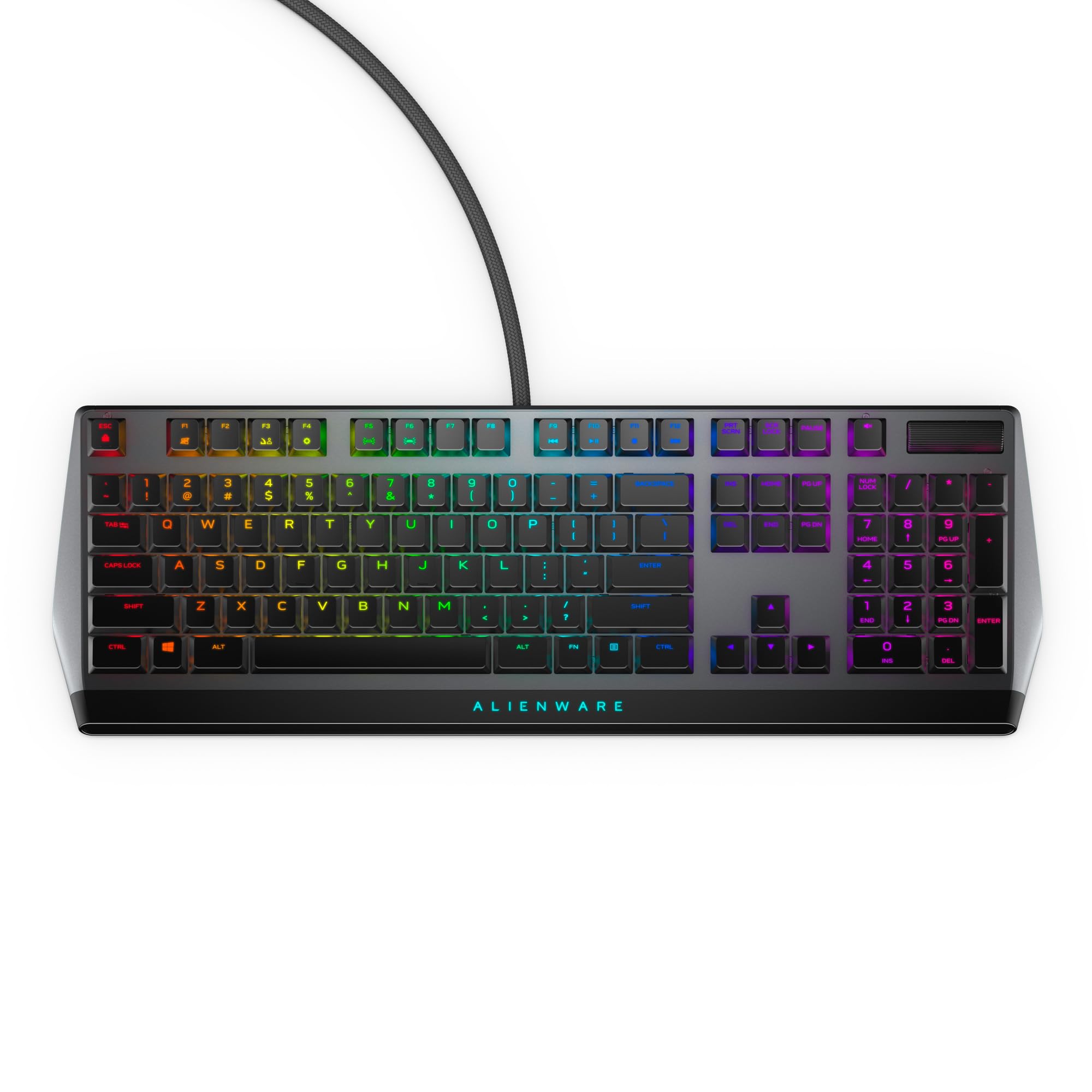
Cherry's low-profile Red switch is why this board sits at the top of our list. It's linear, short-travel, and quiet, and Alienware sets it in a 1.2-inch aluminum frame that puts your wrists at a flatter angle than a standard mechanical keyboard. In our time with it, the combination did what a good low-profile board should: quick enough for a firefight, comfortable enough that we kept typing on it long after we closed the game.

The rest of the deck is built for people who use one keyboard for everything. All 104 keys are here, with a volume wheel and media controls within thumb reach, per-key RGB, and on-board memory that carries your lighting and macros to another PC without installing anything. We got real use out of the USB passthrough, too — it's where the mouse receiver ended up instead of dangling behind the tower. And it stays quiet: the linear switch keeps the clatter low enough that a shared room won't notice.

Longevity is the thing to keep in mind. Keys that stop registering after a few months are the failure to watch for on this model, and coverage runs to a single year, so buy it somewhere with an easy return window and put the board through a few weeks of real use while you still can.

Pros

  • Genuine Cherry MX Low Profile Red switches
  • Per-key RGB with on-board profile memory
  • Volume wheel and USB passthrough
  • Quiet linear action for shared rooms

Cons

  • Wired only, with no wireless mode
  • Full-size frame needs a wide desk
Our verdict

We point most people to this one: genuine Cherry low-profile switches, a quiet aluminum build, and a full-size layout with the media controls a work-and-play desk wants.

Check Latest Price
2

Best Compact Wireless

ASUS ROG Falchion RX Low Profile

90 /100
Lab Score Outstanding

Key details

Layout
65% (68 keys)
Switches
ROG RX Red low-profile optical
Connection
Bluetooth, 2.4 GHz, USB-C
Battery Life
Up to 430+ hours
View on Amazon

Sixty-eight keys in a frame sized like a 60% board: that's the Falchion's whole argument. The number pad and the separate function row are gone, and in their place is desk space — room to swing a mouse without lifting it, and a board that slides into a bag next to a laptop.

On a desk that doubles as a work surface, this is the low-profile board we take. The RX Red optical switches are short-travel and smooth, two layers of silicone foam take the ping out of the case, and the result is one of the quietest mechanical boards in this group. It connects three ways — Bluetooth to three devices, ROG's SpeedNova 2.4 GHz, or USB-C — and ASUS claims up to 430 hours of wireless use. The cover that ships with it doubles as a dust lid, a small thing we ended up using every day.

Everything above the number row lives on a layer now, so if your work runs on F-key shortcuts and a numpad, this isn't the board for you. On a gaming desk it stops mattering within a week, and the payoff is a deck that leaves your mouse hand somewhere to go.

Pros

  • Tri-mode wireless with a claimed 430+ hours
  • Silicone foam keeps typing quiet
  • 65% deck frees up mouse room
  • Short-travel ROG RX Red optical switches

Cons

  • Keys fire at a very light touch
  • Costs more than most boards in this group
Our verdict

For a small desk and a bag, we take this one — quiet, wireless, and quick — as long as you can live without a function row.

Check Latest Price
3

Best for Competitive FPS

Razer Huntsman V3 Pro Low Profile TKL

82 /100
Lab Score Excellent

Key details

Layout
Tenkeyless (87 keys)
Switches
Low-profile analog optical
Actuation
0.1–2.8 mm, adjustable
Polling Rate
8,000 Hz
View on Amazon

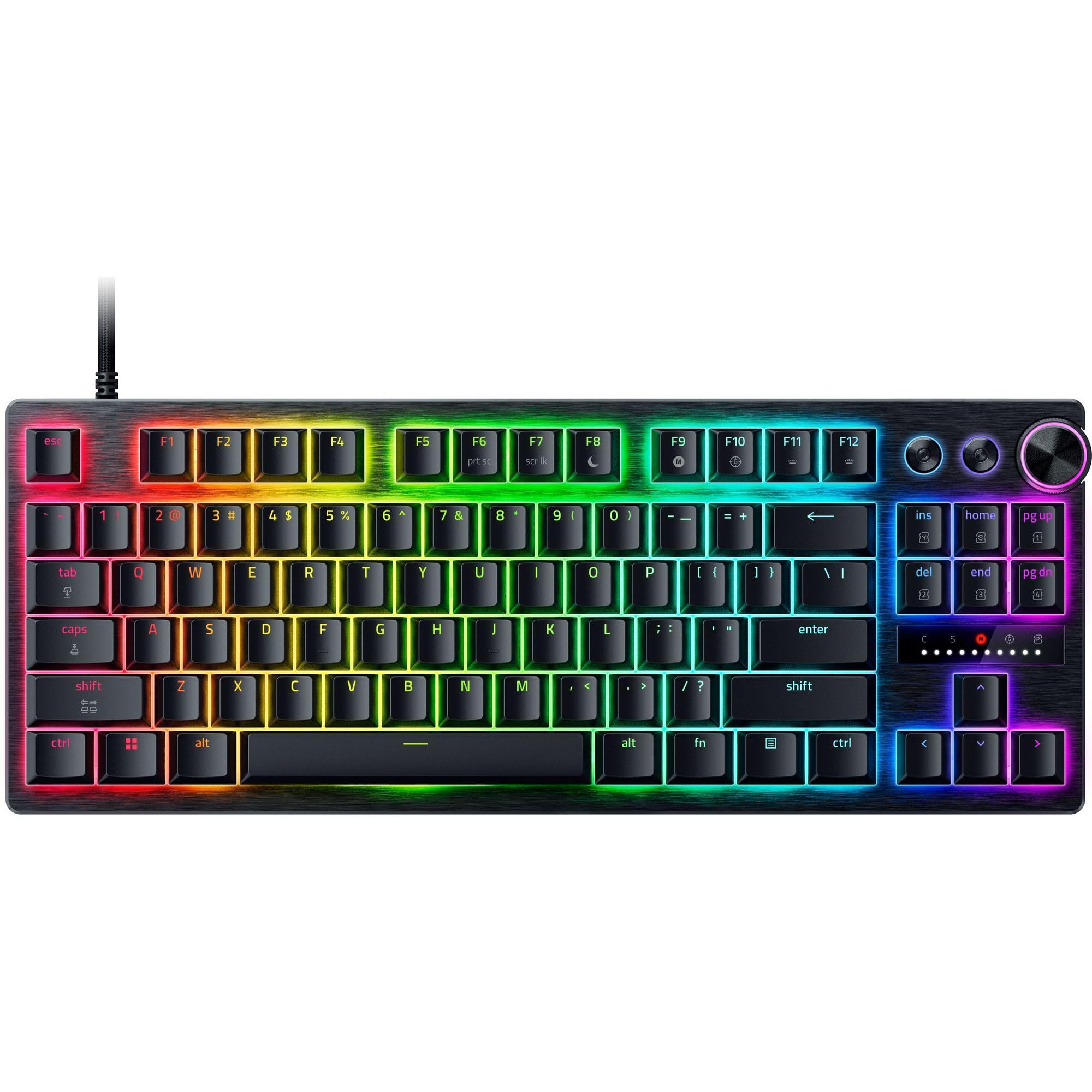
A tenth of a millimeter is the shallowest actuation the Huntsman V3 Pro Low-Profile will accept; at the other end of the range it goes to 2.8 mm. Between those numbers is the whole pitch. Set a key to fire on a whisper for a strafe, or deepen it so a panicked hand doesn't send you sprinting off a ledge. Rapid Trigger resets the key the instant you release it, the board polls at 8,000 Hz, and the front edge sits at 19.5 mm, which keeps your wrists lower than a standard mechanical deck.

For competitive shooters, this is the most game-focused package in the group, and we mean that as a specific compliment: the analog switches, the polling rate, and Snap Tap are things you can feel in a match rather than features printed on a box. We also appreciated that actuation and Rapid Trigger adjust on the board itself, with the LED indicator and saved profiles, so a tournament machine doesn't need software installed before you play.

The tuning only pays off if you'll sit with it; plenty of players will set actuation once and never open the profile again. Key presses are a little louder than the linear decks here, and the tenkeyless layout gives up the number pad. In a game where a millisecond decides the round, none of that registers.

Pros

  • Adjustable 0.1–2.8 mm actuation
  • 8,000 Hz polling for near-zero delay
  • Low 19.5 mm front height
  • On-board tuning without software

Cons

  • Costs the most of any board here
  • Keys can disable themselves over time
Our verdict

Our pick for competitive play: tunable optical switches and 8,000 Hz polling, worth it only if you'll use them.

Check Latest Price
4

Best Hot-Swap

Hexgears Immersion A3

78 /100
Lab Score Very Good

Key details

Layout
Tenkeyless (87 keys)
Battery
5,800 mAh
Hot-swap
3-pin low-profile sockets
Switches
Kailh Choc low-profile tactile
View on Amazon

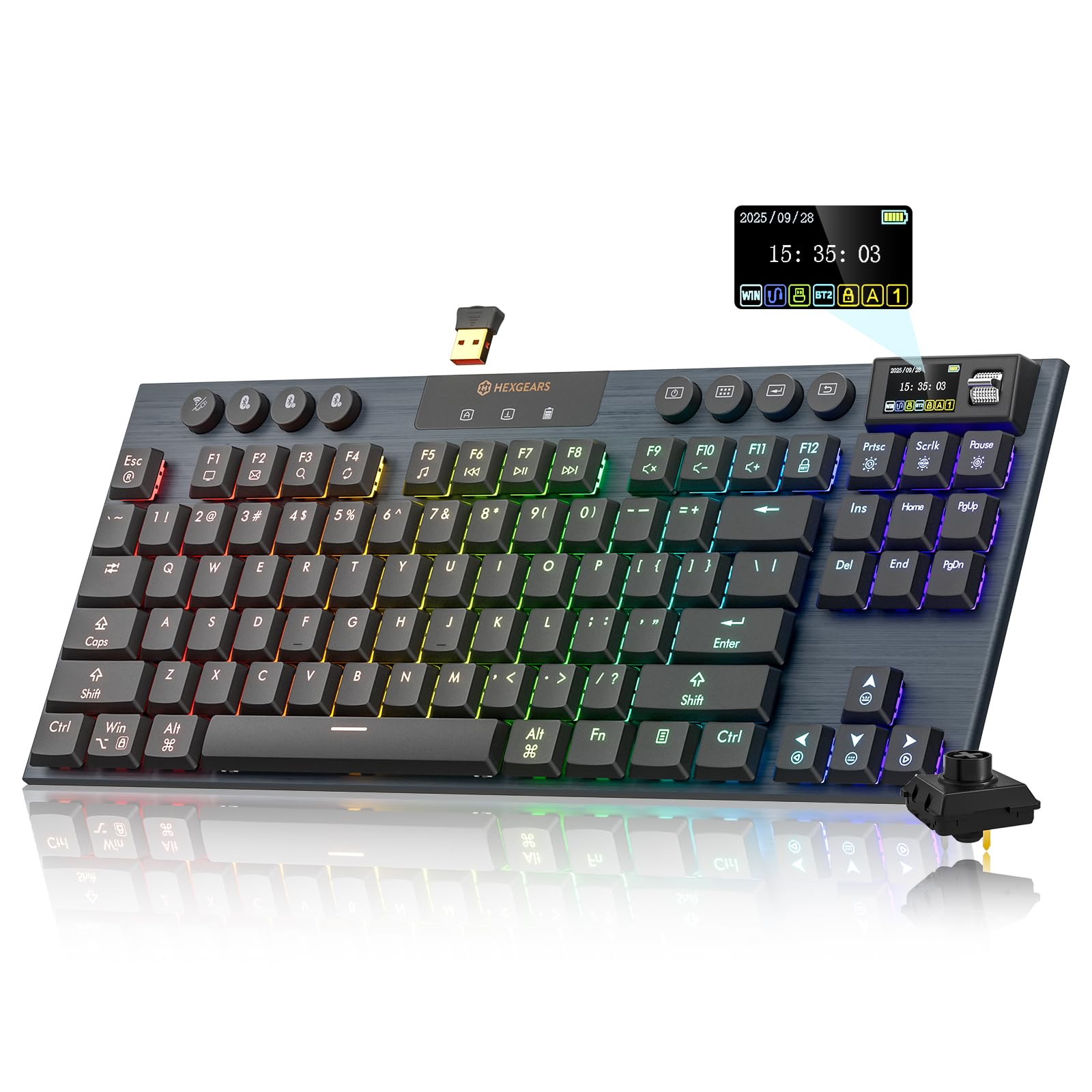
Eighty-seven keys, an aluminum plate, and a small screen set into the deck — the Immersion A3 reads like a much more expensive board than it is. The Kailh Choc low-profile switches are tactile and rated for 50 million presses, and they sit in three-pin hot-swap sockets, so a dead or disliked switch comes out with the included puller instead of a soldering iron.

The socket standard is the detail to understand before you order. These are low-profile three-pin sockets, so a standard full-height MX switch won't seat in them, and your upgrade path runs through Choc-compatible low-profile switches — a smaller pool than the full-size market. That's a limitation rather than a dead end, because the swap itself takes minutes and needs nothing beyond the puller in the box.

What you get for the money is why it earns a place: three ways to connect, including 2.4 GHz and Bluetooth 5.0 across five devices, plus a 5,800 mAh battery that makes charging a monthly chore rather than a nightly one. Of the boards here, this is the one we hand to someone who wants to try a different switch weight without buying a second keyboard. The tactile bump is pronounced enough that you feel every press land without the click carrying through a wall.

Pros

  • Hot-swap three-pin low-profile sockets
  • 5,800 mAh battery and tri-mode wireless
  • Aluminum plate for a solid deck

Cons

No notable drawbacks to flag.

Our verdict

Switch swapping is the whole pitch, and we think it delivers: three ways to connect, a big battery, and tactile Kailh feel for less than most of this group.

Check Latest Price
5

Best Ultra-Thin

Cherry MX 10.0N RGB

82 /100
Lab Score Excellent

Key details

Build
Aluminum housing
Layout
Full-size (108 keys)
Profile
0.87 in tall
Switches
Cherry MX Low Profile Speed (linear)
View on Amazon

Under an inch tall is a different category of desk object. The MX 10.0N measures 0.87 inches from the desk to the top of the frame, and with 108 keys across a 16.7-inch aluminum body it looks to us more like a piece of AV equipment than a gaming keyboard. A fold-out bar underneath lifts the back edge when you want an angle.

Cherry's own MX Low Profile Speed switches are the heart of it: linear, short-throw, and quiet, with one of the lightest activations in this group. For gaming that's a genuine advantage, since the key fires before you've thought about it, and the RGB backlighting is bright enough to read in a dim room without throwing light across the wall behind it.

We recommend it for the desk where a mechanical keyboard has to coexist with a monitor stand and a laptop. The aluminum housing keeps it planted, the full 108 keys mean no layers to learn, and at 16.7 inches wide it takes less desk than the Alienware. It's the closest thing here to typing on a very good laptop, with real switches underneath.

Pros

  • 0.87-inch aluminum deck
  • Cherry MX Low Profile Speed switches
  • Fold-out stand sets a typing angle
  • Quiet enough for an open office

Cons

  • Very light actuation invites typos at first
Our verdict

We keep this one for the desk that has to fit a monitor stand and a laptop: the thinnest deck here, with genuine Cherry low-profile switches underneath.

Check Latest Price
6

Best Budget

Ranked G65 Guardian

83 /100
Lab Score Excellent

Key details

Build
Aluminum frame
Layout
65% (68 keys)
Switches
Gateron low-profile Brown (tactile)
Connection
Wired USB
View on Amazon

The first thing a cheap keyboard gives up is the case, and the G65 doesn't give it up: a matte aluminum frame, 500 grams of it, in a board that costs less than almost everything else here. Set it on a desk and it doesn't slide, flex, or ring. That alone had us recommending it; the rest of the package made it easy.

Gateron's low-profile Brown switch gives you a tactile bump without a click, the sockets are hot-swappable, and the stabilizers come pre-lubed so the spacebar and shift keys don't rattle. There are 68 keys, RGB with five preset patterns, and a wired USB connection.

The support story is the soft spot: coverage is parts-only, which is worth knowing before a switch or a cable goes wrong. Buy from a retailer with a generous return policy, and take comfort in the puller in the box and the hot-swap sockets, which turn a dead key into a two-minute fix rather than a new keyboard.

Pros

  • Aluminum frame at the lowest price here
  • Hot-swap Gateron low-profile switches
  • Pre-lubed stabilizers cut rattle

Cons

  • Wired USB only
  • Lighting limited to five preset patterns
Our verdict

The least expensive way into an aluminum, hot-swappable low-profile board, and the one we suggest for a first setup on a tight budget.

Check Latest Price
7

Quiet Shared Rooms

Logitech G515 TKL (Genshin Impact)

88 /100
Lab Score Excellent

Key details

Layout
Tenkeyless (87 keys)
Profile
22 mm
Switches
GL Brown low-profile tactile
Connection
LIGHTSPEED, Bluetooth, wired
View on Amazon

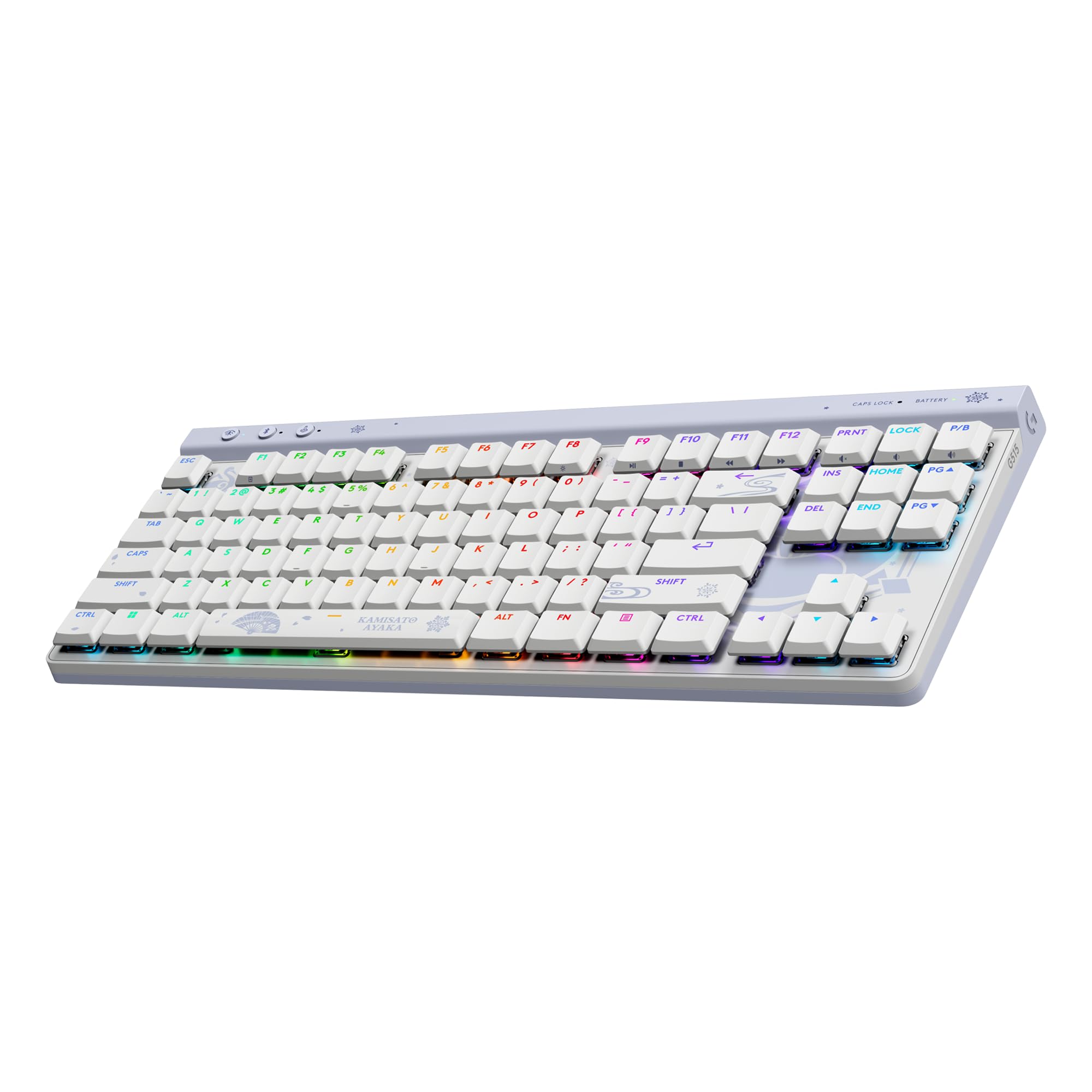
This is not a keyboard you buy by accident. Logitech built the G515 around Kamisato Ayaka — pale blues, character art, a themed spacebar — and the effect is either the reason you're here or the reason you close the tab. If it's the former, the hardware underneath is genuinely good.

The deck is 22 mm thin in a tenkeyless layout, with GL Brown low-profile switches: tactile, quiet, and light enough for long sessions. The keycaps are double-shot PBT, which resists the shine that shows up on ABS caps after a few months, and Logitech layered sound dampening inside the case.

Connectivity is where it earns its keep on a shared desk: LIGHTSPEED 2.4 GHz for gaming, Bluetooth for a laptop or tablet, and wired when the battery runs down.

What sold us is the receiver. Two-to-one pairing means one dongle can run a compatible Logitech mouse alongside the keyboard, which frees a USB port on a laptop that doesn't have one to spare. As a daily driver it's quiet enough to type on during a call and quick enough to game on after, and the artwork is the only real decision you have to make.

Pros

  • Quiet GL Brown tactile switches
  • Double-shot PBT keycaps
  • One receiver pairs a Logitech mouse too

Cons

  • No dedicated media keys
  • G HUB setup is fiddly
Our verdict

Quiet, thin, and unlike anything else here — we recommend it to anyone sharing a room or an office, provided the Ayaka theme appeals.

Check Latest Price
8

Compact Media Control

RK Royal Kludge N80

83 /100
Lab Score Excellent

Key details

Layout
75% (80 keys)
Display
Screen and volume knob
Switches
RK low-profile Red (linear)
Connection
Bluetooth 5.0, 2.4 GHz, USB-C
View on Amazon

A small screen and a knob sit at the top right of the N80. The knob is the part that matters — it's a volume roller you can find without looking away from the monitor — and the display above it shows connection mode, battery level, and whatever GIF you've loaded onto it. That's a novelty we enjoyed more than we expected.

Underneath is a 0.75-inch deck with 80 keys, RK's low-profile Red linear switches, and a top-mounted structure that gives each press a firm stop. It weighs 2.3 pounds, heavy for something this compact, and that weight is why it stays put when you're leaning on the keys.

It connects over Bluetooth 5.0, 2.4 GHz, or USB-C, and at 13 inches wide it leaves room for a mouse on the same desk. RK also includes four spare switches, a keycap puller, and a dust cover.

The knob is why this one made the list: turning down game audio mid-round without alt-tabbing is a small thing that becomes hard to give up. The screen is the bonus — battery level at a glance beats a blinking low-power light — and the 75% layout leaves room for a mouse where a full-size board wouldn't.

Pros

  • Volume knob plus status screen
  • Tri-mode wireless with USB-C
  • Four spare switches included

Cons

  • Windows-only software for the screen and macros
Our verdict

The knob and screen looked like gimmicks to us until we muted a game mid-round; the N80 is the compact board we point to for that.

Check Latest Price

How We Tested the Best Low-Profile Gaming Keyboards

We started by rounding up every low-profile board from brands we'd comfortably recommend, then cut the ones with software that hadn't been updated in two years, layouts that made keycap swaps nearly impossible, or prices that pushed them into flagship territory. That left 14 keyboards, all bought at full price, which we rotated onto our desks over six months.

Each board spent at least three weeks as someone's daily driver: typing through full workdays, grinding through long documents and email, then moving to fast shooters and slower strategy games after dinner. We recorded the same typing passage on every board in a quiet room and listened back through headphones for ping, rattle, and hollow case noise, and we had a colleague one room over note which ones she could hear through a closed door. Key sensitivity got checked by pressing each cap dead center and at the very edge, then mashing keys in bursts to see whether every input landed on the first try or a few got swallowed.

Build quality meant twisting each deck corner to corner, flexing the frame, and wiggling keycaps to see what shifted. For wireless, we paired each board to a laptop and a desktop, walked out of range, played a few rounds untethered, and noted any lag we could feel. Customizability was a matter of remapping keys and building macros in each brand's software, then swapping caps where the board allowed it. Reliability showed up over weeks rather than minutes — double presses, dropped connections, and loosening keys were logged as they appeared. Value came down to what a board gave us at its price compared with the ones sitting beside it.

How to Choose a Low-Profile Gaming Keyboard

Match the layout to your desk, not to the photos

A full-size board is roughly 18 inches wide — the Alienware measures 18.4 inches and the Cherry 16.7 — while a 65% deck runs about 12 to 13. That difference is mouse room. Dropping the number pad (tenkeyless, 87 keys) keeps the function row and the arrow keys; dropping to 65% or 75% (68 to 80 keys) buries the function row on a layer.

Here's where listings blur the point: compact describes the case, not what you keep. Check whether the board still has a real function row and separate arrows, and read the Fn legends before you buy. If your day runs on spreadsheets, keep the number pad. If your mouse keeps clipping the keyboard during a flick, go smaller and accept the layer.

Linear, tactile, or adjustable

Low-profile switches shorten travel, so they register earlier than a full-height switch. That's the appeal and the risk. A light linear switch — Cherry's Speed, RK's Red, the ROG RX Red — fires with almost no effort, which is wonderful for rapid taps and unforgiving if you rest your fingers on the keys while you think. A tactile switch such as Gateron Brown, GL Brown, or Kailh's Choc gives a bump so you know the press landed.

Adjustable optical switches split the difference: the Huntsman lets you set actuation anywhere from 0.1 to 2.8 mm, so a movement key can be hair-trigger while your typing profile stays deliberate. Our rule: if you type more than you game, choose tactile or a deeper setting. If you game competitively, learn on a shallow linear and let your hands adapt.

Wireless is three different things

A 2.4 GHz receiver — SpeedNova, LIGHTSPEED, HyperSpeed — is the fast wireless option and the one to pick for games. Bluetooth is the convenient one: it pairs with a tablet or a second computer and adds latency you will feel in a shooter. A cable is still the reference point; the highest polling rate in this group, 8,000 Hz on the Huntsman, comes from a wired board.

The trap is the word wireless on a listing. Some boards are Bluetooth-only, with no dongle in the box, which is fine for strategy games and travel and wrong for competitive play. Check that 2.4 GHz is named and that a receiver is included, and keep the charging cable within reach — a wireless board that dies mid-session is worse than a cord.

Build, hot-swap, and the second year

Aluminum frames are the difference between a keyboard that rings and one that thuds. Weight helps: the Ranked's 500-gram case and the N80's 2.3 pounds both sit still under heavy typing, while thin plastic decks slide and flex. If the board moves between rooms, that weight works against you.

Hot-swap sockets promise repairability, but the standard matters. The Hexgears takes three-pin Choc-style low-profile switches, and a full-height MX switch will not seat in it. Confirm the socket type and that replacement switches are sold before you count on swapping. Warranty coverage also varies widely: a year is common here, and one board is covered for parts only.

Height, wrist angle, and how loud it is

Front height across these boards runs from about 0.7 inch on the Ranked and the N80 to 1.2 inches on the Alienware, with the Huntsman at 19.5 mm and the G515 at 22 mm. A lower front edge flattens your wrists, which is the point of going low-profile, but a very flat deck can feel strange if you're used to a raised back — the Cherry's fold-out stand gives you the choice.

Sound is the other daily factor. Linear switches with foam damping, as on the Falchion and the G515, are among the quietest here; undamped and clicky boards announce every keystroke. If someone sleeps or takes calls nearby, put damping ahead of switch branding.

Frequently Asked Questions

Final Verdict

Our default is the Alienware AW510K, because it's the strongest mix here of genuine Cherry low-profile switches, a full-size layout, a quiet aluminum deck, and the media controls a shared work-and-play desk needs.

If desk space is the constraint rather than the budget, the ROG Falchion RX does the same job in a 65% frame and adds wireless. And if you play shooters seriously enough to tune your actuation points, the Huntsman V3 Pro Low-Profile is the board that rewards it.