5 Best XR Glasses for Gaming in 2026: Which Actually Deliver Sharp HUDs and Wide Compatibility

Find XR gaming glasses that display crisp in-game text, sync with your handheld or console, and stay comfortable through long sessions — without the blurry edges or connection headaches.

Gaming through a pair of XR glasses sounds like the ultimate portable setup — a massive virtual screen hovering in front of your eyes, whether you're on the couch with a Steam Deck or tucked into a plane seat with a Nintendo Switch. But the reality can be jarring: blurry corners that swallow subtitles, finicky USB‑C connections that leave you staring at a black screen, and marketing claims about 500‑inch displays that collapse into a fuzzy rectangle the moment text appears.

This guide cuts through that noise by spotlighting glasses that nail what gamers care about most — sharp HUD readability at 120Hz, reliable device handshakes, and enough brightness to handle a well‑lit room. You won't find a 'one‑size‑fits‑all' winner. Instead, the right pick hinges on which trade‑off matters least to you: raw brightness versus pixel‑perfect text, or the convenience of built‑in myopia dials versus pure spatial‑tracking speed.

1

Best Overall

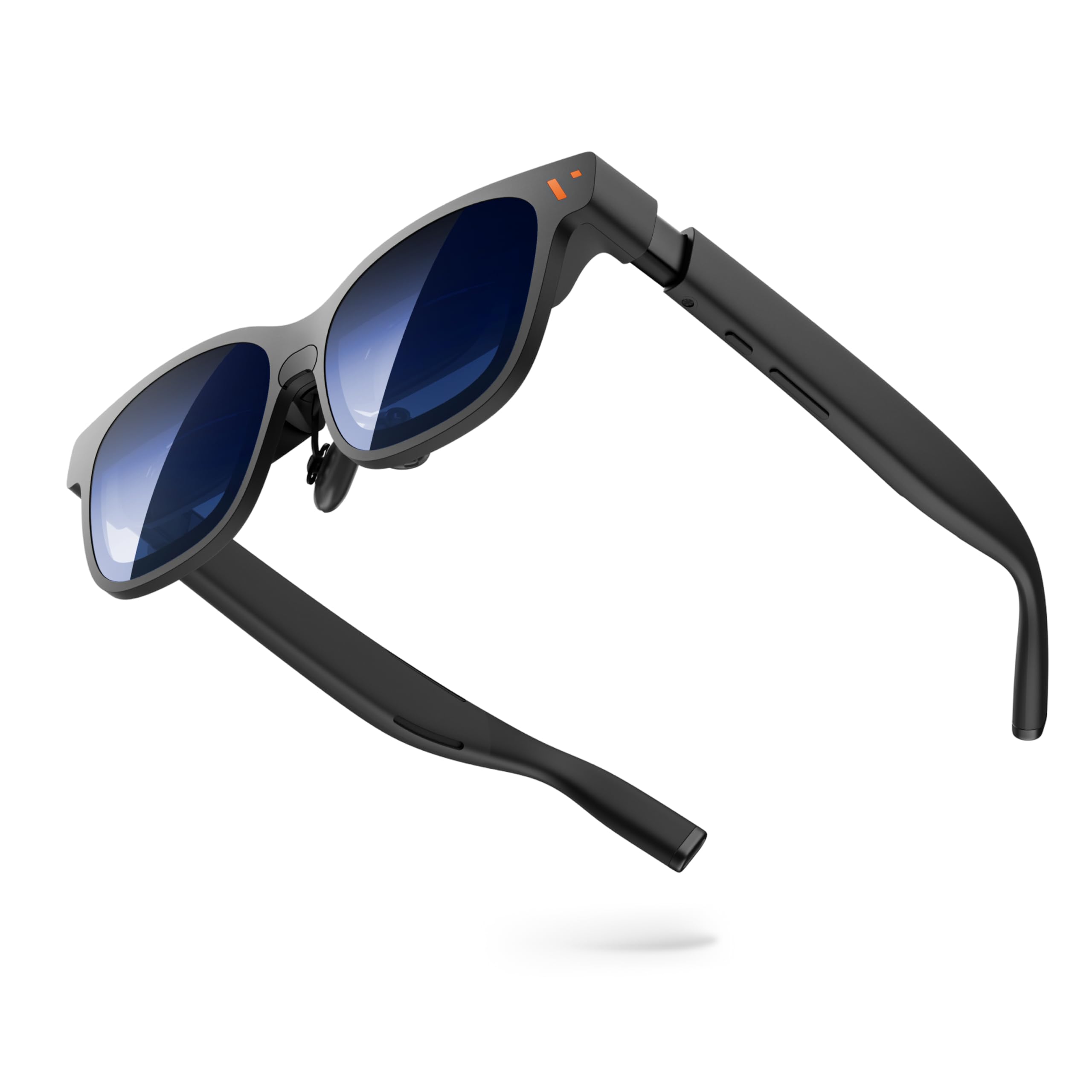
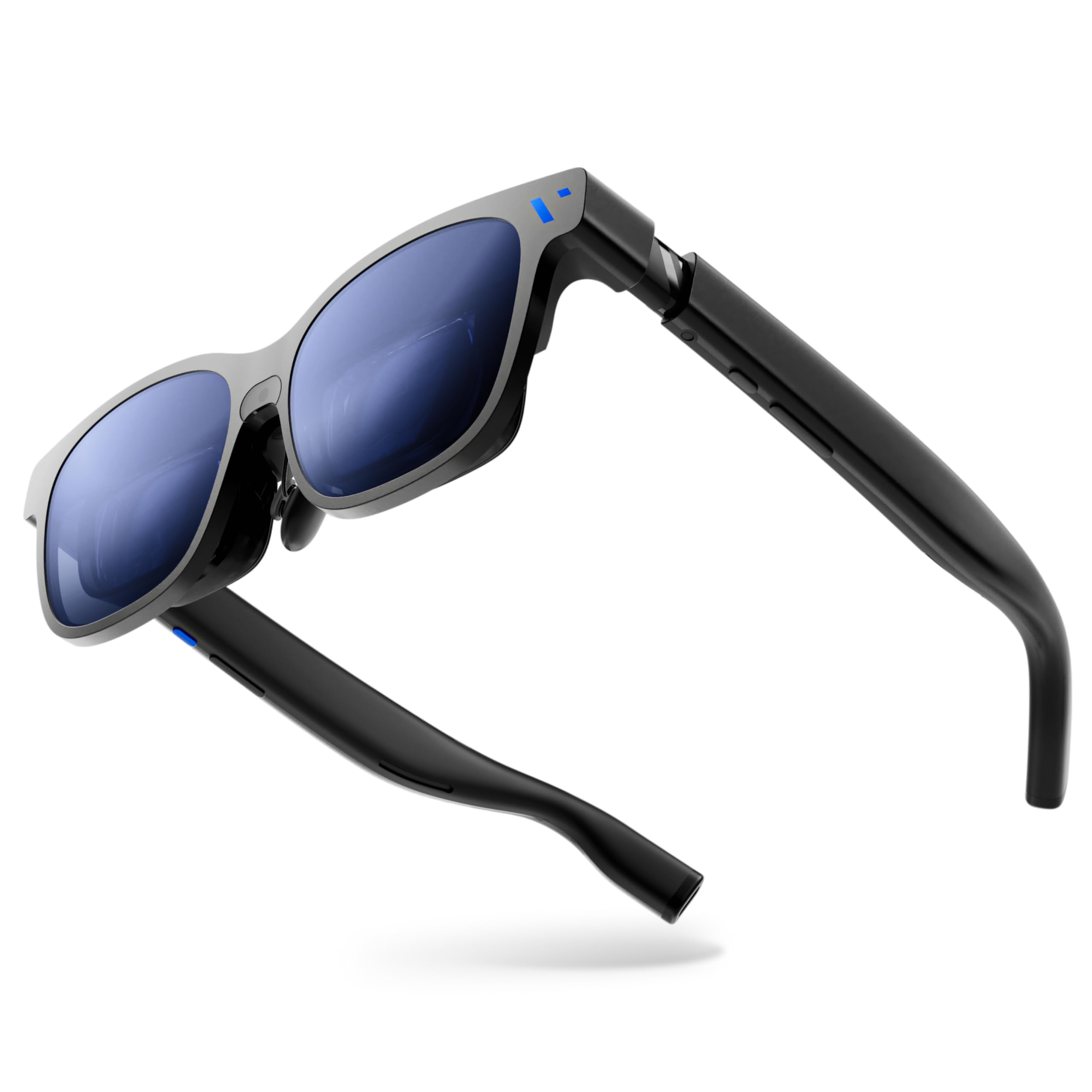
VITURE Luma Pro

81 /100
Lab Score Excellent

Key details

Audio
Harman-tuned spatial
Brightness
1000 nits
Resolution
1920x1200
Refresh Rate
120Hz
View on Amazon

The 1920x1200 micro-OLED panel delivers noticeably sharper text than 1080p competitors, making in-game menus, HUDs, and subtitles easy to read without zooming. Colors are vibrant and blacks truly deep, which adds atmosphere to dim game environments. A 120Hz refresh rate keeps motion fluid during fast-paced action on PC or handheld. The built-in diopter dials adjust each eye independently up to -4.0D, a feature that eliminates the need for prescription inserts for many nearsighted users and reduces eye strain during long sessions.

A magnesium alloy frame keeps the glasses light at 79 grams while feeling durable enough for daily travel. Adjustable nose pads and temple tips hold the display steady during head movements, and the weight distributes evenly to avoid pressure points. Even after four hours of continuous play, the fit stays comfortable without causing noticeable neck fatigue.

The 1000-nit panel holds its own under most indoor lighting, and the electrochromic film darkens the lenses with a single tap when glare picks up—useful for moving between a bright living room and a darker gaming corner without pausing. Harman-tuned spatial audio provides clear directional cues that enhance immersion, and the near-ear design leaks minimal sound. Bass is understandably absent compared to over-ear headsets, but the overall clarity is above average for glasses of this type.

This set is built for gamers who demand pixel-perfect HUD elements and wear corrective lenses. The diopter convenience and extra resolution matter most in text-heavy RPGs, strategy titles, or any game where legibility affects performance. Straight USB-C video output works with the Steam Deck, ROG Ally, and many gaming phones as a secondary display out of the box—no app required for basic mirroring. The SpaceWalker app enables multi-screen layouts and 3DoF head tracking but can introduce occasional freezes and connectivity friction; buyers seeking a purely plug-and-play monitor replacement may find more stripped-down glasses less frustrating. Outdoor players who primarily game in bright sunlight will notice the brightness ceiling, but for mixed indoor light and quick dimming, the Luma Pro adapts quickly.

💡 To avoid any app-related hiccups during gameplay, connect the glasses directly to your handheld or console without launching SpaceWalker — the native mirroring mode provides a stable, plug-and-play external display.

Pros

  • 1200p resolution renders in-game text, HUDs, and subtitles with exceptional sharpness and vibrant OLED colors
  • Built-in diopter dials let many glasses wearers skip prescription inserts entirely, reducing eye strain
  • Strong magnesium alloy build and lightweight 79g design provide all-day comfort without pressure points
  • 1000-nit brightness and responsive electrochromic dimming adapt to different indoor lighting conditions quickly

Cons

  • In direct sunlight, the display can appear washed out
  • Occasional freezes or connectivity hiccups can occur when using the SpaceWalker app for multi-screen or 3DoF features
Our verdict

For gamers whose priority is reading tiny HUD text or subtitles without squinting, and who would rather dial in their prescription than order inserts, the Luma Pro's clarity and convenience justify the higher price.

Check Latest Price
2

Best Brighter Display

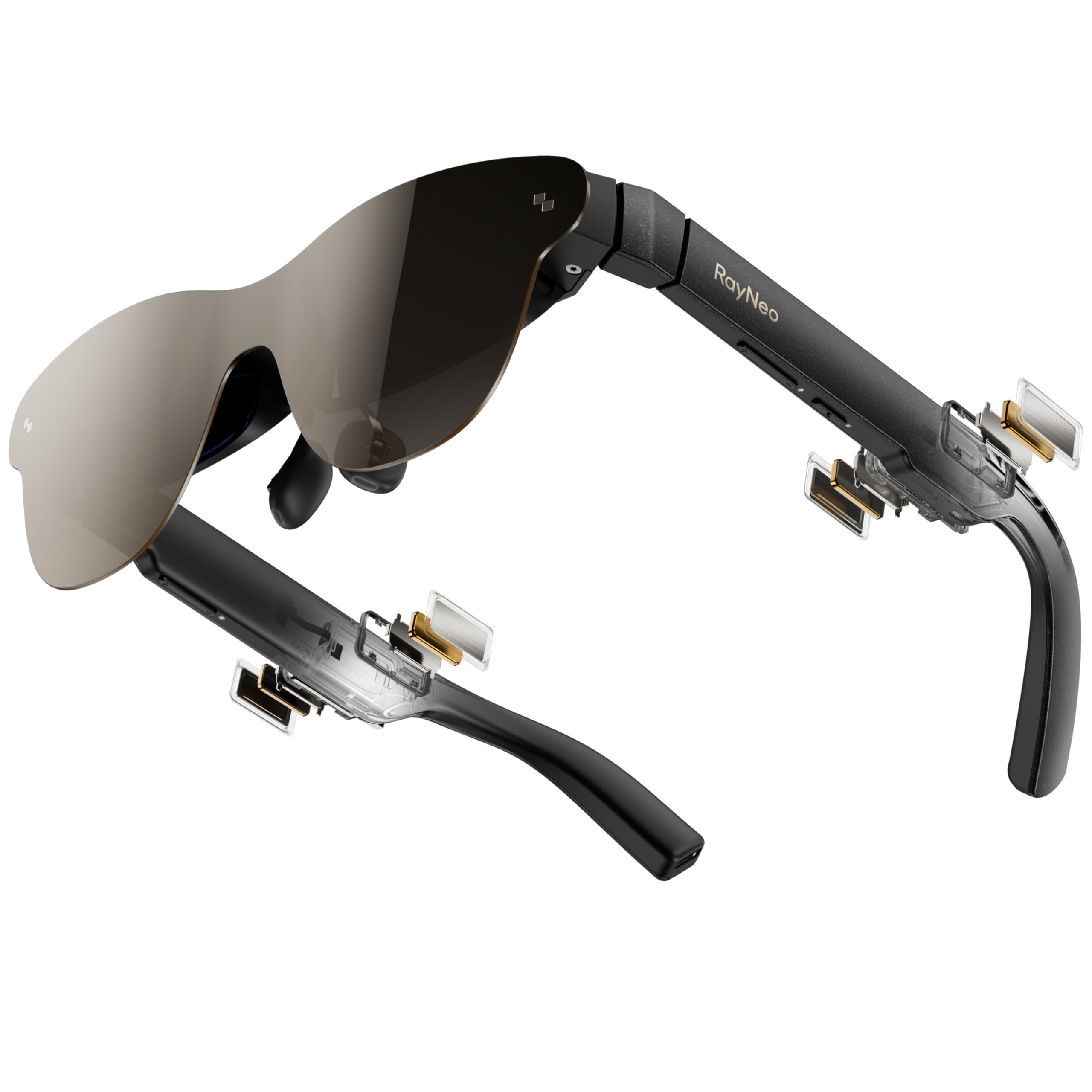
RayNeo Air 3s Pro

83 /100
Lab Score Excellent

Key details

Audio
Built-in speakers
Brightness
1200 nits
Resolution
1080p
Refresh Rate
120Hz
View on Amazon

Straight to the point: 1200 nits of sustained brightness from a micro-OLED panel is the headline feature of the Air 3s Pro. This luminance ensures that the virtual 201-inch display remains readable and vibrant even in sunlit rooms — a scenario where most XR glasses wash out.

While the cinematic HDR contender in this set pairs with Bang & Olufsen audio and HDR10, the RayNeo skips the branding markups and pours every dollar into sheer screen brilliance. The result is 98% DCI-P3 coverage and a 200,000:1 contrast ratio that makes game worlds pop without the premium price.

Gamers in bright living rooms or by sunny windows will find the 1200-nit panel a boon — visibility stays strong where others wash out. The tradeoff is that the optical design softens detail at the bottom of the virtual display; subtitles and HUD elements there appear less tack-sharp. This makes it better suited to action titles where you're focused on the center, rather than text-heavy RPGs where edge clarity is critical.

💡 Check your device against RayNeo's official compatibility list — using a compatible USB-C adapter can prevent occasional display handshake issues.

Pros

  • 1200-nit brightness and rich DCI-P3 color keep visuals vivid in bright rooms.
  • Exceptional value
  • 120Hz refresh rate and large virtual screen deliver smooth, immersive gaming.
  • Lightweight 76g design with comfortable nose support reduces fatigue during long sessions.

Cons

  • Device compatibility isn't universal; occasional screen dropouts or excess heat can occur with some handhelds.
Our verdict

If your gaming setup lives in a bright room and you need uncompromising visibility, the Air 3s Pro delivers an unmatched experience under $300.

Check Latest Price
3

Best for HDR & Premium Audio

RayNeo Air 4 Pro

79 /100
Lab Score Very Good

Key details

Audio
Bang & Olufsen
Brightness
Resolution
1080p
Refresh Rate
120Hz
View on Amazon

The RayNeo Air 4 Pro leans into cinematic immersion rather than raw brightness. Its HDR10 panel and Vision 4000 AI upscaling chip deliver vivid colors and deeper contrast that serve open-world RPGs and atmospheric single-player titles well. Where the brightest glasses in this category chase nits for sunlit visibility, the Air 4 Pro focuses on theatrical depth and audio fidelity.

Bang & Olufsen's four-speaker spatial array produces clear, spacious sound with vocal clarity and a whisper mode that keeps game audio from leaking into the room—a practical advantage over many XR glasses that rely on open-air speakers. The audio tuning favors dialogue and ambient details, making it a strong companion for narrative-heavy games.

These glasses suit gamers who plug into a known-good USB-C DP Alt Mode source—a Steam Deck, a modern Android phone, or a gaming laptop—and want a large, immersive screen for solo campaigns. Shoppers must verify their phone or handheld against the official compatibility list before buying, as the USB-C port must output video. Lightning devices like iPhone 14 require an adapter, so this isn't a grab-and-go solution for mixed-device households.

💡 Adjust the nose pads and take periodic breaks to minimize eye strain during extended gaming sessions.

Pros

  • HDR10 panel and AI upscaling produce vivid, contrast-rich visuals ideal for cinematic single-player games.
  • Bang & Olufsen 4-speaker spatial audio provides clear, spacious sound with a whisper mode that keeps audio private in shared spaces.
  • Build quality feels premium and sturdy, with a well‑constructed frame that stands up to regular handling.
  • Strong value for the feature set, offering HDR10, premium audio, and a lightweight design at the mid‑range price.

Cons

  • Extended sessions can cause mild eye strain or nose pressure for a subset of users, so short breaks help.
  • Compatibility can be finicky
Our verdict

The RayNeo Air 4 Pro rewards single‑player gamers with a cinematic HDR display and audio that outclasses most XR glasses at its price, provided you confirm your device is compatible. If you're willing to check the port specs, these glasses deliver an immersive, private theater experience that few rivals match.

Check Latest Price
4

Best for Spatial Tracking

XREAL One Pro

79 /100
Lab Score Very Good

Key details

Audio
Bose-tuned
Brightness
700 nits
Resolution
FHD 1080p
Refresh Rate
120Hz
View on Amazon

The custom X1 chip inside the One Pro slashes motion-to-photon latency to 3ms and enables native 3DoF head tracking without a tethered computing puck. That means spatial anchor modes feel responsive, not laggy — a different class of experience from glasses that rely solely on the connected device's processing. Combined with a 57° field of view — the widest in this group — the virtual screen fills peripheral vision more convincingly than narrower 45–50° competitors.

The One Pro targets early adopters and AR tinkerers who value spatial anchoring and maximum screen size above all else. The X1 chip's responsiveness makes it compelling for experimental head-tracked gaming, and the electrochromic dimming allows use in mixed lighting without clip-on shades. However, edge-to-edge sharpness is not its strength; text and HUD elements near the periphery will appear softer, and the heavy USB-C cable can exert noticeable pull on the nose bridge during long sessions. If crisp text for game UI or extended comfort is more important than low-latency spatial tracking, the sharper, more comfortable top pick with built-in diopter dials is a better fit.

💡 Routing the cable over an ear or attaching it to clothing reduces tug on the nose bridge.

Pros

  • Excellent build quality and premium feel immediately apparent upon handling
  • Immersive, huge screen with adjustable size and wide 57° FOV feels cinematic for gaming
  • Bose-tuned open-ear spatial audio is clear and immersive without isolating from surroundings
  • Custom X1 chip delivers 3ms motion-to-photon latency and native 3DoF spatial anchoring

Cons

  • Spatial anchor mode may drift over time, requiring recalibration
  • The thick, heavy USB-C cable can tug on the nose bridge, causing discomfort during extended gaming sessions
  • Screen sharpness drops off at the edges; small text and HUD elements may appear soft
Our verdict

The XREAL One Pro is the right pick for AR enthusiasts who want the widest field of view and lowest latency spatial tracking in a pair of display glasses — provided you accept softer edges and a noticeable cable presence.

Check Latest Price
5

Best for 3D Conversion

XREAL 1S

80 /100
Lab Score Excellent

Key details

Audio
Bose-tuned
Brightness
Resolution
1920x1200
Refresh Rate
120Hz
View on Amazon

A physical switch on the XREAL 1S transforms any 2D content—games, movies, streaming—into stereoscopic 3D with convincing depth, a feature absent from the broader-FOV spatial tracking model in this set. The X1 chip powers the conversion in real time without perceptible lag, maintaining the 120Hz refresh rate in 3DoF mode that keeps gameplay fluid on handhelds like Steam Deck and Switch.

The 3D effect adds a compelling layer to atmospheric single-player titles, but the optics have boundaries. Out of the box, edge sharpness doesn't match the resolution spec, so fine HUD text and map details near the frame borders can appear soft. Fast camera movement may also produce mild motion blur that competitive players will notice immediately. In a dark room, the large 500-inch virtual screen and adjustable ultra-wide mode create an immersive bubble that softens these drawbacks, especially for narrative-driven experiences.

This shape suits gamers who value 3D immersion over pixel-perfect edge clarity and who regularly game in low light. The TÜV Rheinland low-blue-light and flicker-free certifications make extended sessions less fatiguing, which is a practical advantage for RPGs and cinematic adventures. Those needing tack-sharp text for competitive shooters or strategy titles, and anyone who plays in bright or reflective rooms, will find the image quality and glare boundaries frustrating.

💡 Keeping room light low eliminates external reflections and lets the 3D effect and contrast shine at their best.

Pros

  • One-switch REAL 3D conversion adds authentic depth to any game or movie without tweaking settings.
  • TÜV-certified low blue light and flicker-free display reduce eye strain during all-night gaming sessions.
  • Solid aluminum alloy frame feels premium and holds adjustment well through hours of use.
  • Large 500-inch virtual screen with ultra-wide mode pulls you into open-world and cinematic titles.

Cons

  • Edge-to-edge sharpness lags behind center clarity, so small UI text can look soft in peripheral vision.
  • Fast in-game camera movement may produce a faint motion blur that some players find distracting.
Our verdict

For gamers who chase 3D immersion over razor-sharp edges and play in controlled light, the XREAL 1S is a unique portal that turns any game library into a stereoscopic experience.

Check Latest Price

How to Choose

Display Resolution and Text Sharpness

A 1200p panel (1920x1200) renders noticeably crisper in‑game text than 1080p, an advantage that grows larger when HUD elements shrink to fit a wider virtual screen. The physical optics matter just as much: even a high‑resolution micro‑OLED can produce soft edges that make health bars or subtitle text hard to parse.

For games heavy on reading — RPG menus, strategy UI, visual novels — prioritize models with real‑world praise for edge clarity. If you mostly play action titles where center‑screen activity dominates, a sharp 1080p display with good color can still feel immersive.

Refresh Rate

Every pair of gaming‑oriented XR glasses in this roundup hits 120Hz, which is fast enough to keep motion smooth in competitive shooters and racing sims. The bottleneck almost always lies with the source device: a Nintendo Switch typically outputs 60Hz, while a Steam Deck or gaming PC can push 120Hz over USB‑C. A 120Hz panel on the glasses won't fix a 60Hz feed, so match your glasses' ceiling to what your hardware actually delivers.

Brightness

Brightness — measured in nits — determines how well the virtual image fights ambient light. A screen that looks vivid in a dark room can wash out beside a window or under overhead bulbs. Models pushing 1000 nits or more keep colors punchy even in daytime, while sub‑700 nits units are best reserved for dim‑to‑moderate lighting.

High brightness also widens the effective color volume, but it can't compensate for poorly designed lens shades or electrochromic dimming that cuts light unevenly. When comparing models, check whether a panel's peak luminance holds across the entire field of view or fades toward the edges.

Audio Quality and Headphone‑Free Volume

Open‑ear speakers tuned by brands like Bose, Harman, or Bang & Olufsen deliver surprisingly spacious gaming audio without blocking ambient sound — handy for hearing a doorbell or a tournament announcer. The hidden trade‑off is leak: these speakers can be audible to someone beside you, and they struggle to overcome airplane cabin roar.

For solo couch sessions, built‑in audio is a genuine convenience. But if you game in shared spaces, on public transit, or need competitive directional audio, plan to use wired or low‑latency Bluetooth headphones — no amount of brand tuning will isolate you from the world.

Device Compatibility

USB‑C is a shape, not a video standard. XR glasses exclusively rely on DisplayPort Alt Mode over USB‑C, and many phones, tablets, and gaming consoles either skip that capability or implement it inconsistently. Asus ROG Ally and recent Steam Decks send video without fuss; original Nintendo Switch and most iPhones need a separate adapter that may introduce audio lag.

Always check the manufacturer's specific compatibility list for your exact device model, not just the port shape. A console listed as compatible may still require a firmware update or a powered hub, and when adapters enter the chain, latency can creep up fast — a dealbreaker for rhythm games or twitch shooters.

Built‑In Myopia and Vision Correction

Glasses with integrated diopter dials let you adjust focus directly on the frames, often covering up to -4.0D. That means many nearsighted users can skip prescription lens inserts and the extra cost and bulk they add. The trade‑off is mechanical complexity: dials add a small amount of weight and a failure point over years of twisting.

If you wear glasses primarily for distance or have astigmatism, built‑in dials likely won't cover your full prescription, and you'll still need custom inserts. For moderate myopia, however, the convenience is hard to overstate — pop on the glasses and your HUD is instantly sharp.

Frequently Asked Questions