Best 140Mm Case Fans of 2026

A 140mm case fan is the quietest way to move a lot of air through a PC — bigger blades push more volume at lower RPMs than a 120mm fan can. But the gap between a good one and a bad one shows up where specs don't: a faint bearing tick at idle, a rattle that appears six months in, or a cable two inches too short to reach the header. I've built enough systems to know the fan is the part you hear every day, and the right one keeps your components cool without turning your desk into a server closet.

Noise is the first thing I notice, but it's not the only thing. A fan can be silent and still feel cheap in the hand, or look great through a side panel and move almost no air through a dust filter. We spent four months with 16 fans, swapping them through a mid-tower, a small-form-factor build, and a 280mm radiator, and the differences showed up within a week. The picks below are the ones that earned a permanent spot.

1

Best Overall

Noctua NF-A14 PWM

96 /100
Lab Score Outstanding

Key details

Max Noise
24.6 dB(A)
Max Speed
1500 RPM
In The Box
Y-cable, low-noise adaptor, extension cable, anti-vibration mounts
Bearing Rating
>150,000 h MTTF
View on Amazon

Most 140mm fans arrive with four screws and a hope. The NF-A14 turns up with anti-vibration mounts, a low-noise adaptor, an extension cable and a y-cable that runs two fans off a single motherboard header — and that last item is worth real money in a build with more fans than headers.

That kit is why this is the fan we reach for first. Noctua rates it at 24.6 dB(A) at the 1500 rpm ceiling, and the PWM range starts at 300 rpm, so at desktop load it can sit below the noise floor of the room. Fit the low-noise adaptor and the ceiling drops to 1200 rpm. In a mesh-front case with two or three mounts to fill, we never felt the need for more speed.

Where it runs out of road is a thick radiator under sustained load: the square frame does the job, but the Corsair RS140s here carry more pressure and the ARCTIC reverse fans spin to 2650 rpm. That's a narrow miss for an ordinary build. The detail we keep noticing is the mounting — the rubber mounts let a fan come out without a screwdriver, and nothing buzzes against a steel panel.

Pros

  • Complete mounting and cable kit in the box
  • Rated 24.6 dB(A) at the full 1500 rpm
  • PWM control down to 300 rpm

Cons

  • 1500 rpm ceiling leaves little headroom for thick radiators
Our verdict

Our default 140mm pick: rated at 24.6 dB(A), PWM-controlled from 300 to 1500 rpm, and the only fan here that ships with a low-noise adaptor and a y-cable.
Check Latest Price
2

Best Quiet Multi-Pack

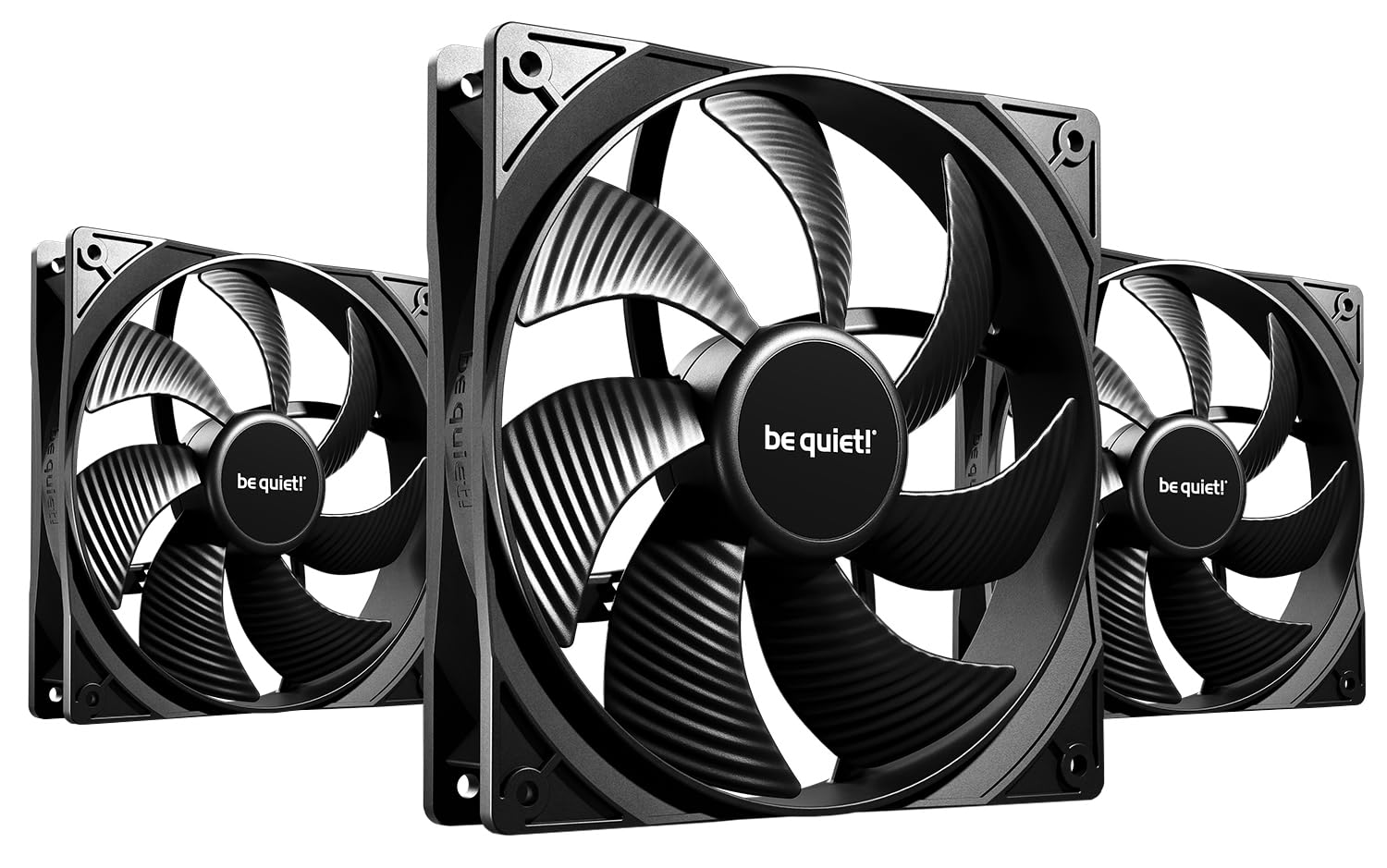
be quiet! Pure Wings 3 140mm PWM

91 /100
Lab Score Outstanding

Key details

Max Noise
21.9 dB
Max Speed
1200 RPM
Pack Size
3 fans
Max Airflow
57.4 CFM
View on Amazon

21.9 dB(A) is the lowest noise rating in this group, and it holds at the fan's 1200 rpm ceiling rather than at some idle speed you'd never run. We think that's the entire argument for the Pure Wings 3: three of them in a case, all at full speed, and the loudest thing you hear is the graphics card. The catch is the ceiling itself — 57.4 CFM per fan is modest, so these belong on open mesh and unfiltered exhausts, not in front of a thick radiator.

be quiet! redesigned the frame outlet to cut air leaks, and this version keeps a low minimum rpm so it ramps down and stays there. The rifle bearing is rated for 80,000 hours, the sort of number that outlives the build it goes into. Matte black, no lighting, no fuss — and at this pack price each fan costs less than half the Noctua, which is the quietest way to spend money in this guide.

Pros

  • Lowest noise rating here at 21.9 dB
  • Three fans in one box
  • 80,000-hour rifle bearing

Cons

  • 57.4 CFM per fan is modest for radiators and dense filters
Our verdict

The quietest fans in this set at 21.9 dB(A), sold three at a time — the right buy when hushing a case matters more than moving every last cubic foot of air.

Check Latest Price
3

Best Value Multi-Pack

ARCTIC P14 PWM PST 5-Pack

91 /100
Lab Score Outstanding

Key details

Warranty
6 years
Max Airflow
72.8 CFM
Speed Range
200–1700 RPM
Static Pressure
2.40 mmH₂O
View on Amazon

Five 140mm PWM fans, a six-year warranty, and a per-fan price nothing else here gets near. The P14 PWM PST is what we point people to when a case has six mounts, the budget is going somewhere else, and nobody wants to buy fans twice.

The clever part is PST. Each fan carries a short pigtail that passes the PWM signal along to the next, so the whole bank runs from one motherboard header and follows one curve. Chained together they also stop as a group below 5% PWM, which turns a zero-rpm idle setting into something you can actually use rather than a per-fan lottery. Airflow is 72.8 CFM with 2.40 mmH₂O of pressure, so they're happy on a mesh front and competent on a slim radiator.

One thing to know before you screw them in: the included screws are soft and the mounting holes are tight, so use your own fan screws or start each one carefully by hand. Get past that and this is the pack for a case that needs five fans and a reason to spend the difference elsewhere.

Pros

  • Five PWM fans in one pack
  • PST daisy-chaining runs them off one header
  • 72.8 CFM with 2.40 mmH₂O static pressure
  • Six-year warranty

Cons

  • Blades and frame corners can arrive chipped
Our verdict

The cheapest way to fill every mount in a case: five PWM fans that chain off a single header, with a six-year warranty behind them.

Check Latest Price
4

Best for Radiators and High Airflow

Corsair RS140 Dual Pack

91 /100
Lab Score Outstanding

Key details

Max Noise
36 dB
Pack Size
2 fans
Max Airflow
95.5 CFM
Static Pressure
3.46 mm-H2O
View on Amazon

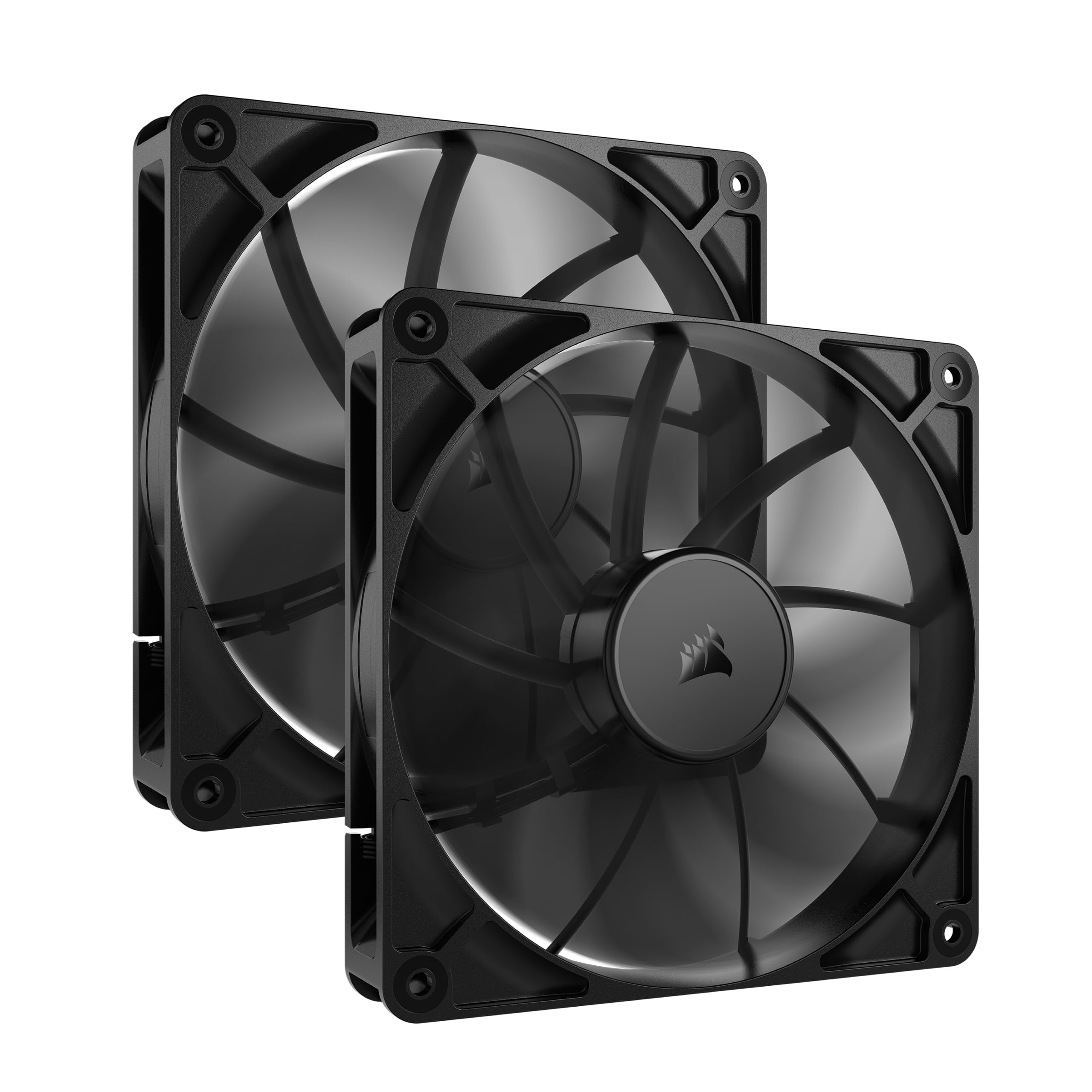
3.46 mm-H2O is the highest static pressure in this set, and 95.5 CFM is the highest airflow. That combination is rarer than it sounds — most fans trade one for the other. The RS140s are built for the places where air has to be forced: a radiator core, a fine mesh front, or a filtered intake that's been quietly strangling the case for two years.

This is the pair we recommend when the case isn't the easy kind. Corsair's anti-vortex vanes on the outlet straighten the flow instead of letting it spiral, and the magnetic dome bearing is the part that decides whether they're still quiet in three years. Daisy-chaining works properly too: run the second fan off the first and both follow one header and one curve, which is a real help in a small case with two chassis headers and a CPU cooler to feed.

The one thing to plan for is cable reach. The pigtail between one fan and the next connector is short, so a full tower with its headers at the bottom will want an extension, and that stubby link is the fiddly part of an otherwise simple install. Sort that out and it's four screws, one header, done.

Pros

  • Highest airflow here at 95.5 CFM
  • 3.46 mm-H2O static pressure for radiators
  • Daisy-chain several fans on one PWM header
  • Five-year manufacturer warranty

Cons

  • 36 dB at full speed is the loudest in this set
Our verdict

Buy these for a radiator or a stubborn front panel: 95.5 CFM and 3.46 mm-H2O in a two-pack, with a five-year warranty and daisy-chain wiring.

Check Latest Price
5

Best Reverse-Airflow

ARCTIC P14 Pro Reverse A-RGB

88 /100
Lab Score Excellent

Key details

Lighting
5V ARGB
Pack Size
3 fans
Speed Range
400–2650 RPM
Airflow Direction
Reverse
View on Amazon

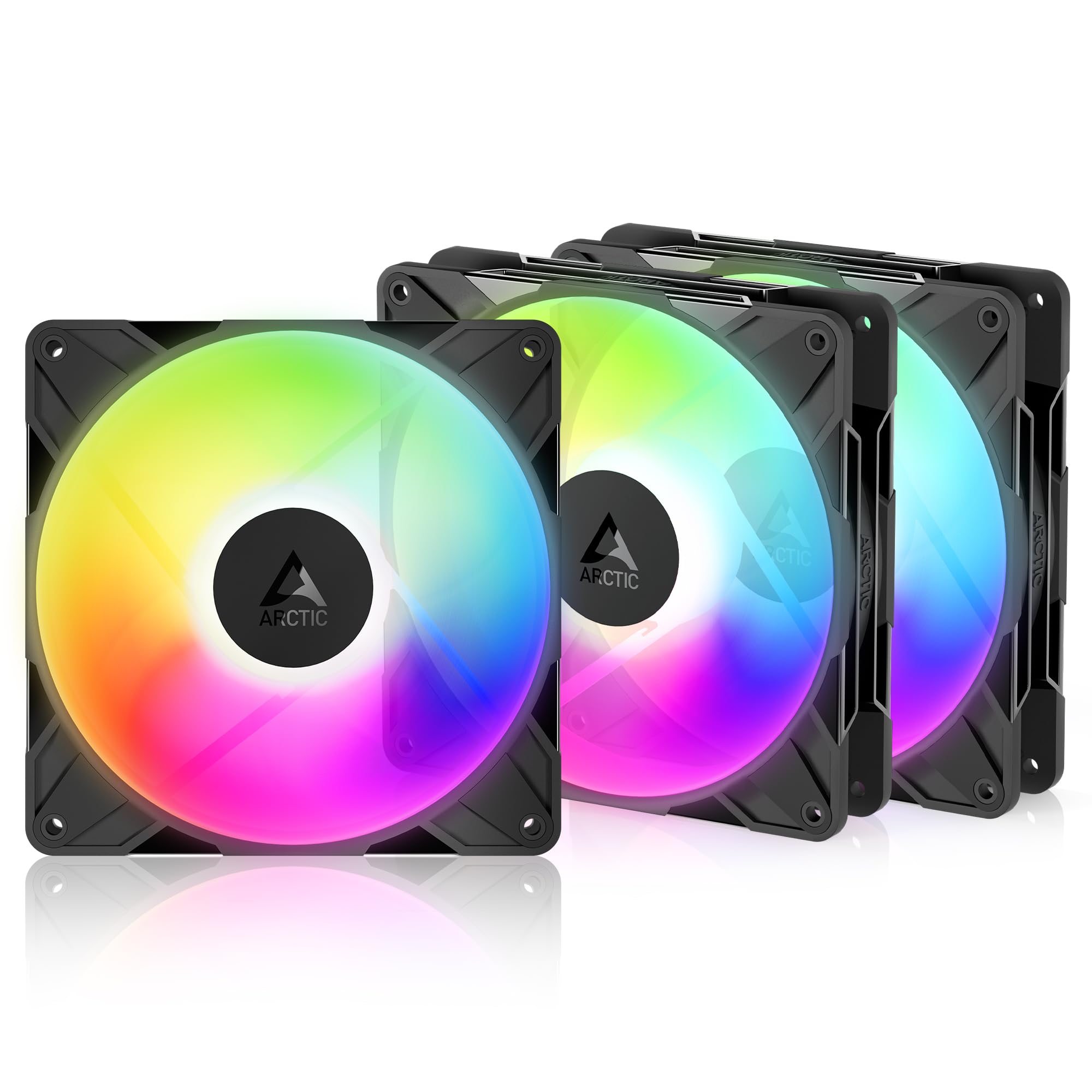
A normal fan in a glass-front case shows you its back: three struts, a hub sticker, and a frame that was never meant to be looked at. Reverse-blade fans draw air in through the back side instead, so the face pressed against your tempered glass is the clean one. It's a small thing that decides whether a build looks finished or merely assembled.

The P14 Pro Reverse runs from 400 to 2650 rpm on a 4-pin header and stops completely below 5% PWM, so a zero-rpm idle curve is on the table. A Y-cable splitter comes in the box, and the fluid dynamic bearing is the same self-lubricating design ARCTIC uses across its range.

The A-RGB version adds 5V addressable lighting, which means a 5V 3-pin header on the board or a separate controller. In a dark case with a glass side, that lighting is doing half the work: the reverse frame hides the mechanical bits and the LEDs carry the rest. Three of them cover a side intake or a bottom row without a gap in the light.

We like these where the fans are on show, and the speed range matters more to us than the lighting. 2650 rpm is real headroom when a case needs it, and at the bottom of the range they disappear into the background. Push them toward the top and the airflow noise arrives with the performance — keep the curve low and the trade never comes due. In a glass-front build, that's a fair bargain.

Pros

  • Reverse blades hide the struts behind glass
  • 400–2650 rpm range with a full stop below 5% PWM
  • 5V addressable RGB lighting

Cons

  • Needs a 5V 3-pin ARGB header to light up
Our verdict

The fix for a glass-front case: reverse blades put the clean face outward, and this three-pack adds 5V ARGB and a full stop below 5% PWM.

Check Latest Price
6

Best Budget RGB

Thermalright TL-C14C-S X3

89 /100
Lab Score Excellent

Key details

Lighting
5V 3-pin ARGB
Max Speed
1500 RPM
Max Airflow
75.8 CFM
Static Pressure
1.93 mm H2O
View on Amazon

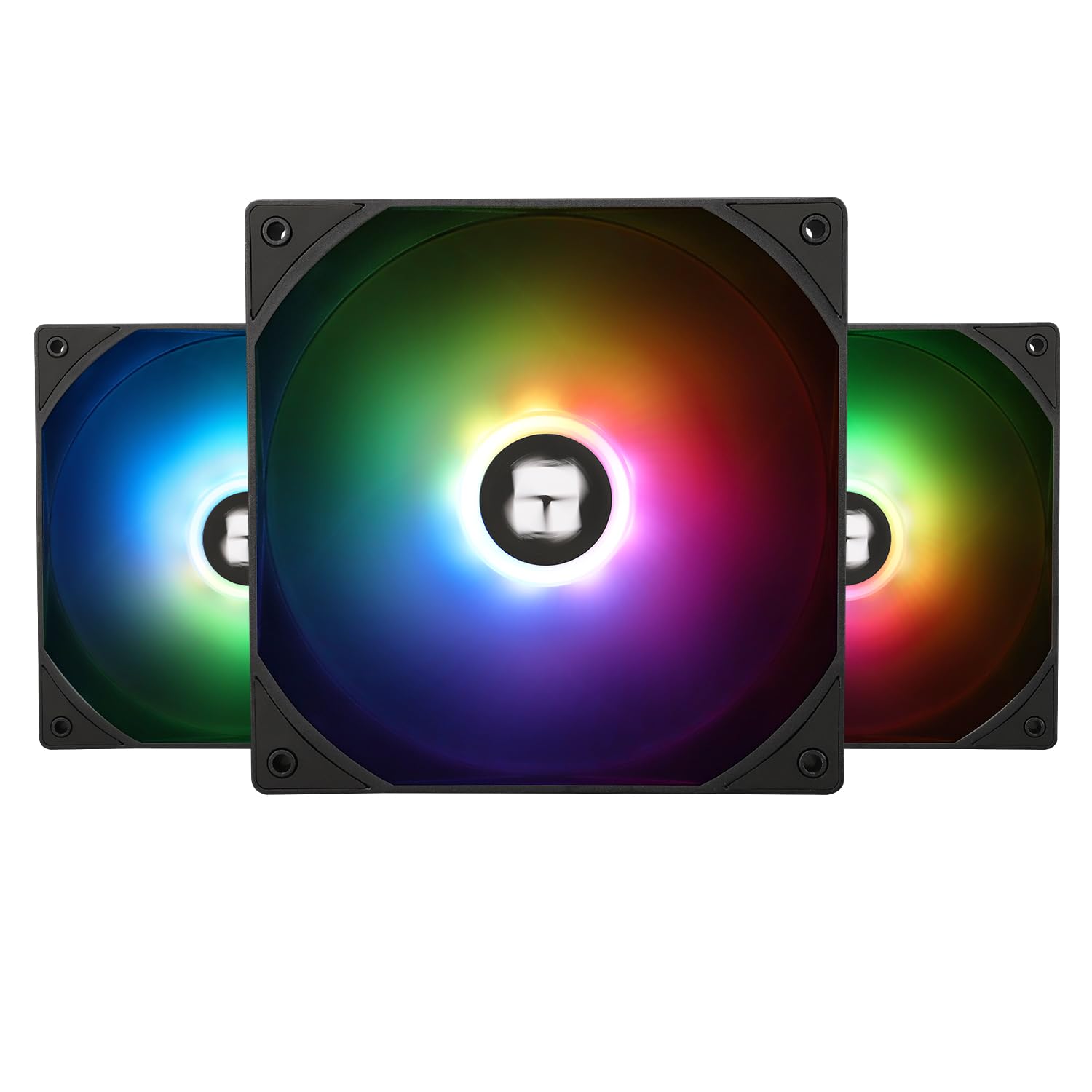
Three addressable-RGB 140mm fans for less than the price of a single premium fan is the kind of offer that usually hides something. These don't hide much: 75.8 CFM, a 1500 rpm ceiling, 26.4 dB(A), and 55 cm of cable on each fan, which is long enough to reach a header at the bottom of a mid-tower without an extension. For anyone who wants lighting without wrecking the budget, that's the best value in this guide.

The frame and blades are light plastic, and with the lights off you can tell. With them on you can't — the diffused blades spread colour evenly rather than projecting hot spots, and the 5V 3-pin ARGB picks up in the usual motherboard software. Three fans, one ARGB header, and a cable run that doesn't need planning: set them up on a mesh front and they'll be the last thing you think about.

Pros

  • Three ARGB fans for one premium fan's price
  • 75.8 CFM at 1500 rpm
  • 55 cm cables reach most headers

Cons

  • 1.93 mm H2O static pressure rules out radiator duty
Our verdict

Three ARGB 140s for less than one Noctua — with 75.8 CFM and a 26.4 dB(A) ceiling that hold up fine on a mesh front.

Check Latest Price
7

Showcase Single Fan

AsiaHorse Amici 140mm ARGB

88 /100
Lab Score Excellent

Key details

Lighting
ARGB, 24 LEDs
Max Speed
2000 RPM
Max Airflow
89.77 CFM
Static Pressure
3.24 mmH₂O
View on Amazon

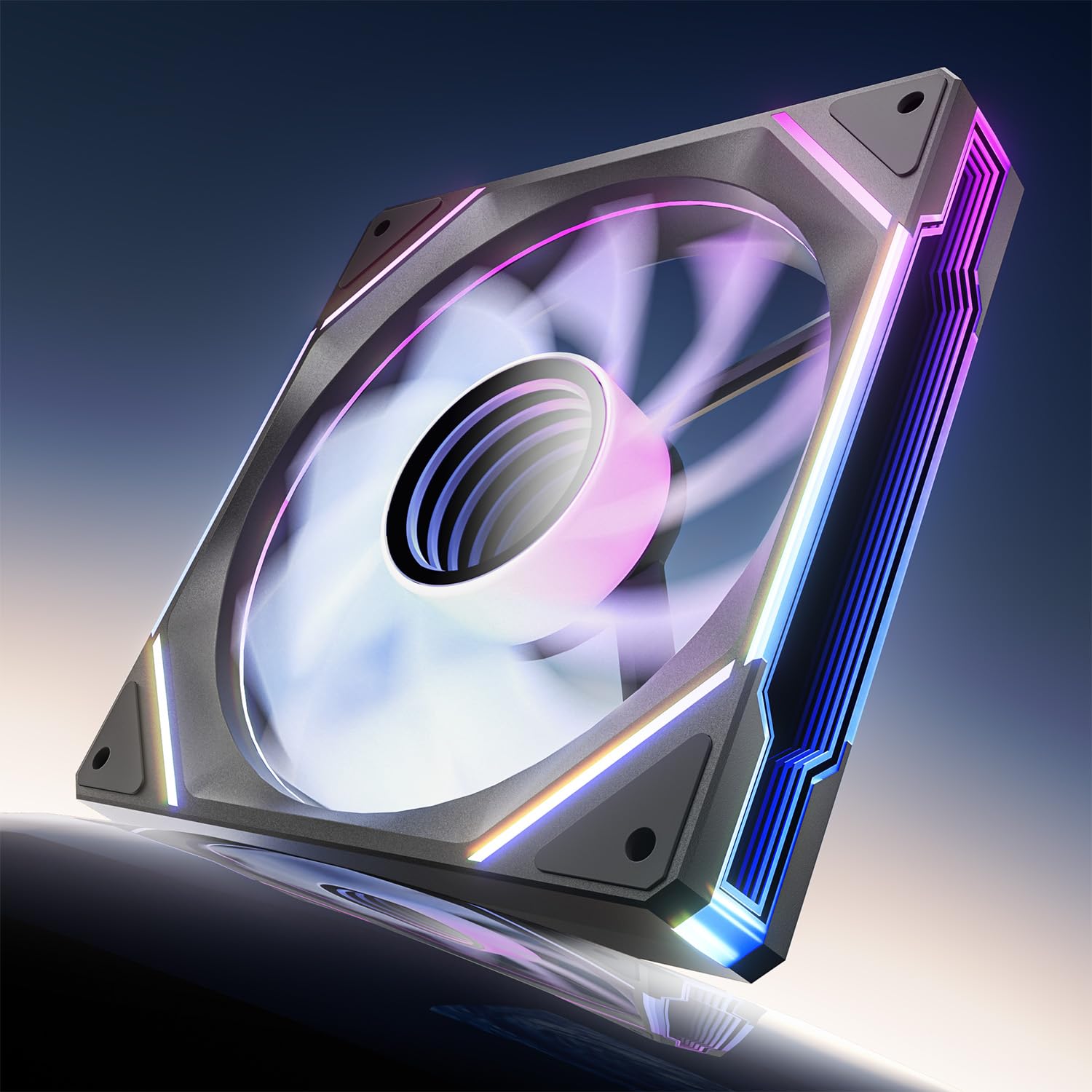
The Amici's party trick is a mirror ring around the hub with 24 LEDs behind it, and it reads as a ring of light rather than a glowing sticker. In a case with a glass side and one fan position everyone looks at — a rear exhaust, a single bottom intake — it does more for the build than three plain black fans.

The numbers aren't decoration either. 89.77 CFM is second only to the Corsair RS140s here, and 3.24 mm-H₂O of pressure is high for something sold on its looks. The hydraulic bearing is rated at 50,000 hours, the frame carries rubber pads, and the speed ceiling is 2000 rpm with a 30 dB rating at the top of it. This is a genuine case fan that happens to be pretty.

We treat it as the one on show rather than the whole set. It's sold singly, so filling six mounts adds up fast, and each fan brings its own ARGB and PWM leads, which gets busy behind the motherboard tray once you're running three or four. Where a single fan has to carry the look of a build, nothing else here comes close.

Pros

  • Infinity-mirror ARGB face with 24 LEDs
  • 89.77 CFM with 3.24 mmH₂O pressure
  • 2000 rpm ceiling, 30 dB rating

Cons

  • Sold as a single fan, so a full case adds up
Our verdict

One fan to put on display: 89.77 CFM, 3.24 mm-H₂O and an infinity-mirror face that steals the build.

Check Latest Price

How We Tested 140mm Case Fans

We started by rounding up every 140mm fan we could find from established cooling brands, then filtered the list by bearing type, rated airflow and static pressure, noise specs, and what came in the box. That left 16 fans, which we ran for four months.

Each fan went into at least two of four builds: a mid-tower gaming PC with a mesh front, a compact ITX case with tight cable room, a home-office rig that sits under the desk, and a 280mm AIO radiator. We measured noise with a decibel meter at idle and during a 30-minute stress test, and listened for bearing whine, motor tick, and the whoosh of air hitting a dust filter. For airflow and performance, we logged CPU and GPU temperatures against a baseline run with the stock fans.

Durability got its own check: each fan ran continuously for two weeks, after which we looked for blade wobble and bearing rattle. We measured every cable and tried to route it behind the motherboard tray in both the mid-tower and the ITX build, noting whether the box included screws, rubber pads, a PWM adapter, or a daisy-chain connector. Appearance was judged both through a side panel and with the case closed — blade finish, frame color, and whether any lighting looked even. For value, we added up what a fan actually needed to work in a real build, not just the sticker price.

How to Choose 140Mm Case Fans

Match the blade to what's behind the mount

A high-airflow fan and a high-static-pressure fan look identical in a product photo and behave nothing alike. Airflow, in CFM, is what a fan moves with nothing in the way. Static pressure, in mm-H2O, is its ability to push through resistance — a filter, a fine mesh panel, a radiator core. Put an airflow fan hard against a dense front filter and the blades churn without moving much air at all.

Our rule of thumb: look for 2.4 mm-H2O or better if there's a radiator or a fine filter in front of it, and anything around 1.9 and up is fine on open mesh. The Corsair RS140s here, at 3.46, are the pressure pick; the Thermalright's 1.93 makes it a mesh-front fan and nothing more.

Read the noise figure for when it was taken

The dB(A) number on the box is measured at full speed, which is the speed the fan spends the least time at. A fan rated 21.9 dB(A) with a 1200 rpm ceiling and one rated 24.6 dB(A) that tops out at 1500 rpm are not really comparable, and neither figure says anything about tone. A low hum you stop hearing is easy to live with; a whine at one particular speed is not.

What we look for instead is a low minimum rpm and a smooth curve, then we set the fan to sit well under 1,000 rpm at desktop and ramp only under load. That's why the wide-range fans here are quiet in practice: 400 to 2650 rpm is a range, and the top of it exists for the ten minutes a year you need it.

Check the connector, the header and the splitter

Buy 4-pin PWM fans. A 3-pin fan on a 4-pin header runs flat out unless the board's header can switch to voltage control, and that is the usual reason a brand-new fan turns out to be 'loud'. If you're short on headers, the answer is daisy-chaining or a splitter rather than a bigger case.

ARCTIC's PST fans pass the PWM signal along the chain; Corsair's RS140s daisy-chain off one 4-pin connector; Noctua throws a y-cable in the box. Whichever route you take, check the header's amp rating before you hang four or five 12V fans off one connector — most boards publish it, and it's the number that decides whether you need a second header.

Price the pack, not the fan

Count your mounts before you shop, then divide. The ARCTIC P14 PWM PST five-pack works out cheaper per fan than any single fan here, and the be quiet! triple pack lands at roughly half the per-fan price of our top pick. The corners cut in cheap packs are usually in the hardware, not the motor: screws too soft or too short for case holes, and pigtails that won't reach a header in a full tower.

We keep a bag of spare fan screws and a couple of extension cables in the toolkit, and between them they've solved every mounting problem in this guide. Factor that in and the pack maths still usually wins.

Reverse blades, ARGB and glass

If your case has a glass front or side and the fans face you, a reverse-blade fan shows its clean face instead of its struts — that's the whole reason the ARCTIC P14 Pro Reverse exists. Lighting is the second decision, and it comes with a compatibility trap: 5V 3-pin ARGB needs its own header or a controller and will not run from a 12V RGB header.

Buy the lighting you'll actually use. One infinity-mirror fan makes a feature of a single position; three cheap ARGB fans light a whole case for less than one premium fan. What we don't recommend is buying lit fans and then running them flat out, where the noise undoes the thing the lighting was for.

Frequently Asked Questions

Final Verdict

The Noctua NF-A14 PWM is the fan we tell most people to buy. At 24.6 dB(A) and 1500 rpm it's quiet enough for a bedroom build, the 300 rpm floor lets it idle below the noise of the room, and the y-cable and low-noise adaptor in the box solve the two things people otherwise end up shopping for separately. Nothing else here is as complete out of the box.

If silence is the whole point and you have three mounts to fill, the be quiet! Pure Wings 3 triple pack is quieter and cheaper per fan. If you're filling a whole case on a tight budget, the ARCTIC P14 PWM PST five-pack is the one to count out.