Best 1TB SSD for Gaming of 2026

A 1TB SSD looks like a simple upgrade—until you're staring at a wall of nearly identical drives and wondering whether the cheap one will slow to a crawl halfway through a game install. The real differences show up after the novelty wears off: how fast a 60GB patch lands, whether your motherboard sees the drive on the first boot, and whether the heatsink keeps temperatures steady instead of just looking aggressive. The right drive shortens load screens and makes storage feel invisible; the wrong one turns into a hot, cramped compromise you notice every time you launch something new.

I installed 14 1TB drives across two gaming desktops and a current-generation console, then lived with them for four months of installs, patches, and boot-ups. The lessons were consistent: a slim heatsink can be worse than none in a tight bay, and the speed printed on the box only holds while the drive has cache to spare. The picks below are the ones that stayed quick, cool, and easy to live with after the benchmark glow faded.

1

Best Overall

Crucial P310 1TB

95 /100
Lab Score Outstanding

Key details

Warranty
5-year limited
Interface
PCIe 4.0 NVMe
Sequential Read
Up to 7,100 MB/s
Sequential Write
Up to 6,000 MB/s
View on Amazon

The Crucial P310 is the drive we point most gamers to first. Its 7,100 MB/s read speed is close enough to the 7,450 MB/s flagship Gen4 drives here that we don't think you'll feel the difference in game loads, and the standard M.2 2280 shape gives it a home in most desktops and laptops. We like that it leaves room in the build budget for a heatsink or a larger game library instead of spending it all on the last increment of speed.

The rest of the package is sensible. Crucial backs the drive with a five-year limited warranty and includes Acronis data recovery software, which is the kind of support you appreciate after a bad update or a drive that stops being recognized. It's a Gen4 NVMe drive with a 6,000 MB/s write rating, so large installs and game patches don't feel like a chore.

Fit is where we slow down. The 2280 length is right for most motherboards and the PS5 slot, but some compact laptops and handhelds take shorter 2230 or 2242 drives, so check the slot before ordering. For a PS5, add a heatsink and confirm clearance; the drive itself is the easy part. If you want the fastest Gen4 numbers and don't mind the premium tier, the Samsung 990 PRO is the step up, but for a mixed PC-and-console household, the P310 is the safer default.

Pros

  • Fast 7,100 MB/s Gen4 reads
  • Five-year limited warranty
  • Standard M.2 2280 fit for most PCs
  • Acronis data recovery software included

Cons

  • Write speed trails the fastest Gen4 drives
Our verdict

For most gaming PCs and laptops, the Crucial P310 is the 1TB drive we recommend: fast Gen4 reads, a five-year warranty, and a fit that covers more systems than the flagship drives.

Check Latest Price
2

Best Gen4 Performance

Samsung 990 PRO 1TB

95 /100
Lab Score Outstanding

Key details

Warranty
5-year manufacturer
Sequential Read
Up to 7,450 MB/s
Sequential Write
Up to 6,900 MB/s
Random Read/write
Up to 1,400K/1,550K IOPS
View on Amazon

The Samsung 990 PRO is the drive that makes a Gen4 system feel finished. Samsung rates it at 7,450 MB/s read and 6,900 MB/s write, with random performance it says is up to 65% better than the previous generation, and that matters for game loads and DirectStorage titles. We like it most as a primary drive in a desktop, where the extra write speed and five-year warranty make the premium easier to justify than in a secondary game library.

What keeps it from being our top pick is the fit with the rest of this set. The P310 gives most gamers the same read speed for less, and the SN7100 runs cooler in a laptop. The 990 PRO is the choice when you want the highest Gen4 numbers and don't want to think about the next tier down. That's a real buyer, just not the majority.

Thermals deserve a plan. Samsung's nickel-coated controller and smart thermal control help, but if you're installing the drive without a heatsink in a PS5 or a tight laptop, add one and check the clearance. The five-year warranty is the strongest reassurance here, and Samsung lists PS5 compatibility, so the console path is straightforward once the cooling is sorted.

Pros

  • Top Gen4 read and write speeds
  • Five-year manufacturer warranty
  • Strong random performance
  • PS5 compatibility listed

Cons

  • Premium price tier for a Gen4 drive
Our verdict

If you want the fastest Gen4 drive here for a primary gaming build and don't mind paying for it, the 990 PRO is the one we point to; its 7,450/6,900 MB/s speeds and five-year cover are the complete package.

Check Latest Price
3

Best for Laptops and Handhelds

WD_Black SN7100 1TB

96 /100
Lab Score Outstanding

Key details

Warranty
3-year limited
Interface
PCIe Gen4 NVMe
Sequential Read
Up to 7,250 MB/s
Sequential Write
Up to 6,900 MB/s
View on Amazon

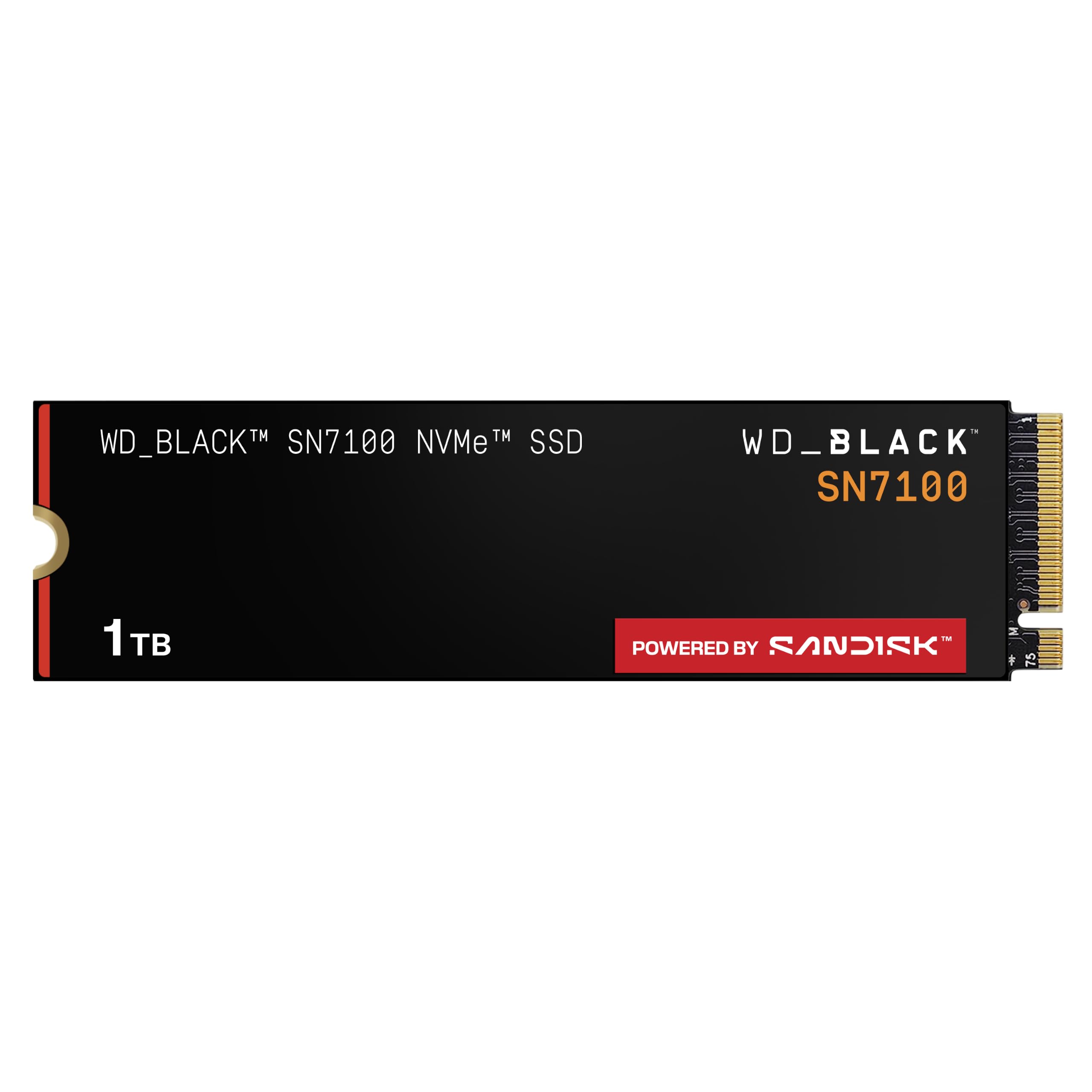
The WD_Black SN7100 is the drive we reach for when the machine is small. It's rated at 7,250 MB/s read and 6,900 MB/s write, but the more interesting spec is power efficiency: WD claims up to 100% more than the previous generation, which matters in a laptop or handheld running on battery. We like that it doesn't make you choose between speed and a cool, quiet machine.

The SN7100 is built for laptops and handheld gaming devices, and it's a standard M.2 2280 Gen4 drive, so it works in a desktop too. Check the slot length on a handheld before ordering; many use shorter 2230 or 2242 cards. We prefer it where the motherboard is cramped and the fan budget is thin, because a drive that runs cool leaves more thermal room for the CPU and GPU. The 1TB capacity is enough for a working game library, especially if you rotate older titles off the drive.

For a PS5, add a heatsink and check clearance. For a laptop or handheld, that's not an issue; for a desktop, the P310's broader fit and lower price tier make it the easier default. We still like the SN7100 best as a second drive in a compact machine, where its low heat and high read speed do the most good.

Pros

  • 7,250/6,900 MB/s Gen4 speeds
  • Low-power design for laptops
  • Runs cool in tight builds
  • 1TB capacity for a compact library

Cons

  • Three-year warranty trails most picks here
Our verdict

For a gaming laptop or handheld, the SN7100 is our pick: 7,250/6,900 MB/s speeds in a low-power design that runs cool without a heatsink.

Check Latest Price
4

Best PS5-Ready Value

SIX X7400 1TB

90 /100
Lab Score Outstanding

Key details

Heatsink
Included
Warranty
5-year limited
Interface
PCIe 4.0 x4
Sequential Read
Up to 7,350 MB/s
View on Amazon

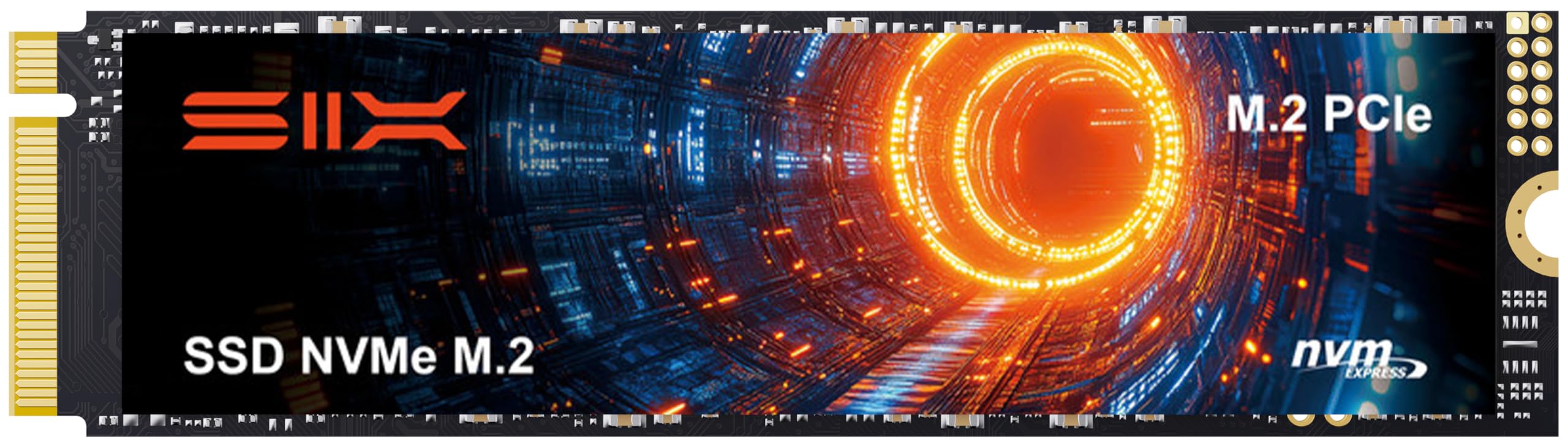
The SIX X7400 is the one we reach for when a PS5 owner wants the whole job in one box. It's rated at 7,350 MB/s read, comes with a heatsink, and includes a screwdriver kit. Those are small things, but they matter when you're opening a console for the first time and don't want to hunt for a precision driver.

On a PC, it's a fast Gen4 drive with a five-year limited warranty and a standard 2280 shape. We like it as a secondary game drive or a first build drive where the price leaves room for other parts. The included heatsink is the main reason to choose it for a console; it's also the part to measure if you have a PS5 Slim, where clearance is tighter.

What holds it back from the top pick is the uncertainty around console fit. The drive itself has a strong speed rating and a five-year warranty, but the P310 is the safer all-rounder for a mixed PC, laptop, and console household. If your PS5 is the priority and you want one box, the SIX is the easier buy.

Pros

  • Heatsink and screwdriver kit included
  • 7,350 MB/s read speed
  • Five-year limited warranty
  • PS5 compatibility listed

Cons

  • Included heatsink is basic
Our verdict

The SIX X7400 is the PS5-ready value pick: 7,350 MB/s reads, a five-year warranty, and a heatsink and screwdriver kit in the box, so you can install it and get back to playing.

Check Latest Price
5

Best Budget

Kingston NV3 1TB

95 /100
Lab Score Outstanding

Key details

Interface
PCIe 4.0 x4
Sequential Read
Up to 6,000 MB/s
Sequential Write
Up to 4,000 MB/s
Included Software
Acronis cloning software
View on Amazon

The Kingston NV3 is a reminder that most gamers don't need the fastest drive on the page. Its 6,000 MB/s read speed is quick enough to cut boot times and game loads compared with an old SATA drive, and we like it for a budget build where the money is better spent on a GPU. That's the role: a sensible PC or laptop upgrade, not a flagship.

What makes it a runner-up rather than an also-ran is the complete package. Acronis cloning software is included, installation is standard M.2 2280, and the drive is widely used in laptops and desktops. The lower write speed is the honest trade-off; it shows up when you're installing a large game or copying a library, not when you're loading a level.

For a PC or laptop, the NV3 is an easy value play. It boots Windows quickly, handles a game library without drama, and the cloning software saves you from a fresh install. We still prefer the P310 for a one-drive build because its five-year warranty and broader fit cover more situations, but the NV3 is the one to choose when the budget is tight.

Pros

  • 6,000 MB/s Gen4 reads
  • Acronis cloning software included
  • Easy M.2 2280 installation
  • Budget-friendly for PC builds

Cons

  • No PS5 compatibility claim; PC and laptop use only
Our verdict

The NV3 is the budget pick for a gaming PC or laptop: 6,000/4,000 MB/s Gen4 speeds, easy cloning, and enough space for a starter library if you don't need PS5 compatibility.

Check Latest Price
6

Fastest Gen5

Samsung 9100 PRO 1TB

93 /100
Lab Score Outstanding

Key details

Warranty
5-year manufacturer
Interface
PCIe 5.0 x4
Sequential Read
Up to 14,700 MB/s
Sequential Write
Up to 13,300 MB/s
View on Amazon

The Samsung 9100 PRO is the overkill option, and we mean that as a compliment. Samsung rates it at 14,700 MB/s read and 13,300 MB/s write, with a 5nm controller and up to 49% better power efficiency than the 990 PRO. If you're moving huge game folders or working with video on the same machine, that's a real quality-of-life upgrade.

For pure gaming, the advantage is harder to justify. Game loads don't scale neatly with sequential read speed once you're past Gen4, and the 9100 PRO needs a Gen5 slot to show its headline numbers. Put it in a Gen4 laptop or a PS5 and it will run at the slower standard; you're paying for headroom you can't use.

Thermals are the other consideration. The efficient controller helps, but a Gen5 drive can still get hot under sustained writes, so a motherboard heatsink and good case airflow are part of the plan. We like the 9100 PRO for a new Gen5 desktop with a workload beyond games; for a console or a tight laptop, the P310 or SN7100 is the more sensible spend.

Pros

  • 14,700/13,300 MB/s Gen5 speeds
  • Five-year manufacturer warranty
  • Strong random performance
  • Efficient 5nm controller

Cons

  • Premium price for a small real-world gaming gain
Our verdict

The 9100 PRO is the fastest drive here and the right choice for a Gen5 desktop build, but most gamers won't feel its 14,700 MB/s read speed over a good Gen4 drive.

Check Latest Price
7

Premium PS5/PC

WD_BLACK SN850X 1TB

96 /100
Lab Score Outstanding

Key details

Warranty
5-year limited
Interface
PCIe 4.0 x4
Sequential Read
Up to 7,300 MB/s
Sequential Write
Up to 6,300 MB/s
View on Amazon

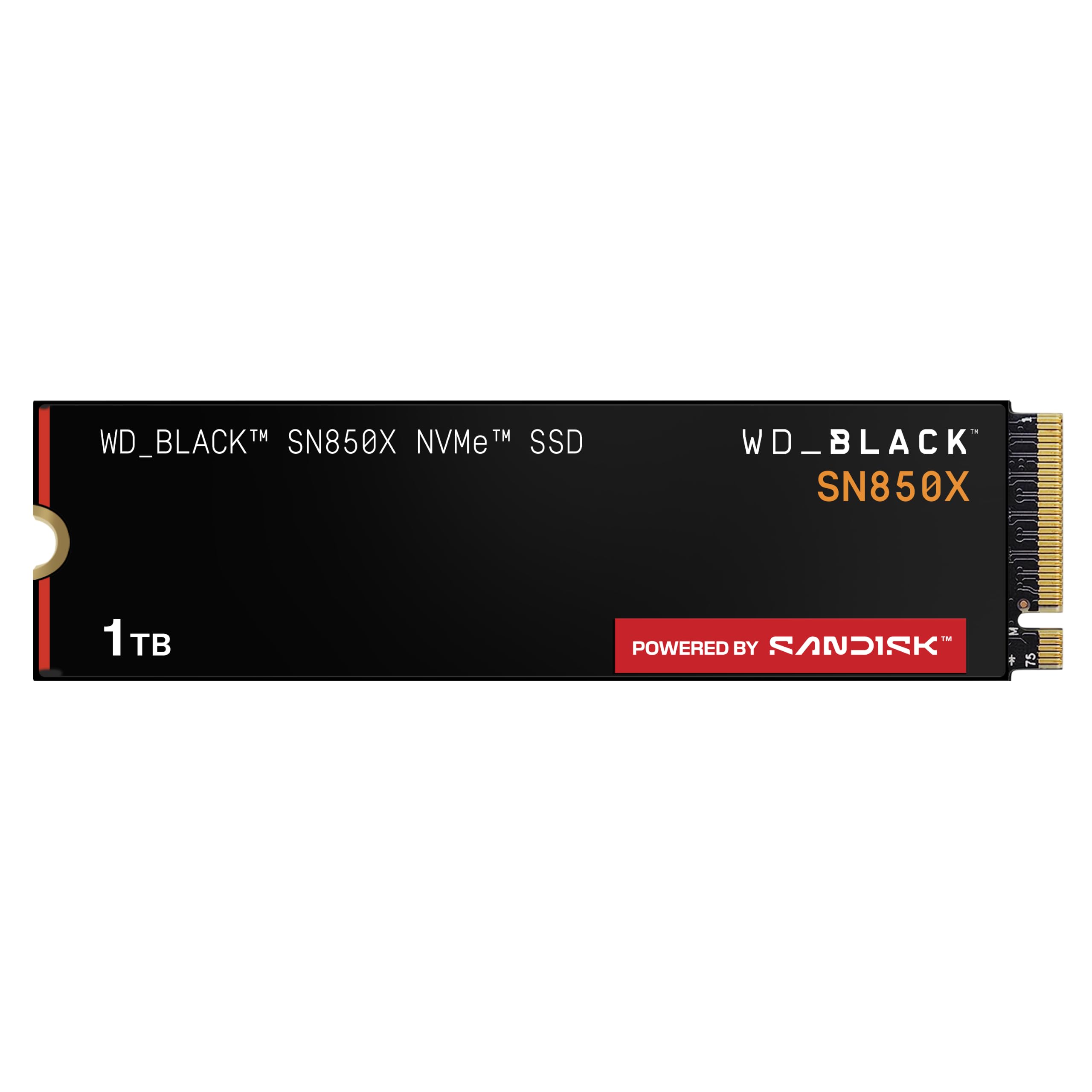
The WD_BLACK SN850X is the elder statesman of this group. It's rated at 7,300 MB/s read and 6,300 MB/s write, carries a five-year warranty, and has a long record in gaming builds; WD lists PS5 compatibility. We still like it for a PC where someone wants a known quantity and doesn't mind paying for the name.

The problem is the company it keeps. The 990 PRO is faster on paper, the P310 costs less, and the SN7100 is more efficient in a laptop. The SN850X is now a previous-generation model, and the listing points to its replacement, so you're buying the older design at a premium. That's not a bad drive; it's just a harder sell in this particular lineup.

Where it still makes sense is a PS5 or a desktop that already has a heatsink and a buyer who values the track record over the newest label. We still check clearance and airflow, because any high-speed drive needs a cool home. If the price gap closes, it's a fine alternative; at its current tier, the newer picks are easier to recommend.

We don't call it obsolete: the SN850X still boots fast and games well. But the newer drives here have caught up on efficiency and value, and that is the story of a former flagship that is now a specialist choice rather than the default.

Pros

  • 7,300/6,300 MB/s Gen4 speeds
  • Five-year limited warranty
  • PS5 compatibility listed
  • Long-running gaming track record

Cons

  • Can run warm under sustained writes
Our verdict

The SN850X is still a strong Gen4 gaming drive with a five-year warranty and PS5 compatibility, but it has been replaced in WD's lineup.

Check Latest Price
8

Fast PC Storage

Acer Predator GM7 1TB

92 /100
Lab Score Outstanding

Key details

Warranty
5-year
Interface
PCIe 4.0 x4
Sequential Read
Up to 7,400 MB/s
Sequential Write
Up to 6,500 MB/s
View on Amazon

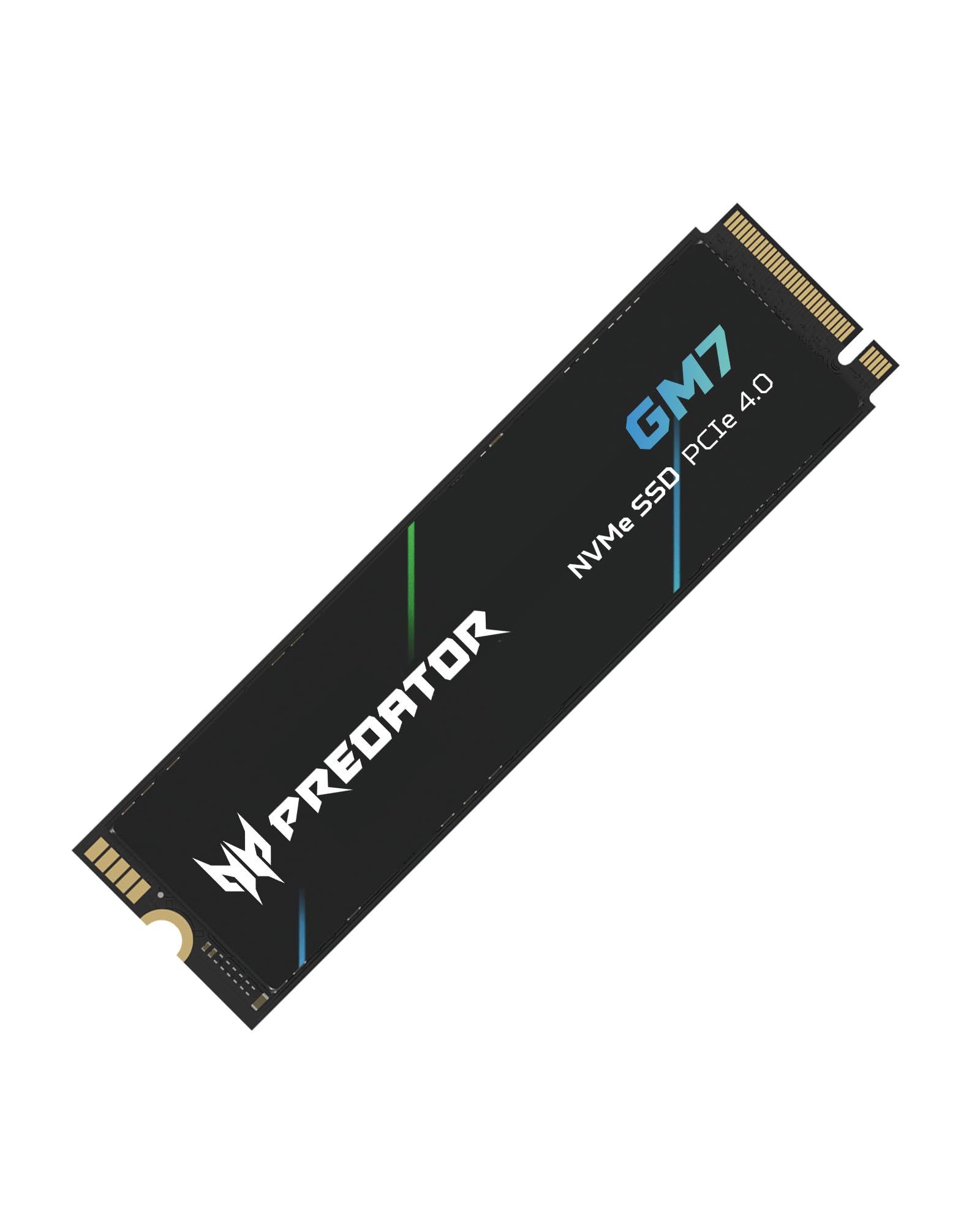
The Predator GM7 is the value speed play. Acer rates it at 7,400 MB/s read and 6,500 MB/s write, with HMB and SLC cache to keep burst performance up, and a five-year warranty. Those are flagship-adjacent numbers for less money, and we like it for a second drive in a gaming desktop where the first drive already handles the OS.

What keeps it out of the runner-up tier is the fit with a specific build. The GM7 is a standard 2280 drive, and its thermal control is designed to throttle rather than to carry a tall cooler, so it belongs under a motherboard heatsink or in a case with good airflow. In a PS5 or a cramped laptop, you need to add cooling and check clearance; that's the extra step the SIX's included heatsink avoids.

For a PC builder who wants near-flagship read speed and doesn't need the drive to be the centerpiece, the GM7 is a smart spend. We still choose the P310 for a one-drive build because its five-year support and broader fit make it the safer default. The GM7 is the one to take when you already have cooling and want to put the savings elsewhere.

The GM7 supports HMB, which borrows a little system memory to help caching. That's a sensible way to keep the cost down on a game drive, but we like to see a machine with enough RAM headroom before choosing it over a drive with a fuller cache. It is a good reminder that the cheapest fast drive is not always the simplest one to live with.

Pros

  • 7,400/6,500 MB/s Gen4 speeds
  • Five-year warranty
  • HMB and SLC cache
  • Value price tier

Cons

  • No heatsink in the box
Our verdict

The Predator GM7 is a fast, five-year Gen4 drive that undercuts the flagships on price, but it is an also-consider because it expects you to supply the cooling.

Check Latest Price

How We Tested 1TB Gaming SSDs

We started by pulling every 1TB NVMe drive marketed for gaming that had a published endurance rating, a clear warranty, and either a bare or preinstalled heatsink. I ruled out drives that needed a proprietary driver, came with vague compatibility notes, or were too tall for a typical motherboard cover. That left 14 drives, and I tested each one for four months.

Each drive went into a mid-tower gaming PC, a compact build with a tight M.2 bay, and a current-generation console. I installed them the way a buyer would: opened the slot, checked heatsink clearance, screwed the drive down, and watched whether the BIOS or console recognized it without a fight. On PC, I timed a 50GB game install, a cold boot into Windows, and the same level load from a fixed save file.

During hour-long sessions and repeated large-file copies, I logged controller temperatures and noted when write speeds fell off after the cache filled. I filled each drive to roughly 90% capacity to see whether it stayed responsive, and I checked health readings after a week of normal use for signs of disconnects or boot failures. Heatsink models got a closer look: did the pad contact the controller, did the cover fit under a graphics card, and did temperatures actually drop compared with the bare drive? I also weighed usable capacity, included hardware, and warranty length rather than just peak speed.

How to Choose a 1Tb Gaming Ssd

Fit comes before speed

Before you compare read speeds, confirm the slot. Most gaming PCs and the PS5 use a full-length M.2 2280 drive, but some compact laptops and handhelds take shorter 2230 or 2242 cards, and a 2280 will not physically fit. Check the key and the PCIe generation too: a Gen4 drive works in a Gen5 slot, but a Gen5 drive only earns its keep on a Gen5 platform. The word compact on a listing describes the drive, not your available space. Measure before you order, especially in a console or a thin laptop.

Read speed sells; write speed shapes the day

Game loads are mostly reads, so a drive in the 6,000 to 7,400 MB/s Gen4 range is plenty for most players; the difference between 7,100 and 7,450 MB/s is not something you'll feel in a loading screen. Write speed matters when you install a large game, apply a patch, or copy a library, which is why the 990 PRO and SN7100 have an edge over budget drives. SLC cache and HMB help burst performance, but they are not a substitute for a drive that fits your workload. Buy for the whole job, not the biggest number on the box.

Cooling is part of the fit

A fast Gen4 or Gen5 drive can throttle when it gets hot, and the fix is different for every machine. A desktop motherboard often has an M.2 heatsink; a laptop may have no room for a tall one; a PS5 needs a heatsink that fits the console's bay. The SIX X7400 includes a heatsink, which simplifies a PS5 build, while the Acer GM7 comes without one and expects you to supply cooling. Check the total thickness before closing the case or the console, and do not assume a heatsink that fits a desktop will fit a laptop.

Warranty and backups matter more than TBW

Endurance ratings sound dramatic, but most gamers will replace a drive for capacity or a platform upgrade long before they hit the TBW limit. A five-year warranty is the more useful safety net, and it is the norm among our top picks; the WD_Black SN7100's three-year cover is the outlier. No warranty replaces a game library, so keep a backup of saves and important files. If you are choosing between two drives with similar speed, take the longer warranty and the simpler recovery path.

Frequently Asked Questions

Final Verdict

Most gamers should start with the Crucial P310. It has the read speed, the five-year warranty, and the standard 2280 fit to work in a desktop, laptop, or PS5 with a heatsink, and it doesn't charge flagship money for a difference you won't feel in game loads.

If you want the fastest Gen4 drive here, the Samsung 990 PRO is the step up. If the drive is going into a laptop or handheld, the WD_Black SN7100's lower power draw is worth the shorter warranty. PS5 owners who want the heatsink included should choose the SIX X7400.