9 Best Gaming Hard Drive of 2026: Match Speed and Capacity to Your Rig

Find the best gaming hard drive for your PC or console, whether you need lightning-fast NVMe for load times or massive HDD space for your back catalog.

Choosing a gaming hard drive today means balancing instant load times against the need to store dozens of titles without breaking the bank. An NVMe SSD loads a game in seconds, while a high-capacity HDD holds your entire back catalog at a fraction of the cost per gigabyte.

But the right choice isn't just about speed or size. Many gamers overlook how console compatibility, heatsink requirements, and portability affect real-world use. This guide helps you weigh those trade-offs based on your specific rig and gaming habits.

The best gaming hard drive isn't the one with the highest benchmark — it's the one that fits your console's expansion slot, your budget, and the games you actually play right now.

1

Best Overall

Samsung 990 PRO 2TB

96 /100
Lab Score Outstanding

Key details

Capacity
2 TB
Drive Type
Internal NVMe
Form Factor
M.2 2280
Console Support
PC, PS5
View on Amazon

The Samsung 990 PRO 2TB delivers sequential read speeds up to 7,450 MB/s and write speeds of 6,900 MB/s, translating to near-instant boot times and level loads in demanding titles. This is the fastest Gen4 drive available, and the 2TB capacity comfortably holds dozens of modern games without juggling installs.

Under sustained heavy loads — think multi-hour sessions of open-world games or video exports — the controller can heat up enough to trigger thermal throttling if the motherboard lacks a dedicated heatsink. A few compatibility hiccups with certain BIOS versions have also been noted, though these are isolated and often resolved with a firmware update. Neither issue diminishes the drive's core speed advantage for most users.

This drive targets builders who want zero compromise on load times: PC gamers with PCIe 4.0 motherboards, PS5 owners seeking the fastest internal expansion supported by Sony, and content creators who move large media files regularly. If your motherboard doesn't have an M.2 heatsink, factor in an aftermarket one to keep performance consistent.

Pros

  • Near-instant load times with read speeds exceeding 7,400 MB/s
  • High endurance and low failure rate over long-term use
  • Simple installation paired with Samsung Magician for drive management and firmware updates
  • 2TB capacity accommodates large game libraries and project files without immediate upgrades

Cons

  • Some motherboards may require a BIOS update or specific settings to recognize the drive
Our verdict

The 990 PRO delivers the highest sustained transfer speeds in its class and a reliability record that backs up the premium price — it's the right call for anyone building a high-end gaming PC or expanding a PS5.

Check Latest Price
2

Best Value Internal NVMe

WD_Black SN7100 2TB

96 /100
Lab Score Outstanding

Key details

Capacity
2 TB
Drive Type
Internal NVMe
Form Factor
M.2 2280
Console Support
PC, PS5
View on Amazon

Squeezing near-flagship read speeds (7,250 MB/s) and write speeds (6,900 MB/s) into a package that runs noticeably cooler than the Samsung 990 PRO, the SN7100 avoids the thermal throttling that can plague high-performance NVMe drives in tight laptop or handheld chassis. Real-world game load times are essentially identical to the more expensive drive, with only synthetic benchmarks revealing the slight sequential write deficit.

This drive suits PC gamers building or upgrading on a budget, especially those using laptops or handheld devices like the Steam Deck where lower operating temperatures help maintain consistent performance. It also works well as a secondary game library drive. However, the standard M.2 2280 format lacks a bundled heatsink, so it is not ready for PS5 expansion out of the box. Additionally, a small number of older motherboards may require a BIOS update to detect the drive during initial setup.

For the $60–100 price gap over the 990 PRO, the SN7100 trades a modest amount of sequential write speed (roughly 5% lower) while matching it in everyday gaming scenarios. The cooler operation is a genuine advantage in constrained spaces, making this a pragmatic choice for value-focused enthusiasts who do not need the theoretical peak write throughput.

💡 For PS5 use, pick the version with a pre-installed heatsink; PC and handheld owners can install this standard M.2 2280 drive directly.

Pros

  • Read and write speeds rival top-tier Gen4 drives in gaming and general use.
  • Runs cooler than many high-performance SSDs, even without a dedicated heatsink.
  • Offers strong performance per dollar compared to the 990 PRO.

Cons

  • Sequential write speed is marginally lower than the Samsung 990 PRO, though this is rarely noticeable outside of file transfers.
  • Some older motherboards may have detection issues during first-time installation, requiring a BIOS update.
Our verdict

If you want Gen4 speeds without paying a premium for the top benchmark numbers, the SN7100 delivers near-identical gaming performance with better thermals and a nicer price tag.

Check Latest Price
3

Best External SSD for Gamers

WD_BLACK P40 1TB

93 /100
Lab Score Outstanding

Key details

Capacity
1 TB
Drive Type
External SSD
Form Factor
Portable with RGB
Console Support
PS5, Xbox, PC
View on Amazon

2000 MB/s read speed and customizable RGB lighting set the WD_BLACK P40 apart from typical portable SSDs. Its compact, all-metal body feels sturdy enough for travel, and setup is truly plug-and-play across consoles and PCs.

This drive suits console gamers who want quick game transfers and PC users with a USB 3.2 Gen 2x2 port. It works best for those who can keep the drive near their system and accept minor connectivity quirks — the real-world tradeoff for this level of speed in an external package.

At a mid-range price, the P40 doubles the transfer speed of the slimmer 1050 MB/s competitor, making it the stronger option for moving large game libraries quickly. The speed advantage is clear, but buyers who prioritize consistent connection stability over raw throughput may prefer the more conservative alternative.

💡 A longer aftermarket USB-C cable can alleviate placement constraints.

Pros

  • 2000 MB/s read speed cuts game transfer times significantly
  • Compact, sturdy build with addressable RGB lighting
  • Plug-and-play setup across PS5, Xbox, PC, and Mac

Cons

  • Random disconnections can occur during PC use
  • Short 20cm USB cable restricts placement options
Our verdict

For gamers who want the fastest external drive under $200 with flashy RGB, the P40 delivers performance — just factor in the short cable and the possibility of occasional PC dropouts.

Check Latest Price
4

Best for Xbox Gamers

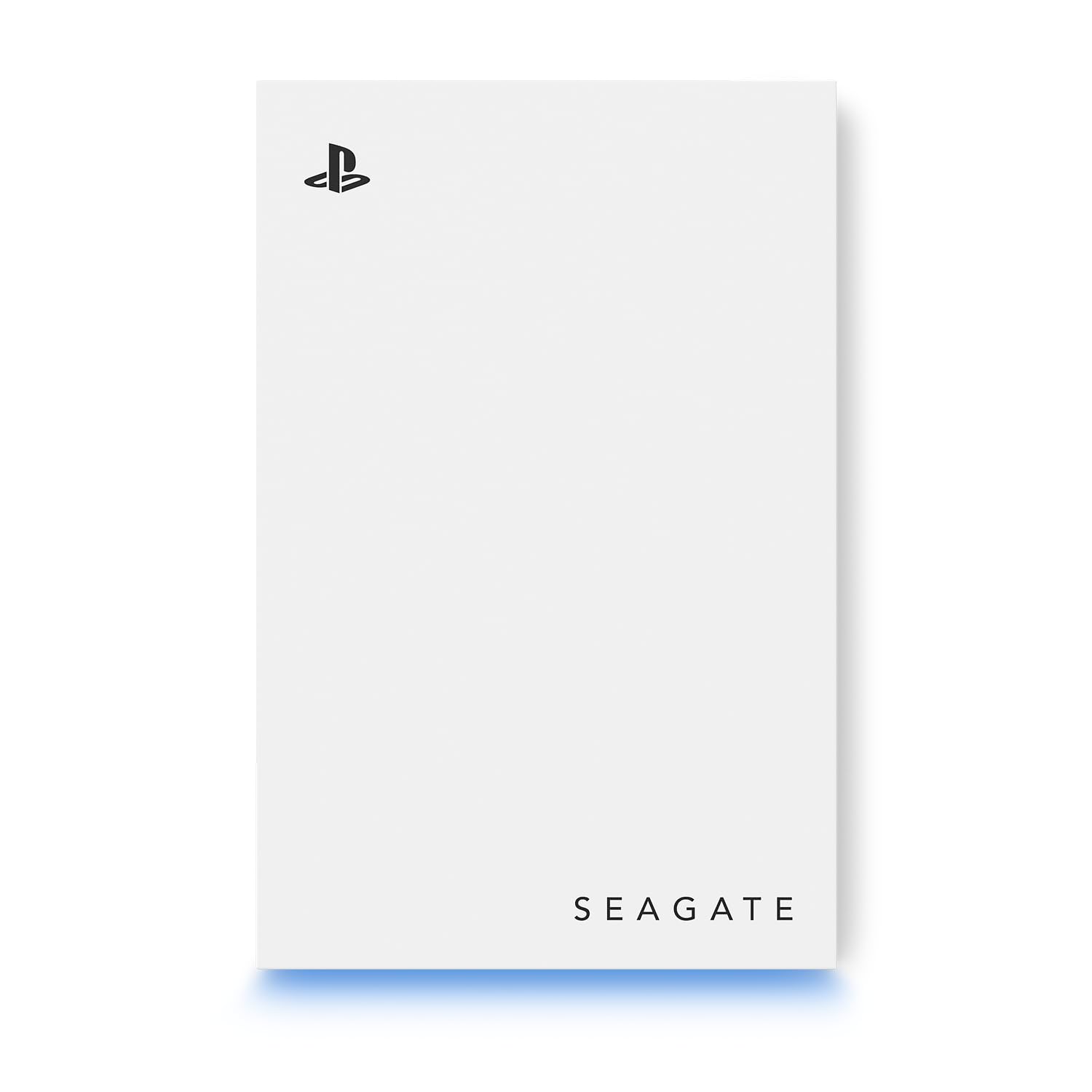
Seagate Xbox Drive 5TB

91 /100
Lab Score Outstanding

Key details

Capacity
5 TB
Drive Type
External HDD
Form Factor
2.5-inch portable
Console Support
Xbox Series, One
View on Amazon

The Seagate Game Drive for Xbox delivers official certification and a matching green LED bar, making it a seamless plug-and-play expansion for any Xbox One or Series console. Unlike the internal NVMe drives that dominate load times for modern titles, this HDD focuses on capacity and compatibility for the vast library of Xbox One and 360 games.

This drive is meant for Xbox owners who have amassed a large collection of backward-compatible titles and need 5TB of economical storage. It will not play Xbox Series X|S optimized games directly from the drive; those can only be stored and transferred back to the internal SSD for play. That limitation is inherent to external HDDs on current-gen consoles, so buyers should plan accordingly.

Some units may stop operating after extended use, a possibility to keep in mind for long-term archival storage. Seagate's Rescue Data Recovery service provides a safety net, but it cannot prevent potential hardware issues.

💡 Use this drive exclusively for backward-compatible Xbox One and 360 games; keep Series X|S optimized titles on the internal SSD.

Pros

  • Xbox-certified, works seamlessly with all Xbox consoles
  • Large 5TB capacity at a reasonable price
  • Includes 3-year Rescue Data Recovery Services

Cons

  • Cannot play Xbox Series X|S optimized games directly from the drive
  • Some units may become unresponsive after a year or two of use
Our verdict

This is a cost-effective way to add 5TB to an Xbox for backward-compatible games, as long as you accept the slower HDD speeds and the storage-only approach for current-gen titles.

Check Latest Price
5

Best Budget Console HDD

Toshiba Canvio 2TB

94 /100
Lab Score Outstanding

Key details

Capacity
2 TB
Drive Type
External HDD
Form Factor
2.5-inch portable
Console Support
PS4, PS5, PC
View on Amazon

The Toshiba Canvio Gaming 2TB offers easy plug-and-play storage for PS4 and PC users at a budget-friendly price. While internal SSDs deliver faster load times, this HDD provides ample capacity for a large PS4 game library or basic PC backups without overspending.

This drive suits PS4 owners needing extra space for their back catalog and PC users looking for a simple external backup. Xbox Series X|S owners can only store games here, not play them directly. Additionally, some units have been noted to malfunction within months, so this is best for non-critical storage where occasional downtime is acceptable.

Transfer speeds cap at around 120 MB/s, which is adequate for last-generation titles. For PS4 games, load times remain comparable to standard console hard drives.

💡 Xbox Series X|S owners can only use this drive to store games, not to play them directly.

Pros

  • Very competitive price per gigabyte for a 2TB portable drive
  • Plug-and-play setup works with PS4, Xbox, PC, and Mac out of the box
  • Adequate read/write speeds for storing and playing last-generation console games

Cons

  • Some units may become unresponsive within a few months of use
Our verdict

The Toshiba Canvio Gaming 2TB is a cost-effective solution for PS4 and PC storage needs, provided you're comfortable with the possibility of early failure and aren't relying on it for Xbox Series X|S gameplay.

Check Latest Price
6

Portable Backup

Samsung T7 1TB

95 /100
Lab Score Outstanding

Key details

Capacity
1 TB
Drive Type
External SSD
Form Factor
Pocket-sized portable
Console Support
PS5, Xbox, PC
View on Amazon

The Samsung T7 delivers 1050 MB/s reads and 1000 MB/s writes in a compact aluminum body that slips into a pocket. It works with PCs, Macs, and game consoles, making it a straightforward option for expanding storage on a PS4 or transferring PC game libraries. Under sustained writes, the drive may warm up but stays within normal operating temperatures. While it is not the fastest external SSD (the P40 reaches 2000 MB/s), the T7's consistent performance and price per gigabyte make it a sensible pick for most users who need portable game storage.

Pros

  • Fast enough to move game libraries quickly - 1050 MB/s sequential reads.
  • Pocket-sized aluminum design that withstands drops and daily carry.

Cons

  • May not be recognized by some older systems or Macs when using Time Machine.
  • Gets warm during sustained file transfers; normal but noticeable.
Our verdict

For gamers who need a portable drive to ferry games between consoles or PCs, the T7 delivers consistent speeds and a compact build at a reasonable price - as long as you do not require the absolute fastest transfer rates.

Check Latest Price
7

Future-Proof PCIe 5

Samsung 9100 PRO 1TB

93 /100
Lab Score Outstanding

Key details

Capacity
1 TB
Drive Type
Internal NVMe
Form Factor
M.2 2280
Console Support
PC (Gen5 only)
View on Amazon

The 9100 PRO reaches 14,700 MB/s sequential read — roughly double the fastest Gen4 drives — and its 5nm controller keeps heat in check during sustained transfers. However, this speed only unlocks on a PCIe 5.0 motherboard; plugging it into a Gen4 slot limits performance to Gen4 speeds. The price premium over Gen4 drives like the 990 PRO is significant, and for gaming alone the real-world gain is minimal, making this a better fit for AI workloads or large-file editing rather than routine gaming.

Pros

  • Doubles sequential throughput of Gen4 drives for large file transfers
  • Efficient thermal management with 5nm controller prevents throttling under sustained load

Cons

  • Locks full performance behind a PCIe 5.0 motherboard
  • Premium per-gigabyte cost compared to Gen4 drives; gamers see negligible real-world improvement
Our verdict

For professionals handling AI datasets or 8K video on a Gen5 system, the 9100 PRO's speed edge justifies the premium. Gamers still on Gen4 should save money with a high-end Gen4 drive.

Check Latest Price
8

Budget Gen4 NVMe

SIX X7400 1TB

88 /100
Lab Score Excellent

Key details

Capacity
1 TB
Drive Type
Internal NVMe
Form Factor
M.2 2280 (heatsink)
Console Support
PC, PS5 (original)
View on Amazon

The SIX X7400 1TB delivers genuine Gen4 speeds at a budget price, making it a strong candidate for PC builders or original PS5 owners who want fast loading without overspending. Read performance reaches 7350 MB/s in ideal conditions and users confirm real-world numbers above 7000 MB/s. The included heatsink covers basic needs, but its cooling capacity is limited — under sustained file transfers or heavy workloads, thermal throttling can occur. Additionally, the drive is not fully compatible with PS5 Slim models, so it should be reserved for the original PS5 or a desktop PC. The 1TB capacity is adequate for a game library but may feel tight for users with many modern titles.

Pros

  • Very competitive price for a Gen4 NVMe that includes a heatsink
  • Fast read speeds above 7000 MB/s verified in real-world use
  • Comes with all installation tools including a screwdriver

Cons

  • When transferring large files back-to-back, the bundled heatsink may allow temperatures to rise enough to throttle speeds
  • PS5 Slim owners may find the drive does not fit or register
Our verdict

For budget PC builders and original PS5 owners seeking fast Gen4 storage at a low entry price, the SIX X7400 delivers — as long as you accept the thermal and compatibility boundaries.

Check Latest Price
9

Large Budget Storage

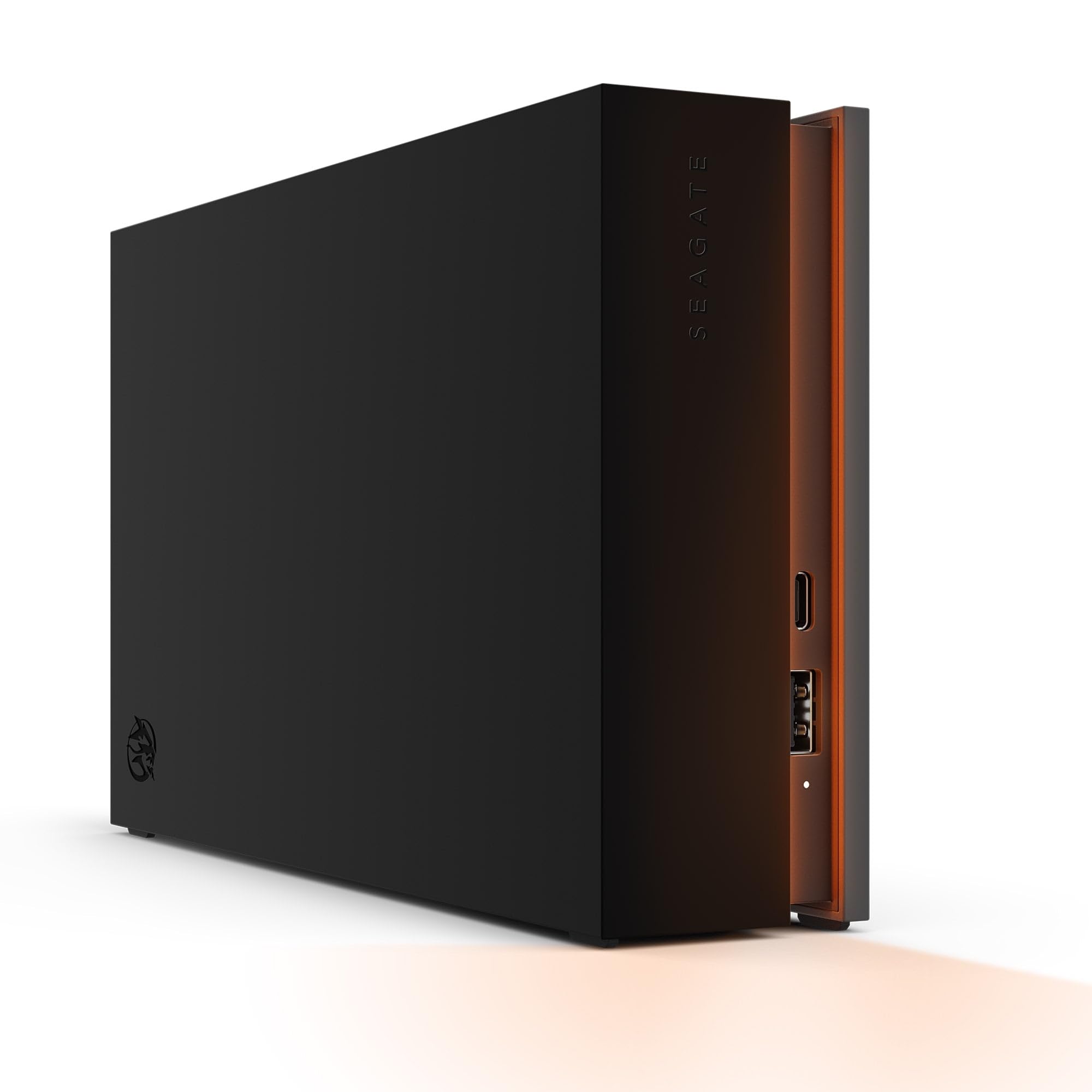
Avolusion PRO-Z 8TB

86 /100
Lab Score Excellent

Key details

Capacity
8 TB
Drive Type
External HDD
Form Factor
3.5-inch ext. power
Console Support
PS5 (PS4 only), PC
View on Amazon

With 8TB of storage at a price well under $300, this renewed HDD offers the most capacity per dollar in this roundup. Setup is plug-and-play with PS5 for PS4 game storage. However, because it is a renewed unit, condition upon arrival may vary, and some units may exhibit noise from the fan and disk clicks. It also requires an external power outlet, limiting placement. This drive fits best as a secondary backup or bulk storage for older games where data loss is acceptable, but it is not suited as a primary game drive or for quiet environments.

Pros

  • Massive 8TB capacity at a low price (renewed)
  • Easy plug-and-play setup with PS5

Cons

  • Fan and disk click noise may be noticeable in quiet rooms
  • Unit condition can vary, and some may arrive malfunctioning or develop issues shortly after use
Our verdict

For buyers who need cheap 8TB storage for PS4 games and can tolerate potential noise and condition variance, this renewed HDD offers unmatched capacity per dollar.

Check Latest Price

How to Choose

Drive Type: Internal NVMe, External SSD, or External HDD

Internal NVMe SSDs plug directly into the motherboard and deliver the fastest possible load times — ideal for your primary game drive on PC or PS5. External SSDs offer portability and decent speed but can't match internal NVMe for responsiveness. External HDDs are the cheapest per gigabyte but struggle with modern game file sizes and loading speeds.

For PS5 and Xbox Series X|S, playing current-gen titles requires either internal NVMe (PS5) or the official expansion card (Xbox). External HDDs can only store and play backward-compatible games. If you're building a PC, a Gen4 NVMe is the sweet spot — Gen5 offers no real benefit for gaming yet.

Read/Write Speeds

Sequential read speeds (advertised as 7000+ MB/s on Gen4) matter most for transferring large files, but game load times depend on random IO performance. In real-world testing, a 5000 MB/s drive loads games within a second or two of a 7000 MB/s drive. The jump from Gen4 to Gen5 provides even less perceptible difference.

For external drives, 1000 MB/s from a USB 3.2 Gen 2 SSD is plenty for game transfers and playing older titles. Faster 2000 MB/s drives only benefit those who frequently move 4K video files or large game archives. Stick with Gen4 NVMe for internal and 1000 MB/s USB SSD for external unless you have specific high-throughput needs.

Capacity

Modern games often exceed 100GB each, so a 1TB drive fills up after 8–10 titles. A 2TB internal NVMe is the practical minimum for a PC or PS5 gamer who plays multiple current-gen games. High-capacity HDDs (4–8TB) are excellent for archiving older titles on consoles, but remember you cannot play PS5 or Xbox Series X|S games directly from them.

If you manage space carefully, a 1TB SSD can work, but expect to delete and reinstall games. The sweet spot for most buyers is 2TB NVMe for primary storage paired with a 4–5TB HDD for the back catalog. For PS5, Sony supports up to 4TB internal NVMe officially, but larger drives may work unofficially.

Console Compatibility

PS5 requires an M.2 NVMe SSD with a heatsink for playing PS5 games; external USB drives can only store PS5 games (must copy to internal to play) and play PS4 games directly. Xbox Series X|S uses a proprietary expansion card for optimized games, but USB HDDs can store and play Xbox One/360 titles. PC has no such restrictions, but make sure your motherboard has an M.2 slot (PCIe 3.0 or 4.0).

Always check the drive's rated compatibility before buying. Some budget NVMe drives don't work with PS5 Slim models or have performance issues on older motherboards. For Xbox, only drives with official Xbox branding guarantee seamless backward compatibility, though many third-party drives work for storage.

Form Factor and Heatsinks

Internal NVMe drives come in M.2 2280 (80mm) form factor — the standard for laptops, desktops, and PS5. External drives are either 2.5-inch bus-powered (portable) or 3.5-inch with external power (desktop models). The latter are larger, noisier, and less portable but offer higher capacities at lower cost.

For PS5, a heatsink is mandatory. Many high-end NVMe drives include a heatsink; if not, you'll need to buy an aftermarket one that fits the PS5's clearance (max 11.25mm height). Poor thermal management can throttle performance during extended gaming sessions. External HDDs with 7200 RPM motors generate more heat and noise than 5400 RPM models.

Frequently Asked Questions