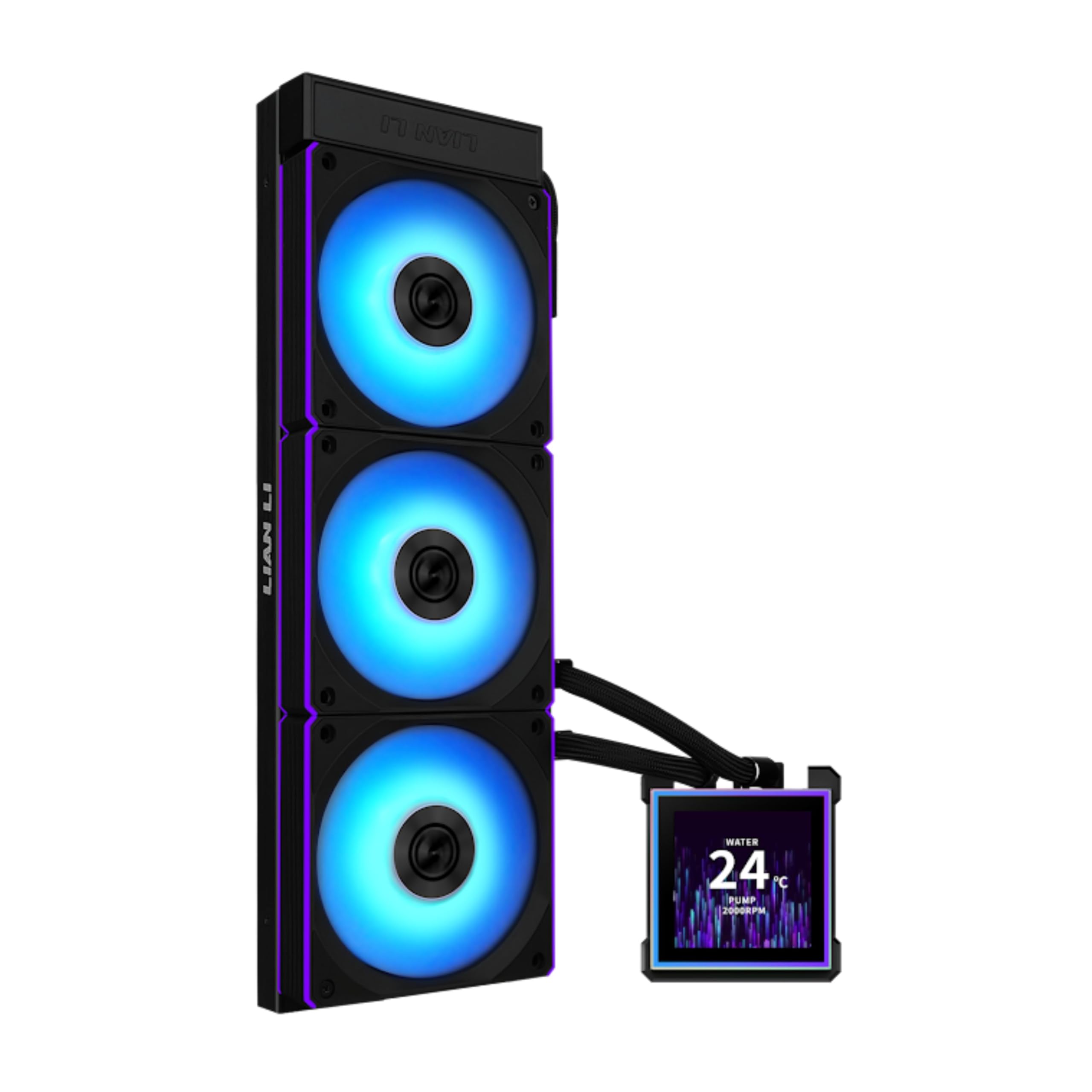
13 Best 360Mm AIO Cooler of 2026: Quiet Cooling Without the Compromise

Which 360mm AIO cooler keeps your gaming rig frosty without rattling your desk? We separate the quiet performers from the noisy disappointments.

A 360mm AIO cooler can turn a roaring gaming PC into a near-silent beast — but only if you pick the right one. The category is crowded with cheap options that promise big cooling at a low price, only to deliver pump whine or fans that sound like a hairdryer under load.

The real trick is balancing thermal headroom with noise and longevity. A cooler that keeps your i9 under 75°C but hums loudly at idle misses the point of a high-end build. Meanwhile, the quietest models sometimes trade away peak performance for silence.

This guide focuses on the coolers that hit the sweet spot: enough cooling for today's hottest chips, low enough noise to hear footsteps in-game, and a warranty that outlasts your upgrade cycle. No hype, just the facts that matter for your next build.

1

Best Overall

Corsair iCUE Link Titan 360

93 /100
Lab Score Outstanding

Key details

Noise Level
36 dBA
Installation
iCUE Link single cable
Display / RGB
iCUE RGB
Pump & Warranty
6-year warranty
View on Amazon

The Titan 360 idles near 34°C and stays under 70°C during prolonged gaming loads while the RX fans remain inaudible at low speeds. Under full load, noise stays controlled at 36 dBA, making it one of the quieter 360mm options on the market.

Corsair's iCUE Link ecosystem reduces cable clutter by running each fan with a single cable. The included iCUE Link hub powers and controls up to 13 devices, and the software provides granular RGB and fan curve adjustments without needing separate controllers.

This AIO suits gamers who prioritize low noise and a tidy build over flashy LCD screens. It also fits well into an existing Corsair ecosystem. However, a small number of shipments have arrived missing the PCIe power cable or with thermal paste that looks previously applied. Checking the package on arrival is a sensible step, but for most buyers the cooler will arrive complete and ready to install.

The 6-year warranty is among the longest in the AIO market, reflecting confidence in the FlowDrive pump and fan longevity. The 360mm radiator and 27mm thick fans fit standard mid-tower cases, though clearance should be verified before purchase.

💡 Inspect the package seal and contents as soon as it arrives; if anything is missing, contact Corsair support promptly.

Pros

  • Low idle and load temperatures with quiet RX fans
  • Fans are inaudible at low speeds, keeping noise low under moderate loads
  • iCUE Link hub reduces cable clutter to one cable per fan
  • 6-year warranty covers pump and fan assembly

Cons

  • Some units may arrive missing the PCIe power cable or with pre-applied thermal paste that appears used
  • Requires iCUE software installed for fan and RGB control; not a plug-and-play standalone unit
Our verdict

For buyers who value quiet operation and a clean build, the Titan 360 is a strong performer — just confirm the package contents on arrival.

Check Latest Price
2

Best Value for Raw Cooling

ARCTIC LF III Pro 360

86 /100
Lab Score Excellent

Key details

Noise Level
Installation
Difficult mounting
Display / RGB
No RGB
Pump & Warranty
View on Amazon

The ARCTIC Liquid Freezer III Pro 360 offers raw cooling power that rivals coolers costing twice as much. While the Corsair iCUE Link Titan 360 combines quiet fans and a premium ecosystem, the ARCTIC focuses solely on thermal performance at a budget-friendly price. The 38mm thick radiator and 3000 RPM P12 Pro fans move enough air to keep high-end CPUs notably cooler than stock air coolers.

This cooler suits budget builders who prioritize maximum heat dissipation over low noise and don't mind a tricky installation. The mounting system uses short screws that can be finicky to align, and the VRM fan produces a whine at high speeds. Those building in a quiet recording studio or a noise-sensitive gaming room will find the fan noise intrusive at load.

The high fan speed is necessary for the cooling performance but results in audible noise — acceptable for gaming builds with headphones or for users who run fan curve tuning to dial back RPM. The all-black design and sturdy construction give it a clean, no-frills look that fits most builds without drawing attention.

💡 Use a magnetic screwdriver and pre-thread the thumbscrews to avoid misalignment during installation.

Pros

  • Cools high-end CPUs up to 25% more effectively than stock air coolers
  • One of the most affordable 360mm AIOs on the market
  • Solid build with all-black design and sturdy radiator

Cons

  • Fans are loud at high RPM and the VRM fan can produce a whine
  • Mounting process is finicky due to short screws that may not align easily
Our verdict

If you can tolerate fan noise and a fiddly install, this is the most cost-effective way to cool a high-performance CPU.

Check Latest Price
3

Best Budget LCD AIO

Thermalright FW360 SE ARGB V2

89 /100
Lab Score Excellent

Key details

Noise Level
28.2 dBA
Installation
Easy, daisy-chain fans
Display / RGB
2" LCD, ARGB
Pump & Warranty
3-year warranty
View on Amazon

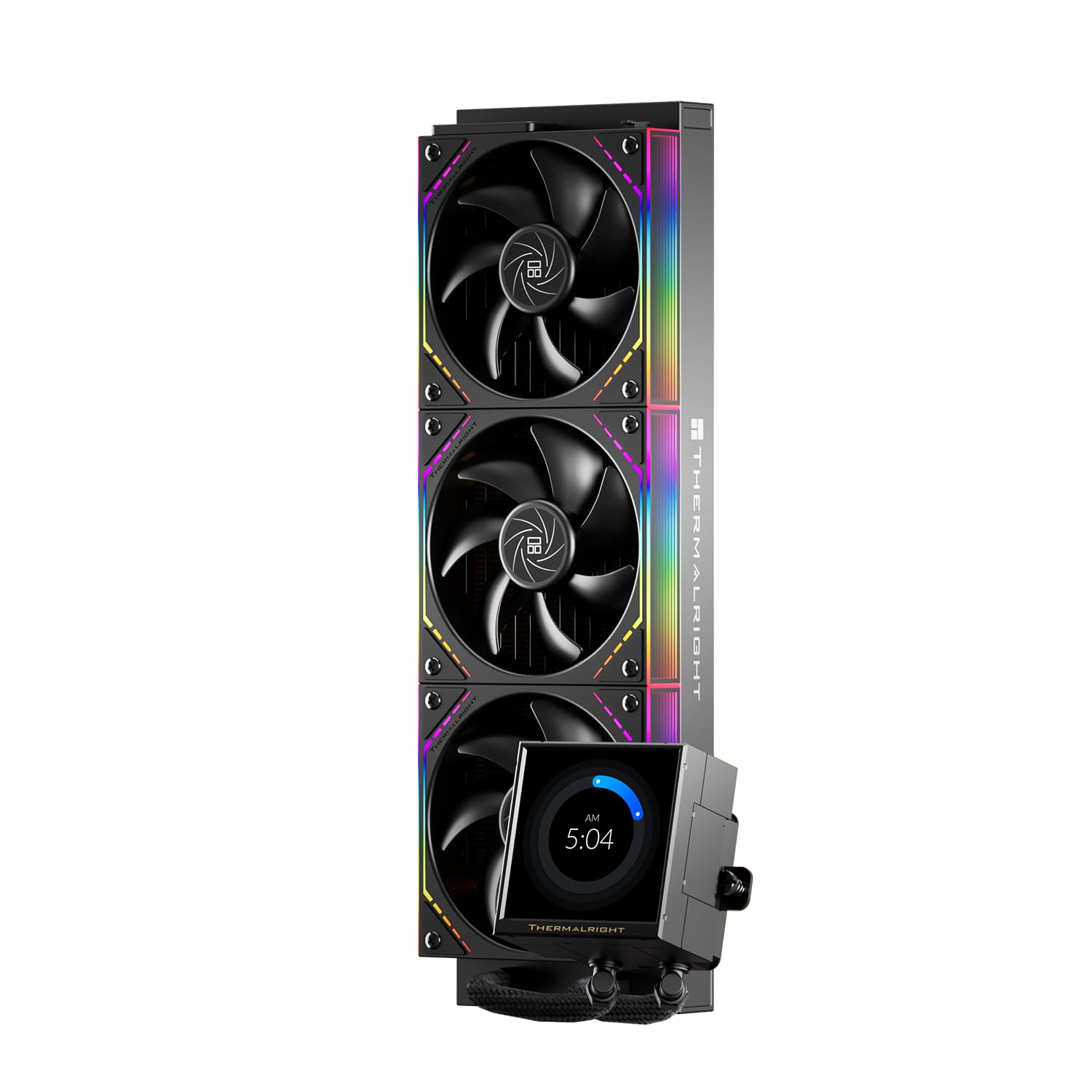
A 2-inch LCD screen and ARGB fans for under $85 make the Thermalright FW360 SE the most affordable entry into LCD AIO cooling. The 360mm radiator handles high-end CPUs like the Ryzen 9 and 7800X3D with gaming loads staying around 51 C, matching coolers costing twice as much. Daisy-chain fans simplify cable management, and installation is easy with pre-installed fans and clear instructions.

This cooler is best for budget builders who want the novelty of an LCD screen without paying premium prices. The 2-inch display can show custom images or GIFs, but the controlling software is basic and occasionally glitchy – not the seamless experience of higher-end options. If you need a large, polished screen or plan to monitor detailed system stats, the larger-screen Thermalright model (Peerless Vision) may suit you better.

Pump noise is low at 28 dBA, and fan noise at 2000 RPM is moderate – acceptable for gaming sessions but noticeable in silence-oriented builds. The 3-year warranty provides basic coverage, and overall build quality feels solid for the price point.

💡 For best results, use the LCD for static images rather than animated system monitoring – the software handles basic GIFs but isn't built for real-time data.

Pros

  • Great value with a small LCD and ARGB fans
  • Effective cooling for high-end CPUs
  • Easy installation with daisy-chain fans

Cons

  • LCD screen software is basic and can be finicky, limiting customisation
  • 2-inch LCD screen is small for detailed system monitoring; text can be hard to read
Our verdict

For budget builders who want a taste of LCD cooling without overspending, the Thermalright FW360 SE delivers solid performance and a functional screen. Just be prepared for basic software limits and a small display.

Check Latest Price
4

Best Mid-Range Silent Performer

Cooler Master Atmos Stealth 360

90 /100
Lab Score Outstanding

Key details

Noise Level
25 dBA
Installation
Difficult instructions
Display / RGB
No RGB/LCD
Pump & Warranty
5-year warranty
View on Amazon

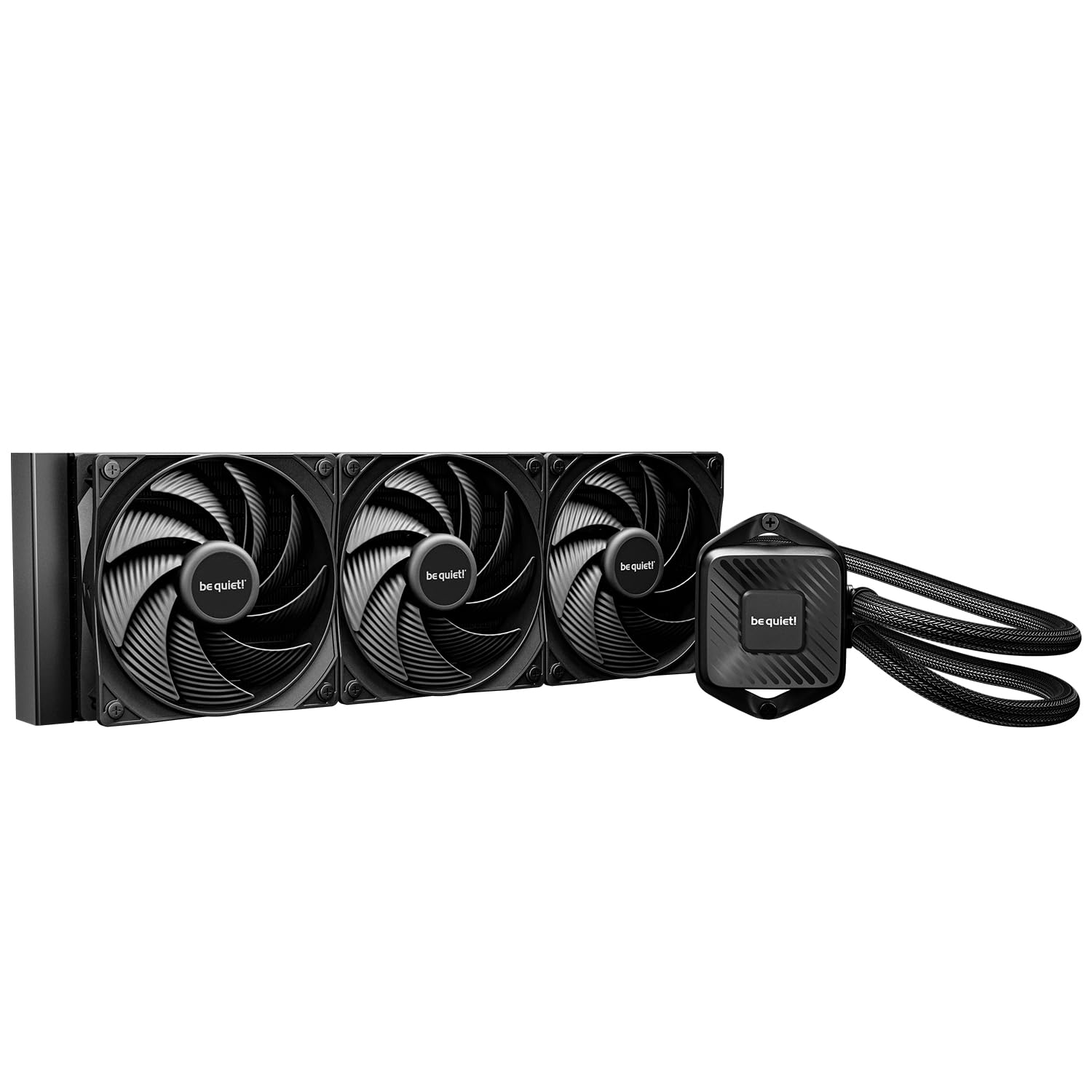
The Atmos Stealth 360 stands apart from budget 360mm AIOs by pairing quiet Mobius fans with a Gen S dual-chamber pump that keeps noise low even under load. It cools high-end CPUs to under 50°C in typical gaming scenarios, making it a strong performer that doesn't demand a quiet-room compromise.

This cooler suits gamers who value a clean, screen-free build and don't need RGB lighting or an LCD display. The all-black waterblock and fans blend into most setups. However, installation requires care — the printed manual is poorly laid out and can cause confusion, so watching an online guide is recommended.

Build quality is consistent across units, with a 5-year warranty backing the investment. The pump can be turned to inaudible levels, and the 2400 RPM fans deliver high static pressure without intrusive sound.

💡 Check an online installation video — the provided manual can be unclear.

Pros

  • Strong cooling performance for high-end CPUs
  • Very quiet operation with adjustable pump noise
  • Well-built with a clean, minimalist design

Cons

  • Printed installation instructions are confusing and poorly organized
Our verdict

A solid mid-range AIO that excels in noise-adjusted cooling — ideal for builders who prefer no screens and a clean look.

Check Latest Price
5

Best for Silence Seekers

Noctua NL-LC1-36

90 /100
Lab Score Outstanding

Key details

Noise Level
22.5 dBA
Installation
Standard installation
Display / RGB
No RGB/LCD
Pump & Warranty
6-year warranty
View on Amazon

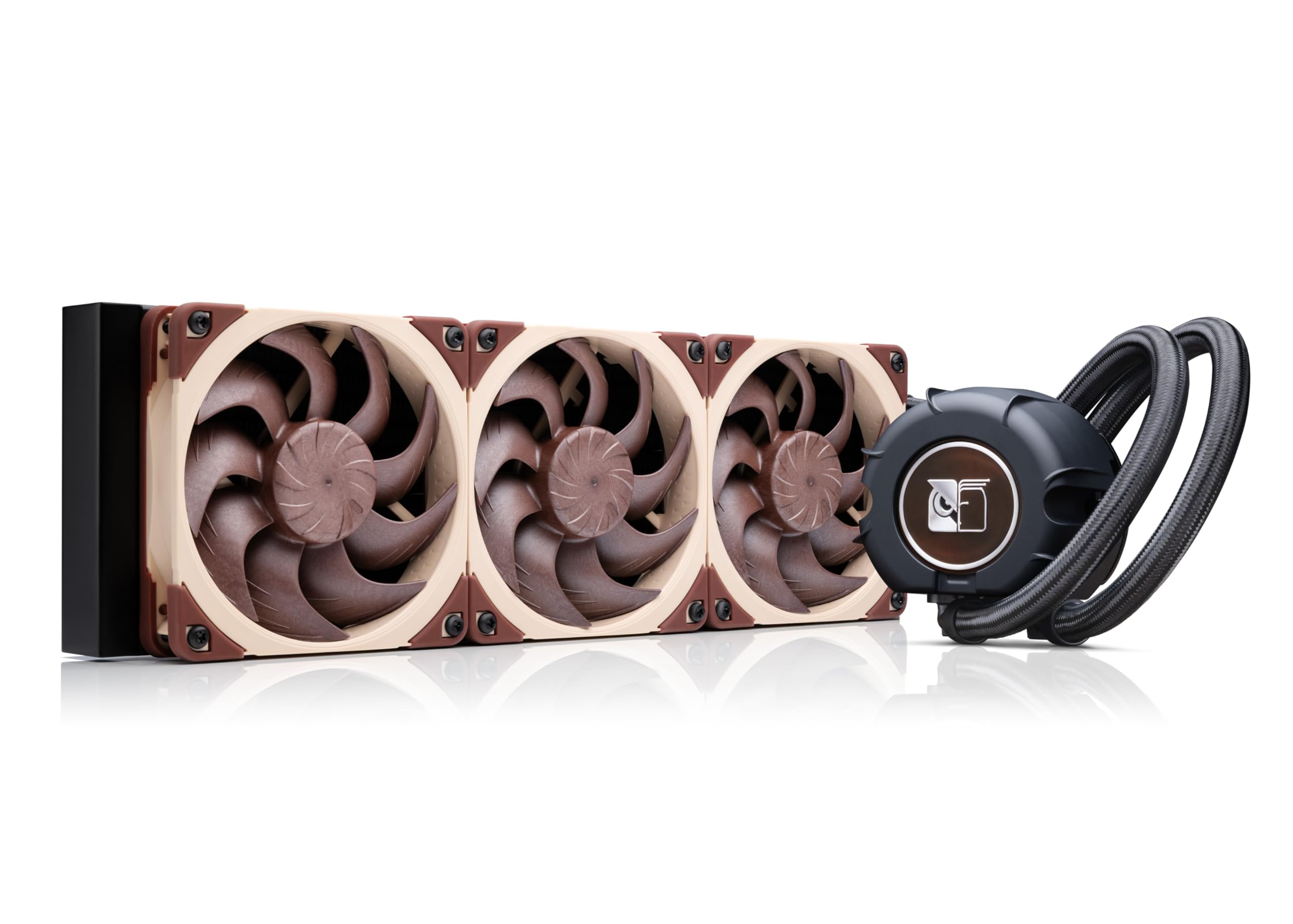
The Noctua NL-LC1-36 achieves near-silent operation due to its NF-A12x25 G2 fans and Asetek Emma V2 pump with noise absorber, measuring just 22.5 dBA. Compared to the ARCTIC Liquid Freezer III 360, it sacrifices a few degrees of thermal headroom for dramatically lower noise. Cooling performance is adequate for most CPUs but isn't class-leading for the premium price.

This AIO is designed for silence-focused builders: recording studios, HTPCs, or any noise-sensitive environment. If you're after maximum overclocking on an i9-13900K or Ryzen 9 7950X, the Corsair iCUE Link Titan 360 or ARCTIC Liquid Freezer III deliver more thermal margin. The Noctua also lacks RGB or LCD screens, which keeps the build clean but limits visual customization.

Build quality is high — the mounting hardware is precise, packaging is secure, and the 6-year warranty provides peace of mind. The included fans are among the best in the market for quiet operation, though the cooler's thermal performance may leave some headroom for heavily overclocked chips.

💡 Tune the fan curve to your CPU's heat output — the stock quiet profile may leave thermal headroom for heavier loads.

Pros

  • Almost silent under normal loads, significantly quieter than typical 360mm AIOs
  • Premium build quality with sturdy mounting hardware and high-grade materials

Cons

  • Cooling performance is adequate but not class-leading for the premium price, especially for overclocked high-end CPUs
Our verdict

For silence-obsessed builders who value near-inaudible operation over absolute thermal performance, the NL-LC1-36 delivers unmatched noise control without sacrificing enough cooling for everyday use.

Check Latest Price
6

Most Reliable LCD AIO Under $200

NZXT Kraken Plus 360

87 /100
Lab Score Excellent

Key details

Noise Level
31.9 dBA
Installation
Easy, tool-free brackets
Display / RGB
1.54" LCD, RGB
Pump & Warranty
6-year warranty
View on Amazon

A 6-year warranty and a quiet Turbine pump set the Kraken Plus apart from LCD AIOs that trade longevity for a larger screen. While some premium LCD coolers offer bigger displays, they often come with a 2-year warranty, making the NZXT a safer pick for long-term builds. The pump runs near silently, a contrast to occasional noise reported on shorter-warranty models.

Installation is notably smooth — pre-applied thermal paste and well-labeled cables reduce common headaches. The flexible tubing and clean pump head design help hide cables effectively, and the mounting process can be completed in under an hour. The included F360 RGB Core fans move air without intrusive noise, keeping the system quiet during gaming sessions.

This cooler fits gamers who want LCD customization and RGB lighting without spending on the Elite range. The 1.54-inch screen is small enough that reading detailed sensor readouts can be difficult, so it works best for basic status displays or animated logos. If you need a large, prominent screen for constant monitoring, a bigger LCD model would be a better fit.

💡 Keep the screen content simple — a single CPU temperature or clock speed reads fine, but try to avoid detailed system stats.

Pros

  • Fans and pump stay quiet even under load, barely audible in a normal room.
  • Simple installation with pre-applied paste and clearly labeled cables.
  • Colorful LCD screen and RGB fans at a mid-range price point.

Cons

  • The 1.54-inch screen can feel cramped for detailed hardware monitoring
Our verdict

For buyers who want an LCD AIO without risking a short warranty, the Kraken Plus offers a quieter, more reliable alternative to flashier options.

Check Latest Price
7

Budget Corsair Build

Corsair Nautilus 360 RS

91 /100
Lab Score Outstanding

Key details

Noise Level
36 dBA
Installation
Very easy, labelled hardware
Display / RGB
No RGB/LCD
Pump & Warranty
View on Amazon

The Corsair Nautilus 360 RS provides capable cooling for high-end CPUs like the i9-13900K and 7800X3D at a budget-friendly price, with pre-applied paste and clearly labeled hardware that simplifies installation for first-time builders. However, the pump can emit a grinding noise when running at low RPMs in quiet rooms, and it lacks the cable-management simplicity of the iCUE Link Titan. For gamers who want solid 360mm performance without spending extra, this is a good value, but those who are sensitive to pump whine or prefer a more polished ecosystem should consider the Titan instead.

Pros

  • Keeps high-end CPUs like i9-13900K under 80°C and 7800X3D under 70°C.
  • Pre-applied thermal paste and labelled hardware simplify installation.
  • Strong performance per dollar for a brand-name 360mm AIO.

Cons

  • Pump may produce a grinding noise at low RPMs in quiet environments.
Our verdict

Suits gamers on a tight budget who need reliable 360mm cooling and don't mind a possible pump hum — but check your unit promptly for noise.

Check Latest Price
8

Large LCD for Less

Thermalright Peerless Vision 360

87 /100
Lab Score Excellent

Key details

Noise Level
28.2 dBA
Installation
Easy, AM4 backplate needed
Display / RGB
3.95" LCD, ARGB
Pump & Warranty
View on Amazon

The Peerless Vision 360 stands out with a large, high-resolution IPS LCD that shows system stats or custom graphics clearly, and its cooling keeps a 7800X3D below 75°C under load. The tradeoff comes in two forms: the AM4 backplate is not included (you’ll need to supply your own or use an LGA board), and the cooler’s durability under extended high-load use is not yet well-established given the short time it’s been on the market.

Pros

  • Large 3.95-inch 480x480 IPS LCD at a price that undercuts most competitors with similar screens.
  • Solid thermal performance keeps high-end CPUs like the 7800X3D below 75°C under sustained load.

Cons

  • AM4 backplate is not included
  • Long-term durability under continuous heavy use has not been confirmed beyond a short ownership period.
Our verdict

Ideal for builders who value a large LCD and plan to keep the cooler for under two years, and who have an LGA1700/1851 socket or a spare AM4 backplate.

Check Latest Price
9

Cheapest ARGB AIO

Cooler Master 360L Core

90 /100
Lab Score Outstanding

Key details

Noise Level
27.2 dBA
Installation
Easy, straightforward
Display / RGB
ARGB
Pump & Warranty
2-year warranty
View on Amazon

The Cooler Master 360L Core delivers solid thermal performance for its price point, keeping a 5800X below 65°C while adding clean ARGB lighting to the build. Installation is simple, and the fans look sharp. Where it falls short of higher-tier options is longevity: the 2-year warranty and occasional pump noise reports make it a better fit for builders who upgrade every 2-3 years rather than those seeking a quiet, long-term solution. Budget alternatives from ARCTIC and Thermalright offer similar cooling with fewer durability concerns.

💡 Test the pump function early after installation to take advantage of the warranty if noise issues appear.

Pros

  • Good cooling performance for the price, keeps high-end CPUs under control
  • Easy installation and attractive ARGB lighting right out of the box
  • Great value for a 360mm AIO with RGB features

Cons

  • Short 2-year warranty limits peace of mind for extended use
  • Pump noise may be audible in quiet environments
Our verdict

Best for budget-minded builders who prioritize RGB and are okay with replacing the cooler in 2-3 years.

Check Latest Price
10

Ultra-Budget Option

Thermalright Frozen Notte 360 V2

89 /100
Lab Score Excellent

Key details

Noise Level
≤27.7 dBA
Installation
Easy, pre-mounted fans
Display / RGB
ARGB
Pump & Warranty
View on Amazon

Thermalright Frozen Notte 360 V2 delivers solid cooling performance for its low price, with idle temps around 30°C and enough capacity to handle an i7-14700K. Installation is easy thanks to pre-mounted fans. The tradeoff: pump and fan durability are uncertain; components may need replacement within a year of use. This makes the Frozen Notte best suited for budget builds where cost is the top priority or as a temporary cooler while waiting for a premium upgrade. If you need a long-term, worry-free cooler, this is not the right choice.

Pros

  • Affordable pricing
  • Solid cooling capacity
  • Simple installation

Cons

  • Pump reliability
  • Fan noise
Our verdict

Intended for budget builds where cost is the priority or temporary cooling with a backup plan.

Check Latest Price
11

Premium LCD Screen

NZXT Kraken Elite 360

88 /100
Lab Score Excellent

Key details

Noise Level
33.88 dBA
Installation
Easy, tool-free brackets
Display / RGB
2.72" LCD, RGB
Pump & Warranty
2-year warranty
View on Amazon

The Kraken Elite 360 offers impressive thermal performance and a large, bright LCD screen that syncs easily with NZXT CAM software. Installation is tool-free with pre-applied thermal paste, making it straightforward for most builders. However, this premium-priced AIO carries a 2-year warranty — well below the 5-6 year industry standard — and some units have exhibited pump rattling at low RPM or early failure. For buyers who prioritize a flashy display and plan to upgrade within a few years, the Kraken Elite is a compelling choice. But anyone seeking a worry-free cooler for a long-term build should look at the Kraken Plus (6-year warranty) or the Corsair Titan.

Pros

  • Large 2.72-inch 640x640 IPS LCD screen with bright colors and smooth animations
  • Strong cooling keeps high-end CPUs like the Ryzen 9950X3D ice cold under load
  • Easy installation with tool-free brackets and pre-applied thermal paste

Cons

  • Pump may develop a rattling noise at low RPM or cease cooling within the first few months in some units
  • 2-year warranty is short compared to competitors offering 5-6 years, meaning less long-term coverage
Our verdict

The Kraken Elite 360 suits builders who want a flashy LCD screen and are okay with a shorter warranty period, but it is not the right choice for a long-term, hassle-free cooling solution.

Check Latest Price
12

ASUS ROG Build

ASUS ROG Strix LC III 360

87 /100
Lab Score Excellent

Key details

Noise Level
36 dBA
Installation
Easy installation
Display / RGB
2.1" LCD, ARGB
Pump & Warranty
6-year warranty
View on Amazon

The ASUS ROG Strix LC III 360 brings premium ASUS quality to an LCD AIO with a 2.1-inch display, strong cooling performance, and a 6-year warranty at a price below the flagship Ryujin. Installation is straightforward, and the pump and fans remain quiet under load. However, the small number of units in the field means long-term durability is less established than more widespread models, and the Ryujin offers a larger screen and newer pump for not much more. For ASUS ecosystem builders who prioritize brand consistency over screen size or absolute value, this is a solid option.

Pros

  • Strong cooling and quiet operation keep CPU temperatures in check under heavy loads.
  • Easy installation with a premium appearance that fits cleanly into a build.

Cons

No notable drawbacks to flag.

Our verdict

For ASUS ecosystem builders who want LCD aesthetics without stepping up to the Ryujin's price and screen size, this cooler balances cost and brand consistency.

Check Latest Price
13

Luxury Cooling King

ASUS ROG Ryujin III 360 Extreme

89 /100
Lab Score Excellent

Key details

Noise Level
16 dBA
Installation
Easy installation
Display / RGB
3.5" LCD, ARGB
Pump & Warranty
6-year warranty
View on Amazon

Exceptional cooling performance keeps high-end CPUs like the i9-285K under 50°C under load, while the 3.5-inch 640x480 LCD offers crisp system monitoring and custom animations. Build quality matches the premium price tag, with a solid Asetek Gen8 V2 pump and magnetic ARGB fans. However, the steep cost puts it well above similarly performing alternatives, and the Armoury Crate software can present hurdles such as update loops or the screen staying on after shutdown. For most gamers, this is overkill — the ASUS Strix LC III delivers comparable cooling with a smaller screen at a much lower price.

Pros

  • Keeps CPUs under 60°C even under sustained heavy loads
  • Large 3.5-inch LCD with crisp graphics and flexible customisation
  • Premium build quality with a solid, high-end feel

Cons

  • LCD screen may experience software glitches like stuck update prompts or staying on after shutdown
  • Premium pricing places it well above alternatives with similar cooling performance
Our verdict

This AIO is best for ASUS ROG builders who want the biggest screen and absolute top-tier cooling, and are comfortable with the high cost and occasional software quirks.

Check Latest Price

How to Choose

Cooling Performance

Cooling performance is the headline spec, but it's rarely the bottleneck for gaming. Most 360mm AIOs can handle a stock i9 or Ryzen 9 without throttling. The difference shows under sustained all-core loads, where radiator thickness and fan RPM determine whether your CPU stays below 80°C or creeps toward 90°C.

A thicker radiator (like the ARCTIC's 38mm) moves more heat but may not fit in slim cases. Meanwhile, high-RPM fans push more air but generate more noise. For a gaming PC, a cooler that hits 70°C under load at moderate fan speeds is often a better choice than one that hits 60°C but sounds like a jet engine.

Noise Level

Noise is the silent killer of an immersive gaming experience. A cooler's decibel rating only tells part of the story: fan pitch, pump whine, and vibration transfer matter just as much. A 36 dBA rating from a smooth fan can feel quieter than a 28 dBA fan with a high-frequency hum.

Pump noise is particularly tricky. Many budget AIOs use simple pumps that buzz at low RPM, forcing you to run them faster and noisier. Premium models like the Noctua and Corsair Titan use three-phase motors and noise dampeners to stay inaudible at idle.

Pump Reliability and Warranty

The pump is the heart of an AIO, and failure usually means replacing the whole unit. A longer warranty (5-6 years) signals confidence from the manufacturer, while a 2-year warranty is a red flag. Pump defects often surface within the first year, but bearing wear can take longer.

Look for coolers with proven pump platforms like Asetek or Corsair's FlowDrive. Avoid models with widespread reports of grinding or rattling at low RPM, as these are early indicators of premature wear.

Display and RGB

LCD screens add visual flair but come with a software dependency. If you dislike running iCUE, CAM, or Armoury Crate, a screen will become a source of frustration rather than enjoyment. Smaller screens (1.54-2 inches) are less immersive but generally more reliable than larger panels.

RGB lighting is simpler, but daisy-chain fans reduce cable clutter. Budget RGB AIOs often use older fan designs that rattle over time, so check review longevity notes if you plan to keep the cooler for years.

Ease of Installation

Mounting a 360mm AIO involves aligning a heavy radiator, securing a pump bracket, and routing cables. Some coolers use tool-free brackets and pre-applied thermal paste, cutting install time to 20 minutes. Others, like the ARCTIC, have notoriously short screws that make alignment a headache.

Case compatibility is also an installation factor. A thick radiator may block RAM or top-mounted fans. Always check clearance before buying, especially with push-pull fan setups.

Frequently Asked Questions