11 Best AIO Coolers 2026: LCD Screens That Last and Cool Well

Find the best AIO cooler with LCD screen that balances screen size, reliability, and cooling performance for your gaming build.

Many LCD AIO coolers promise a flashy display but leave you with a black screen or buggy software after a few months. That trade-off between screen size and long-term reliability defines this category.

Some coolers nail the basics: quiet, effective cooling with a modest screen that just works. Others offer a huge, customizable display but come with software quirks or screen failure risks. This guide focuses on which models actually deliver on both fronts for gamers.

We've sorted through the options to highlight the coolers that match your specific priorities — whether that's a budget-friendly large screen or a rock-solid performance with a proven warranty.

1

Best Overall

Corsair Titan 360 RX LCD

91 /100
Lab Score Outstanding

Key details

Software
iCUE (polished)
Warranty
6 years
Fan Noise
36 dBA
Pump Type
FlowDrive 3-phase
View on Amazon

The Titan 360 RX LCD keeps processor temperatures under control while generating minimal fan noise — a result of its three-phase FlowDrive pump and low-noise RX fans. Installation is straightforward with iCUE LINK, which uses a single cable per fan group to reduce wire clutter. The pump unit feels substantial and the overall build quality matches the premium price.

The 2.1-inch IPS LCD displays system stats or custom graphics at 480x480 resolution — enough for quick glances through a side window but smaller than many competing screens at this price. Some units ship with a screen that shows nothing out of the box, or develops a fault early on; Corsair's six-year warranty covers that scenario. The iCUE LINK system relies on a proprietary dongle and specific cable routing — occasional reports note missing cables or confusion over the required connections.

This cooler suits builders committed to the Corsair ecosystem who want proven cooling performance over a flashy LCD. The warranty and brand support offer peace of mind for long-term use, but the screen inconsistency means you may need to test the display immediately and potentially use the RMA process. For buyers who prioritize quiet operation and robust cooling over screen size or pixel count, the Titan delivers without fanfare.

💡 Test the LCD right after installation — if it doesn't turn on or shows artifacts, Corsair's warranty covers a replacement.

Pros

  • Quiet cooling keeps processor temps in check without distracting fan noise.
  • iCUE LINK simplifies cabling with a single connector per fan group.
  • Premium build quality and understated aesthetics fit most builds.
  • Six-year warranty provides long-term coverage for a major investment.

Cons

  • LCD screen consistency can vary between units; some may ship with a faulty or missing display.
  • iCUE LINK cable complexity and missing dongles can cause confusion during setup.
Our verdict

The Corsair Titan 360 RX LCD is the pick for builders who want assured cooling and ecosystem integration over a large screen — just test the LCD upon arrival.

Check Latest Price
2

Best Value with Large Screen

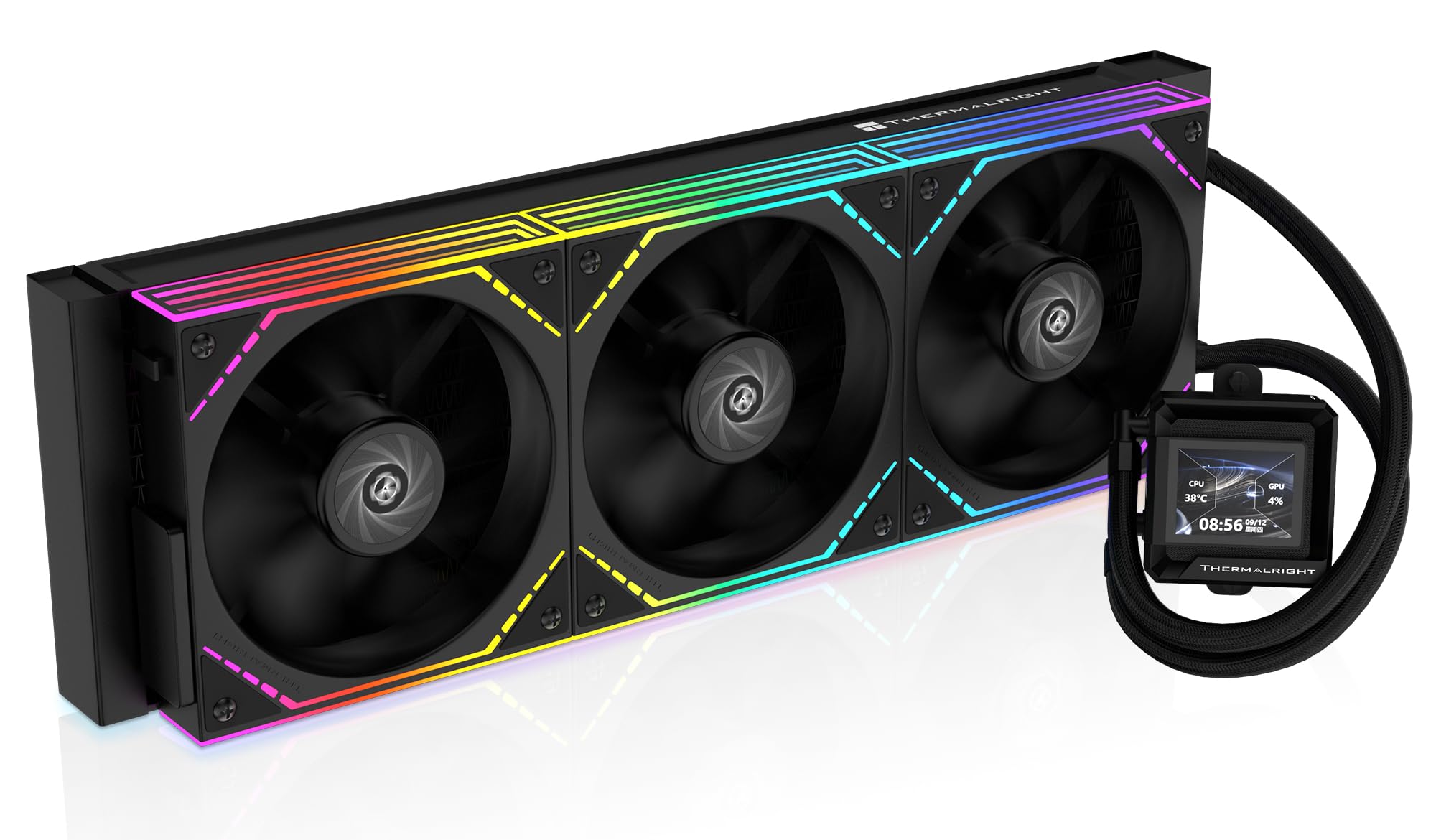
Thermalright Peerless Vision 360

87 /100
Lab Score Excellent

Key details

Software
Thermalright (improving)
Warranty
Fan Noise
28.2 dBA
Pump Type
Magnetic detachable
View on Amazon

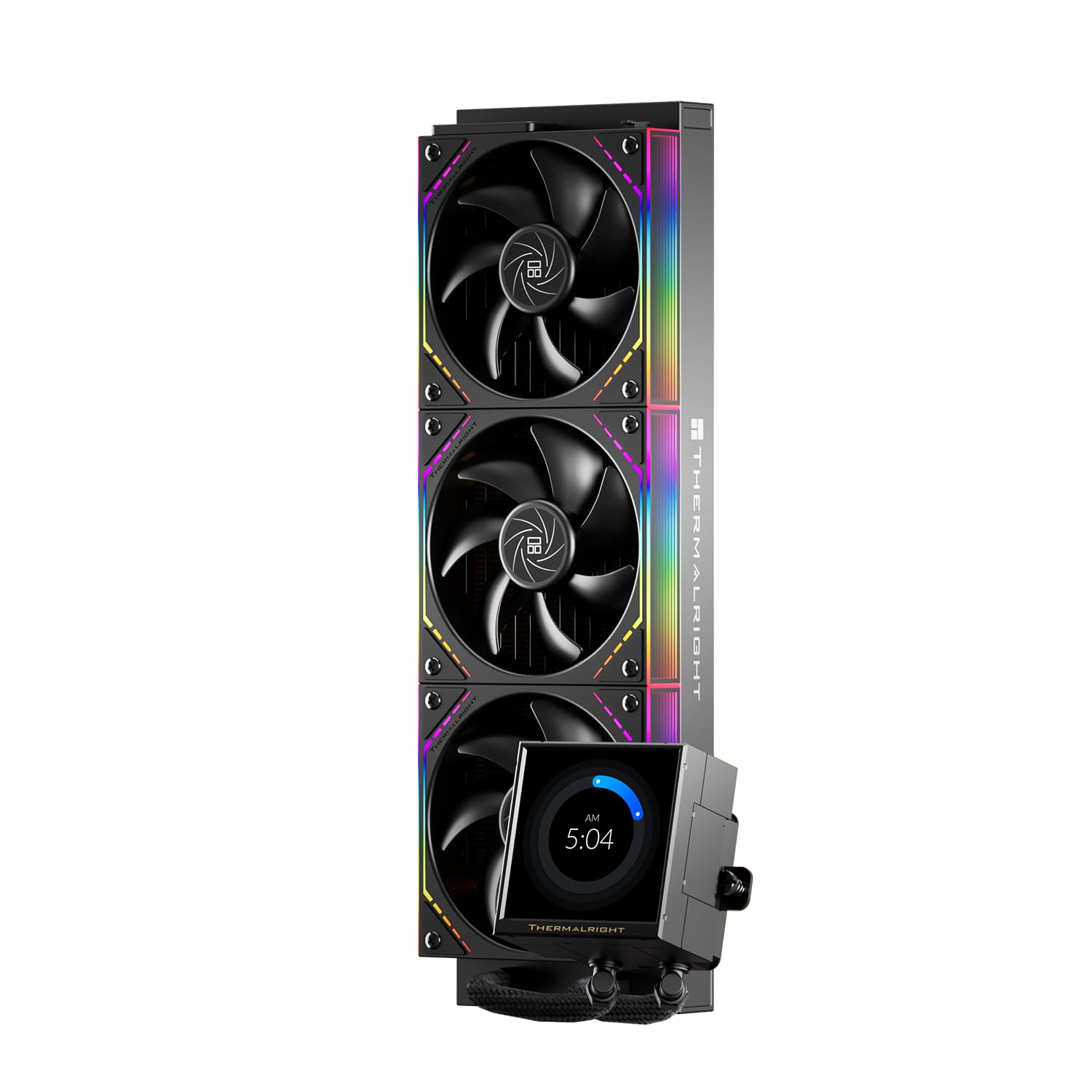
A 3.95-inch 480x480 IPS screen at this price is unmatched — the Peerless Vision 360 delivers sharp system readouts and custom graphics without the premium markup. Cooling is similarly impressive, handling modern CPUs with enough margin for light overclocking, and the magnetic detachable pump simplifies motherboard access during builds.

This AIO is best for budget-focused builders who want the visual flair of a large LCD without spending over $100. Installation requires more attention than plug-and-play alternatives — the pump mounting can be fiddly, especially for first-timers. Long-term durability is not yet established beyond a modest user base, so those planning a system to last five-plus years may want to lean toward the Corsair Titan with its longer warranty.

💡 Keep the manual handy when mounting the pump – the magnetic detachable design is neat but aligning the bracket takes patience.

Pros

  • Solid build quality and cooling that keeps high-end CPUs in check.
  • Budget-friendly price for a 360mm AIO with a high-resolution screen
  • Customizable screen and pump settings via user-friendly software.

Cons

  • Mounting the pump can be fussy
Our verdict

If a large LCD and low price are your priorities, this is the best value in the category – just budget extra time for installation.

Check Latest Price
3

Best Budget Round Screen

Thermalright CORE Vision 360

87 /100
Lab Score Excellent

Key details

Software
Thermalright (improving)
Warranty
Fan Noise
27.7 dBA
Pump Type
View on Amazon

The Thermalright CORE Vision 360 stands out with its 2.1-inch round LCD screen running at 480x480 resolution — sharp and bright at 450 nits, a look you won’t find on most AIOs at this price. Cooling performance matches the spec sheet: 72 CFM airflow and a 2000 RPM fan ceiling keep modern CPUs under control during extended gaming sessions, and the ARGB ring around the cold plate adds a subtle accent without overwhelming the build.

This cooler is built for budget-minded builders who want a high-resolution screen without paying a premium. The round display looks best in cases with a circular cutout or open pump area — rectangular builds may find the shape visually mismatched. Under heavy loads the fans become audible, crossing into noticeable territory in quiet rooms, and the accompanying software lacks the polish of iCUE or Armoury Crate. Neither issue is a dealbreaker for the price, but they set expectations.

Installation is straightforward with support for both AM5 and Intel 1700/1851 sockets, and the pump block rotates to keep the screen upright regardless of orientation. The LCD responds quickly to system data updates and custom images, though setting up the software takes a few minutes to learn its menus. For under $75, this AIO delivers the core function — cooling and a quality display — without the ecosystem tax of pricier options.

💡 Adjusting the fan curve in BIOS or motherboard software can keep noise lower during light tasks while preserving cooling headroom for gaming.

Pros

  • Sharp 480x480 round IPS screen at a budget price point
  • Solid 360mm cooling keeps CPU temps under control
  • Good build quality and easy installation for AM5 and Intel sockets
  • ARGB lighting ring adds visual flair without extra cables

Cons

  • Fans become audible under heavy load
  • Software interface is basic and takes some getting used to
Our verdict

If you want a round high-res LCD on a budget and can work around fan noise and basic software, the Thermalright CORE Vision 360 delivers where it counts: cooling and screen quality.

Check Latest Price
4

Best for Silent Performance

ASUS ROG Strix LC III 360

87 /100
Lab Score Excellent

Key details

Software
Armoury Crate
Warranty
6 years
Fan Noise
36 dBA
Pump Type
Asetek Gen7 V2
View on Amazon

The Asetek Gen7 V2 pump in the LC III 360 keeps noise at 36 dBA while delivering cooling on par with larger 360mm units – a meaningful advantage if you value an unobtrusive system. The 2.1-inch IPS LCD runs at 60Hz with 480×480 resolution, animating custom GIFs or hardware readouts smoothly without the stutter common on lower-refresh screens.

This cooler fits seamlessly into an all-ROG Strix rig with Aura Sync RGB, and the included fans mate directly to the motherboard without extra hubs. The tradeoff comes down to screen real estate: at 2.1 inches, the display is noticeably smaller than the 3.5-inch panels found on comparably priced Thermalright models. For buyers who prioritize system info at a glance rather than elaborate visuals, the clarity here compensates for the size.

Installation is straightforward: the pre-applied thermal paste and captive thumbscrews get the block seated quickly, and the braided tubing bends without kinking. Build quality feels dense and well-machined, with a metal pump housing that shrugs off minor pressure during mounting.

💡 The 2.1-inch screen is bright and responsive – lean it toward system monitoring readouts rather than large artwork for best effect.

Pros

  • Very quiet pump operation even under sustained CPU load
  • High-resolution 480×480 IPS LCD with smooth 60Hz animation
  • Easy mounting system with pre-applied paste and captive hardware

Cons

  • Premium price relative to Thermalright coolers with larger 3.5-inch screens
  • 2.1-inch display feels small compared to competitors with similar or lower prices
Our verdict

If you’re building a cohesive ROG Strix setup and value near-silent operation, the LC III 360 delivers – just know you’re paying extra for the ecosystem integration and a smaller screen than you’d get elsewhere.

Check Latest Price
5

Best for Custom Fan Builds

Lian Li HydroShift II LCD-S

88 /100
Lab Score Excellent

Key details

Software
L-Connect 3 (mixed)
Warranty
Fan Noise
Pump Type
Integrated
View on Amazon

The HydroShift II LCD-S distinguishes itself with a magnetically attached, 3.4-inch IPS screen that can be swapped out without tools, and a slim 24mm radiator that slides into compact chassis more easily than standard 27mm+ units. The adjustable tube routing clamp keeps lines tidy and reduces clutter around the CPU area.

This cooler is built for enthusiasts who already own or plan to purchase premium fans – Noctua, Phanteks, or similar – and want to match a specific aesthetic or performance profile. The tradeoff is that the pump can produce a noticeable hum in quiet rooms, and the L-Connect 3 software has occasional stutters and quirky sensor detection that requires patience to configure.

When paired with high-static-pressure fans, thermal performance is on par with other 360mm AIOs. The screen clarity at 480x480 and 500 nits is vivid, and the magnetic pogo-pin connection makes repositioning easy. The pump noise and software instability are the main reasons this falls short of a universal recommendation, but they don't undermine the core cooling capability.

💡 Set the pump header to full speed in BIOS to minimize noise variance; update L-Connect 3 to the latest version before first use.

Pros

  • Hot-swappable 3.4-inch IPS screen with magnetic pogo-pin mount for easy repositioning
  • Strong cooling performance when paired with high-quality fans from Noctua, Phanteks, or similar
  • Slim 24mm radiator and adjustable tube routing clamp for clean builds in tight cases

Cons

  • L-Connect 3 software can be buggy
  • Pump noise may be noticeable in quiet environments; some units exhibit a low whine
  • No fans included
Our verdict

A purpose-built AIO for builders who have their own fans and can tolerate a bit of software fiddling – the screen and radiator design are genuinely useful, but it's not a plug-and-play solution.

Check Latest Price
6

Best for Massive Screen Size

Jungle Leopard PF 360

82 /100
Lab Score Excellent

Key details

Software
Jungle Leopard (buggy)
Warranty
Fan Noise
≤30 dBA
Pump Type
View on Amazon

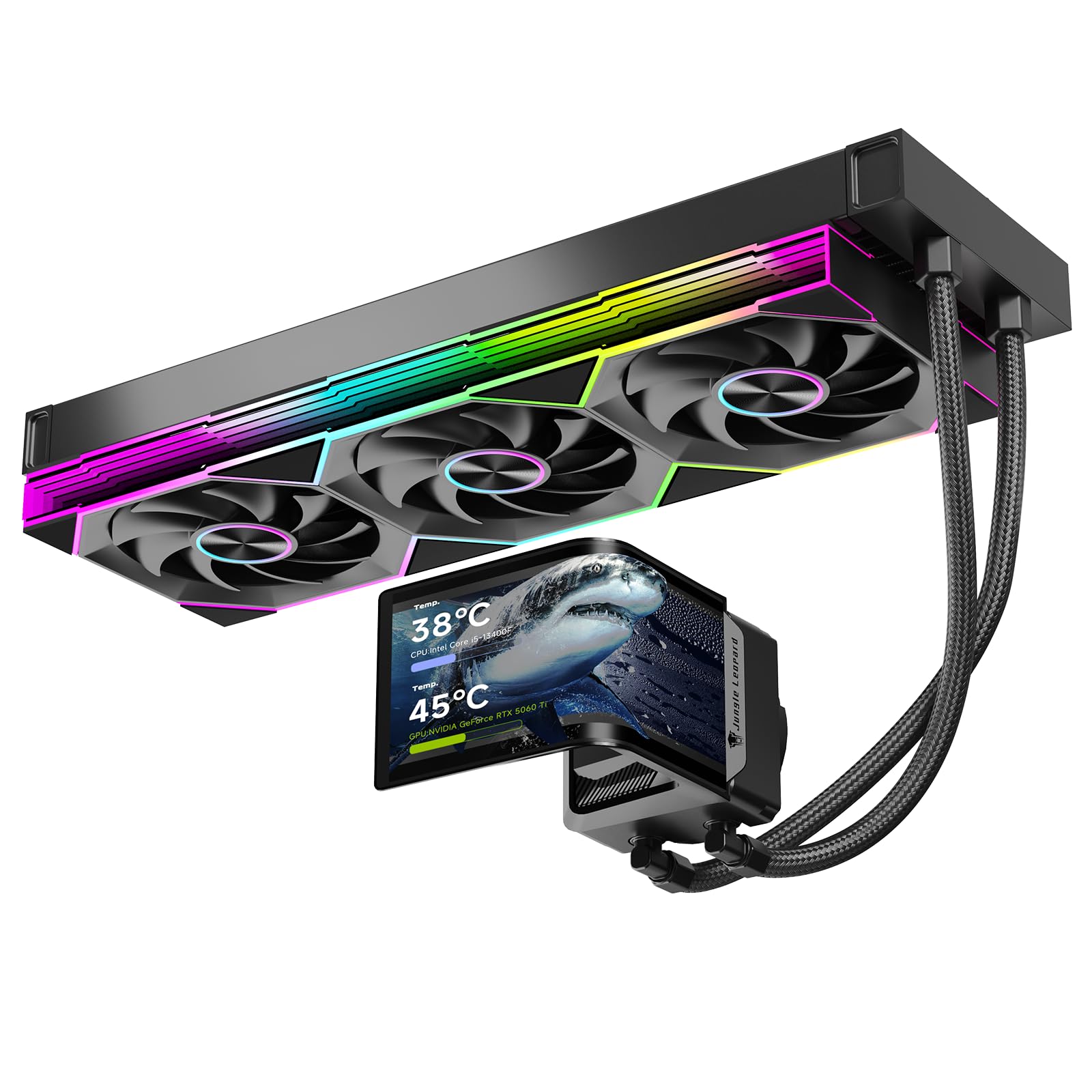
The Jungle Leopard PF 360 stands out with a 5.5-inch IPS screen that attaches magnetically — the biggest display you can get at this price point. While the top pick (Corsair Titan) offers a more polished ecosystem, the PF 360 delivers screen real estate that dwarfs the round-screen budget alternatives, with 480x960 resolution and 270-degree rotation that makes it easy to orient inside any case.

Cooling is adequate for most builds, handling up to 320W TDP with a 360mm radiator and three ARGB infinity-mirror fans that produce strong airflow (165.1 CFM) at up to 2000 RPM. The mirrored fan hubs and RGB lighting create a cohesive look that builders focused on aesthetics will appreciate, with all 26 customer mentions rating the appearance positively.

This cooler is best for builders who prioritize a large screen above all else and are comfortable tinkering with software. The bundled application can be buggy — settings may not save, the interface includes Chinese elements, and antivirus tools may flag it. The screen itself may freeze or require reseating to restore function. These quirks don’t affect cooling performance, but they demand patience that a set-and-forget buyer may not have.

💡 The magnetic screen attaches securely; save your custom layout after each change to minimize the risk of losing settings after a reset.

Pros

  • 5.5-inch magnetic IPS screen is the largest in its class, with crisp 480x960 resolution
  • Solid cooling performance handles high-TDP CPUs without thermal throttling
  • ARGB infinity-mirror fans and clean pump design create a striking visual

Cons

  • Software can be unstable
  • Screen may go black or freeze periodically, sometimes needing the cable reseated
Our verdict

If you want the biggest LCD possible without jumping to premium pricing and are willing to accept occasional software quirks, the PF 360 delivers unmatched screen size — just be prepared to tinker.

Check Latest Price
7

Quiet iCUE Builds

Corsair Nautilus 360 RS LCD

90 /100
Lab Score Outstanding

Key details

Software
iCUE (polished)
Warranty
5 years
Fan Noise
Pump Type
Low-noise pump
View on Amazon

The Corsair Nautilus 360 RS LCD offers a notably quieter pump than the Titan, making it a sensible choice for Corsair iCUE users on a tighter budget. Cooling performance is solid, and the 2.1-inch LCD screen syncs easily with iCUE for system monitoring. However, the included fans can become audible under heavy load, which may be noticeable in quiet spaces, and occasional LCD screen issues have been reported, similar to the Titan. For those willing to replace the fans or prioritize pump silence over fan noise, this is a cost-effective gateway into the Corsair ecosystem.

Pros

  • Quiet pump operation at 20 dBA keeps noise low in most scenarios.
  • 360mm radiator delivers efficient cooling for high-performance CPUs.
  • Easy mounting and clean aesthetics fit well in Corsair-centric builds.

Cons

  • Fans can become loud under sustained load, which may be noticeable in quiet rooms.
  • LCD screen has occasional functional issues, similar to other Corsair AIOs.
Our verdict

Best suited for iCUE loyalists who want a quieter pump than the Titan and are comfortable replacing the stock fans for a near-silent experience.

Check Latest Price
8

Silent Budgets

Thermalright FW360 Black

88 /100
Lab Score Excellent

Key details

Software
Thermalright (improving)
Warranty
Fan Noise
23 dBA
Pump Type
View on Amazon

The Thermalright FW360 aims squarely at budget-conscious builders who want liquid cooling with an LCD screen, without the premium price tag. Its 23 dBA noise level means the fans and pump stay nearly silent even under gaming loads, and thermal performance handles modern CPUs without issue. The 2.4-inch 320x240 IPS display is adequate for showing CPU temperature and fan speeds, but the low resolution and small size make it less suitable for custom animations or detailed graphics. Some users may need to reseat the USB cable if the screen is not detected initially. For its price, the FW360 is a solid choice if quiet operation and basic screen functionality are your priorities.

💡 If the screen is not detected after installation, reseat the internal USB cable and restart the system.

Pros

  • Quiet operation
  • Effective cooling for the price

Cons

  • 320x240 LCD resolution and 2.4-inch size limit the display to text-based readouts
  • USB connection can be finicky
Our verdict

Best suited for silent-focused budget builds where the LCD serves purely as a temperature monitor — not for those wanting a high-resolution display for custom visuals.

Check Latest Price
9

Ultra-Budget

Thermalright FW 240 SE

86 /100
Lab Score Excellent

Key details

Software
Thermalright (unreliable)
Warranty
Fan Noise
29.8 dBA
Pump Type
View on Amazon

The Thermalright FW 240 SE gets you an LCD-equipped AIO at the lowest price point in the category. Cooling performance is adequate for mid-range CPUs and installation is straightforward, with the pump running quietly at normal loads. However, the software that drives the screen can trigger system instability or fail to retain settings, and the 320x240 display itself shows noticeable unit-to-unit variance in brightness and pixel consistency. This makes it a viable option only if your budget is the top priority and you can accept that the screen may not work as expected out of the box.

Pros

  • Lowest price for any AIO cooler with a built-in LCD screen.
  • Solid 240mm cooling for budget builds with easy installation.
  • Pump and fans remain quiet during normal operation.

Cons

  • Software may cause blue screens or lose saved settings between reboots.
  • LCD screen can arrive with dead pixels, poor brightness, or stop functioning over time.
Our verdict

If your build budget is so tight that any LCD AIO feels out of reach, the FW 240 SE is the only entry point — just be prepared for the possibility that the screen or software may not hold up.

Check Latest Price
10

White Builds

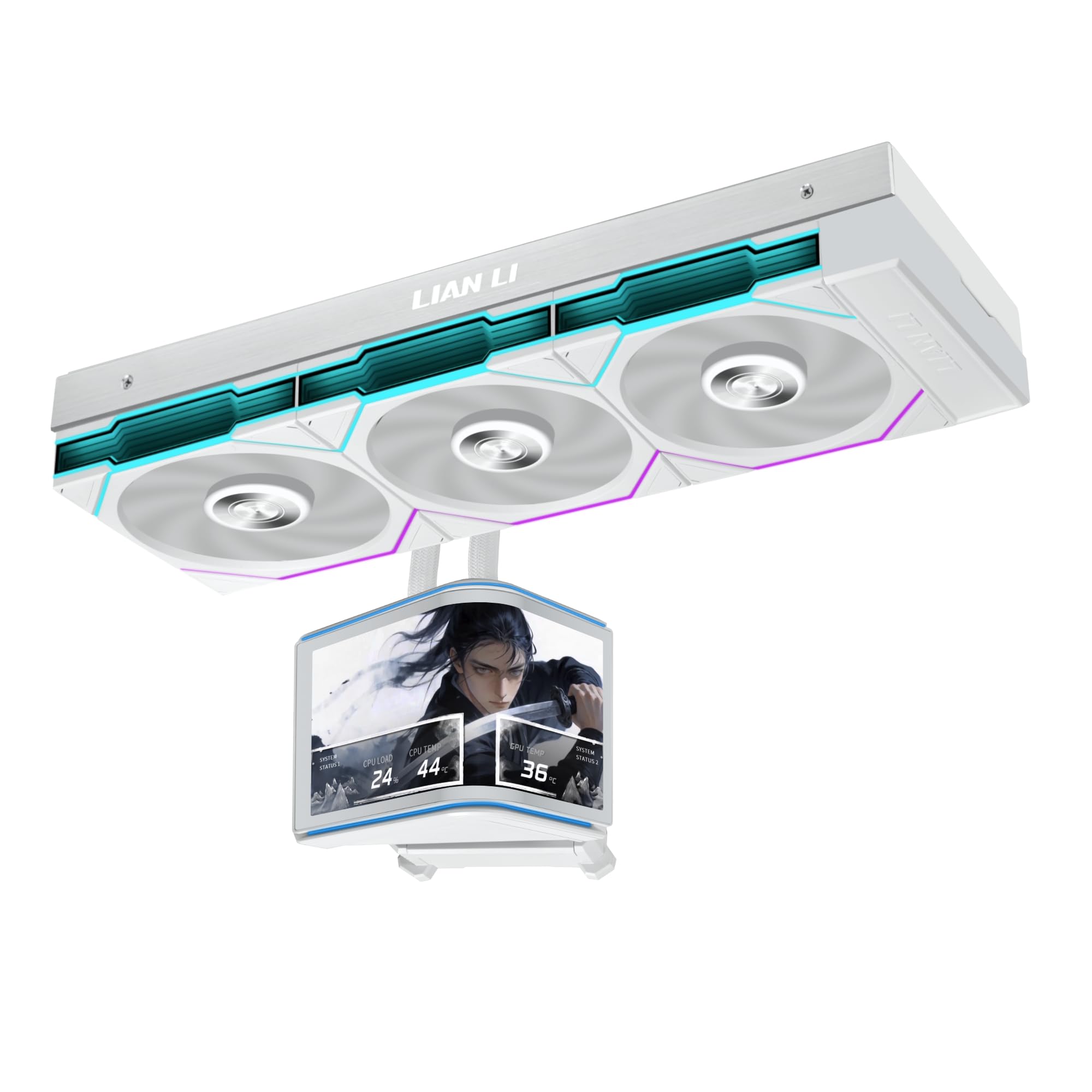
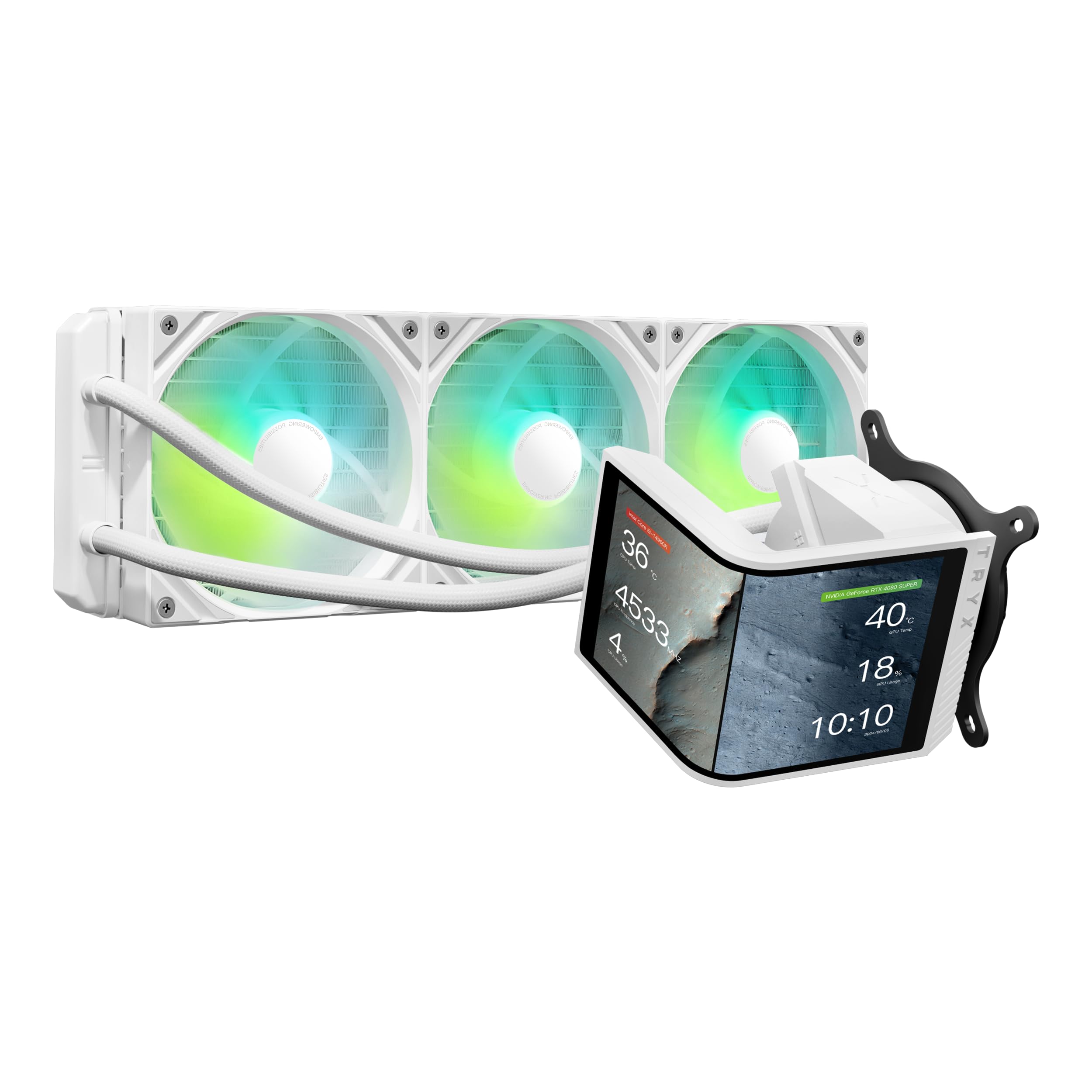
Thermalright Mjolnir Vision 360

87 /100
Lab Score Excellent

Key details

Software
Thermalright (improving)
Warranty
Fan Noise
27 dBA
Pump Type
View on Amazon

The Thermalright Mjolnir Vision 360 offers a clean white finish with RGB fans and a generous 3.5-inch IPS LCD that displays system data or custom images. Cooling performance is adequate for most builds, and the price lands at a budget-friendly point for a 360mm AIO with a screen. However, the LCD display may become unresponsive after several months of use in some units, making this a cooler best suited for buyers who prioritize the white aesthetic and are willing to accept that screen reliability is less of a guarantee. It is a reasonable choice for a themed build on a budget, but those needing long-term durability should consider alternatives.

Pros

  • Large 3.5-inch IPS LCD for system monitoring and custom graphics.
  • Effective cooling performance for standard processor loads.
  • White design with RGB fans complements coordinated builds.

Cons

  • Fan noise at higher speeds may be noticeable in quiet rooms.
  • LCD screen can become unresponsive after several months in some units.
Our verdict

For builders focused on a white aesthetic and willing to accept the risk of screen longevity, this cooler delivers visual impact at a low cost.

Check Latest Price
11

Tight Budgets

PCCOOLER GT360M

78 /100
Lab Score Very Good

Key details

Software
PCCOOLER (buggy)
Warranty
Fan Noise
36 dBA
Pump Type
Ceramic bearing
View on Amazon

The PCCOOLER GT360M delivers solid 360mm cooling performance and a 2.8-inch LCD at a very low price, making it tempting for budget builds. However the LCD screen may not function correctly out of the box or may stop displaying after some use, and the accompanying software can be buggy, often requiring resets. This makes it a gamble for anyone who depends on the screen for temperature monitoring or customization. Only consider this AIO if you are comfortable with potential return or replacement and treat the LCD as an optional bonus.

💡 If the screen does not display, try reseating the USB cable before initiating a warranty claim.

Pros

  • Good build quality and solid cooling performance for the price.
  • Very affordable entry point for a 360mm AIO with an LCD.
  • Sleek black design with simple installation process.

Cons

  • LCD screen may not function correctly out of the box or may stop displaying after some time.
  • Software can be inconsistent, requiring manual resets to restore screen settings.
Our verdict

Best for budget builders who prioritize cooling capacity over screen dependability and are prepared for possible RMA.

Check Latest Price

How to Choose

LCD Screen Size and Resolution

A larger screen is tempting, but higher resolution matters more for sharp text and fluid animations. A 480x480 IPS screen at 2.1 inches looks crisp, while a 320x240 screen on a larger panel can appear pixelated.

Decide what you'll display: system temps look fine on any screen, but animated GIFs or custom graphics need higher pixel density. If you want a showpiece, aim for 480x480 or better.

Pump Type and Cooling Capacity

The pump is the heart of the AIO. Asetek-based pumps (Gen7 or Gen8) have a proven track record for reliability and quiet operation. Cheaper coolers often use generic pumps that may develop noise or fail sooner.

Match cooling capacity to your CPU. A 360mm radiator with a strong pump handles high-TDP chips like i9 or Ryzen 9. For mid-range CPUs, a good 240mm is often quieter and cheaper.

Fan Noise Levels

Fan noise is measured in dBA, but the real issue is pitch. A lower dBA rating often masks high-frequency whine that becomes annoying over time. Look for fans with fluid-dynamic bearings and static pressure ratings above 2.5 mmH2O.

In quiet environments, even 30 dBA can be audible. If you game with headphones, noise matters less. For silent builds, target fans below 25 dBA and check user reports of pump whine.

Software Maturity and Ease of Use

Software is the hidden Achilles' heel of LCD AIOs. iCUE and Armoury Crate are feature-rich but can be resource-heavy and buggy. Thermalright's software is simpler but occasionally causes crashes or fails to save settings.

Unreliable software can lock the display or prevent updates. If you want a set-and-forget experience, choose a cooler with a mature ecosystem. If you enjoy tinkering, budget options may suffice.

Warranty Length and Brand Support

LCD screens have a higher failure rate than standard AIOs. A longer warranty — 5 or 6 years — is a safety net. Corsair and ASUS offer solid support, while lesser-known brands may be harder to deal with for RMAs.

Consider the total cost: a cheap cooler without a warranty can become an expensive paperweight if the screen dies. Budget for a replacement or choose a proven model.

Frequently Asked Questions