Best Overall

NZXT H6 Flow
Key details
- Dimensions
- 16.34 x 11.3 x 17.13 in
- Glass Panels
- Wraparound front and side
- Included Fans
- 3 x 120 mm
- Motherboard Support
- ATX, micro-ATX, mini-ITX
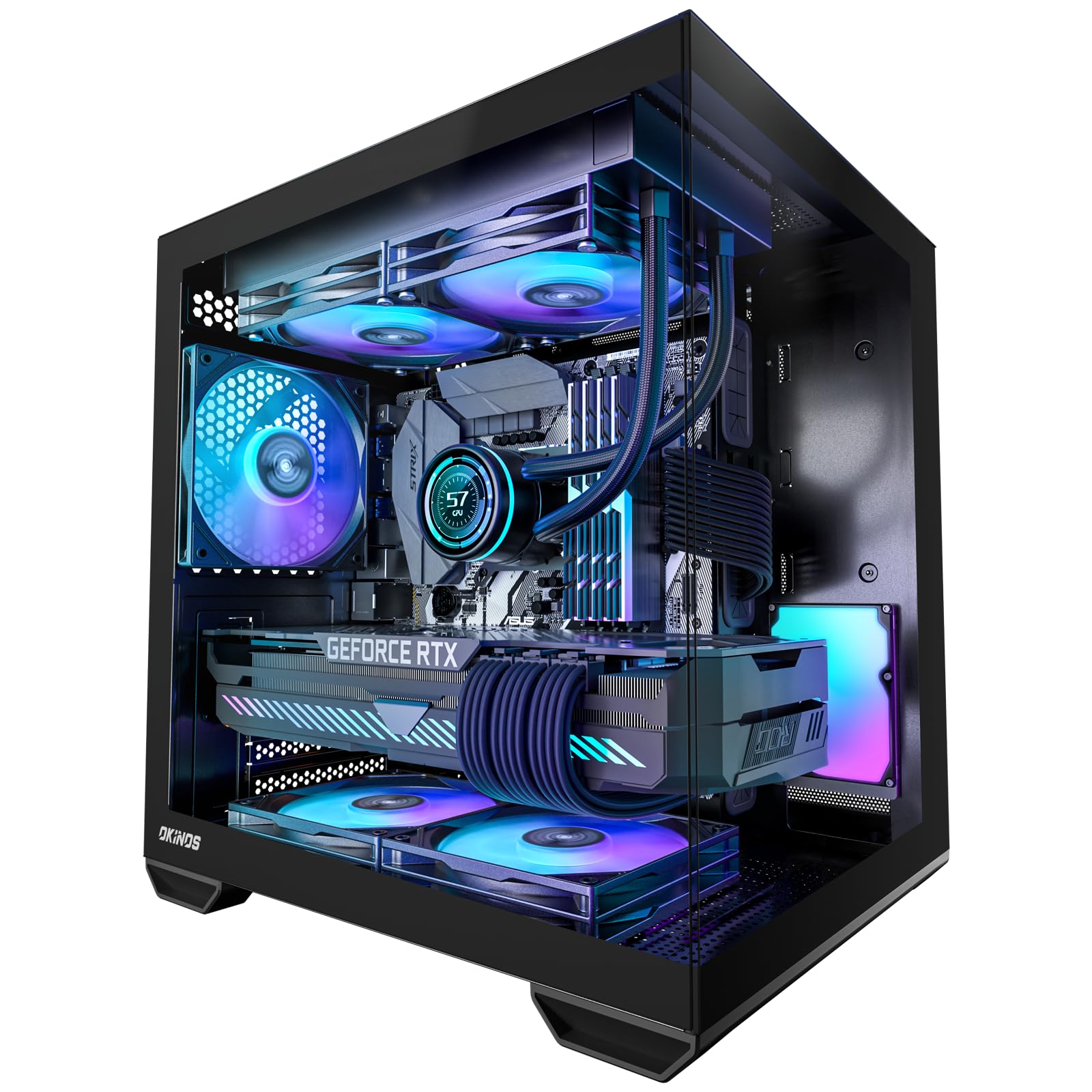
Glass is a greenhouse, and every case in this guide is made mostly of it. The H6 Flow solves that in the structure rather than by bolting on a mesh front: the glass wraps the front-left corner with a seamless edge, and the top and side panels are perforated so the three angled 120mm fans have somewhere to pull from. It looks like a display case and cools like an airflow case, which is a harder trick than it sounds.
That balance is why it is the one we recommend first. Wiring ours took a single pass — wide channels behind the motherboard tray and straps that hold a bundle flat without a zip tie — and the compact dual-chamber layout keeps the power supply out of the picture without making the case feel cramped inside. Appearance and airflow are the two things it does best, and neither comes at the other's expense.
Reopening it is just as easy, which matters more than shoppers expect. Both side panels lift off without a screwdriver, the top and side come away far enough to reach the fan mounts with the board already installed, and there is more working room inside than the outside dimensions suggest. Three months later, adding a drive is a ten-minute job rather than an evening.
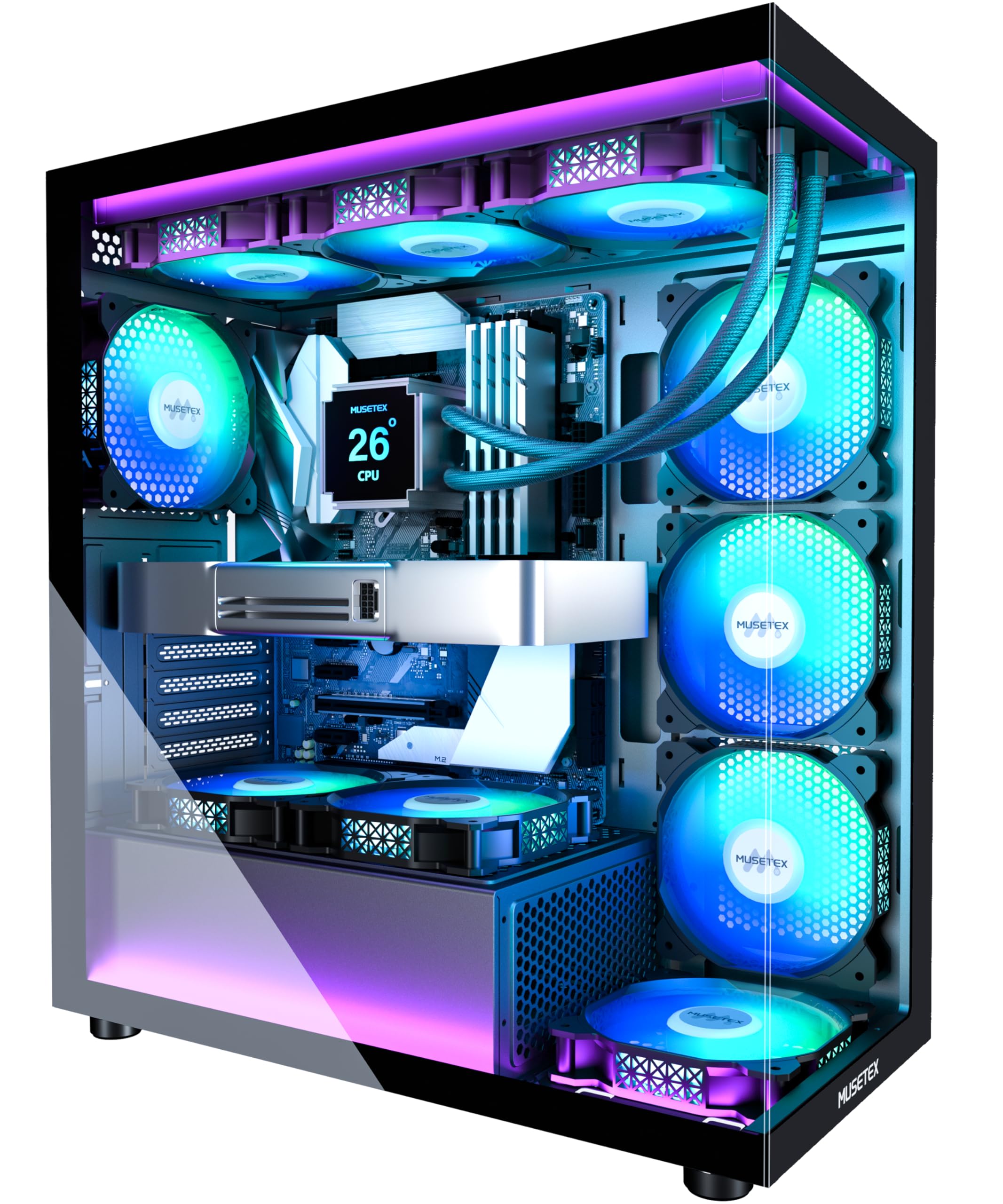
Where it loses to a pick below: if you want a third pane of glass on top, that is the Lian Li O11 Vision Compact, and if seven lit fans in the box matters more, the MUSETEX K2 is the one. Otherwise this is where we start anyone shopping this category, and its two-year warranty is second only to Thermaltake's three.
Pros
- Wraparound glass backed by perforated intake panels
- Wide cable channels with velcro straps
- Three angled 120 mm fans included
- Compact dual-chamber shell for an ATX case
Cons
- Only two 3.5-inch drive bays
- 20.7 lb before components
The case we point most people to: wraparound glass with real intake behind it, and cable routing that makes a first showcase build feel easy.