6 Best GaN Charger for Gaming Laptop 2026: Reliable Power Without Overheat

Which GaN chargers actually sustain high wattage for gaming laptops without overheating or failing early? Find the right balance of power, portability, and reliability for your setup.

Gaming laptops demand a lot of power, and GaN chargers promise a compact alternative to the bulky OEM bricks. But the reality is that many high-wattage GaN chargers struggle with heat buildup under sustained load, and some fail within months. This guide cuts through the noise to help you find the chargers that deliver consistent power, stay cool enough, and actually last.

The key is not just wattage but understanding how a charger handles its maximum output over time. Some units advertise 330W but can't hold it for a full gaming session. Others run so hot they throttle down, leaving your laptop battery draining. We highlight the ones that balance compactness, heat management, and reliability so you can charge confidently without worrying about your gear.

1

Best Overall

UGREEN Nexode Pro 160W

90 /100
Lab Score Outstanding

Key details

Ports
4x USB-C + 1x USB-A
Reliability
High
Size/Weight
Compact
Total Wattage
160W
View on Amazon

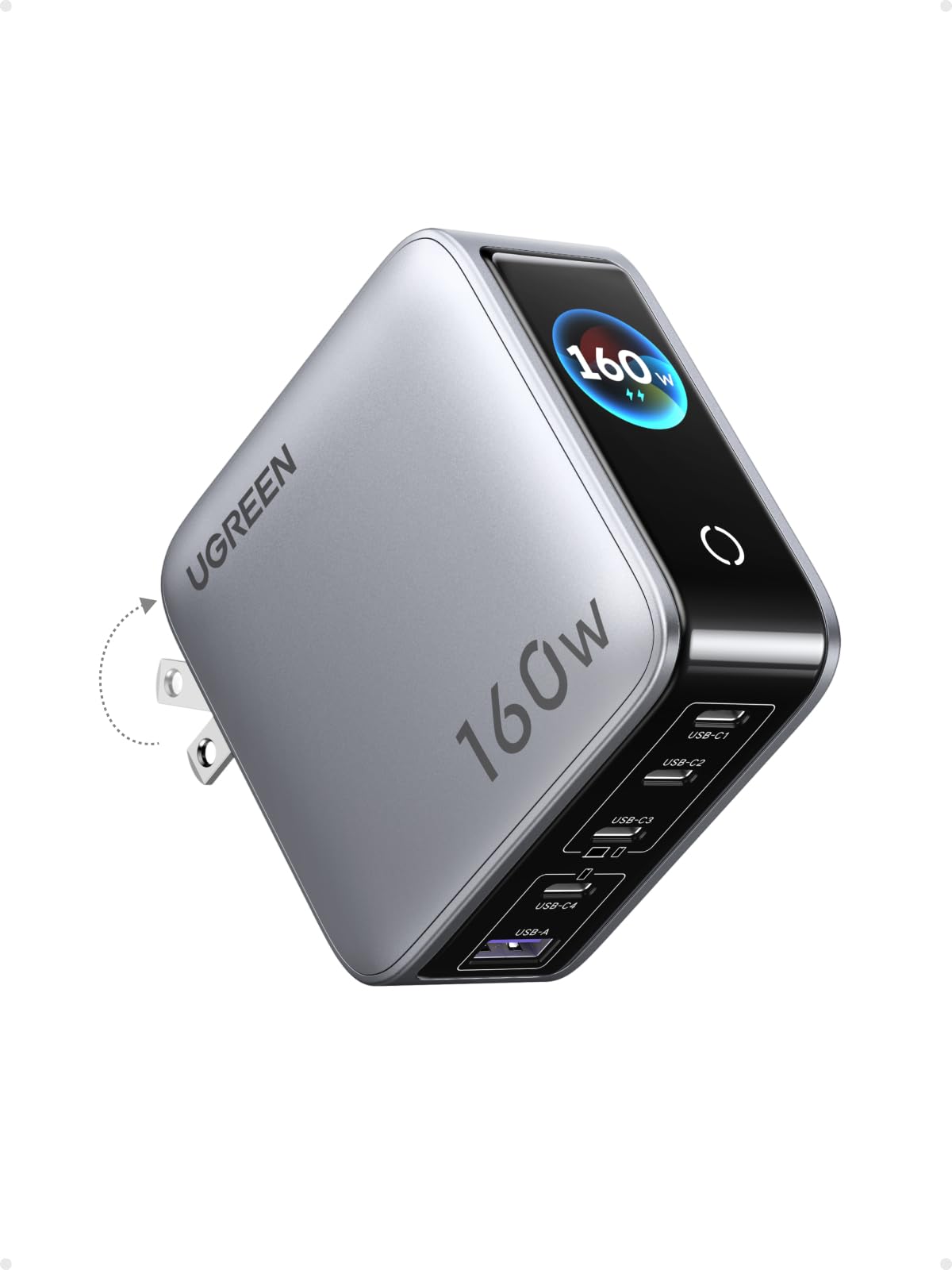
The UGREEN Nexode Pro 160W splits its total wattage across four USB-C ports and one USB-A port, with a single USB-C port capable of delivering 140W. That’s enough headroom to charge a gaming laptop that accepts USB-C PD while simultaneously topping up a phone, tablet, and earbuds. Performance is consistent: the charger handles sustained loads without noticeable heat buildup, a differentiator from several competitors that throttle or run hot under similar demands.

A small display on the front shows real-time wattage per port, which helps confirm your devices are pulling the power they expect. During multi-device charging, the unit stays cool to the touch — a direct contrast to the slimmer 160W option in this roundup, which can get uncomfortably warm. Build quality feels solid, with a foldable plug that tucks away for travel, though at 2.6 inches thick it’s not the most pocketable charger.

This charger is best suited for gamers using USB-C PD laptops that draw 140W or less — the majority of current gaming laptops cap their USB-C input between 100W and 140W. If your machine relies on a proprietary DC barrel connector (common on high-end MSI or ASUS models), the Nexode Pro won’t help. For everyone else, it delivers full advertised power across all ports with no significant reliability concerns reported, making it the most cost-effective 160W option in this comparison.

Pros

  • Delivers full 160W across five ports while staying cool
  • Supports Samsung SFC 2.0 fast charging on multiple ports
  • Solid build with foldable plug and smart display
  • Powers USB-C PD gaming laptops without hesitation

Cons

  • Single USB-C port limited to 140W, not enough for the rare gaming laptop that requires more over USB-C
  • Not compatible with gaming laptops that use proprietary DC barrel connectors
Our verdict

If your gaming laptop charges via USB-C PD and you need to power multiple devices simultaneously, the UGREEN Nexode Pro 160W offers the best performance-per-dollar in this segment.

Check Latest Price
2

Best for High-Power DC Laptops

King Ma 330W MSI

81 /100
Lab Score Excellent

Key details

Ports
DC + USB-C + USB-A
Reliability
Medium
Size/Weight
1.2 lbs
Total Wattage
330W
View on Amazon

The King Ma 330W GaN charger is noticeably smaller and lighter than the OEM MSI power brick, reducing backpack bulk for MSI Vector GP68 HX and GP78 HX owners. It also includes a USB-C port capable of up to 100W and a USB-A port, allowing simultaneous charging of a phone or tablet without an extra adapter.

This charger suits MSI gamers who travel frequently and want a single compact power source for their laptop and mobile devices. The DC output is rated at 330W, but under sustained gaming loads it may not hold that peak wattage, leading to slower charging or slight power draw from the battery during heavy sessions. The chassis also gets warm under extended use - a tradeoff of the compact GaN design.

While the size and weight savings are clear, the heat and power consistency mean this charger works best for mixed use: gaming on the go with breaks, rather than marathon sessions. For occasional travel or as a secondary charger, the portability advantage outweighs the thermal behavior.

💡 Place the charger on a hard, open surface during gaming sessions to help it dissipate heat.

Pros

  • Significantly smaller than the OEM MSI power brick, freeing up backpack space.
  • Lightweight at 1.2 lbs, easy to carry for travel.
  • Integrated USB-C and USB-A ports for charging extra devices.
  • Native 330W DC connector compatible with MSI Vector GP68 HX and GP78 HX - no adapter needed.

Cons

  • The charger runs hot during heavy gaming sessions, best used in ventilated spaces.
  • Under sustained heavy load, the DC output may not maintain the full 330W, resulting in slower charging or slight battery drain.
  • Early failure has been reported in some cases; consider having a backup if you rely heavily on this charger daily.
Our verdict

Best for MSI gamers who prioritize portability over guaranteed full-power delivery - just be prepared for the heat and occasional power dips under sustained gaming.

Check Latest Price
3

Best Budget 140W

Baseus 140W GaN 4-Port

85 /100
Lab Score Excellent

Key details

Ports
3x USB-C + 1x USB-A
Reliability
High
Size/Weight
Compact, foldable plug
Total Wattage
140W
View on Amazon

The Baseus 140W GaN charger is one of the few budget-friendly options that actually delivers its advertised 140W output — users confirm it charges USB-C laptops at full speed without throttling. It also packs a 35% smaller footprint than the Apple 140W adapter, making it genuinely travel-friendly. Compared to similarly priced chargers that struggle with sustained power, this one holds its own during extended laptop charging sessions.

This charger is best for budget-constrained gamers with USB-C laptops or anyone who wants a travel charger without spending over $60. It gets warm under sustained 140W load — a common behavior for high-wattage GaN bricks at this price — but never dangerously hot. If you plan to run a demanding gaming laptop at full power for hours, the heat may be noticeable; for typical charging cycles, it is not an issue.

The three USB-C ports and one USB-A offer plenty of flexibility for phones, tablets, and laptops simultaneously. A few users noted that charging speed can vary slightly depending on the device; if you need guaranteed peak speed for a specific laptop, it is worth checking compatibility. Overall, the Baseus balances cost and capability well for a wide range of daily charging needs.

💡 For extended high-power charging, keep the charger in an open area to aid heat dissipation.

Pros

  • Delivers full 140W output as advertised for USB-C laptops
  • Compact and portable
  • Fast charging for phones and laptops across multiple ports

Cons

  • In a quiet room or during extended high-power charging, the charger becomes warm to the touch
  • Charging speed may vary slightly between different devices; some phones or laptops may charge at a lower rate than expected
Our verdict

If you need a 140W charger that won't break the bank and are okay with moderate heat during heavy use, the Baseus is a solid buy.

Check Latest Price
4

Best Desktop Charging Hub

Anker 250W Charging Station

92 /100
Lab Score Outstanding

Key details

Ports
4x USB-C + 2x USB-A
Reliability
Good
Size/Weight
640g desktop
Total Wattage
250W
View on Amazon

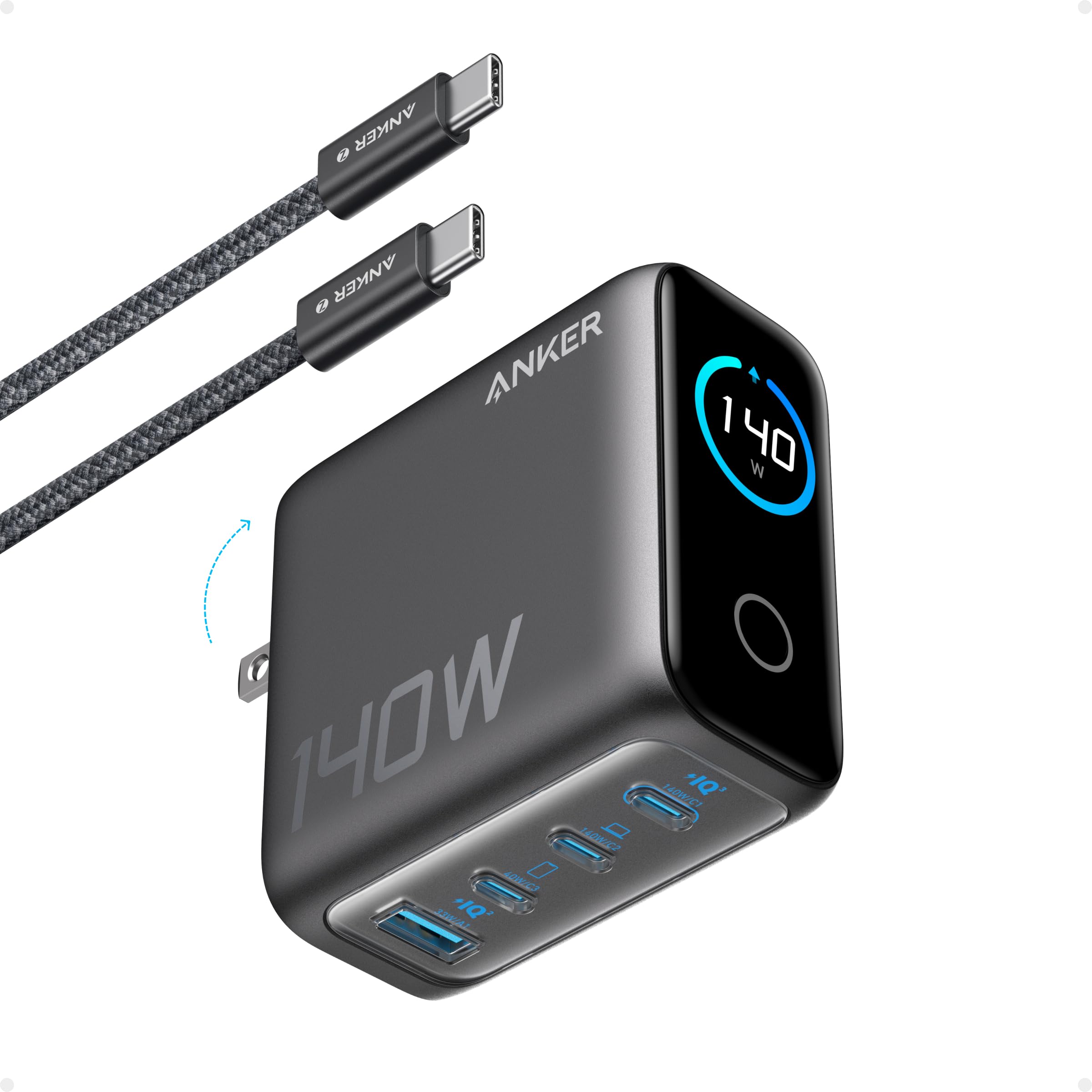
The Anker Prime Charging Station delivers 250W across six ports with a 2.26-inch LCD that shows per-port power and temperature in real time. This is the most feature-rich desktop charger in this roundup, but its size and price set it apart from more portable options.

This station is for the user who keeps a laptop, tablet, phone, and earbuds on a single desk and wants to see exactly how power is distributed. The LCD is easy to read, and the Anker app adds remote monitoring. That said, the 640g weight and desktop-only design make it unsuitable for travel, and the premium price means it competes with chargers costing half as much.

The 140W single port can top up a MacBook Pro to 50% in about 25 minutes, and the 250W total allows simultaneous charging of a laptop plus three other devices without throttling. This is a capable desktop charger for a full setup.

💡 Keep the station on a desk with ample space and route cables permanently — it is not designed for frequent relocation.

Pros

  • Solid build and sleek design that feels premium on a desk.
  • 250W total across six ports handles multiple devices without slowdown.
  • Real-time LCD shows per-port wattage and temperature for informed charging.
  • Single USB-C port delivers up to 140W for fast laptop charging.

Cons

  • Some units may experience display or power delivery anomalies.
  • No proprietary DC output, so laptops requiring a barrel connector are not supported.
Our verdict

If you want a feature-packed desktop charger with detailed monitoring and enough power for a full desk of devices, the Anker Prime delivers. For portability or a lower cost, consider the top pick.

Check Latest Price
5

Most Versatile Universal Charger

SlimQ 240W Universal

86 /100
Lab Score Excellent

Key details

Ports
DC + 2x USB-C
Reliability
Concerns
Size/Weight
400g
Total Wattage
240W
View on Amazon

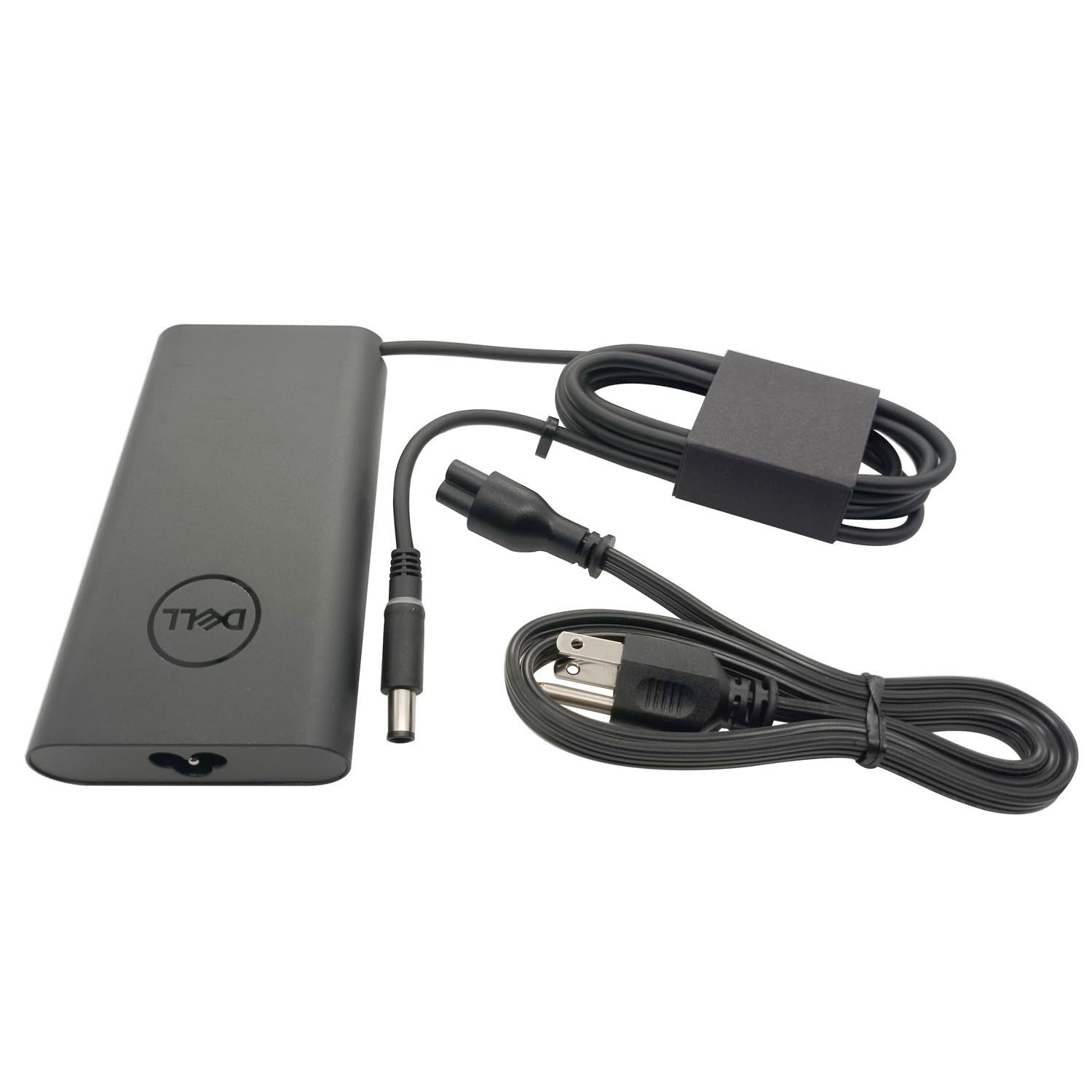
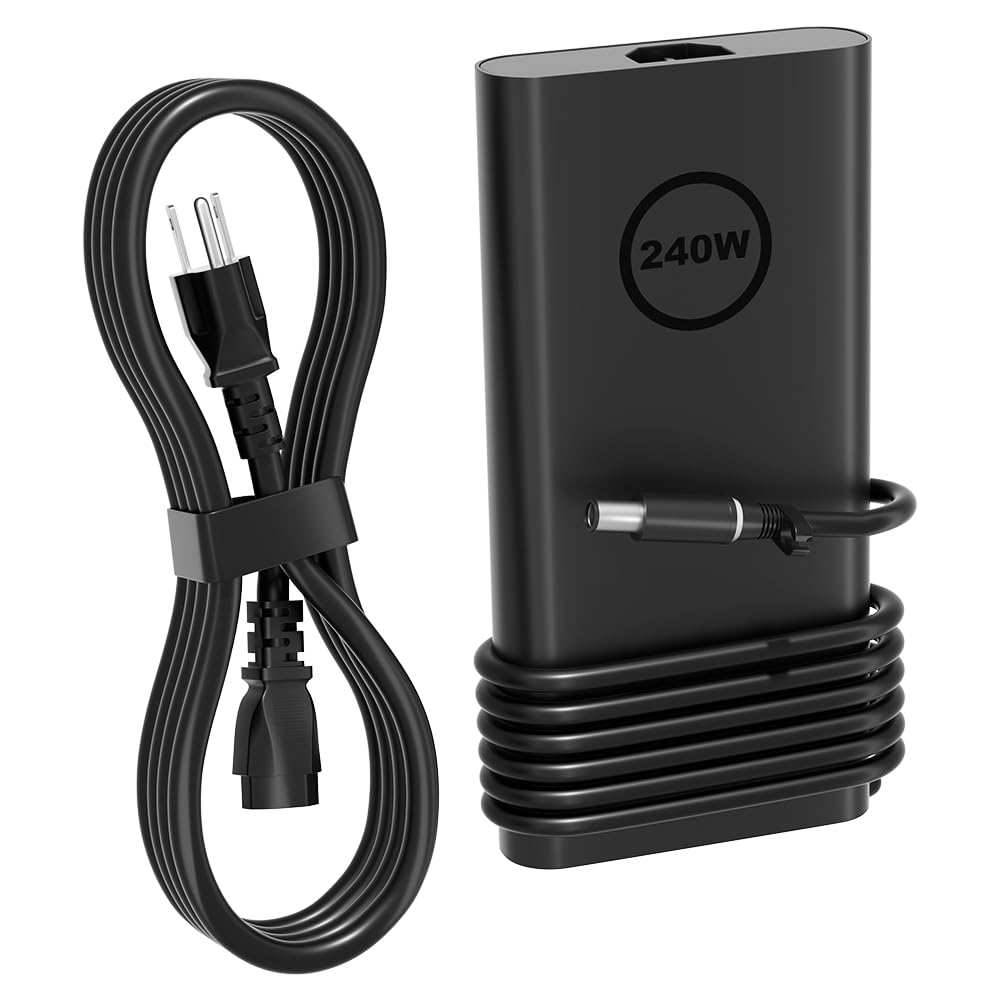
The SlimQ 240W universal charger delivers a full 240W DC output and two 100W USB-C ports in a compact 400g package, with a premium cable set and carrying case that rivals desktop chargers. It supports multiple laptop brands via optional DC tips, making it more versatile than native chargers tailored to a single manufacturer.

This charger fits frequent travelers who own a gaming laptop plus a tablet or phone and want one power adapter for all. The catch: you need to buy the correct DC tip separately for your laptop, and some units may lose power delivery after several months of use – a risk worth considering if reliability is your top priority.

Under sustained 240W load, the charger gets warm to the touch but remains within safe operating temperatures, a tradeoff for its small size.

💡 Keep the charger in an open area during extended gaming sessions to help with heat dissipation.

Pros

  • Premium build with sturdy cables, metal casing, and a carrying case.
  • Compact 400g design packs 240W
  • Compatible with Dell, Lenovo, ASUS, and more via optional DC tips.

Cons

  • Surface temperature can become uncomfortable during extended 240W use.
  • DC barrel tips for specific laptops are not included, adding cost and planning.
  • Some units may lose power delivery after several months of use.
Our verdict

The SlimQ 240W delivers premium build and broad laptop compatibility in a compact package, but the reliability uncertainty and separate tip purchase make it a better fit for short trips or backup use rather than daily primary charging.

Check Latest Price
6

Compact Premium Travel

Anker Prime 160W GaN

91 /100
Lab Score Outstanding

Key details

Ports
3x USB-C
Reliability
Good
Size/Weight
2.72 in cube
Total Wattage
160W
View on Amazon

This Anker Prime charger packs 160W into a remarkably small footprint, and its smart display shows live wattage per port – a genuine convenience for tracking laptop charging. It powers a MacBook Pro and phone simultaneously without issues. However, this compact design can generate noticeable heat when pushing the full 140W sustained, and durability has been inconsistent, with some units ceasing to operate within months. Additionally, its three USB-C ports and lack of a barrel connector make it unsuitable for gaming laptops requiring proprietary DC input. At a premium price, it offers a polished experience for ultrabook users but falls short as a universal recommendation compared to more affordable and reliable alternatives like the UGREEN Nexode Pro.

Pros

  • Extremely compact for 160W output
  • Fast charging performance
  • Informative smart display

Cons

  • Can heat up during sustained 140W charging
  • Durability can vary, with some units becoming non-functional within months
Our verdict

A strong option for Anker enthusiasts who want a tiny high-power charger with live monitoring, but less suited for gamers needing a barrel connector or buyers prioritizing long-term dependability.

Check Latest Price

How to Choose

Total Power Output and Single Port Max

The total wattage tells you how much power the charger can deliver across all ports combined, but the single-port maximum is what matters for your laptop. A 160W charger with a single-port limit of 140W can't fully power a laptop that needs 150W on one port. For USB-C PD gaming laptops, 140W per port is the current ceiling; for DC laptops, look for a charger that matches your OEM brick's wattage.

Many chargers advertise a high total wattage (e.g., 330W) but split that across multiple ports. If you plug in a phone and a laptop, the laptop's share may drop below what it needs. Check the port distribution chart on the product page to see real-world power allocation.

Port Configuration

Your laptop's charging method dictates the port you need. USB-C PD chargers work with laptops that accept power over USB-C, but many gaming laptops (MSI, ASUS, Lenovo) still use a DC barrel jack. Some GaN chargers include a detachable DC cable with interchangeable tips, while others are fixed to a specific connector. If you have a USB-C laptop, a multi-port USB-C charger lets you power your laptop and accessories from one brick.

For DC laptops, the port configuration becomes a trade-off: proprietary connectors are simpler but lock you to one brand, while universal chargers with interchangeable tips add cost and complexity but work across multiple devices.

Physical Size and Weight

GaN technology shrinks the transformer, so even high-wattage chargers are smaller than their silicon counterparts. But not all GaN chargers are travel-friendly – some desktop stations weigh over a pound and are meant to stay on a desk. A 140W-160W USB-C charger often weighs 200-400g and fits in a laptop bag, while 330W DC chargers can be 500-600g. Check dimensions and weight if you plan to carry the charger daily.

Size also affects heat dissipation: smaller chargers have less surface area to shed heat, which can lead to throttling or shorter lifespan. A slightly larger charger may run cooler and last longer under sustained high loads.

Heat Management

GaN chargers generate heat when converting AC to DC, and the heat intensifies at maximum output. A charger that runs hot will either throttle its power (slowing your laptop charging) or risk component degradation. Look for chargers with vented cases or thermal management ICs. User reports of 'runs hot' are common for compact 140W+ chargers, but the degree varies. A charger that stays warm but not scorching is acceptable; one that becomes uncomfortable to touch may throttle frequently.

For sustained heavy gaming, consider a charger that has a good track record of staying cool, or step down to a slightly lower wattage to reduce thermal stress. Avoid stacking other electronics on top of the charger during use.

Long-Term Reliability

Reliability is the most overlooked spec in GaN chargers. Many units fail within the first year, especially high-wattage DC models that push components hard. Look for user feedback on failure rates – a 20-30% negative reliability mention is a red flag. Brand reputation matters, but even well-known brands have models with higher-than-average failure rates. Check for warranty length (2-3 years is ideal) and return policies.

Reliability tends to be better in mid-power USB-C chargers (140-160W) than in high-power DC chargers (300W+), because the components are under less thermal and electrical stress. If you need 330W, expect a shorter lifespan and consider buying from a seller with a good replacement policy.

Frequently Asked Questions