9 Best iPhone Gaming Controller 2026: Low-Latency, Drift-Free Picks

Find the iPhone gaming controller that actually delivers consistent low latency and drift-free hall-effect sticks, without breaking your phone case compatibility.

Bluetooth lag and stick drift are the two frustrations that turn mobile gaming into a headache. Many controllers promise hall-effect joysticks and low latency, but the real-world performance varies wildly depending on your phone model, case, and the games you play.

The gap between marketing and actual use is wide. That‘s why this guide focuses on what matters after unboxing: connection stability under load, ergonomic fit for long sessions, and joystick reliability past the return window. We’ve separated the few controllers that deliver consistent performance from the many that look good on paper.

Whether you‘re grinding competitive shooters, exploring retro titles, or just want a reliable daily driver, the right controller balances lag-free input with a build that holds up over months of use. The trade-off often comes down to wired vs. wireless — and which compromises you can live with.

1

Best Overall

GameSir G8 Plus

88 /100
Lab Score Excellent

Key details

Battery
1000mAh total
Buttons
Programmable back buttons
Joysticks
Hall-effect sticks + triggers
Connection
Bluetooth (wired PC)
View on Amazon

The G8 Plus uses hall-effect joysticks and analog triggers – components that physically resist the wear-based drift common in cheaper controllers. The body is rigid, with a textured grip that stays comfortable during three-hour sessions. This combination of materials and design is rare at mid-range pricing.

Bluetooth performance is adequate for most action games and RPGs, though players who need frame-perfect inputs in competitive shooters may sense occasional latency. Some units have shipped with sticky face buttons – worth checking responsiveness early in the return window.

This controller is a strong fit for multi-platform players who want one device for Switch, iPhone (with USB-C), Android, and PC via wired mode, and who prioritize comfort over portability. The grip is designed for medium-to-large hands – smaller hands may feel stretched. If zero-latency Bluetooth is required for ranked play, a wired-only controller is a better fit.

Pros

  • Hall-effect sticks and triggers resist drift and wear
  • Ergonomic shape and weight support long play sessions
  • Compatible with Switch, iOS, Android, and PC out of the box
  • Switch and PC wired mode provides lower latency when needed
  • 6-axis gyroscope adds motion control for supported games

Cons

  • Face buttons may be sticky or unresponsive on some units
  • Grip spacing suits medium-to-large hands; smaller hands may feel uncomfortable
Our verdict

For mobile and Switch gamers who value comfort and broad compatibility over the last millisecond of lag, the G8 Plus is a straightforward purchase at its price – no other controller in this roundup matches its cross-platform polish.

Check Latest Price
2

Premium Choice

Backbone Pro

86 /100
Lab Score Excellent

Key details

Battery
40 hours (wireless)
Buttons
Magnetic adapters
Joysticks
ALPS analog
Connection
USB-C, BLE, docked
View on Amazon

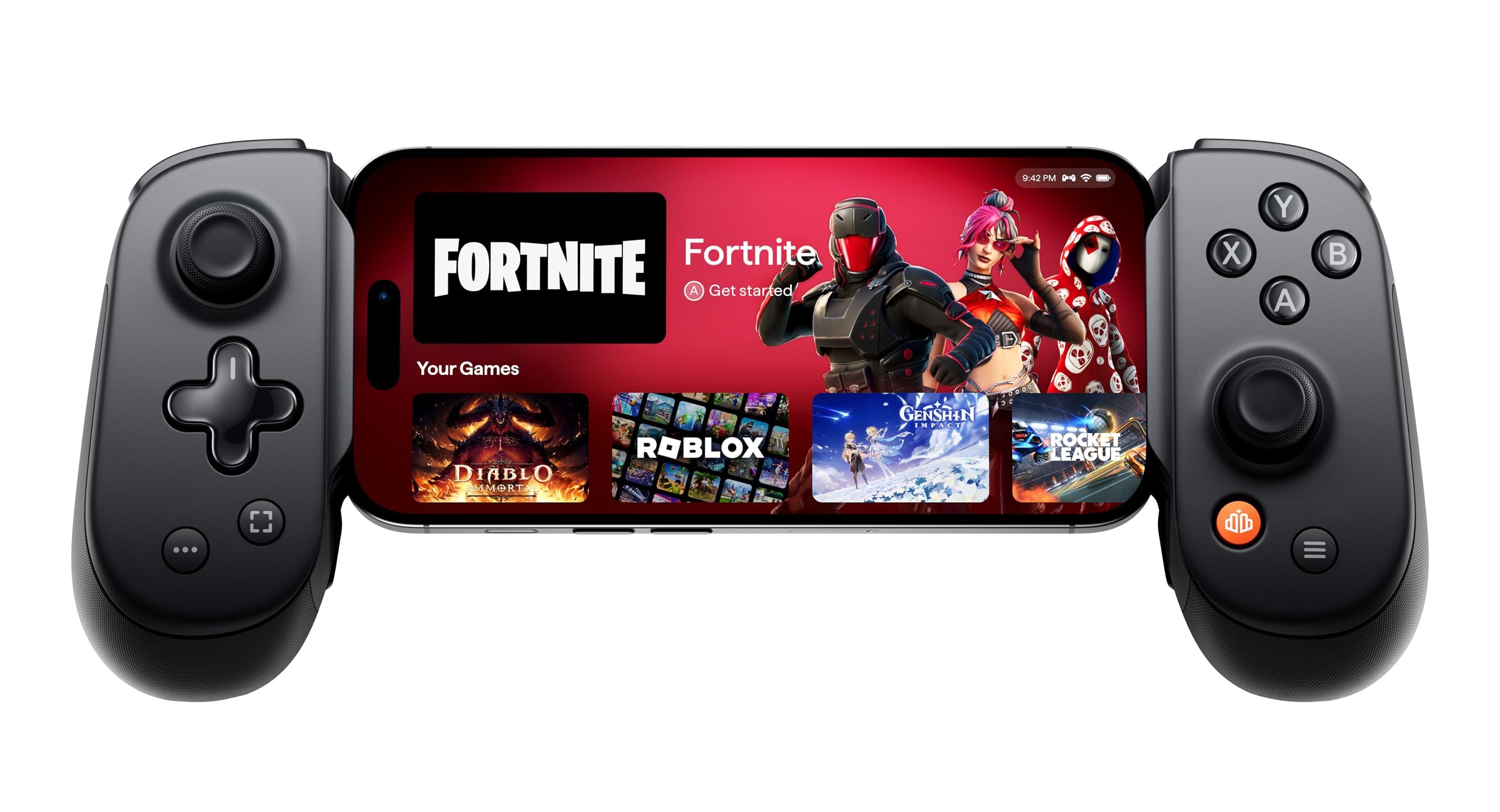
Console-grade build and three connection modes set the Backbone Pro apart from cheaper alternatives. The USB-C wired path delivers near-zero latency for competitive gaming, while the 40-hour wireless battery handles long sessions without recharging. ALPS analog sticks provide precise control, and the ergonomic shape keeps hands comfortable even after hours of play. This is a controller built around low-latency priorities, not feature gimmicks.

Serious mobile gamers who value wired reliability above all else will appreciate the Backbone Pro’s dedicated mode, but the wireless Bluetooth connection can occasionally hiccup – a trade-off worth checking before relying on it. Phone case compatibility requires the included magnetic adapters, which work well but add an extra step. This controller suits those who want console-quality responsiveness and don’t mind paying a premium, but for most buyers the GameSir G8 Plus delivers comparable feel at a lower price.

💡 Keep the magnetic adapters handy to maintain phone case compatibility when using the wired connection.

Pros

  • Console-grade ergonomics keep hands comfortable during extended play
  • 40-hour battery life covers multiple days of heavy use wirelessly
  • Solid ALPS analog sticks and overall build feel durable

Cons

  • Bluetooth connection can drop in some sessions
Our verdict

Choose the Backbone Pro if wired low-latency and long battery life are non-negotiable and you’re comfortable with the highest price in this roundup – otherwise the top pick gives you more for less.

Check Latest Price
3

Feature-Rich Alternative

Razer Kishi Ultra

86 /100
Lab Score Excellent

Key details

Battery
Buttons
RGB, HD haptics
Joysticks
TPSiV analog
Connection
USB-C wired
View on Amazon

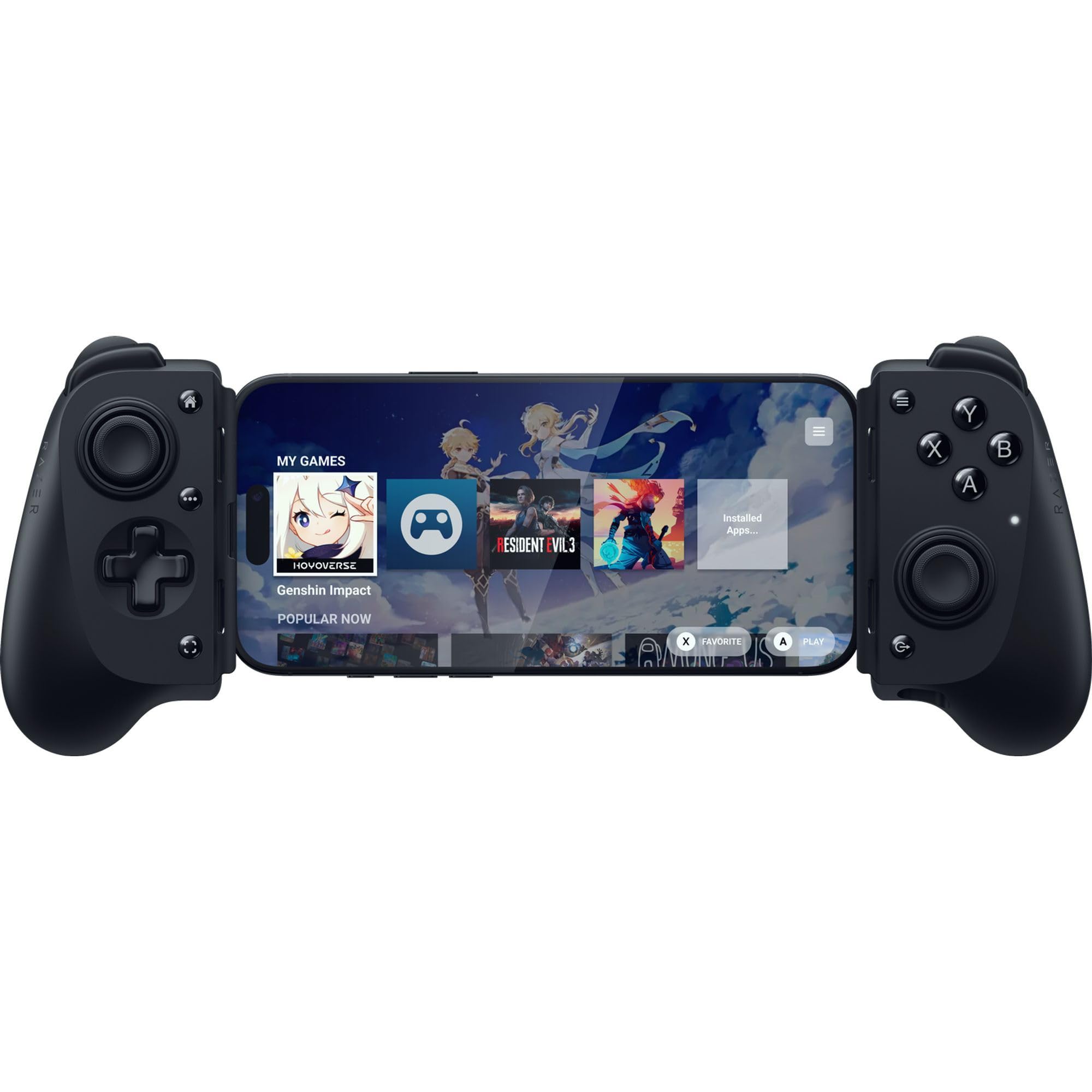
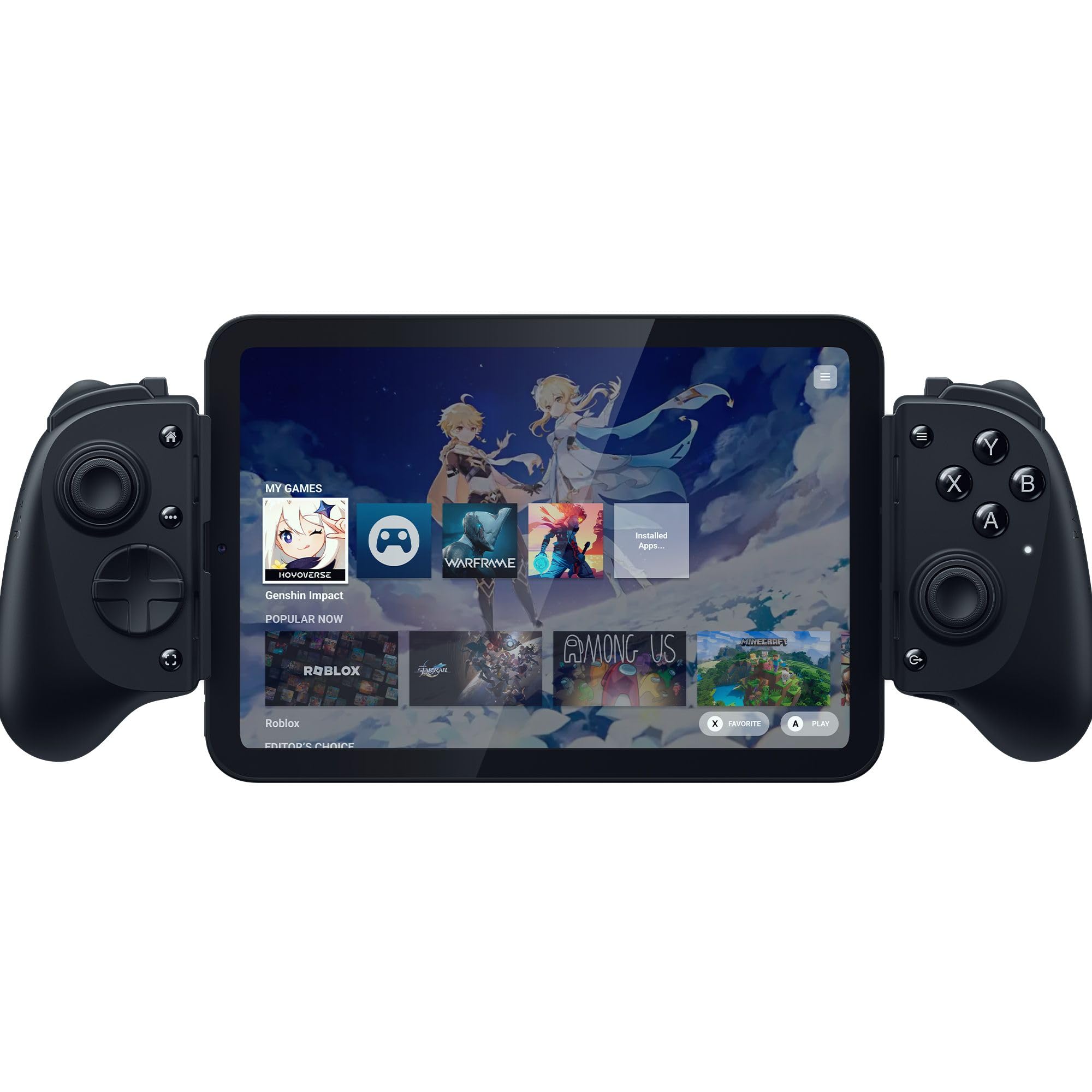
The Razer Kishi Ultra brings HD haptics and Chroma RGB lighting — features no other mobile controller currently offers — wrapped in a full-sized, console-like form factor. This is more than a direct upgrade over the older wired Kishi V2; it’s a distinct take on mobile gaming that prioritizes sensory feedback over modular flexibility. Where the top pick (GameSir G8 Plus) relies on hall-effect sticks and broad platform support, the Kishi Ultra carves its own niche for those who want the tactile immersion of controller rumble and customizable glow during gameplay.

This controller targets Android and PC gamers who value haptic feedback and are comfortable removing their phone case to fit the snug USB-C island. The haptics do not function on iOS, and the wired USB-C connection limits compatibility to devices that support direct host mode — primarily Android phones and tablets, plus the iPhone 15 series (without haptic benefits). For users who prioritize a zero-latency wired link and don’t mind the case compromise, the Kishi Ultra delivers a premium controller experience that rivals dedicated console pads in feel and response.

Build quality is on par with Razer’s desktop controllers — the TPSiV analog sticks and textured grips provide comfortable control during extended sessions. The Chroma RGB lighting can be customized via the Razer Nexus app, adding a personalized touch that remains rare in the mobile controller space. However, the tight USB-C island design means some cases block a full insertion, and connection stability can be intermittent in certain device pairings — worth checking against your specific phone model before purchase.

💡 Using a slim case or no case ensures the USB-C connector seats fully and avoids disconnection during play.

Pros

  • Top-tier build and tactile feel for a handheld controller
  • Immersive HD haptics and Chroma RGB lighting for Android and PC

Cons

  • The USB-C island often requires removing phone cases for a secure fit
  • Connection or compatibility issues can occur with some devices
Our verdict

The Razer Kishi Ultra is the controller to pick if HD haptics and RGB matter more than hall-effect sticks or iPhone-native support — ideal for Android gamers who want a console-like feel without Bluetooth lag.

Check Latest Price
4

Best for Retro & Portability

abxylute M4

82 /100
Lab Score Excellent

Key details

Battery
12 hours
Buttons
Magnetic snap-on
Joysticks
Analog sticks
Connection
Bluetooth HID/PS/NS
View on Amazon

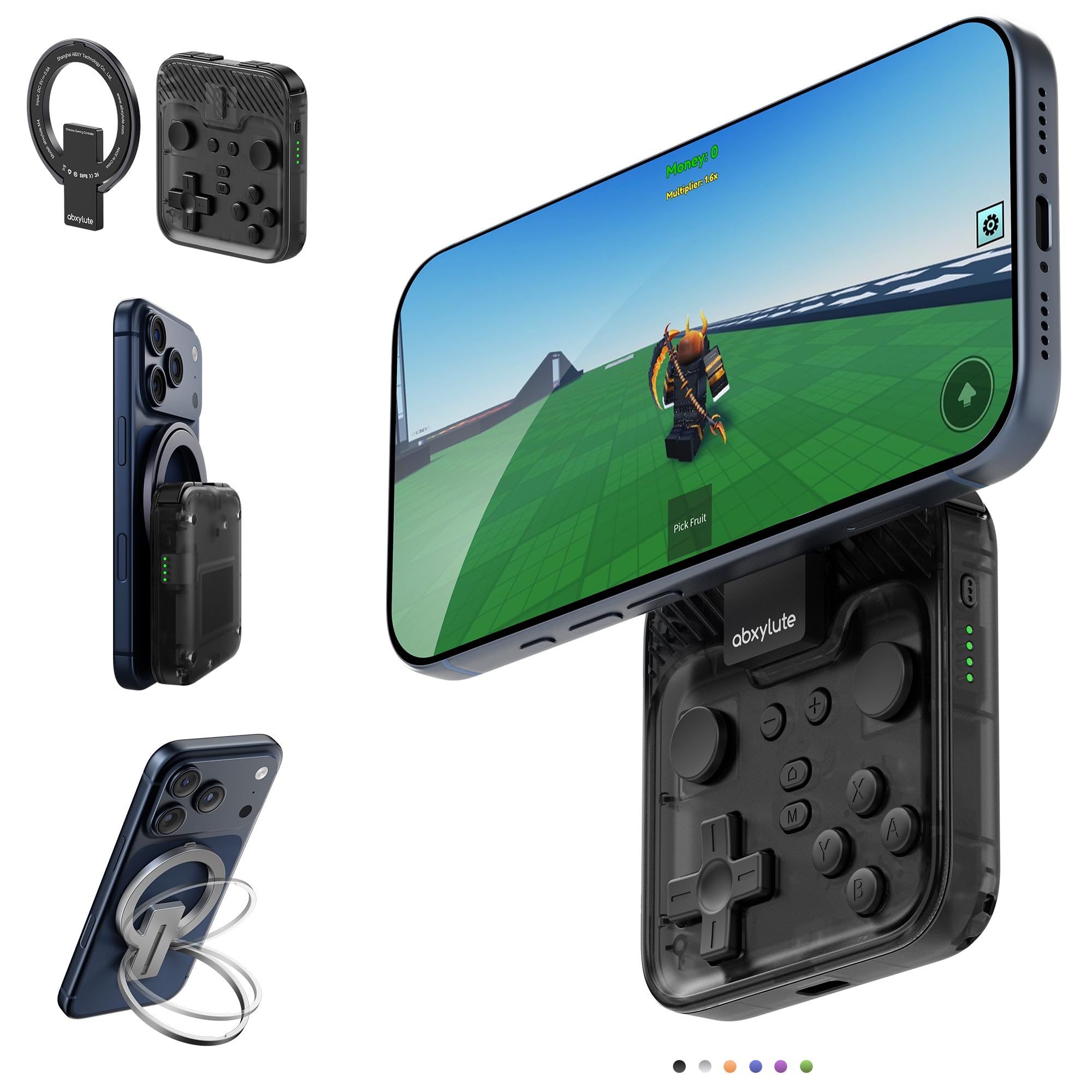
The abxylute M4’s snap-on magnetic design makes it the most pocketable controller in this roundup, with a strong hold that keeps your phone secure during quick sessions. Its broad compatibility with retro emulators and older titles means you can jump into classic games without a dedicated handheld.

Bluetooth connectivity works in HID, PS, and NS modes, covering most emulators and casual games on iPhone and Android. The 12-hour battery handles commutes and short breaks without needing a charge. For turn-based RPGs or platformers from the 8‑bit era, input lag is rarely noticeable.

This controller suits retro gamers and commuters who prioritize portability over comfort. The compact frame is too small for many adult hands, leading to discomfort during sessions longer than 15–20 minutes. If you have larger hands or plan extended play, this is not the controller to reach for.

💡 Keep play sessions short to avoid hand cramping.

Pros

  • Extremely portable and easy to carry
  • Wide compatibility with emulators and retro games
  • Strong magnetic attachment keeps phone secure

Cons

  • Compact size can feel cramped for larger hands during extended play
Our verdict

For retro gaming on the go, the abxylute M4 is a compact companion — but if comfort or longer sessions matter, the top pick covers that ground.

Check Latest Price
5

Budget Champion

Mocagen MC1

86 /100
Lab Score Excellent

Key details

Battery
~6 hours
Buttons
Joysticks
Hall-effect, 5M cycle
Connection
Bluetooth (XB1 protocol)
View on Amazon

The Mocagen MC1 brings hall-effect joysticks – typically reserved for controllers costing twice as much – down to a budget-friendly price. Its grip design allows phones up to 12mm thick to slide in without removing your case, a convenience that many competitors overlook. The joysticks are rated for 5 million cycles, suggesting longevity that matches its drift-free promise. However, this value comes with clear boundaries: the MC1 uses Bluetooth exclusively, with no wired passthrough, and its 600mAh battery delivers about six hours of play. That is roughly half the runtime of the GameSir G8 Plus, the top pick in this roundup.

This controller targets the budget-conscious mobile gamer whose sessions are measured in minutes, not hours. If you play on your commute, during lunch breaks, or while waiting in line, the battery will comfortably last several sessions. Casual titles like Genshin Impact, Call of Duty Mobile, or retro emulators run without perceptible lag over Bluetooth. For competitive players who need zero-latency wired connections or those planning extended gaming marathons, the MC1’s limitations become clear boundaries – the top pick’s wired mode and longer battery are worth the extra cost. But for its intended use, the MC1 delivers more than its price suggests.

💡 Charge the controller between sessions – six hours is ample for daily casual play but not enough for back-to-back marathon gaming.

Pros

  • Hall-effect joysticks eliminate drift at a price that undercuts competitors.
  • Accommodates phone cases up to 12mm thick, saving time and hassle.
  • Ergonomic grip design fits comfortably for short to medium sessions.

Cons

  • Bluetooth-only connection lacks a zero-latency wired option
  • Battery life of around six hours may require charging between sessions if you play for extended periods.
Our verdict

For budget gamers who want drift-free controls without the premium price, the Mocagen MC1 is a smart pick – just keep an eye on the battery indicator.

Check Latest Price
6

Android Gamers

8Bitdo Ultimate

86 /100
Lab Score Excellent

Key details

Battery
Buttons
2 programmable back
Joysticks
Hall-effect
Connection
Bluetooth
View on Amazon

The 8Bitdo Ultimate brings a solid build and comfortable Xbox-like layout to mobile gaming, with hall-effect joysticks and programmable back buttons that Android users will appreciate. However, its iPhone compatibility is hit-or-miss — some devices may not connect at all, making it a safer bet for Android or cloud gaming setups where consistent support matters more. For iOS-focused buyers, the GameSir G8 Plus offers more predictable performance.

Pros

  • Solid build quality with a premium feel.
  • Comfortable ergonomics for extended mobile sessions.

Cons

  • iPhone compatibility is inconsistent; the controller may not work with certain iPhone models.
Our verdict

Best for Android gamers who prioritize build and ergonomics; iPhone users should look elsewhere.

Check Latest Price
7

Budget Upgrade

Mocagen MC2

82 /100
Lab Score Excellent

Key details

Battery
~18 hours
Buttons
2 back, turbo
Joysticks
Hall-effect
Connection
Bluetooth (wired PC)
View on Amazon

The Mocagen MC2 delivers programmable back buttons, analog triggers, and a generous 18-hour battery life at a budget-friendly price, with hall-effect joysticks standard at this level. It works across Switch, PC, iPhone, and Android. However, occasional right joystick drift has been noted, making quality control a gamble. For those who prioritize consistency, the Mocagen MC1 is a safer budget pick, though it lacks the programmable features and longer battery of the MC2.

Pros

  • Solid construction and good build quality for the price.
  • Wide compatibility with Switch, PC, iPhone, and Android.

Cons

  • Right joystick may drift or stick during use.
Our verdict

Best for budget gamers who want programmable features and a long battery life, and who are comfortable with the possibility of joystick issues — especially if they have a hassle-free return option.

Check Latest Price
8

Older Lightning iPhones

Razer Kishi V2

83 /100
Lab Score Excellent

Key details

Battery
Buttons
Microswitch, macros
Joysticks
Analog sticks
Connection
Lightning wired
View on Amazon

The Kishi V2 delivers a direct wired connection to older Lightning iPhones, eliminating Bluetooth lag entirely. Its clicky microswitch buttons give satisfying feedback for fast-paced games. However, the design can be finicky with certain phone cases and some iPhone models, and connectivity drops have been noted during use. The plastic build feels lighter than the price suggests, though it holds together for casual sessions.

Pros

  • Zero-latency wired Lightning connection eliminates Bluetooth lag.
  • Clicky microswitch buttons provide satisfying tactile feedback.

Cons

  • Fit with certain phone cases and some iPhone models can be inconsistent.
  • Connectivity may occasionally drop during use, requiring a reconnect.
Our verdict

Best suited for Lightning iPhone owners who game without a case and can tolerate occasional connectivity hiccups.

Check Latest Price
9

Budget Gamers

NinjaPlusOX

84 /100
Lab Score Excellent

Key details

Battery
~8 hours
Buttons
Turbo 5/12/20
Joysticks
Hall-effect
Connection
Bluetooth
View on Amazon

The NinjaPlusOX delivers hall-effect joysticks and RGB lighting at a budget-friendly price, making it a solid entry-level option for casual mobile gaming. However, battery life can fall short during extended sessions, and some games may not recognize the controller properly. For a more consistent experience, the Mocagen MC1 offers similar hall-effect sticks with fewer compatibility hiccups and more reliable battery performance.

Pros

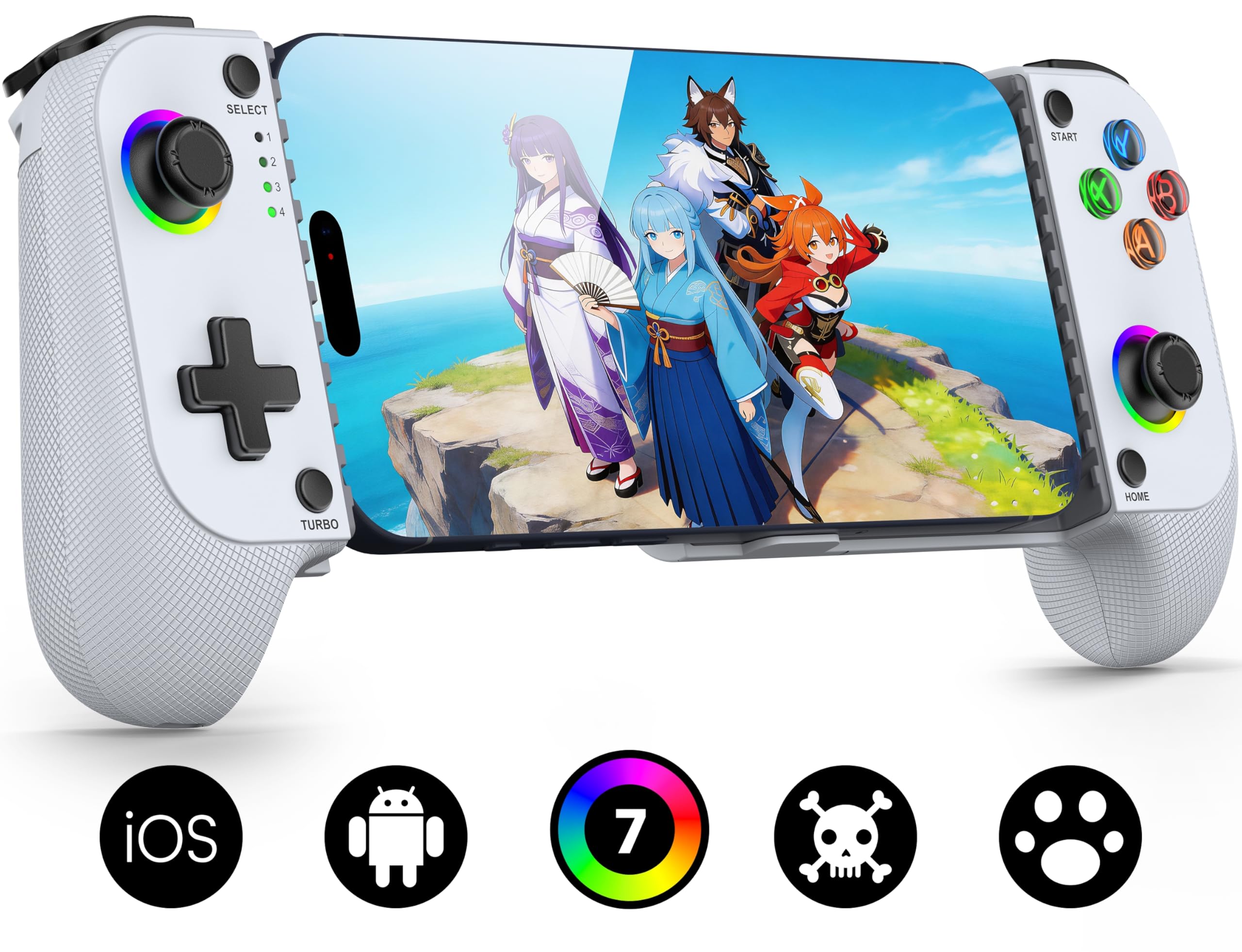
  • Hall-effect joysticks with RGB lighting at a budget price
  • Decent build quality for the price point

Cons

  • Battery life may not last through long gaming sessions
  • Compatibility can be hit-or-miss with certain game titles
Our verdict

A cheap entry point for casual gamers who don't mind checking game compatibility and keeping a charger nearby.

Check Latest Price

How to Choose

Connection Type

Wired USB-C controllers deliver the lowest latency because there is no wireless signal to interfere or re-sync. This matters for competitive shooters or rhythm games where milliseconds count. The trade-off is that your phone’s charging port is occupied and the controller’s rigidity limits how you hold the device.

Bluetooth controllers let you charge wirelessly or use a headphone jack, but they rely on the phone’s Bluetooth stack. Android and iOS handle Bluetooth differently, and even Bluetooth 5.0 can have lag spikes in crowded radio environments — like a train or a living room with multiple devices.

Joystick Technology

Hall-effect joysticks use magnetic sensors instead of physical contact points, which theoretically eliminates mechanical wear that causes drift. In practice, build quality of the gimbal and calibration can still produce drift on some units — especially at budget price points where assembly tolerances are looser.

TMR (tunnel magnetoresistance) joysticks, found on the Razer Kishi V3 Pro, are a newer variant with even higher precision and lower power draw. They cost more but offer a genuine upgrade for competitive players who demand consistent centering and response.

Battery Life

Battery life on Bluetooth controllers ranges from 6 to 40 hours. A shorter battery (under 8 hours) means charging every couple of days with moderate use. If you frequently play on the go without access to power, aim for at least 12 hours.

Controllers with replaceable batteries or pass-through charging (play while charging) extend their usefulness. Wired controllers obviously never run out of battery, but they drain your phone’s battery faster since the phone powers the controller.

Phone Fit with Cases

Case compatibility is rarely universal. Controllers with a fixed USB-C ‘island’ (like the Razer Kishi Ultra) often require removing thick cases or any case with a protruding camera bump. Magnetic adapters (like Backbone Pro) offer some adjustability but add bulk.

Always check recent reviews for your specific iPhone model before buying. Thinner cases under 12mm usually work, but rugged or folio cases are almost certain to cause problems.

Button and Trigger Feel

Microswitch buttons (like on the Kishi V2) offer crisp tactile feedback but can be louder and more fatiguing for long sessions. Analog triggers with hall-effect sensors provide smoother pressure control for racing games. Membrane-style buttons are quieter but feel mushy after heavy use.

Programmable back buttons or paddles add flexibility for mapping extra inputs, but they are often placed awkwardly on smaller controllers. Test the layout if possible — a poorly placed paddle can cause accidental presses.

Frequently Asked Questions