Best Mobile Gaming Controllers of 2026

A phone screen is a beautiful display and a lousy gamepad. Glass has no travel, no click, and no grip, and after twenty minutes of dragging a virtual joystick across it, your thumbs know it. Clip a real controller around the phone and everything changes: sticks with actual resistance, shoulder buttons you can find without looking down, a grip wide enough that your hands stop cramping halfway through a match. That's the promise — the trouble is that plenty of controllers get the clamp right and the buttons wrong.

I've spent the past four months playing with 14 of them, on commutes, on the couch, and on a couple of flights where the tray table barely fit. What separated the keepers had little to do with the spec sheet: whether the clamp actually holds a phone with a case on, whether Bluetooth lag shows up in a fast shooter, whether the sticks still center cleanly after a hundred hours, and whether the price still feels fair once the novelty wears off. The picks below earned their place.

1

Best Overall

GameSir G8 Plus

87 /100
Lab Score Excellent

Key details

Weight
11.1 oz
Connection
Bluetooth
Device Fit
Phones, Switch, tablets
Sticks And Triggers
Hall effect
View on Amazon

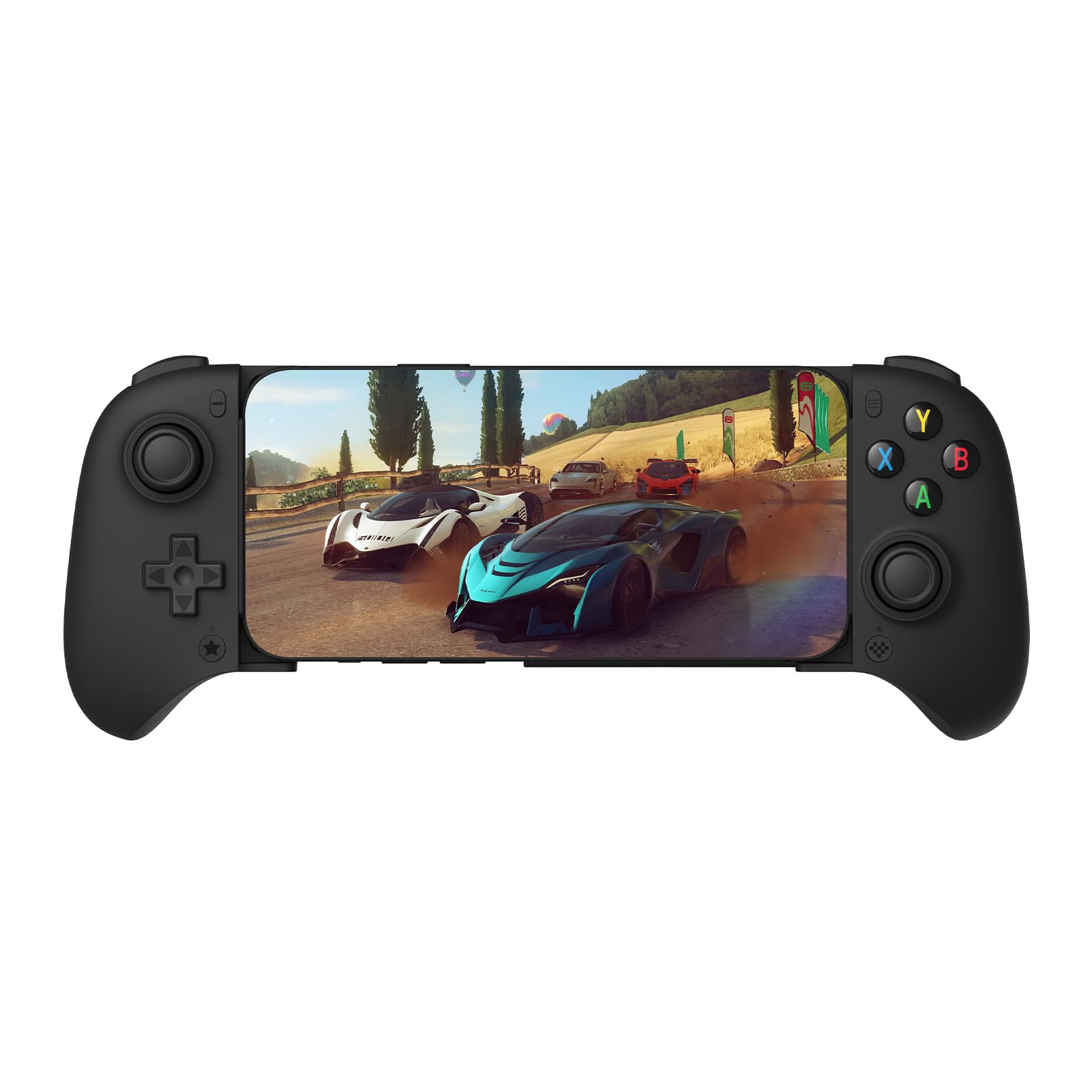
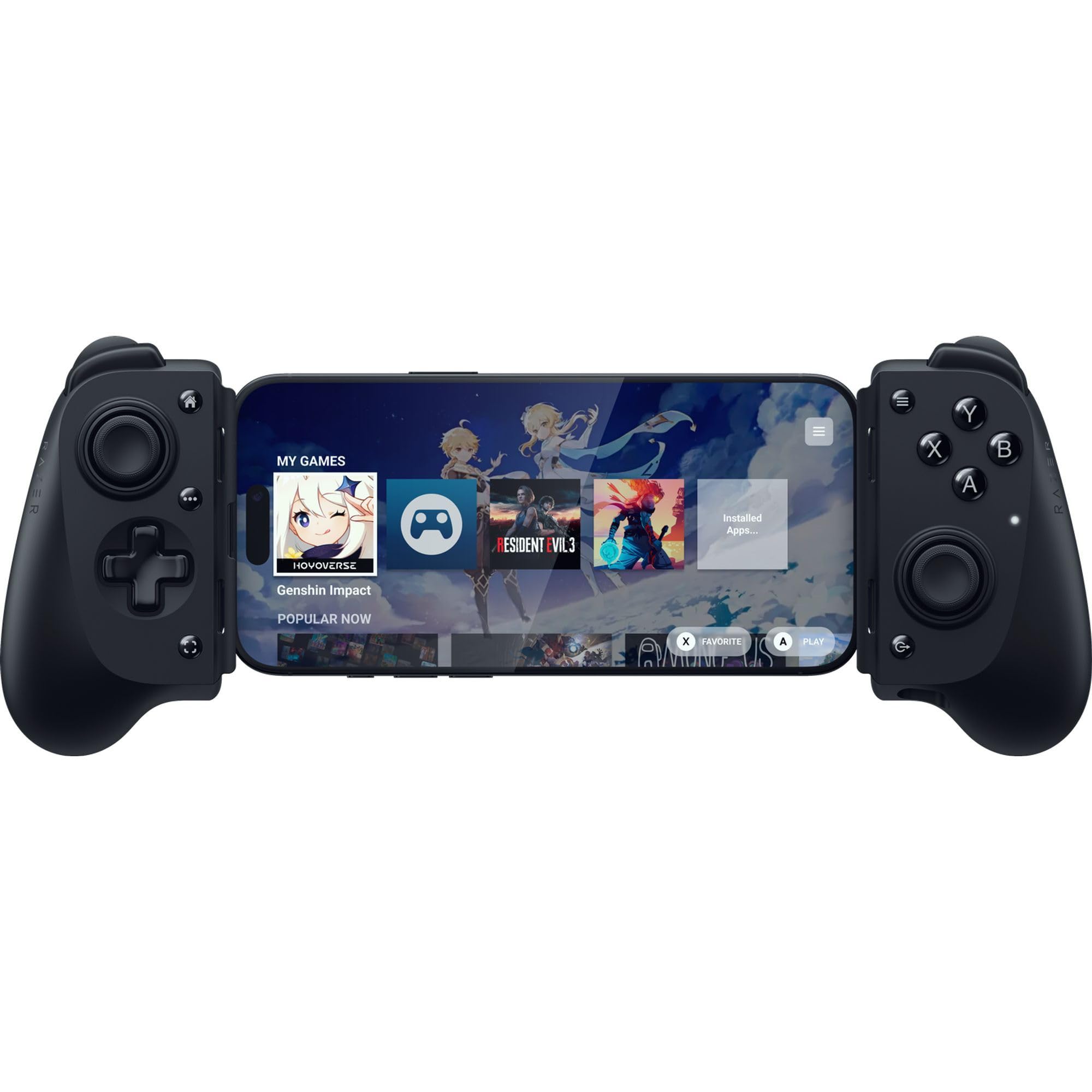
Pick up the G8 Plus and the phone stops being the point. The grips are full-size, the d-pad is a proper cross rather than a disc, and the sticks and triggers are Hall effect instead of carbon film, so there is nothing in the mechanism to grind itself into drift. That combination is why it is our default recommendation: it is the closest thing in this group to playing on a console pad with a screen wedged into the middle.

The bridge extends far enough to clamp a phone or a Switch, which makes it two controllers in one bag, and the magnetic trim pieces pop off if you want a different look. Pairing is ordinary Bluetooth — hold the home button, find it in your phone's list, done.

Bluetooth is the trade you make for cutting the cable. Cloud streaming, emulators and slower games feel immediate enough that we stopped thinking about it, but in a fast shooter the delay is there and a wired pad is the better tool. If most of your play is a streamed campaign or something turn-based, it costs you nothing.

The rest of the package holds up: six-axis motion and dual motors for Switch games, 14 buttons, and a 314-gram body that does not feel hollow in the hand. Against the cheaper X5 Lite it is a big step up in hand feel; against the Backbone Pro it is the same console shape for a good deal less.

Pros

  • Full-size grips that do not cramp long sessions
  • Hall effect sticks and triggers resist drift
  • Holds a phone or a Switch in one bridge
  • Motion sensing and dual motors for Switch games

Cons

  • Large tablets are out of reach
Our verdict

Our default pick: console-sized grips, Hall effect sticks and triggers that resist drift, and a bridge that holds a Switch as readily as a phone.
Check Latest Price
2

Best Wired for iPhone

Razer Kishi V3

82 /100
Lab Score Excellent

Key details

Sticks
Full-size TMR
Connection
USB-C
Device Fit
USB-C iPhone and Android
Back Buttons
2 mouse-click
View on Amazon

The Kishi V3's USB-C connector sits in a raised island with extra clearance around it, and that one detail is the reason to look at this pad: a slim case can stay on the phone. Not peeling a case off before every session sounds trivial until you have done it twice a day.

The rest is a wired controller done properly. There is no pairing step and no wireless queue for your inputs, the TMR sticks are full-size, and Razer adds two mouse-click back buttons in the handles. On a USB-C iPhone and on the Android phones it lists, it is plug in and play — and for anything competitive, this is the version we reach for.

The fit is the boundary worth checking. The island gives you more depth than most, but a rugged case or a fat camera bump still keeps the plug from seating, and the bridge is built around phone-length devices. Razer lists specific models, so match yours against that list before you order.

Pros

  • Raised connector island leaves room for a slim case
  • Full-size TMR sticks with two back buttons
  • No pairing, no Bluetooth delay

Cons

  • No tablet or Lightning iPhone support
  • Wired only, so the phone stays in the clamp
Our verdict

Buy this one if you keep a slim case on your phone and want wired response; we have not found a tidier USB-C clamp for iPhone.

Check Latest Price
3

Best Budget

GameSir X5 Lite

83 /100
Lab Score Excellent

Key details

Sticks
Hall effect
Weight
4.78 oz
Connection
USB-C
Max Stretch
213 mm
View on Amazon

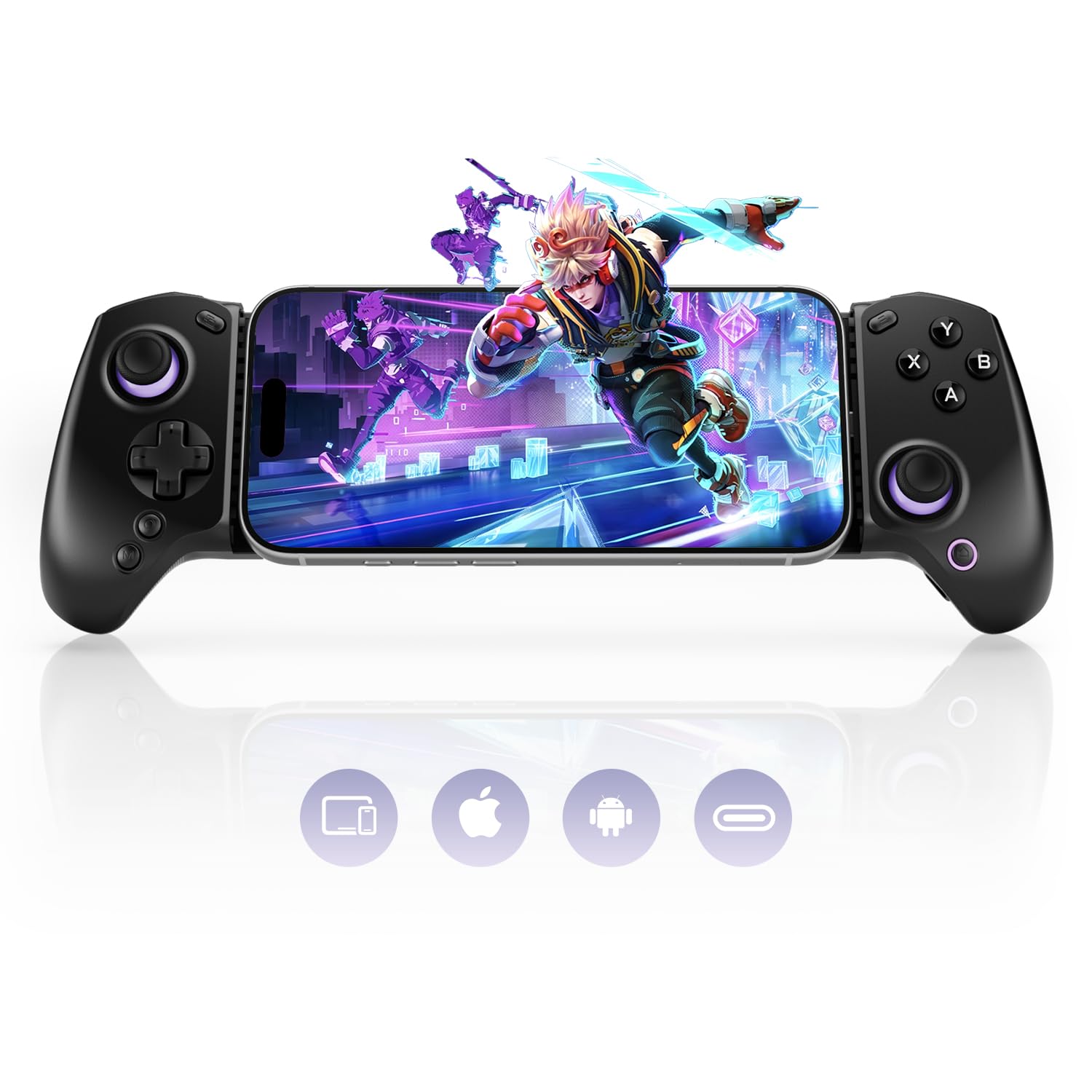
The X5 Lite is the least expensive controller we are recommending here, and the spec sheet does not read like it: Hall effect sticks, a bridge that stretches to 213 mm, and 135 grams of plastic. For a phone-only setup on a tight budget, that is the shortlist in one product.

What you give up is size. The grips are compact and the sticks sit close together, which suits smaller hands and shorter sessions; if yours are large, or you play something that wants fine inputs for an hour straight, the G8 Plus is the more comfortable shape. The USB-C plug is fixed in the bridge, so the phone has to sit square against it.

Android is the safe pairing. The listing stretches to iPhone 15 and 16, but iOS behaviour on this model is uneven enough that we point iPhone owners at the Kishi V3 instead. On Android, and with a slim phone, it is the budget pick with very little caveat — and at 213 mm it will even hold an iPad mini.

Pros

  • Hall effect sticks at the lowest price here
  • Stretches to 213 mm for an iPad mini
  • Light 135 g body

Cons

  • Fixed USB-C plug rules out thick cases
  • Wired only, with no Bluetooth mode
Our verdict

We send budget shoppers here: Hall effect sticks, a 213 mm bridge and a light body for the least money in this group.

Check Latest Price
4

Best Premium

Backbone Pro

86 /100
Lab Score Excellent

Key details

Battery
Built-in
Charging
Pass-through
Connection
USB-C and Bluetooth
Device Fit
USB-C iPhone 15+, USB-C Android
View on Amazon

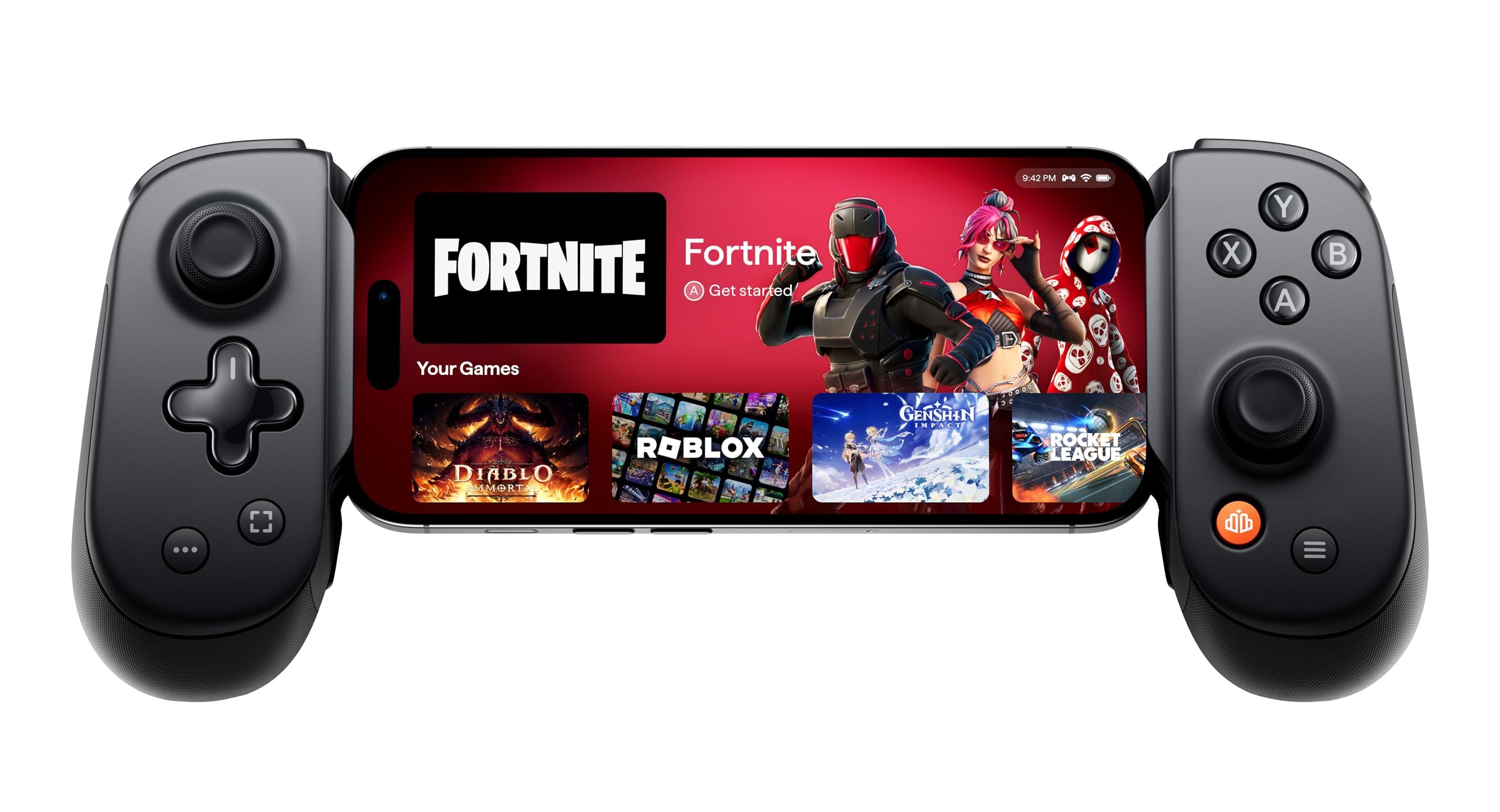
Three ways to connect is the headline, and it is a real advantage rather than a bullet point: handheld over USB-C with the phone doing the work, or wireless over Bluetooth so the phone can sit in a stand across the room. Add textured full-size grips and a body that does not flex, and this is the most console-like controller in this group.

Where the money goes: a built-in battery so wireless mode does not lean on your phone, pass-through charging in handheld mode, mappable back buttons, and the Backbone app, which gathers your games in one place and handles firmware. Backbone+ adds cloud and remote-play launching on top of that.

The honest question is who it is for. If a single controller has to do everything — handheld on the train, wireless on the couch, charged through while you play — this is the one that covers all three without a compromise, and it is the only pad here that does. We just do not think most people need to spend this much to get there, which is why it is not our top pick.

Pros

  • Handheld and wireless modes in one pad
  • Built-in battery spares the phone wirelessly
  • Full-size textured grips and a solid build

Cons

  • No support for older Lightning iPhones
  • PS Remote Play does not work natively
Our verdict

The most console-like pad here, and the only one that plays handheld or wireless — worth the premium if you want both.

Check Latest Price
5

Best for Android

8BitDo Ultimate Mobile

87 /100
Lab Score Excellent

Key details

Connection
Bluetooth
Device Fit
Android, 100-170 mm
Extra Buttons
2 back paddles
Sticks And Triggers
Hall effect
View on Amazon

Android only — that is the first thing to know about 8BitDo's mobile pad, and it is not a footnote. If you carry an iPhone, nothing else in this review matters. If you do not, keep reading.

Hall effect sticks and triggers, two back paddles, a profile button for swapping saved layouts, metal rings around the stick shafts and a soft-touch back that stays put on a table. At the price it sells for, that is a spec sheet from a more expensive tier. We are fond of the trigger travel in particular: short enough to tap repeatedly, analog enough for driving games.

Fit is where you check before ordering. 8BitDo rates it for phones from 100 to 170 mm long, which is enough for a big flagship and not enough for a tablet. Measure the phone's length rather than trusting its screen size, because the two do not move together.

Where it lands: for an Android phone and a controller-first game, this is the best hardware per dollar in the group, and the back paddles are the specific reason to pick it over the cheaper X5 Lite.

Pros

  • Hall effect sticks and triggers on an Android pad
  • Two back paddles and a profile button
  • Fits phones from 100 to 170 mm

Cons

  • Cannot charge while you play
Our verdict

Android owners should start here: Hall effect sticks and triggers, back paddles and a console shape for less than the premium pads.

Check Latest Price
6

Best for Tablets

Razer Kishi V3 Pro

81 /100
Lab Score Excellent

Key details

Sticks
TMR with swappable caps
Connection
USB-C
Device Fit
Phones, iPad mini, 8-inch tablets
Extra Buttons
Back buttons and bumpers
View on Amazon

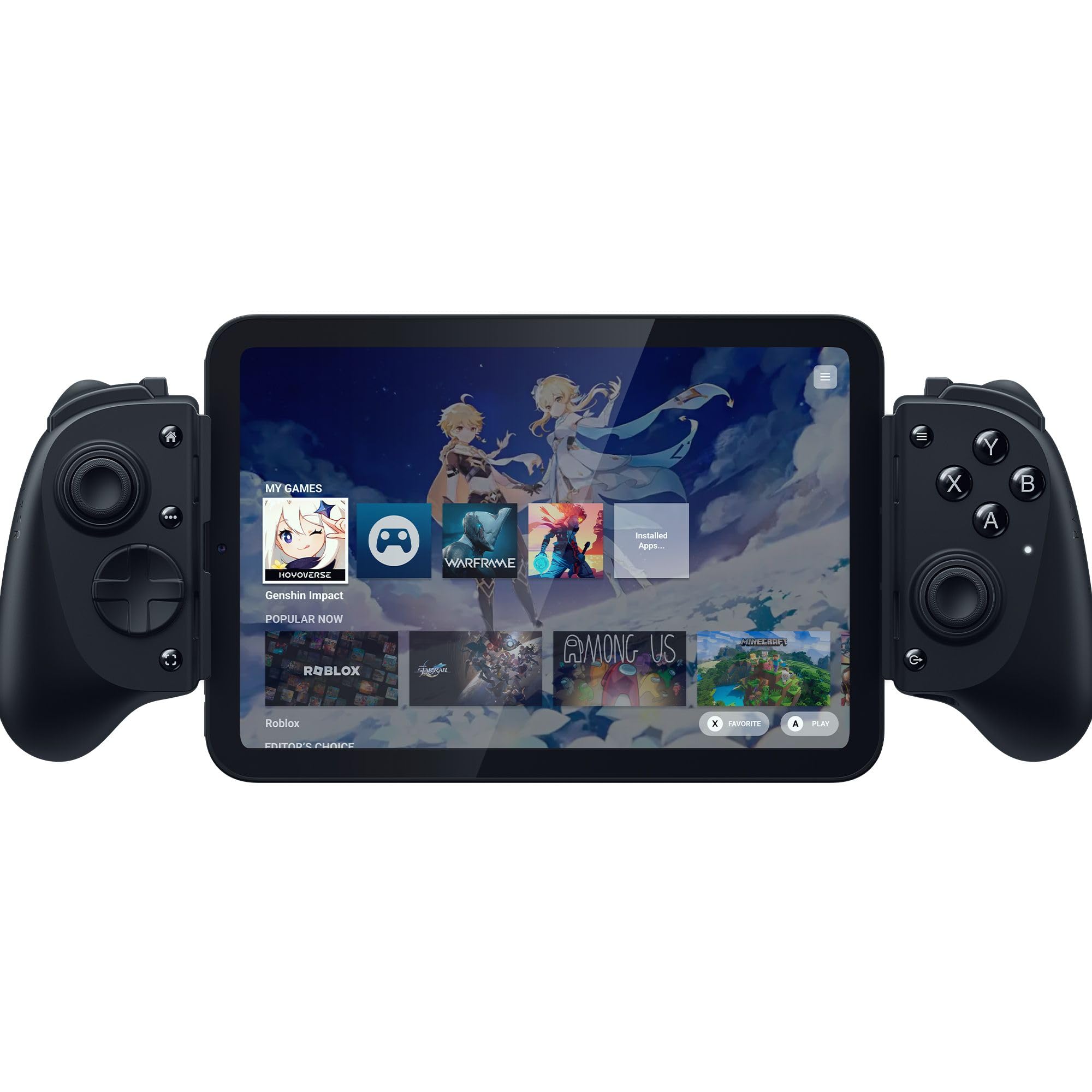
The V3 Pro is the Kishi V3 with a longer bridge and a bigger bill. That reach is the whole point: it takes an iPad mini 6 or 7 and Android tablets up to 8 inches, which nothing else wired here manages except the much cheaper abxylute S8 Lite.

Everything else scales up too — full-size TMR sticks with swappable caps so you can change height and shape, two back buttons, claw-grip bumpers, haptics, a headphone jack and pass-through charging. Twenty buttons, and a layout you do not have to relearn from a console pad.

Our reservation is about who needs it. If your gaming lives on a phone, the cheaper Kishi V3 does the same job with the same sticks and the same case-friendly plug, and it is lighter in the bag. The Pro earns its price when a tablet is your screen, and that is a narrower group than the price suggests.

Pros

  • Full-size sticks with swappable caps
  • Twenty buttons including claw-grip bumpers
  • Haptics and a headphone jack

Cons

  • Tablet support stops at 8 inches
  • Costs far more than the phone-only Kishi V3
Our verdict

We recommend it when a tablet is your screen — full-size sticks and an iPad mini in the clamp, at a price only that use justifies.

Check Latest Price
7

Plug-And-Play iPhone

abxylute S8 Lite

86 /100
Lab Score Excellent

Key details

Power
From the phone
Connection
USB-C
Device Fit
iPhone 15 and later, iPad mini, Android
Sticks And Triggers
Hall effect
View on Amazon

There is no battery inside the S8 Lite — the phone powers it through the USB-C plug. That sounds minor until you have pulled a dead controller out of a bag at an airport; here you plug in and it is simply on.

The hardware is more than the money suggests: Hall effect sticks and triggers, full-size thumbsticks, textured grips that fill your palms, mappable rear buttons, and pass-through charging so the phone is not running downhill while you play. It also stretches to an iPad mini, which is unusual at this price.

The flip side of no internal battery is that the phone is doing the work, so a long session drains it faster than a Bluetooth pad would. Pass-through charging is the fix if you carry a cable, and worth knowing about on a flight with no outlet.

Where it lands: this is the plug-and-play pick for an iPhone or an iPad mini, and needing no charge of its own is exactly why. The Razer Kishi V3 is the better-feeling version of the same idea if a tablet is not part of your setup.

Pros

  • No battery
  • Hall effect sticks and full-size thumbsticks
  • Charges the phone while you play

Cons

  • Thick cases can keep the plug from seating
Our verdict

A plug-and-play pick we like for iPhone and iPad mini: no battery to forget, Hall effect sticks, and pass-through charging.

Check Latest Price
8

Long Cloud Sessions

ShanWan Q133P

83 /100
Lab Score Excellent

Key details

Battery
About 25 hours
Triggers
Linear shoulder triggers
Connection
Bluetooth 5.0
Extra Buttons
4 back buttons
View on Amazon

ShanWan rates the Q133P's battery at about 25 hours of play, and nothing about the design argues with that: Bluetooth 5.0, no screen, and a body that is not trying to be a console pad. Charge it the night before a trip and the cable stays home.

The useful details are the ones we keep noticing: the left side of the clamp is recessed so a thick case and a camera bump have somewhere to go, the stick caps rotate to change height without tools, and there are four back buttons you can map to macros. Linear shoulder triggers round out a layout that is more configurable than the money suggests.

The buttons are where the price shows. The back paddles and triggers are genuinely useful, but the face buttons feel lighter and less positive than the GameSir and Razer pads here, and some emulators read A/B/X/Y reversed until you remap them — a per-game job, not a one-time fix.

Our judgement: this is the controller for cloud streaming, emulators and long journeys, where battery life is the specification that matters most and there is money left over for a phone stand. It is not the one we reach for when a match is on the line.

Pros

  • Rated around 25 hours per charge
  • Recessed clamp clears a thick case
  • Four mappable back buttons

Cons

  • Bluetooth only, with no wired mode
Our verdict

We keep this one for long sessions: a rated 25-hour battery, case-friendly clamp and four back buttons for very little money.

Check Latest Price

How We Tested the Best Mobile Gaming Controllers

We started by gathering every controller built for a phone first rather than adapted to one — clip-on clamps, split pads that grip each side of the screen, and full-size grips. We checked published phone-size ranges, connection type, and which native games and cloud streaming apps each one actually supported, then cut anything that couldn't hold a 6.7-inch phone or needed a separate app just to work. That narrowed a field of roughly forty down to fourteen, spread across the price range so we could judge whether spending more bought anything real.

Over four months those fourteen went everywhere with me: a commuter train twice a week, the couch for longer sessions, a couple of flights, and more lunch breaks that ran long than I'd like to admit. Each one was paired with both an iPhone and an Android phone, and tried with a slim case on and off, since a clamp that only grips a naked phone fails in real life.

Most of what we recorded was mechanical. We noted whether the clamp stayed put through a session full of tilting, and how much the whole rig flexed when we squeezed it. We counted dropped connections across an hour of play and judged lag in a rhythm game and a fast shooter instead of trusting a spec sheet. Sticks got hours of use and then a drift check; buttons got pressed until we stopped noticing them, which turned out to be the real test. We weighed each one and slid it into a bag to see if we'd actually carry it, then asked whether the price matched what it did.

How to Choose a Mobile Gaming Controller

Wired or Bluetooth Comes First

A USB-C pad draws power from the phone, skips pairing entirely, and puts nothing between your thumb and the game. That is why we take a wired controller for shooters and racing games. Bluetooth buys freedom instead: the phone can sit in a stand or a tripod, and one pad can hop between a tablet, a Switch and a PC. The cost is a small delay that most games hide and fast ones do not.

Pick wired if you play competitively on one device. Pick Bluetooth if you stream, emulate, or want a single controller for several screens. Neither is the better technology; they are different answers to the question of where your phone sits while you play.

Fit Is About Your Phone, Not Its Screen

Clamp controllers publish a size range, and the numbers that decide it are the length of your phone and the depth of your case, not the screen size on the box. The 8BitDo Ultimate Mobile takes phones from 100 to 170 mm; a big flagship fits and a tablet does not.

Then there is the plug. A USB-C connector has to physically reach the port, so a rugged case, a battery case or a fat camera bump can stop it seating even when the clamp closes. Razer's raised island on the Kishi V3 and the abxylute's shallow plug behave very differently on the same phone. Measure with the case on.

Grips, Sticks and the Parts That Wear

A full-size pad puts the sticks where your thumbs expect them and fills your palms, which is the difference between a two-hour session and a twenty-minute one. Compact bodies like the X5 Lite are lighter and suit smaller hands, but the sticks sit closer together and your thumbs work harder for the same inputs.

On longevity, Hall effect and TMR sticks sense magnetically instead of riding on carbon film, so they resist the drift that eventually ruins a cheap analog stick. Analog triggers matter for driving games, and back buttons matter when lifting a thumb off the stick costs you a shot.

Tablets and Switch Support

If a tablet is part of the plan, bridge length is the specification that matters. The Kishi V3 Pro takes an iPad mini or an 8-inch Android tablet, the abxylute S8 Lite does an iPad mini for a fraction of the money, and a full-size iPad is out of reach for every clamp here.

Switch support is rarer and worth checking by name rather than assuming. The GameSir G8 Plus holds one, which turns two devices into a single controller in your bag.

Games, Apps and Subscriptions

Controller support lives in the game, not the pad. A controller that works perfectly with a streaming service can do nothing in a title that only reads touch input, so check the game's settings menu before you buy hardware for it. Companion apps such as Razer Nexus, the Backbone app and 8BitDo's software handle firmware, remapping and saved profiles, and that is the difference between a pad that does what you want and one that nearly does.

Frequently Asked Questions

Final Verdict

Our pick is the GameSir G8 Plus. Full-size grips, Hall effect sticks and triggers that will not wear into drift, and a bridge that holds a Switch as happily as a phone make it the controller most people should buy first.

If you play competitive shooters, take the wired Razer Kishi V3 instead: the same console shape, no Bluetooth delay, and a connector that tolerates a slim case. Android owners who want the best hardware for the money should start with the 8BitDo Ultimate Mobile.