8 Best Monitor for Switch 2 2026: Smooth Gaming Without Overspending

Finding a monitor that works well with Switch 2? This guide cuts through the hype to match your budget with the right size, refresh rate, and connectivity.

Many assume a 60Hz monitor is fine for Switch 2 since the console outputs at 60fps. But higher refresh rates still reduce motion blur and input lag in practice, making gameplay feel smoother. That extra headroom matters for fast platformers and shooters.

The real trade-off comes down to screen size, resolution, and budget. A 27-inch 1080p IPS panel hits the sweet spot for most desks, while 1440p or 4K options offer sharper visuals at a higher cost. Meanwhile, features like HDMI version and ergonomic stands are often overlooked until you have already bought.

Knowing which refresh rate actually improves your experience — and which resolution your desk can fit — saves you from buying a monitor that looks good on paper but underdelivers when your Switch is plugged in.

1

Best Overall

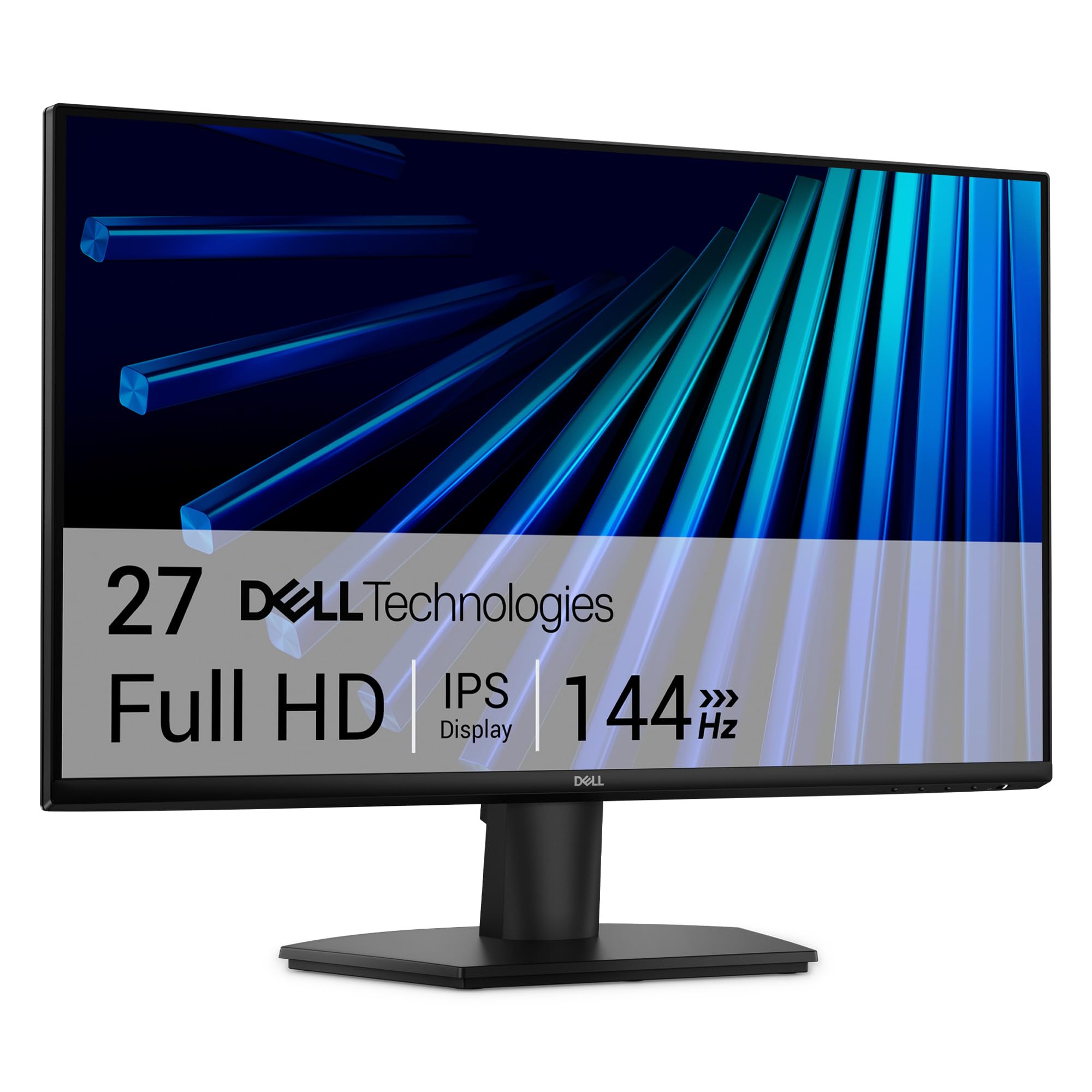
Dell SE2726H

89 /100
Lab Score Excellent

Key details

HDMI Ports
2
Panel Type
IPS
Resolution
1920x1080
Screen Size
27 inches
View on Amazon

The Dell SE2726H delivers a 27-inch IPS panel with accurate color reproduction and 144Hz refresh rate that makes 1080p console gaming feel fluid. Two HDMI ports let you connect the Switch 2 alongside a PC or another console without swapping cables.

Users consistently praise the image clarity and color accuracy for the price. Setup takes minutes, and the VESA mount pattern on the back gives flexibility for wall or arm mounting. The IPS viewing angles hold up well for group play on the couch.

This monitor is for casual Nintendo Switch 2 gamers who want a larger 27-inch display without breaking a budget. The 1080p resolution matches the console’s typical output, and the 144Hz refresh handles fast motion without tearing when FreeSync is engaged. If you need 4K or HDR for PC gaming or future-proofing, this isn’t the fit.

The stand provides tilt only. For a more comfortable viewing angle, a VESA arm or riser is a smart addition. The monitor lacks built-in speakers, so external audio is needed if you want sound from the screen rather than the console’s headphone jack.

💡 Pair with a VESA arm or riser if you need height adjustment – the stock stand only tilts.

Pros

  • 27-inch IPS panel produces accurate colors and wide viewing angles for multiplayer sessions
  • 144Hz with FreeSync support keeps console gameplay smooth and tear-free
  • Two HDMI inputs allow quick switching between Switch 2 and other devices
  • VESA mount compatible and intuitive setup out of the box
  • Budget-friendly price for a 27-inch 144Hz IPS monitor with this feature set

Cons

  • 1080p resolution only
  • Stand offers tilt adjustment only; height and swivel require aftermarket mounting
  • No built-in speakers
Our verdict

For Switch 2 owners who want a big, smooth 1080p screen at a low cost, the SE2726H delivers exactly what’s needed – no more, no less.
Check Latest Price
2

Best Budget Speedster

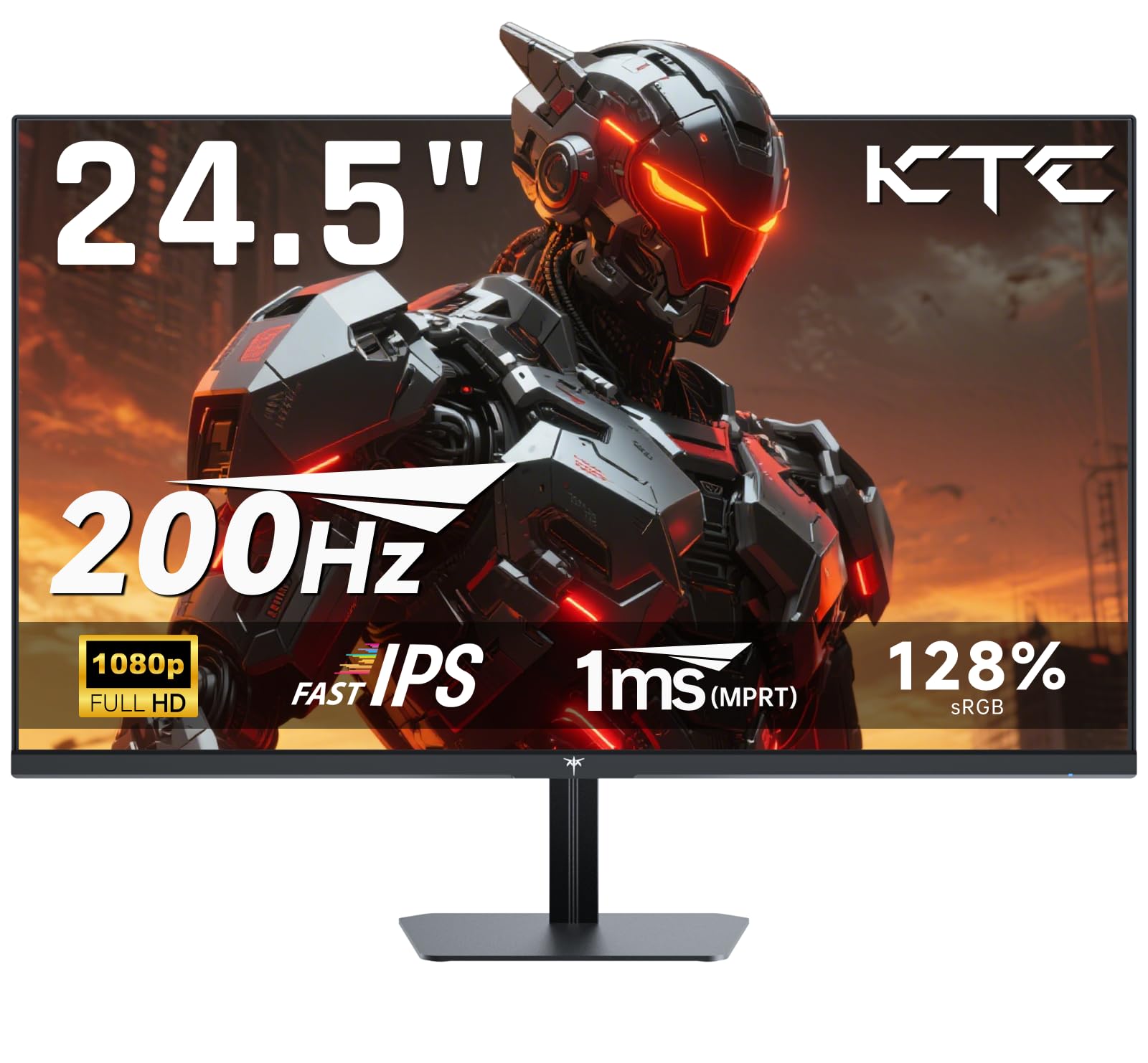
KTC H25T7

92 /100
Lab Score Outstanding

Key details

HDMI Ports
2
Panel Type
Fast IPS
Resolution
1920x1080
Screen Size
24.5 inches
View on Amazon

The KTC H25T7 delivers 180Hz refresh and 1ms response from a Fast IPS panel at a price that undercuts most competitors. Vivid 128% sRGB coverage makes games look punchy out of the box, and the high refresh rate keeps motion blur at bay during fast-paced action.

This monitor fits buyers who value high frame rates over a large canvas: competitive PC gamers, esports players, or anyone using it as a secondary screen on a small desk. The 24.5-inch size feels compact for immersive console gaming, and the lack of built-in speakers means you will need headphones or external audio for Nintendo Switch 2 play. HDMI inputs are present, supporting 1080p at full refresh.

Color reproduction and motion handling are the standout features here, supported by over two thousand positive reviews. The stand offers tilt adjustment and VESA mounting, so desk setup is flexible. For a budget monitor focused on performance, the H25T7 is a clear alternative to larger 27-inch models when space or speed is the priority.

💡 Pair with headphones or external speakers for console gaming — the lack of built-in audio is typical at this price point.

Pros

  • 180Hz refresh with 1ms response for smooth, responsive gameplay
  • Vibrant colors with 128% sRGB coverage enhance visual immersion
  • Entry-level price delivers high performance without breaking the budget
  • Compact 24.5-inch size fits small desks or secondary monitor setups

Cons

  • 24.5-inch screen may feel cramped for immersive console gaming compared to 27-inch displays
  • No built-in speakers require separate audio solution for console use
Our verdict

The KTC H25T7 is a strong pick for budget-conscious gamers who prioritize high refresh rate and color quality, especially in compact desk setups or as a fast secondary monitor.

Check Latest Price
3

Best for Competitive Gaming

Dell SE2426HG

90 /100
Lab Score Outstanding

Key details

HDMI Ports
2
Panel Type
Fast IPS
Resolution
1920x1080
Screen Size
23.8 inches
View on Amazon

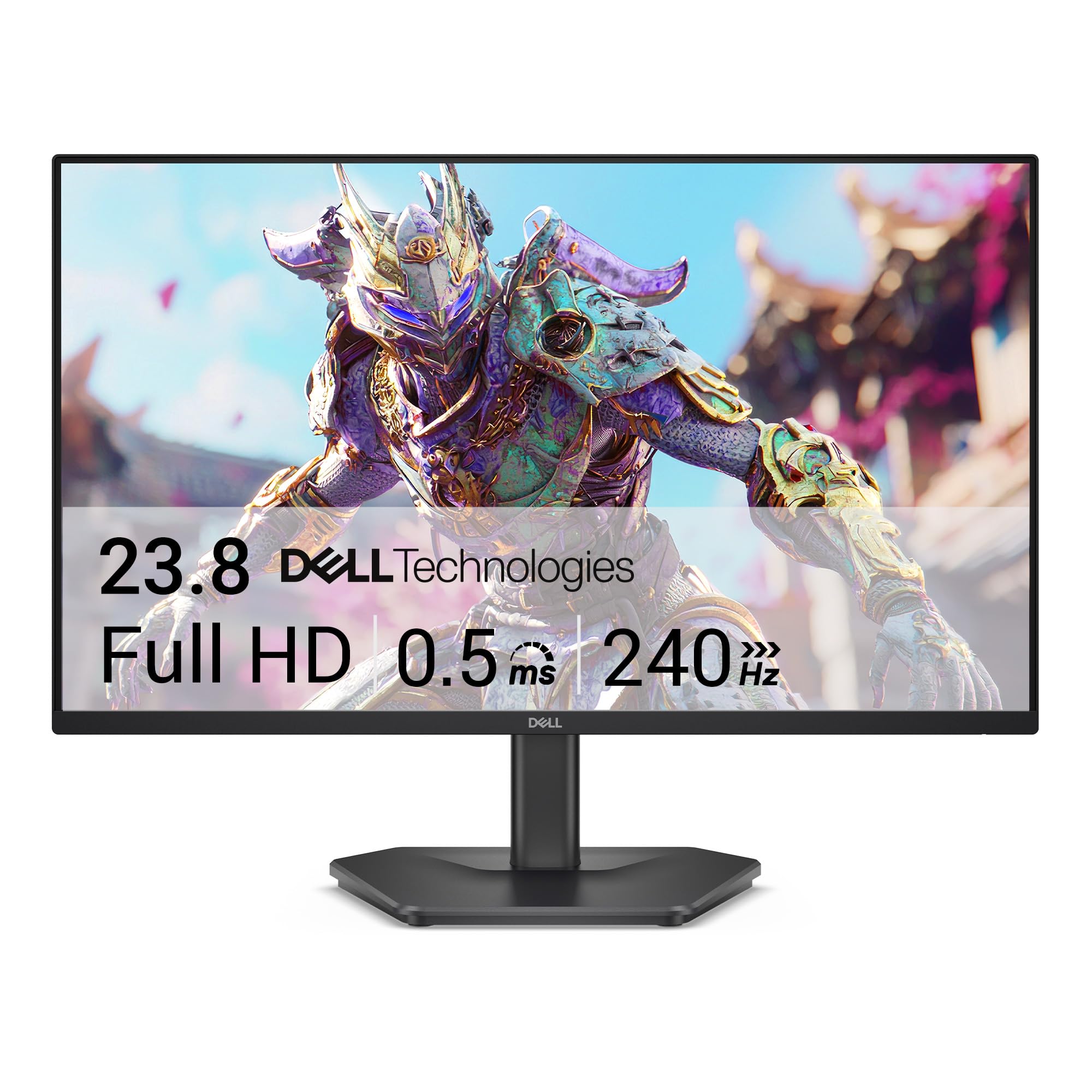
The Dell SE2426HG delivers a 240Hz IPS panel at an entry-level price, making it one of the fastest affordable monitors for competitive gaming. Where the larger 27-inch top pick focuses on a balanced all-around experience, this 23.8-inch model trades screen real estate for a higher refresh rate that benefits twitch-based play.

For Nintendo Switch 2 owners, the 1080p resolution matches the console's native output, and the dual HDMI ports let you keep both PC and Switch connected without cable swapping. The 240Hz refresh is overkill for most Switch 2 titles (which typically cap at 60 or 120Hz), but the low input lag and FreeSync Premium still reduce perceived stutter. The compact 23.8-inch screen, however, may feel cramped during longer console sessions — this monitor suits a desk setup where you sit close, not a couch or living room arrangement.

The IPS panel covers 99% sRGB, so colors appear vivid and consistent across viewing angles — a bonus for games with cel-shaded or high-contrast art styles. User reports confirm smooth performance in fast-paced scenes with no noticeable ghosting, which is what you’d expect from a 240Hz IPS at this price point.

💡 Position the monitor closer to your seating distance to compensate for the smaller screen during console sessions.

Pros

  • 240Hz refresh rate ensures buttery-smooth motion in fast-paced games
  • IPS panel delivers vibrant colors and wide viewing angles
  • Dual HDMI inputs let you connect both PC and Switch 2 without swapping cables

Cons

  • 23.8-inch screen may feel compact for console gaming; some prefer a larger 27-inch for immersion
Our verdict

For Switch 2 owners who prioritize low input lag and budget over screen size, this monitor delivers genuine 240Hz speed at an unmatched price.

Check Latest Price
4

Best QHD Upgrade

Samsung G53F

87 /100
Lab Score Excellent

Key details

HDMI Ports
2
Panel Type
IPS
Resolution
2560x1440
Screen Size
27 inches
View on Amazon

The Samsung G53F sets itself apart from the top pick by offering a QHD resolution and 200Hz refresh rate, delivering sharper images and smoother motion for a relatively modest price increase. The IPS panel provides vivid colors and wide viewing angles, making console games like those on the Nintendo Switch 2 look vibrant and detailed.

This monitor suits Switch 2 owners who want to step up from 1080p without jumping to 4K. The Auto Source Switch+ feature automatically detects the active HDMI input, a handy convenience for swapping between the console and a PC. However, some units have been observed to develop issues after several months of use, so buyers who need absolute long-term dependability may want to consider alternatives. The stand offers only tilt adjustment — height and pivot require a separate mount.

At under $200, the G53F delivers a combination of resolution and speed that is hard to match, making it a cost-effective option for gamers who prioritize image quality without stretching their budget.

💡 Adding a VESA arm gives you full height and pivot adjustment.

Pros

  • Vivid colors and sharp details enhance immersion in Nintendo Switch 2 titles.
  • Great value for a QHD IPS monitor with a 200Hz refresh rate.
  • Sturdy build with dependable performance in normal use.

Cons

  • Stand offers only tilt adjustment; no height or pivot for ergonomic positioning.
  • A subset of units may encounter operational issues after several months of use.
Our verdict

For Switch 2 players seeking a sharper QHD display with smooth 200Hz motion at a reasonable price, the G53F delivers — just factor in the possibility of early unit issues.

Check Latest Price
5

Best 4K Dual-Mode

KOORUI G2741L

89 /100
Lab Score Excellent

Key details

HDMI Ports
2 (HDMI 2.1)
Panel Type
Fast IPS
Resolution
3840x2160
Screen Size
27 inches
View on Amazon

The KOORUI G2741L stands out by offering two distinct modes: a full 4K UHD at 160Hz and a 1080p FHD at 320Hz, all on a Fast IPS panel. That flexibility, combined with HDMI 2.1 ports, means it handles both cinematic console gaming and fast-paced esports without swapping screens. For a Switch 2 owner, the HDMI 2.1 input ensures full compatibility at either resolution, though the console’s current max refresh is lower than the monitor’s peak.

This monitor suits gamers who want one display for both immersive single-player titles and competitive multiplayer. The fully adjustable stand — with height, pivot, and tilt — makes it easy to find a comfortable viewing angle for long sessions. Console players with PS5 or Xbox Series X will also appreciate the 4K 120Hz support via HDMI 2.1. However, quality control can be inconsistent: some units arrive with dead pixels or screen defects, so a careful inspection after unboxing is wise. The massive review count suggests most owners are satisfied, but the risk exists.

💡 Perform a dead pixel test soon after unboxing — returns are easiest within the first few weeks.

Pros

  • Switches between 4K 160Hz and 1080p 320Hz for varied gaming needs
  • Fully adjustable stand with height, pivot, and tilt
  • HDMI 2.1 ports support 4K 120Hz on modern consoles

Cons

  • May arrive with dead pixels or screen defects out of the box
Our verdict

A capable dual-mode monitor for console gamers who want 4K future-proofing, but only if you're comfortable with a small chance of receiving a defective unit.

Check Latest Price
6

Home Office Light Gaming

Samsung S32GF

86 /100
Lab Score Excellent

Key details

HDMI Ports
2
Panel Type
IPS
Resolution
1920x1080
Screen Size
27 inches
View on Amazon

The Samsung S32GF delivers a sharp 27-inch IPS picture at 120Hz with dual HDMI inputs and eye saver mode — a natural fit for Nintendo Switch 2 owners wanting a larger 1080p display without spending much. The IPS panel offers consistent colors and wide viewing angles for casual gaming and streaming. The 120Hz refresh rate handles most console titles smoothly, though it's lower than some PC-focused monitors. The stand only tilts, so a VESA arm is recommended for ergonomic adjustments. A few units have stiff brightness buttons and limited range in very dark rooms.

Pros

  • Sharp 27-inch IPS display with good color at a budget-friendly price.
  • 120Hz refresh rate provides smoother motion for console games.
  • Dual HDMI ports allow easy connection of console and other devices.

Cons

  • Stand offers only tilt
  • Brightness controls can feel stiff, and the minimum brightness may be too high for very dim rooms.
Our verdict

If you use the Nintendo Switch 2 at a desk and don't need height adjustment, this monitor delivers a large IPS screen with 120Hz at a low cost — plan on a VESA arm if you want ergonomic flexibility.

Check Latest Price
7

Travel Gaming

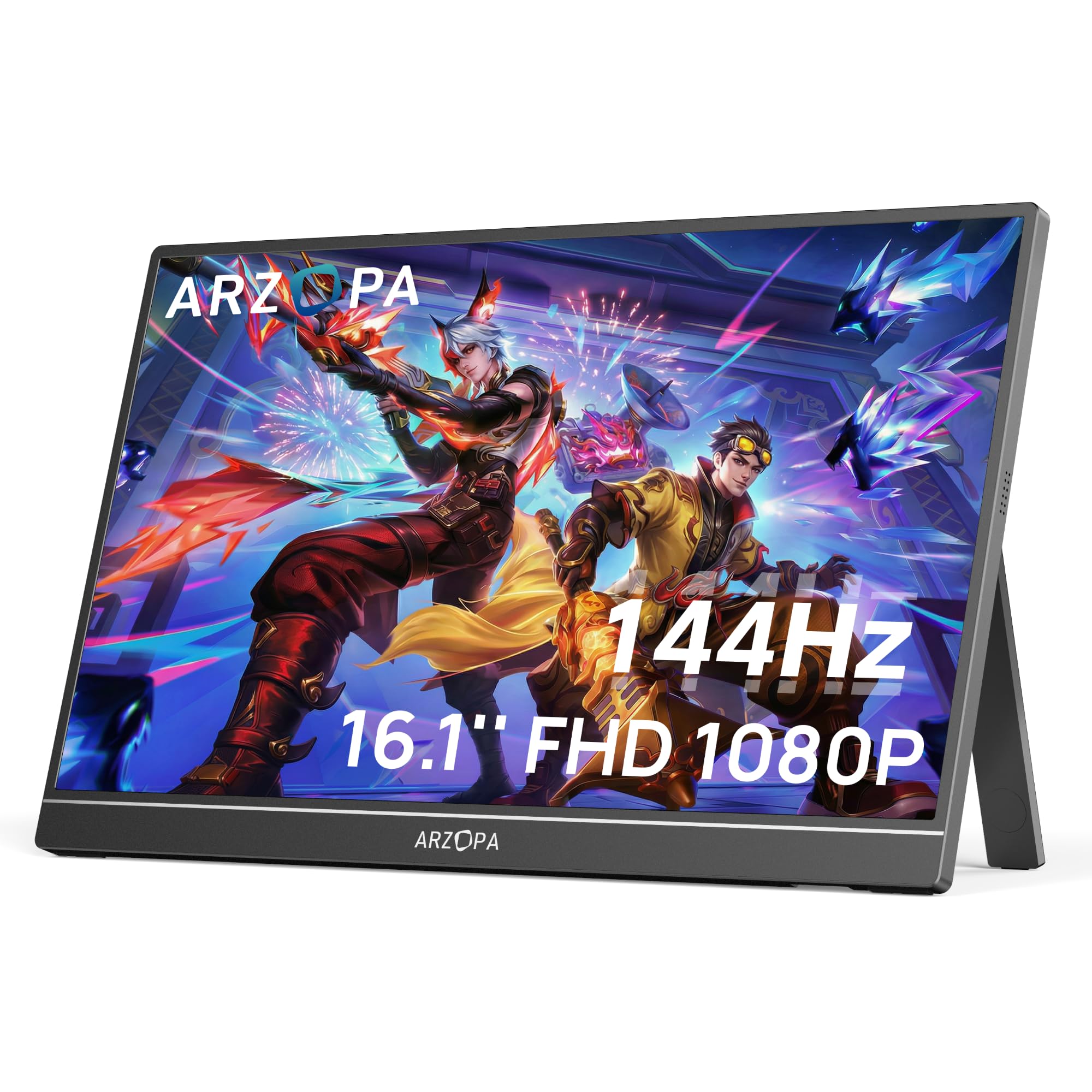
ARZOPA Z1FC

90 /100
Lab Score Outstanding

Key details

HDMI Ports
Mini HDMI, USB-C
Panel Type
IPS
Resolution
1920x1080
Screen Size
16.1 inches
View on Amazon

The 16.1-inch IPS panel delivers smooth 144Hz gameplay and vivid colors, making on-the-go Nintendo Switch 2 sessions a pleasure. However, the small size limits immersion for longer plays, and some units may exhibit early power-on issues, so buying from a retailer with a good return policy is wise. This monitor is best for travelers or students who already have a primary display and need a compact second screen for local multiplayer or quick gaming sessions.

💡 Keep a pair of USB-C headphones or a Bluetooth speaker handy for audio output.

Pros

  • Highly portable and easy to pack for travel.
  • Good picture quality with vibrant colors.
  • Excellent value for a portable high-refresh monitor.

Cons

  • Some units may stop powering on after a few months of use.
  • No built-in speakers require external audio for the Switch 2.
Our verdict

Perfect for gamers who prioritize portability over screen size and long-term durability for their Switch 2 travel setup.

Check Latest Price
8

Enthusiast Image Quality

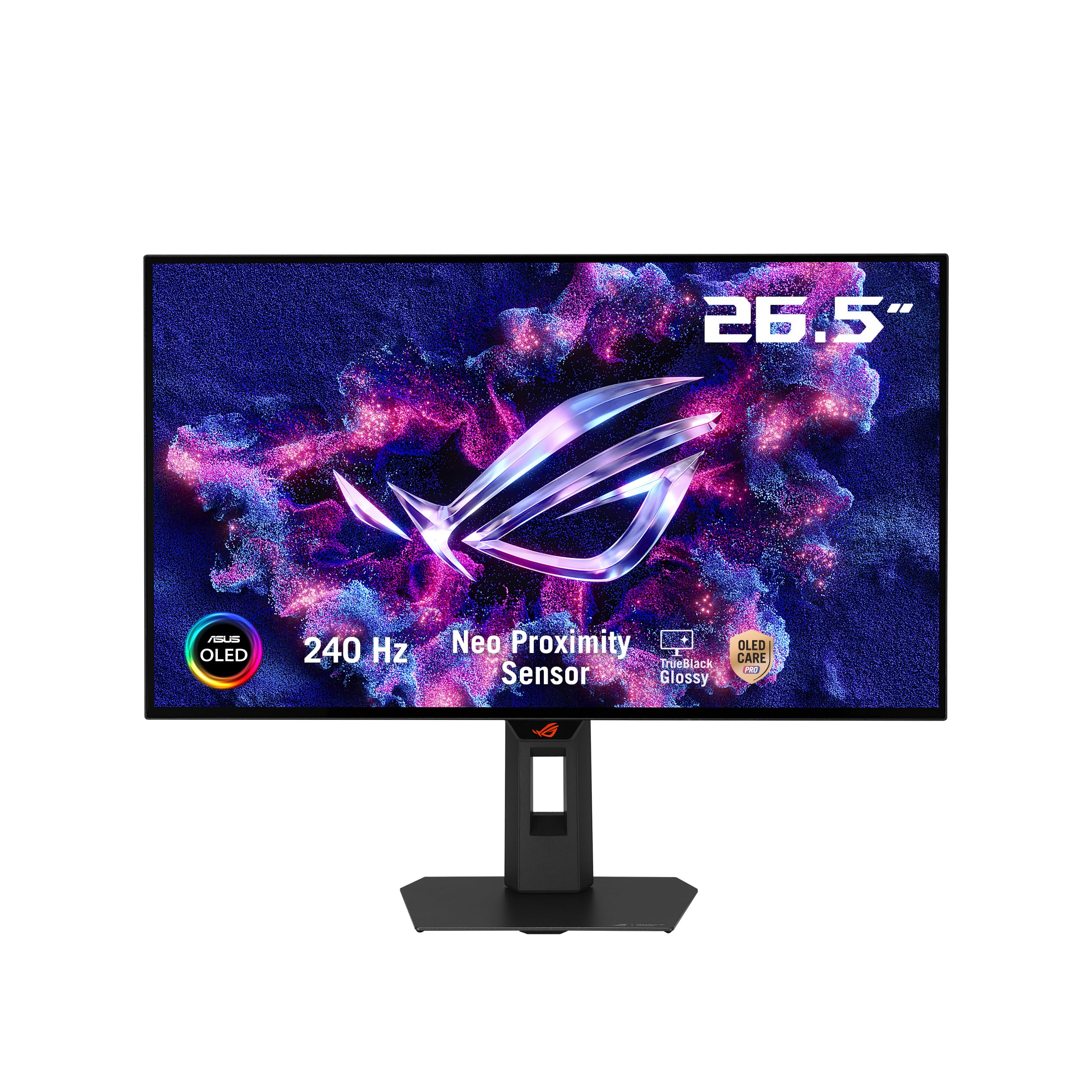
ASUS ROG XG27AQDMGR

89 /100
Lab Score Excellent

Key details

HDMI Ports
1
Panel Type
WOLED Glossy
Resolution
2560x1440
Screen Size
26.5 inches
View on Amazon

The ASUS ROG Strix XG27AQDMGR delivers OLED contrast and color depth that few monitors match — perfect blacks and vibrant colors make games like Zelda or Metroid Prime 4 look strikingly rich. At a premium price, this glossy WOLED panel demands a controlled lighting environment; direct sunlight or bright windows create reflections that wash out the image. The single HDMI port limits multi-console setups — a Switch 2 and a PlayStation would require cable swapping. For a dedicated single-device setup in a dim room, the image quality is exceptional.

Pros

  • OLED panel delivers deep blacks and vivid colors that enhance any game's atmosphere.
  • Fast response and smooth motion with no flicker, even with VRR enabled.

Cons

  • Glossy screen picks up reflections in bright rooms, reducing visibility in natural light.
  • Only one HDMI port forces cable swaps when connecting a second console like a Switch 2 alongside another device.
Our verdict

Best for Switch 2 players who game in a controlled-light room with a single console — the OLED image quality justifies the premium when reflections and multi-device limitations aren't factors.

Check Latest Price

How to Choose

Refresh Rate

A 120Hz or 144Hz monitor will display Switch 2's 60fps output without judder and with lower perceived latency. The extra frames also smooth out camera pans in games like 'The Legend of Zelda: Tears of the Kingdom.' For competitive titles, 240Hz offers headroom if you also use the monitor with a PC.

Panel Type

IPS panels provide wide viewing angles and accurate color, ideal for sitting directly in front of the screen. VA panels deliver deeper blacks and higher contrast but suffer from color shift when viewed off-center. For a desk setup with a single user, IPS is the safer choice unless you watch movies in a dark room.

Resolution

1080p is the standard for Switch 2 and looks sharp on a 27-inch screen at typical desk distances. 1440p offers a visibly crisper image, especially for games that render at higher internal resolutions. 4K is overkill for the Switch 2 alone but future-proofs your setup if you connect a PlayStation or Xbox.

HDMI Ports

Two HDMI ports let you keep the Switch 2 permanently plugged in alongside a PC or another console. HDMI 2.0 supports 1080p 60Hz easily, but if you plan to use the monitor with a 4K console later, HDMI 2.1 is necessary for 4K at 120Hz. Check the version — many budget monitors use HDMI 1.4, which caps at 1080p 60Hz.

Screen Size

27 inches is the most comfortable size for desk use, balancing immersion with the ability to take in the whole screen without moving your head. 24-inch screens save desk space and offer higher pixel density but feel small for couch-based gaming. If portability matters, 16-inch portable monitors work for travel but lack stand stability.

Frequently Asked Questions