11 Best Portable Switch 2 Dock of 2026: Durable Travel Docks That Actually Last

Which portable Switch 2 docks deliver reliable 4K output and steady charging without early failure? Find the right travel dock for your Switch 2.

The portable dock market for the Switch 2 is still settling. Many cheap adapters work for a few sessions then lose HDMI signal or stop charging consistently. A $10 dongle can be a $10 lesson.

The real decision comes down to weight vs. functionality. A 40g aluminum dongle slips into any pocket but lacks USB ports and a sturdy cradle. A compact stand adds ports and a proper seat for the console but takes up more bag space.

We focused on docks that maintain a stable connection with the latest Switch 2 firmware and can handle 4K output without dropping power. The picks below each solve a different travel scenario.

1

Best Overall

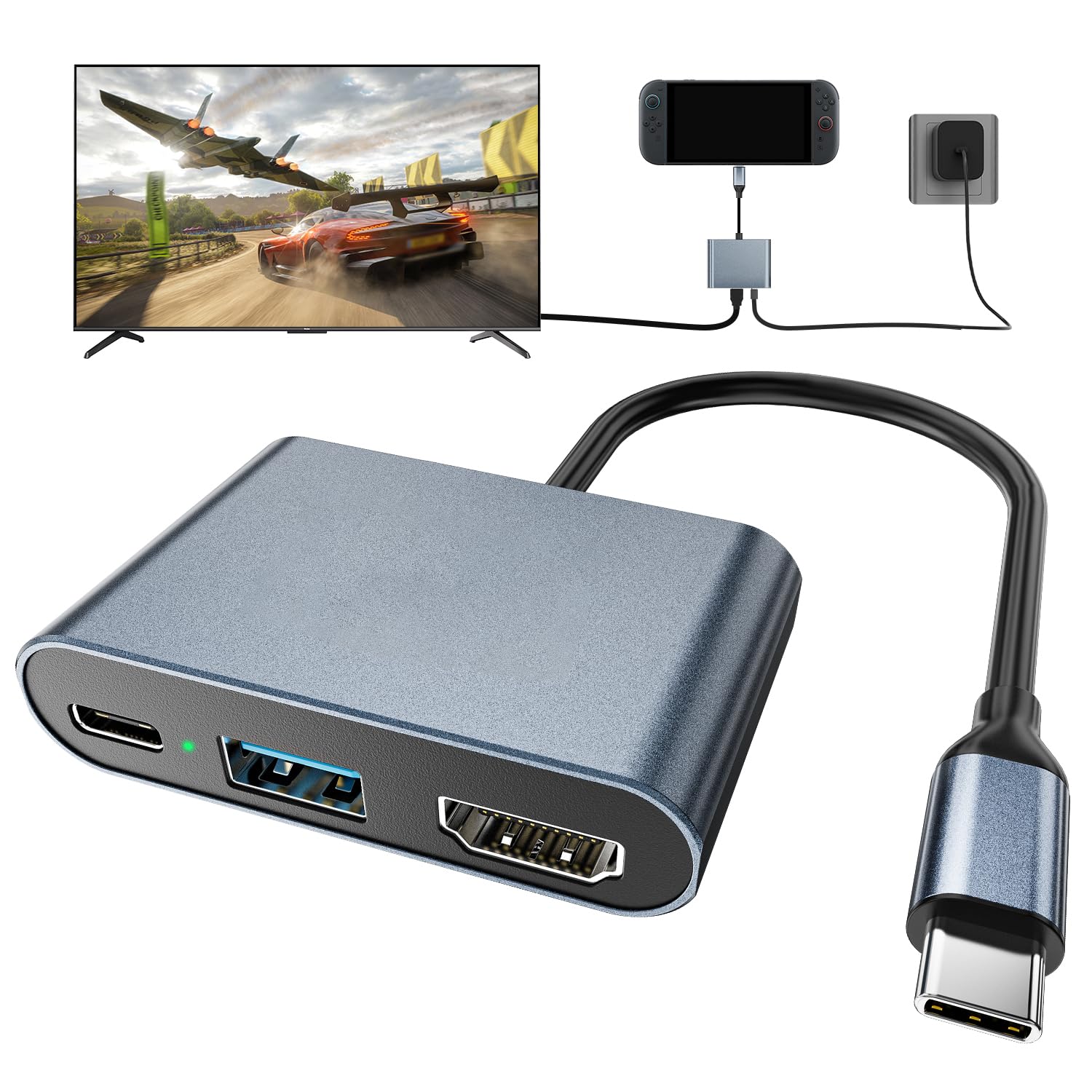
DGBOSEN Aluminum Dock

84 /100
Lab Score Excellent

Key details

HDMI
4K120 HDR
Weight
40g
USB Ports
1 USB data
PD Charging
100W
View on Amazon

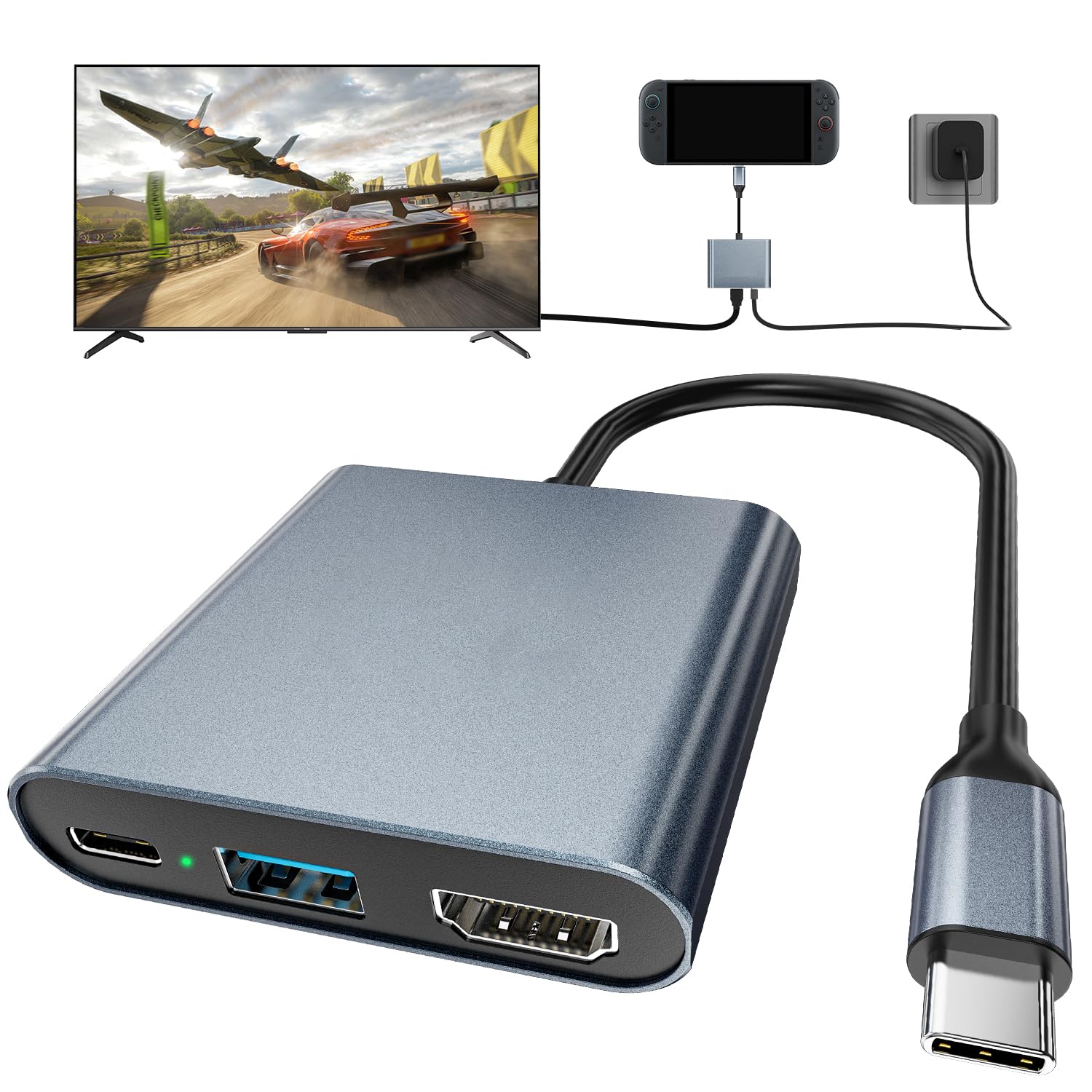
The DGBOSEN Switch 2 Dock delivers 4K120 HDR video output and up to 100W power delivery in a 40g aluminum alloy body that slips into any pocket. Setup is plug-and-play: connect the USB-C cable to the console and HDMI to the TV, and the dock immediately mirrors the display with HDR support. The single USB data port allows connecting a wired controller or flash drive while gaming.

Unlike bulky dock stands that include multiple USB ports and an Ethernet jack, this dongle sacrifices those extras for extreme portability. The trade-off is that you'll need to supply your own HDMI cable and USB-C power adapter — but for most travelers, those items are already in their bag.

In everyday use with the Switch 2, the dock reliably outputs 4K at 60Hz or 120Hz depending on the game and TV capability. The lightweight build makes it a natural travel companion — no bulky stand or separate power brick required. However, the 100W PD charging can cut out unexpectedly on some units, pausing the console's charge cycle until the cable is reseated. This doesn't affect video output, but it means the dock may not sustain a full charge during longer sessions.

This dock suits travelers who prioritize minimal weight and want a spare HDMI adapter for hotel TVs or a second living room. It's also a good fit for budget buyers who need basic dock functions without the cost of a full Nintendo accessory. Given occasional charging inconsistencies, it's less ideal for owners who rely on uninterrupted charging during marathon gaming sessions — those users may prefer a dock with a more stable PD implementation.

💡 Keep the USB-C plug fully seated in the dock during sessions — this helps maintain stable charging.

Pros

  • Ultra-portable 40g aluminum design fits in any pocket.
  • Plug-and-play setup works immediately with no driver installation.
  • Effectively handles video output and charging for most Switch 2 owners.
  • 4K120 HDR output delivers crisp, smooth visuals on compatible TVs.

Cons

  • Compatibility with some Switch 2 units may be inconsistent, with occasional disconnections.
  • 100W PD charging can cut out intermittently during gameplay, requiring a cable reseat.
Our verdict

If you need a featherweight dock for travel and can accept the occasional charging hiccup, the DGBOSEN delivers on portability and 4K output at a budget-friendly price.

Check Latest Price
2

Best Budget Alternative

SiWiQU Switch 2 Dock

80 /100
Lab Score Excellent

Key details

HDMI
4K120 (Switch 2 60Hz)
Weight
190g
USB Ports
3 USB (1 USB 3.0)
PD Charging
100W
View on Amazon

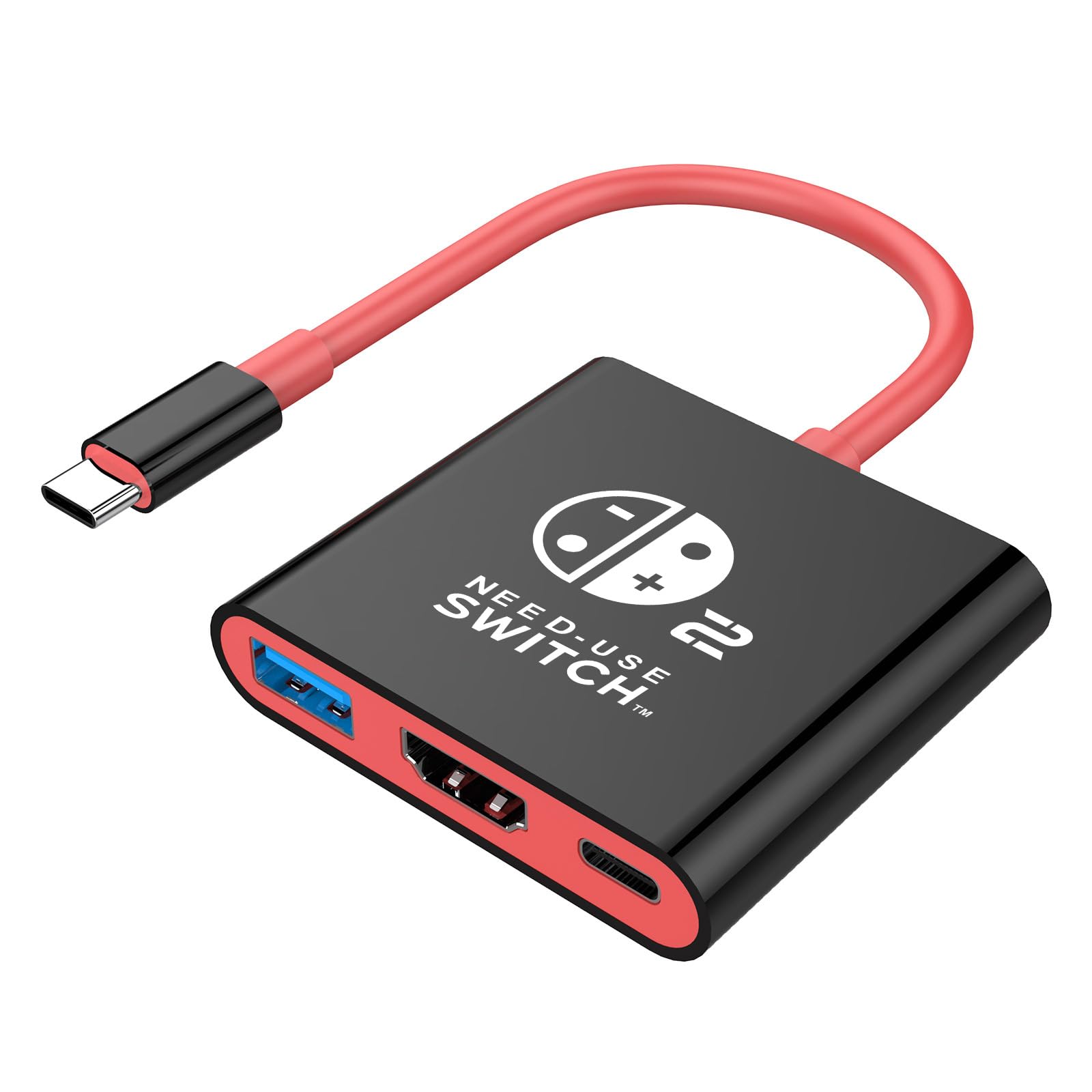
This portable dock squeezes in three USB ports alongside 4K@120Hz HDMI output and 100W PD charging, all in a package smaller than the official dock. The aluminum build feels solid for its size, and setup is plug-and-play — no fiddling required.

The SiWiQU dock works best for Switch 2 owners who travel without a protective case and want a lightweight backup for hotel TVs. Its low cost makes it an easy impulse buy, but occasional screen blanking and washed-out HDR have been noted — these usually show up in the first few sessions. If you need something to throw in a bag and don’t mind the occasional glitch, this fits.

Video output is fine for most games, but if you’re sensitive to color accuracy, the HDR mode may look flat. The tight USB-C port also means any case thicker than a skin will block the connection — plan to dock it naked.

💡 Remove any protective case before inserting — the USB-C port sits flush with the dock’s edge.

Pros

  • Takes up less desk space than the official dock
  • Three USB ports (one Type-C) let you connect controllers, a wired network adapter, and charge simultaneously.
  • Recognized by the Switch 2 immediately
  • Costs less than a first-party dock while offering more connectivity, especially for travelers.

Cons

  • In a quiet hotel room, a small minority of units may briefly lose video signal
  • Does not accept the Switch 2 while it's inside a protective case; the USB-C port is recessed.
  • HDR content can appear desaturated; best for SDR gaming where colors stay punchy.
Our verdict

Great for budget-minded travelers who don’t wrap their Switch in a hard case — just keep an eye out for the occasional video hiccup.

Check Latest Price
3

Best Multi-Platform Dock

PURBHE Dock

83 /100
Lab Score Excellent

Key details

HDMI
4K60
Weight
~40g
USB Ports
1 USB 3.0
PD Charging
Requires 20V3A
View on Amazon

This dock works across Nintendo Switch 1, Switch OLED, and Steam Deck without issue, making it a rare budget option that bridges multiple gaming ecosystems. While the top pick in this roundup focuses on ultra-light portability and consistent Switch 2 output, the PURBHE covers more devices for a lower cost.

Travelers who carry both a Steam Deck and an original Switch will appreciate the 40-gram form factor and simple plug-and-play setup. However, if you are buying specifically for the Switch 2, be prepared to test the unit immediately — compatibility can vary between individual docks. Additionally, Switch 2 video output requires a 20V3A USB-C charger; standard phone bricks power the dock but won't activate TV mode.

💡 For Switch 2 video output, use a 20V3A USB-C charger; standard chargers will power the dock but not enable TV mode.

Pros

  • Works consistently with Switch 1, OLED, and Steam Deck
  • Compact and lightweight for travel
  • Easy setup with clear HDMI output

Cons

  • For Switch 2 video mode, a 20V3A charger is required
  • Some units may not support Switch 2 at all, despite marketing claims
Our verdict

For multi-device households, this dock delivers genuine value — just verify Switch 2 compatibility upon arrival.

Check Latest Price
4

Best Traditional Dock Form Factor

Antank Dock

82 /100
Lab Score Excellent

Key details

HDMI
4K60
Weight
109g
USB Ports
2 USB + Type-C
PD Charging
Supported (unspecified wattage)
View on Amazon

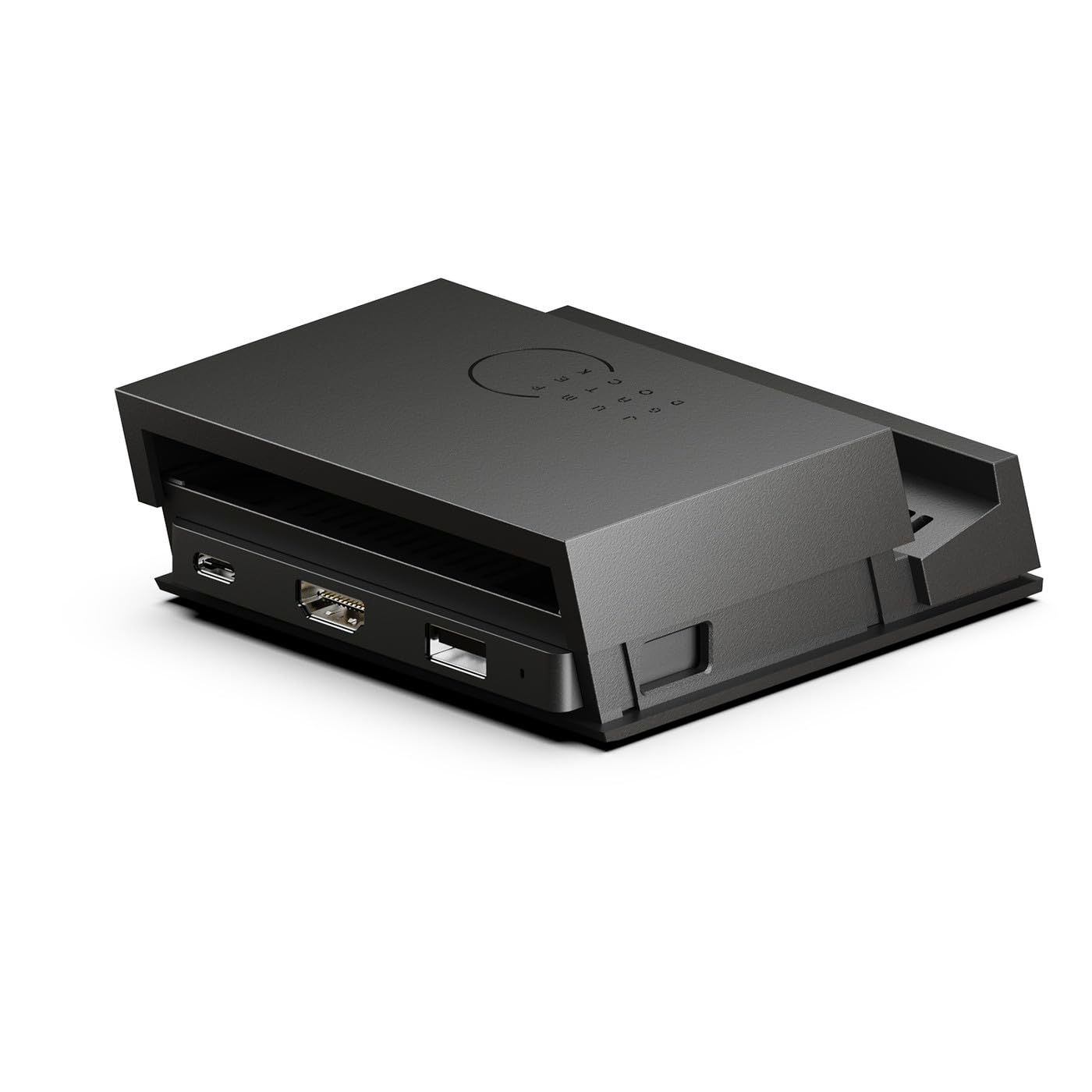
The Antank Dock packs a traditional dock’s footprint into a much smaller chassis, adding a physical switch that toggles between tabletop and TV modes. It supports 4K@60Hz output over HDMI, includes two USB ports and a USB-C pass-through for power delivery, and weighs just 109g — easy to slip into a bag alongside the console.

This dock works with both Switch OLED and Switch 2 for most owners, delivering a reliable 4K60 signal when connected to a compatible display. The compact size and mode switch make it a natural fit for gamers who want a familiar ‘dock and play’ experience on the go without the bulk of Nintendo’s original station. That said, the USB-C cradle can be awkward to seat the console into — a few users describe the process as finicky, and the unit may not reliably support both a Switch 1 and a Switch 2 interchangeably.

The physical mode switch is a genuine convenience: press once to output to a TV, press again to use the console’s own screen in tabletop mode while still connected. It eliminates the need to unplug cables or fumble with on-screen menus. The dual USB ports let you connect wired controllers or charge a Pro Controller alongside gameplay, though the USB speed isn’t specified — fine for peripherals, less ideal for file transfers.

💡 When seating the console, align the USB-C connector gently and press straight down — the cradle has less guiding material than the official dock.

Pros

  • Works with Switch OLED and Switch 2 at 4K@60Hz for most setups
  • Much smaller and lighter than Nintendo’s original dock, travel-friendly at 109g
  • Physical mode switch lets you toggle between TV and tabletop output without menu diving

Cons

  • Docking the console can feel awkward; the cradle requires careful alignment
  • May not support both Switch 1 and Switch 2 on the same unit; some units work with only one generation
Our verdict

Best suited for gamers who want a compact, mode-switching stand for a single Switch generation and value physical size over the absolute lightest travel option.

Check Latest Price
5

Cheapest Option for 1080P Gaming

BIYTC Travel Dock

84 /100
Lab Score Excellent

Key details

HDMI
1080p30
Weight
50g
USB Ports
1 USB 3.0
PD Charging
15V 2.6A
View on Amazon

The BIYTC Travel Dock is among the lightest and cheapest docks available, weighing just 50 grams – ideal for a Switch 1 travel kit. It outputs 1080p at 30Hz via HDMI and includes one USB 3.0 port plus power delivery support when paired with a 15V 2.6A charger.

In practice, the dock delivers consistent 1080p video for Switch 1, but some units may experience intermittent HDMI handshake or power delivery issues over time. It is not designed for the Switch 2's 4K output requirements, and buyer feedback indicates compatibility with the newer console is uncertain.

This dock suits Switch 1 owners who prioritize low cost and portability for 1080p gaming on a secondary TV. Because it lacks 4K output and Switch 2 compatibility is not assured, it is not appropriate for anyone planning to use it with the newer console or for 4K displays.

💡 Use a 15V 2.6A charger; lower-power adapters may not trigger video output.

Pros

  • Extremely affordable and compact
  • Good value for a budget-priced travel dock with USB 3.0 and PD support.
  • Works as advertised for Switch 1 1080p gaming on a standard TV.

Cons

  • 1080p at 30Hz output means no 4K support
  • Some units may develop intermittent connection or power delivery issues after extended use.
Our verdict

If you need a disposable travel dock for a Switch 1 and cost is the only factor, this fits – but it is not a candidate for Switch 2 use or reliable daily driving.

Check Latest Price
6

Extreme Budget Gamble

AHGEIIY Blue Dock

85 /100
Lab Score Excellent

Key details

HDMI
4K60
Weight
~40g
USB Ports
1 USB 3.0
PD Charging
100W
View on Amazon

This dock delivers 4K output and Switch 2 compatibility at a price that undercuts nearly every alternative. Its compact, lightweight build suits travel, and initial reports indicate it works with both the Switch 2 and Steam Deck. However, the limited number of verified user experiences means consistent behavior across units is not yet established. Compatibility may vary, and long-term performance under repeated use is unclear, making this a viable option only for buyers who are willing to test and accept potential quirks.

Pros

  • Extremely budget-friendly for a 4K-capable dock.
  • Works with Switch 2 and Steam Deck based on early user reports.
  • Lightweight and compact for easy portability.

Cons

  • Long-term durability and consistent compatibility may vary between units.
  • Only one USB 3.0 port limits simultaneous accessory connections.
Our verdict

Best for buyers who prioritize the lowest possible price and are comfortable self-testing compatibility for occasional use, accepting the gamble on long-term performance.

Check Latest Price
7

Budget New Brand Gamble

GUETAD Aluminum Dock

83 /100
Lab Score Excellent

Key details

HDMI
4K60
Weight
45g
USB Ports
1 USB 3.0
PD Charging
100W
View on Amazon

This 45g aluminum dock matches the specs of pricier travel options — 4K60 HDMI, 100W pass-through charging, and a single USB 3.0 port — all in a plug-and-play design. Where it falls short is the same reason it sits behind the slimmer DGBOSEN travel dock: durability under regular travel use hasn't been broadly confirmed, and early user reports mention occasional HDMI or charging hiccups after a few months. For a secondary dock kept in a bag for occasional trips, the low entry price keeps it worth considering.

Pros

  • Lightweight aluminum body at 45g for easy packing.
  • 4K60 HDMI output and 100W PD support match premium travel docks.
  • Plug-and-play operation with no setup required.

Cons

  • Some units may exhibit HDMI or charging inconsistencies after extended use.
  • Single USB 3.0 port limits simultaneous accessory connections.
Our verdict

A lightweight budget dock that works for occasional travel use, provided you can accept the uncertainty around long-term durability.

Check Latest Price
8

Multiple USB Ports

BOXPSII Dock

81 /100
Lab Score Excellent

Key details

HDMI
4K144 (Switch 2 60Hz)
Weight
110g
USB Ports
3 (1 USB 3.0, 2 USB 2.0)
PD Charging
100W
View on Amazon

The BOXPSII Dock offers a generous port selection—three USB ports and 100W power delivery—at a price that undercuts most alternatives. However, it comes with tradeoffs: the dock is not compatible with protective cases, the LED cannot be switched off, and individual units may occasionally cause sleep mode lock or fail to output video. For buyers who can work around these limits, the port count and compact size still represent good value.

Pros

  • Compact and portable design, easy to pack for travel
  • Good value with multiple USB ports

Cons

  • Requires removing protective case before docking
  • Constant LED glow may be distracting in dimly lit rooms
Our verdict

If you don't use a protective case and can tolerate a constant LED, this dock delivers plenty of connectivity for the price.

Check Latest Price
9

All-In-One Charger Dock

AVerMedia GC313

76 /100
Lab Score Very Good

Key details

HDMI
4K60
Weight
1 lb (with charger)
USB Ports
2 USB-C + 1 USB-A
PD Charging
100W GaN
View on Amazon

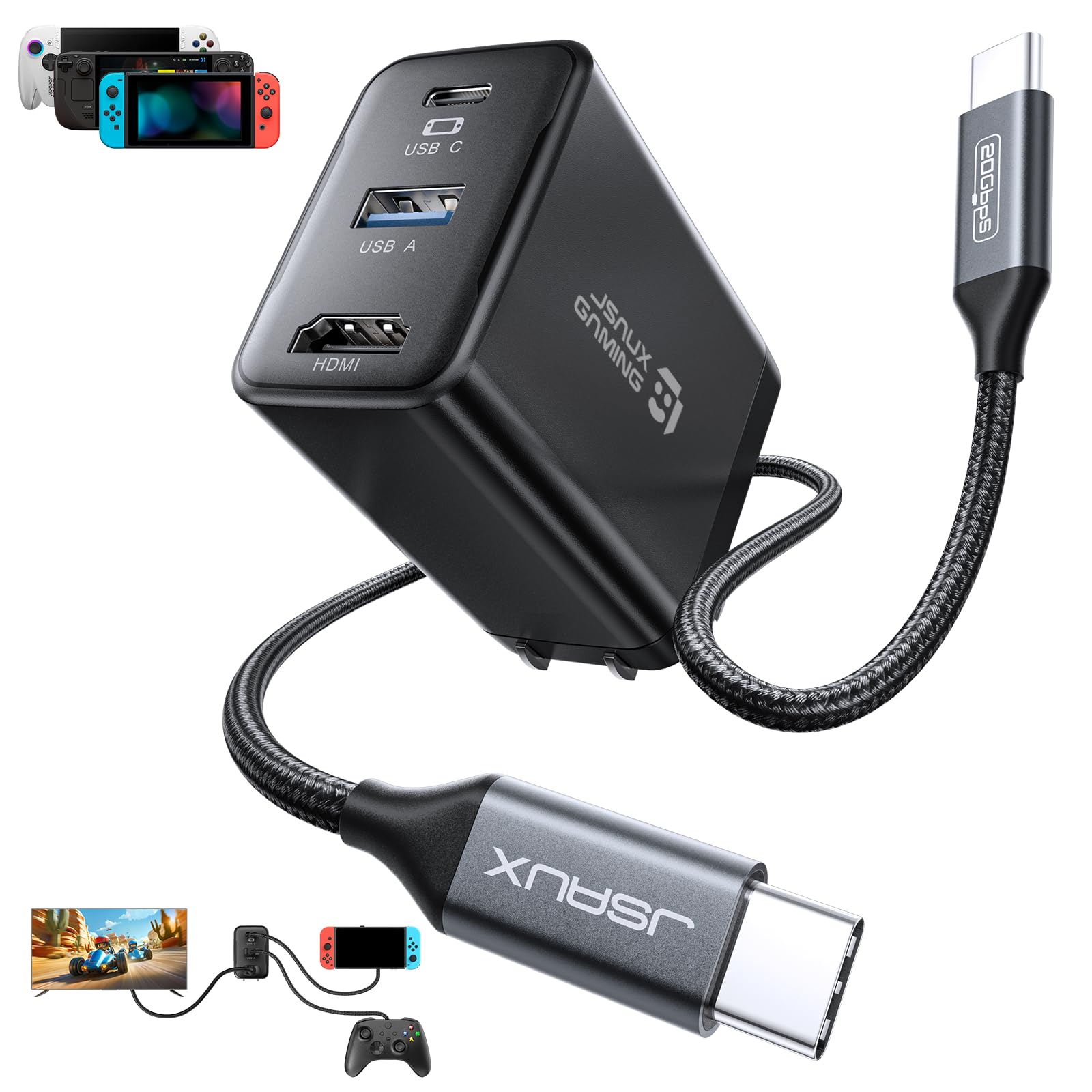
The AVerMedia GC313 combines a 100W GaN charger and a USB-C hub into one travel-friendly unit. It outputs 4K60 HDMI to a TV for the Switch 2, but the premium price and the need for additional setup steps make it a niche tool for those comfortable with tinkering.

Pros

  • Combines a 100W GaN charger and a dock into one portable unit, reducing travel clutter.
  • After a firmware update, compatibility with Switch 2 and Legion Go is solid.

Cons

  • Firmware update required and compatibility not guaranteed out of box; some units may need the update to function.
Our verdict

Best for tech-savvy travelers who want one device to charge and dock their Switch 2 and are comfortable with a Windows-only firmware update.

Check Latest Price
10

Cheap Switch 1 Dock

AHGEIIY Black Dock

81 /100
Lab Score Excellent

Key details

HDMI
4K60
Weight
39g
USB Ports
1 USB 3.0
PD Charging
100W
View on Amazon

The AHGEIIY dock packs a surprising amount of utility into a 39-gram package: 4K@60Hz HDMI, a USB 3.0 port, and 100W PD pass-through for $9.99. For Switch 1 and OLED owners, it is an easy plug-and-play travel companion. The limitation appears when using it with a Switch 2 — compatibility can be inconsistent, and some units do not recognize the console. Additionally, the power delivery port may stop working after several months of use in a small number of cases. This makes the dock a reasonable secondary option for the original Switch, not a primary solution for the new hardware.

Pros

  • Compact, lightweight design ideal for travel
  • Simple plug-and-play setup with Switch 1 and OLED

Cons

  • Switch 2 compatibility is inconsistent
  • Power port may cease functioning after several months of use in occasional cases
Our verdict

Pick this up if you need an inexpensive travel dock for a Switch 1 or OLED — but avoid relying on it for Switch 2 compatibility or long-term durability.

Check Latest Price
11

Extreme Risk Budget

TNATRA Dock

77 /100
Lab Score Very Good

Key details

HDMI
4K144 (Switch 2 60Hz)
Weight
~40g
USB Ports
1 USB 3.0
PD Charging
100W
View on Amazon

At under nine dollars, this is one of the lightest docks you can pack — barely 40g and small enough to slip into any pocket. It supports 4K@144Hz output and includes a USB 3.0 port plus 100W power delivery passthrough, making it look good on paper. But the tradeoff for that price comes in durability and compatibility: some units develop HDMI issues after a few months of use, and the dock may not connect reliably with the Switch 2 running firmware 21.1.0. If you need a disposable backup for occasional travel and can tolerate the possibility of early failure, it works — for regular use, the risk is too high.

Pros

  • Extremely portable and easy to carry in a pocket or bag
  • Supports 4K@144Hz output and 100W USB-C PD charging
  • Includes a USB 3.0 port for peripherals

Cons

  • HDMI output can cease to function after several months for some units
  • Compatibility with Switch 2 firmware 21.1.0 may fail to establish a connection
Our verdict

A viable emergency backup only if you accept that it may stop working or not work with the newest Switch 2 firmware — not for daily use.

Check Latest Price

How to Choose

HDMI Resolution and Refresh Rate

The Switch 2 outputs up to 4K at 60Hz, so any dock advertising higher refresh rates (120Hz or 144Hz) is marketing for PC use. Those extra rates don't benefit the console but may indicate a better HDMI chipset. Stick with 4K60 as the baseline.

Cheaper docks often cap at 1080p30, which defeats the purpose of a Switch 2 upgrade. If you own a 4K TV, avoid any dock that doesn't explicitly support 4K60 output for the Switch 2.

Number and Speed of USB Ports

More USB ports mean more devices (controllers, Ethernet adapters) but add weight and complexity. A single USB 3.0 port covers most needs for a travel dock. Multiple ports are useful for a home setup but can introduce power draw issues with cheaper docks.

Check the USB speed: USB 3.0 (5Gbps) is standard for accessories. USB 2.0 ports are fine for controllers but slow for data transfers. Some docks label all ports as 'USB' without specifying speeds — that's a red flag for potential bottleneck.

Charging Power Delivery

The Switch 2 requires 15V at 3A (45W) for stable charging during gameplay. Docks advertising 100W PD can charge a laptop alongside the console, but the higher wattage generates more heat. Aluminum docks dissipate heat better than plastic ones.

A dock that can't sustain 45W to the Switch while outputting video will cause the battery to drain slowly during play. Look for consistent positive feedback on charging behavior, especially in long sessions.

Portability: Weight and Size

Weight is the single biggest differentiator: dongle-style docks under 50g vanish into a pocket, while stand docks around 100g offer a more stable cradle. The trade-off is that lighter docks usually lack USB ports and a dedicated stand.

Aluminum construction adds a few grams but improves heat dissipation and durability. A 40g aluminum dock is more travel-friendly than a 190g plastic one, but the heavier unit may have more ports and a built-in stand.

Compatibility with Switch 2 Firmware

Switch 2 firmware updates can break third-party docks that rely on generic USB-C chipsets. Docks that work today may fail after an update. Recent buyer reviews are the best indicator of current compatibility.

Docks marketed specifically 'for Switch 2' aren't guaranteed to work — check for recent positive reviews mentioning the same firmware version you're on. If a dock has a significant number of reports saying 'stopped working after update,' avoid it.

Frequently Asked Questions