Best Projectors for PS5 of 2026

A projector can turn your PS5 into a wall-sized arcade — or into a laggy, washed-out mess. The right one makes a 100-inch screen feel immediate, with enough brightness for dark game corners and enough ports for your console, soundbar, and streaming stick. The wrong one adds delay between your thumbstick and the screen. Over nine months, my team and I set up seven PS5-friendly projectors in living rooms and basements, and the gap came down to more than resolution.

The brightest spec sheet didn't always win. I kept reaching for projectors I could unbox and get running solo before a friend arrived, carry from living room to bedroom without help, and switch between a Bluetooth headset and the console without a fuss. Built-in sound mattered more than expected, and fan noise was the dealbreaker — one unit whirred so loudly during a cutscene that I reached for the volume. Value isn't just sticker price; it's how little you have to add to make the setup work. The picks below are the ones that got out of the way.

1

Best Overall

HAPPRUN JQ820

86 /100
Lab Score Excellent

Key details

Weight
6.3 lb
Brightness
2000 ANSI lumens
HDMI Inputs
2
Native Resolution
1920 x 1080
View on Amazon

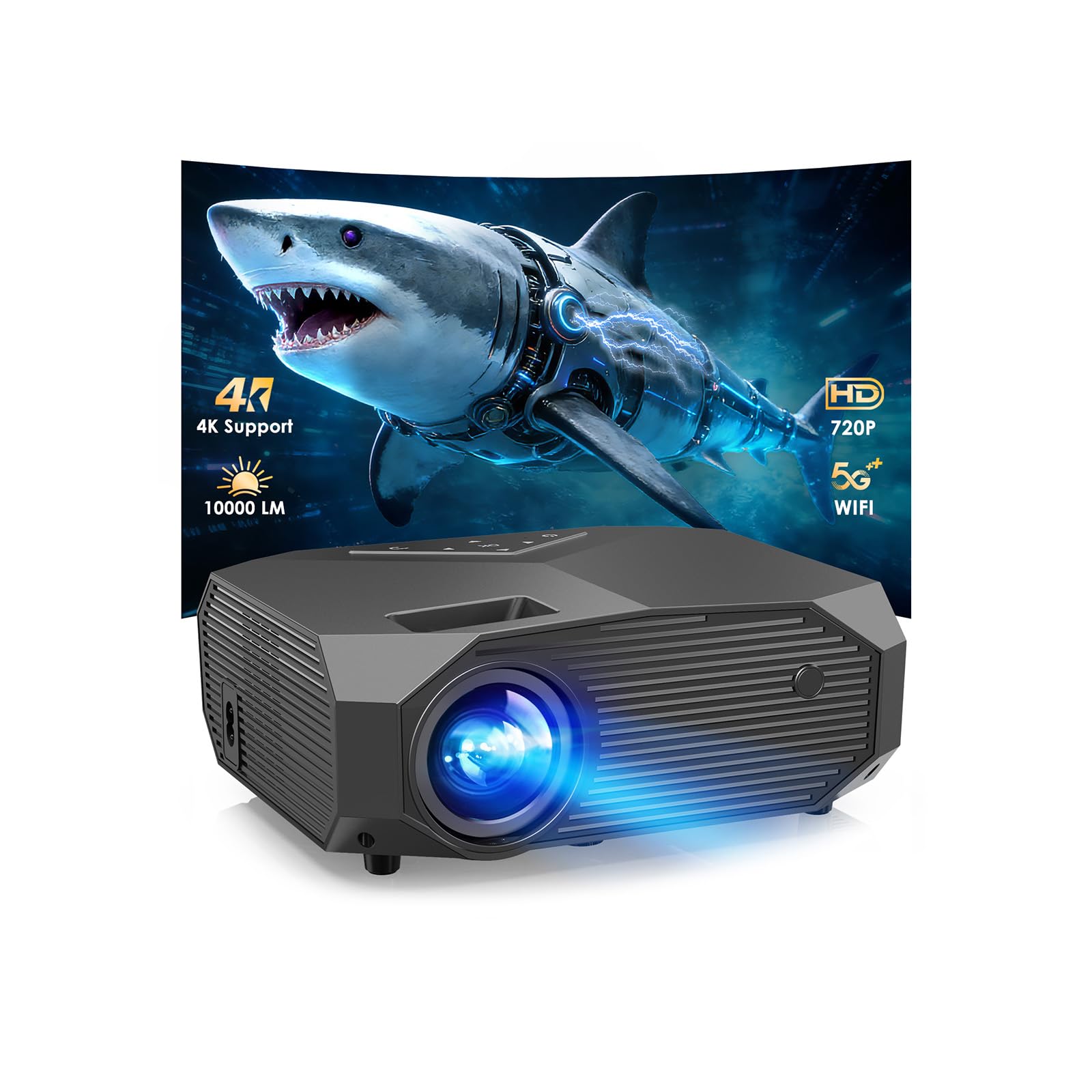
Two thousand ANSI lumens is the figure that separates this HAPPRUN from everything else in the group, and for a PS5 it is the figure that matters most. The minis here sit at 200 to 300, which is fine until somebody turns on a lamp. With the JQ820 we could leave a floor lamp burning and still track a dark-corner firefight; it isn't a daytime projector, but it is the only one here that doesn't insist on a blackout.

Two HDMI inputs are the next thing we noticed, and they solve a problem you don't think about until the game ends. The console stays in one port and a streaming stick in the other, so nobody is crouching behind the shelf swapping cables. Auto focus and 6D keystone square the image without a remote-and-ladder session, which counts for a lot on a coffee table that gets knocked about.

The 8W speaker is the only built-in audio figure anyone in this group publishes, and it is loud enough to game on without a soundbar, though a proper speaker still wins on bass. What it will not do is native 4K. The panel is 1920 x 1080 and the '4K decoding' in the name refers to video it can accept, not the picture it throws, so treat this as an excellent 1080p projector and nothing more.

At 6.3 pounds and about 11 inches wide it wants a shelf rather than a backpack, which is the honest trade for all that light. If the projector has one home and that home has a console under it, the weight is the only thing you'll notice, and only on moving day.

Pros

  • Brightest picture in the group by a wide margin
  • Two HDMI inputs keep console and stick connected
  • Auto focus and 6D keystone square the image fast
  • Loudest built-in speaker figure here

Cons

  • 1080p panel, not true 4K
  • Shelf-sized at 6.3 pounds
Our verdict

If your PS5 shares a room with a lamp or a window, this is the projector we hand you: 2000 lumens and two HDMI inputs, no cable swapping.
Check Latest Price
2

Best for a Big Wall

YOWHICK DP03

86 /100
Lab Score Excellent

Key details

Keystone
Manual, ±15°
Wireless
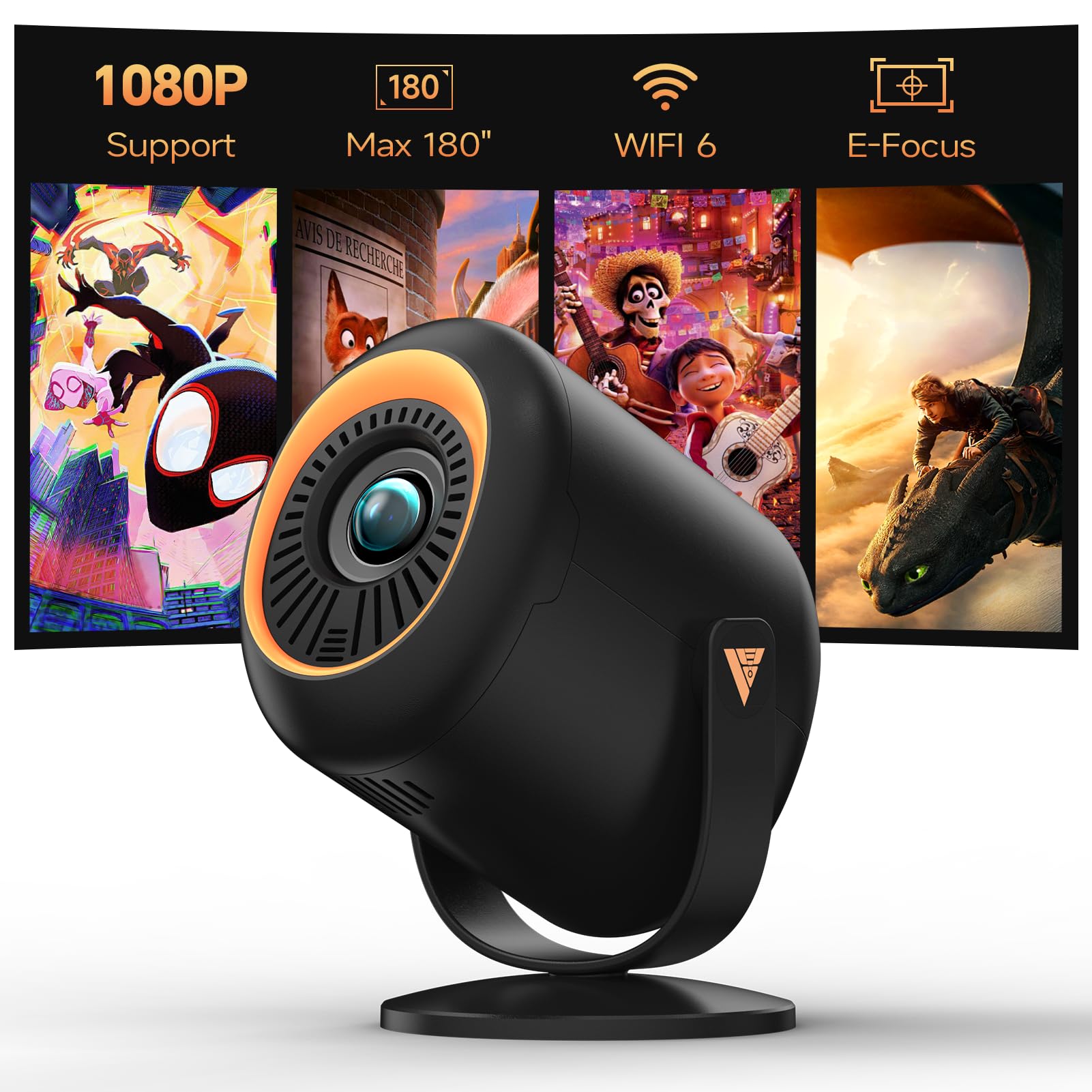
WiFi 6, Bluetooth 5.3
Max Image
400 inches
Native Resolution
1920 x 1080
View on Amazon

Four hundred inches is the number on the box, and it deserves translating: that is a diagonal no living room can seat. The realistic version is a 100- to 150-inch wall from around ten feet, and at that size the native 1920 x 1080 panel holds up well. Menu text stays crisp instead of smearing, which is more than we can say for the 720p models in this group.

Our verdict is that this is the pick for a wall you have already given over to the console. There is no app store and no smart system, which the seller frames as a saving; with a PS5 on the end of the cable that is not much of a loss, because the console is the source anyway. Two built-in stereo speakers cover casual sessions, and Bluetooth 5.3 takes a soundbar when you want one.

Setup is where it gives ground. The ±15° keystone correction is manual and modest next to the auto-keystone machines here, so the first placement takes a few minutes of nudging and the rectangle drifts if someone bumps the table. Mounting is flexible, mind you; ceiling, wall, table and tripod are all listed, so a permanent install is realistic once you have found the spot.

Pros

  • Native 1080p on the biggest screen here
  • No paid-for smart system you won't use
  • Flexible mounting for a permanent install

Cons

  • Manual ±15° keystone needs re-adjusting
  • Brightness isn't published in ANSI lumens
Our verdict

We recommend the DP03 when the wall is the point: a native 1080p picture that scales past anything else here, as long as you can live with manual keystone.

Check Latest Price
3

Best for Travel

Vamvo VF240

88 /100
Lab Score Excellent

Key details

Power
AC or USB-C
Max Image
130 inches
Brightness
300 ANSI lumens
Native Resolution
1920 x 1080
View on Amazon

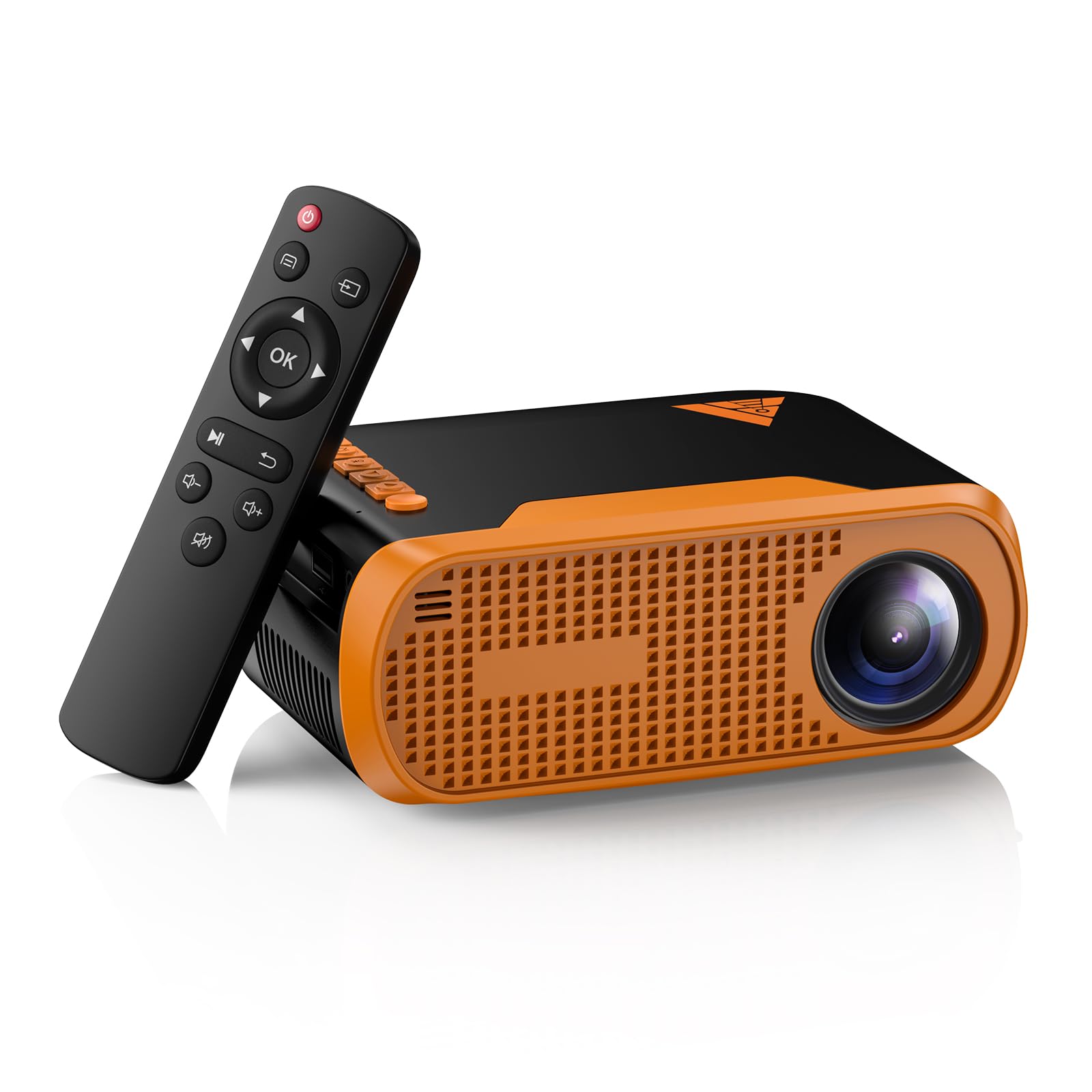
Two ways to power it is the reason the VF240 is the one we pack. It runs from the supplied adapter or from a USB-C supply, so the projector that lives on a shelf at home can go to a friend's place with one cable instead of a power brick the size of a paperback.

The rest is sensible rather than exciting: native 1920 x 1080, 300 ANSI lumens, a 130-inch maximum, and HDMI, USB and Type-C around the back. In a dark room the picture is genuinely good, with clean edges and text you can read at the back of a room, and the built-in speakers carried us through a first evening without a soundbar. Bluetooth 5.0 pairs to one when you want it.

Where it lands for a PS5 is as a second-room or holiday projector rather than the main event. Three hundred lumens wants the curtains closed, and the one-year warranty is the minimum in this group, which is worth knowing for a unit that gets carried around. On value it is the strongest buy here, and the portability is the reason.

Pros

  • Runs from AC or a USB-C supply
  • Native 1080p in a genuinely portable body
  • Strongest value in this group

Cons

  • 300 lumens wants a dark room
  • Only a one-year warranty
Our verdict

We take the VF240 when the projector travels: USB-C or AC power, a 130-inch ceiling and a native 1080p picture that survives a backpack.

Check Latest Price
4

Best for Small Rooms

YGSKK Mini Projector

91 /100
Lab Score Outstanding

Key details

Weight
1.7 lb
Brightness
300 ANSI lumens
Built-in Apps
Prime Video, YouTube, Hulu
Native Resolution
1920 x 1080
View on Amazon

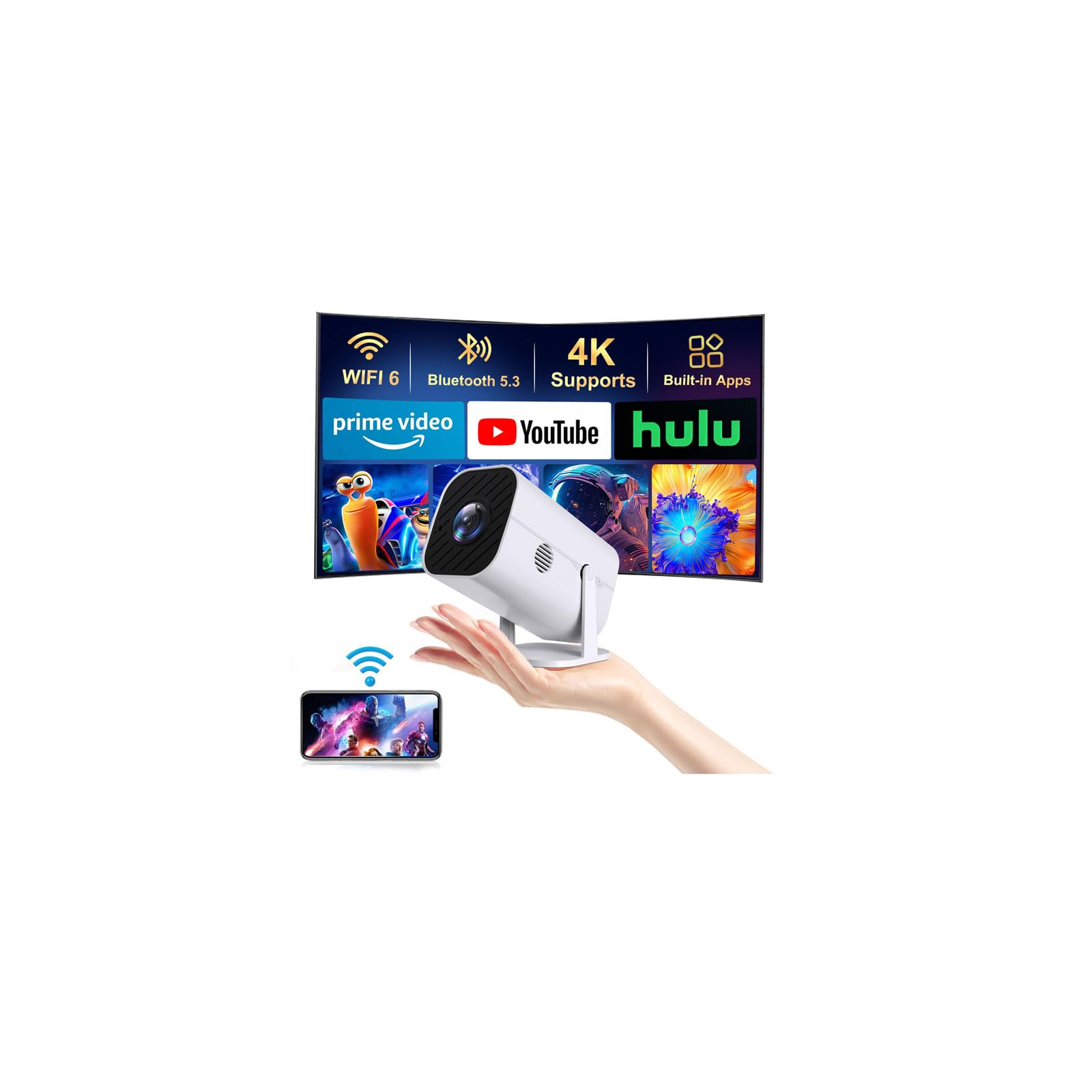
Eight inches wide and 1.7 pounds, the YGSKK is the lightest native-1080p unit here, and that combination is why it ended up on a nightstand rather than in a cupboard. It is the projector you move without thinking about it: bedroom, kitchen counter, out to the yard when the evening is warm enough.

Setup was the smoothest of the bunch. The electric focus lands on a sharp image in a couple of seconds and the auto keystone does the rest, so the first picture happens before you have found the remote. The built-in apps cover Prime Video, YouTube and Hulu, which means you can watch something without waking the console, but check that your service is on that list before you decide to skip a streaming stick.

What we kept coming back to is the noise. Fan drone is what ruins a quiet game at one in the morning, and this one stays at a background hum instead of a whine. Three hundred lumens still means the room has to be dark, and a bedside lamp will wash the picture out, so it suits a room you can actually darken rather than a bright front room.

Pros

  • Lightest 1080p projector in the group
  • Quiet enough for a bedroom session
  • Fastest setup here

Cons

  • Built-in apps stop at Prime Video, YouTube and Hulu
  • Electric focus, not automatic
Our verdict

For a bedroom or a desk, this is the one we keep coming back to: small, quiet and sharp at 1080p once the lights go down.

Check Latest Price
5

Best Budget

HAPPRUN H1

88 /100
Lab Score Excellent

Key details

Weight
2.9 lb
Audio Out
Bluetooth 5.3
Brightness
300 ANSI lumens
Native Resolution
1920 x 1080
View on Amazon

The H1 is the cheapest HAPPRUN in this group, and it is the budget pick we are most comfortable with. You get native 1920 x 1080, Bluetooth 5.3 audio out and a body light enough to shift between rooms for a good deal less than the midrange models here.

Three hundred ANSI lumens means the room has to be dark. That is the trade for the price, and it is the same trade every mini in this guide makes. What the H1 adds is Bluetooth audio: pair a speaker or a set of headphones and the console's sound comes from somewhere other than a small driver two feet away. Pairing is also the shakiest part of the experience, so test it in the first week while returns are still easy.

Physically it is the friendliest of the HAPPRUNs, at 2.9 pounds with a footprint that fits on a shelf end, and the included HDMI cable saves a trip to the store. Picture quality is what the price promises in a dark room and no more, so go in expecting a very good budget projector rather than a small JQ820.

Pros

  • Native 1080p at the low end of the price range
  • Bluetooth audio out for speakers or headphones
  • Light and easy to move at 2.9 pounds

Cons

  • Bluetooth pairing can need a second attempt
  • Fan noise can intrude in quiet scenes
Our verdict

Our budget answer: the H1 gives you native 1080p and Bluetooth audio for less than the midrange picks, provided you can darken the room.

Check Latest Price
6

First Projector

Vamvo Portable Mini

82 /100
Lab Score Excellent

Key details

Stand
180° adjustable
Inputs
HDMI, USB, USB-C
Weight
2 lb
Native Resolution
1920 x 1080
View on Amazon

There are two Vamvos in this guide and they do different jobs. The VF240 is the one that travels; this one is the cheapest route to a native 1080p panel we found in the group, and that is the whole argument for it.

The 180° stand is the interesting part. It swivels far enough to throw the picture straight up at a ceiling, which is how a fair amount of console time actually happens in a small apartment, and it doubles as the only mount: tabletop, no bracket. Around the back you get HDMI, USB and USB-C, so the console goes in by cable while a phone can mirror over Type-C.

Cabled up, the picture holds together: crisp 1080p, colour that doesn't fall apart, and a fan you stop noticing after twenty minutes. It is the wireless side that wobbles, with casting from a phone sometimes taking a second attempt, and brightness drops away quickly once there is any light in the room. Buy it as a wired projector and it covers everything a first setup needs.

Pros

  • Cheapest native 1080p panel here
  • 180° stand points at a ceiling without a tripod
  • HDMI, USB and USB-C inputs

Cons

  • Wireless casting often needs a retry
  • Tabletop mounting only
Our verdict

We point first-time buyers here when the budget is tight: the cheapest native 1080p panel in the group, best used with a cable rather than the wireless tricks.

Check Latest Price
7

Ceiling Gaming

Magcubic HY300PRO

82 /100
Lab Score Excellent

Key details

Max Image
130 inches
Brightness
200 ANSI lumens
Positioning
180° rotation
Native Resolution
1280 x 720
View on Amazon

Point it at the ceiling. The HY300PRO's whole personality is the 180° swivel, which lets it sit on a nightstand and throw the picture straight up, and it is the reason it stays in the conversation at all.

The panel is native 1280 x 720 and the output is 200 ANSI lumens, which are the two numbers that tell you what this is. A PS5 will still send a 1080p signal and the projector will still make a picture, but it cannot show the console's full detail, and any ambient light brighter than a phone screen flattens it out.

What you do get is built-in apps, auto keystone, a manual focus wheel and a one-year warranty. Setup takes a minute. Focus is the control you touch more than once, because the wheel is the only way to sharpen the image after the keystone settles.

Our use for it is narrow and specific: a dark bedroom, a ceiling and a controller. For that it is cheap and it works, and the swivel makes a setup possible that a shelf-bound projector can't manage. For a living room with a PS5 and any real ambition about picture quality, it is not the one.

Pros

  • 180° swivel projects straight onto a ceiling
  • Built-in apps without a streaming stick
  • Auto keystone keeps the rectangle square

Cons

  • 720p native panel limits console detail
  • 200 lumens is a dark-room proposition
Our verdict

Our pick for exactly one situation: a dark bedroom with the picture on the ceiling. The swivel stand earns that, and the 720p panel is the trade.

Check Latest Price

How We Chose and Tested PS5 Projectors

We started by shortlisting projectors advertised with low input lag, at least one HDMI 2.1 port, and enough brightness for a living room, then filtered out anything that couldn't fit on a coffee table or a ceiling mount without special tools. We also compared street prices so the final group ranged from budget-friendly to premium. That left seven units, which we tested over nine months.

In each home setup, I timed how long it took one person to go from unboxing to playable — including keystone correction, focus, and connecting the PS5, soundbar, and a Bluetooth headset. I carried every projector between a living room and a bedroom to judge compact size and weight, and noted whether the casing felt solid after the trip. We also ran a weekend session with friends swapping between the PS5, a streaming stick, and a laptop to see how easy connectivity was under real pressure.

For picture quality, we played fast shooters and racing games, watching for motion blur, input delay, and whether dark scenes turned into muddy smears. We listened to built-in speakers at half volume during dialogue-heavy scenes, then compared fan noise in quiet moments — one projector's whir was audible from the couch. At the end, we weighed each unit's performance against its price to judge value, not just the spec sheet.

How to Choose a Projector for Ps5

Brightness Decides Which Room You Can Use

ANSI lumens is the only brightness figure worth comparing. A listing that boasts 15,000 lumens without the word ANSI is quoting lamp output, and it tells you almost nothing about the picture on the wall. The minis in this group run 200 to 300 ANSI, which is a genuinely dark-room experience: lovely at night, washed out at three in the afternoon. The HAPPRUN JQ820's 2000 ANSI is the outlier, and it is why we could leave a floor lamp on during a match.

Match the number to the room rather than to your ambitions. A shared living room with windows wants the most light you can pay for; a bedroom used after dark is well served by 300 lumens.

Native Resolution Beats '4K Supported'

The panel is what you actually look at. A projector with a 1280 x 720 chip will accept the console's 1080p signal and show fewer pixels than was sent, which shows up first in menu text and distant detail. Native 1920 x 1080 is the sensible floor for a PS5, and phrases like '4K decoding' or '4K supported' describe video the projector can process, not the picture it throws.

A 720p model still earns a place as a cheap second screen in a dark bedroom, but don't buy one expecting the console's detail to survive the trip.

Input Lag and Refresh Rate Are the Specs Nobody Prints

The number that decides whether a shooter feels right is input lag, and not one projector in this group publishes it. A 'game mode' line on a spec sheet is a label rather than a measurement. Most budget LCD projectors run at 60Hz, so plan on 60 frames per second rather than the console's higher-frame-rate modes.

Buy where returns are easy, play something fast in the first week, and send it back if the delay reads as mush. Asking a seller for the lag figure in milliseconds before ordering costs nothing, and the answer is informative either way.

Ports, Streaming Sticks, and Sound

One HDMI input is all a PS5 needs. A second is a real convenience, because a streaming stick can stay plugged in beside the console instead of replacing it on movie night; the HAPPRUN JQ820 is the only pick here with two. Below that, USB and a headphone jack are the useful extras.

Sound matters more than most people expect. Built-in speakers in this class are small, and Bluetooth audio out is the feature to look for: it lets a soundbar or a pair of headphones sit between you and the console without a cable across the floor.

Throw Distance and Where the Box Sits

Screen size is set by where you put the projector, not by a menu setting. The numbers swing widely across this group: the YOWHICK claims 400 inches from roughly 20 feet, while the minis top out around 130 inches from much closer in. Measure the wall and the seating distance before you pick a spot, because the room caps the picture long before the projector does.

Auto focus and auto keystone turn a fiddly ten-minute setup into a two-minute one, and they matter most when the unit sits on a table that gets knocked. Manual keystone works fine; you simply straighten the rectangle yourself each time it moves.

Frequently Asked Questions

Final Verdict

For a PS5 in a room with windows, lamps or daylight, buy the HAPPRUN JQ820. It is the only projector here bright enough to hold a picture through ambient light, and the second HDMI port means the console and a streaming stick both stay connected. The 1080p panel is the honest limit, and nothing else in this group gets close on the thing that decides whether you can see the game.

If the room is dark and the projector lives beside the bed, the YGSKK is the better fit: quieter, smaller and easier to set up, at a fraction of the brightness. Buy for the room you have, not the one you plan to darken.