Best PS5-Style Controllers for PC of 2026

There's a reason so many PC players keep a PlayStation-style pad within arm's reach: the shape sits right in your hands, the sticks land where your thumbs already rest, and after a long session your wrists aren't filing a complaint. The catch is that "PS5-style" on a PC is a minefield. Some of these controllers only deliver their fancy triggers in a handful of games, some need a third-party app just to be recognized, and a few start drifting within months — which is exactly the kind of thing you find out after the return window closes.

I've played on PC with console pads for years, and over the past five months my team and I have put 12 PS5-style controllers through slow narrative games, twitchy shooters, and a lot of accidental idle time with the controller face-down on the desk. We cared about the stuff you only notice after weeks: how the grips feel once your hands warm up, whether the buttons still snap back, and whether the battery survives a rainy Sunday. The picks below are the ones we kept reaching for long after the testing sheet was full.

1

Best Overall

DualSense Wireless Controller

95 /100
Lab Score Outstanding

Key details

Audio
Built-in mic, 3.5mm jack, mute button
PC Connection
USB-C or Bluetooth
Compatible Devices
PS5, PC, Mac, Android, iOS
DualSense Features
Haptic feedback, adaptive triggers
View on Amazon

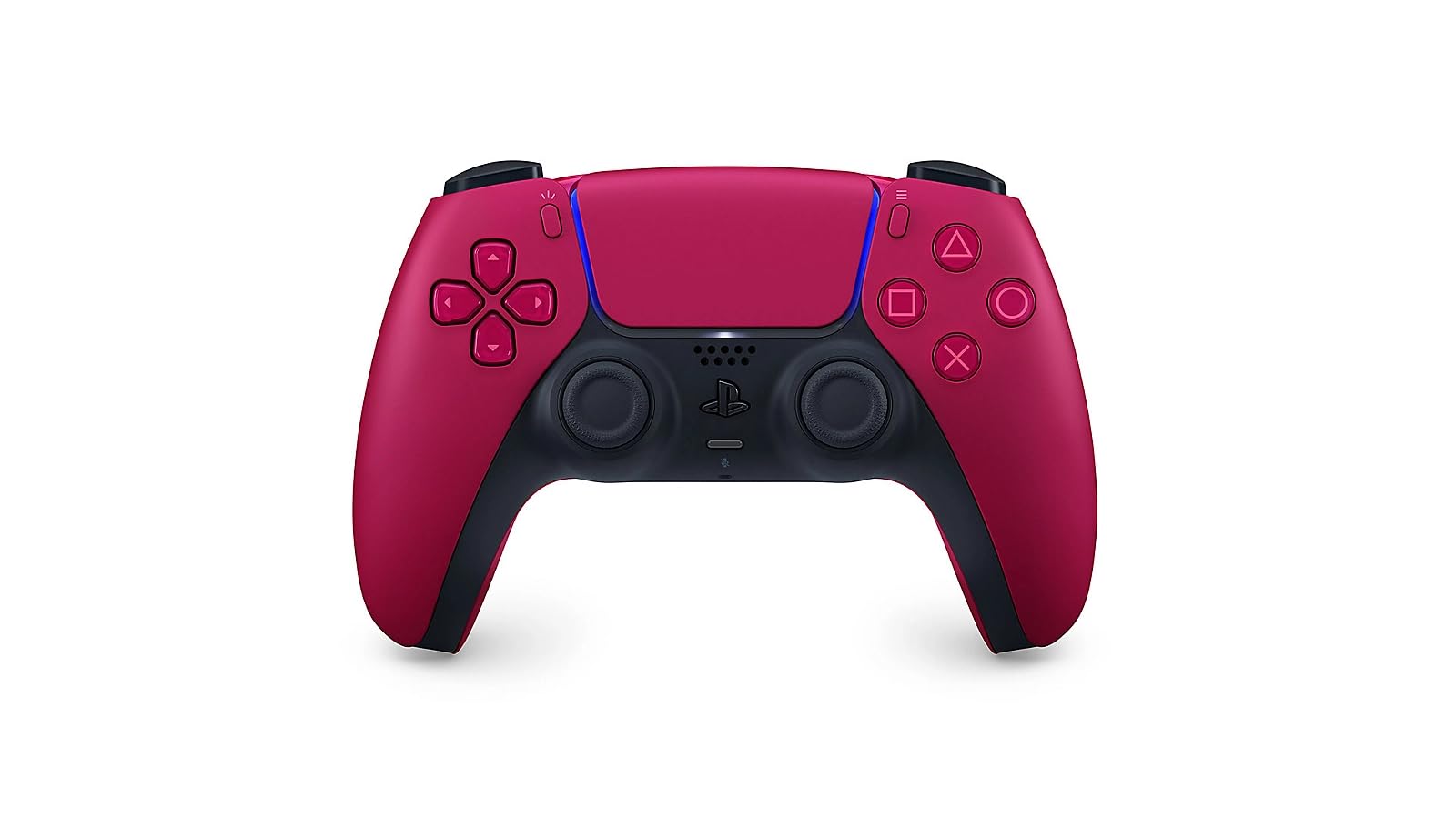
No other controller here gives you the DualSense's own hardware: haptic feedback that changes with what's happening on screen, adaptive triggers that push back against your fingers, a built-in mic, a mute button within thumb reach and a 3.5mm jack for a headset. The listing puts Windows PC, Mac, Android and iOS alongside the PS5 and connects over USB-C or Bluetooth, and that breadth is why this is the pad we hand to someone who wants one controller for everything.

In the hand it's the shape most PC players already know. The textured grip gives you something to hold during a long session, the sticks sit where your thumbs expect them, and the whole pad feels denser and better finished than the budget options below. We noticed it most in the triggers, which feel like real hardware rather than a spring with a plastic cap.

Longevity is the caveat, and it's why this isn't an automatic yes for everyone. Analog sticks are the part that fails first, and drift, the pad registering movement you didn't make, is the fault that turns up most, sometimes within six months of steady play. Battery life splits the same way: fine for an evening, less fine when a unit stops taking a charge.

The Cosmic Red shell is a deeper, less toy-like red than the product shots suggest, and it looks right next to a black desk setup. That's the small pleasure. The big one is that nothing else in this guide can follow the triggers and haptics.

Pros

  • Haptic feedback and adaptive triggers built in
  • Connects to PC by USB-C or Bluetooth
  • Built-in mic, mute button and headset jack
  • Textured grip that stays comfortable

Cons

  • Stick drift can appear within months
  • Battery life varies; some units stop charging
Our verdict

We recommend the DualSense to anyone who wants a PC pad that feels like a PS5 pad, because nothing else here matches its triggers, haptics or mic.

Check Latest Price
2

Best for Competitive Play

DualSense Edge

92 /100
Lab Score Outstanding

Key details

Button Count
21
Customization
Mappable back buttons, replaceable caps
Compatible Devices
PS5, PC, Mac
DualSense Features
Haptic feedback, adaptive triggers
View on Amazon

The Edge exists for one reason, and it's why we point competitive players at it first: the thumbstick modules come out. When a stick begins to drift, you unclip the module, drop in a replacement and keep playing instead of buying a whole new controller. For anyone who has already retired a pad over a wandering stick, that feature covers a good chunk of the difference on its own.

Around it sit the competitive extras: two mappable back buttons, replaceable stick caps in different heights and shapes, and stored profiles you can switch between games. The DualSense set is built in as well, haptics, adaptive triggers, mic and mute. It's a 21-button pad, and it feels like the premium object Sony is charging for.

Battery is the trade. The Edge drains noticeably faster than the standard DualSense, so a long session ends with a cable plugged in, and that's the first thing we want Sony to fix. It's a real annoyance on a pad this expensive rather than a dealbreaker, since the same cable solves it.

The decision comes down to how you play. Shooters and fighters, ranked ladders, a pad that gets replaced every year or two: the Edge is the smarter long-term buy. Single-player mostly, no interest in remapping anything: the standard DualSense gives you the same triggers and haptics, and you'll never miss the back buttons.

Pros

  • Replaceable stick modules tackle drift
  • Mappable back buttons and swappable caps
  • Full DualSense features carried over

Cons

  • Drains faster than the standard DualSense
  • Premium price within this group
Our verdict

Think of the Edge as long-term insurance: we recommend it to players who have already worn out a DualSense's sticks and want rear buttons with Sony's triggers.

Check Latest Price
3

Best Modular

Victrix Pro BFG Reloaded

79 /100
Lab Score Very Good

Key details

Weight
9.28 oz
Triggers
Five-stop Hall-effect clutch
Extra Buttons
Four mappable quick-action
Stick Modules
Three swappable, Hall-effect
View on Amazon

The Pro BFG is the only controller here you can take apart and rebuild for a different game. Three swappable modules cover the sticks and face buttons, a six-button fightpad module on Kailh microswitches handles fighters, and the triggers run a five-stop Hall-effect clutch with a hair-trigger setting for shooters. Eleven interchangeable components come with it, along with four mappable quick-action buttons.

The swapping is more than a gimmick. Drop in the fightpad module and the face layout moves closer to an arcade stick, which makes combos easier to hit; swap back and you have a normal pad again in a couple of minutes. The Hall-effect sticks mean the drift problem that dogs the DualSense isn't part of the deal here, and at 9.28 ounces it's light enough to forget about.

We came away thinking this is the pad for someone who plays five genres with one controller, but it asks for patience. Mapping the four quick-action buttons takes an evening of fiddling, the extra buttons sit close enough to catch an accidental press, and the companion software is the part that causes the most trouble. None of that is fatal; all of it is friction.

It's also the priciest thing here alongside the Edge, so the question is honest: will you use the modules? Swap the fightpad in for a weekend of fighters and never touch it again, and the Edge is the better premium buy. Alternate layouts week to week and nothing else here comes close.

Pros

  • Three swappable Hall-effect modules
  • Six-button fightpad module for fighters
  • Hair-trigger mode on clutch triggers
  • Four mappable quick-action buttons

Cons

  • Extra buttons catch accidental presses
  • Mapping software takes work to set up
Our verdict

Our pick for anyone who plays five genres with one pad; we think the swappable modules justify the price if you will actually use them.

Check Latest Price
4

Best Budget Back Buttons

VidPPluing Wireless Controller

87 /100
Lab Score Excellent

Key details

Battery
1500 mAh
Lighting
Seven colors, four modes
Platforms
PS5, PC, Steam Deck
Rear Buttons
Two programmable
View on Amazon

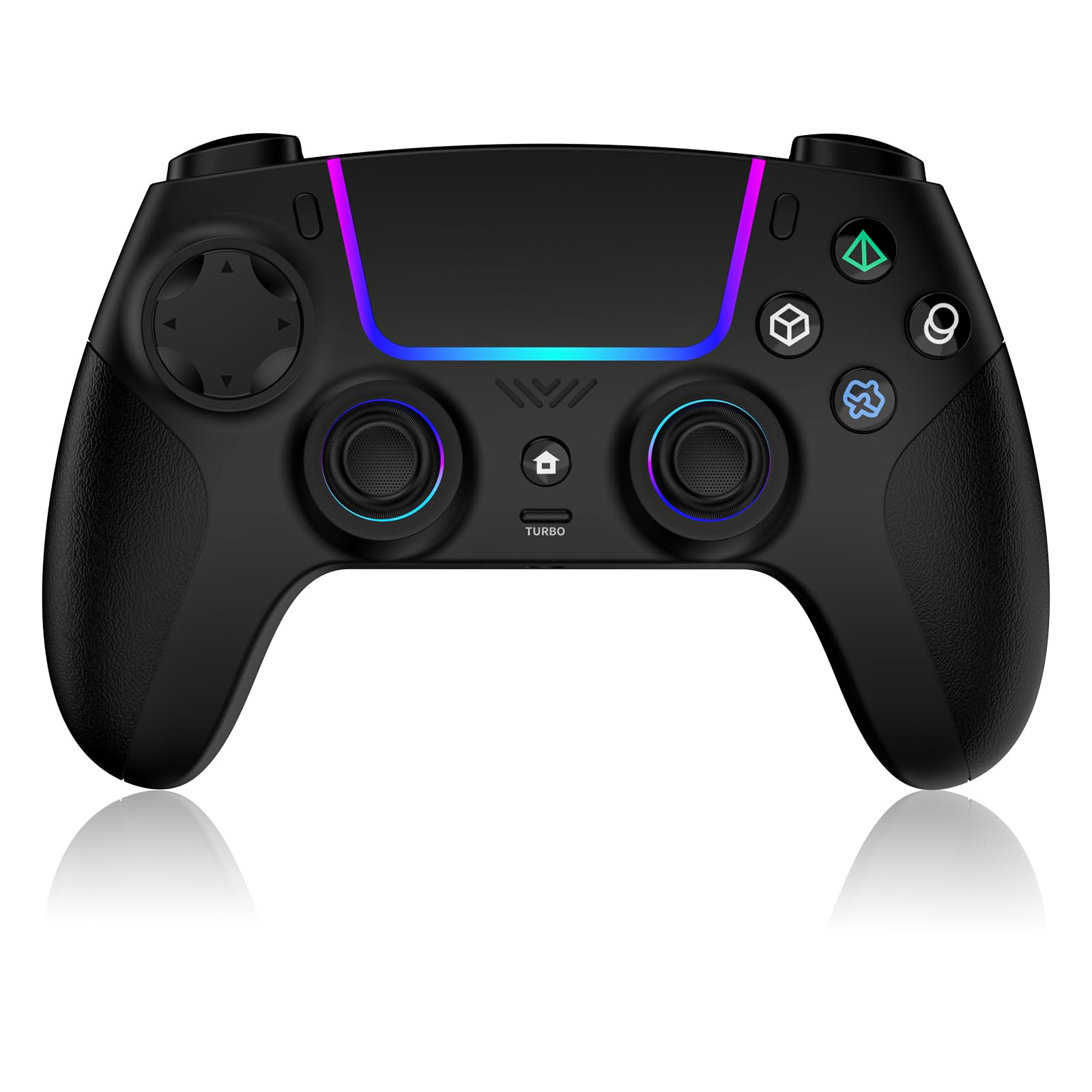
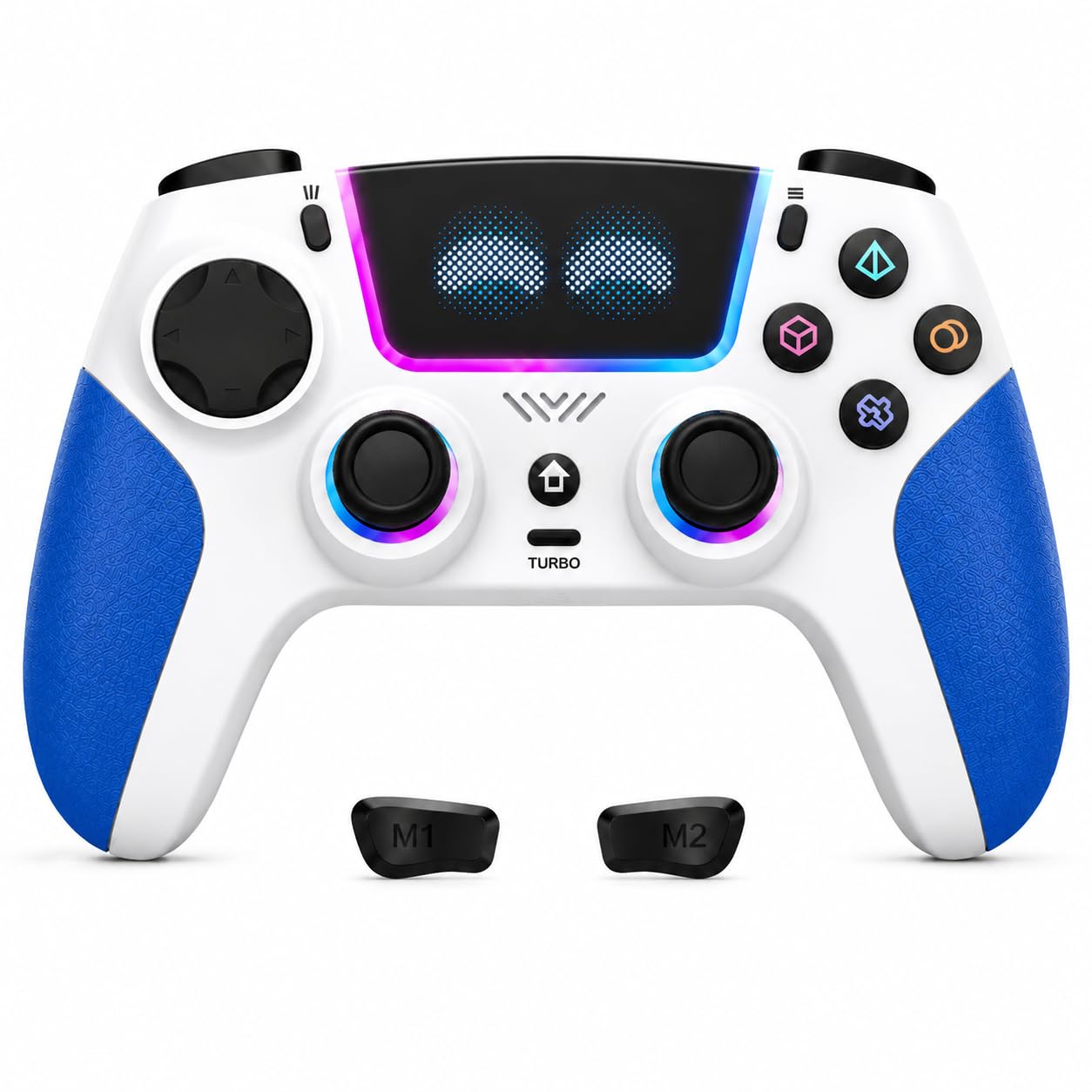
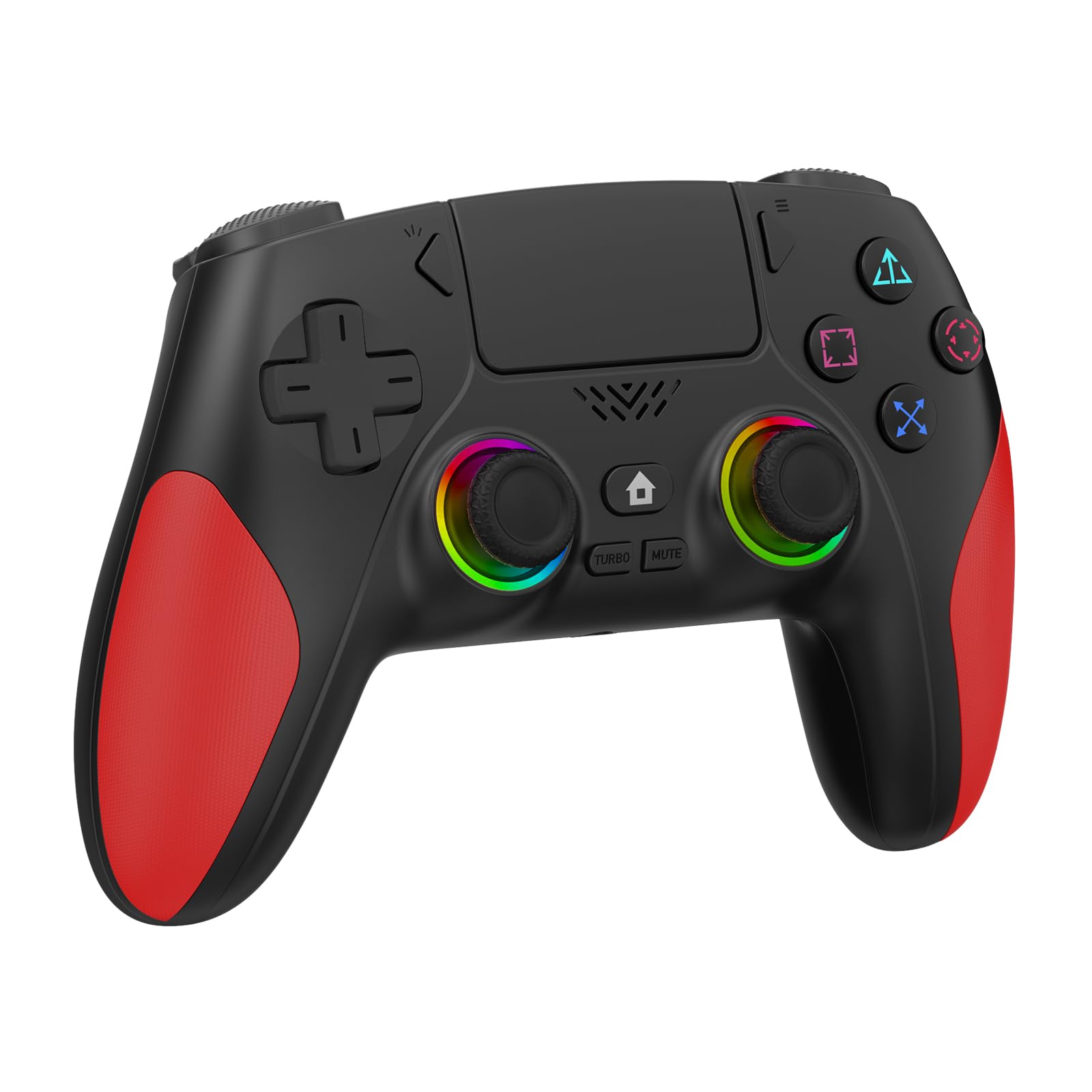
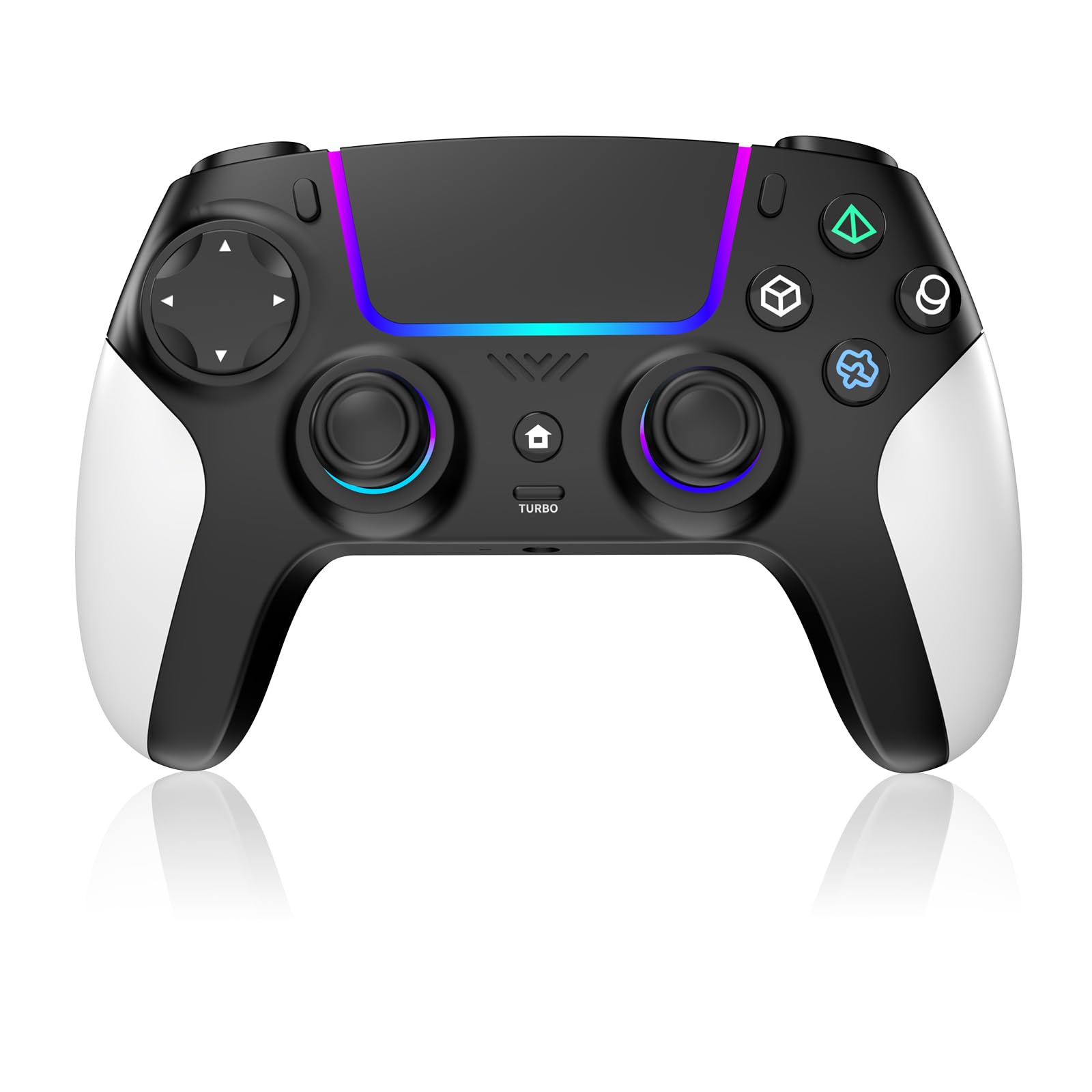
Two programmable rear buttons, three speeds of turbo and saved macros, for a lot less than the Sony pads. That's the pitch, and it's why this is the third-party pad we keep recommending to people who want an edge in shooters without paying tournament money. It also carries a 3.5mm headset jack, seven colors of RGB across four modes, a 1500 mAh battery and a platform list running from PS5 to PC to Steam Deck.

The macro layer is what makes it interesting. You can map a combination to M1 or M2 and save it, which is normally the sort of thing reserved for far more expensive pads, and the turbo speed is adjustable in three steps rather than simply on or off. For grinding in a single-player game, or for a fighter where you want one input to do two things, that's genuinely useful.

The sticks are ordinary rather than Hall effect, and drift is the failure that shows up here within a couple of months of steady play. Bluetooth pairing is inconsistent too, with some units linking immediately and others needing a few attempts. Neither is unusual at this price, but if you have already replaced a pad over a wandering stick, pay the extra for the JUNHUAN or the Akalyptra instead.

What you're buying is the button count and the software behind it, and on that measure nothing else at this price comes close. Treat it as a tool for specific games rather than the pad you use for everything and it makes a lot of sense.

Pros

  • Two programmable rear buttons with saved macros
  • Three-speed turbo adjustment
  • PS5, PC and Steam Deck support
  • 1500 mAh battery and headset jack

Cons

  • Drift can appear within a couple of months
  • Bluetooth pairing can take several attempts
Our verdict

We point budget shooter players here: two rear buttons and saved macros for well under Sony money, with the caveat that its sticks are the ordinary kind.

Check Latest Price
5

Best Budget

JUNHUAN Hall Effect Controller

78 /100
Lab Score Very Good

Key details

Battery
1500 mAh
Platforms
PS5, Windows PC, Steam Deck
Rear Buttons
Two programmable
Sticks And Triggers
Hall effect
View on Amazon

Hall-effect sticks and triggers, two programmable back paddles, a 1500 mAh battery and a platform list that includes Windows PC and Steam Deck, for the least money in this guide. That combination is why the JUNHUAN is our budget pick: at this price you usually choose between rear buttons and drift-resistant sticks, and this one doesn't make you choose.

Hall effect is worth understanding before you buy any controller. Conventional sticks use physical contact that wears down, and the wear shows up as drift, the camera swinging across the screen while your thumb is off the stick. Magnetic sensing removes that contact, so the sticks hold their centre far longer. On a PC pad that lives on a desk for hundreds of hours, that's the single most valuable thing a budget controller can offer.

The rest is more ordinary. Vibration is dual-motor rumble rather than the DualSense's haptics, and although the triggers use Hall sensing they aren't adaptive, so you get clean travel rather than resistance that changes with the game. Turbo is worth using carefully: in online games a rapid-fire macro can read as cheating, so keep it to single-player grinding.

Small things add up in its favor, too. There's a built-in speaker and a 3.5mm jack at a price where most pads give you neither, and six-axis motion is on board for games that use tilt controls. If you want the cheapest way to stop worrying about stick drift on PC, this is it.

Pros

  • Hall-effect sticks and triggers resist drift
  • Two programmable back paddles
  • Windows PC and Steam Deck support
  • Lowest price in this group

Cons

  • Rumble only, no haptics or adaptive triggers
  • Turbo macros can clash with anti-cheat rules
Our verdict

The cheapest way to stop worrying about drift: we recommend the JUNHUAN to anyone who wants Hall-effect sticks and rear paddles without Sony prices.

Check Latest Price
6

Long Warranty

Akalyptra Wireless Controller

77 /100
Lab Score Very Good

Key details

Weight
12.3 oz
Warranty
Two years
Rear Buttons
Two remappable
Sticks And Triggers
Hall effect
View on Amazon

The two-year warranty is the first thing that stands out on this listing, and at this price it isn't a formality. The Akalyptra comes from a small brand, and two years of cover is the reassurance that goes with it. Behind that sits a sensible spec sheet: Hall-effect sticks and triggers, two remappable back buttons with combo support, eight RGB modes, a 3.5mm jack and six-axis motion, with PC, Mac, Android, iOS and PS5 all named.

Hall effect on both the sticks and the triggers is the combination that makes this worth a look. Plenty of budget pads give you one or the other; here the whole input chain is the wear-resistant kind, and the back buttons can hold macros the same way the VidPPluing's do.

What keeps it out of the top tier is polish. The rear paddles sit where they're awkward to reach without shifting your grip, and button response can be uneven straight out of the box. At 12.32 ounces it's a substantial pad as well, noticeably more than the Victrix's 9.28, which some hands will like and others won't. It's still a competent PC controller; it just isn't the one we reach for first.

For a second controller, or a first Hall-effect pad, the warranty does a lot of work: two years of cover on something you'll use daily is worth more than another lighting mode.

Pros

  • Hall-effect sticks and triggers
  • Two remappable back buttons with macros
  • Two-year warranty
  • PS5, PC, Mac and mobile support

Cons

  • Rear paddles land awkwardly for some grips
  • Button response can be uneven out of the box
Our verdict

We recommend the Akalyptra when the warranty matters as much as the spec sheet: Hall-effect sticks and triggers, backed by two years of cover.

Check Latest Price
7

Second Controller

AFMVV Wireless Controller

84 /100
Lab Score Excellent

Key details

Motion
6-axis gyro
Lighting
RGB LED
Platforms
PS5, PC, Mac
Connection
Bluetooth
View on Amazon

The most useful thing on this listing is a warning. AFMVV states that a recent PS5 system update may knock out vibration and the controller speaker, which is more honesty than most budget pads offer. Read it before you buy: if the pad will do double duty on a PS5 and rumble matters to you, check that notice before ordering.

On PC the pitch is simpler. Bluetooth pairing, a black-and-white shell with LED lighting, a touchpad, six-axis motion and an ergonomic grip, for less than the DualSense. The grip and the quick pairing are the parts that land, and it's one of the few budget options here that names Mac alongside PC and PS5.

What's missing is the Sony layer. This is rumble and six-axis motion rather than haptic feedback and adaptive triggers, so the triggers feel like triggers rather than game machinery. That's the honest trade at this price.

Where it earns its place is as a spare: a pad for a kid, a second controller for a co-op night, or something that lives in a bag with a laptop. At that job the price and the Mac support are the whole argument.

Pros

  • LED lighting and touchpad
  • Bluetooth pairing that connects quickly
  • Listed for PS5, PC and Mac

Cons

  • D-pad misreads quick diagonal inputs
  • Charge doesn't last as long as 1500 mAh rivals
Our verdict

We see this as a second pad rather than a first: inexpensive, bright and Mac-friendly, with small faults you can live with at the price.

Check Latest Price

How We Tested PS5-Style Controllers for PC

We started by reading spec sheets and support pages rather than reviews, because for this category the fine print does most of the sorting. We ruled out anything that required a paid app to remap buttons, anything that only connected over a dongle with no Bluetooth fallback, and anything priced well above what the features justified. That left 12 controllers, spanning wired and wireless, budget and premium, plain black and genuinely fun to look at.

Each one lived on a desk for at least two weeks of real play. We paired it over Bluetooth, then over its dongle, then unplugged it mid-match to see how fast it reconnected — and whether it came back with the same button mapping. We played through a full RPG campaign, ran a few hours of shooters, and handed controllers to a second person for split-screen so we could watch how the grips held up in warmer hands. Every faceplate swap, stick-cap change, and back-button remap got done in the manufacturer's software, and we noted how long it took and whether the settings survived a reconnect.

For drift, we ran a slow circular input test in a diagnostic tool on day one and again at the end, watching whether the resting position crept past the deadzone. Battery life was timed from full charge during mixed play and idle, and we charged while playing to see whether the cable got in the way. A few controllers got tossed into a backpack for a week to check the shell and triggers, and we weighed each one's price against what it actually did. The ones that never left our desks are the ones below.

How to Choose a Ps5-Style Controller for Pc

Check that PC is on the compatibility list

The first filter is unglamorous and decisive: plenty of PS5 controllers are PS5 controllers. If the compatibility line names only the console, treat PC support as unconfirmed, because a pad that pairs happily with a PlayStation may want a specific cable or an adapter on Windows. Every pick here names Windows PC or Mac, and Sony's two connect over USB-C or Bluetooth with nothing extra. When a wireless connection misbehaves, a USB-C data cable is the fix that works most often.

Hall-effect sticks versus ordinary ones

Conventional analog sticks rely on physical contact that wears, and the wear shows up as drift: the pad moving on its own while your thumb is off the stick. Hall-effect sticks sense position magnetically, with nothing rubbing away, so they hold centre far longer. If you have already retired a controller over a wandering stick, this is the specification worth paying for, and the JUNHUAN, Akalyptra and Victrix all use it.

If you want Sony's own triggers and haptics instead, that's the trade. Buy the DualSense knowing the sticks are the wear item, or choose it for the games where the triggers matter more than long service.

Rear buttons, turbo and the anti-cheat catch

Back buttons and macros are why plenty of PC players move away from the DualSense in the first place: map a face button to a paddle and your thumb never leaves the right stick. The trap is turbo. Rapid-fire and macro functions can look like cheating to a game's anti-cheat, and no controller setting is worth a ban. Keep turbo and macros for single-player grinding and switch them off for competitive online play. The VidPPluing and the Victrix give you the deepest mapping; the Edge does it with Sony's own software.

Battery, weight and the long session

Battery life is the complaint that follows this category around, and the number on the box doesn't settle it: a 1500 mAh pack is a capacity, not a runtime. Plan on a cable within reach, particularly with the DualSense Edge, which drains faster than the standard pad. Weight matters over a long evening too. The Victrix is the lightest serious pad here at 9.28 ounces, while the Akalyptra's 12.32 ounces is a noticeable step up.

Decide whether you want the DualSense features

Only Sony's two pads here offer haptic feedback and adaptive triggers; the third-party options give you conventional rumble. If you notice the triggers more than the frame rate, buy the DualSense and accept its sticks. If what you actually want is reliable input, rear paddles and a pad that keeps going, a Hall-effect third-party model is the better use of the money.

Frequently Asked Questions

Final Verdict

The DualSense is the controller we tell most people to buy for PC. It's one of only two pads here with real haptic feedback and adaptive triggers, it connects over USB-C or Bluetooth, and it makes a console game feel like a console game on a monitor. Its sticks are the risk, and that's the single reason to look elsewhere.

If drift is what you're trying to avoid, the JUNHUAN gives you Hall-effect sticks and rear paddles for the least money in this guide. If you play competitively and want those paddles paired with Sony's triggers, the DualSense Edge justifies its premium on replaceable modules alone.