9 Best 1080P Gaming Monitor 2026: Match Refresh to Your GPU

Find the 1080p gaming monitor that delivers smooth gameplay without wasting money on unused specs. Best picks for competitive and casual gamers.

Many 1080p gaming monitors boast headline refresh rates and sub-1ms response times, but real-world motion clarity often depends on panel quality, adaptive sync support, and whether your GPU can actually feed those frames. The highest number on the box isn't always the best match for your setup.

Reliability varies sharply across the budget segment. Some monitors with appealing specs on paper develop screen failures or blackouts within months, making them a gamble rather than a value. This guide prioritizes monitors that deliver consistent performance and hold up over time.

The best 1080p gaming monitor for you is the one that aligns with your GPU's frame output, the genres you play most, and your desk ergonomics — not the one with the loudest marketing claims.

1

Best Overall 1080P Gaming Monitor

Samsung G30D 24" 180Hz

91 /100
Lab Score Outstanding

Key details

Speakers
No
Panel Type
VA
Refresh Rate
180Hz
Adjustability
Height, tilt, swivel
View on Amazon

The G30D's VA panel achieves a 3000:1 contrast ratio that makes dark game environments feel genuinely deep, with blacks that remain rich even in dimly lit rooms. The full ergonomic stand – height, tilt, swivel, and pivot – offers a wide range of comfortable viewing positions without the instability common on cheaper adjustable stands, and the construction feels solid enough to handle daily adjustments without wobble.

At 180Hz with FreeSync support, motion stays smooth and tear-free from 48 fps to the max refresh rate. The 1ms MPRT response keeps edges sharp during fast camera sweeps in shooters, though VA's slightly slower gray-to-gray transitions may introduce minor dark smearing in the most demanding dark scene transitions – a trait only noticeable to the most sensitive eyes during competitive play.

The stand includes a cable management channel and slim bezels for a clean desktop. A joystick-controlled OSD provides quick access to brightness, contrast, and gaming presets, and VESA compatibility allows for arm mounting. The overall build shows no creaking or flex when adjusting the panel.

The glossy screen finish enriches color saturation and adds perceived depth to images, a distinct advantage for single-player games where atmosphere matters. At 250 nits brightness, the display is comfortable for indoor use, and the VA panel's high contrast means you can drop brightness to reduce eye strain during long sessions without losing shadow detail. Color accuracy out of the box is good enough for casual media consumption.

Unlike many budget 180Hz monitors that limit ergonomics to tilt-only bases, the G30D offers full height, swivel, and pivot adjustments – a level of flexibility that rivals monitors costing $50 more. The VA contrast also surpasses IPS panels in this price range, making it a strong pick for gamers who prioritize image depth over wide viewing angles.

This monitor fits gamers who want a fully adjustable and ergonomically flexible setup with high contrast for immersive games. It performs best in rooms where ambient light can be managed, letting the glossy panel's color saturation work to its advantage rather than becoming a distraction.

💡 Plan for external speakers or a headset – the monitor has no audio output.

Pros

  • Full ergonomic stand with height, tilt, swivel, and pivot adjustments
  • Deep blacks and high contrast from VA panel enhance immersion
  • Smooth 180Hz refresh rate with FreeSync for tear-free gaming
  • Strong value for this feature set including adjustable stand and VA contrast

Cons

  • Glossy screen may produce reflections in rooms with direct light sources
  • No built-in speakers
Our verdict

The Odyssey G3 G30D stands out for delivering the adjustable stand and VA contrast that typically cost more, wrapped in a monitor that performs as advertised.
Check Latest Price
2

Best Budget 200Hz

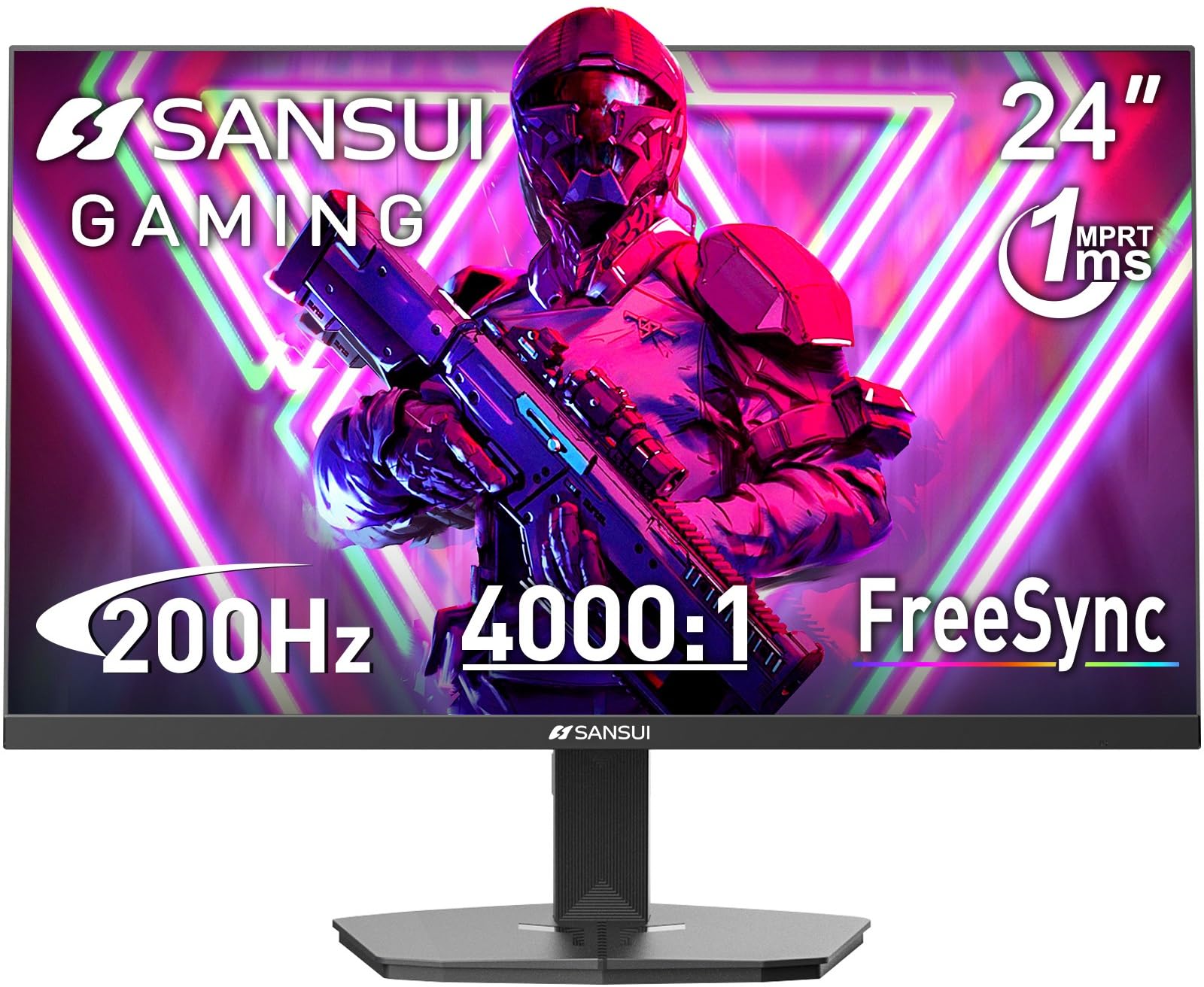
SANSUI 24" 200Hz

91 /100
Lab Score Outstanding

Key details

Speakers
Yes
Panel Type
VA
Refresh Rate
200Hz
Adjustability
Tilt only
View on Amazon

The SANSUI ES-G24F4L pushes the refresh-rate ceiling for budget 24-inch monitors, pairing a 200Hz VA panel with deep 4000:1 contrast — a combination rarely found at this price. For gamers who value motion clarity and inky blacks, this monitor delivers a tangible step up from typical 144Hz IPS displays. The Samsung G30D (our top pick) offers a fully adjustable stand and stronger long-term reliability, but the SANSUI undercuts it significantly on cost while providing a higher frame-rate ceiling and richer contrast.

Budget gamers who prioritize raw specs — high refresh rates and deep blacks for immersive single-player titles — will find this monitor compelling. It is not for color-critical work without calibration, as out-of-box accuracy can be off. More critically, a subset of units can develop issues within the first year, so purchasing from a retailer with a hassle-free return policy is essential.

Image quality impresses for the price: colors appear vivid and black levels are notably deeper than typical IPS panels, making dark scenes in games like 'Diablo IV' or 'Elden Ring' look more atmospheric. Setup is straightforward with the included stand and simple OSD navigation, though the stand lacks height adjustment.

💡 Use the monitor's built-in color settings to adjust brightness and saturation to your preference — a quick calibration can improve out-of-box accuracy.

Pros

  • 200Hz refresh rate and VA contrast at a budget price
  • Deep blacks and vivid colors enhance immersion in dark games
  • Quick assembly and sturdy build for an entry-level display

Cons

  • Color accuracy may need manual adjustment out of the box for critical work
  • Reliability varies between units; some may need replacement early on
Our verdict

Buy the SANSUI if you want the fastest refresh rate and richest contrast your budget can buy, and you are comfortable managing the risk with a retailer that offers easy returns.

Check Latest Price
3

Premium 240Hz for Esports

LG 27" 240Hz IPS

93 /100
Lab Score Outstanding

Key details

Speakers
No
Panel Type
IPS
Refresh Rate
240Hz
Adjustability
Height, pivot, swivel
View on Amazon

The LG 27GP750-B pairs a 240Hz refresh rate with an IPS panel that delivers vibrant colors and 400-nit brightness, making fast-moving scenes clear and punchy. The fully adjustable stand — height, tilt, swivel, and pivot — allows precise desk positioning that many competitors reserve for higher-priced models.

With G-Sync Compatibility and a 1ms response time, motion stays fluid and ghost-free during intense gameplay. Some units may show dead pixels or screen blackouts, though LG’s warranty covers those cases. There are no built-in speakers, so external audio is necessary.

This monitor suits competitive players who want a fast 1080p IPS panel with ergonomic flexibility and are willing to pay a premium for it. If 240Hz and color accuracy matter more than deep blacks or built-in audio, the LG 27GP750-B fits well. Budget-focused gamers or those needing HDR performance should look elsewhere.

💡 External speakers or headphones are required for audio output.

Pros

  • Vibrant IPS colors and high brightness for a 1080p panel
  • Smooth 240Hz performance with G-Sync Compatibility
  • Fully adjustable stand with height, tilt, swivel, and pivot

Cons

  • No built-in speakers require external audio setup
  • Premium-priced for a 1080p monitor, especially compared to 180Hz alternatives
  • Some units may have dead pixels or screen blackouts; LG warranty covers these
Our verdict

If 240Hz speed and IPS color are your priorities, and you can manage the premium price and the need for external audio, the LG 27GP750-B delivers a focused competitive gaming experience.

Check Latest Price
4

Best Curved 27-Inch

ASUS Curved 27" 165Hz

94 /100
Lab Score Outstanding

Key details

Speakers
Yes
Panel Type
VA
Refresh Rate
165Hz
Adjustability
Tilt only
View on Amazon

The 1500R curvature and 3000:1 contrast ratio create a sense of depth that flat 1080p panels can't match — darker blacks and richer colors pull you into single-player worlds like RPGs or cinematic shooters.

This monitor is best for console gamers who connect via HDMI and value immersion over competitive speed. The built-in speakers add convenience for casual play, but the single HDMI port and lack of DisplayPort limit high-refresh PC setups, and the tilt-only stand means you'll want a VESA arm or riser for comfortable long sessions.

At 165Hz with FreeSync Premium, motion stays smooth during fast-paced scenes, and the VA panel holds detail in shadows better than most IPS alternatives at this price. The tradeoff is slightly slower pixel response compared to dedicated esports monitors, but for story-driven gaming the curve makes that a worthwhile compromise.

💡 A standard 100x100mm VESA mount solves the height issue without adding much cost.

Pros

  • Curved VA panel delivers deep blacks and strong contrast for immersive single-player gaming
  • 165Hz refresh rate with FreeSync Premium keeps gameplay smooth on supported devices
  • Built-in speakers save desk space and reduce cable clutter for console setups

Cons

  • Only one HDMI port and no DisplayPort
  • Stand offers tilt only; no height adjustment, so pairing with a monitor arm or riser is necessary for ergonomic comfort
Our verdict

If you prioritize immersion over esports speed and connect via HDMI, the curved VA panel makes this a strong mid-range choice — just plan for a VESA mount if you need height adjustment.

Check Latest Price
5

Best Budget IPS for PS5

LG 24" 144Hz IPS

88 /100
Lab Score Excellent

Key details

Speakers
No
Panel Type
IPS
Refresh Rate
144Hz
Adjustability
Tilt only
View on Amazon

The LG 24G411A-B delivers smooth 144Hz IPS performance and works natively with PS5 at 120Hz — a rare combination at this price point. It also supports both FreeSync and G-Sync, giving mixed GPU setups flexibility that budget monitors often skip. Where larger 240Hz options prioritize raw speed, this 24-inch panel balances refresh, color, and cost for everyday gaming.

This monitor suits PS5 gamers who want a fluid 120Hz output without overpaying, and PC users who value IPS color accuracy over maximum refresh. The average brightness may feel limited in sunlit rooms, and the 144Hz refresh uses an overclock that can introduce slight ghosting — leaving native 120Hz as the cleaner option for sensitive eyes. IPS glow is visible on dark scenes, a tradeoff common to the panel type.

💡 For a cleaner motion, run at native 120Hz instead of the overclocked 144Hz — this avoids possible ghosting in fast scenes.

Pros

  • IPS panel delivers vibrant colors and wide viewing angles for immersive gaming.
  • Offers strong value for a 144Hz IPS with both FreeSync and G-Sync support.
  • Seamless 120Hz support for PS5 and Xbox consoles out of the box.

Cons

  • In brightly lit rooms, max brightness may feel insufficient.
  • IPS glow on dark scenes is visible
Our verdict

A cost-effective 144Hz IPS for console and PC gamers who prioritize color and adaptive sync over peak brightness or esports-tier speed.

Check Latest Price
6

Best Office/Gaming Hybrid

MSI PRO 24" 144Hz

90 /100
Lab Score Outstanding

Key details

Speakers
No
Panel Type
IPS
Refresh Rate
144Hz
Adjustability
Tilt only
View on Amazon

The MSI PRO MP243L delivers a crisp IPS picture with 144Hz fluidity at a budget price, adding a VGA port and TÜV eye-care certification that make it equally suited for productivity or casual gaming. Colors appear vibrant and text stays sharp out of the box — a level of clarity not always found in this price tier.

This monitor is best for buyers who split time between office tasks and gaming on a tight budget, especially if they need to connect older devices via VGA. The lack of DisplayPort means PCs with only HDMI 1.4 or GPUs that rely on DP for adaptive sync may see capped refresh rates — an HDMI 2.0 cable unlocks the full 144Hz on compatible hardware.

Setup is plug-and-play, and the IPS panel provides wide viewing angles that keep colors consistent when sharing the screen. The tilt-only stand limits ergonomic adjustment, but the monitor’s slim bezels make it a natural secondary display beside a more adjustable primary. For pure gaming with a modern graphics card, the top pick’s adjustable stand and DP support offer a more complete package.

💡 Use an HDMI 2.0 cable to reach 144Hz; the VGA port is limited to 1080p at 60Hz for legacy devices.

Pros

  • Vibrant IPS panel with 144Hz smoothness at a budget price
  • Includes VGA port for legacy devices and TÜV eye-care certification
  • Works reliably with minimal setup; good color accuracy out of the box

Cons

  • No DisplayPort input; only HDMI and VGA, which may cap refresh rate on some modern graphics cards
  • Stand offers tilt only; no height or swivel adjustment
Our verdict

A solid IPS monitor for hybrid use, but gamers with modern GPUs should verify HDMI support before buying.

Check Latest Price
7

Budget Competitive

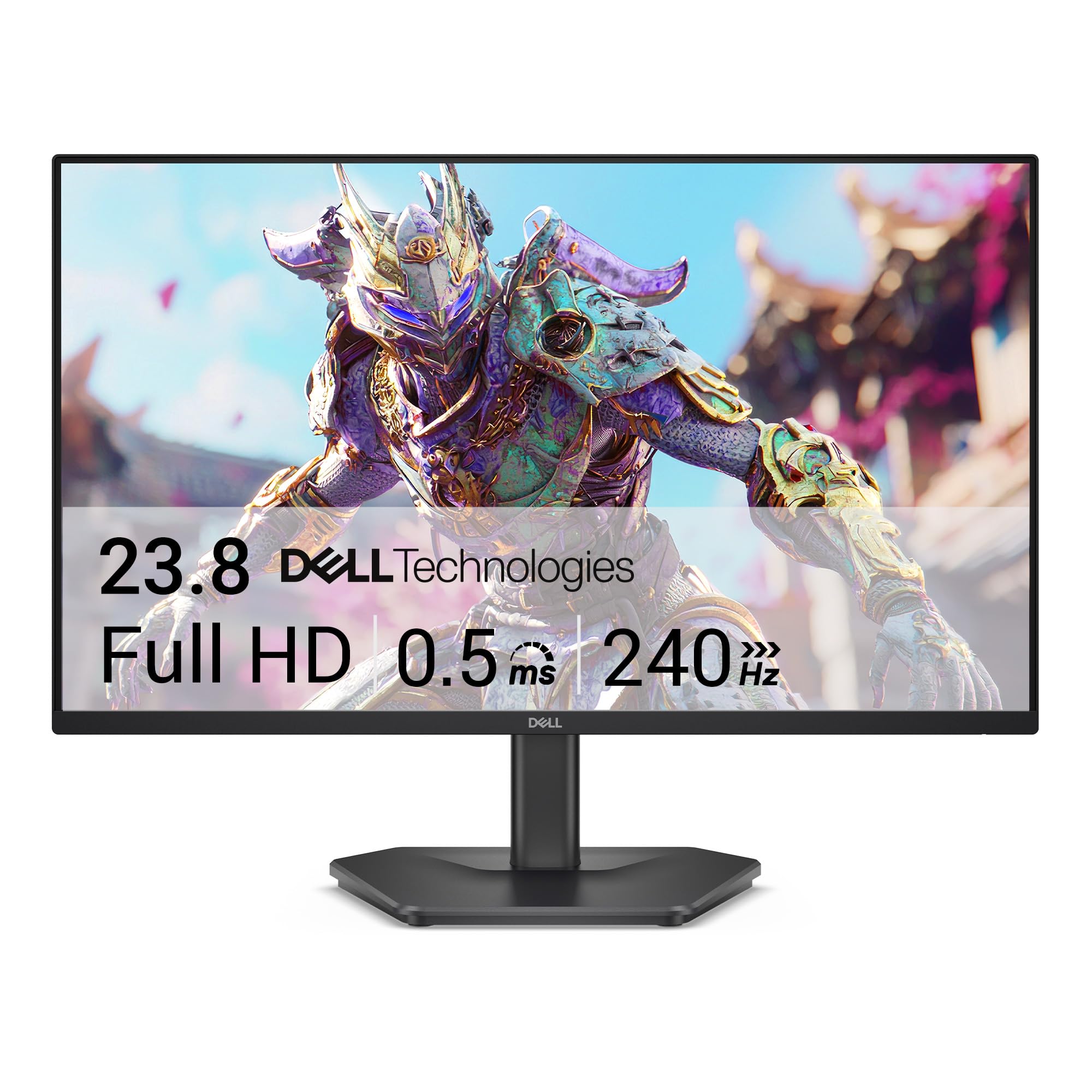
Dell 24" 240Hz IPS

90 /100
Lab Score Outstanding

Key details

Speakers
No
Panel Type
IPS
Refresh Rate
240Hz
Adjustability
Tilt only
View on Amazon

The Dell SE2426HG delivers a 240Hz IPS panel at a budget-friendly price, making it a strong candidate for competitive gamers who need smooth motion without stretching their budget. FreeSync Premium and low input lag keep gameplay tear-free. However, the stand offers only tilt adjustment, and there are no built-in speakers — these are acceptable if you already own a monitor arm and external audio. More notably, long-term durability under heavy use is not yet well established through widespread user experience, so this monitor suits buyers who prioritize immediate performance over a long-term track record.

💡 Mounting the monitor on an arm solves the lack of height adjustment — a worthwhile upgrade for ergonomic flexibility.

Pros

  • 240Hz refresh rate at a budget price
  • FreeSync Premium and low input lag for tear-free competitive play

Cons

  • Tilt-only stand with no height or swivel adjustment
  • No built-in speakers require external audio
Our verdict

Best for competitive gamers targeting 240Hz on a tight budget who already own external speakers and a monitor arm, and are comfortable with limited long-term durability data.

Check Latest Price
8

Fast IPS Gamers

ASUS 25" 180Hz IPS

90 /100
Lab Score Outstanding

Key details

Speakers
Yes
Panel Type
Fast IPS
Refresh Rate
180Hz
Adjustability
Height, tilt
View on Amazon

The 24.5-inch Fast IPS panel produces crisp, colorful images that hold up well across fast-paced games, and the included height-adjustable stand is a rarity at this price. Built-in speakers are sufficient for system sounds but lack depth for immersive gaming. More critically, the box often omits a DisplayPort cable — only HDMI is included, which may limit reaching 180Hz on some setups. If you already own a DP cable and external speakers, this monitor offers strong value.

Pros

  • Vibrant, crisp image quality that holds up across fast-paced games.
  • Solid build quality with adjustable stand offering tilt and height adjustments.
  • Good value for a 180Hz Fast IPS monitor with built-in speakers.

Cons

  • Built-in speakers work for voice chat but fall short for music or game audio.
  • DisplayPort cable may be omitted from the box, requiring a separate purchase for full 180Hz support.
Our verdict

For buyers who already own a DisplayPort cable and external speakers, the ASUS TUF Gaming VG259Q3A delivers near-top-tier performance at a mid-range price.

Check Latest Price
9

Extreme Budget

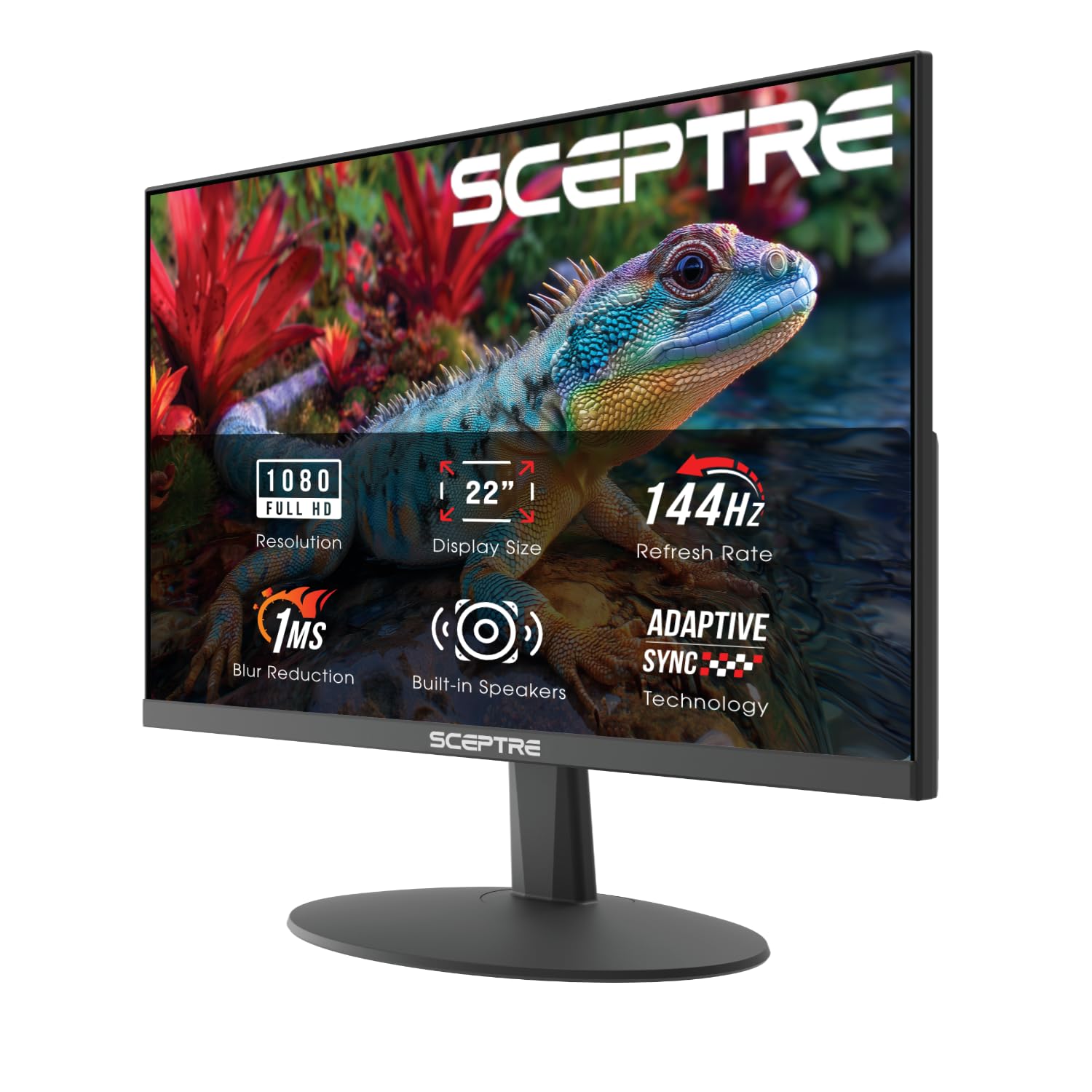
Sceptre 22" 144Hz

89 /100
Lab Score Excellent

Key details

Speakers
Yes
Panel Type
VA
Refresh Rate
144Hz
Adjustability
Fixed
View on Amazon

The Sceptre 22-inch 144Hz monitor is the cheapest high-refresh VA panel available, offering decent contrast (2000:1) and dependable build quality for entry-level gaming. The 22-inch size is small for primary gaming, and the fixed stand lacks height or tilt adjustment — this is a natural fit for secondary multi-monitor setups or extreme budget builds. Built-in speakers are thin enough that headphones or external speakers are effectively required.

Pros

  • Outstanding value for a 144Hz gaming monitor.
  • Good picture quality and color for entry-level gaming.
  • Solid build quality for the price.

Cons

  • Built-in speakers are thin and tinny
  • Stand lacks height and tilt adjustment
Our verdict

Best as a secondary monitor in a multi-display setup or for budget builders who prioritize refresh rate over screen size.

Check Latest Price

How to Choose

Refresh Rate

144Hz is a massive step up from 60Hz and noticeable in any fast-paced game. 240Hz offers smoother motion, but only if your GPU consistently pushes above 200fps — otherwise the extra Hz goes unused.

For competitive shooters like Valorant or CS2, higher refresh rates reduce input lag and improve tracking. For story-driven RPGs, 144Hz is more than enough, and spending extra on 240Hz won't be visible in everyday play.

Response Time

Advertised '1ms' is almost always MPRT (Motion Picture Response Time), not true GTG (Gray-to-Gray). Real GTG response on budget IPS panels is usually 4-5ms, which can cause ghosting in fast motion.

Technologies like ASUS ELMB or LG MBR reduce perceived blur by strobing the backlight, but they can introduce flicker and reduce brightness. They work best when frame rate matches the refresh rate.

Panel Type

IPS panels offer wider viewing angles and more accurate colors, making them better for co-op gaming and media consumption. The trade-off is IPS glow — visible halos around dark scenes.

VA panels deliver deeper blacks (3000:1 to 4000:1 contrast) and better dark-room performance, but viewing angles are narrower and pixel response can be slower, leading to darker smearing in fast motion.

Adjustability

A monitor with height, tilt, and swivel adjustment costs $30–$50 more than a tilt-only stand, but it's a one-time investment that prevents neck strain and reduces desk clutter. Many budget monitors force you to buy a separate VESA arm.

If you share a desk or switch between sitting and standing, a fully adjustable stand is essential. For a fixed desk setup, tilt-only may suffice if you can position the screen at eye level with books or risers.

Built-in Speakers

Built-in speakers on budget and mid-range monitors are universally weak — tinny, low-volume, and lacking bass. They are fine for system sounds or casual YouTube, but not for immersive gaming.

Plan to use a headset or external speakers from the start. A monitor without speakers is often a better value because you're not paying for a feature you won't use.

Frequently Asked Questions