9 Best High-Refresh-Rate Gaming Monitor of 2026: Skip the Panel Lottery

Real-world smooth gaming without the panel lottery. This guide highlights high-refresh-rate monitors that balance speed, resolution, and build quality.

A high refresh rate on paper doesn't always mean smooth motion in practice. Ghosting, poor pixel response, and inconsistent quality control can turn a 240Hz spec into a blurry, frustrating experience.

Many budget and mid-range monitors cut corners to hit low price points, leaving buyers to gamble on dead pixels, flickering, or early failure. That 'panel lottery' is the real obstacle to a satisfying upgrade.

This guide focuses on monitors that deliver on their promises — where the refresh rate actually translates to fluid gameplay and the build quality holds up. We prioritize reliability and real-world performance alongside specs.

1

Best Overall

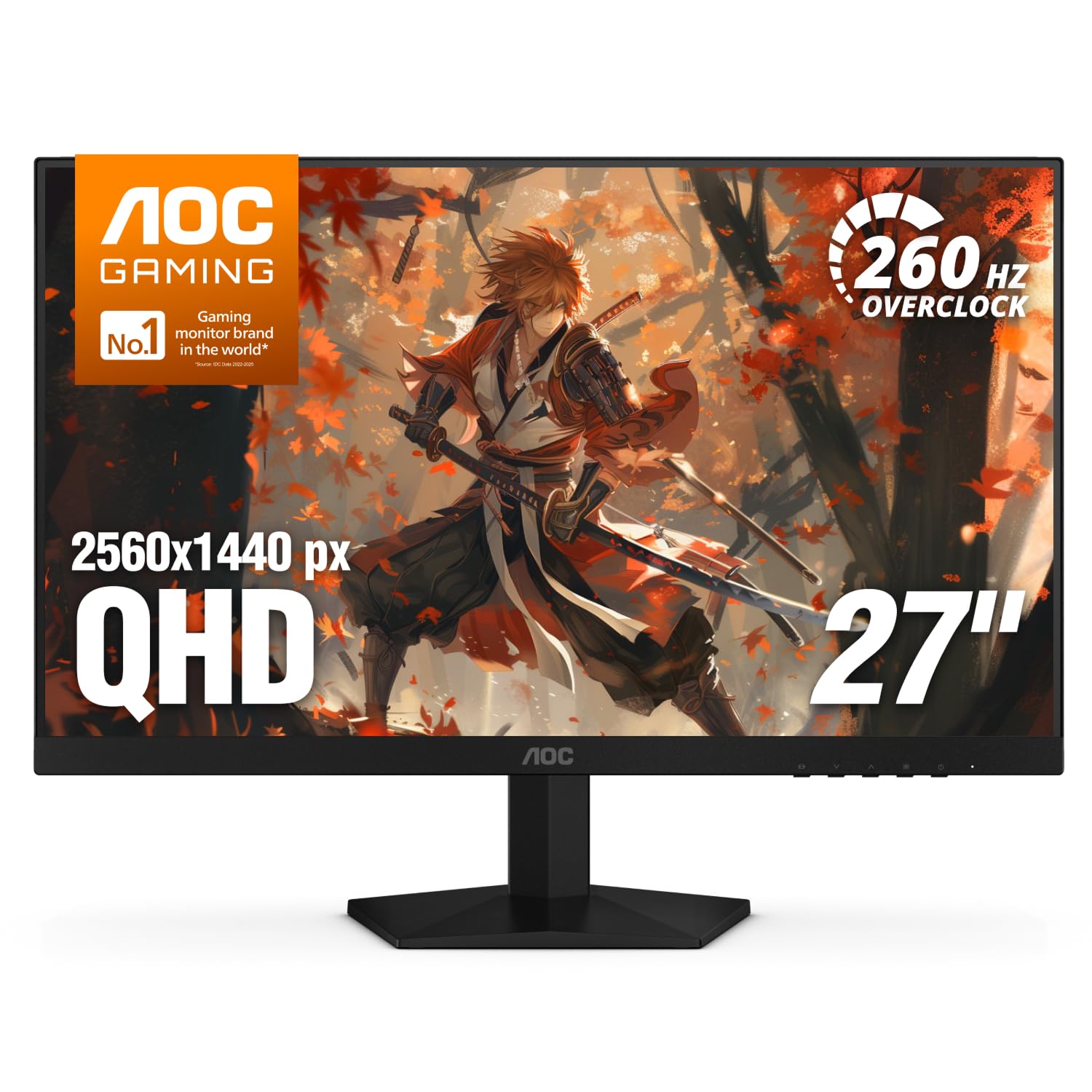
AOC Q27G41ZE 240Hz

89 /100
Lab Score Excellent

Key details

Panel Type
IPS
Adaptive Sync
FreeSync, G-Sync Compatible
Stand Adjustments
Tilt only
Refresh/Resolution
2560x1440 @ 240Hz
View on Amazon

The AOC Q27G41ZE mates 1440p resolution with a 240Hz refresh rate and an IPS panel for under $170, a combination that few monitors at this price can match. Motion clarity is sharp during fast-paced games, and the 0.3ms MPRT response keeps ghosting out of sight. Colors are vibrant for an IPS panel, and the picture quality holds up well in well-lit rooms.

In practice, the monitor handles high-refresh gameplay with no stuttering or tearing when paired with a compatible GPU — G-Sync and FreeSync both work reliably. The 240Hz refresh (overclockable to 260Hz) provides a tangible edge in first-person shooters and racing titles. Text legibility at 1440p is good for general use, though the 300 cd/m² brightness means it's best kept away from direct window glare.

This monitor suits competitive gamers who prioritize high refresh and 1440p clarity over HDR punch or ergonomic adjustment. The fixed stand lacks height adjustment, so you'll want to account for that at setup — a VESA arm or books under the base do the trick. HDR content looks flat due to the moderate brightness, but that's a non-issue for most esports players. Occasional units may show a slight color tint, but overall build quality aligns with the price point.

Compared to the ASUS TUF VG27AQ3A at the same price, the AOC offers a 60Hz advantage and faster response times — a meaningful difference for players who want every frame they can get. The ASUS has marginally richer colors and ELMB Sync, but the AOC's motion clarity is better suited to twitch-based games.

💡 Mount the monitor on a VESA arm to address the non-adjustable stand and achieve a comfortable viewing height.

Pros

  • 240Hz refresh rate with 0.3ms response keeps motion blur-free in fast-paced games.
  • 1440p IPS panel delivers vivid colors and wide viewing angles for an immersive experience.
  • Affordable price point that undercuts most 1440p 240Hz monitors without cutting corners on performance.
  • Adaptive sync support eliminates screen tearing across AMD and NVIDIA GPUs.

Cons

  • Screen brightness caps at 300 cd/m², which limits HDR impact and may appear dim in bright rooms.
  • The stand lacks height adjustment and feels flimsy, requiring a VESA mount for proper ergonomics.
  • Some units may exhibit a subtle color tint that varies between panels.
Our verdict

If your priority is competitive gaming at 1440p with a smooth 240Hz experience, this monitor fits the bill. The brightness and stand limitations are manageable trade-offs given the price.

Check Latest Price
2

Best 1080P with Ergonomic Stand

Samsung G3 27" 180Hz

91 /100
Lab Score Outstanding

Key details

Panel Type
VA
Adaptive Sync
FreeSync
Stand Adjustments
Height, Tilt, Swivel, Pivot
Refresh/Resolution
1920x1080 @ 180Hz
View on Amazon

The Samsung Odyssey G3 G30D stands out in its price bracket with a height, tilt, swivel, and pivot stand that rivals monitors costing twice as much. The 180Hz refresh rate keeps motion fluid in fast-paced shooters and racing titles, and the VA panel delivers decent contrast for a 1080p display.

This monitor is built for competitive gamers who play at 1080p and value ergonomic freedom over resolution or HDR. It's not suited for 1440p enthusiasts or those expecting HDR support in games or media. The glossy screen coating may catch reflections in bright rooms, so placement matters if you game near windows or overhead lights.

Setup is straightforward out of the box, and the build quality feels solid for the price. The combination of adjustability and smooth refresh makes this a practical choice for budget-conscious gamers who spend hours at their desk and need to dial in viewing angles without a third-party monitor arm.

💡 Position the monitor away from direct light sources to minimize reflections from the glossy screen.

Pros

  • Full ergonomic stand with height, tilt, swivel, and pivot at a budget-friendly price
  • Smooth 180Hz refresh rate keeps fast-moving games fluid and responsive
  • Competitive price with easy, hassle-free setup right out of the box

Cons

  • Glossy screen coating can cause noticeable reflections in brightly lit rooms
Our verdict

If you prioritize desk ergonomics and smooth 1080p gaming over higher resolution or HDR, the Odyssey G3 delivers where it matters most for competitive play.

Check Latest Price
3

Best 1440P All-Rounder

ASUS TUF 27" 180Hz QHD

89 /100
Lab Score Excellent

Key details

Panel Type
Fast IPS
Adaptive Sync
FreeSync Premium, G-Sync Compatible
Stand Adjustments
Tilt only
Refresh/Resolution
2560x1440 @ 180Hz
View on Amazon

The ASUS TUF VG27AQ3A uses a Fast IPS panel with ELMB Sync technology, delivering crisp 1440p imagery and smooth motion in games. While the top pick offers higher 240Hz refresh, the ASUS compensates with slightly better out-of-box color accuracy and reduced motion blur via ELMB Sync.

Real-world use confirms vibrant colors and low ghosting in both fast-paced and story-driven titles. Some units may arrive with dead or stuck pixels, so a quick inspection upon delivery is advisable.

This monitor suits gamers who prefer 1440p resolution for single-player or AAA titles over chasing the highest refresh rates. It is not ideal for competitive esports players who would benefit from 240Hz. The stand lacks height adjustment, and the built-in speakers are poor enough to warrant dedicated audio gear.

💡 Consider using external speakers or a headset, as the built-in speakers are not up to gaming standards.

Pros

  • Vivid 1440p colors and sharp details out of the box.
  • ELMB Sync reduces ghosting for clearer motion in fast games.
  • Competitive pricing for a 1440p high-refresh IPS with accurate color.

Cons

  • Onboard speakers produce thin, quiet audio that is not suitable for gaming or movies.
  • A portion of units may arrive with dead or stuck pixels that require return or exchange.
  • In some instances, the monitor may need technical support after extended use.
Our verdict

A capable 1440p 180Hz monitor for those who value color accuracy over refresh rate - inspect for dead pixels on arrival and plan for external audio.

Check Latest Price
4

Premium Build & Color Accuracy

Alienware 27" 180Hz QHD

91 /100
Lab Score Outstanding

Key details

Panel Type
Fast IPS
Adaptive Sync
G-Sync Compatible
Stand Adjustments
Height, Tilt, Swivel, Pivot
Refresh/Resolution
2560x1440 @ 180Hz
View on Amazon

The Alienware AW2725DM delivers 95% DCI-P3 color coverage straight out of the box, paired with a three-year advanced exchange warranty that sets it apart from similarly specified competitors. While the top pick offers a higher 240Hz refresh rate at the same resolution, this monitor focuses on image quality and long-term peace of mind.

This monitor suits gamers who prioritize color accuracy and build quality over maximum motion clarity — think single-player titles or creative work where precise hues matter. At a mid-range price point, it costs more than comparable ASUS or AOC models, and IPS glow may be visible in darker rooms. It is not designed for competitive players seeking 240Hz or for those on a strict budget.

The fast IPS panel handles 180Hz with no noticeable motion blur, and the out-of-box color accuracy reduces the need for calibration. Some units have been reported to flash black or arrive with cosmetic damage, so inspecting the unit promptly after delivery is advised. The robust warranty helps offset those occasional concerns.

💡 To reduce the appearance of IPS glow in dark rooms, position the monitor slightly lower than eye level or add bias lighting behind the screen.

Pros

  • Vibrant and accurate color reproduction covering 95% DCI-P3 out of the box
  • Smooth 180Hz gameplay with quick 1ms response and no motion blur
  • High customer satisfaction from verified purchasers reflects consistent performance

Cons

  • Price is higher than similarly specified monitors from ASUS and AOC
  • IPS glow may be noticeable in dark room conditions
  • Some units may exhibit screen flashing or arrive with cosmetic damage
Our verdict

This is the monitor to buy if you want vibrant colors and a premium build with a long warranty, and you are willing to pay a bit more and accept 180Hz instead of 240Hz.

Check Latest Price
5

Best Budget 120Hz

Acer KB272 27" 120Hz

93 /100
Lab Score Outstanding

Key details

Panel Type
IPS
Adaptive Sync
FreeSync Compatible
Stand Adjustments
Tilt only
Refresh/Resolution
1920x1080 @ 120Hz
View on Amazon

The Acer KB272 is one of the most affordable 27-inch 120Hz IPS monitors on the market, delivering decent image quality and smooth motion without the quality-control variability seen in many budget alternatives. While the Acer Nitro KG271U offers higher 1440p resolution, its flickering and backlight bleed reports make the KB272 a more predictable pick for those prioritizing consistency over pixel count.

The 120Hz refresh rate provides a clear step up from 60Hz, making gameplay in RPGs and strategy titles feel smoother. Colors are reasonably accurate out of the box, and the anti-glare coating helps in bright rooms. Some users have noted occasional ghosting or blur during fast-moving video, though it is less apparent in typical gaming or office work.

This monitor suits budget-conscious gamers who play single-player or slower-paced titles and don't need a 144Hz+ refresh rate. It also works as a secondary display for mixed office/gaming setups. The lack of height adjustment means you'll need a monitor arm or stack of books to reach proper eye level, and the 120Hz ceiling means competitive esports players should look elsewhere. The 27-inch 1080p size offers enough screen real estate without demanding a powerful GPU.

💡 A monitor arm or a stack of books can adjust the screen height to a comfortable level.

Pros

  • Sharp 27-inch IPS panel with vivid colors and good brightness at a budget price.
  • 120Hz refresh rate makes a noticeable difference from standard 60Hz monitors.
  • Solid build with minimal flex; thin bezels give a modern look.

Cons

  • Stand only tilts; no height or swivel adjustment for ergonomic positioning.
  • Fast-moving video can show occasional ghosting or blur.
Our verdict

The Acer KB272 offers strong value for casual gaming and office use, with the main trade-offs being a fixed stand and occasional motion blur in fast scenes.

Check Latest Price
6

Extreme Budget

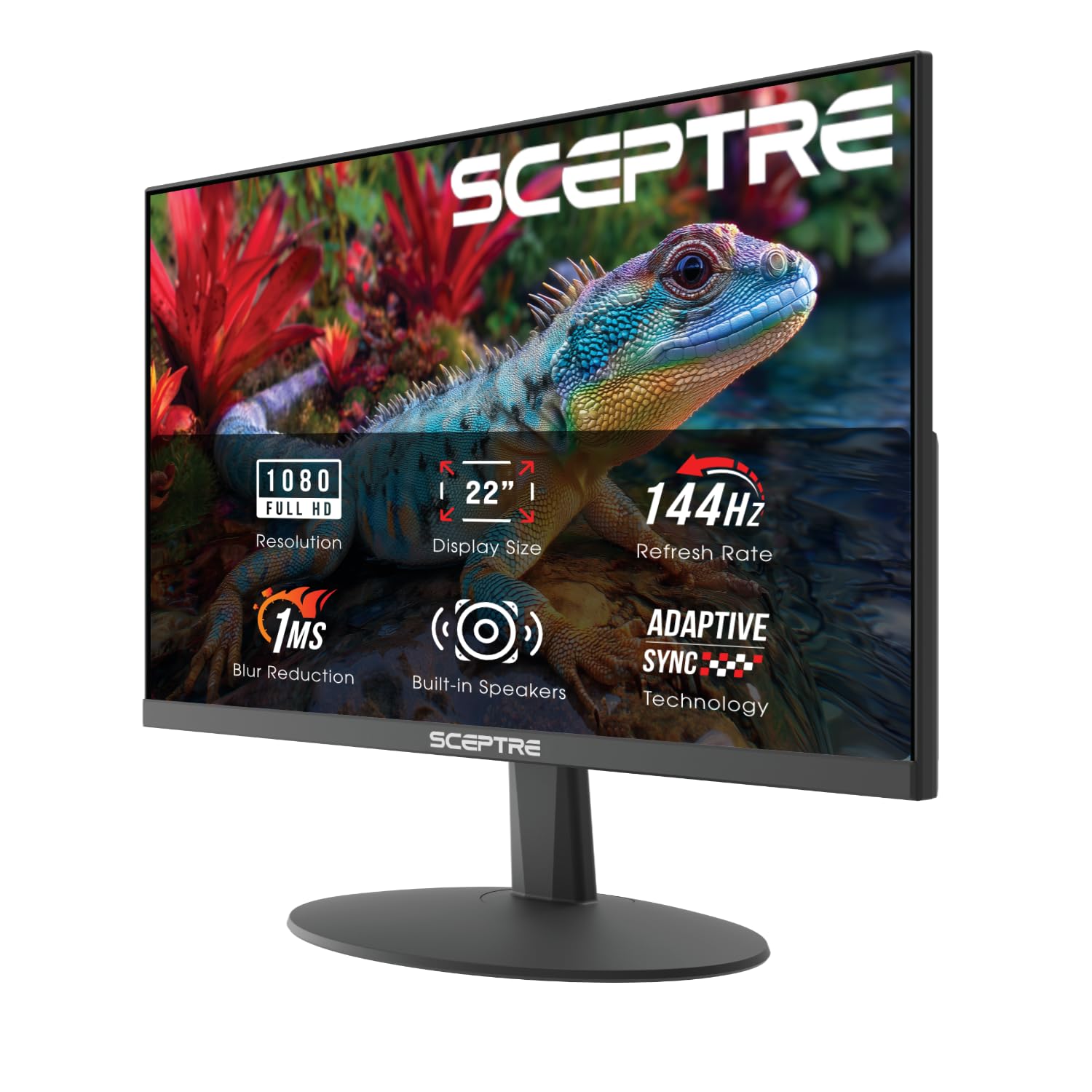
Sceptre 22" 144Hz

89 /100
Lab Score Excellent

Key details

Panel Type
VA
Adaptive Sync
FreeSync
Stand Adjustments
None (fixed)
Refresh/Resolution
1920x1080 @ 144Hz
View on Amazon

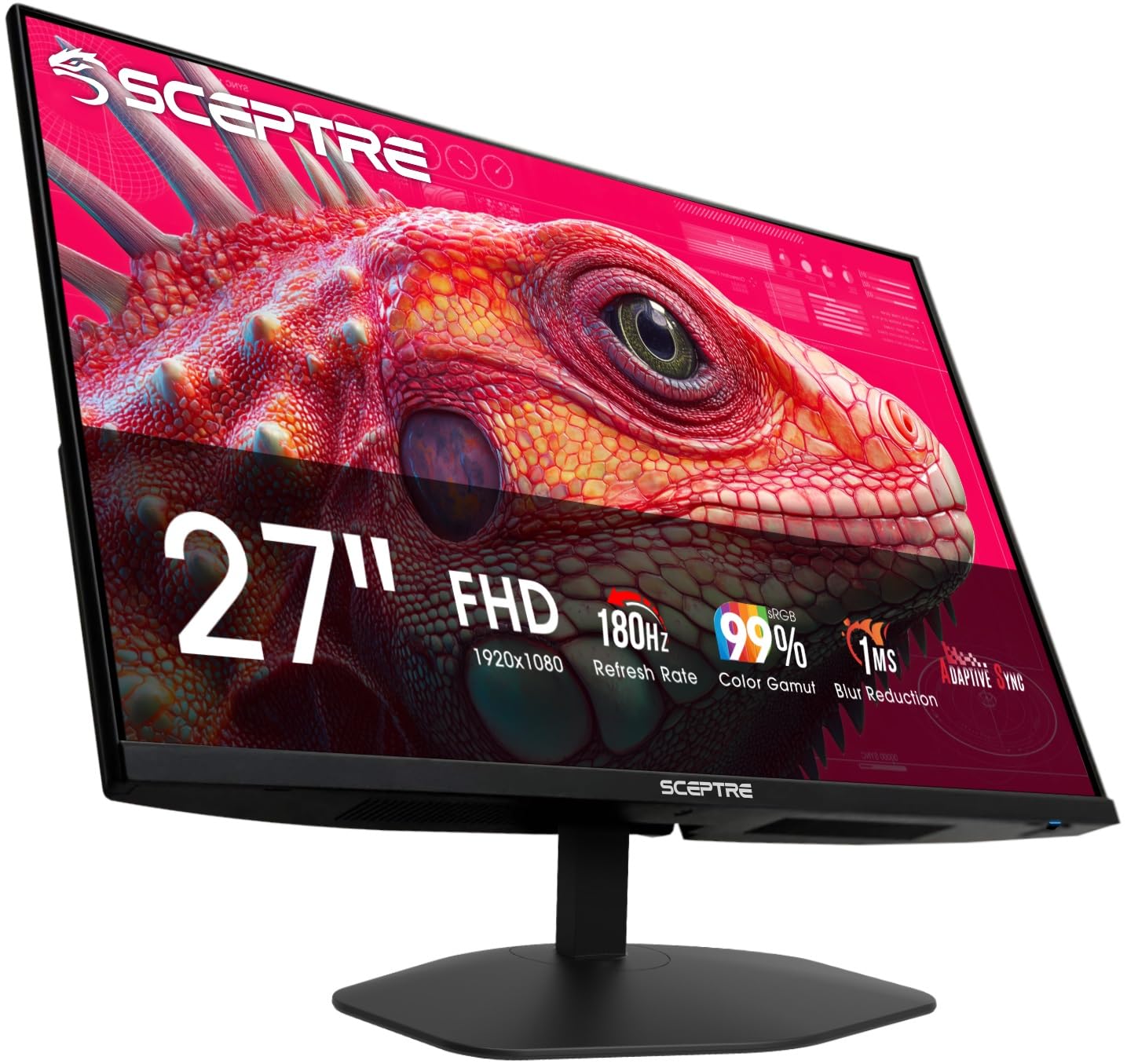
The Sceptre E225W-FW144 delivers a 144Hz refresh rate at a price point that undercuts most competitors, making it an option for budget-minded gamers or as a secondary display. However, the 22-inch screen size may feel cramped for primary use, and the built-in speakers are too quiet for practical gaming audio. The fixed stand lacks tilt adjustment, so you'll need to set it on a riser or mount it for a comfortable viewing angle. This monitor is best reserved for tight spaces or as a supplementary screen where the low cost outweighs physical limitations.

Pros

  • Budget-friendly entry to 144Hz gaming
  • Clear and bright enough for most game environments

Cons

  • Built-in speakers are too quiet for comfortable game audio
  • Stand offers no tilt or height adjustment
Our verdict

For a secondary monitor or extreme budget build where every dollar counts, the Sceptre delivers the 144Hz experience without the premium price.

Check Latest Price
7

Budget 240Hz

SANSUI 27" Curved 240Hz

91 /100
Lab Score Outstanding

Key details

Panel Type
VA
Adaptive Sync
FreeSync
Stand Adjustments
Tilt only
Refresh/Resolution
1920x1080 @ 240Hz
View on Amazon

The SANSUI ES-G27C1 PRO offers a rare combination of 240Hz refresh rate and 1500R curvature at a price that undercuts much of the competition. For fast-paced shooters or racing games, the motion clarity and VA panel contrast provide an immersive experience without breaking the bank. However, the lower price point comes with trade-offs in quality control: some units may arrive with dead pixels or stop functioning within weeks, and out-of-box color accuracy can appear washed out until calibrated. This makes it a gamble for buyers who need long-term reliability or color-critical work, but a tempting option for casual gamers willing to handle potential returns.

Pros

  • 240Hz refresh rate and 1500R curve at a competitive price
  • Smooth gaming visuals with good contrast for VA panel
  • Quick and easy setup with included cables

Cons

  • Some units may develop dead pixels or stop working within a short period
  • Out-of-box color accuracy can appear washed out in certain lighting
Our verdict

Best suited for budget-conscious gamers who are willing to accept the possibility of unit defects in exchange for a high refresh rate and curved screen at a low price.

Check Latest Price
8

Budget 1440P

Acer Nitro 27" QHD 180Hz

89 /100
Lab Score Excellent

Key details

Panel Type
IPS
Adaptive Sync
FreeSync
Stand Adjustments
Tilt only
Refresh/Resolution
2560x1440 @ 180Hz
View on Amazon

This monitor hits the specs that matter for a high-refresh 1440p gaming display: an IPS panel with 180Hz, 0.5ms response, and FreeSync support — all at a price that undercuts most competitors. Colors look crisp and motion feels smooth in fast-paced titles. However, the value comes with caveats. Some units may exhibit screen flickering or backlight bleed, and there are occasional reports of failure within the first year. That risk makes it less straightforward than AOC or ASUS alternatives at similar price points.

Pros

  • Strong value for a 27-inch 1440p 180Hz IPS monitor
  • Decent color reproduction and sharp image quality

Cons

  • Flickering and backlight bleed can appear on some units
  • Brightness may feel dim in well-lit rooms and uneven in darker scenes
Our verdict

If budget is the single priority and you're willing to test the unit promptly for defects, this 1440p 180Hz IPS monitor offers genuine value.

Check Latest Price
9

Highest Refresh

Z-Edge 27" 300Hz

90 /100
Lab Score Outstanding

Key details

Panel Type
VA
Adaptive Sync
FreeSync
Stand Adjustments
None (fixed)
Refresh/Resolution
1920x1080 @ 300Hz
View on Amazon

The Z-Edge UG27S delivers 300Hz on a 27-inch curved VA panel for under $150, making it one of the most affordable high-refresh monitors available. However, reliability is a known concern: some units may develop screen issues or fail to maintain the advertised refresh rate due to hardware or software limitations. The stand lacks height and tilt adjustment, and the 300Hz target may not be achievable on all systems. This monitor suits buyers who prioritize raw refresh rate over long-term dependability and are comfortable with potential returns.

Pros

  • Highest refresh rate in its price class at 300Hz
  • Decent picture quality and value for the price

Cons

  • Fixed stand limits viewing comfort and ergonomics
  • 300Hz refresh rate may not be reachable on some systems
Our verdict

Best for competitive gamers on a tight budget who are willing to accept possible hardware inconsistencies in exchange for maximum refresh rate.

Check Latest Price

How to Choose

Refresh Rate and Resolution Balance

A higher refresh rate reduces motion blur, but only if the graphics card can maintain that frame rate. 1080p at 240Hz benefits competitive esports where every millisecond counts, while 1440p at 180Hz offers a sharper image for single-player titles without demanding as much GPU power.

The trade-off is that 1080p on a 27-inch screen looks noticeably less sharp than 1440p, so for immersive games, resolution matters more than raw Hz. Match the monitor to your GPU's typical output in the games you play most.

Panel Type

IPS panels provide wider viewing angles and better color accuracy, making them ideal for both gaming and media consumption. VA panels offer deeper blacks and higher contrast, but suffer from slower pixel response that can cause dark-level smearing in fast scenes.

That smearing — sometimes called 'black smear' — is especially noticeable in dimly lit environments. For competitive FPS or racing games, IPS is generally the safer choice despite lower contrast ratios.

Adaptive Sync

FreeSync and G-Sync eliminate screen tearing by synchronizing the monitor's refresh rate with the GPU's frame output. FreeSync works with AMD and some Nvidia cards (via compatibility), while dedicated G-Sync modules add a premium but are rarer outside high-end monitors.

For console gamers, FreeSync is the standard on Xbox and PlayStation. If you switch between PC and console, a FreeSync-compatible monitor with HDMI variable refresh rate support is the most flexible option.

Stand Adjustments

A fully adjustable stand — height, tilt, swivel, and pivot — lets you position the screen for comfortable long sessions without neck strain. Fixed tilt-only stands force you to adjust your chair or desk, which can lead to discomfort over hours of play.

If budget is tight, factor in the cost of a VESA arm. A monitor with a lower upfront price but no height adjustment may end up costing more once you add a quality arm, so consider total setup cost.

Frequently Asked Questions