11 Best 12Th-Gen Intel CPU of 2026: The Sweet Spot for Gamers

Compare the best 12th-gen Intel CPUs for gaming, from budget to flagship, and find the one that matches your build.

Intel's 12th-gen Alder Lake lineup offers a clear performance ladder, but the real challenge isn't choosing between i3 and i9. It is understanding that the most expensive chip isn't always the best for gaming. High-end i7 and i9 processors demand robust cooling solutions that can push total build costs far beyond the CPU price tag.

Meanwhile, the mid-range i5-12600KF delivers roughly 90% of the gaming performance for half the cost, with lower heat and power draw. This guide breaks down each tier so you can match the right CPU to your gaming habits and budget.

Another often-overlooked factor is integrated graphics. The F-suffix models save money but require a discrete GPU. If you are building a new system from scratch, that is fine; if you need a fallback for troubleshooting, the non-F variants add peace of mind.

1

Best Overall

i5-12600KF

95 /100
Lab Score Outstanding

Key details

Cache
20 MB L3
Max Turbo
4.9 GHz
Core Count
10 cores (6P+4E)
TDP / Cooling
125W base, ~120W gaming
View on Amazon

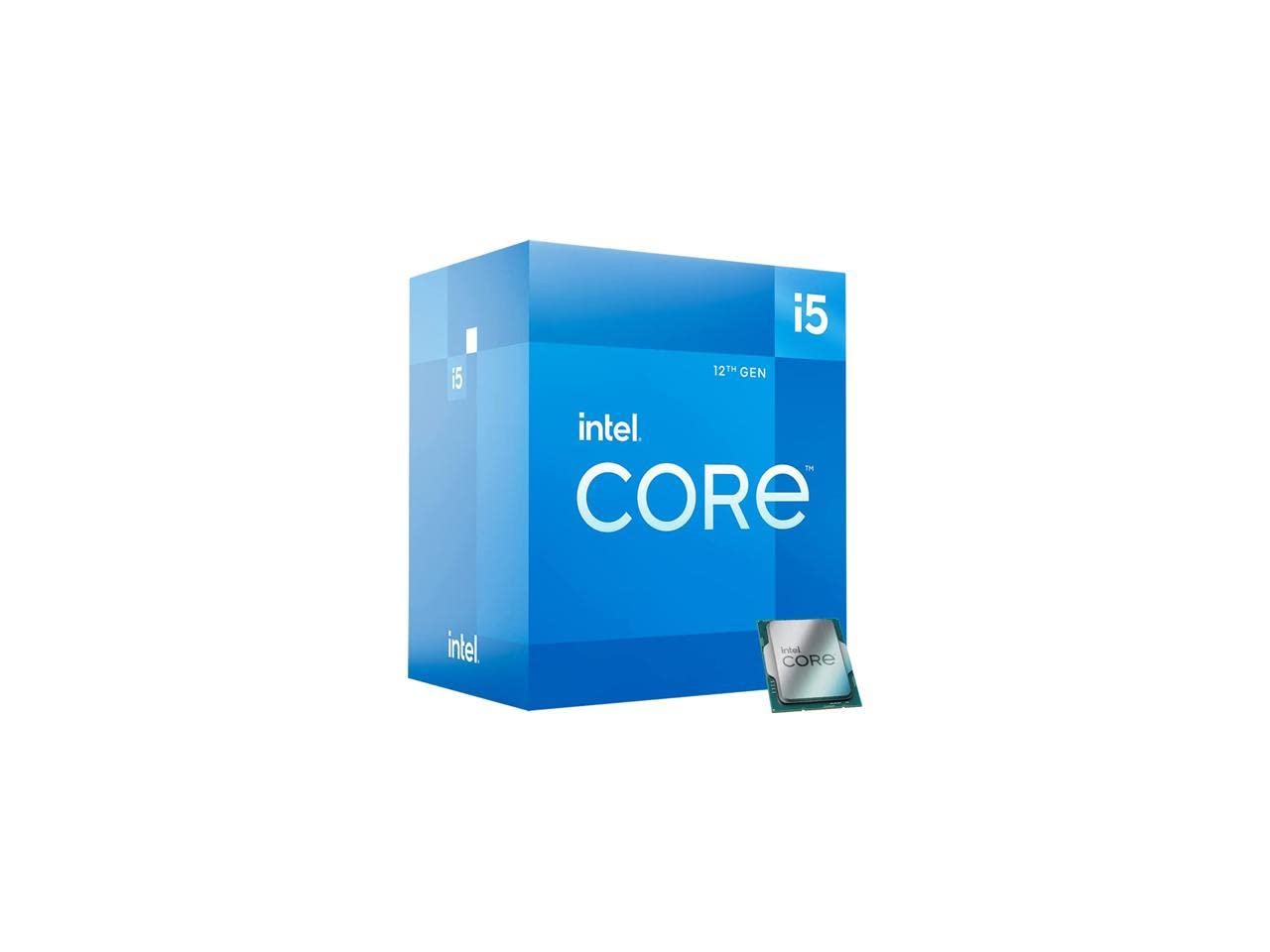
The i5-12600KF delivers i7-12700K-level gaming performance at roughly two-thirds the price, making it the standout value in Intel's 12th-gen lineup. Its hybrid architecture combines six high-performance P-cores and four efficient E-cores, hitting turbo speeds up to 4.9 GHz on a single core. In gaming benchmarks, it often matches or exceeds CPUs costing $100 more, while the 20 MB L3 cache keeps data access snappy. For most gamers, this chip provides all the frame rate they need without the thermal and power overhead of higher-tier processors.

In everyday use, the 12600KF runs cool under moderate gaming loads, with typical power draw staying under 120W. A modest tower cooler like a Thermalright Peerless Assassin keeps temperatures in check even during extended sessions. The chip handles multitasking smoothly — background apps like Discord, Chrome, and streaming overlays have minimal impact on gaming performance. Power consumption is notably lower than an i7, meaning less heat dumped into the case and quieter fan operation over time.

This chip is tailored for gamers and budget content creators who already own a discrete graphics card. There is no integrated GPU, so a dedicated card is mandatory for any display output. If you occasionally need a display for troubleshooting or want to build a system without a discrete GPU, the i5-12600K (with UHD 770) is the alternative. The 12600KF also assumes you'll provide your own cooler — no stock heatsink is included. For pure gaming and light 1080p editing, it's the best balance of cost and performance.

Compared to the i7-12700K, the i5-12600KF delivers 85-90% of the gaming performance while running cooler and drawing less power. The i7's two extra P-cores are only beneficial for heavy multi-threaded workloads like 4K video rendering or simultaneous streaming. In typical gaming scenarios, the frame rate difference is within 3-5%, often imperceptible. For the $160 savings, you could invest in a faster GPU or more storage, making the i5 the smarter choice for most gaming builds.

💡 Keep a spare GPU handy for system troubleshooting if needed — the chip has no integrated graphics for display.

Pros

  • Delivers i7-like gaming performance at an i5 price, saving money for other components.
  • Runs cool under typical gaming loads, reducing noise and heat in your system.
  • Low power draw keeps electricity costs down and case temperatures low.
  • Great value that often outperforms pricier competitors in gaming.

Cons

  • In rare cases, a unit may arrive non-functional, requiring an immediate return and replacement.
Our verdict

The i5-12600KF is the processor to beat for mid-range gaming builds — it delivers i7-like frames without the heat, power, or price premium.

Check Latest Price
2

Best for Enthusiasts

i7-12700K

96 /100
Lab Score Outstanding

Key details

Cache
25 MB L3 + 12 MB L2
Max Turbo
5.0 GHz
Core Count
12 cores (8P+4E)
TDP / Cooling
125W base, 190W peak
View on Amazon

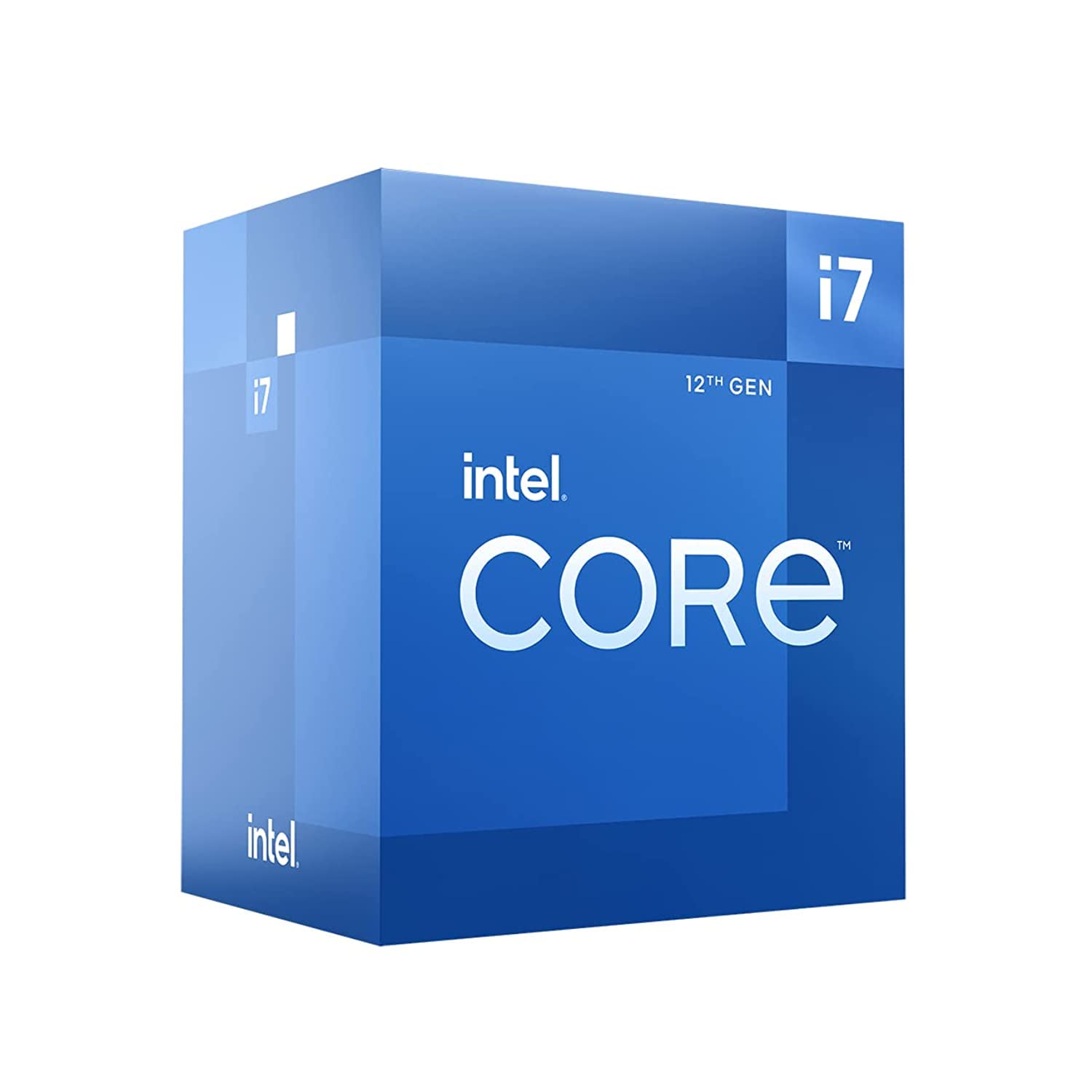
The i7-12700K adds two more performance cores and integrated UHD 770 graphics to Intel’s Alder Lake architecture, making it a capable CPU for gamers who also stream, record, or edit between sessions.

This processor targets enthusiasts who want a single chip that handles high-refresh-rate gaming and moderate content creation without needing a discrete GPU during initial setup. The iGPU serves as a troubleshooting fallback and supports Quick Sync for media encoding, but it is not intended for gaming. The extra cores and unlocked multiplier come with thermal demands — a high-quality air cooler or 240mm AIO is necessary to avoid throttling under sustained loads.

In pure gaming tasks, the i5-12600KF delivers roughly 90% of the performance at roughly half the cost, so the 12700K only makes sense when the additional P-cores directly speed up rendering, streaming, or compilation in your workflow.

💡 Plan for a high-quality air cooler or 240mm AIO, as the stock cooler is insufficient for sustained loads.

Pros

  • Smooth high-FPS gaming while running background tasks like streaming or recording.
  • Strong multi-core performance for rendering, compiling, and other threaded workloads.
  • Good overclocking headroom with temperatures that stay manageable under a capable cooler.
  • Integrated UHD 770 graphics provide a display output for troubleshooting and hardware encoding via Quick Sync.

Cons

  • In a quiet workspace, the cooler fan may be audible under sustained load
  • The integrated graphics handle basic display tasks but are too slow for any modern gaming.
Our verdict

For the buyer who values integrated graphics and extra compute cores over pure cost savings, the i7-12700K is the right step up from the i5-12600KF — provided you budget for adequate cooling.

Check Latest Price
3

Best Budget Gaming

i5-12400F

96 /100
Lab Score Outstanding

Key details

Cache
18 MB L3
Max Turbo
4.4 GHz
Core Count
6 cores (6P+0E)
TDP / Cooling
65W
View on Amazon

For gamers on a strict budget, the i5-12400F delivers gaming performance that rivals more expensive chips. By omitting the integrated graphics found in the standard i5-12400, it saves around $45 — money better spent on a discrete GPU. This makes it the clear value champion in the 12th-gen lineup for anyone building a dedicated gaming PC.

This processor is built for budget-conscious gamers and first-time builders who want maximum gaming performance per dollar. Pair it with a mid-range GPU like an RTX 3060 or RX 6600 for smooth 1080p gaming. Note that it requires a dedicated graphics card — no display output from the motherboard — and the stock cooler tends to run hot during extended gaming sessions, so an aftermarket cooler is strongly recommended.

💡 Plan to spend about $20-30 on an aftermarket cooler to keep temperatures in check during extended gaming sessions.

Pros

  • Outstanding price-to-performance ratio for gaming builds.
  • Snappy single-core performance ensures smooth 1080p gaming.
  • Solid overall gaming capability without bottlenecking mid-range GPUs.

Cons

  • Stock cooler may allow temperatures to reach 80-85°C during gaming, making an aftermarket cooler advisable.
Our verdict

For a dedicated gaming build on a tight budget, the i5-12400F is the obvious choice — no other 12th-gen chip offers this much gaming performance at this price.

Check Latest Price
4

Best for Heavy Multitasking

i9-12900KF

91 /100
Lab Score Outstanding

Key details

Cache
30 MB L3
Max Turbo
5.2 GHz
Core Count
16 cores (8P+8E)
TDP / Cooling
125W base, 241W peak
View on Amazon

With 16 cores at the lowest i9 price, the 12900KF matches its pricier sibling in multi-threaded rendering and compilation tasks for users who already own a discrete GPU. Dropping the integrated graphics lowers the entry cost, making it a pure compute engine for content creation and heavy multitasking.

This processor suits creators and multitaskers who need maximum throughput and have a robust cooling solution ready — a 360mm AIO is practically mandatory to maintain boost clocks under sustained loads. The lack of integrated graphics means you must have a dedicated GPU for display, so factor that into your build budget.

💡 A 360mm liquid cooler is recommended; plan your build to accommodate the heat output and the mandatory dedicated graphics card.

Pros

  • Massive multi-core performance for video editing, compiling, and heavy multitasking.
  • Incredible single-core speed up to 5.2 GHz for responsive tasks and gaming.

Cons

  • Stability can require manual voltage tuning out of the box in some cases.
  • No integrated graphics; a discrete GPU is mandatory for display output.
  • Runs very hot; requires a 360mm AIO or custom loop to avoid thermal throttling under load.
Our verdict

The 12900KF delivers 16-core performance at the lowest i9 price, but the thermal demands and no-iGPU make it a specialist tool for creators who already have a high-end cooling setup and a discrete GPU.

Check Latest Price
5

Best Entry-Level

i3-12100F

93 /100
Lab Score Outstanding

Key details

Cache
12 MB L3
Max Turbo
4.3 GHz
Core Count
4 cores (4P+0E)
TDP / Cooling
58W
View on Amazon

Four fast P-cores clocking up to 4.3 GHz deliver strong 1080p gaming performance at a price that undercuts most alternatives. While the i5-12400F offers two more cores for around $30 more, this i3 keeps the budget hardline for first-time builders or secondary PCs where every dollar counts.

Under sustained multi-threaded workloads, the four-core count can limit performance in CPU-heavy titles like Cyberpunk 2077 or when multitasking with background apps. The included stock cooler handles light gaming and office tasks without issue, but may become audible under extended loads. Power efficiency is a genuine strength — the 58W TDP means low heat output and modest cooling requirements.

This processor is for first-time builders on a strict budget, 1080p gaming rigs paired with low-to-mid range GPUs (RTX 3060 or RX 6600 class), or office PCs that occasionally game. Buyers pairing this with a high-end GPU like an RTX 4070 or above will find the i3 limiting gaming performance — it is best matched with modest graphics. Streamers and content creators needing more cores should skip this entirely.

💡 If you plan extended gaming sessions, an inexpensive aftermarket cooler improves thermals and noise.

Pros

  • Strong gaming performance for the price
  • Great value at under $135, making it the most affordable entry into 12th-gen gaming.
  • Runs cool and power-efficient with a 58W TDP; stays quiet under light use.

Cons

  • Four-core design limits multitasking and can become a bottleneck in CPU-heavy games or when running background apps.
  • Stock cooler is usable for light workloads but may be noisy or insufficient under sustained CPU loads.
Our verdict

If your budget is too tight for a six-core i5, the i3-12100F still delivers respectable 1080p gaming performance — just keep your GPU expectations modest.

Check Latest Price
6

Enthusiast Gaming

i7-12700KF

94 /100
Lab Score Outstanding

Key details

Cache
25 MB L3 + 12 MB L2
Max Turbo
5.0 GHz
Core Count
12 cores (8P+4E)
TDP / Cooling
125W base, 190W peak
View on Amazon

The i7-12700KF delivers identical 12-core, 20-thread performance to the i7-12700K at a lower price, making it a cost-effective choice for builders. The lack of integrated graphics means a discrete GPU is mandatory for display output, and troubleshooting display issues requires swapping in a separate card. While the CPU performance matches the K version, the absence of an iGPU removes a convenience that some professionals and tinkerers value.

💡 Pair with a quality air or liquid cooler rated for 200W+ to keep temperatures in check during extended gaming sessions.

Pros

  • Gaming and multitasking performance comparable to higher-tier i9 processors.
  • Same CPU core count and boost speeds as i7-12700K at a lower price.
  • Turbo boost up to 5.0 GHz ensures snappy responsiveness in games and apps.

Cons

  • Sustained heavy workloads can push temperatures high without a strong aftermarket cooler.
  • Fan noise from stock cooling may be noticeable under sustained load.
Our verdict

A straightforward way to get i7-12700K-level CPU performance for less — ideal for gamers and streamers with a dedicated GPU.

Check Latest Price
7

Office & Light Gaming

i5-12400

95 /100
Lab Score Outstanding

Key details

Cache
18 MB L3
Max Turbo
4.4 GHz
Core Count
6 cores (6P+0E)
TDP / Cooling
65W
View on Amazon

Delivers identical CPU performance as the i5-12400F, but adds Intel UHD 730 graphics for direct display output without a discrete GPU. At a $45 premium over the F-variant, this processor is a targeted choice for office builds or troubleshooting setups where the integrated graphics are essential. For most other scenarios, the i5-12400F offers better value.

Pros

  • Integrated UHD 730 handles basic display output, removing the need for a dedicated GPU in office or light-use builds.
  • CPU performance matches the popular i5-12400F for gaming and everyday tasks.
  • 65W TDP keeps cooling requirements modest, suitable for compact systems.

Cons

  • Locked multiplier prevents CPU overclocking
  • UHD 730 graphics are limited to basic display and video tasks
Our verdict

Choose the i5-12400 when you need integrated graphics for a no-GPU office PC or diagnostic machine — otherwise, the i5-12400F is the smarter buy.

Check Latest Price
8

Flagship Multitasking

i9-12900K

92 /100
Lab Score Outstanding

Key details

Cache
30 MB L3
Max Turbo
5.2 GHz
Core Count
16 cores (8P+8E)
TDP / Cooling
125W base, 241W peak
View on Amazon

The Core i9-12900K delivers the highest multi-core performance in Intel's 12th-gen lineup with 16 cores and integrated UHD 770 graphics. For content creators running heavy rendering, encoding, or streaming alongside gaming, this combination provides a capable single-platform solution without needing a discrete GPU for basic display. However, the i9 runs hot and pulls over 240W under load, requiring a premium cooling setup like a 360mm AIO. The i7-12700K offers similar real-world performance for most tasks at a lower price and with less heat, making the i9 a niche pick for those who must maximize every thread and want the convenience of integrated graphics.

💡 Best kept under continuous load with a 360mm AIO cooler; the stock thermal solution is insufficient for sustained multi-core boosts.

Pros

  • Integrated UHD 770 graphics provide a display output for troubleshooting or light workloads without a discrete GPU.
  • 16 cores (8P+8E) with 24 threads deliver top-tier multi-threaded performance for professional workloads.
  • Unlocked multiplier allows overclocking for additional performance headroom with adequate cooling.

Cons

  • Peak power consumption above 240W demands a high-end liquid cooler, adding significant build cost.
  • For gaming-focused builds, the i5-12600KF offers nearly identical frame rates at half the price, making the i9 cost-inefficient for that use case.
Our verdict

This processor makes sense for creators who need the extra cores and integrated graphics for a mixed workload and are willing to invest in premium cooling — other buyers will find better value elsewhere in the 12th-gen lineup.

Check Latest Price
9

Professional Workstation

i7-12700

88 /100
Lab Score Excellent

Key details

Cache
25 MB L3
Max Turbo
4.9 GHz
Core Count
12 cores (8P+4E)
TDP / Cooling
65W
View on Amazon

The i7-12700 brings 12 cores and integrated UHD 770 graphics to builds where stability and simplicity matter more than overclocking. It handles business multitasking and virtual machines without breaking a sweat, and the iGPU eliminates the need for a separate graphics card in office or workstation setups. However, for most buyers comparing 12th-gen options, the i5-12600KF delivers similar core performance at a lower price and with less heat, making this i7 a niche pick for those who specifically require the iGPU and a locked, lower-power platform.

Pros

  • Twelve cores handle business applications and virtual machines with ease.
  • Integrated UHD 770 graphics provide display output without a dedicated GPU for office builds.

Cons

  • Priced higher than the i7-12700KF, which offers identical core performance without integrated graphics.
  • Locked multiplier prevents overclocking, which may limit performance tuning for some users.
Our verdict

A solid choice for professional workstations that need integrated graphics and stable operation, but gamers and value-focused builders should opt for the i5-12600KF instead.

Check Latest Price
10

Extreme Overclocking

i9-12900KS

89 /100
Lab Score Excellent

Key details

Cache
30 MB L3
Max Turbo
5.5 GHz
Core Count
16 cores (8P+8E)
TDP / Cooling
150W base, ~250W peak
View on Amazon

The i9-12900KS delivers the highest single-core boost of any 12th-gen processor at 5.5 GHz, making it a target for record chasers and extreme overclockers. It demands elite cooling (360mm AIO minimum) and draws over 250W under load, generating significant heat. For most buyers, the standard 12900K offers nearly identical performance with lower power draw and less thermal stress, while the 12700K or 12600KF provide better value for gaming.

💡 A 360mm AIO or custom water loop is effectively mandatory for sustained use.

Pros

  • Reaches 5.5 GHz turbo for the fastest single-core performance in 12th-gen gaming.
  • Smooth overall responsiveness for demanding multitasking and creative workloads.

Cons

  • In a tightly ventilated case with a 360mm AIO, the chip can still reach high temperatures under sustained loads
  • Costs significantly more than the 12900K for a marginal performance gain that most workloads won't notice.
Our verdict

This chip makes sense only for enthusiasts chasing benchmark records or extreme overclocks — for any other use, the 12900K or 12700K deliver comparable results with less hassle.

Check Latest Price
11

Office/media PC

i3-12100

92 /100
Lab Score Outstanding

Key details

Cache
12 MB L3
Max Turbo
4.3 GHz
Core Count
4 cores (4P+0E)
TDP / Cooling
60W
View on Amazon

The i3-12100 delivers capable quad-core performance with Intel UHD 730 graphics and a bundled cooler, ideal for office PCs that need display output without a discrete GPU. Its premium over the CPU-identical i3-12100F makes sense only when you cannot use a dedicated graphics card and require a ready-to-run package. The four cores suit basic productivity and media playback, not demanding multitasking or gaming.

Pros

  • Snappy performance for everyday office tasks and light productivity.
  • Complete package with cooler and integrated graphics reduces build cost.
  • Adequate integrated graphics for 1080p video and display output.

Cons

  • Four cores may struggle with heavy multitasking or modern gaming.
  • Premium price compared to the i3-12100F for identical CPU performance.
Our verdict

Buy this only if your build requires integrated graphics and you cannot source a separate GPU — otherwise, the i3-12100F delivers the same performance for less.

Check Latest Price

How to Choose

Core Count and Hybrid Architecture

Intel's 12th-gen uses a hybrid design with Performance-cores (P-cores) and Efficient-cores (E-cores). P-cores handle gaming and single-threaded tasks, while E-cores assist with background processes and multi-threaded workloads. More cores generally mean better multitasking, but games rarely use more than 6-8 P-cores effectively.

For pure gaming, a 6-core chip like the i5-12400F is plenty. If you stream or edit video while gaming, the extra E-cores on i5-12600KF or i7-12700K help without costing as much as an i9. Avoid over-buying cores if you only game.

Max Turbo Frequency

Higher turbo clocks (4.4 GHz vs 5.0 GHz) translate directly to higher frame rates in CPU-bound games. The i5-12600KF's 4.9 GHz boost is nearly as fast as the i7-12700K's 5.0 GHz in real gaming scenarios. Overclocking the unlocked K-series can push clocks further, but requires a capable cooler and motherboard.

TDP and Cooling Requirements

Thermal Design Power (TDP) is a baseline; actual power draw can spike much higher under load. For example, the i9-12900K can draw over 240W, requiring a 360mm AIO liquid cooler to avoid throttling. The i5-12600KF stays around 120W during gaming, making it manageable with a decent air cooler. Ignoring cooling needs can lead to thermal throttling and reduced performance.

Integrated Graphics

Models with an 'F' suffix lack integrated graphics. This saves $20-30 but forces you to have a discrete GPU just for display output. Non-F chips include UHD 730 or UHD 770 graphics, which are enough for office use, media playback, and troubleshooting. They are not suitable for gaming.

Cache Size

L3 cache acts as fast memory for frequently accessed data. Larger cache (e.g., 30 MB on i9 vs 12 MB on i3) reduces latency in CPU-intensive games and applications. The difference is most noticeable in simulation titles and heavy multitasking. For most gamers, 18-20 MB is sufficient.

Frequently Asked Questions