10 Best 9Th-Gen Intel CPU of 2026: High FPS Without the I9 Tax

Compare the top 9th-gen Intel CPUs for gaming – find the right balance of cores, clocks, and cost for your build.

Upgrading an LGA1151 system means choosing between raw clock speed and multitasking headroom. The 9th-gen lineup spans budget 4-core chips to flagship 8-core/16-thread processors, but the real dividing line is whether hyperthreading pays off for your gaming habits.

For pure gaming, higher single-core boost clocks often outperform extra threads. But if you stream or edit video, those threads become critical. This guide breaks down the trade-offs so you match the CPU to your actual workload without spending on features you won't use.

1

Best Overall

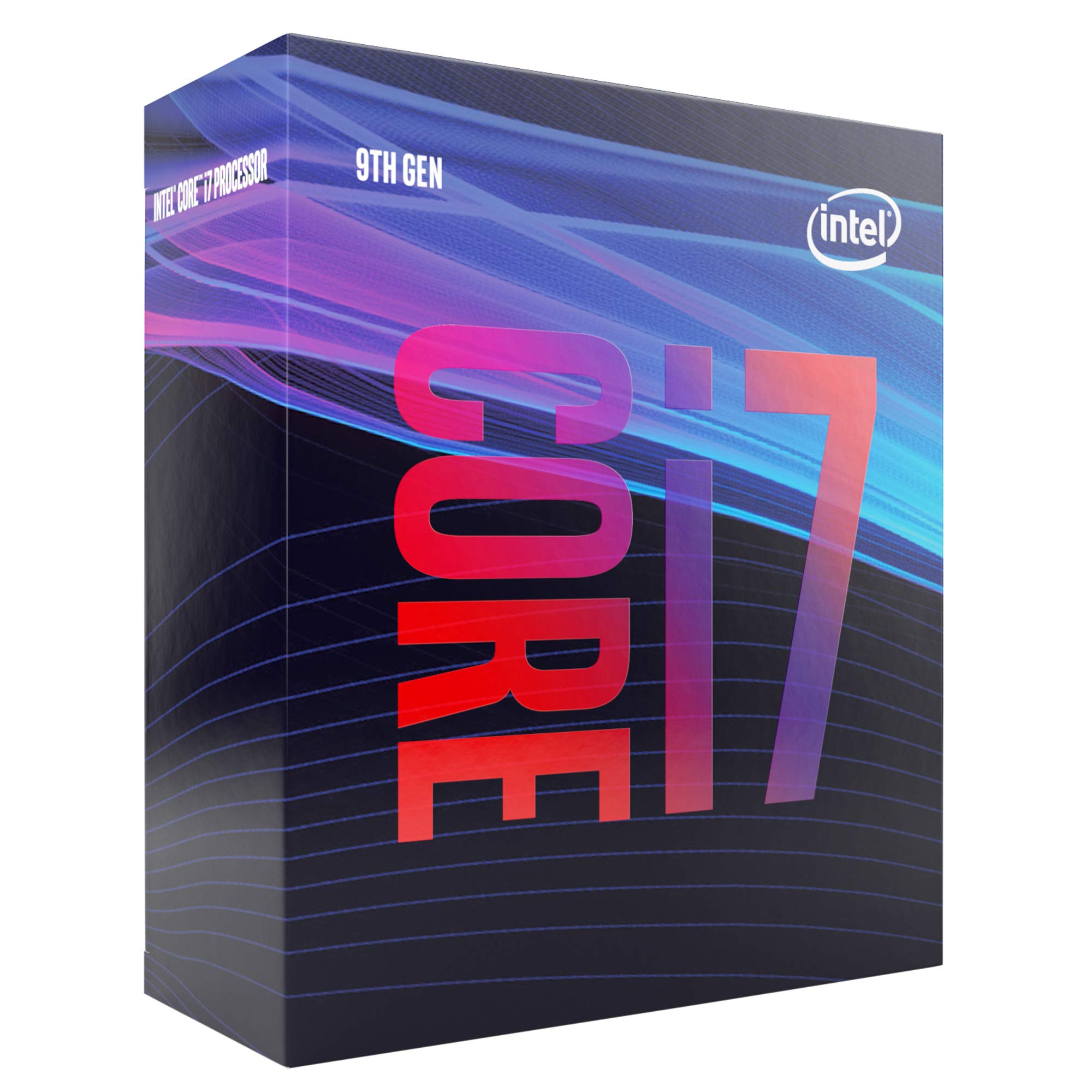
Intel i7-9700K

96 /100
Lab Score Outstanding

Key details

TDP
95W
iGPU
Yes
Base/Turbo
3.6/4.9 GHz
Overclocking
Unlocked
View on Amazon

The i7-9700K delivers high frame rates in CPU-intensive games at 1440p, often matching the i9-9900K in gaming scenarios. Its unlocked multiplier allows overclocks to 5.1 GHz with adequate cooling, making it a favorite among tweakers.

Thermal behavior depends heavily on the cooler; with a modest tower cooler, sustained loads push temperatures into the 80s, but a 240mm AIO keeps it in check. The chip's performance headroom rewards good cooling, so builders already planning an aftermarket solution will find no surprises.

Best suited for gamers who prioritize high frame rates and don't need the hyperthreading of the i9-9900K. Those who stream or edit video alongside gaming should consider the i9, as the 9700K's eight threads leave less headroom for multitasking. A capable aftermarket cooler is mandatory for peak performance.

Priced mid-range, it undercuts the i9-9900K by a significant margin while delivering comparable gaming results. This price-to-performance ratio makes it the sensible choice for dedicated gaming rigs that don't require heavy multi-threaded work.

💡 Aftermarket cooling is required; a mid-range tower or 240mm AIO handles overclocking well.

Pros

  • High gaming frame rates in CPU-intensive titles.
  • Great overclocking potential, often reaching 5.1 GHz with proper cooling.
  • Good value for a high-core-count CPU, especially compared to i9.

Cons

  • Lacks hyperthreading, which reduces multi-threaded performance in workstation tasks.
  • Can run hot under sustained load, requiring a quality aftermarket cooler.
Our verdict

For gamers building a high-refresh-rate rig without the i9 premium, the 9700K delivers where it matters most.

Check Latest Price
2

Best for Enthusiasts

Intel i9-9900K

96 /100
Lab Score Outstanding

Key details

TDP
95W
iGPU
Yes
Base/Turbo
3.6/5.0 GHz
Overclocking
Unlocked
View on Amazon

The i9-9900K delivers the highest single-threaded and multi-threaded performance in the 9th-gen lineup, with 8 cores and 16 threads that push beyond the i7-9700K in rendering and multitasking. Its 5.0 GHz turbo frequency puts it ahead of any other Coffee Lake Refresh CPU for workloads that benefit from hyperthreading.

With adequate cooling, many owners report stable overclocks to 5.0 GHz across all cores, giving an extra performance boost in CPU-bound scenarios. The unlocked multiplier makes tuning straightforward for those willing to invest time.

This processor suits builders who plan to stream gameplay or edit video alongside gaming, where those extra threads make a real difference. It demands a high-end liquid cooler — a 240mm AIO at minimum — to handle the heat under sustained load. For pure gaming without streaming or content creation, the i7-9700K delivers similar frame rates at a lower total cost.

Pros

  • Delivers exceptional single and multi-threaded performance for gaming and productivity.
  • Offers high overclocking headroom with many users reaching stable 5.0 GHz.
  • Impressive gaming performance at 1440p and 4K resolutions without bottleneck.

Cons

  • The extra threads provide no benefit for pure gaming, making the i7-9700K a better value.
Our verdict

For enthusiasts who need hyperthreading for streaming or content creation, the i9-9900K offers top-tier performance that justifies its premium — provided the cooling investment is factored in.

Check Latest Price
3

Best Value Gaming CPU

Intel i5-9600K

96 /100
Lab Score Outstanding

Key details

TDP
95W
iGPU
Yes
Base/Turbo
3.7/4.6 GHz
Overclocking
Unlocked
View on Amazon

Intel's i5-9600K hits a sweet spot for gaming performance at a budget-friendly price, delivering six cores that can be pushed to 5.0 GHz with manual overclocking. Where the pricier i7-9700K adds two more cores, the i5-9600K focuses on clock speed, giving pure gamers high frame rates without the extra cost.

Overclocking potential is the chip's standout trait – most stable setups land at 5.0 GHz with moderate voltage bumps, making 1440p gaming smooth even in demanding titles. The tradeoff: heat build-up under load requires a capable aftermarket cooler, as the stock solution won't sustain high clocks.

This CPU is built for budget-minded gamers who enjoy tweaking settings and don't need heavy multi-threaded performance for tasks like video editing. Gamers already running a dedicated GPU will get the most value here. Those who want a quiet, out-of-box experience should look at the locked i5-9400F instead, as the 9600K demands active cooling management.

💡 Pair with a capable aftermarket cooler to maintain stable overclocks and extend chip longevity.

Pros

  • Gaming performance at 1440p is strong, with many builds reaching 5.0 GHz to push frame rates.
  • Overclocking is accessible and stable, making it easy to hit 5.0 GHz with modest voltage adjustments.
  • Value is excellent for an unlocked i5, offering high clock speeds without the premium of an i7 or i9.

Cons

  • In video rendering or multitasking with multiple heavy apps, the six-core, six-thread design shows its limits - a non-issue for gaming-focused builds.
  • Overclocking to 5.0 GHz pushes temperatures high enough that a budget air cooler cannot keep it in check; a 240mm AIO or high-end air cooler is a practical requirement.
Our verdict

For gamers who want to overclock without overspending, the i5-9600K delivers the highest gaming frames per dollar in the 9th-gen lineup.

Check Latest Price
4

Best Budget Pick

Intel i5-9400F

95 /100
Lab Score Outstanding

Key details

TDP
65W
iGPU
No
Base/Turbo
2.9/4.1 GHz
Overclocking
Locked
View on Amazon

Where the unlocked i5-9600K demands a premium for overclocking headroom, the 9400F focuses on the essentials: six cores, a 2.9 GHz base clock that turbos to 4.1 GHz, and a 65W thermal envelope that keeps temperatures low even with the stock cooler. This makes it one of the most power-efficient options in the 9th-gen lineup for gaming without the heat management hassle.

Installation is straightforward – drop it into any LGA1151 300-series board, attach the bundled cooler, and it runs. In gaming, paired with a mid-range dedicated GPU, it handles 1080p titles at high settings without breaking a sweat. The low power draw also means less strain on entry-level power supplies and quieter operation in compact cases.

This CPU is built for budget gamers who already own a discrete graphics card and have no interest in overclocking. The lack of an integrated GPU means you must have a dedicated graphics solution from the start, and the locked multiplier rules out manual tuning. For office builds or home PCs where gaming is occasional, the 9400F offers strong single-thread performance and low operating costs – just factor in the GPU requirement.

💡 Pair this CPU with a dedicated graphics card from the start – no display output otherwise.

Pros

  • Delivers solid gaming performance at a budget-friendly price point.
  • Runs cool and power-efficient, with the stock cooler sufficient for most loads.
  • Simple installation with plug-and-play reliability in compatible motherboards.

Cons

  • Requires a discrete GPU for display output; no integrated graphics.
  • Locked multiplier prevents overclocking for additional performance.
Our verdict

The i5-9400F is a smart value pick for builders on a tight budget who already have a discrete GPU and don't need overclocking flexibility.

Check Latest Price
5

Best for Streamers on a Budget

Intel i9-9900KF

92 /100
Lab Score Outstanding

Key details

TDP
95W
iGPU
No
Base/Turbo
3.6/5.0 GHz
Overclocking
Unlocked
View on Amazon

The i9-9900KF delivers the same 8 cores, 16 threads, and 5.0 GHz turbo boost as the 9900K, but leaves out the integrated graphics. This makes it a targeted option for builders who already own a discrete GPU and want to shave a few dollars off the flagship without sacrificing threaded performance.

This processor is best suited for streamers and content creators who need hyperthreading for simultaneous encoding and gaming. The lack of integrated graphics means you must have a dedicated graphics card from the start, and under sustained loads the chip generates considerable heat — a 240mm AIO cooler or equivalent is recommended to keep temperatures in check during extended sessions.

Overclocking headroom is a standout feature: the unlocked multiplier allows experienced users to push well past the 5.0 GHz turbo, with many reaching 5.2 GHz on capable cooling. This makes the 9900KF a compelling pick for enthusiasts who want to extract every last frame in CPU-bound titles.

💡 Budget for a high-performance CPU cooler — the stock cooler is insufficient for extended loads.

Pros

  • Hyperthreaded 8-core design handles heavy multitasking and streaming without stutter.
  • Unlocked multiplier enables overclocking beyond 5.0 GHz with adequate cooling.
  • 5.0 GHz turbo boost provides snappy responsiveness in demanding games and applications.

Cons

  • No integrated graphics
  • Runs hot under sustained load, demanding high-end cooling solutions like 240mm AIO or better.
Our verdict

If you need hyperthreading for streaming or production work and already have a dedicated GPU, the 9900KF delivers the same core performance as the 9900K without paying for unused graphics.

Check Latest Price
6

Office, Light Gaming

Intel i5-9400

95 /100
Lab Score Outstanding

Key details

TDP
65W
iGPU
Yes
Base/Turbo
2.9/4.1 GHz
Overclocking
Locked
View on Amazon

The i5-9400 delivers six cores with integrated graphics at a budget-friendly price, making it a practical option for basic computing, media playback, and home theater setups. Its integrated GPU handles desktop output and light video but falls short for modern gaming — a dedicated graphics card is necessary for any serious play. This chip sits below unlocked alternatives like the i5-9600K in peak performance, but for buyers who need a display output without a separate GPU and have no interest in overclocking, it fills a specific, cost-effective niche.

Pros

  • Good value for money with snappy everyday performance for its price tier.
  • Integrated graphics and LGA1151 socket compatibility make installation straightforward.

Cons

  • Integrated GPU can struggle with modern games, requiring a discrete card for acceptable frame rates.
  • Locked multiplier prevents overclocking, limiting performance tuning for enthusiasts.
Our verdict

A sensible choice for budget-focused office builds or home theater PCs where a dedicated GPU is not planned, but best paired with a discrete card for any gaming.

Check Latest Price
7

Productivity, iGPU

Intel i7-9700

93 /100
Lab Score Outstanding

Key details

TDP
65W
iGPU
Yes
Base/Turbo
3.0/4.7 GHz
Overclocking
Locked
View on Amazon

With eight cores and a 65W power envelope, the i7-9700 runs cool enough for compact builds and includes integrated graphics that handle basic display output and light gaming. This makes it a practical choice for office productivity or media center PCs where a dedicated GPU isn't needed.

The locked multiplier means no overclocking headroom, and its price often lands close to the unlocked i7-9700K on sale — which delivers better gaming performance through higher clock speeds. If you're building a pure gaming rig or plan to tweak settings, the 9700K offers more for the money. However, for a stable, low-wattage workstation that doesn't rely on a GPU, this chip fills a specific niche well.

💡 Replace the stock cooler with an aftermarket model if you plan sustained heavy workloads – thermal throttling can occur otherwise.

Pros

  • Eight cores and integrated graphics deliver solid performance for gaming and productivity without needing a separate GPU.
  • Runs cooler than the unlocked K-variant thanks to its 65W TDP and locked multiplier, reducing cooling costs.

Cons

  • Cannot be overclocked
Our verdict

Best suited for office or productivity builds where integrated graphics are needed and overclocking is not a priority; if gaming performance matters, the similarly priced i7-9700K is a better choice.

Check Latest Price
8

8-Core Value

Intel i7-9700F

92 /100
Lab Score Outstanding

Key details

TDP
65W
iGPU
No
Base/Turbo
3.0/4.7 GHz
Overclocking
Locked
View on Amazon

The i7-9700F delivers solid 8-core performance while running cooler than the 95W K-variant. The 65W TDP keeps heat manageable with modest coolers. Priced below the i7-9700K, it offers similar multi-core capability for non-overclocking users. However, the locked multiplier and missing iGPU mean the i5-9600K often provides better gaming value per dollar for pure gaming builds. If you need eight cores for productivity or multitasking and already own a GPU, this is a sensible pick at a lower price than the unlocked version.

💡 Ensure your build includes a dedicated graphics card – this processor lacks integrated video output.

Pros

  • Good gaming performance at a lower price than the unlocked K variant.
  • Lower 65W TDP keeps temperatures moderate even with stock cooling.

Cons

  • Gaming value per dollar falls behind the i5-9600K in many titles.
Our verdict

A sensible 8-core option for productivity-focused builds with a dedicated GPU, but not the best value for pure gaming compared to the i5-9600K.

Check Latest Price
9

Low-Power I9

Intel i9-9900

89 /100
Lab Score Excellent

Key details

TDP
65W
iGPU
Yes
Base/Turbo
3.1/5.0 GHz
Overclocking
Locked
View on Amazon

This 8-core, 16-thread processor runs at a 65W TDP, making it a strong candidate for small form factor or all-in-one builds where heat and power are tight. The 5.0 GHz turbo delivers hyperthreaded performance close to the flagship K-variant in multithreaded tasks, but the locked multiplier and lower 3.1 GHz base clock eliminate overclocking headroom. A few units may encounter stability issues after extended use, as noted in buyer reports. For enthusiasts chasing maximum clock speeds or tweaking, the unlocked K-variant is the better path.

Pros

  • Full hyperthreading with a lower 65W TDP than the K-variant, reducing heat in compact builds.

Cons

  • Locked multiplier and lower 3.1 GHz base clock limit peak performance for overclocking-focused builds.
  • A small number of units may require replacement sooner than expected under sustained heavy use.
Our verdict

Fits compact builds that prioritize low heat and hyperthreading over overclocking, as long as the potential for unit variance is acceptable.

Check Latest Price
10

Entry-Level

Intel i3-9100

92 /100
Lab Score Outstanding

Key details

TDP
65W
iGPU
Yes
Base/Turbo
3.6/4.2 GHz
Overclocking
Locked
View on Amazon

For super-budget builds that only need web browsing, document editing, and light media playback, the i3-9100 delivers the basics at a low price. Integrated graphics handle video streaming and older or less demanding games without a dedicated GPU.

The 4-core design lacks the headroom for modern gaming at high settings or heavy multitasking – those tasks can push the CPU to its limits quickly. The included stock cooler can become audible under sustained load, but this is less of an issue in casual use.

Pros

  • Good value for a basic desktop CPU with integrated graphics.
  • Adequate performance for light gaming and everyday tasks.

Cons

  • 4-core/4-thread design limits multitasking and modern gaming
  • Stock cooler can become noisy under sustained load and may allow thermal throttling in extended use.
Our verdict

This CPU works well for ultra-budget office or home PCs where the workload stays light – not the right choice for modern gaming or multitasking.

Check Latest Price

How to Choose

Core Count and Thread Count

More cores don't automatically mean faster games. Most titles rely on 4–6 threads, so an 8-core/8-thread chip like the i7-9700K often matches an 8-core/16-thread i9-9900K in frame rates. The difference appears when you run a background stream encoding or video render – hyperthreading lets the CPU juggle those extra tasks without forcing the game to wait.

For a pure gaming machine, 6 cores with 6 threads is the sweet spot. Going to 8 cores helps only if you frequently have multiple demanding apps open.

Base and Turbo Clock Speeds

Turbo boost is the real star for gaming. A chip that hits 5.0 GHz on a single core will deliver snappier frame times than a lower-clocked multicore monster. The i5-9600K and i7-9700K both boost into the 4.6–4.9 GHz range, which explains their popularity. Base clock matters less – it's the floor when all cores are loaded, and even then, most games don't load all cores simultaneously.

Overclocking Capability

K-series and KF-series chips have unlocked multipliers, letting you push clock speeds beyond stock turbo. With a good cooler, many users hit stable 5.0 GHz on the i5-9600K and i7-9700K. Non-K chips (no suffix) don't allow overclocking, so you're stuck at factory boost. If you enjoy tweaking voltages and frequencies, the unlocked models are worth the premium. If not, a locked chip saves money and runs cooler out of the box.

Integrated Graphics

Processors with an F suffix (e.g., i5-9400F, i7-9700F) lack integrated graphics. That's fine if you always use a dedicated GPU – you save $10–20 and get slightly lower heat output. But if you ever need to troubleshoot a GPU issue or run a system without a graphics card, the iGPU is a lifesaver. For budget builds where you plan to add a GPU later, a non-F chip with iGPU lets you boot and install drivers immediately.

Thermal Design Power (TDP)

TDP gives a rough idea of heat output. A 95W chip like the i7-9700K or i9-9900K requires at least a decent tower air cooler or a 240mm AIO liquid cooler to stay under 80°C under load. The 65W non-K models can get by with the stock cooler for light use, but sustained gaming still benefits from an aftermarket cooler. Higher TDP chips can also limit overclocking headroom if your case airflow is mediocre.

Frequently Asked Questions