8 Best Intel CPU of 2026: Cool, Stable Performance for Gaming

Find the best Intel CPU for gaming that won't overheat or crash—plus which legacy chips are too risky to trust.

Many gamers and PC builders have been burned by high-end Intel CPUs that promise record frame rates but suffer overheating, crashes, or early degradation. The shift to new architectures brings efficiency improvements, but the market is flooded with both reliable options and discounted remnants of risky generations.

This guide cuts through the noise by focusing on what actually matters for a stable gaming rig: the right balance of core count, platform longevity, and real-world thermal behavior. You’ll see which chips deliver consistent performance without demanding exotic cooling or blowing past power limits, and which ones to skip entirely.

From the latest Arrow Lake Core Ultra chips to stalwart 12th-gen processors still holding strong, the right choice depends on more than raw specs—it’s about matching the right platform to your upgrade path and cooling budget.

1

Best Overall

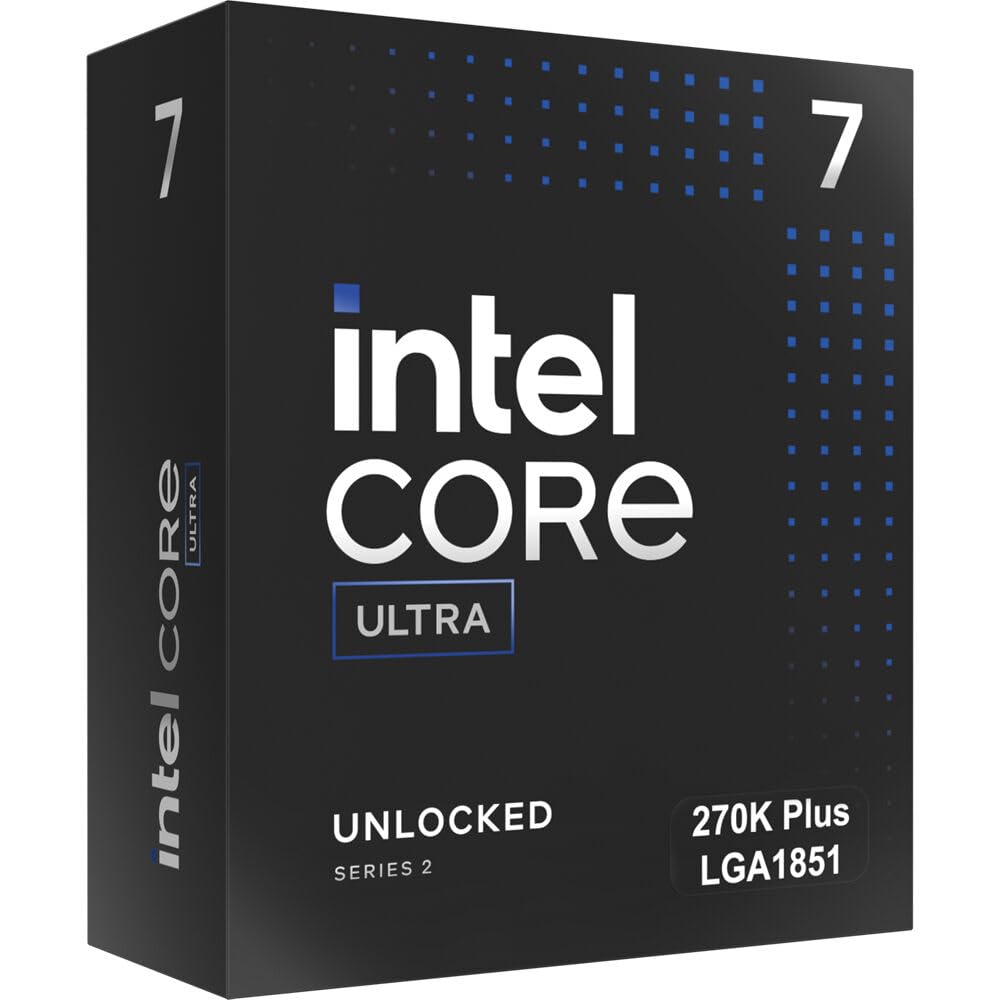
Core Ultra 7 270K

90 /100
Lab Score Outstanding

Key details

Graphics
Integrated Intel Graphics
Max Boost Clock
5.5 GHz
Power & Cooling
125W base / 250W max
Platform & Socket
LGA 1851
View on Amazon

Intel's Core Ultra 7 270K delivers 24 cores (8 performance, 16 efficiency) with the same core configuration as the flagship Ultra 9 285K, yet costs hundreds less. In multi-threaded workloads, it tracks closely with its pricier sibling, making the value proposition immediate and tangible. Paired with a Z890 board, it tackles rendering, streaming, and gaming without the premium tax.

Thermal behavior defies the stereotype of hot-running high-core-count chips. Users maintain gaming temperatures in the low 60s Celsius with a standard air cooler, even after modest undervolting. That means quieter systems and less worry about exotic cooling — a practical advantage that keeps the focus on framerates, not fan curves.

DDR5 memory support extends well into enthusiast territory. The integrated memory controller pushes kits to 8000 MHz and beyond without instability, directly lifting frame rates in CPU-bound titles. This headroom lets builders fine-tune for tight timings or high bandwidth without stepping up to the flagship processor.

This chip is targeted at gamers and creators building a fresh system on the Arrow Lake platform, as well as those seeking future-proofing without the Ultra 9 price. It's not a drop-in upgrade for an existing LGA 1700 motherboard — the shift to LGA 1851 requires a new board and DDR5 memory, which makes sense for those already planning a platform refresh. As an early ambassador of the new socket, the long-term reliability picture is still maturing, but early thermal and performance consistency suggests a smooth road ahead.

💡 Pairing this chip with an existing LGA 1700 board isn't possible — budget for a Z890 motherboard and DDR5 memory if you're coming from an older socket.

Pros

  • Near-flagship 24-core performance at a mid-range price, closely matching the Ultra 9 285K in many workloads.
  • Runs cool and stable under load with simple air cooling, even during intense gaming sessions.
  • Memory overclocking reaches 8000 MHz easily, boosting gaming frame rates without high-end board tuning.
  • PCIe 5.0 and modern I/O on LGA 1851 ensure headroom for future GPUs and fast storage.
  • Onboard Intel Graphics removes the need for a discrete GPU during system setup and light productivity.

Cons

No notable drawbacks to flag.

Our verdict

For the builder targeting maximum performance per dollar on Intel's latest desktop platform, the Core Ultra 7 270K outflanks older high-end parts and nearly matches the flagship without the premium — a straightforward choice that keeps cash in your pocket for the rest of the build.

Check Latest Price
2

Best Performance

Core Ultra 9 285K

90 /100
Lab Score Outstanding

Key details

Graphics
Integrated Intel Graphics
Max Boost Clock
5.7 GHz
Power & Cooling
125W base
Platform & Socket
LGA 1851
View on Amazon

The Core Ultra 9 285K pushes Arrow Lake to its ceiling with a 5.7 GHz boost clock and 24 cores, all while maintaining the cool, power-sipping nature that sets this generation apart from hot-running 14th-gen i9s. That combination gives creators and multitaskers a responsive, stable workhorse that never throttles unexpectedly under load.

In everyday use and gaming, the 285K is blisteringly fast, yet the step up from the Core Ultra 7 270K is subtle. Frame rates and desktop responsiveness stay neck-and-neck until you hit sustained, all-core workloads like 3D rendering, scientific simulations, or high-bitrate video encoding. At that point, the extra clock headroom and power budget stretch the 285K’s legs, slicing minutes off long exports.

This processor is for builders who want no-compromise Arrow Lake performance and are happy to pay for it. Creative professionals juggling 3D, video, and large compiles will see the benefit, as will streamers who encode live without a second PC. The price premium nets only small real-world gains over the top-pick Core Ultra 7 270K in gaming and lighter work — it’s a chip for those who genuinely need every last MHz, not for buyers seeking the best value.

Pros

  • Handles gaming, streaming, and heavy multitasking without breaking a sweat.
  • Runs noticeably cooler and draws less power than previous i9 K-series flagships, even with air cooling.
  • Delivers snappy burst performance in creative applications
  • Integrated Intel Graphics provides a backup display output without needing a dedicated GPU.

Cons

  • Gaming and general responsiveness feel nearly identical to the Ultra 7 270K
  • The premium price makes it a steep investment when the next chip down in the stack delivers 90% of the capability.
Our verdict

The 285K is the Arrow Lake crown jewel for uncompromising creators and power users who measure performance in shaved seconds, not frames per second. Everyone else gets the same experience for less with the Core Ultra 7 270K.

Check Latest Price
3

Best Value LGA 1700 Upgrade

Core i7-14700K

91 /100
Lab Score Outstanding

Key details

Graphics
Intel UHD Graphics 770
Max Boost Clock
5.6 GHz
Power & Cooling
125W base
Platform & Socket
LGA 1700
View on Amazon

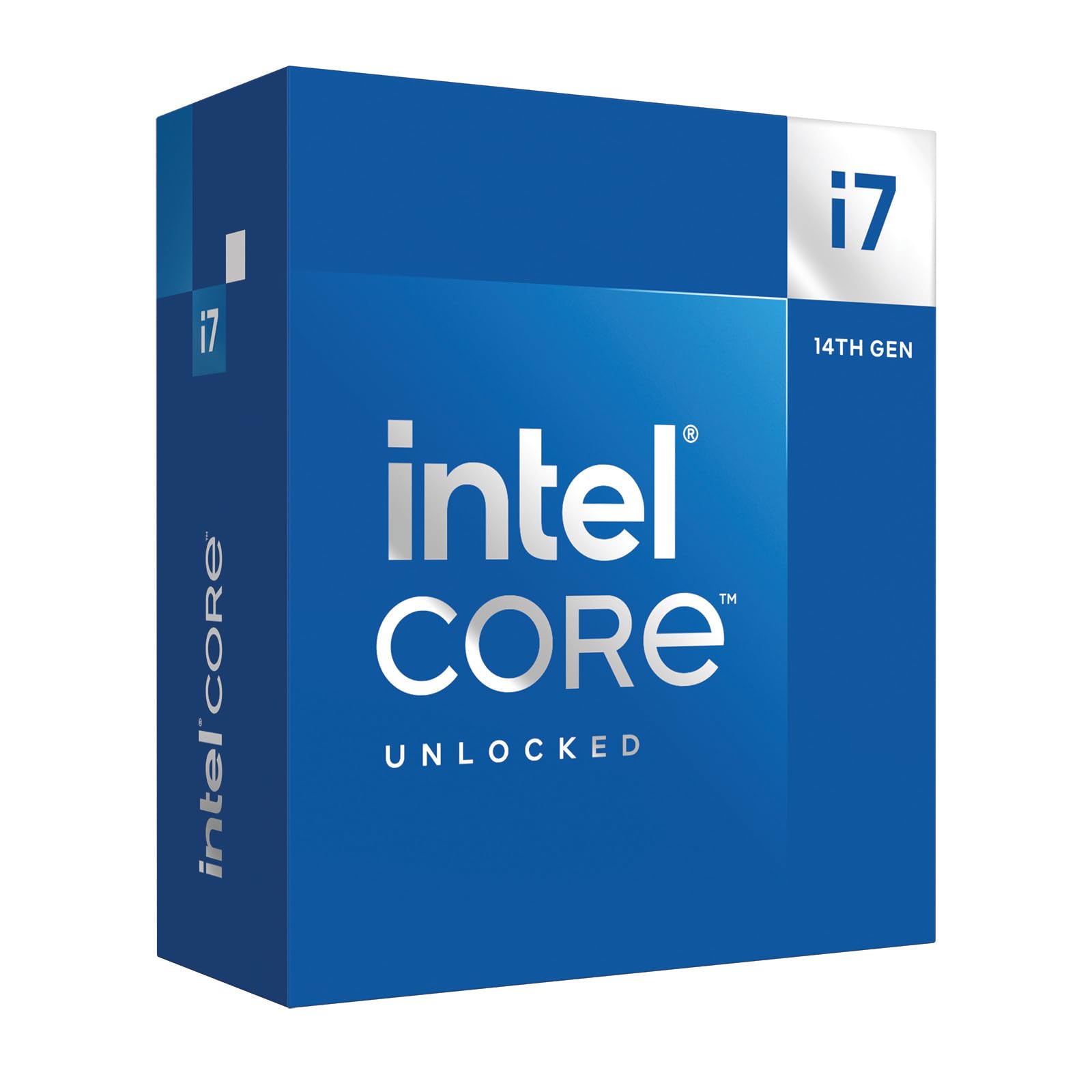
The Core i7-14700K accelerates LGA 1700 builds with eight performance and twelve efficiency cores, pushing gaming frame rates and multi-threaded tasks well beyond what older 12th-gen chips can manage. Where prior options leaned on proven stability, this processor swaps some of that reassurance for a 20-core configuration that shortens render times and keeps CPU usage low in demanding titles.

Gaming loads see the CPU hover at modest usage even in complex scenes, while content creation workloads benefit from the high boost clock and extra E-cores. Undervolting and power limiting can bring temperatures down without sacrificing much speed, making it a strong fit for buyers comfortable with BIOS tweaking. When found below typical mid-range pricing, the silicon delivers compelling throughput per dollar for those staying on LGA 1700.

This chip suits builders already invested in the LGA 1700 socket who want to avoid a full platform swap to Arrow Lake. A 360 mm AIO liquid cooler is a must, and the latest BIOS with microcode fixes is non-negotiable. Reports of instability and long-term degradation persist even after patches, so a retailer with a clear return policy provides essential peace of mind. Anyone unwilling to monitor thermals and accept a small RMA risk is better served by the cooler-running, stable 12th-gen alternatives.

💡 Plan for a 360 mm AIO and consider undervolting — a simple offset can drop temperatures noticeably without cutting gaming speed.

Pros

  • Swift gaming and multitasking that noticeably outpaces 12th-gen i7 and i9 models.
  • Compelling value for upgraders on LGA 1700, especially when bundled or discounted.
  • 20 cores (8P+12E) handle rendering and encoding with ease, while keeping game frame rates high.
  • Highest boost clock in its class on LGA 1700 at 5.6 GHz, delivering strong single-threaded performance.

Cons

  • Sustained workloads can push the chip past 90°C, requiring a 360 mm liquid cooler to stay within safe limits and avoid throttling.
  • Instability and gradual degradation may surface despite microcode patches, with some users experiencing sporadic crashing or complete failure.
Our verdict

The 14700K delivers a sharp performance uplift for LGA 1700 loyalists who can house a large liquid cooler and keep a backup plan for any stability hiccups; for those willing to tweak, it remains one of the fastest drop-in upgrades on the aging socket.

Check Latest Price
4

Best Reliable LGA 1700 Performer

Core i9-12900K

92 /100
Lab Score Outstanding

Key details

Graphics
Intel UHD Graphics 770
Max Boost Clock
5.2 GHz
Power & Cooling
125W base
Platform & Socket
LGA 1700
View on Amazon

The Core i9-12900K pairs 8 performance cores with 8 efficiency cores to deliver smooth gaming and multi-app workloads years after its release. When paired with fast DDR5 memory, frame rates stay competitive with current mid-range CPUs, making it a capable gaming engine even as titles get more demanding.

Where it separates itself from the 14700K is in predictable stability — there are none of the degradation concerns that have been noted with later unlocked i9s. That track record matters for workstations and gaming rigs that cannot afford unexpected downtime or time spent troubleshooting microcode updates.

This processor makes sense for two groups: owners of an LGA 1700 motherboard who want a drop-in upgrade that avoids any reliability worries, and power users who value guaranteed uptime over chasing the last few percentage points of multi-core speed. At a premium price, it is a targeted upgrade, not a value pick for a new build — the modern Core Ultra 7 270K offers more cores and better efficiency for less money, but that path requires a platform switch.

Cooling requirements are predictable: a quality air cooler like a dual-tower heatsink can handle it, though a 240mm AIO liquid cooler will keep boost clocks steadier under sustained load. Power draw can reach above 200 watts, but this is manageable and doesn't exhibit the wild thermal spikes of some later chips.

Pros

  • Smooth single- and multi-core performance with a stability record that newer i9s can't always match.
  • Gaming frame rates rival current mid-range chips when paired with fast DDR5 memory.
  • Supports PCIe 5.0 and DDR5, keeping the platform modern despite being two generations old.

Cons

  • Premium price makes it hard to recommend for new builds alongside cheaper, newer mid-range CPUs.
  • Multi-core throughput in rendering and encoding lags visibly behind the Core i7-14700K.
Our verdict

For LGA 1700 owners seeking a no-surprises upgrade, the 12900K delivers consistent performance without the reliability unknowns associated with later unlocked i9s. It is not the chip for a new system builder chasing maximum multi-core speed, but as a stable cornerstone for an existing platform, it is a justified premium.

Check Latest Price
5

Best for Legacy LGA 1200 Holdouts

Core i9-11900K

91 /100
Lab Score Outstanding

Key details

Graphics
Integrated UHD Graphics
Max Boost Clock
5.3 GHz
Power & Cooling
125W base
Platform & Socket
LGA 1200
View on Amazon

The Core i9-11900K is the quickest chip you can slot into an LGA 1200 board without rebuilding, delivering 5.3 GHz boost clocks and strong single-threaded speed that keeps high-refresh-rate gaming smooth on this aging platform. Overclocking headroom lets experienced users push stable all-core frequencies to 5.3 GHz with proper cooling, extracting every last frame from Z590 or B560 motherboards.

This processor makes zero sense for new builds — the current-gen Core Ultra 7 270K from this guide outperforms it in all workloads on a more efficient foundation. Under sustained load, even a liquid cooler can let temperatures spike to 90-100°C, forcing buyers to invest in a high-end AIO or custom loop and accept the noise of aggressive fan curves or the effort of undervolting. It's a last-resort upgrade for die-hard LGA 1200 owners who already own quality cooling and won't move platforms, trading thermal complexity for the best gaming frame rates that socket can deliver. Its premium price for an end-of-life chip seals the niche: only consider this if you absolutely cannot rebuild.

💡 Pair with a high-end AIO or custom loop and apply a modest undervolt to manage temperatures in extended gaming sessions.

Pros

  • Strong single-thread performance handles high-refresh-rate gaming smoothly on LGA 1200 systems.
  • Overclocking headroom allows stable all-core speeds up to 5.3 GHz with adequate cooling.
  • Integrated UHD Graphics provides display output without a discrete GPU, useful for troubleshooting or non-gaming builds.

Cons

  • Under sustained load, temperatures can reach 90-100°C even with liquid cooling, requiring undervolting or aggressive fan curves.
Our verdict

Only a sensible option for LGA 1200 holdouts who need maximum gaming performance without a full rebuild; the high price and thermal demands make it a niche last resort.

Check Latest Price
6

Classic Overclocking

Core i9-9900K

96 /100
Lab Score Outstanding

Key details

Graphics
Intel UHD Graphics 630
Max Boost Clock
5.0 GHz
Power & Cooling
95W base
Platform & Socket
LGA 1151
View on Amazon

The 9900K's overclocking headroom is legendary; hitting a stable 5 GHz is straightforward with a competent cooler, and the single-thread snap suits retro gaming rigs nicely. Years of daily use in gaming and scientific workloads have shown remarkable reliability.

The catch: at this premium price, it's a dead-end socket upgrade. Budget 12th-gen i5s deliver more performance for less money, leaving the 9900K as a sensible choice only for those with an existing Z390 or Z370 board who need the absolute best drop-in chip.

💡 Plan on a high-end air cooler or liquid AIO — without it, overclocking pushes temperatures past 85°C under load.

Pros

  • Hits a stable 5 GHz overclock with relative ease, offering strong single-threaded snap for retro gaming and older titles.
  • Exceptional long-term durability under heavy daily loads; chips run gaming and scientific workloads for years without failure.

Cons

  • Load temperatures can exceed 85°C even with premium cooling, demanding top-tier thermal solutions for any overclocking.
Our verdict

Only worth it for Z390 or Z370 owners chasing the fastest drop-in chip for that socket; for everyone else, modern budget CPUs beat it at a fraction of the cost.

Check Latest Price
7

LGA 1200 Stop-Gap

Core i7-11700KF

91 /100
Lab Score Outstanding

Key details

Graphics
None (discrete GPU required)
Max Boost Clock
5.0 GHz
Power & Cooling
125W base
Platform & Socket
LGA 1200
View on Amazon

The Core i7-11700KF brings 8-core, 16-thread performance and a 5.0 GHz boost clock to aging LGA 1200 systems, offering a drop-in upgrade that sidesteps a full rebuild. Paired with a capable GPU, it handles modern games and demanding multitasking smoothly.

However, that speed comes at a premium on a dead-end socket. A modern i3-12100F matched with an LGA 1700 board costs less overall and delivers similar gaming performance, while providing a path to 13th- and 14th-gen chips. The 11700KF only makes sense for existing LGA 1200 owners who cannot stretch to a platform overhaul.

Pros

  • Delivers fast, responsive gaming and multitasking with its 8-core, 16-thread design and 5.0 GHz boost.
  • Simple drop-in upgrade for LGA 1200 systems without replacing the motherboard, saving a full rebuild.
  • No integrated graphics reduces power draw and thermal load slightly for builds relying entirely on a discrete GPU.

Cons

  • The LGA 1200 platform has no next-generation upgrade path, leaving no room for future CPU swaps without a motherboard replacement.
  • Price sits above newer, more efficient budget chips that can deliver equivalent gaming frame rates, making it a poor value for new systems.
Our verdict

If you already own an LGA 1200 motherboard and a discrete GPU, and need more CPU power without a full system overhaul, the 11700KF delivers. For any new build, newer alternatives provide better value and platform longevity.

Check Latest Price
8

10-Core Holdout

Core i9-10900F

91 /100
Lab Score Outstanding

Key details

Graphics
None (discrete GPU required)
Max Boost Clock
5.2 GHz
Power & Cooling
65W base
Platform & Socket
LGA 1200
View on Amazon

The 10-core, 20-thread design delivers efficient multi-threaded throughput, with a 65W TDP that eases cooling requirements. It still ranks among the top 5% of CPUs for raw multi-core speed, and early user feedback praised its smooth performance in gaming and productivity. However, without a listed price, we cannot assess whether it's a bargain or a bad deal. Typical reseller mark-ups can push this chip above the cost of newer, faster alternatives, and it requires a discrete GPU for any video output. The 10900F only makes sense as a drop-in upgrade for LGA 1200 owners who already have a GPU and find it at a price well under $150 — anything more, and a modern i3 on a new platform is faster.

Pros

  • 10 cores and 20 threads deliver smooth performance in gaming and productivity workloads.
  • 65-watt TDP allows simpler air cooling and lower power consumption than many comparable chips.
  • Still ranks among the top 5% of all CPUs for multi-threaded performance, showing strong throughput.

Cons

  • No integrated graphics
  • Reseller mark-ups can push this CPU past the price of newer, faster alternatives, making it a risky buy unless found at a steep discount.
Our verdict

If you own an LGA 1200 motherboard, already have a discrete GPU, and stumble upon a used or clearance 10900F priced below $150, it can provide a meaningful core-count bump over an i7. For everyone else, a modern 12th-gen i3 or entry-level i5 on a new platform is a smarter buy.

Check Latest Price

How to Choose

Core Count and Threads: What Matters

Modern Intel CPUs use a hybrid design with performance (P) and efficiency (E) cores. P-cores handle game threads, while E-cores manage streaming software or background tasks without stealing performance. The hidden trade-off: E-cores add heat and power draw, and many games don’t scale beyond 6–8 P-cores, so a 24-core CPU can leave half its silicon idle during 99% of your playtime.

Clock Speeds and Real-World Performance

Boost clocks up to 5.7 GHz sound impressive, but sustained high clocks depend entirely on cooling headroom and motherboard power delivery. Thermal velocity boost can briefly spike speed, but if your cooler can't keep the chip below 90°C, you'll settle for lower all-core frequencies. For consistent frame pacing, a chip with a stable 5.2 GHz all-core under your cooling is better than a 5.6 GHz marketing peak.

Platform and Upgrade Path

Buying a CPU on a discontinued socket means any future performance upgrade requires a new motherboard. LGA 1700 offers no further generations beyond Alder Lake and Raptor Lake, while LGA 1851 supports Arrow Lake and likely at least one more generation. If you're building fresh, starting on LGA 1851 future-proofs your investment, but if you already own a quality LGA 1700 board, a 12th-gen or cautiously chosen 14th-gen chip can still deliver years of service.

Power, Heat, and Cooling

Even mid-range K-chips can hit 250W turbo power, turning your case into a space heater. Air coolers struggle to keep 12th/13th/14th-gen i9 and i7 chips below their throttle point during sustained renders. If your room doesn’t have air conditioning, a cooler-running Core Ultra 7 that sips power may be the smarter buy than a throttled i7.

Do You Need Integrated Graphics?

K-series CPUs include Intel UHD graphics, which add no cost if you plan to use a dedicated GPU for gaming. But the iGPU serves as a lifesaver if your graphics card fails or you need to boot without one. KF and F variants skip the graphics and save a few dollars—worth it only if every penny counts and you already own a spare GPU for troubleshooting.

Frequently Asked Questions