Best 1440P Mini-LED Gaming Monitors of 2026

Mini-LED isn't a new panel technology so much as a new backlight: hundreds of tiny LEDs behind the screen, grouped into dimming zones that switch independently. That's where the punch comes from — bright highlights, genuinely deep blacks, and enough headroom for HDR to read as an effect rather than a wash. The catch is that those zones announce themselves when the tuning is rushed, and 1440p is a deliberate trade: fewer pixels than 4K, far more frames, and a screen that fits a normal desk.

My own desk has had a Mini-LED panel on it since spring, and our team has now spent six months with seven 1440p models. The lesson that keeps repeating: the spec sheet only gets you so far. A huge zone count doesn't help if local dimming blooms around a white cursor on a dark map, and a fast panel is wasted when the overdrive is mistuned and smears every pan. The picks below are the ones we stopped noticing after a week — in the good way — along with those whose stands and menus we never had to fight.

1

Best Overall

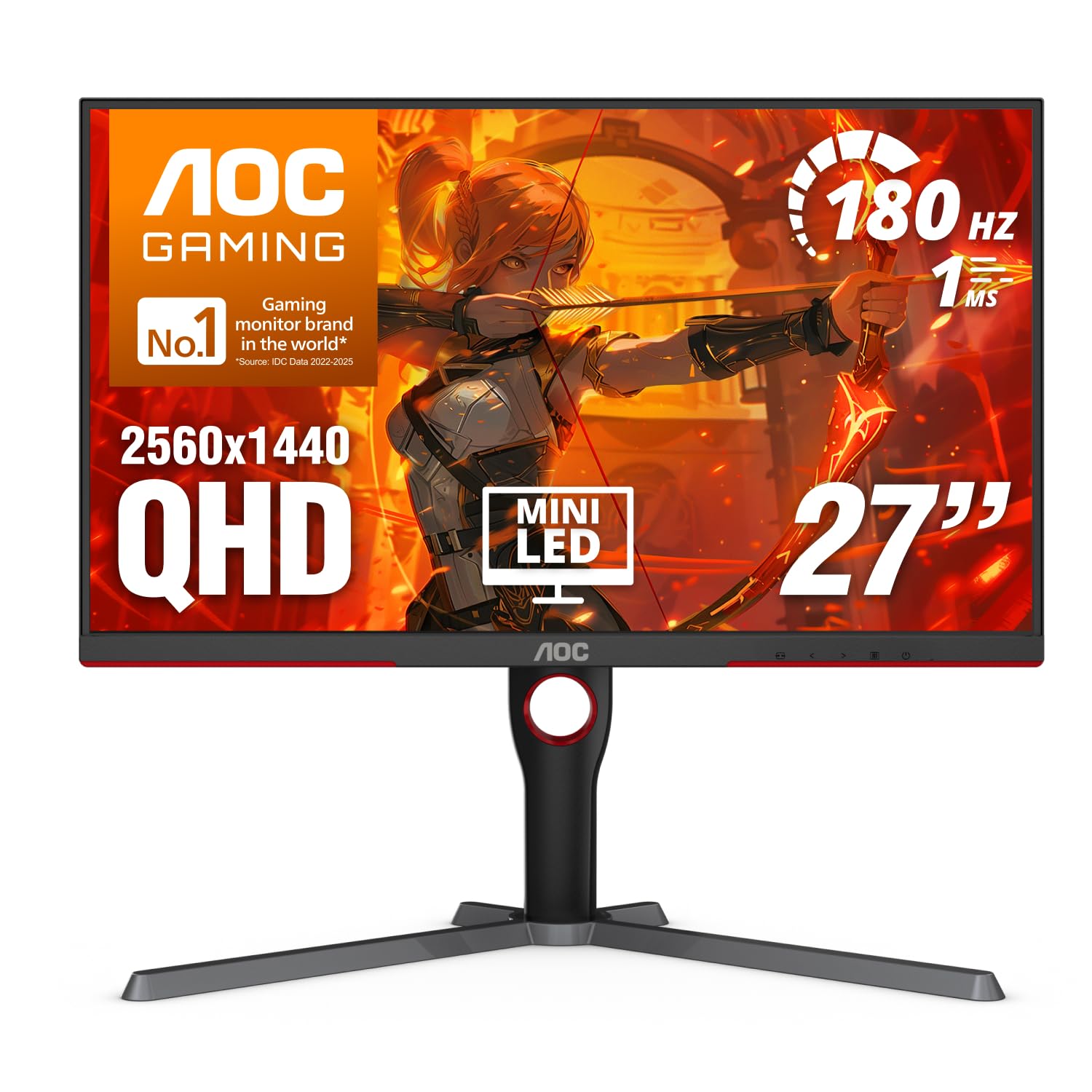
AOC Q27G3XMN

87 /100
Lab Score Excellent

Key details

Panel
27 in VA Mini-LED
HDR Rating
DisplayHDR 1000
Refresh Rate
180Hz (overclocked, DP 1.4)
Dimming Zones
336
View on Amazon

Two things make a 1440p Mini-LED worth owning: a backlight that can switch off in the dark parts of a scene, and a panel quick enough that you stop thinking about it. The Q27G3XMN delivers both for less than anything else in this group — DisplayHDR 1000, 336 dimming zones, 180Hz over DisplayPort, and a 27-inch 2560x1440 VA panel. That combination is why it is the monitor we recommend first.

336 zones is the modest end of this page, and it shows where it matters. Each zone covers a bigger patch of screen, so a bright object sitting on black — a subtitle, a HUD readout, a torch beam in a corridor — carries a faint grey halo that the 1,152-zone models mostly avoid. We minded it less than we expected to. When a scene is genuinely dark and genuinely bright at once, the contrast still does something an edge-lit IPS simply cannot manage.

Black smearing is the honest trade-off. VA pixels are slow to leave black, so dark-to-dark transitions can drag a trail behind moving objects, and we noticed it in dim scenes at high frame rates. If your library is mostly competitive shooters played in the dark, this is not the monitor for you; across a mixed library you meet it occasionally and forget it. Bright, daytime scenes looked clean to us.

Use the DisplayPort: 180Hz is an overclock, and that is the input that carries it, alongside two HDMI ports for a console. The bundled stand adjusts for comfortable viewing angles and there is VESA mounting if you prefer an arm. AOC's three-year warranty is worth noting next to the one-year panel coverage some brands here offer.

Pros

  • HDR1000 contrast for the least money here
  • 180Hz at 1440p over DisplayPort
  • Three-year manufacturer warranty
  • Adjustable stand with VESA mounting

Cons

  • Rear buttons make the OSD slow to navigate
  • Off-angle viewing washes the picture out, as on any VA panel
Our verdict

The one we tell most people to buy: 336 dimming zones and DisplayHDR 1000 for the least money here, and the only caveat that matters is VA smearing in dark scenes.
Check Latest Price
2

Best for HDR Punch

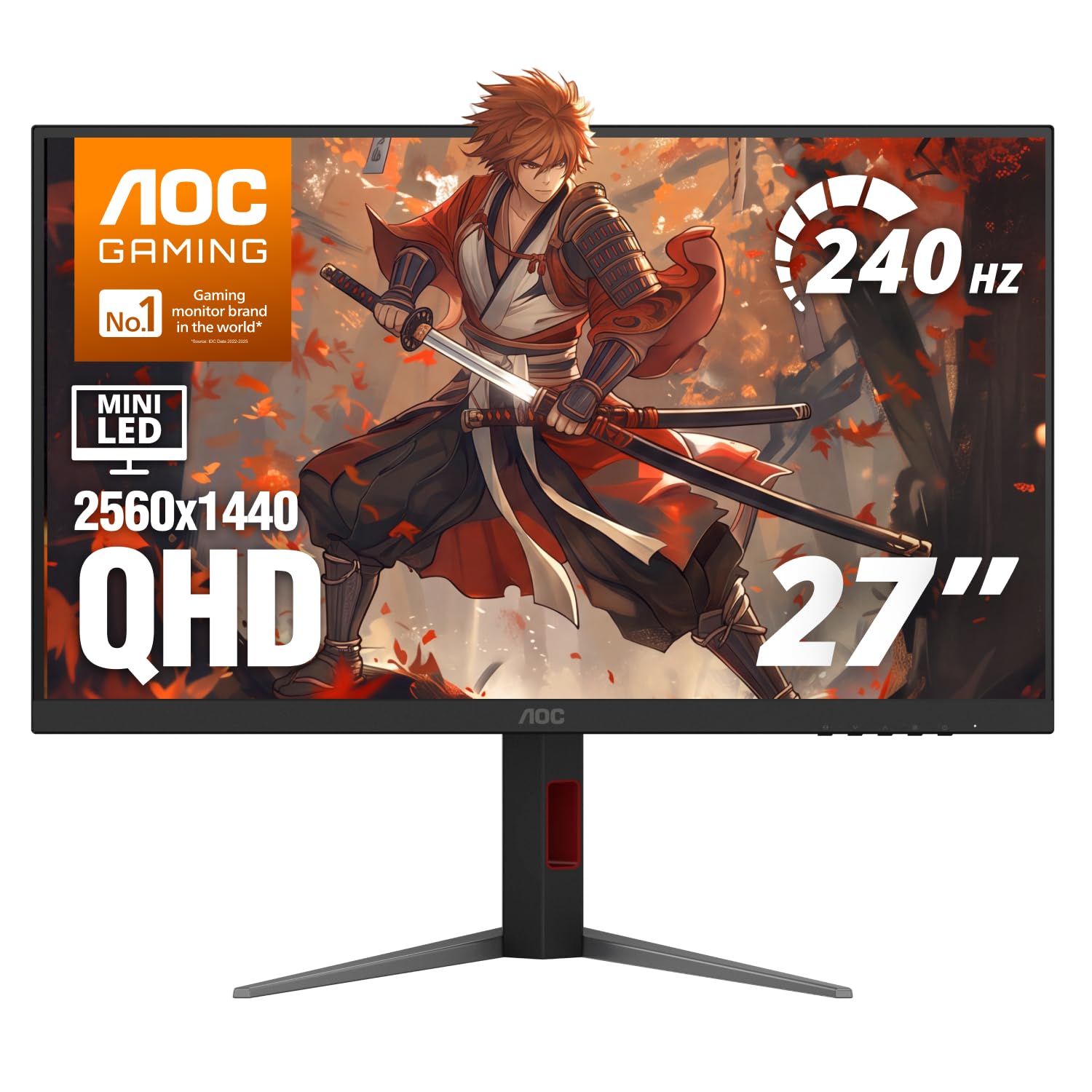
AOC Q27G4ZMN

78 /100
Lab Score Very Good

Key details

Panel
27 in Mini-LED
HDR Rating
DisplayHDR 1000
Refresh Rate
240Hz
Dimming Zones
1152
View on Amazon

The pitch for the Q27G4ZMN is arithmetic. It fits 1,152 dimming zones where its cheaper sibling has 336, on the same 27-inch 2560x1440 panel, and raises the refresh rate from 180Hz to 240Hz. More zones means each one covers a smaller patch of screen, so the halo around a bright object tightens and a dark scene holds its shape instead of glowing around the edges.

We reach for this one when HDR is the point of the purchase rather than a bonus. Space scenes, night levels, anything with a single lamp in a dark room: that is where the extra zones earn their keep, and 240Hz keeps the motion side credible for everything else. If HDR on an edge-lit panel has left you unmoved, this is the version of it that makes sense.

Two things to know before you order. AOC lists it at 10.3 kg, roughly 3 kg more than the cheaper model, so it is a two-handed lift and worth checking against your monitor arm's rating. And if the desktop looks soft once you're at 1440p, drop the sharpness setting in the menu a notch before blaming the panel — that adjustment is usually where softness comes from.

Setup is less annoying here than on the cheaper AOC because the menu is a graphical one rather than a row of rear buttons. You get DisplayPort and HDMI, a stand with height, pivot, swivel and tilt, and the same three-year warranty.

Pros

  • 1,152 zones give noticeably tighter HDR highlights
  • 240Hz for competitive pace at 1440p
  • Full height, pivot, swivel and tilt stand
  • Graphical OSD is quicker to set up

Cons

  • Heavy at a listed 10.3 kg
  • VA panel still smears in dark transitions
Our verdict

The upgrade we point to when HDR is the reason you are buying at all: a much finer backlight and 240Hz fix the top pick's weak spots, and you pay in money and weight.

Check Latest Price
3

Best Value IPS

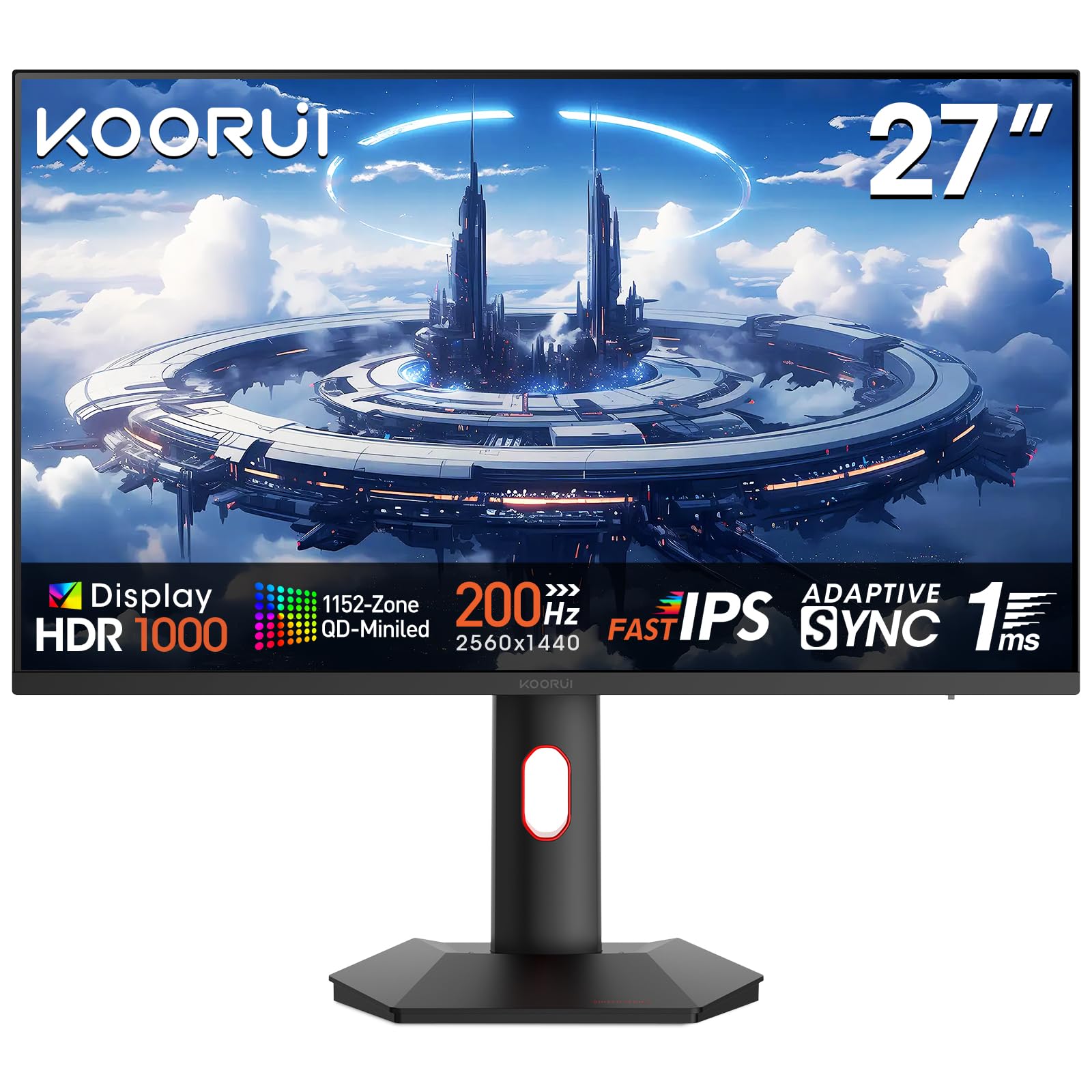
KOORUI Mini-LED IPS 27

89 /100
Lab Score Excellent

Key details

Panel
27 in Mini-LED IPS
HDR Rating
HDR1000
Color Gamut
97% DCI-P3
Refresh Rate
200Hz
View on Amazon

Two brightness numbers sit on this spec sheet and they mean different things. HDR1000 is a peak figure measured on a small patch of screen for a moment; the listed 350 nits is the everyday brightness you live with while writing or browsing. That is fine indoors, but it is the number to weigh if your desk faces a window, not the badge on the box.

What this monitor gets you is the IPS version of Mini-LED at the lowest price in this group. Viewing angles stay wide, so a second person on the couch still sees a proper picture, and there is none of the black smearing that comes with VA. The trade is greyer native blacks, which puts more of the work on the dimming — and the contrast figure quoted is a dimming number, not a native panel one. For a shared desk, that is the right set of compromises.

The rest is sensible rather than exciting. 200Hz with a 1ms GtG rating, 97% DCI-P3, DisplayPort 1.4 plus two HDMI 2.0 inputs, and picture-in-picture for running two sources at once, which is handy if a console lives on the same desk. Warranty runs three years, though the screen itself is covered for one.

Pros

  • Wide IPS viewing angles for a shared desk
  • No VA black smearing in dark transitions
  • 200Hz at the IPS entry price
  • Picture-in-picture for two sources

Cons

  • Screen itself is covered for one year only
Our verdict

The IPS answer at the lowest price here: wide angles, no smearing and 200Hz, provided you accept a modest everyday brightness under that HDR1000 badge.

Check Latest Price
4

Best for Competitive Play

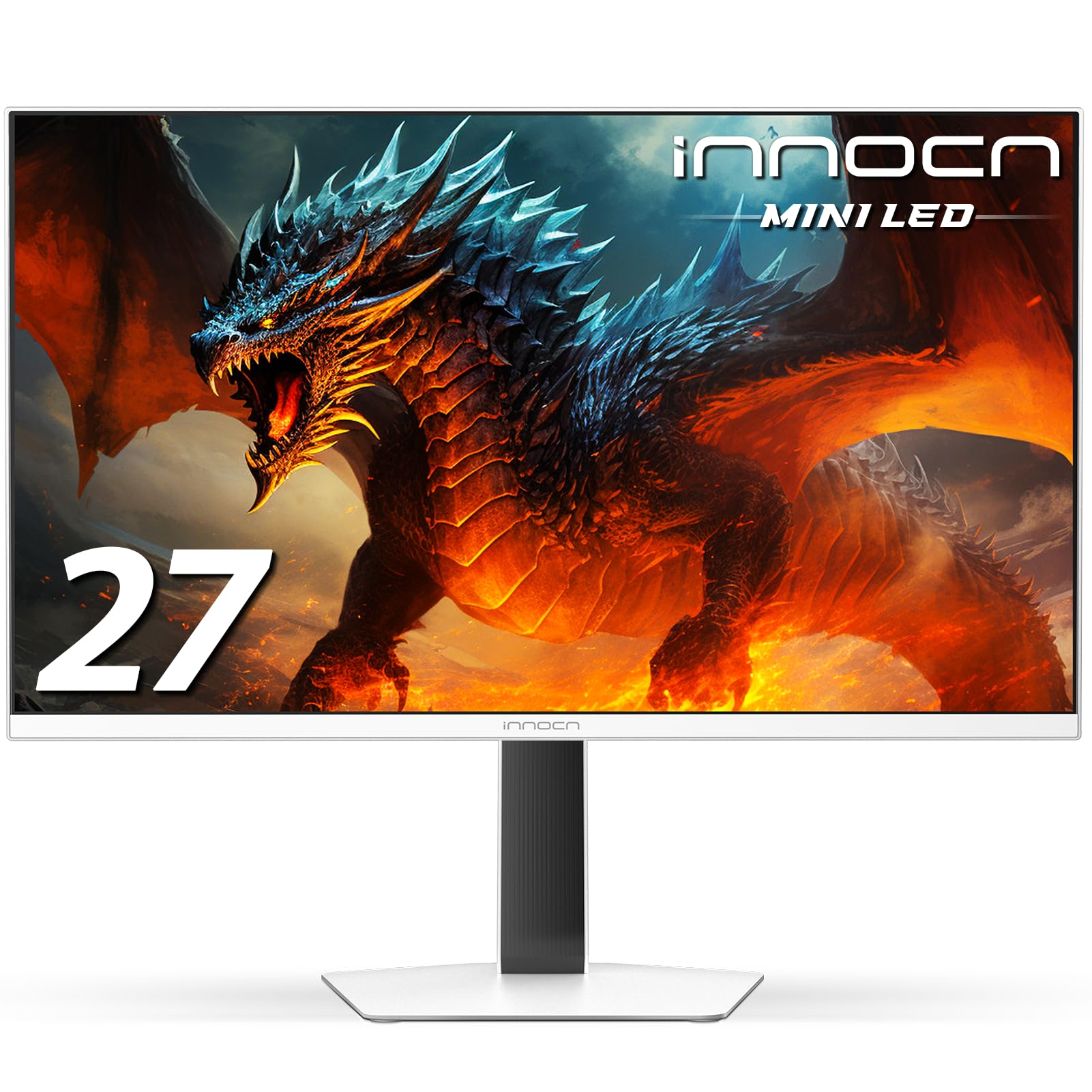
INNOCN GA27T1M

81 /100
Lab Score Excellent

Key details

Panel
27 in IPS Mini-LED
HDR Rating
HDR1000
Refresh Rate
320Hz
Response Time
0.5ms GtG
View on Amazon

320Hz is the highest refresh in this group, and it arrives with the highest price. We think that trade makes sense for exactly one buyer: someone chasing frames in competitive shooters who has already established that their machine can push 1440p near that rate. For everyone else the extra headroom is money spent on a number you'll never see.

The 0.5ms GtG figure is a panel response rating, not a promise about what your eye gets. Motion clarity at this speed depends on how the overdrive is tuned, and the picture settings here take some work to dial in. VRR support covers both graphics card camps, and the 1,000-nit peak gives HDR real punch on an IPS panel whose native contrast is only 1,000:1 — the dimming is doing all the heavy lifting in dark scenes.

Built-in speakers are rare at this level and genuinely useful if the desk is short on space. Colour needs attention out of the box, where the stock preset can look flat, so budget an evening with a profile before you judge it. Treat the return window as part of the purchase, too: this is a monitor to put through its paces in the first month rather than take on faith.

Pros

  • Highest refresh in this group at 320Hz
  • 0.5ms GtG panel response rating
  • Built-in speakers save desk space
  • 1,000-nit HDR peak on an IPS panel

Cons

  • Stock colour looks flat until it's tuned
  • Native IPS contrast is only 1,000:1
Our verdict

The fastest monitor here and the most expensive, which makes it a buy only for players who can genuinely feed 320Hz at 1440p.

Check Latest Price
5

Small Desks

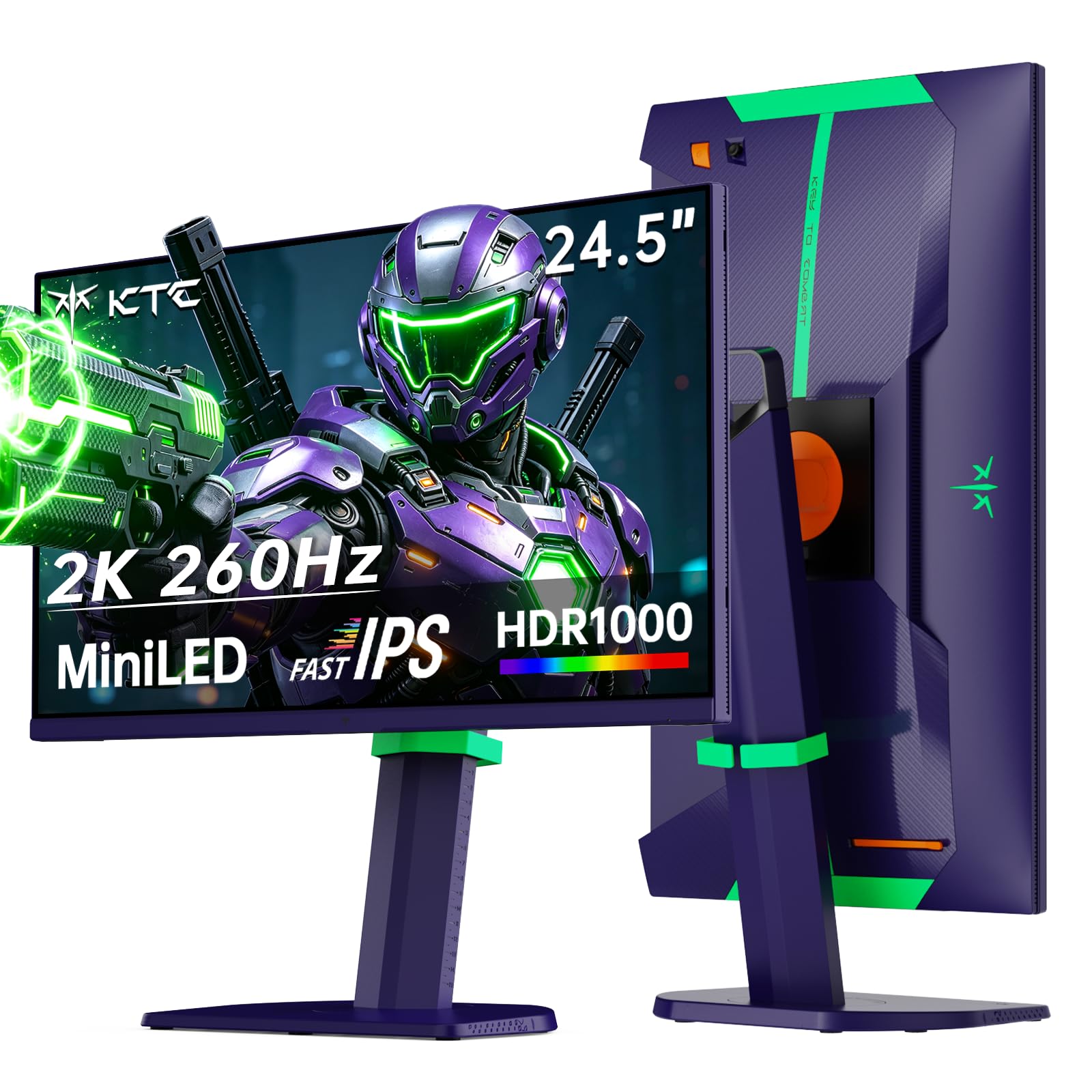
KTC 25M5

90 /100
Lab Score Outstanding

Key details

Panel
24.5 in Fast IPS Mini-LED
HDR Rating
HDR1000
Refresh Rate
260Hz
Dimming Zones
1152
View on Amazon

Most 1440p Mini-LED monitors assume a 27-inch slab on the desk. The 25M5 doesn't: 24.5 inches carrying the same 2,560x1,440 pixel count, which reads sharper and lets you take in the whole screen at a glance. That is the reason small high-resolution panels have a following among people who play fast games on a desk that isn't deep enough for anything bigger.

It isn't a cut-down version of the larger models, either. KTC fits 1,152 dimming zones and HDR1000 into the smaller frame, with a 550-nit SDR brightness that is higher than the KOORUI manages, and 260Hz beats either AOC. The stand does height, pivot, swivel and tilt, so it can sit vertically beside a laptop.

The port ceiling is the detail that isn't obvious from the headline spec, and it is the one that caught our attention. The two HDMI 2.0 inputs are specified at 144Hz for QHD, so the full 260Hz comes over DisplayPort — if a PC and a console share the screen, give the PC the DisplayPort and let the console sit at 144Hz. For a small, fast, HDR-capable desk screen, that is a fair shape of compromise.

Pros

  • High pixel density in a 24.5-inch frame
  • 1,152 dimming zones and HDR1000
  • 260Hz refresh rate
  • Height, pivot, swivel and tilt stand

Cons

  • 24.5 inches is small for cinematic games
Our verdict

The pick for a shallow desk or a two-screen stack: 1,152 zones and 260Hz squeezed into 24.5 inches, with the full refresh reserved for DisplayPort.

Check Latest Price

How We Tested These 1440p Mini-LED Monitors

We built the shortlist from spec sheets first: dimming zone counts, panel type, refresh rate, port loadout, and VESA pattern, plus whether the stand offered height and tilt at minimum. Anything that couldn't hold 1440p at a high refresh rate, anything stuck on a tilt-only base, and anything from a brand with no history of shipping firmware fixes got cut. That left seven monitors, which we ran for six months straight.

Each one went onto a real desk rather than a bench, in a bright room with a window behind the shoulder during the day and in a fully dark room at night, where local dimming either behaves or doesn't. We played the same fast-panning stretch of a shooter and a racing game on every unit, watching the trail behind a moving object, then cycled through each overdrive setting to find the one that sharpened motion without leaving a bright halo behind it. Brightness was checked two ways — full-screen white and a small specular highlight — because a monitor that posts a big number on a small window can still look dull beside a sunny window. For color, we pulled up the same photos and a gradient test on two screens at once and looked for skin tones drifting orange and skies stepping into bands.

Menus and stands got the same scrutiny. We counted button presses to switch inputs and to kill local dimming mid-game, then raised, tilted, swiveled, and pivoted each stand through its full range and mounted a few on VESA arms to see how the ports behaved tight against a wall. Mostly, though, we just left them running: weeks of sleep-and-wake cycles, input switching, and HDR toggled on and off in the same scene, watching for flicker, handshake dropouts, or a fan audible in a quiet room.

How to Choose a 1440P Mini-Led Gaming Monitor

Dimming zones decide more than the certification does

On a 27-inch panel, 336 zones means each one covers a fairly large patch of screen, so a bright object on a dark background pulls its neighbours up with it and leaves a soft grey halo. Going to 1,152 zones shrinks each patch to roughly a third of the area, and the halo tightens with it. That is the real difference between the two AOC models here, and it shows up in exactly the scenes HDR is sold on — night levels, space, anything with a lamp in a dark room.

Our order of priority: if you play dark games in a dark room and HDR is the reason you're upgrading, pay for the higher zone count. If the monitor sits in daylight and you play a broad mix, 336 zones does the job and the money is better spent on the panel or the stand.

VA or IPS: pick the compromise you can live with

VA panels start with deeper native blacks, which gives local dimming a head start, and they smear in dark transitions — that's the panel technology, not a fault. IPS panels hold their colour and contrast off-axis and don't smear, but native contrast is low, so the backlight does all the work in a dark scene and you see more bloom for the same zone count.

If two people watch from a couch, or you work at an angle, take the IPS. If you sit square-on in a dim room and want the deepest blacks, take the VA and accept the trail behind fast objects in dark corridors. Our default for a shared desk is IPS for that reason.

Match the refresh rate to the frames you can feed it

180Hz, 240Hz, 260Hz, 320Hz — the numbers climb faster than most graphics cards can follow at 1440p. A 180Hz panel is a genuine upgrade if your card lands in the 120 to 160fps range; 240Hz and above only pay off if you can stay above them, which usually means dropping settings in esports titles.

Then check which port carries the refresh you're paying for. The highest rate is often an overclock you enable in the on-screen menu, and it normally needs DisplayPort — one model here specifies 144Hz over its HDMI inputs. We check the port spec before the refresh spec, and we confirm the rate in the operating system rather than trusting the monitor's own readout.

Read the brightness figures, not just the badge

DisplayHDR 1000 describes a peak measured on a small patch of screen for a moment. The everyday number — 350 to 550 nits across these monitors — is what you get on a spreadsheet or a web page, and it's what decides whether the picture holds up next to a window.

In a bright room, the higher everyday figure buys you more than the badge. In a dark room, zone count and how the firmware handles a fade to black matter more than either number.

Size, desk depth, and what holds the monitor up

A 27-inch 1440p monitor sits about two feet from your eyes on a normal desk. The 24.5-inch alternative puts the same pixel count in a smaller frame, which reads sharper and suits a shallow desk or a two-screen stack — the trade is a smaller image for single-player games.

Check the mounting before you order. One monitor here is listed at over 10 kg, which is beyond the rating of plenty of budget arms, and every model here offers VESA mounting if the bundled stand doesn't give you the height you need.

Frequently Asked Questions

Final Verdict

Most people should buy the AOC Q27G3XMN. It is the least expensive route to the thing this category exists for — a backlight that can black out a dark scene — and its 336 zones are enough to make HDR obvious rather than subtle. If you watch a lot of dark content and want the halo tightened, the AOC Q27G4ZMN is the step-up we point to. If the monitor is shared or you sit off-axis, take the KOORUI's IPS panel instead.