7 Best Mini-LED Gaming Monitor of 2026: True HDR Without the Guesswork

Which Mini-LED gaming monitors actually deliver on HDR and speed — and how to avoid models that cut corners on dimming zones.

Mini-LED monitors promise near-OLED contrast at a fraction of the cost, but the reality depends on dimming zone count and panel uniformity. Many affordable models advertise HDR1000 yet deliver uneven brightness and blooming. The key is knowing which specs actually matter for your gaming setup — and which monitors deliver consistent performance without the lottery.

Whether you prioritize competitive refresh rates or cinematic HDR, the right Mini-LED monitor can transform your gaming experience. Trade-offs exist: higher zone counts improve contrast but can introduce VRR flicker, while budget options often skip essential features like adjustable stands or reliable QC. This guide breaks down the critical specs and real-world trade-offs so you can match the monitor to your play style.

1

Best Overall

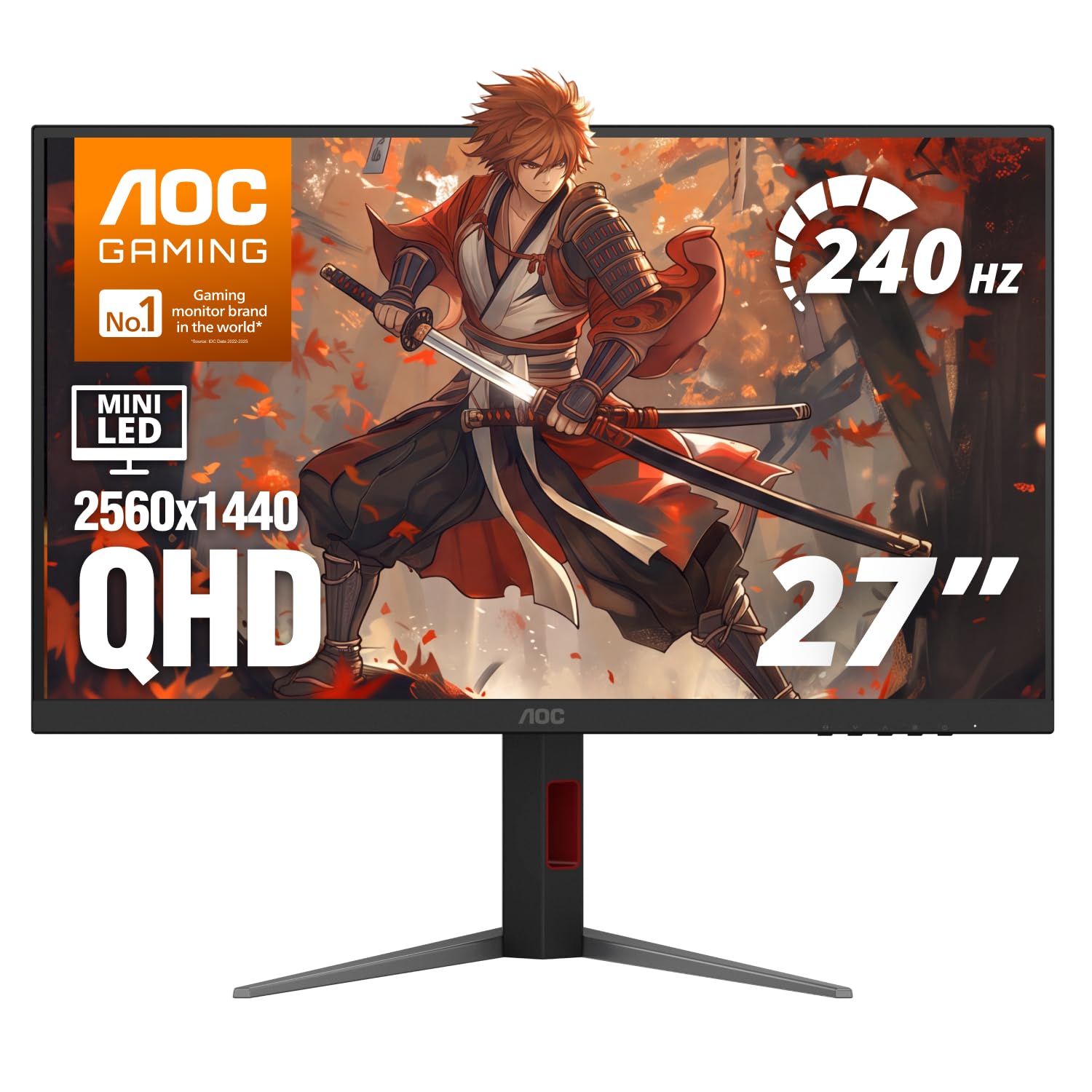
AOC Q27G3XMN

89 /100
Lab Score Excellent

Key details

HDR
DisplayHDR 1000
Panel Type
Resolution
2560x1440
Refresh Rate
180Hz
View on Amazon

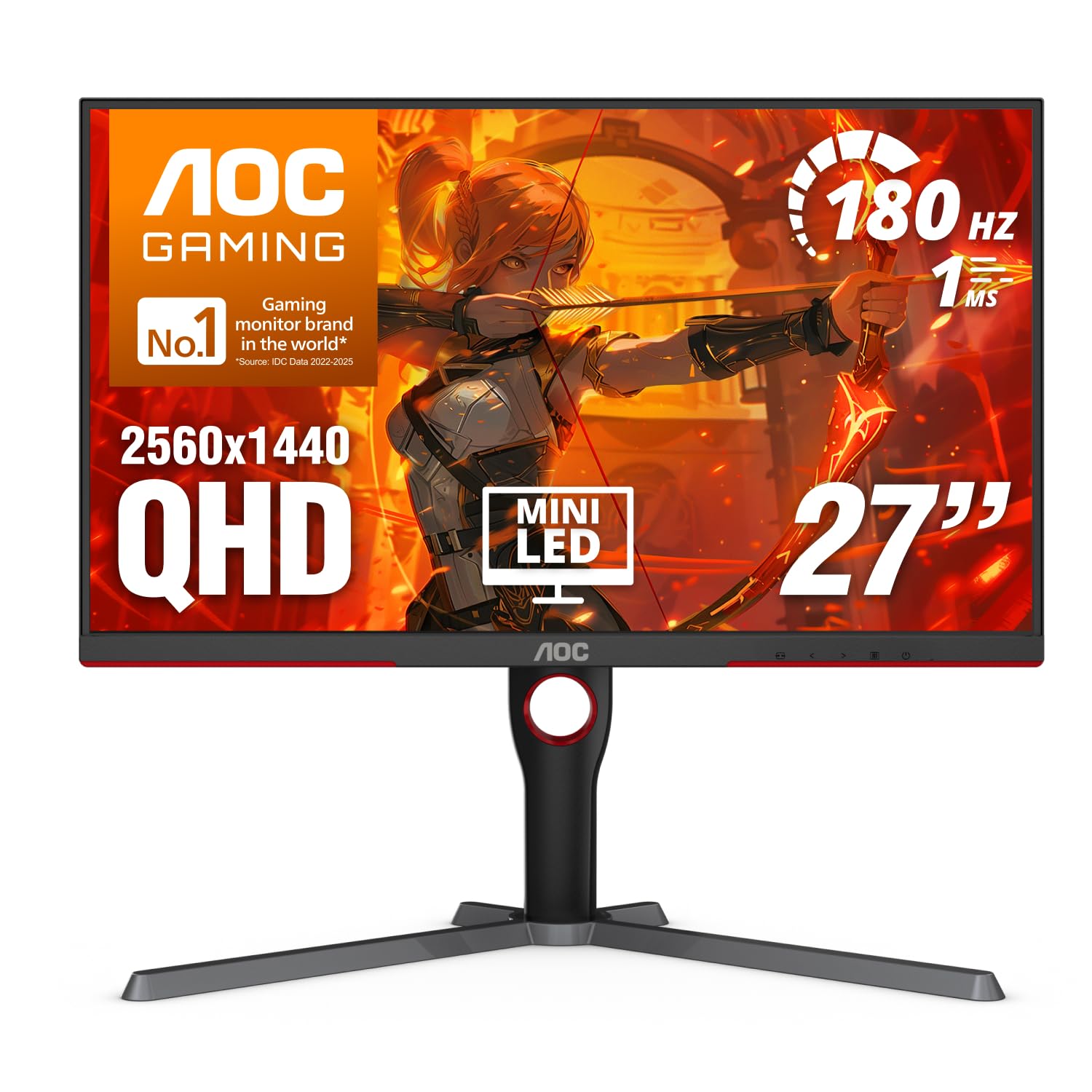
Mini-LED backlighting with 336 dimming zones pushes this 27-inch QHD monitor into a contrast territory that standard IPS panels cannot reach. HDR content reveals deep blacks and bright highlights that stay punchy even in well-lit rooms, while the 180Hz refresh rate and 1ms response time keep motion crisp in fast-paced shooters. This combination of high brightness, local dimming, and speed is not something you find in the budget tier.

Color accuracy and saturation are strong out of the box, and the high brightness ceiling (DisplayHDR 1000 certified) means HDR highlights actually look bright rather than merely less dim. The 2560x1440 resolution is a practical middle ground — sharp enough for immersive gaming without demanding the GPU power that 4K requires. Competitive FPS players will appreciate the fluidity at 180Hz, though the monitor relies on a standard VA panel, so viewing angles are typical for the technology.

This monitor is best suited for budget-conscious gamers who want true HDR performance without jumping to OLED pricing. It also works well for anyone moving from a standard IPS display to Mini-LED — the contrast improvement is immediately noticeable. However, users who rely on adaptive sync (G-Sync compatible, FreeSync Premium Pro) may experience occasional VRR flicker in certain game scenes. If that matters to you, plan to test with your preferred titles; the flicker can be eliminated by disabling VRR, but that is a tradeoff to be aware of before purchase.

The build quality is adequate for the price point, with a stand that offers tilt and height adjustment but lacks swivel. The OSD menu is functional but not the most intuitive. Many buyers have noted that the monitor delivers on its core promises — high brightness, good contrast, and smooth motion — which is why it has accumulated a large volume of positive feedback from owners. Just be prepared to check the panel for any uniformity issues when it arrives, as some units have shown dead pixels or flickering artifacts after extended use.

💡 If you use adaptive sync, you may notice flicker in certain game scenes — turning off VRR eliminates the issue entirely.

Pros

  • Exceptional HDR contrast and peak brightness for the price
  • Great value
  • Good color accuracy and saturation out of the box
  • High brightness levels that handle well-lit rooms

Cons

  • VRR flicker may appear in some game scenes when adaptive sync is enabled
  • Some units have developed dead pixels or flickering artifacts over time, so inspection on arrival is wise
Our verdict

If you want true HDR1000 performance on a budget and can accept the possibility of VRR flicker, the AOC Q27G3XMN is the most rewarding Mini-LED monitor in its price bracket.

Check Latest Price
2

Best for Esports

INNOCN GA27T1M

83 /100
Lab Score Excellent

Key details

HDR
DisplayHDR 1000
Panel Type
Resolution
2560x1440
Refresh Rate
320Hz
View on Amazon

The INNOCN GA27T1M pushes refresh rates to 320Hz while keeping Mini-LED backlighting with 1152 dimming zones and DisplayHDR 1000 certification. That combination is rare at this price point, and it directly targets competitive gamers who value motion clarity over everything else. Compared to the value-focused top pick, the GA27T1M trades some budget safety for higher frame-rate headroom.

This monitor suits esports players who plan to use a monitor arm or VESA mount, because the included stand offers only tilt adjustment and sits low on the desk. The higher refresh and Mini-LED contrast pay off in fast-paced titles, but the occasional unit may develop issues after several months of heavy use. Buyers who need an adjustable stand out of the box or want maximum long-term peace of mind will find better options elsewhere.

Colors arrive accurate without calibration, and the Mini-LED panel delivers vibrant HDR highlights that make competitive games pop without crushing shadow detail. The 0.5ms response time keeps motion artifacts low, while G-Sync compatibility smooths out frame-rate dips. It is a focused gaming weapon, not a do-everything display.

💡 The monitor sits low out of the box — consider a monitor arm or VESA adapter for optimal viewing height.

Pros

  • Vibrant HDR with deep contrast from 1152 dimming zones
  • Competitive price for a 320Hz Mini-LED with HDR1000
  • Accurate out-of-box color performance reduces tweaking

Cons

  • Some units may develop issues after extended use, worth checking return policy
  • Fixed low stand with only tilt
Our verdict

For esports players who will pair this with a monitor arm and accept the likelihood of unit variance, the INNOCN GA27T1M delivers the highest refresh-rate Mini-LED experience in this roundup.

Check Latest Price
3

Best Dual-Mode

Pixio PX27UM

85 /100
Lab Score Excellent

Key details

HDR
HDR (500 cd/m²)
Panel Type
Fast IPS
Resolution
3840x2160 / FHD
Refresh Rate
160Hz/320Hz
View on Amazon

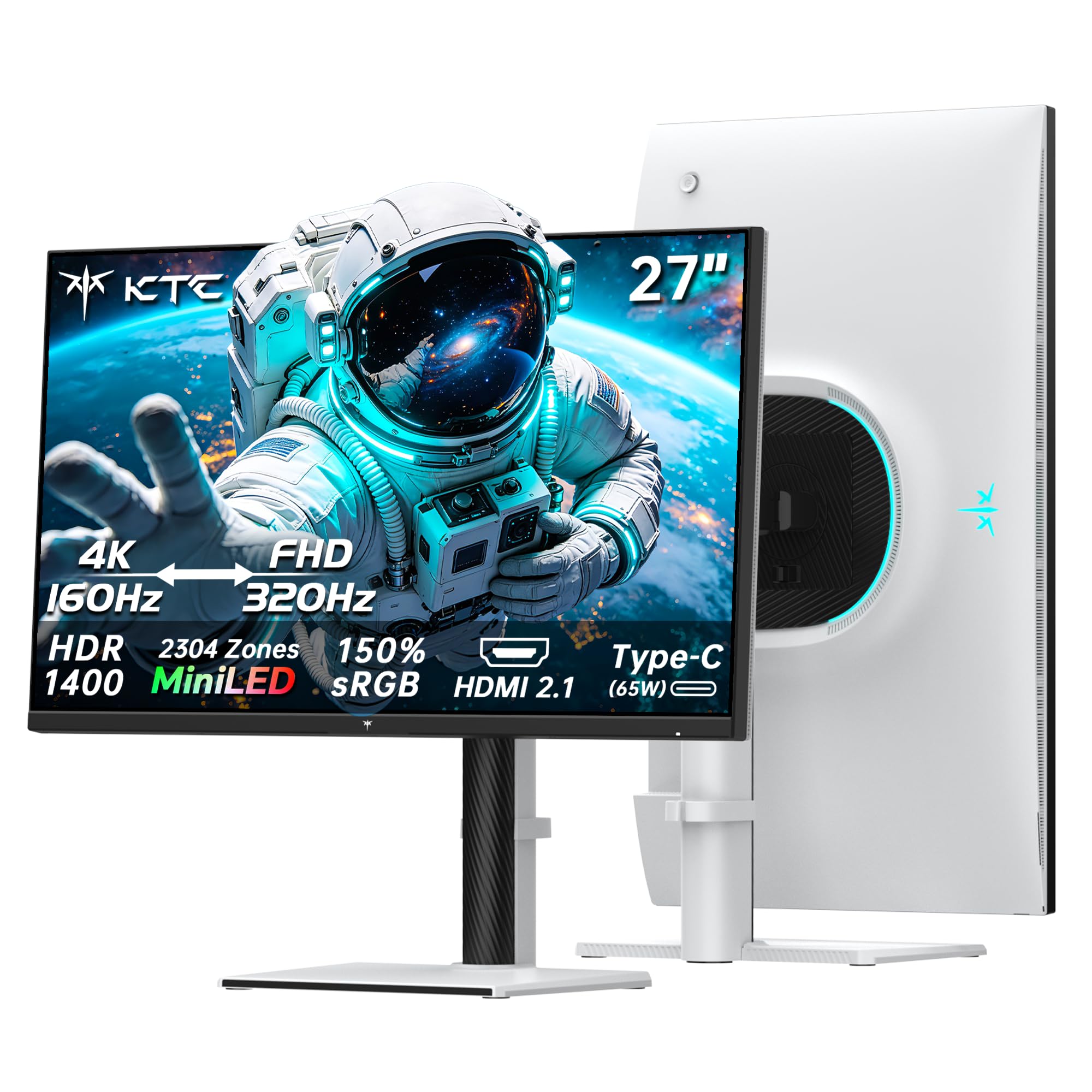
The Pixio PX27UM stands out with its dual-mode capability: a single button press toggles between 4K at 160Hz for immersive single-player titles and 1080p at 320Hz for competitive esports. This eliminates the need for two monitors while keeping response times at 1ms and color vibrancy high thanks to the Mini-LED backlight with 1152 dimming zones. At a mid-range price, this combination is hard to find elsewhere.

This monitor suits gamers who want both visual fidelity and high frame rates without switching hardware. However, backlight bleed can be noticeable on some units, especially in dark scenes, and the built-in speakers are barely audible — plan on using external audio. For those willing to accept panel variance, the dual-mode flexibility is a rare find.

The Mini-LED backlight delivers vibrant colors and decent contrast for the price, though HDR peak brightness reaches around 500 nits — enough for SDR gaming but not the punch of a certified HDR1000 panel. Build quality feels sturdy and premium for the mid-range category, adding confidence to daily use.

💡 Pair with external speakers or headphones; the built-in audio is insufficient for gaming.

Pros

  • Dual-mode lets you switch between 4K 160Hz and 1080p 320Hz instantly.
  • Build quality feels sturdy and premium for a mid-range monitor.
  • Colors appear vibrant and contrast is good for an IPS panel.

Cons

  • Backlight bleed may be noticeable on some units in dark scenes.
  • Some units may develop black screen after extended use.
Our verdict

A unique dual-mode feature that suits gamers who play both demanding AAA titles and fast-paced competitive games — just be prepared to use external audio and accept possible panel variation.

Check Latest Price
4

Best Ultrawide Immersion

Samsung Neo G9 G95NC

86 /100
Lab Score Excellent

Key details

HDR
DisplayHDR 1000
Panel Type
VA
Resolution
7680x2160
Refresh Rate
240Hz
View on Amazon

The 57-inch 1000R curve wraps around your field of view, and the dual 4K resolution provides sharp detail across an enormous canvas. With 240Hz refresh and 2392 mini-LED zones, motion clarity and contrast are impressive for a VA panel — ideal for fast-paced sim titles where peripheral awareness matters.

This monitor is purpose-built for sim racers and flight sim enthusiasts who want the widest possible field of view without stacking multiple displays. Productivity users needing massive screen real estate will also appreciate the space, but the desk depth and weight (over 40 lbs) demand a sturdy mount and at least 30 inches of depth. Some units may exhibit flickering in the top portion of the screen, especially during menu transitions or with variable refresh rate enabled, and long-term reliability can vary — so a warranty return is worth planning for.

The Neo G9 fills a role no other monitor can match at this size and refresh rate, but the flickering and QC concerns keep it from being a universal recommendation. Those willing to accept these tradeoffs gain an immersive canvas that transforms sim gaming.

💡 If flickering occurs, try disabling Adaptive-Sync or lowering the refresh rate to 120Hz in the monitor's OSD.

Pros

  • 57-inch 1000R curvature enhances peripheral immersion in racing and flight sims.
  • Dual 4K resolution delivers crisp text and detail across a 32:9 aspect ratio.
  • All-metal chassis and integrated cable routing offer a premium feel and tidy desk.

Cons

  • Requires a desk depth of at least 30 inches and a heavy-duty mount to support its weight.
  • Flickering may appear in the top portion of the screen with certain content or VRR settings.
  • Some units may become inoperable after a few months, necessitating warranty replacement.
Our verdict

For sim enthusiasts who can accommodate its size and accept the possibility of flickering, the Neo G9 offers an unmatched immersive canvas — but the top pick remains a safer bet for general gaming.

Check Latest Price
5

Best Budget High-Refresh

KOORUI GN10

89 /100
Lab Score Excellent

Key details

HDR
Not specified
Panel Type
IPS
Resolution
2560x1440
Refresh Rate
200Hz
View on Amazon

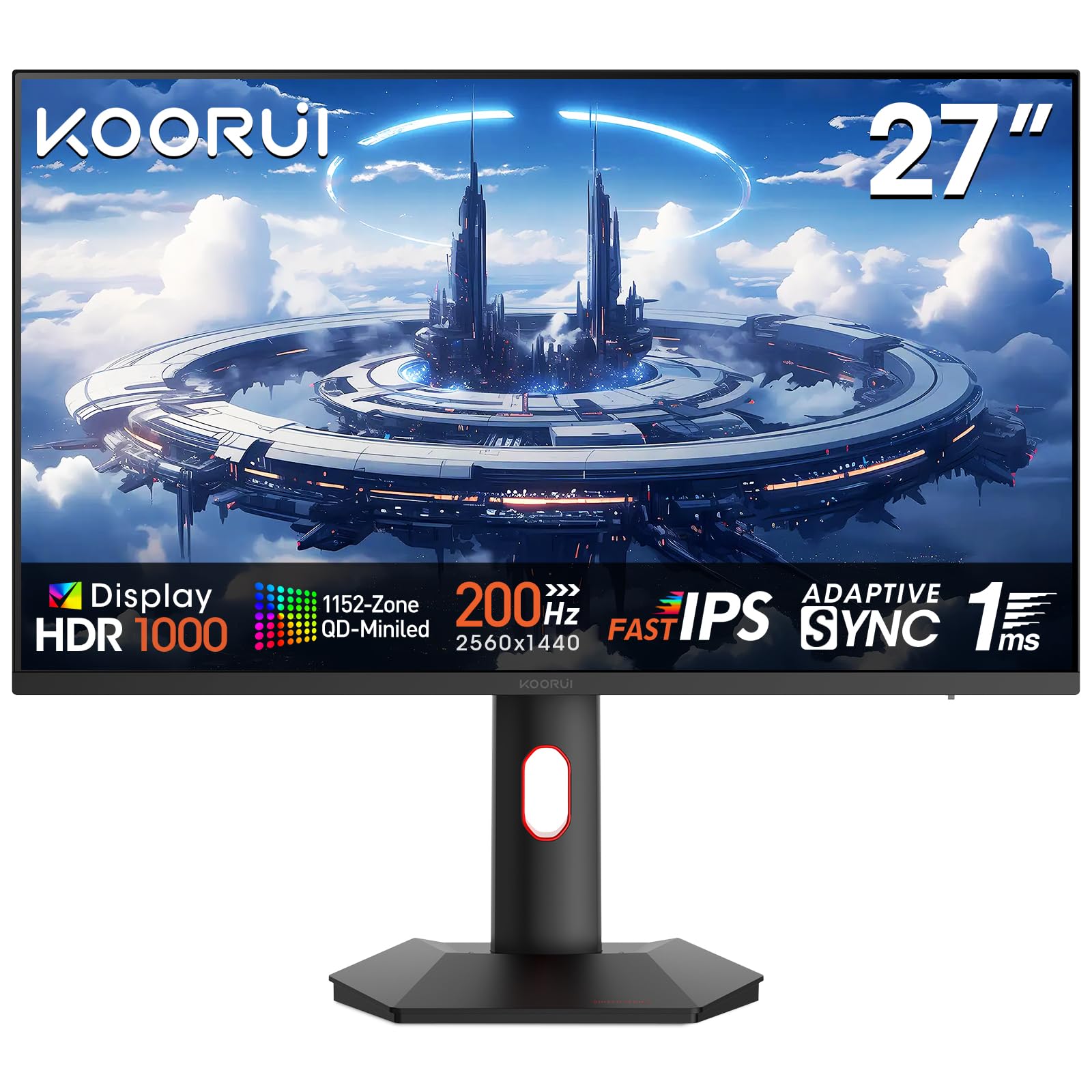
The KOORUI GN10 delivers a 200Hz refresh rate and Mini-LED backlighting at a price that undercuts similarly specced competitors, making it one of the most accessible high-refresh monitors for budget-conscious gamers. The IPS panel provides wide viewing angles and 1ms response time, keeping fast-paced motion clear without ghosting.

This monitor suits gamers who want smooth gameplay in competitive titles like shooters or racing games and don't plan to use HDR content. The peak brightness of 350 cd/m² and lack of HDR certification mean it can't deliver the contrast or highlights that HDR gaming demands. Additionally, the real-world image uniformity and dimming zone behavior remain unverified due to limited independent feedback, so buyers should expect some variability in backlight consistency.

Pros

  • 200Hz refresh rate at an entry-level price point for Mini-LED
  • IPS panel with 1ms response time reduces motion blur in fast games
  • Adaptive sync support for both FreeSync and G-Sync compatible GPUs
  • Widely adopted budget option in the Mini-LED gaming monitor space

Cons

  • In a room with direct lighting or for HDR gaming, the 350 cd/m² peak brightness falls short
  • Backlight uniformity and zone control can vary between units, with no detailed user feedback to confirm consistency
Our verdict

If your priority is a high-refresh screen for competitive gaming on a tight budget, the KOORUI GN10 delivers the core specs. Skip it if you want HDR or need verified picture quality from a well-documented product.

Check Latest Price
6

High Refresh

Acer Nitro XV275U

76 /100
Lab Score Very Good

Key details

HDR
DisplayHDR 1000
Panel Type
IPS
Resolution
2560x1440
Refresh Rate
320Hz
View on Amazon

The Acer Nitro XV275U delivers a high 320Hz refresh rate and 1152 dimming zones at a competitive price, producing rich colors and deep blacks that approach OLED quality. Early units have shown occasional backlight bleed and dead pixels, making this a monitor for buyers willing to accept some variability in exchange for the spec-to-cost ratio.

Pros

  • Colors and black levels approach OLED quality with impressive HDR performance.
  • High 320Hz refresh rate delivers smooth motion at a price well below similar spec options.

Cons

  • Backlight bleed and dead pixels have been noted on some units, requiring careful inspection upon arrival.
Our verdict

Best suited for early adopters focused on getting high refresh and Mini-LED contrast at the lowest possible price, who are willing to accept potential QC variance.

Check Latest Price
7

Spec Leader

KOORUI S2741LM

89 /100
Lab Score Excellent

Key details

HDR
DisplayHDR 1400
Panel Type
Resolution
3840x2160 / FHD
Refresh Rate
160Hz/320Hz
View on Amazon

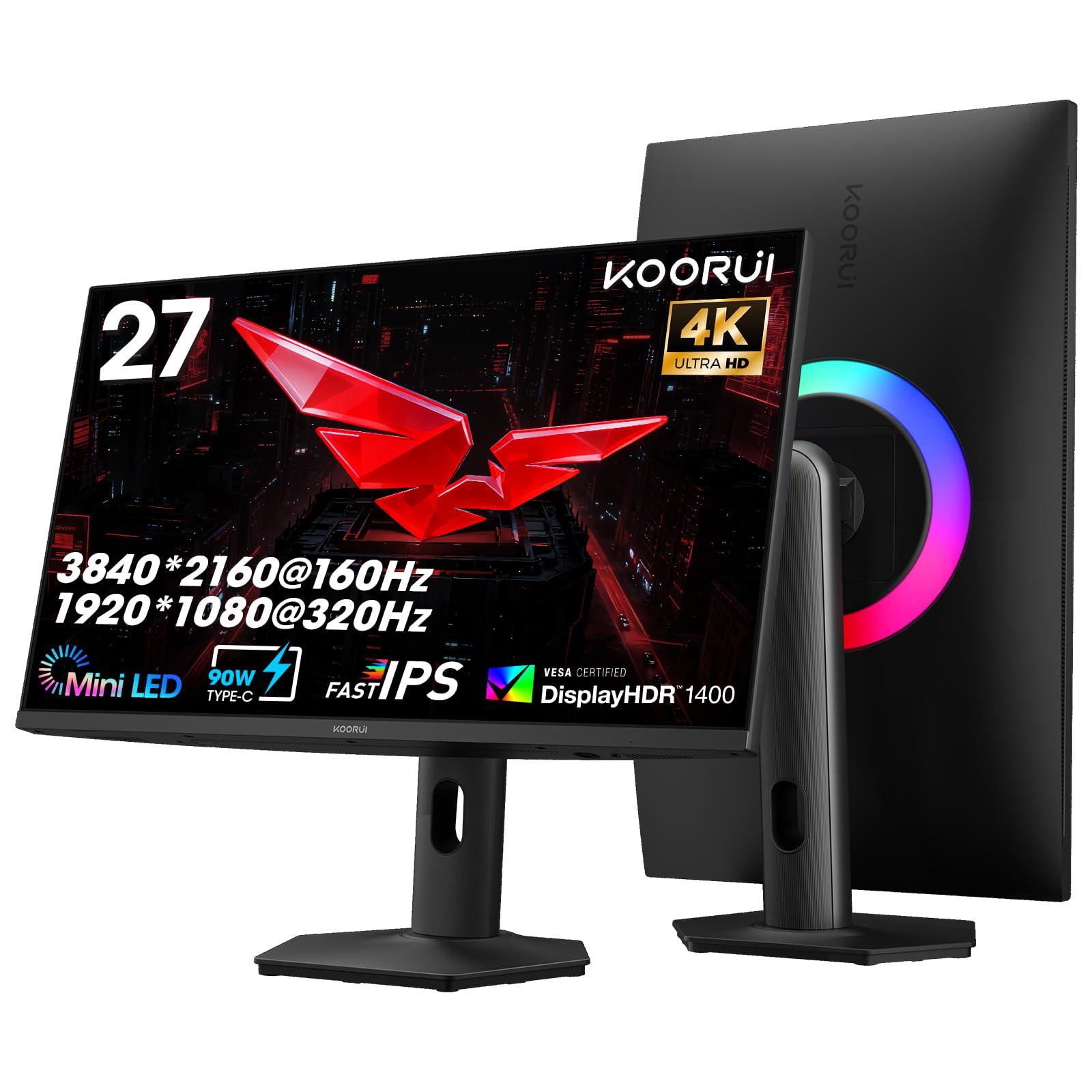
KOORUI S2741LM brings a spec sheet that competes with the best: DisplayHDR 1400, 1152 local dimming zones, 90W USB-C charging, and a dual-mode that switches between 4K 160Hz and 1080p 320Hz. These numbers promise high contrast, wide color (99% Adobe RGB), and flexible gaming. However, without any user-verified reports on HDR accuracy, blooming control, or long-term reliability, this monitor is a bet on paper specs rather than proven performance. The premium price tag adds to the risk for buyers who prefer real-world validation before committing.

Pros

  • DisplayHDR 1400 with 1152 local dimming zones for high contrast and brightness.
  • 90W USB-C power delivery simplifies cable management and charges a laptop.
  • Dual-mode lets you switch between 4K 160Hz and 1080p 320Hz depending on the game.

Cons

  • Blooming around bright objects on dark backgrounds may be visible despite the high zone count.
  • Real-world HDR and color accuracy remain unverified
Our verdict

Consider the KOORUI S2741LM only if you are willing to accept unverified performance in exchange for the highest spec sheet on paper and are prepared to return it if real-world results fall short.

Check Latest Price

How to Choose

Refresh Rate

Refresh rate determines how many frames per second the monitor can display. For competitive shooters, 240Hz or higher reduces motion blur and gives a tangible edge in reaction times. Above 120Hz, diminishing returns set in — the jump from 60Hz to 120Hz is massive, but 240Hz to 320Hz is only noticeable by very experienced players. Match your refresh rate to your GPU's capability: a 320Hz monitor is wasted if your graphics card can't push past 200fps.

Resolution

QHD (2560x1440) is the sweet spot for most gamers: sharp enough for immersive single-player titles, yet manageable for high frame rates. 4K offers more detail but demands a powerful GPU to maintain 60fps+ in demanding games. Dual-mode monitors that switch between 4K at lower refresh and 1080p at high refresh give you flexibility — but the 1080p mode can look softer on a 27-inch panel. Consider whether you prefer a single sharp resolution or the ability to toggle.

HDR Certification

DisplayHDR 1000 certification means the monitor can sustain 1000 nits peak brightness, but the real HDR experience depends on dimming zone count and local dimming algorithm. A monitor with 300 zones can still show blooming around bright objects, while 1152 zones dramatically reduce halos. Always check zone count alongside the certification label: HDR1000 with 16 zones is not actually HDR, it's a marketing trick. True HDR requires at least several hundred zones.

Dimming Zone Count

More dimming zones means finer control over backlight brightness, reducing blooming and improving contrast. Monitors with 300-500 zones are good for HDR, while 1152 zones approach OLED-like black levels. However, higher zone counts can introduce VRR flicker when adaptive sync is enabled, as the zones struggle to keep pace with fluctuating frame rates. If you are sensitive to flicker, consider disabling G-Sync or choosing a monitor with better zone-to-update synchronization.

Panel Type

IPS panels offer faster response times and wider viewing angles, making them ideal for competitive gaming. VA panels deliver deeper blacks and higher contrast, which enhances HDR and dark scenes, but they can exhibit slower pixel response and slight ghosting. Mini-LED backlighting narrows the contrast gap between IPS and VA, but VA still holds an edge for dark room use. For fast-paced shooters, an IPS Mini-LED gives the best balance of speed and contrast.

Frequently Asked Questions