9 Best 32-Inch 1440P Gaming Monitor 2026: Smart Value, No Surprises

Avoid dead pixels, forced auto-dimming, and short-lived monitors. Our picks for the best 32-inch 1440p gaming monitors deliver real performance and value.

Finding a 32-inch QHD gaming monitor that delivers on its specs without hidden compromises is harder than it looks. Many budget-friendly models cut corners on color calibration, speaker quality, or long-term reliability. This guide cuts through the noise by focusing on the monitors that actually deliver the smooth, immersive experience you are paying for.

The sweet spot is between $200 and $250, where you get 165Hz+ QHD panels. But within that range, choices often come down to whether you prioritize a curved VA for deep blacks or a flat IPS for color accuracy — and how much you are willing to risk on QC.

We have sorted through the options to identify the monitors that are least likely to disappoint, whether you are a competitive FPS player or a budget-conscious streamer.

1

Best Overall

Samsung Odyssey G55C

90 /100
Lab Score Outstanding

Key details

Curvature
1000R
Panel Type
VA
Connectivity
DP, HDMI
Refresh Rate
165 Hz
View on Amazon

The Samsung G55C delivers a 165Hz QHD experience on a deeply curved 1000R VA panel at a price that undercuts most competitors. In fast-paced shooters and racing games, the high refresh rate and 1ms response time keep motion smooth and ghosting minimal, giving competitive players the responsiveness they need.

The 1000R curve creates a wraparound feel that pulls you into the game, and VA panel contrast adds depth to dark scenes. HDR10 support broadens the color range, though it’s not a substitute for proper HDR monitors. A few units have shown a yellow or red tint in gray uniformity, and the DisplayPort connection may require reseating or a cable swap to establish signal. The glossy screen finish can reflect bright room light — less of an issue in typical gaming setups with controlled lighting.

This monitor is for the budget-focused competitive gamer who wants an immersive curved display without breaking $200. If you need strict color accuracy for photo or video editing, the tint variation and VA viewing angles will be a limitation. The occasional DisplayPort hiccup is manageable for most users, but if you prefer a trouble-free plug-and-play experience, a flat IPS alternative may suit you better.

💡 If DisplayPort doesn't connect on first try, reseat the cable or try a different DisplayPort cable before assuming a defect.

Pros

  • Delivers 165Hz QHD at a budget-friendly price that rivals more expensive options.
  • 1000R curve wraps around your field of view for a more engaging gaming experience.
  • High refresh rate and 1ms response keep gameplay fluid and responsive in competitive titles.
  • Sharp QHD resolution paired with HDR10 support produces vibrant, punchy visuals for the price.

Cons

  • Color tint (yellow or red) may appear on some units, noticeable in gray areas.
  • DisplayPort connection may require reseating or a cable swap to establish signal initially.
Our verdict

For competitive gamers on a budget who value immersion and responsiveness over color-critical accuracy, the G55C offers the best price-to-performance ratio in the 32-inch QHD curved segment.

Check Latest Price
2

Best for Competitive Gaming

ASUS TUF VG32VQ1B

92 /100
Lab Score Outstanding

Key details

Curvature
1500R
Panel Type
VA
Connectivity
DP, HDMI
Refresh Rate
165 Hz
View on Amazon

The ASUS TUF VG32VQ1B brings a 165Hz VA panel with ELMB (Extreme Low Motion Blur) to the 32-inch QHD space, delivering smooth motion clarity that competitive gamers rely on. While newer models like the VG32WQ3B claim faster response times, this monitor has a track record of consistent motion handling with low input lag in fast-paced titles.

This monitor is best suited for gamers who prioritize high refresh rates and responsive gameplay over color-critical work. The out-of-box color accuracy is washed out, and fine text can appear soft due to the subpixel layout – tradeoffs that matter less during gaming sessions but will frustrate anyone editing photos or reading documents. If your primary use is gaming and you can accept these boundaries, the VG32VQ1B delivers on its core promise.

Long-term users note that the monitor holds up well under regular use, though occasional unit-to-unit variation exists. The VA panel provides decent contrast and black levels for an immersive gaming experience, and the tilt-only stand is adequate for most setups. Adjusting color settings in the on-screen display helps bring the image closer to neutral, but don’t expect professional-grade accuracy without calibration equipment.

💡 A quick calibration using the on-screen display controls can noticeably improve color vibrancy.

Pros

  • High motion clarity with low input lag for competitive play
  • Competitive pricing for the feature set
  • Build quality supports consistent performance over extended use

Cons

  • For color-critical tasks, the out-of-box color accuracy appears washed out
  • In desktop use, fine text can appear soft due to the subpixel layout
  • Long-term durability may vary; some units have shown issues after several years of heavy use
Our verdict

A capable choice for competitive gamers who want a smooth 165Hz experience without overspending, provided they can accept the color and text tradeoffs.

Check Latest Price
3

Best for High Refresh Rate

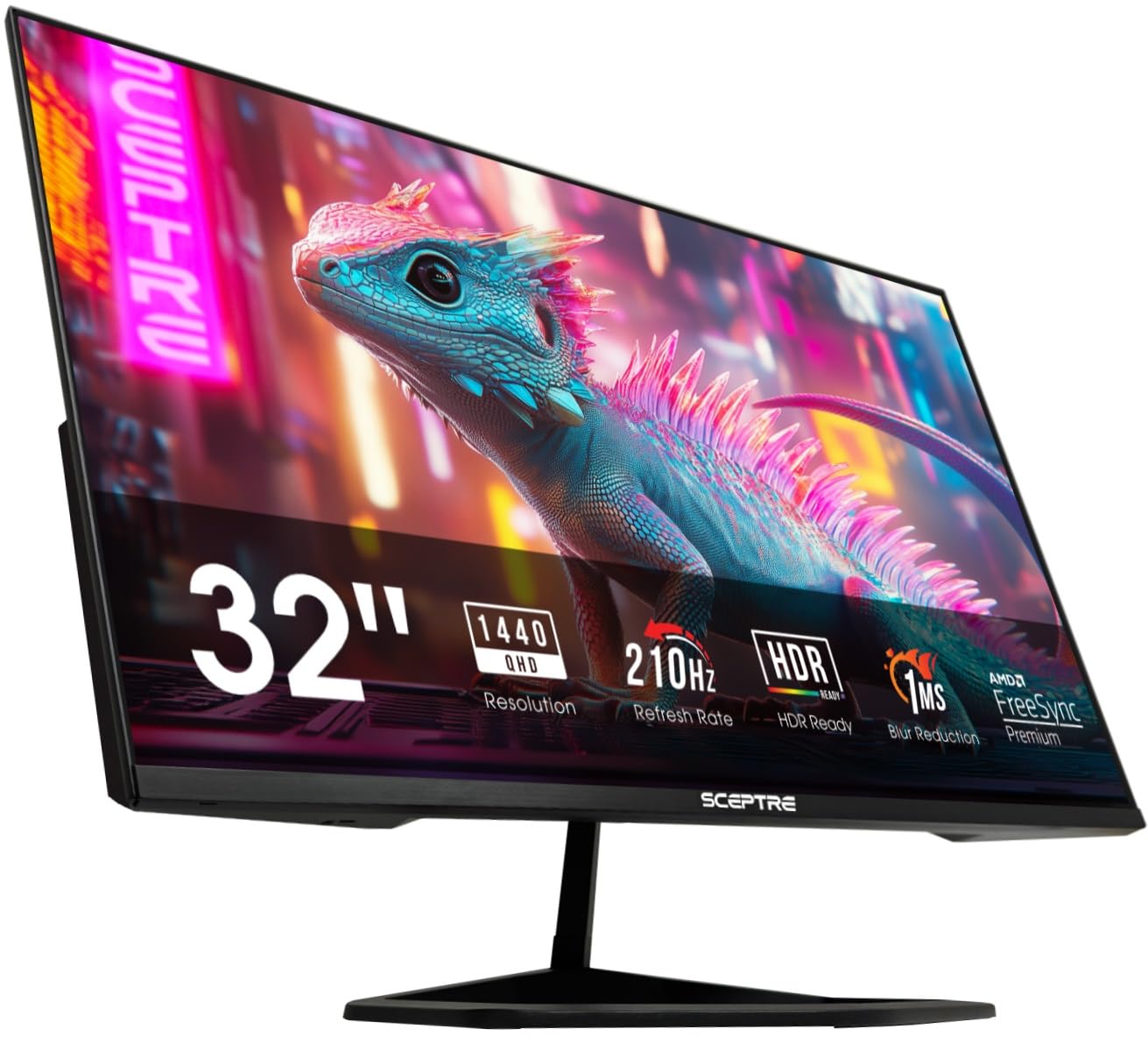
Sceptre E325B-QW200D

89 /100
Lab Score Excellent

Key details

Curvature
Flat
Panel Type
VA
Connectivity
DP, HDMI, USB-C
Refresh Rate
210 Hz (OC)
View on Amazon

The Sceptre 32-inch QHD monitor delivers a 210Hz overclockable refresh rate and USB-C input at a price point well under $250, giving competitive gamers a speed advantage that few others in this class can match. The VA panel produces vibrant colors and deep blacks, contributing to an immersive experience in fast-paced titles.

This monitor is best suited for gamers who prioritize frame rates over built-in extras. The built-in speakers are quiet and distorted, making external speakers or a gaming headset a necessity. The stand offers only tilt adjustment, so adding a monitor arm is recommended for proper ergonomics. Operational consistency can vary between units; some may show issues after extended use, though many perform well over time.

For those who already own external audio and a monitor arm, the Sceptre provides an unbeatable combination of high refresh rate and QHD resolution at a price that undercuts most rivals. It is a focused tool for gamers who know exactly what they want from their display.

💡 Mounting the monitor on an aftermarket arm resolves the limited stand adjustability.

Pros

  • 210Hz overclockable panel delivers exceptionally smooth motion for competitive gaming.
  • USB-C input allows single-cable connection with compatible laptops and devices.
  • QHD resolution at 32 inches offers sharp image quality without demanding a high-end GPU.

Cons

  • Stand lacks height adjustment and has limited tilt, requiring a monitor arm for optimal ergonomics.
  • Built-in audio is quiet and distorted, making external speakers or headphones a necessity for gaming.
  • Long-term performance can vary; some units may develop issues over extended use.
Our verdict

For gamers who prioritize maximum refresh rate on a budget and can bring their own speakers and monitor arm, this Sceptre delivers unmatched value.

Check Latest Price
4

Best for Immersive Curved Gaming

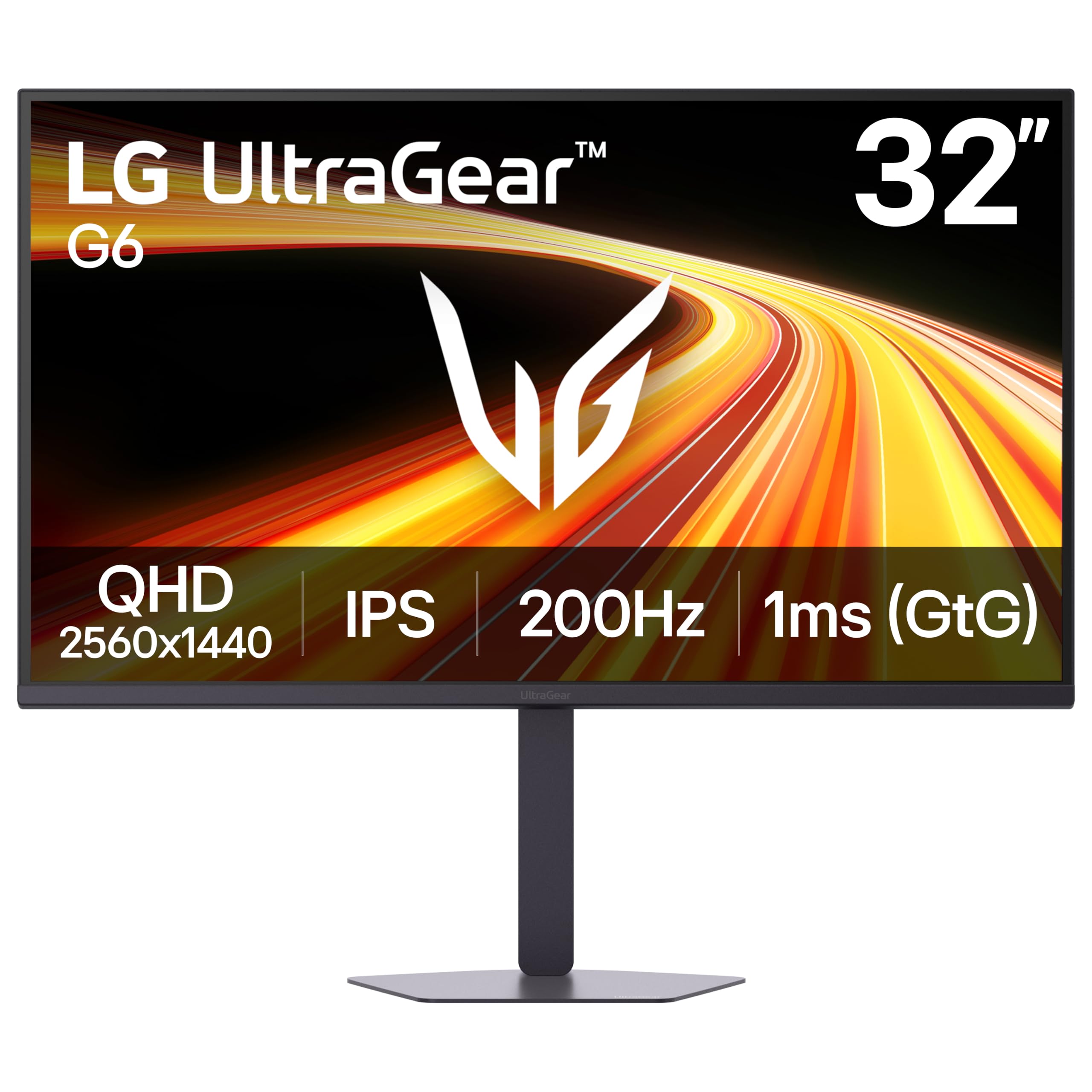
LG Ultragear 32GS60QC-B

87 /100
Lab Score Excellent

Key details

Curvature
1000R
Panel Type
VA
Connectivity
DP, HDMI
Refresh Rate
180 Hz
View on Amazon

The LG Ultragear 32GS60QC-B delivers a 180Hz VA panel with a 1000R curve at a budget-friendly price, making it one of the most immersive options in the 32-inch QHD range. The borderless design looks sleek in multi-monitor setups, and VA panel technology provides deep blacks that enhance dark gaming scenes. For single-player titles that benefit from strong contrast, this monitor offers a compelling experience.

The auto-brightness feature adjusts screen brightness based on ambient light and cannot be turned off. In practice, this can cause the display to dim during darker scenes or when room lighting changes, which may be distracting during fast-paced gameplay. Occasional reports of power failure or black screen after months of use have been noted — worth checking the return policy for peace of mind.

This monitor is best suited for curved screen enthusiasts upgrading from 1080p who want deep immersion without spending a premium. The aggressive 1000R curve and auto-dimming feature mean it’s less ideal for color-critical work or competitive gamers who need consistent brightness. For those use cases, the top pick offers a more balanced experience.

💡 Setting a fixed brightness isn't possible, so minimizing room light changes can reduce the screen dimming effect.

Pros

  • Budget-friendly 180Hz QHD curved monitor with strong value
  • Sleek borderless design enhances multi-monitor setups
  • Solid build and screen quality for the price

Cons

  • Some units may develop power failure or black screen after several months of use
  • The forced auto-brightness feature dims the screen unpredictably during gameplay, which can be distracting in competitive or horror titles.
Our verdict

If you can tolerate the auto-brightness quirk, this LG provides deep immersion at a low price — but the top pick is a more reliable choice for consistent performance.

Check Latest Price
5

Best for IPS Color Accuracy

Samsung Odyssey G50F

85 /100
Lab Score Excellent

Key details

Curvature
Flat
Panel Type
IPS
Connectivity
DP, HDMI
Refresh Rate
180 Hz
View on Amazon

The Samsung Odyssey G50F delivers a flat 32-inch IPS panel with 180Hz refresh and a fully adjustable stand — a rare combination in the budget QHD gaming monitor segment. While curved VA panels offer deeper blacks, this flat IPS excels in color accuracy and ergonomic flexibility, making it stand out from the top pick's immersive curve.

This monitor suits gamers who need consistent color for both gaming and content creation. The IPS glow and limited HDR mean dark room immersion takes a hit — those seeking deep blacks for horror or atmospheric titles should consider a VA alternative like the curved top pick.

The 180Hz refresh and 1ms response keep motion crisp in fast-paced shooters. Combined with the flat panel, the G50F avoids the viewing angle shifts that curved screens can introduce for some players. The on-screen menu is basic but adequate for most users.

💡 If you need finer color calibration, consider using external software — the monitor's OSD presets cover most scenarios.

Pros

  • Vivid IPS panel with wide viewing angles for accurate color work and gaming
  • Great value for the specs
  • Plug-and-play setup with minimal configuration needed

Cons

  • Limited on-screen controls for fine-tuning color and gamma
  • IPS glow can be noticeable in dark scenes, and HDR lacks dynamic range of true HDR displays
Our verdict

For color-conscious gamers who prefer a flat screen and need full ergonomic adjustments, the Odyssey G50F is the right fit — just be prepared for IPS glow and a basic HDR experience.

Check Latest Price
6

Best Budget Value

SANSUI ES-G32C3

91 /100
Lab Score Outstanding

Key details

Curvature
1500R
Panel Type
VA
Connectivity
DP, HDMI
Refresh Rate
180 Hz
View on Amazon

The SANSUI ES-G32C3 undercuts every competitor on price for a 32-inch QHD curved monitor with a 180Hz refresh rate and 1500R curve. That raw spec sheet — coupled with a VA panel that delivers decent contrast — makes it an attractive option for budget builds. While the top pick offers a more consistent experience and a tighter 1000R curve, this SANSUI gets you into the arena for less.

Dead or stuck pixels can appear after a few weeks of use, and color consistency may lean washed out versus premium panels. Some units also arrive with defects that prevent normal operation. This monitor demands a flexible return policy and a willingness to check for issues early.

The 180Hz refresh rate and 1ms response time deliver fluid motion for competitive shooters like Valorant and Apex Legends. The curved VA panel boosts immersion in dark scenes, though viewing angles narrow from the sides. For the price, the image quality is a pleasant surprise — if you get a good unit.

💡 Inspect the screen for dead pixels immediately after setup — the return window is your safety net.

Pros

  • Lowest price for a 32-inch QHD curved monitor with 180Hz and 1ms response
  • Sharp and colorful image that exceeds expectations at this price point
  • Thin bezels and 1500R curve give it a premium appearance

Cons

  • Dead or stuck pixels may appear during use, especially noticeable on dark backgrounds
  • Colors can look washed out compared to IPS panels, which matters in color-critical games
  • Some units may arrive with defects or develop issues shortly after purchase
Our verdict

If your budget is tight and you're prepared to handle potential returns, this monitor delivers the specs competitive gamers need — just keep that receipt close.

Check Latest Price
7

Best for Response Time

ASUS TUF VG32WQ3B

88 /100
Lab Score Excellent

Key details

Curvature
1500R
Panel Type
VA
Connectivity
DP, HDMI
Refresh Rate
180 Hz
View on Amazon

A 0.5ms GTG response time places this ASUS TUF ahead of nearly every other 32-inch QHD monitor for raw motion clarity. The VA panel delivers deep blacks and solid contrast, and the 180Hz refresh rate (when fully utilized) keeps fast-paced gameplay smooth. Early adopters report crisp image quality and vibrant colors out of the box, making it a strong performer in competitive titles.

Some units have been observed to cap at 144Hz rather than the advertised 180Hz, which could matter for players who want every frame of headroom. A smaller number of reports note ghosting or smearing in high-speed scenes, though this appears to be unit-specific and not universal. The overall image remains clear for most gaming scenarios.

This monitor fits early adopters who prioritize the fastest response time above all else and are comfortable with the uncertainty around long-term durability and spec consistency. For buyers who prefer a more established option, the VG32VQ1B offers a proven track record with similar gaming performance.

💡 Check the OSD to confirm your unit’s refresh rate; even at 144Hz the 0.5ms response still gives a competitive edge.

Pros

  • Blazing-fast 0.5ms GTG response for split-second reactions in competitive shooters
  • Crisp QHD resolution with vibrant colors for immersive gameplay
  • Exceptional value at a mid-range price given the spec sheet

Cons

  • Advertised 180Hz may not be reachable on all units; some cap at 144Hz
  • Ghosting or smearing can appear in fast-motion scenes on certain units
Our verdict

If you need the lowest possible response time for esports and are willing to accept some uncertainty around advertised specs, the VG32WQ3B delivers where it counts — but the more established VG32VQ1B remains the safer bet for most gamers.

Check Latest Price
8

Speculative Buy

KOORUI G3221SC

91 /100
Lab Score Outstanding

Key details

Curvature
1500R
Panel Type
VA
Connectivity
Refresh Rate
170 Hz
View on Amazon

The KOORUI G3221SC delivers appealing on-paper specs for its price: a 170Hz refresh rate, 1500R curvature, and 90% DCI-P3 color gamut. These numbers point to smooth motion and vivid colors in QHD gaming. Without user reports to verify real-world performance, response time consistency, and panel quality, this monitor stays a speculative option. It suits buyers who value competitive specifications and are comfortable testing within a return window.

Pros

  • 170Hz refresh rate and 1ms response time suited for competitive gaming.
  • 1500R curvature enhances immersion in driving and exploration games.
  • Wide 90% DCI-P3 color coverage for vibrant visuals out of the box.

Cons

No notable drawbacks to flag.

Our verdict

Only worth a look if you are willing to accept unverified performance and have the option to return it if expectations aren't met.

Check Latest Price
9

Premium IPS

GIGABYTE AORUS FI32Q

88 /100
Lab Score Excellent

Key details

Curvature
Flat
Panel Type
IPS
Connectivity
DP, HDMI, USB-C
Refresh Rate
165 Hz
View on Amazon

The GIGABYTE AORUS FI32Q delivers a vibrant 1440p IPS panel with smooth 165Hz refresh, solid build, and a built-in KVM switch for seamless device switching. Some units exhibit dead pixels, so inspection on arrival is wise. Without a confirmed price, its value against similarly specced monitors is uncertain. The design is clean and the stand offers full ergonomic adjustments, fitting well in a dual-PC setup.

Pros

  • Vibrant IPS panel with accurate colors for gaming and content
  • Built-in KVM switch simplifies multi-device control

Cons

  • Brightness range is narrow, making it hard to find a comfortable level in mixed lighting conditions
  • Price not listed, so value comparison with competitors is uncertain
Our verdict

Best suited for competitive gamers who want IPS color and KVM and can accept a potential need to return for dead pixel issues, especially if available at a steep discount.

Check Latest Price

How to Choose

Refresh Rate

A higher refresh rate (165Hz to 210Hz) makes motion smoother, but reaching the advertised maximum usually requires a DisplayPort 1.4 connection. HDMI 2.0 on many monitors caps at 144Hz for QHD. Some budget monitors advertise 180Hz but only achieve it via overclocking, which can introduce frame skipping or instability in long sessions. For competitive shooters, the difference between 144Hz and 180Hz is noticeable, but only if your GPU can sustain those framerates.

Response Time

Manufacturers quote response times using either MPRT (Motion Picture Response Time) or GTG (Gray-to-Gray). A 1ms MPRT rating often comes from backlight strobing, which can cause flicker or reduce brightness. GTG ratings are more honest but vary by panel technology. VA panels typically have slower dark-to-dark transitions, leading to black smearing in dark scenes, while IPS panels maintain consistent pixel speeds across all colors. For competitive gaming, a 0.5ms GTG panel like the ASUS VG32WQ3B offers a real advantage, but most players won't notice the difference between 1ms and 0.5ms.

Panel Type

VA panels deliver deeper blacks and higher contrast ratios thanks to their liquid crystal alignment, making them ideal for dark horror games or cinematic single-player titles. However, they suffer from slower pixel response in dark transitions, which can cause ghosting in fast-paced scenes. IPS panels offer superior color consistency and wider viewing angles, but their lower contrast means blacks appear grayish in dim rooms. If you split time between gaming and content creation, IPS is the safer choice; if immersion and contrast are your priority, VA wins.

Another trade-off: IPS panels typically have more IPS glow in corners, while VA panels can crush shadow detail. Neither is perfect, so choose based on your primary use case.

Curvature

Curvature is measured by radius in millimeters — a 1000R curve is tighter than 1500R. A 1000R wrap-around effect can make you feel inside the game, but it distorts straight lines on desktop windows, which is annoying for productivity or side-by-side multiplayer. A 1500R or flat panel is more versatile for mixed use. For pure competitive FPS, many players prefer flat because it eliminates perspective distortion when tracking crosshairs at screen edges. The best choice depends on whether your monitor is dedicated to gaming or shared with work.

Connectivity

DisplayPort is the standard for hitting max refresh rate at QHD; HDMI 2.0 typically caps at 144Hz. USB-C with DisplayPort Alt Mode is a bonus for laptop users, allowing a single-cable connection for video and power delivery. Built-in speakers on budget monitors are universally weak — expect tinny sound at best. Plan for external speakers or headphones regardless of the monitor's connectivity options. Also check if the stand includes VESA mounting; many budget models lack height adjustment, so a monitor arm may be necessary for ergonomic setups.

Frequently Asked Questions