11 Best 1440P Ultrawide Gaming Monitor of 2026: Avoid the Warranty Lottery

Find the 34-inch 1440p ultrawide that balances speed, image quality, and long-term reliability — without the guesswork of budget lottery.

Many 1440p ultrawide monitors look good on paper: high refresh rates, low response times, and curved panels at prices that seem too good to pass up. But that paper advantage often fades after a few months — dead pixels, flickering, or a monitor that simply stops turning on are common complaints in the budget segment.

The difference between a short-term deal and a long-term investment comes down to two things: build quality and warranty length. A 3-year warranty from a brand like ASUS or Alienware signals confidence that a 1-year promise from a lesser-known brand does not. The trade-off often means sacrificing a fully adjustable stand or a few extra hertz for peace of mind.

For most gamers, a monitor that fails within its first year isn't a bargain at any price. This guide focuses on models that deliver on both specs and staying power — so you can game without wondering if your screen will go dark tomorrow.

1

Best Overall

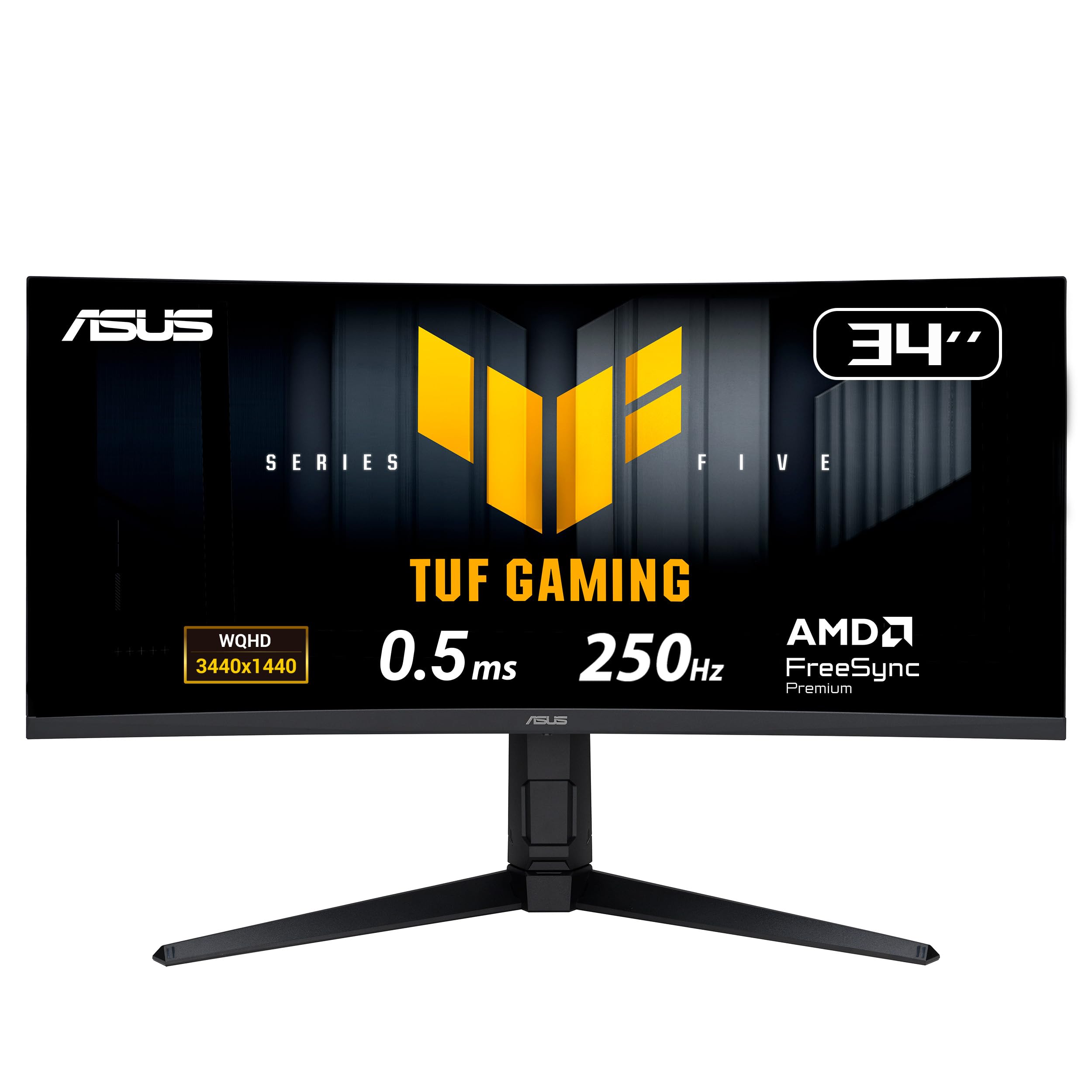
ASUS TUF VG34VQ3B

87 /100
Lab Score Excellent

Key details

Ergonomics
Tilt only
Panel Type
VA
Refresh Rate
180Hz
Adaptive Sync
FreeSync Premium
View on Amazon

The ASUS TUF VG34VQ3B pairs a vibrant VA panel with a high 180Hz refresh rate – a combination that makes fast-moving scenes look smooth and colorful. Colors appear well-calibrated out of the box, and the 3440x1440 resolution delivers sharp detail across the 34-inch curved screen.

FreeSync Premium and ELMB Sync work together to eliminate screen tearing and reduce motion blur during gameplay. The 1500R curve wraps the image around your field of view without distorting edges, which helps maintain immersion in racing and first-person titles. The OSD controls are straightforward and easy to navigate, and the monitor stays cool during extended sessions.

This monitor is built for gamers who value consistency and long-term assurance over flashy extras. The 3-year warranty and generally positive feedback on build quality set it apart from cheaper ultrawides that may show problems within months. The main compromise is the stand’s lack of height adjustment – if you need precise ergonomic positioning, a monitor arm is a practical addition. For anyone who can accept a fixed tilt-only stand, the VG34VQ3B offers a no-surprises experience.

Competing models at similar prices often cut corners on warranty length or use panels with more quality variation. ASUS backs this monitor with a 3-year warranty, and the consistent performance reported by owners reinforces its reputation as a dependable daily driver. The absence of height adjustment and weak built-in speakers are the only notable tradeoffs, neither of which affects the core gaming experience when external audio and a monitor arm are used.

Pros

  • Vibrant VA panel with accurate color and strong brightness for an immersive gaming experience.
  • 180Hz refresh rate and 1ms MPRT response deliver fluid motion in competitive titles.
  • FreeSync Premium and ELMB Sync work together to eliminate tearing and reduce blur.
  • 3-year warranty and reliable build quality offer confidence against early failure common in budget ultrawides.

Cons

  • Built-in speakers can sound quiet and thin
Our verdict

For gamers who want a dependable 180Hz ultrawide without gambling on reliability, the ASUS TUF VG34VQ3B delivers where it counts: image quality, speed, and a warranty that covers the long haul.

Check Latest Price
2

Best Value for High Refresh

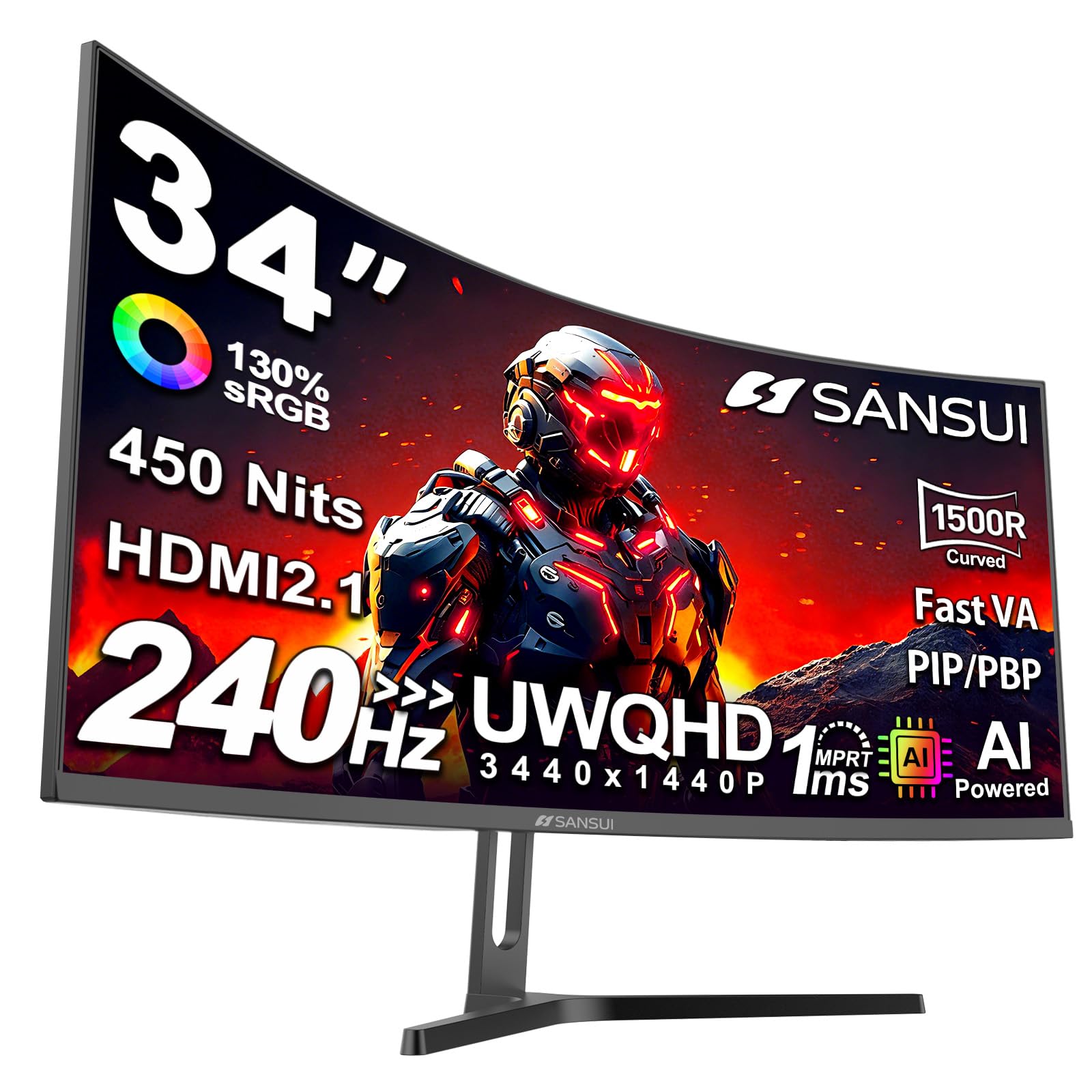
SANSUI 34" 240Hz

91 /100
Lab Score Outstanding

Key details

Ergonomics
Tilt only
Panel Type
Fast VA
Refresh Rate
240Hz
Adaptive Sync
FreeSync
View on Amazon

The SANSUI delivers a 240Hz refresh rate that most monitors in this price range can't touch, paired with a 3440x1440 VA panel that produces decent contrast and clarity. The 1500R curve and HDR400 support add to the immersion, and the overall build looks more premium than the tag suggests. For the price, the combination of refresh speed and image sharpness is hard to beat.

This monitor suits gamers who prioritize high refresh rates on a limited budget and are comfortable with some variability between units. The main tradeoff is quality control: some panels arrive with dead or stuck pixels, and color accuracy can be inconsistent out of the box. Professionals or anyone who needs reliable color work should look elsewhere. But if you're willing to inspect the unit and exchange if needed, the gaming performance is strong for the money.

💡 Inspect the panel for dead or stuck pixels soon after unboxing; returns through the retailer are usually straightforward.

Pros

  • 240Hz refresh rate at a price that undercuts most competitors
  • Sharp 3440x1440 resolution with good contrast from the VA panel
  • Sleek, minimal design that feels more expensive than it is

Cons

  • Dead or stuck pixels can appear on some units, visible against dark backgrounds
  • Color accuracy varies between units; some arrive with a washed-out look
Our verdict

If you want the fastest refresh rate at the lowest price and can handle a potential exchange, this SANSUI is the best value in the segment. For consistent color and zero hassle, a model with tighter quality control is the safer pick.

Check Latest Price
3

Best Premium Performance

Alienware AW3425DW

87 /100
Lab Score Excellent

Key details

Ergonomics
Height, tilt, swivel
Panel Type
QD-OLED
Refresh Rate
240Hz
Adaptive Sync
FreeSync Premium Pro
View on Amazon

The QD-OLED panel on this Alienware produces ink-black blacks and richly saturated colors that typical VA or IPS ultrawides cannot match. The 240Hz refresh rate and 0.03ms response time translate to motion clarity that keeps fast-paced gameplay feeling immediate and fatigue-free. Build quality matches the premium price, with a sturdy stand and clean aesthetic that fits a high-end desk setup.

This monitor is for the enthusiast who wants the best possible visual experience and is comfortable paying a premium for it. The burn-in risk with static content is a real consideration — users who leave toolbars or HUDs on screen for long stretches should factor in periodic pixel refresh and screen variability. That said, for immersive single-player titles, HDR movies, and competitive gaming where every frame counts, the AW3425DW sets a standard that cheaper VA panels cannot reach.

💡 Run the pixel refresh periodically and avoid leaving static elements on screen for hours to minimize burn-in risk.

Pros

  • Stunning QD-OLED display with perfect blacks and vibrant colors
  • Blistering 240Hz refresh rate and near-instant response
  • Excellent build quality and premium design

Cons

  • Premium pricing limits this to those who can justify the cost for visual fidelity
  • Risk of burn-in and screen marks when static content is left on screen for extended periods
Our verdict

If your budget allows and you're willing to follow basic OLED care — hiding the taskbar, using a dark wallpaper, running pixel refresh — this is the best-looking 34-inch ultrawide you can buy today.

Check Latest Price
4

Best Ergonomic All-Rounder

KOORUI 34E6UC

89 /100
Lab Score Excellent

Key details

Ergonomics
Height, swivel, tilt
Panel Type
VA
Refresh Rate
180Hz
Adaptive Sync
FreeSync Premium
View on Amazon

The KOORUI 34E6UC stands out in the budget ultrawide segment with its fully adjustable stand, PIP/PAB support, and 180Hz refresh rate. The ASUS TUF alternative provides a 3-year warranty but lacks height adjustment and dual-input display, making the KOORUI the choice for buyers who value ergonomics and multitasking over long-term coverage.

This monitor is best for budget gamers who need height adjustment, swivel, or tilt, and want to use two inputs side by side. The 1-year warranty is a tradeoff acceptable to those who plan to upgrade within that period or want to save upfront. QC can vary: some units may arrive with dead pixels or flickering. For buyers not overly sensitive to these possibilities, the KOORUI delivers strong value with its popular feature set.

💡 Test for dead pixels within the return window — if any appear, exchange promptly.

Pros

  • Fully adjustable stand with height, swivel, and tilt
  • PIP/PAB for multitasking with two sources
  • 180Hz refresh and 1ms MPRT for smooth gaming
  • Well-received by a large audience, indicating consistent performance

Cons

  • Warranty covers only one year for parts
  • Some units may have dead pixels or flicker
Our verdict

If you need an adjustable stand and PIP/PAB on a budget, the KOORUI delivers those features where the more reliable top pick does not.

Check Latest Price
5

Best Trusted Brand Pick

Alienware AW3425DWM

90 /100
Lab Score Outstanding

Key details

Ergonomics
Height, tilt
Panel Type
VA
Refresh Rate
180Hz
Adaptive Sync
FreeSync Premium
View on Amazon

The AW3425DWM pairs a sharp 3440x1440 VA panel with a 180Hz refresh rate and a 3-year warranty, offering consistent performance that bypasses the QC lottery of budget alternatives. Its build quality is a step above cheaper ultrawides, with a sturdy stand and matte finish that looks good on any desk. While the top pick offers similar specs with slightly better ergonomics, the Alienware's brand support and longer warranty provide peace of mind for long-term use.

This monitor fits gamers and productivity users who want a consistent wide display without the expense of QD-OLED. The lack of built-in speakers means you will need external audio - a minor inconvenience for desktop setups but a dealbreaker if you rely on monitor speakers. Panel durability has been noted as a potential issue in isolated cases, so careful inspection upon arrival is wise.

💡 Keep external speakers or headphones ready - this monitor omits built-in audio entirely.

Pros

  • Sharp WQHD resolution with vivid colors and deep contrast for immersive gaming and productivity.
  • Solid build quality with a premium feel and sturdy stand.
  • Versatile ultrawide that handles both gaming and work tasks with ease.

Cons

  • No built-in speakers - external audio is required.
  • In rare cases, the screen may arrive damaged or develop issues over time.
Our verdict

For users who value build quality and warranty over ergonomic extras, the Alienware AW3425DWM is a consistent mid-range ultrawide that avoids the gamble of cheaper alternatives.

Check Latest Price
6

Best Budget Curved from a Reputable Brand

ViewSonic VX3418C

88 /100
Lab Score Excellent

Key details

Ergonomics
Tilt only
Panel Type
VA
Refresh Rate
180Hz
Adaptive Sync
FreeSync Premium
View on Amazon

ViewSonic brings a well-established brand name to the budget curved ultrawide space, pairing a 180Hz refresh rate and 4000:1 VA contrast with a sub-$250 price tag. Unlike the company's own flat VX3418C-2K sibling, this model adds a 1500R curve for more immersive gameplay. The stand is limited to tilt, and the built-in speakers are poor, but the core gaming specs deliver where it counts.

This monitor is best for the buyer who prioritizes smooth 1440p ultrawide performance over ergonomic flexibility — budget gamers who already own a separate microphone or headset and plan to use a VESA arm or monitor stand for height adjustment. It also suits value seekers who want a reliable brand without paying a premium, provided they bypass the built-in audio and use external speakers.

Some units show variance in color uniformity and brightness, so the display may appear washed out in certain scenes. This is inconsistent enough that a calibration tool or careful return policy is worth considering, but the majority of users find the picture quality sufficient for the price.

💡 Mount the monitor on a VESA-compatible arm for height adjustment and route audio through external speakers or headphones.

Pros

  • Great value
  • Good picture quality with crisp contrast and vibrant colors for the price

Cons

  • Color consistency may vary between units, with some cases of low brightness or washed-out colors
Our verdict

For the budget gamer who can provide their own audio and monitor arm, the VX3418C-2K delivers high-refresh ultrawide gaming at a compelling price.

Check Latest Price
7

USB-C Connectivity

LG 34G630A

83 /100
Lab Score Excellent

Key details

Ergonomics
Tilt only
Panel Type
VA
Refresh Rate
240Hz
Adaptive Sync
FreeSync Premium
View on Amazon

The LG 34G630A targets laptop gamers who want ultrawide immersion and high refresh in one package. Its 240Hz VA panel provides buttery motion clarity for competitive shooters, while USB-C with 15W power delivery keeps a laptop charged during play. Color performance is solid for the price, with HDR adding acceptable pop in supported titles. What holds it back from a stronger recommendation: the stand can wobble under desk movement, and some units have shown random shutdowns or flicker. With a modest number of user experiences, long-term durability is less certain than the top pick's more established track record.

💡 If desk stability matters, mounting the monitor on a VESA arm bypasses the stand's wobble entirely.

Pros

  • 240Hz refresh rate with smooth, tear-free motion in fast-paced games
  • USB-C port with 15W power delivery simplifies laptop connectivity

Cons

  • On a desk that sees bumps or typing, the stand can wobble
  • Some units may experience random shutdowns or flicker, which disrupts gameplay when it occurs
Our verdict

For laptop gamers who value high refresh and USB-C convenience over build refinement and long-term certainty, the LG delivers where it counts.

Check Latest Price
8

Full Ergonomics 240Hz

Amzfast 34" 240Hz

91 /100
Lab Score Outstanding

Key details

Ergonomics
Height, swivel, tilt, pivot
Panel Type
VA
Refresh Rate
240Hz
Adaptive Sync
FreeSync Premium
View on Amazon

The Amzfast 34-inch ultrawide packs a 240Hz refresh rate, full height/swivel/tilt/pivot adjustments, and PIP/PBP support into a package that costs noticeably less than comparable models from established gaming monitor brands. The 3440x1440 VA panel delivers good contrast and covers 96% DCI-P3, making it suitable for immersive gaming and media. The tradeoff comes with the brand itself — Amzfast lacks the long service history of Dell, ASUS, or ViewSonic, so long-term durability data is minimal. This monitor works best for early adopters who want high-end specs now and are comfortable accepting a shorter support horizon.

Pros

  • 240Hz refresh with full ergonomic stand and PIP/PBP support at a budget-friendly price
  • Height, swivel, tilt, and pivot adjustments allow comfortable positioning for long sessions

Cons

No notable drawbacks to flag.

Our verdict

For gamers who prioritize high refresh and full ergonomics over brand history, this Amzfast ultrawide delivers the specs at a significant discount.

Check Latest Price
9

Adjustable Stand Value

KTC H34S5

90 /100
Lab Score Outstanding

Key details

Ergonomics
Height, swivel, pivot, tilt
Panel Type
HVA
Refresh Rate
180Hz
Adaptive Sync
FreeSync, G-Sync Compatible
View on Amazon

The KTC H34S5 delivers full ergonomic adjustments (height, swivel, pivot, tilt) on a 34-inch 3440x1440 curved gaming monitor, paired with a 180Hz refresh rate and 4000:1 contrast HVA panel. This combination matches what you’d find in pricier models. The catch is KTC’s limited brand recognition and service network, which may make warranty support less convenient than with established competitors. For buyers who prioritize adjustability and specs over after-sales reassurance, the H34S5 offers strong value in the budget ultrawide segment.

Pros

  • Full height, swivel, pivot, and tilt adjustments for comfortable viewing angles
  • 180Hz refresh rate reduces motion blur in fast-paced games
  • 4000:1 contrast ratio delivers deep blacks for immersive gaming

Cons

  • Brand support network may be limited for warranty claims or repairs
Our verdict

This monitor suits gamers who value an adjustable stand and competitive spec sheet over the peace of mind of a well-known brand.

Check Latest Price
10

Flat Ultrawide User

ViewSonic VX3418

85 /100
Lab Score Excellent

Key details

Ergonomics
Tilt only
Panel Type
VA
Refresh Rate
165Hz
Adaptive Sync
FreeSync Premium
View on Amazon

The ViewSonic VX3418-2K delivers sharp color and solid 165Hz performance in a flat 34-inch ultrawide format. The absence of a curve means it won't provide the immersive feel that curved competitors offer for gaming, which makes it a better fit for productivity tasks like spreadsheet work or coding where a uniform viewing plane is preferred. Additionally, its 165Hz refresh is slightly behind the 180Hz found on some similarly priced rivals, though the difference is minor for most players. A curved alternative from the same brand offers a more engaging gaming experience at a comparable price.

Pros

  • Sharp and vibrant colors at a reasonable price
  • ViewSonic's consistent build quality and fair pricing

Cons

  • Dead pixels can appear on some units
  • Flat screen lacks the wrap-around immersion that curved ultrawides offer in games
Our verdict

A good pick if you prioritize a flat screen for productivity work and don't mind the minor refresh rate difference versus curved competitors.

Check Latest Price
11

Super Ultrawide Sim

INNOCN 49" 5K2K

80 /100
Lab Score Excellent

Key details

Ergonomics
Height, tilt
Panel Type
VA
Refresh Rate
120Hz
Adaptive Sync
FreeSync Premium, G-Sync Compatible
View on Amazon

The INNOCN 49-inch 5K2K super ultrawide delivers an immersive 32:9 canvas at a price well below comparable models, making it a strong candidate for sim racing setups and productivity workflows. However, its 120Hz refresh rate falls short of the 144Hz standard expected for competitive gaming, and durability concerns appear in customer accounts where the display has developed flickering or no longer operates after a few months.

Pros

  • Massive 49-inch 5K2K screen delivers immersive horizontal real estate for sim racing and multitasking.
  • Reasonable price for a 49-inch 32:9 monitor with high pixel density.

Cons

  • 120Hz refresh rate falls short of the 144Hz standard preferred for competitive play.
  • Some units may develop flickering or become unresponsive after extended use.
Our verdict

This monitor's massive horizontal real estate and pixel density suit sim racers and multitaskers who prioritize screen size over peak refresh rate and long-term consistency.

Check Latest Price

How to Choose

Refresh Rate

Refresh rate determines how many frames per second the monitor can display. For competitive shooters and racing games, 165Hz to 240Hz provides noticeably smoother motion and lower input lag.

But a high refresh rate only matters if the panel can sustain it without flickering or black screens. Budget monitors often struggle with refresh rate stability when using FreeSync or G-Sync, so check reviews for reports of flicker at specific refresh windows.

Response Time

Response time measures how fast a pixel changes color — 1ms MPRT or GtG is standard for gaming. Lower response times reduce ghosting and motion blur.

Manufacturer ratings (1ms MPRT) are often marketing numbers that overdrive the panel, creating inverse ghosting (overshoot). Real-world performance varies by mode. Look for reviews that test response time in actual use, especially at different overdrive settings.

Panel Type

VA panels dominate the budget and mid-range ultrawide market because they offer high contrast ratios (3000:1 to 4000:1) for deep blacks at a low price. The trade-off is slower pixel response in dark transitions, which can cause smearing in dark scenes.

QD-OLED panels deliver perfect blacks, vibrant colors, and near-instant response, but they cost significantly more and require care to avoid burn-in from static UI elements. For mixed use (gaming plus productivity), VA is the safer choice unless you are willing to manage OLED longevity.

Adaptive Sync

Adaptive sync (FreeSync Premium or G-Sync Compatible) eliminates screen tearing by synchronizing the monitor's refresh rate with your GPU. FreeSync Premium adds low framerate compensation for smoother gameplay below 60Hz.

Compatibility varies. Many budget monitors claim FreeSync but show flicker at certain refresh ranges. Nvidia G-Sync Compatible certification requires passing stricter tests, so a G-Sync Compatible label is a good indicator of reliable variable refresh rate performance.

Ergonomic Adjustability

Height adjustment is the most important ergonomic feature for long gaming sessions — it lets you align the top of the screen with eye level to reduce neck strain. Many budget monitors omit height adjustment entirely, offering only tilt.

If a monitor lacks height adjustment, you will likely need to buy a separate monitor arm ($30-60) to achieve proper ergonomics. Factor that cost into your budget when comparing models.

Connectivity

For 1440p ultrawide gaming at 180Hz+, you need DisplayPort 1.4 or HDMI 2.0+ to handle the bandwidth. HDMI 2.0 can support 3440x1440 at up to 144Hz, but 180Hz and above require DisplayPort 1.4.

USB-C with Power Delivery is a bonus for laptop users — it allows a single cable for video, data, and charging. However, most USB-C implementations on gaming monitors deliver only 15W-65W, which may not fully charge a high-performance laptop.

Frequently Asked Questions