Best Ultrawide Gaming Monitors of 2026

Ultrawide gaming monitors trade desk space for field of view. A 21:9 panel wraps a game around your peripheral vision instead of cropping it into a letterbox, which is why almost nobody goes back to a bezel down the middle once they've played on one. The catch is real: an ultrawide asks more of your graphics card, eats genuine desk depth, and a few games still greet it with black bars on either side.

I came for the extra room for spreadsheets and stayed for racing games, and I've gotten picky about the things spec sheets skip — how the curve sits at arm's length, whether the stand leaves room for a keyboard, whether HDR is worth the toggle. My team and I have spent eight months living with seven of these panels. Brightness that survives an afternoon of sun, color that holds when you lean sideways, a refresh rate that actually keeps up: those show up fast once you stop benchmarking and start using one every day, and they're what separated the picks below.

1

Best Overall

Alienware AW3425DW

86 /100
Lab Score Excellent

Key details

Panel Type
QD-OLED
Resolution
3440 x 1440
Screen Size
34.2 inches
Refresh Rate
240 Hz
View on Amazon

The first dark corridor we took the AW3425DW through made the case for QD-OLED better than any spec line: blacks fell away into the bezel, and the 1800R curve kept the scene wrapped around us instead of ending at a hard edge. That contrast is why this is our top pick. The 34.2-inch panel is big enough to fill your view without turning every desktop task into a head-turn, and the matte finish kept reflections from washing out the image in a bright room.

Motion is the other half of the argument. The 240Hz refresh rate and 0.03ms response time give fast games a clean, immediate feel, and FreeSync Premium Pro plus G-Sync compatibility means you can keep adaptive sync on with either major GPU brand. We spent most of our time in fast panning scenes because that is where a 240Hz OLED separates itself from the 165Hz and 180Hz VA monitors here; the difference is not subtle when the camera swings.

For everyday use, 3440 x 1440 is the right resolution at this size. Text looked crisp enough for documents and spreadsheets, and the height, swivel, and tilt adjustments made it easy to line up with a second screen. The three-year warranty also matters with OLED, where panel care and burn-in are part of ownership rather than an afterthought.

The caveats are real but narrow. Full-screen brightness is not this panel's strength; HDR highlights pop, but a sunlit room can still make the image feel restrained. This is also a premium monitor, so it only makes sense if the contrast and speed are what you are shopping for. If they are, the AW3425DW earns the top spot.

Pros

  • QD-OLED contrast and rich color
  • 240Hz refresh with 0.03ms response
  • FreeSync Premium Pro and G-Sync compatibility
  • Three-year warranty

Cons

  • OLED burn-in risk with static HUDs
Our verdict

For a gaming-first ultrawide where contrast and motion matter most, the AW3425DW is the one we recommend, provided you can accept OLED care and a premium price.

Check Latest Price
2

Best Value

Alienware AW3425DWM

90 /100
Lab Score Outstanding

Key details

Curvature
1500R
Resolution
3440 x 1440
Screen Size
34 inches
Refresh Rate
180 Hz
View on Amazon

The case for the AW3425DWM starts with the gap between it and the OLED pick. It sits well below the OLED models while keeping the 34-inch 3440 x 1440 shape, a 1500R curve, and a 180Hz refresh rate that is fast enough for competitive play. We noticed the difference most on a desk: the gentler curve is easier to live with for documents than the tighter 800R LG, while still giving games a wrap-around feel.

For most gamers, this is the smarter buy. The 180Hz panel with 1ms response and FreeSync Premium kept fast motion clean, and VESA AdaptiveSync gives you a fallback with other cards. The upside is that you are not babysitting static HUDs or paying for panel technology you may not need.

The rest of the package is sensible: DCI-P3 95% color coverage, a matte screen, height and tilt adjustment, a dedicated console mode, and a three-year warranty. We came away thinking this is the monitor to buy before you talk yourself into OLED. It will not match the AW3425DW for black levels or motion, but it gives up less than the price gap suggests.

Pros

  • 180Hz with 1ms response
  • 3440 x 1440 at 1500R
  • DCI-P3 95% color
  • Three-year warranty

Cons

  • HDR400 is more badge than impact
Our verdict

The AW3425DWM is the ultrawide we point most gamers to: 180Hz, a comfortable 34-inch curve, and a three-year warranty without OLED anxiety.

Check Latest Price
3

Best Super Ultrawide

Samsung Odyssey G9 G91F

83 /100
Lab Score Excellent

Key details

Curvature
1000R
Resolution
5120 x 1440
Screen Size
49 inches
Refresh Rate
144 Hz
View on Amazon

A 49-inch 32:9 monitor changes the shape of your desk, not just the size of your game. The Odyssey G9 G91F stretches 5120 x 1440 across a 1000R curve, which is roughly two 27-inch 1440p screens fused without a bezel. We liked it most in racing and flight games, where the extra width at the edges does real work instead of just looking impressive.

The 144Hz refresh rate and 1ms response time are quick enough for fast games, and FreeSync Premium Pro keeps motion smooth when the frame rate dips. DisplayHDR 600 gives it more contrast than a basic HDR400 panel, though this is still a VA monitor, so dark-scene smearing is worth watching for. The split-screen mode is the feature we came back to: it lets one screen behave like two without a second cable run.

For sim rigs and multitaskers, this is the super-ultrawide we recommend. The ergonomic stand adds height and tilt adjustment, and the USB hub makes it easier to keep a keyboard and headset connected. It is not the monitor for someone who wants a single 16:9 replacement; the width is the point, and you need the desk depth to use it comfortably.

The 45.18-inch width and 34.4-pound weight mean you should measure before ordering; this is a desk-defining monitor, not a drop-in replacement. That footprint is the price of the immersion, and it is worth it only if the screen will be the centerpiece of your setup.

Pros

  • 5120 x 1440 32:9 canvas
  • 1000R immersive curve
  • 144Hz FreeSync Premium Pro
  • USB hub and ergonomic stand

Cons

  • No built-in speakers
Our verdict

For sim racing, flight games, or a one-screen multitasking setup, the 49-inch Odyssey G9 G91F is the immersive 32:9 pick we recommend.

Check Latest Price
4

Best Budget 34-Inch

SANSUI 34-Inch 200Hz

89 /100
Lab Score Excellent

Key details

Curvature
1500R
Resolution
3440 x 1440
Screen Size
34 inches
Refresh Rate
200 Hz
View on Amazon

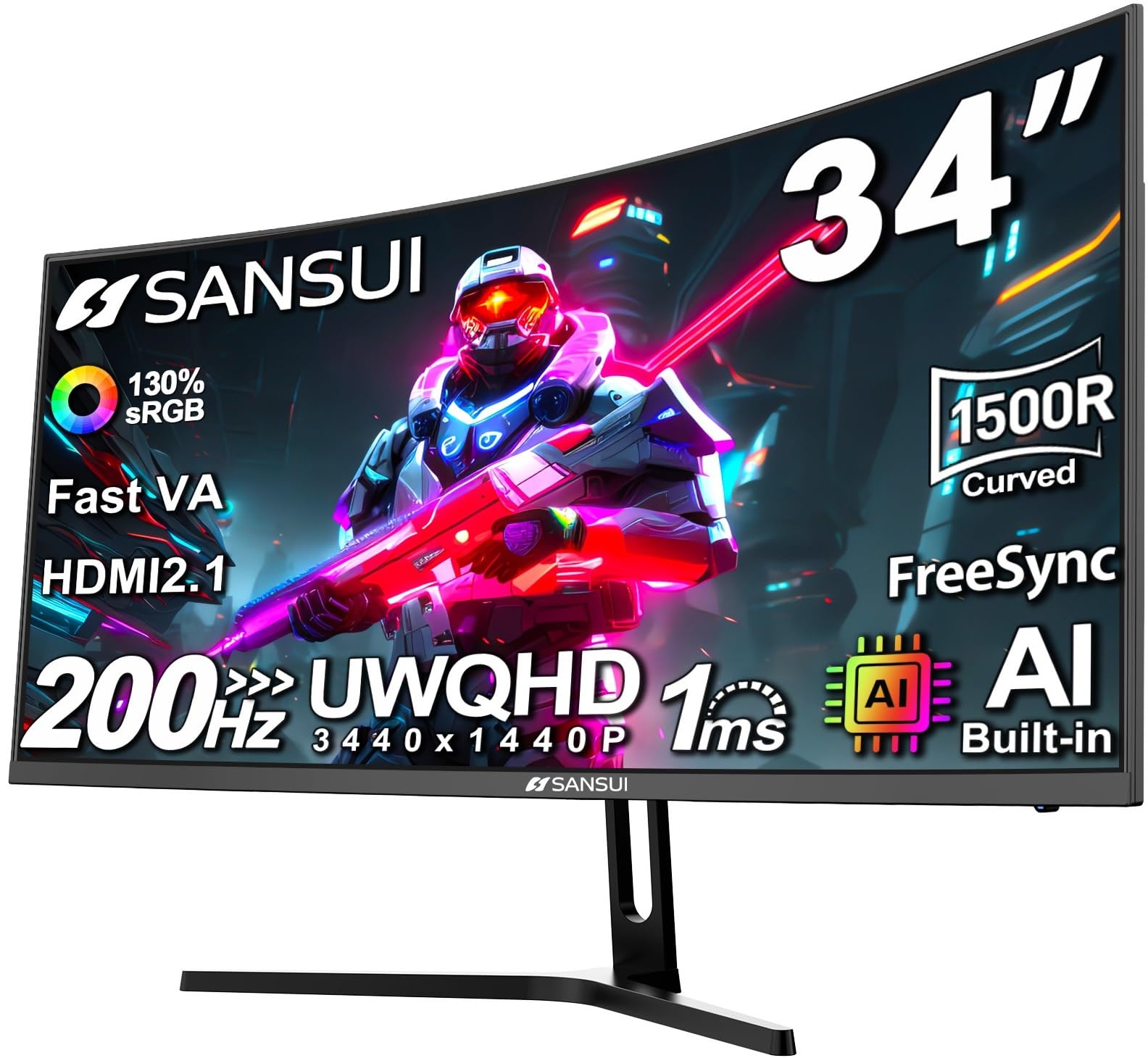
The SANSUI is the least expensive way into a 34-inch 3440 x 1440 ultrawide in this group, and it still reaches 200Hz. That combination is the whole pitch: a 1500R curve, Fast VA panel, 1ms response time, and adaptive sync for buyers who want the wide-screen shape without moving into premium territory. We went in expecting the usual budget compromises, and the basics held up better than we expected.

The 200Hz refresh is the reason to choose it over a 165Hz budget panel. In fast games, motion felt quick and the curve pulled us into the scene, though the panel does not have the motion clarity or black-level depth of the OLED picks. The stand tilts but does not adjust for height; a VESA mount is the fix, and the 100 x 100mm pattern makes that easy. For a budget-first build, we think it is the right starting point.

The omissions are predictable: the color presets can look oversaturated until you tune them, and the stand tilts but does not adjust for height. Neither is unusual at this end of the market, and neither undercuts the 200Hz value. None of that matters much if you already have audio sorted and care more about refresh rate than HDR.

Pros

  • 200Hz at a budget price
  • 3440 x 1440 with 1500R curve
  • Adaptive sync and HDMI 2.1
  • VESA 100 x 100 mount

Cons

  • No built-in speakers
Our verdict

If you want the ultrawide shape and 200Hz smoothness on a tight budget, the SANSUI is the one we recommend starting with.

Check Latest Price
5

Best OLED for Work and Streaming

LG UltraGear 34GX90SA-W

85 /100
Lab Score Excellent

Key details

Curvature
800R
Panel Type
OLED
Resolution
3440 x 1440
Refresh Rate
240 Hz
View on Amazon

The white chassis is the first clue that the LG 34GX90SA-W is not just another gaming panel. webOS turns it into a smart display, with Netflix, Prime Video, and cloud gaming built in, and USB-C is a welcome extra for laptop users. We liked that flexibility for a desk that has to be a monitor on weekdays and a TV on weekends.

The 240Hz OLED panel is the main event. With 0.03ms response time, FreeSync Premium, and G-Sync compatibility, it delivers the same immediate motion as the Alienware, and the 800R curve is noticeably tighter. We found the tighter curve more immersive in solo games, but it also makes the edges of a spreadsheet feel more wrapped than a 1500R or 1800R screen.

LG also gives you 98.5% DCI-P3 coverage, DisplayHDR True Black 400, built-in speakers, and a matte finish that keeps reflections down. The 1300-nit peak brightness is reserved for highlights, not a full-screen blast, so do not expect OLED to solve a sun-facing room. The smart interface is genuinely useful, but it is another layer between you and the game if you just want to plug in and play.

Pros

  • 240Hz OLED with 0.03ms response
  • webOS apps and cloud gaming
  • USB-C connection
  • 800R immersive curve

Cons

  • OLED burn-in risk with static content
Our verdict

The LG 34GX90SA-W is our pick for an OLED ultrawide that also streams, with USB-C and a tight curve for immersive solo games.

Check Latest Price
6

Best Budget 240Hz

Sceptre C345B-QU240T

85 /100
Lab Score Excellent

Key details

Curvature
1500R
Resolution
3440 x 1440
Screen Size
34 inches
Refresh Rate
240 Hz
View on Amazon

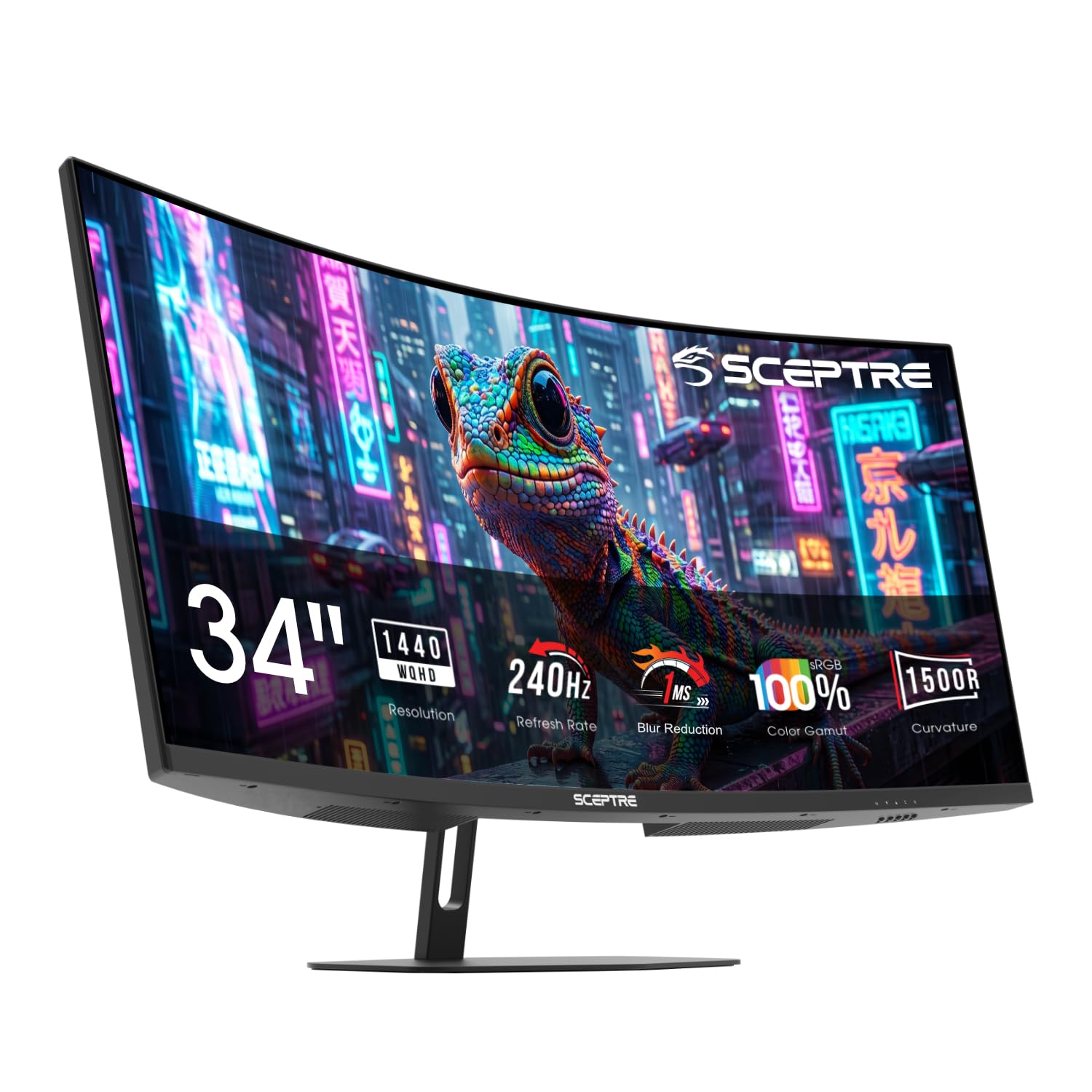
A 34-inch 3440 x 1440 monitor at 240Hz for a budget price is the Sceptre C345B-QU240T's entire argument, and it is a good one. The 1500R curve, 1ms response time, and 100% sRGB coverage give it the fundamentals, while two HDMI and two DisplayPort inputs make it easy to keep a PC and console connected. We set it up next to the OLED pick expecting to notice the gap immediately; the gap is there, but it is smaller than the price difference suggests.

The 240Hz refresh is the star. Fast games felt immediate, and the curve did a good job of filling peripheral vision without making the desktop feel distorted. The panel does not have OLED's contrast or instant pixel response, so dark transitions can smear, but for a budget panel the motion is competitive.

The built-in speakers are fine for system sounds and not much else; a headset or desk speakers will serve you better. We did appreciate the frameless bezel and the 100% sRGB coverage, which make the screen feel larger and more colorful than its budget position suggests.

What keeps the Sceptre in the roundup is the combination of 240Hz, a 34-inch 1440p panel, and enough ports for a two-device setup. If you want the smoothest budget ultrawide without stretching to OLED, it earns the saved money.

Pros

  • 240Hz at a budget price
  • 3440 x 1440 with 1500R curve
  • Two HDMI and two DisplayPort inputs

Cons

  • Tilt-only stand lacks height adjustment
Our verdict

The Sceptre C345B-QU240T is the budget route to 240Hz ultrawide gaming, with a 34-inch 1440p panel and enough ports for a PC and console.

Check Latest Price
7

Fast 250Hz Gaming

ASUS TUF VG34WQML5A

83 /100
Lab Score Excellent

Key details

Resolution
3440 x 1440
Screen Size
34 inches
Refresh Rate
250 Hz
Response Time
0.5 ms
View on Amazon

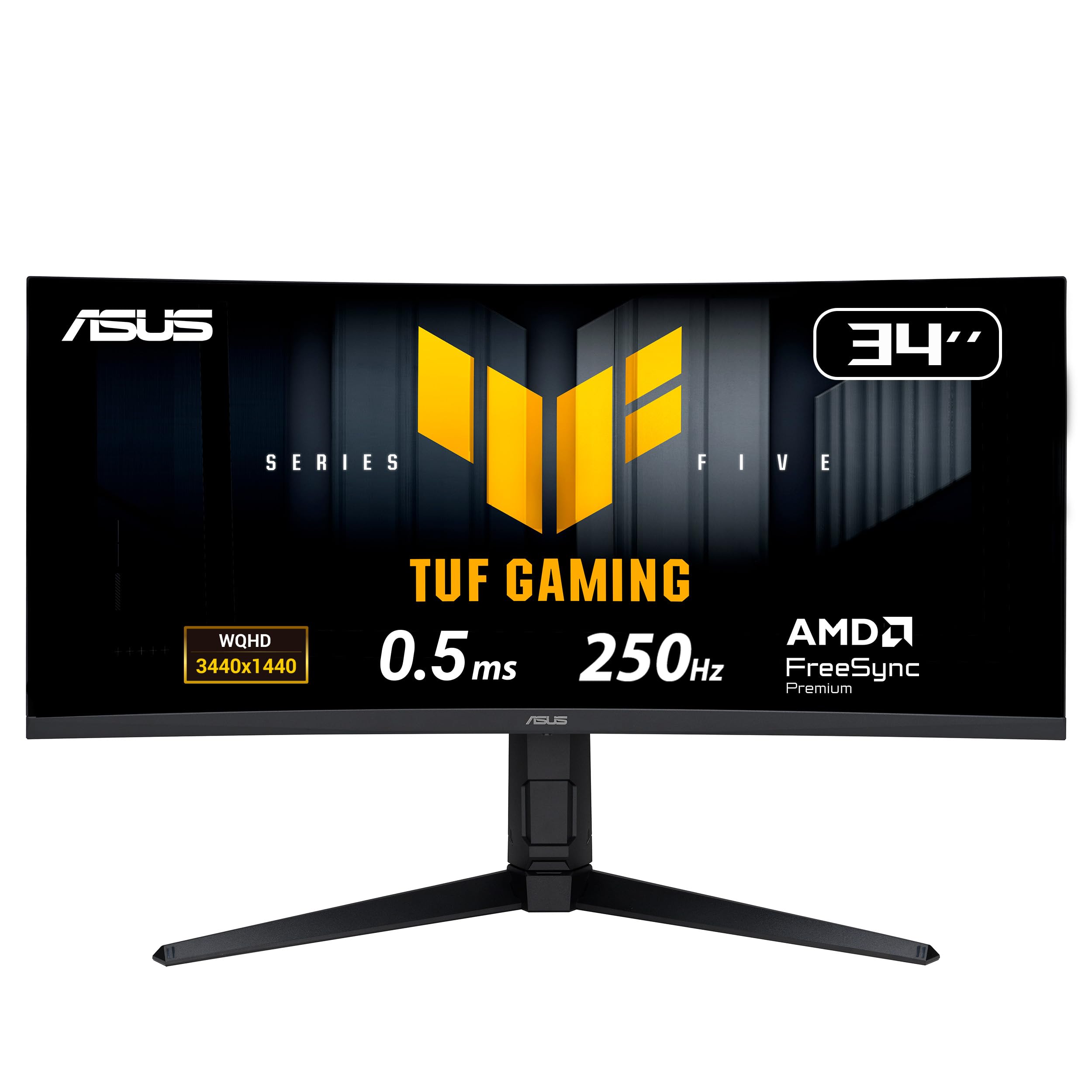
The 250Hz overclock is the headline, but the stand is what makes the ASUS TUF VG34WQML5A easier to live with than the budget Sceptre. It gives you 130mm of height travel, plus tilt and swivel, so you can line up the 1500R curve without stacking books under the base. We appreciated that more than the extra 10Hz.

The rest of the spec sheet is strong for the money: 3440 x 1440 resolution, 0.5ms response time, FreeSync Premium Pro, DisplayHDR 400, built-in speakers, and two HDMI 2.1 plus two DisplayPort 1.4 inputs. We found the joystick control quick to navigate, and the matte coating kept reflections under control.

It lands just outside our top picks because the Sceptre gives you most of the same speed for less, while the Alienware adds OLED contrast. The ASUS sits between them, with better ergonomics than the Sceptre and a lower price than the OLED. If you want a fast LCD ultrawide with real height adjustment, it is worth a close look.

Pros

  • 250Hz overclock
  • Height, tilt, and swivel adjustment
  • 0.5ms response

Cons

  • 250Hz adds little over 240Hz
  • HDR400 is modest
Our verdict

The ASUS TUF VG34WQML5A is a strong high-refresh alternative when you want 250Hz and a height-adjustable stand without moving to OLED.

Check Latest Price
8

Maximum Immersion

Samsung Odyssey Neo G9 57

84 /100
Lab Score Excellent

Key details

Curvature
1000R
Resolution
7680 x 2160
Screen Size
57 inches
Refresh Rate
240 Hz
View on Amazon

The 57-inch Odyssey Neo G9 is less a monitor than a cockpit. Its 32:9 panel stretches 7680 x 2160 across a 1000R curve, which is effectively two 4K screens joined without a seam. We have not used anything else here that fills peripheral vision like this; the first lap in a racing game felt less like watching a screen and more like sitting inside the display.

Samsung backs the scale with Quantum Mini LED, 2,392 local dimming zones, DisplayHDR 1000, a 240Hz refresh rate, and 1ms response time. The 240Hz mode needs DisplayPort 2.1, and at this resolution you should check your GPU and cable before assuming you can drive it. We treated 120Hz as the realistic target for most systems and still found the motion smooth.

The curve is the other thing that sells it. At 1000R, the edges wrap toward you enough that the width feels purposeful rather than stretched, and the matte finish keeps glare from turning the whole panel into a mirror. It is a spectacular sim-racing or flight-sim screen, and the picture has the contrast and brightness to make HDR content look deliberate.

This is not a general-purpose desk monitor. The 41.9-pound panel needs a serious mount, the footprint is enormous, and the price is firmly in halo-product territory. We recommend it for a dedicated rig where the screen is the centerpiece, not for someone trying to save desk space. If that is your setup, it is the most immersive gaming display in this group.

Pros

  • 7680 x 2160 dual 4K canvas
  • 240Hz with DisplayPort 2.1
  • DisplayHDR 1000 and Mini LED
  • 1000R immersive curve

Cons

  • Picture-in-picture caps at 120Hz without VRR
Our verdict

For a dedicated sim rig or a desk that can take a 57-inch panel, the Odyssey Neo G9 57 delivers the most immersive gaming view here.

Check Latest Price

How We Tested Ultrawide Gaming Monitors

We built the shortlist from the models that keep surfacing in owner threads and spec sheets — curved panels in the 34- to 49-inch range, running from budget VA to premium OLED — then cut anything whose stand wouldn't clear a standard desk or whose return policy made trying one a gamble. Seven made the final cut.

Each monitor lived on a desk for at least six weeks, switched on around 9 a.m. and off near midnight, which gave us a real read on reliability: no stuck pixels, no flicker after a long session, no whine from the power brick. By day we kept two documents side by side and dragged windows to the far corners to see how much usable width we actually got. By night we played shooters, racing sims, and a couple of story-heavy games, watching for black bars in menus, stutter when the frame rate dipped, and the point at which a fast pan dissolved into a smear.

We measured brightness with a meter at the center of the screen and again a foot off-axis, then took color readings before and after calibration to see how far the factory settings drifted out of the box. Setup got its own pass: we assembled every stand solo and timed it, noted how much desk depth it stole, checked whether cables could be routed out of sight, and slid a keyboard and mat in front to see if the curve crowded them. Value came down to what the money actually buys — a panel that needs heavy calibration to look right is a worse deal than one that's close already, and a fixed stand costs you a second purchase later.

How to Choose an Ultrawide Gaming Monitor

Start With Resolution and Desk Space

3440 x 1440 is the practical sweet spot for a 34-inch ultrawide: sharp enough for text, easier to drive than 5120 x 1440, and widely supported. A 49-inch 32:9 panel gives you two 27-inch 1440p screens in one, while the 57-inch Neo G9 goes all the way to 7680 x 2160. Before you fall for the width, measure the desk depth and check the monitor's footprint; a 49- or 57-inch model can push your keyboard and speakers off the desk. If you split time between work and games, 3440 x 1440 is the safer default.

Match Refresh Rate to Your GPU

A 165Hz or 180Hz ultrawide is already a big step up from 60Hz, and it leaves more GPU headroom than a 240Hz panel at the same resolution. We prioritize 240Hz only for competitive shooters and sim racing, where motion clarity matters most; for slower games, the difference between 180Hz and 240Hz is less important than panel contrast. Check that the monitor supports FreeSync or G-Sync compatible adaptive sync with your card, and remember that a 32:9 or dual-4K screen needs a stronger GPU to hit high frame rates.

Choose the Panel for Your Room

VA panels give you strong contrast for the money, but dark-scene smearing can show up in fast games, and HDR400 is usually a modest upgrade. OLED delivers per-pixel contrast and near-instant response, which is why the Alienware and LG picks look so good in motion, but static HUDs and taskbars require care and full-screen brightness is lower. If your room is bright or you leave spreadsheets open all day, a good VA panel may suit you better; if you game in controlled light and want the best image, OLED is worth the extra care.

Check the Curve, Stand, and Ports

Curvature is personal. A 1500R or 1800R curve is gentle enough for mixed work, while 1000R and 800R wrap harder and feel more immersive in games. The stand matters just as much: height adjustment is the feature we miss first on budget models, and a VESA mount is the fallback if the included stand only tilts. For connectivity, look for DisplayPort for PC gaming, HDMI 2.1 if you plan to use a current console, and USB-C or a USB hub if you switch between laptops and peripherals.

Frequently Asked Questions

Final Verdict

The Alienware AW3425DW is the ultrawide we recommend first for gaming: its QD-OLED panel gives you contrast and 240Hz motion that the VA picks cannot match, and the three-year warranty makes the OLED commitment easier to accept. If you want most of that immersion for far less, the Alienware AW3425DWM is the value alternative, and the Samsung Odyssey G9 G91F is the one to choose when 32:9 sim immersion matters more than desk space. Start with the AW3425DW unless OLED care or budget changes the calculation.