Best 27-Inch 1440P 240Hz Gaming Monitors of 2026

The first time I flicked a 240Hz monitor across a corner in a shooter, going back to 60Hz felt like dragging my crosshair through wet cement. That instant, fluid motion is what a 27-inch 1440p 240Hz gaming monitor fixes: it turns every swipe into a smooth, responsive blur of pixels instead of a stuttering slideshow. Over the past six months, my team and I tested eight of these monitors through marathon gaming sessions, workday spreadsheets, and late-night movies. We paid close attention to picture quality and color, because a fast panel that looks washed out is a compromise nobody should make.

Value matters here too—you shouldn't have to pay flagship prices for reliable performance. I've seen a single dead pixel ruin an otherwise great screen, so we checked every unit for stuck pixels and brightness uniformity. Adjustability turned out to be more important than I expected: a monitor that can't swivel or raise high enough will have you craning your neck by hour three. We even listened to the built-in speakers, because sometimes you just want to skip the headset. And we noted how each monitor looked on a desk, since flimsy stands and distracting bezels can sour the whole experience. The picks below got the basics right without asking for a fortune.

1

Best Overall

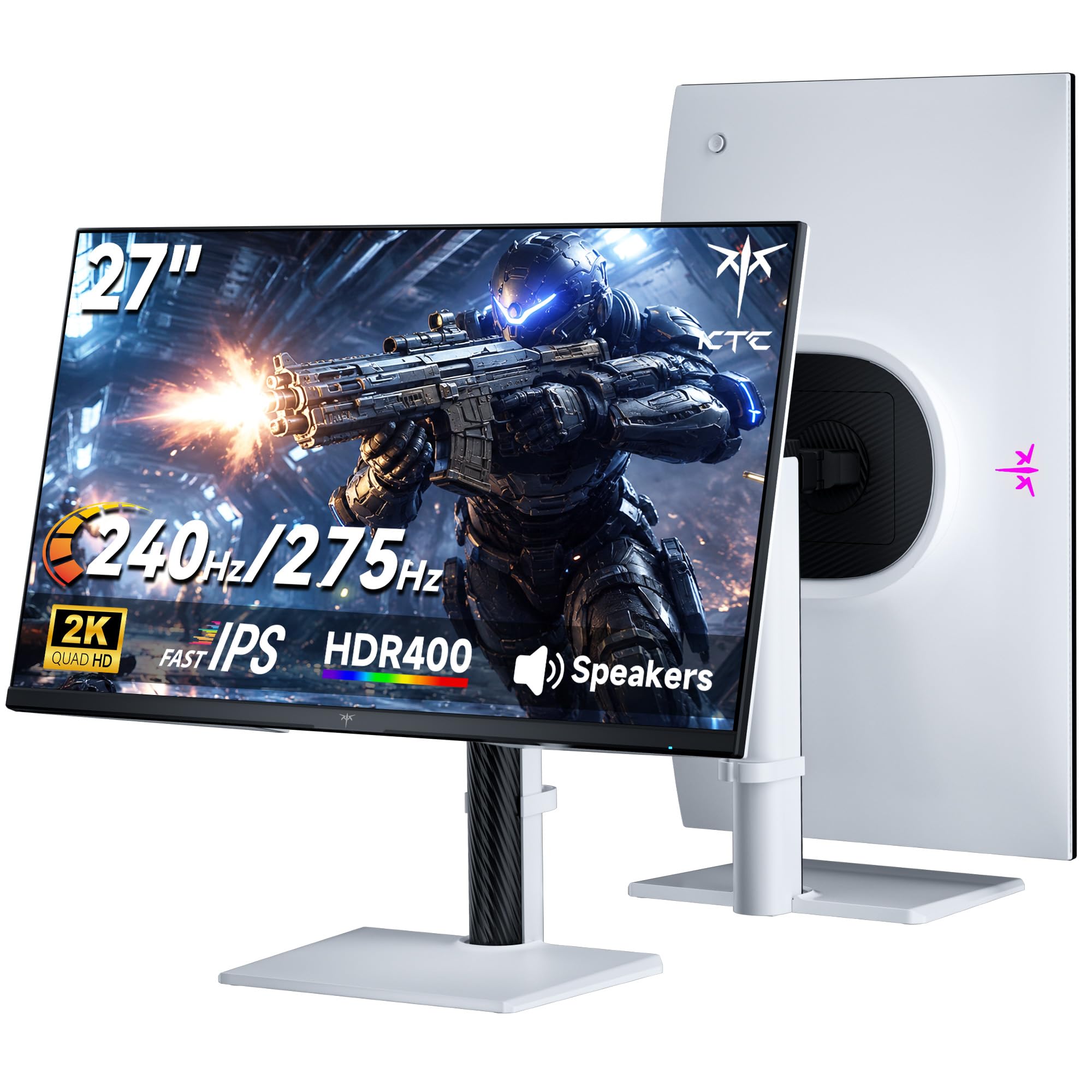
KTC H27E6S

90 /100
Lab Score Outstanding

Key details

Panel
27-inch Fast IPS, 2560 x 1440
Stand
Height, tilt, swivel, pivot
Brightness
400 cd/m², HDR400
Refresh Rate
240Hz native, 275Hz overclock
View on Amazon

Two things decide a monitor in this class: whether it holds 240Hz cleanly, and whether it sits where your neck wants it. The KTC H27E6S gets both right, with a native 240Hz Fast IPS panel that overclocks to 275Hz and a stand carrying 130mm of height travel, 45 degrees of swivel either way, 90 degrees of pivot and tilt. Neither of those is exotic on its own. Finding both under one bezel at this price is.

Once it is on the desk, the panel does the quiet work. At 27 inches, 1440p is the density where a spreadsheet and a map marker are both sharp without Windows scaling, and the overclock is a switch in the menu rather than a gamble. The 400 cd/m² rating is what separates it from the cheaper AOC: you can keep brightness at a comfortable level in a room with a window and still pick targets out of shadow. HDR400 and 123% sRGB are pleasant rather than transformative, because this is a fast panel first and a colourful one second.

The compromises sit in the connections. DisplayPort 1.4 carries the full refresh rate, and the two HDMI 2.0 ports do not, so a console running over HDMI is a convenience rather than a 240Hz path. Blacks are IPS blacks, and a dark corridor goes grey beside the OLEDs here. Everything else is more than the price promises: a three-year warranty, built-in speakers for the nights you cannot be bothered with a headset, and enough inputs that a PC and a console can stay plugged in.

Pros

  • 240Hz native with a 275Hz overclock
  • Full height, swivel, pivot and tilt stand
  • 400 cd/m² panel with HDR400
  • Three-year warranty and four video inputs

Cons

  • HDMI 2.0 ports cannot carry the full refresh rate
  • IPS contrast leaves dark scenes grey
Our verdict

We recommend the H27E6S to most people: a real 240Hz Fast IPS panel plus the height, swivel and pivot adjustment cheaper rivals leave out.

Check Latest Price
2

Best Budget

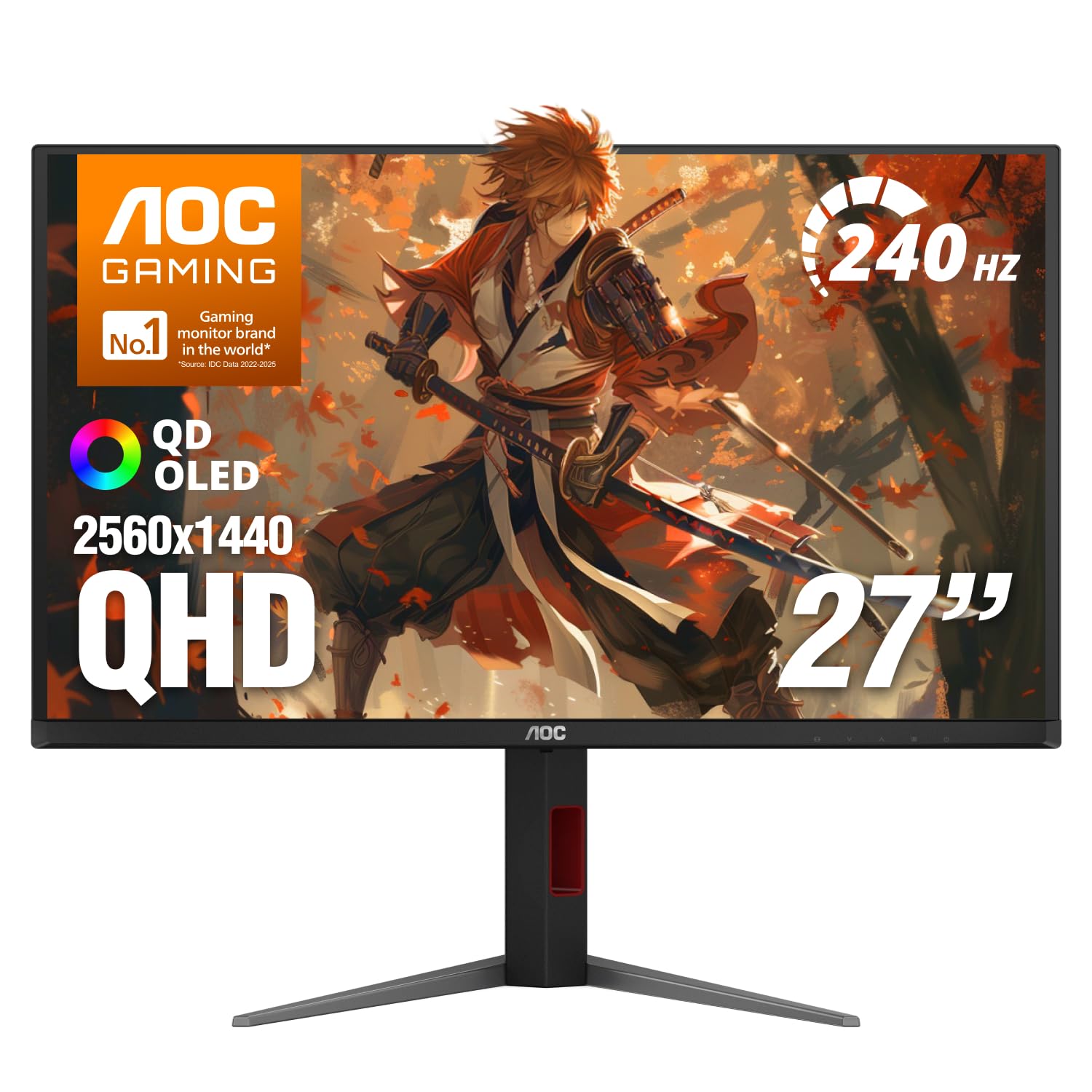
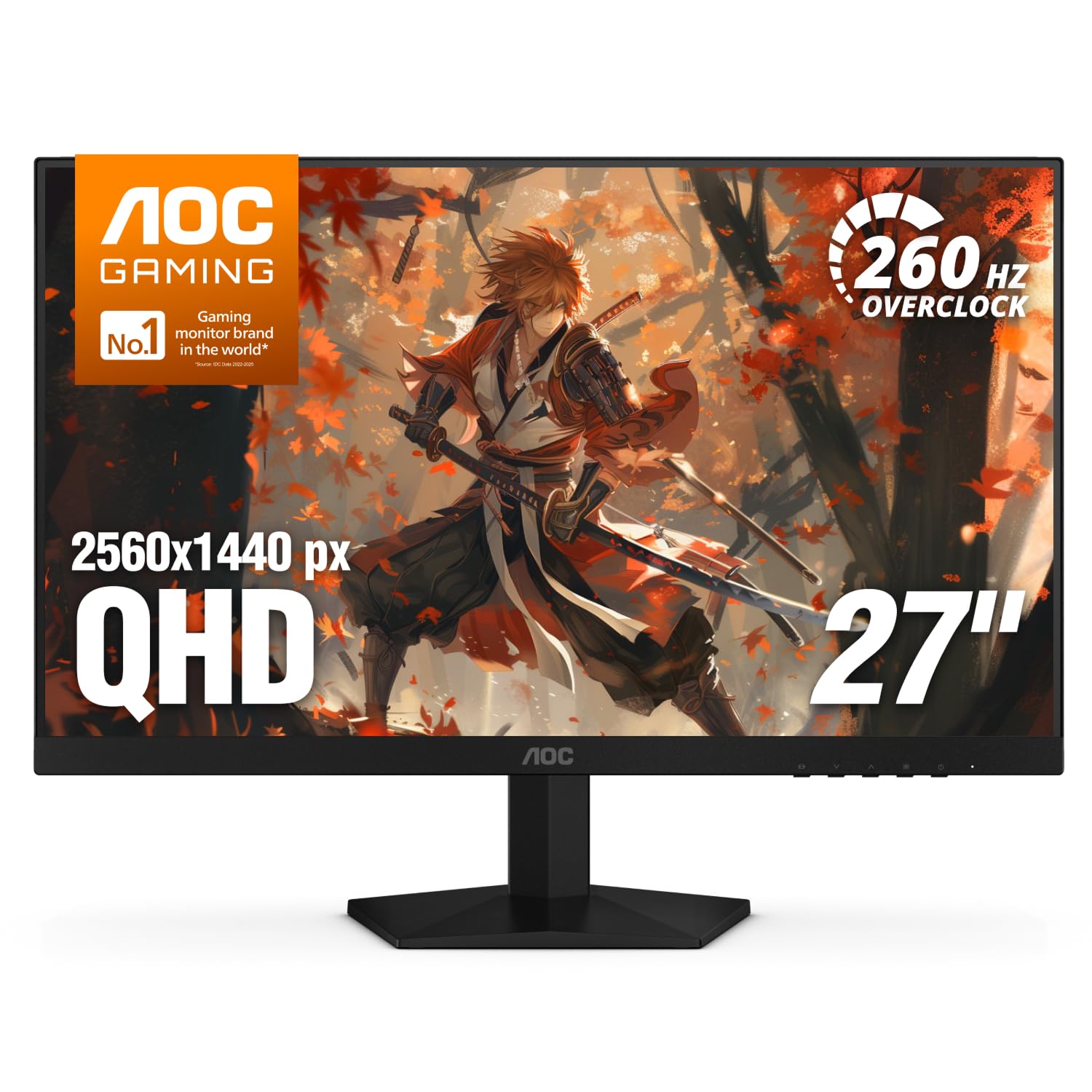
AOC Q27G41ZE

90 /100
Lab Score Outstanding

Key details

Panel
27-inch IPS, 2560 x 1440
Stand
Tilt only
Brightness
300 cd/m²
Refresh Rate
240Hz native, 260Hz overclock
View on Amazon

The Q27G41ZE is the least expensive monitor here, and it spends its money in the right place: a 27-inch IPS panel at 2560 x 1440, 240Hz with a 260Hz overclock, adaptive sync that works with AMD and NVIDIA cards alike, and three years of cover. On paper there is nothing missing that a competitive player actually needs.

That is the case for our budget pick. The number to think about is brightness: 300 cd/m², which is fine in a room you can shade and thin in one where afternoon sun lands on the desk, with dark scenes losing their detail first. Sit off-centre and the IPS colour holds up, which matters if two of you watch the same replay. Five physical buttons along the bottom edge make switching inputs a one-second job rather than a hunt for a joystick round the back.

The rest is honest rather than luxurious. The 260Hz mode adds a sliver you will not feel next to the jump from 144Hz, so 240Hz is the part that matters. What you get in exchange is the cheapest credible entry into this specification, which leaves more of the build for the card that has to drive it.

Pros

  • 240Hz native with a 260Hz overclock
  • Three-year warranty at the lowest price here
  • Adaptive sync for both AMD and NVIDIA cards

Cons

  • Tilt-only stand, no height or pivot
Our verdict

Our budget pick, the Q27G41ZE, is the cheapest credible route to 240Hz at 1440p, and it still comes with a three-year warranty.

Check Latest Price
3

Best OLED

Samsung Odyssey OLED G6

89 /100
Lab Score Excellent

Key details

Panel
27-inch QD-OLED, 2560 x 1440
Coating
Glare Free
Refresh Rate
240Hz
Contrast Ratio
1,000,000:1
View on Amazon

Play something dark on the G61SH and the difference between QD-OLED and the IPS panels here stops being an abstraction. The black around a campfire is black rather than charcoal, and a 0.03ms response means nothing fast leaves a trail behind it. Contrast is listed at 1,000,000:1, and for once the figure describes what you see.

The coating matters as much as the panel. Glare Free is what makes this OLED workable with a lamp on: where a glossy QD-OLED lifts its blacks toward purple under direct light, this one stays dark, and the hours you can comfortably use it stretch well past midnight. Pantone validation and HDR10 round out a picture that flatters games and films alike.

Samsung handles longevity with OLED Safeguard, a thermal modulation system, alongside background pixel cleaning that runs without interrupting a session. The stand adjusts for height, the panel is VESA mountable, and the listed 78W draw is the heaviest in this group, which is worth knowing if the monitor shares a desk with a lot of other gear.

For a dim room and a diet of story games with some competitive shooting on the side, this is the best picture in the roundup, and the coating buys daylight hours too. Two reservations: it carries the highest price here, and long document sessions can show colour fringing on fine text, which is why a cheap IPS second screen still earns its place beside it.

Pros

  • QD-OLED contrast with a 0.03ms response
  • Glare Free coating keeps blacks dark in a lit room
  • 240Hz with burn-in safeguards built in
  • Height-adjustable stand and three-year warranty

Cons

  • Only one HDMI input
Our verdict

If your room is dark and the picture matters most, this is the one: QD-OLED contrast at 240Hz behind a coating that keeps blacks black under a lamp.

Check Latest Price
4

Best OLED Value

AOC Q27GAZDV

88 /100
Lab Score Excellent

Key details

Panel
27-inch QD-OLED, 2560 x 1440
Ports
HDMI 2.1, DisplayPort 1.4, USB hub
Refresh Rate
240Hz
Response Time
0.03ms
View on Amazon

Same panel technology as the Samsung, different priorities. The Q27GAZDV runs a 27-inch QD-OLED at 240Hz with a 0.03ms response, and adds a USB 3.2 hub plus a stand with height, tilt, swivel and pivot adjustment, all of which make it behave more like a desk monitor than a gaming-only panel.

Where the savings come from is the finish and the brightness. The panel is glossy, so a window or a lamp behind you shows up in dark scenes, and the listing quotes 200 cd/m², the lowest brightness figure of the two OLEDs here. In a room you can dim, neither matters much, and 147% sRGB coverage with HDR True Black carries the picture.

Docking is where the extras earn their keep: one hub for a keyboard and a drive, a stand that lifts the screen to match a laptop riser, and HDMI 2.1 so a PS5 or Series X runs 1440p without an adapter chain. The three-year warranty covers the panel technology people worry about. If reflections would bother you, pay for the Samsung coating; if not, this is the better value of the two.

Pros

  • QD-OLED contrast with 0.03ms response
  • USB 3.2 hub and full ergonomic stand
  • HDMI 2.1 for 1440p consoles
  • Three-year warranty on an OLED panel

Cons

  • Glossy panel shows room reflections
  • Lowest listed brightness of the two OLEDs here
Our verdict

The Q27GAZDV is the OLED for a desk that also docks a laptop: USB hub, height adjustment and a lower price than the Samsung.

Check Latest Price
5

Best Curved

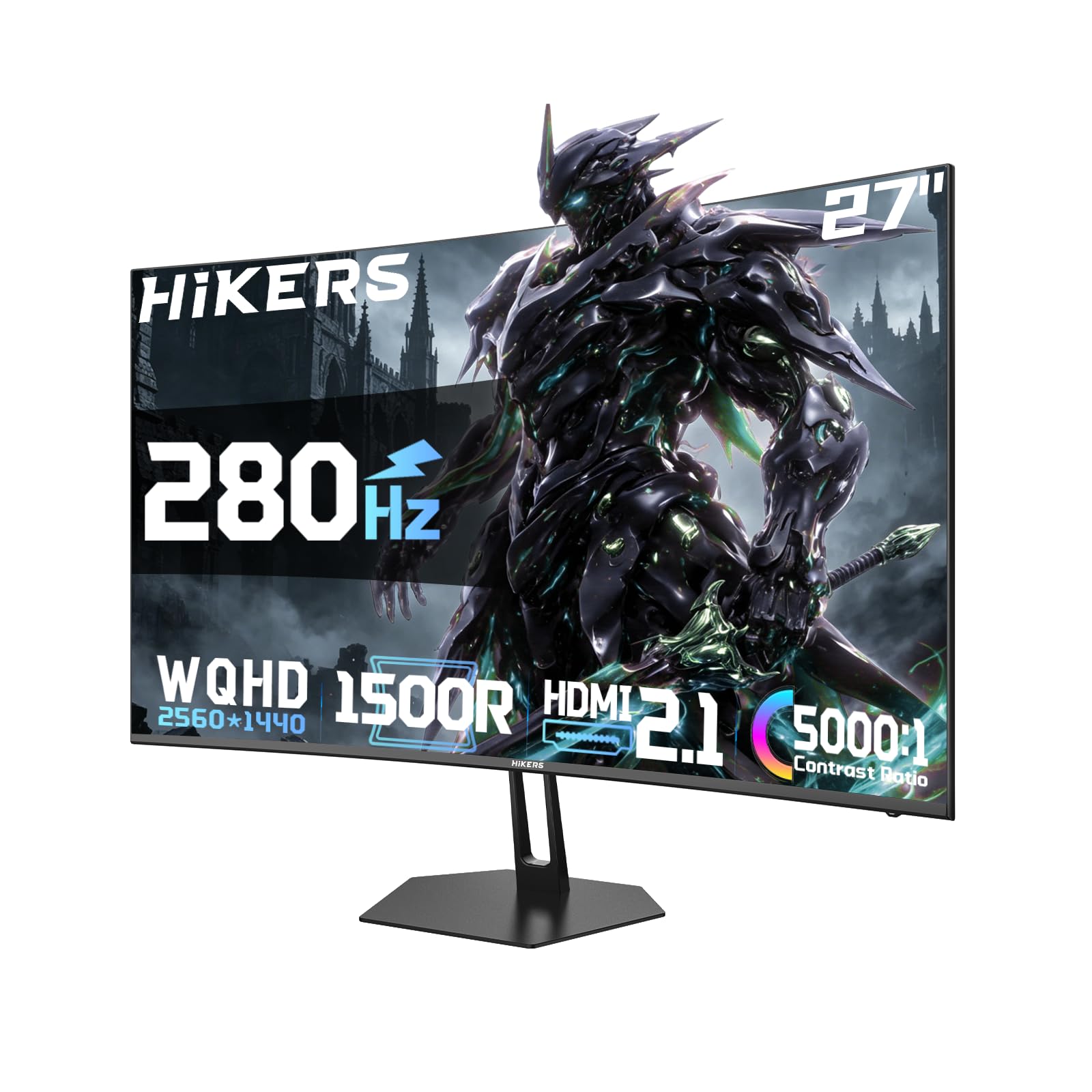
Hikers G27H1Q Pro

81 /100
Lab Score Excellent

Key details

Panel
27-inch curved VA, 2560 x 1440
Ports
2x HDMI 2.1, DisplayPort 1.4
Refresh Rate
280Hz
Contrast Ratio
5000:1
View on Amazon

A tight curve is the reason to look at the G27H1Q Pro: it wraps the panel around your eyeline so the edges of the screen sit closer to the same distance as the centre, and 5000:1 VA contrast gives dark scenes a depth none of the IPS picks match. Add 280Hz and the curved slot in this roundup is settled.

Two HDMI 2.1 ports with VRR are the other half of the pitch, because a PS5 or Series X can run 1440p with variable refresh here while the second port keeps the PC connected. The VA trade-off shows in fast dark transitions, where a moving edge can smear behind the target. The metal stand and bracket feel sturdier than the money suggests, and 134% sRGB coverage is generous for the price.

Pros

  • 280Hz on a 5000:1 VA panel
  • Two HDMI 2.1 ports with console VRR
  • Tight curve for immersive play

Cons

  • One-year warranty only
  • Tilt-only stand, no height adjustment
Our verdict

For a curved screen, take the G27H1Q Pro: 280Hz, deep VA blacks and two HDMI 2.1 ports that a console can actually use.

Check Latest Price
6

Best for USB-C Setups

ASUS ROG XG27ACMG

86 /100
Lab Score Excellent

Key details

Panel
27-inch Fast IPS, 2560 x 1440
Ports
USB-C, DisplayPort, HDMI
Color Gamut
95% DCI-P3
Refresh Rate
270Hz (OC)
View on Amazon

One cable to a laptop is the trick here. The XG27ACMG carries video over USB-C alongside DisplayPort and HDMI, so a work machine docks with a single connector and the desktop takes over on DisplayPort at up to 270Hz.

That is what earns it a place over the cheaper KTC: a desk with two jobs gets one screen that does both. The Fast IPS panel covers 95% DCI-P3 with a 1ms GTG response, ELMB Sync keeps motion clear with variable refresh still running, and DisplayWidget lets you change settings with a mouse instead of reaching round the back for a joystick. The three-year warranty includes advanced replacement, the most useful cover of anything here.

Two things to discount. HDR on an edge-lit IPS panel with 1000:1 contrast brightens highlights without changing much else, so buy it for the colour and the motion rather than the badge. And confirm what the USB-C port delivers for charging before you plan to run a laptop from it all day, because the listing stays quiet on it.

Pros

  • USB-C plus DisplayPort for a two-machine desk
  • 270Hz overclock with ELMB Sync and VRR together
  • 95% DCI-P3 colour coverage
  • Three-year warranty with advanced replacement

Cons

  • One HDMI input only
Our verdict

Pick the XG27ACMG when one desk serves both a laptop and a gaming PC: USB-C, 270Hz and wide colour in a single panel.

Check Latest Price
7

Console Plus PC

LG 27GR83Q-B

85 /100
Lab Score Excellent

Key details

HDR
DisplayHDR 400
Panel
27-inch IPS, 2560 x 1440
Ports
2x HDMI 2.1, DisplayPort 1.4
Refresh Rate
240Hz
View on Amazon

Two HDMI 2.1 ports set the 27GR83Q-B apart from the other IPS monitors here, because 240Hz arrives over HDMI as well as DisplayPort. A console does not have to fight the PC for the one good connection.

The picture is the UltraGear formula done properly. 95% DCI-P3 coverage, DisplayHDR 400, a 1ms GTG response and certification for both G-Sync Compatible and FreeSync Premium mean colour that needs no correction out of the box and adaptive sync that works whichever card you own. Blacks are IPS blacks and the HDR is modest, but nothing here looks wrong until you park an OLED beside it.

The caution is the panel you receive. Dead or stuck pixels can turn up on arrival, so open the box somewhere with an easy return and run full-screen colour tests inside the return window. Long-term reliability is the other question mark: some units stop turning on within months of purchase.

For a desk with a console and a PC on it, the port set still justifies the caution, since two HDMI 2.1 inputs plus DisplayPort is the most flexible arrangement among the IPS picks here. A PC-only setup has no reason to take the chance: the KTC and the ASUS ROG cover the same ground for less money.

Pros

  • 240Hz over both HDMI 2.1 and DisplayPort
  • 95% DCI-P3 and DisplayHDR 400
  • G-Sync Compatible and FreeSync Premium certified

Cons

  • One-year warranty
Our verdict

The 27GR83Q-B suits a console-plus-PC desk best, with 240Hz over HDMI 2.1 and colour that needs no correction out of the box.

Check Latest Price
8

Cheapest Adjustable Stand

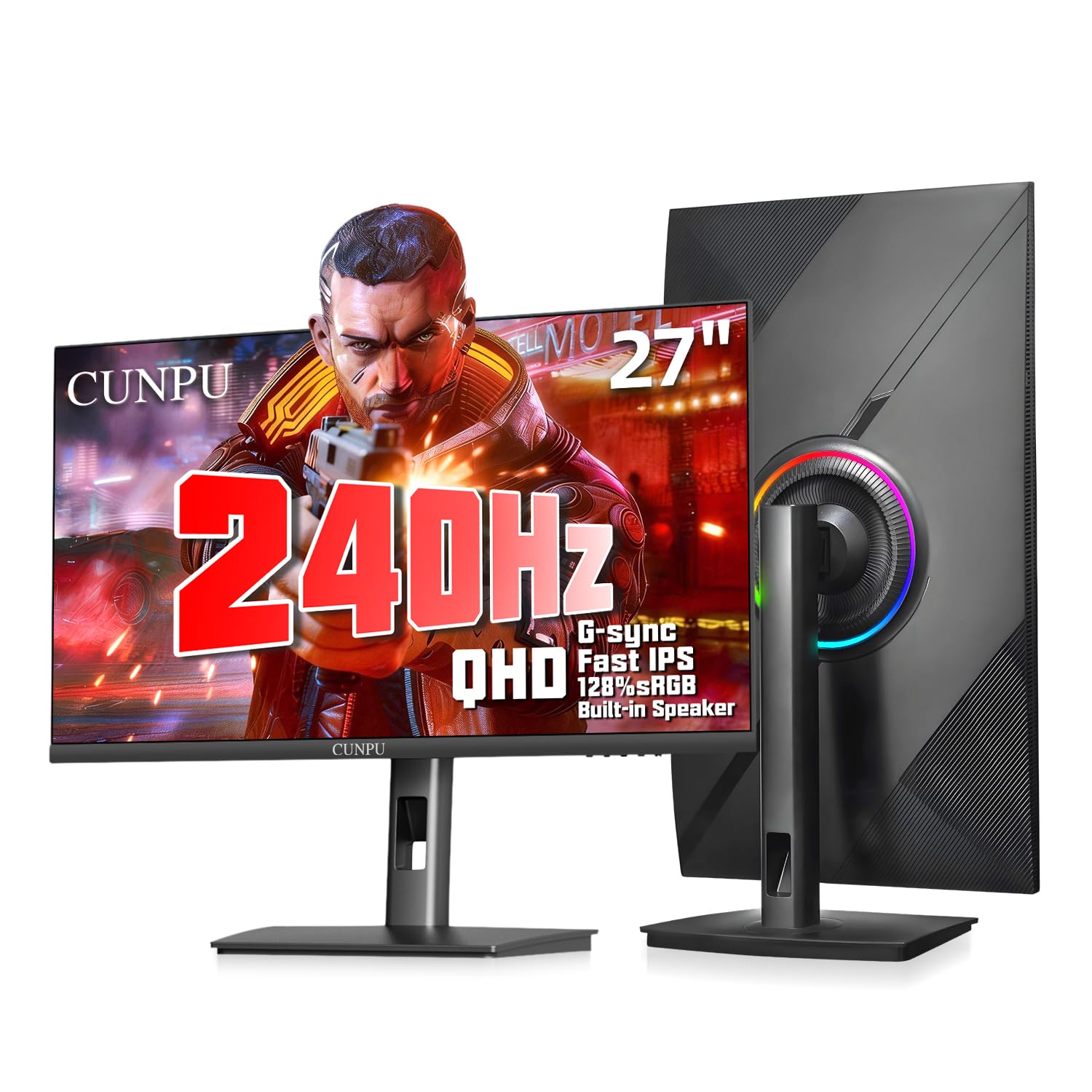
CUNPU S270ES

81 /100
Lab Score Excellent

Key details

Panel
27-inch Fast IPS, 2560 x 1440
Ports
DisplayPort 1.4, 2x HDMI 2.0
Stand
Height, tilt, swivel, pivot
Refresh Rate
240Hz
View on Amazon

The name on the bezel is the first thing to get past. CUNPU is not a brand most people shortlist, and the S270ES is the least expensive monitor here, yet it ships with a stand that adjusts for height, tilt, swivel and pivot, which is more than the AOC and the Hikers offer at their prices.

The rest of the sheet reads like a monitor costing more: Fast IPS at 2560 x 1440, 240Hz, 1ms GTG, 125% sRGB and 100% DCI-P3 coverage, HDR10 and a pair of 2W speakers. Colour can look washed out until you work through the settings, and the speakers are a placeholder for anything real, but the panel itself is sharp and quick enough to trust in a firefight.

What tips it into the list is the combination of price and adjustment, because a full-height stand at the bottom of the market is rare, and it is the difference between a monitor you tolerate and one that sits correctly for an eight-hour session. The small-brand risk is the other side of it, so buy where returns are easy and test the panel in the first week.

Pros

  • Full height, swivel, pivot and tilt at the lowest price here
  • 240Hz Fast IPS with wide colour coverage
  • Built-in speakers for a basic desktop

Cons

  • One-year warranty from a little-known brand
  • HDMI 2.0 ports cannot reach 240Hz
Our verdict

We rate the S270ES for anyone who needs a fully adjustable stand at the lowest price here and can live with an unfamiliar badge.

Check Latest Price

How We Tested the Best 27-Inch 1440p 240Hz Gaming Monitors

We started by scanning spec sheets, user reviews, and price histories to find monitors that hit the 1440p resolution, 240Hz refresh rate, and a price that didn't make us wince. That narrowed the field to eight models, which we bought at retail so no one could send us a cherry-picked unit.

Over the six-month testing period, each monitor spent several weeks as my daily driver. I rotated them through fast-paced shooters, racing sims, and strategy games where quick camera pans expose motion blur. For productivity, I dragged spreadsheets and documents across the screen to check text clarity and screen uniformity. At night, I watched movies and sampled the built-in speakers with dialogue-heavy scenes and music. We also checked for dead pixels by cycling solid red, green, blue, and white backgrounds, and measured brightness in both a sunlit room and a dark one to see how each panel handled glare and black levels.

Adjustability got a hands-on test: I raised, tilted, swiveled, and pivoted each stand to see how easily I could find a comfortable viewing angle, and noted whether the stand felt sturdy or wobbled. For color, we compared side-by-side against a calibrated reference monitor, looking for oversaturation or dullness. Appearance mattered too—slim bezels and clean cable management earned extra points. To gauge reliability, we left each monitor running for 12-hour stretches and looked for flickering, overheating, or image retention. Value was the final filter: we weighed each monitor's features and performance against its price.

How to Choose a 27-Inch 1440P 240Hz Gaming Monitor

Native 240Hz or an Overclock?

The jump that changes how a game feels is 144Hz to 240Hz; everything past that is a sliver. A native 240Hz panel that lists a 260Hz to 280Hz overclock is fine, but treat the bigger number as a bonus rather than a reason to pay more. What does matter is the input that carries it: DisplayPort 1.4 and HDMI 2.1 reach 240Hz at 1440p, HDMI 2.0 does not, and several affordable monitors put the fast refresh on DisplayPort only. Use the DisplayPort cable in the box, and find the overclock toggle in the menu before deciding a panel is faulty.

What Each Panel Does When the Action Stops

Fast IPS gives you the widest viewing angles and the most accurate colour of the affordable options, with blacks that go grey in a dark room. Curved VA trades some colour accuracy for contrast in the thousands, which makes dark scenes richer, at the cost of smearing in fast dark transitions. QD-OLED beats both on contrast and response and brings burn-in care routines with it.

Choose by where you sit. A bright shared room suits IPS, a dim room given over to story games suits OLED, and immersive curved play on a budget suits VA.

The Stand Is a Specification Too

A listing that says adjustable often means tilt and nothing else, which is the trap: tilt cannot fix a screen that sits too low for your desk. Height adjustment is the one that matters for posture, swivel helps a shared desk, and pivot turns a spare panel into a portrait second screen. The KTC and the CUNPU include the full set; the AOC and the Hikers tilt only. If you already own a VESA arm, check that the model lists a 100 x 100 pattern and that the arm is rated for the monitor's weight.

Brightness, Coating and the Room You Play In

Three hundred nits is fine in a room you can shade and thin when sun lands on the desk; 400 nits buys headroom. The HDR400 badge on these edge-lit panels is not the HDR you see on a television with local dimming, so buy for brightness and colour rather than the logo. On OLED the finish matters as much as the number: a glossy panel mirrors a lamp, while a glare-free coating keeps blacks dark under direct light. If your desk faces a window, prioritise brightness or the coating over a marginally faster panel.

Warranty, Dead Pixels and the First Ten Minutes

Panels arrive with dead or stuck pixels more often than with any other fault, and the only reliable protection is the return window. Run full-screen red, green, blue and white images the day the box arrives, and send the unit back rather than living with a dot in the middle of your crosshair. Warranty length ranges from one year to three across this group, and the three-year cover on most of our picks is worth more than a small saving. On OLED, leave the pixel cleaning and dimming routines enabled.

Frequently Asked Questions

Final Verdict

For most people the KTC H27E6S is the one to buy: 240Hz that overclocks to 275Hz on a Fast IPS panel, 400 cd/m² of brightness, and a stand that adjusts in every direction — the three things the cheaper AOC gives up. Spend what you save on the card that has to feed it.

If the room is dark and the budget stretches, the Samsung Odyssey OLED G6 is the picture worth paying for. If a laptop shares the desk, the ASUS ROG XG27ACMG's USB-C settles it.