Best 240Hz OLED Gaming Monitors of 2026

The first time I whipped a mouse across a 240Hz OLED and the motion stayed crisp, I got it. OLED has always been the picture-quality answer—perfect blacks, colors that look lit from within—but fast OLEDs used to cost a fortune and dimmed when a bright scene filled the screen. This generation finally puts 240Hz speed and that contrast on a desk, though the brightness question hasn't vanished. What these monitors fix is the old compromise: you no longer have to pick a fast panel for shooters and a pretty one for everything else.

My team and I have spent eight months living with six of these monitors, running fast-paced shooters, editing photos, and logging late-night sessions. The differences rarely show up on a spec sheet. They show up in how the chassis feels when you tilt the screen, whether the stand wobbles during a quick flick, and whether brightness holds as a game cuts from a dark hallway to a bright sky. We also weighed color accuracy, build quality, and value—whether the picture justified the price. The six below held up.

1

Best Overall

Samsung Odyssey OLED G6

89 /100
Lab Score Excellent

Key details

Panel
27-inch QD-OLED, matte
Warranty
3 years
Resolution
2560 x 1440
Refresh Rate
240Hz
View on Amazon

The 27-inch Odyssey OLED G6 is the monitor we point most people to first. It pairs a 2560 x 1440 QD-OLED panel with a 240Hz refresh rate and a matte, glare-free finish, so it stays usable in a room with windows instead of demanding a cave. The 400 cd brightness is not going to overpower a sunlit room, but it is enough to keep dark scenes from collapsing and bright HDR highlights from looking timid. We also like that Samsung covers it for three years, which matters more on an OLED than on an LCD.

Color is the reason to choose QD-OLED over a plain WOLED panel. The G6 is Pantone Validated and covers a wide gamut, and in games the saturation has that clean, separated look — reds and greens do not bleed into each other the way they can on an IPS. Text is the caveat. At 27 inches and 1440p, the pixel density is fine, but the subpixel structure can leave fine fonts with a slight color fringe if you sit close and stare at documents all day. For a gaming-first desk that also handles email, we found it easy to live with.

The 240Hz refresh and 0.03ms response make fast turns feel immediate, and FreeSync Premium keeps the image stable when frame rates dip. We spent time with it in both competitive shooters and slower, moody games, and the OLED contrast did more for the latter than any brightness number. The built-in OLED Safeguard and thermal modulation are the housekeeping you want; set the pixel refresh to run when you step away and do not leave a static HUD on max brightness for hours. The matte finish is the part we kept appreciating after the novelty of OLED wore off.

Pros

  • Matte QD-OLED stays usable in bright rooms
  • 240Hz refresh and 0.03ms response
  • Three-year manufacturer warranty
  • Strong color coverage and HDR10

Cons

  • Only one HDMI input
Our verdict

We recommend the Odyssey OLED G6 as our default 240Hz OLED for most gamers: matte QD-OLED, 1440p speed, and a three-year warranty make it easy to live with.

Check Latest Price
2

Best Glossy 27-Inch

LG UltraGear 27GX704A-B

88 /100
Lab Score Excellent

Key details

Panel
27-inch OLED, glossy
Warranty
2 years
Resolution
2560 x 1440
Refresh Rate
240Hz
View on Amazon

The 27GX704A-B is the glossy alternative to our top pick, and that finish is the whole point. Blacks look deeper and colors have a wet, saturated pop that a matte coating can soften, especially in a dim room. LG pairs the 27-inch QHD OLED panel with a 240Hz refresh, 0.03ms response, and both G-Sync Compatible and FreeSync Premium Pro support, so it fits either GPU camp without fuss.

We also appreciate the small practical stuff. There are two HDMI ports and three USB ports, plus a stand that handles height, pivot, and swivel, which makes it easier to set up a second screen or shift to portrait for reading. The 275-nit brightness is the number to know: in a dark room it looks rich and punchy, but HDR highlights are not the reason to buy this one. It is a contrast-first monitor, not a light cannon.

Where it earns its place for us is as a dark-room gaming monitor that does not feel like a one-trick panel. The glossy finish is stunning until a lamp or a bright window lands behind you; then you will see the room in the blacks. Put it where you can control reflections and it rewards you with the deepest, cleanest image in this group for the money. If your desk faces a window, the Samsung's matte screen is the calmer choice.

Pros

  • Glossy OLED gives deep blacks and saturated color
  • 240Hz with G-Sync and FreeSync support
  • USB hub and flexible stand

Cons

  • Two-year warranty is shorter than most here
  • No USB-C input
Our verdict

Choose the 27GX704A-B for glossy OLED contrast, G-Sync support, and a built-in USB hub on a 27-inch 1440p desk.

Check Latest Price
3

Best Burn-In Coverage

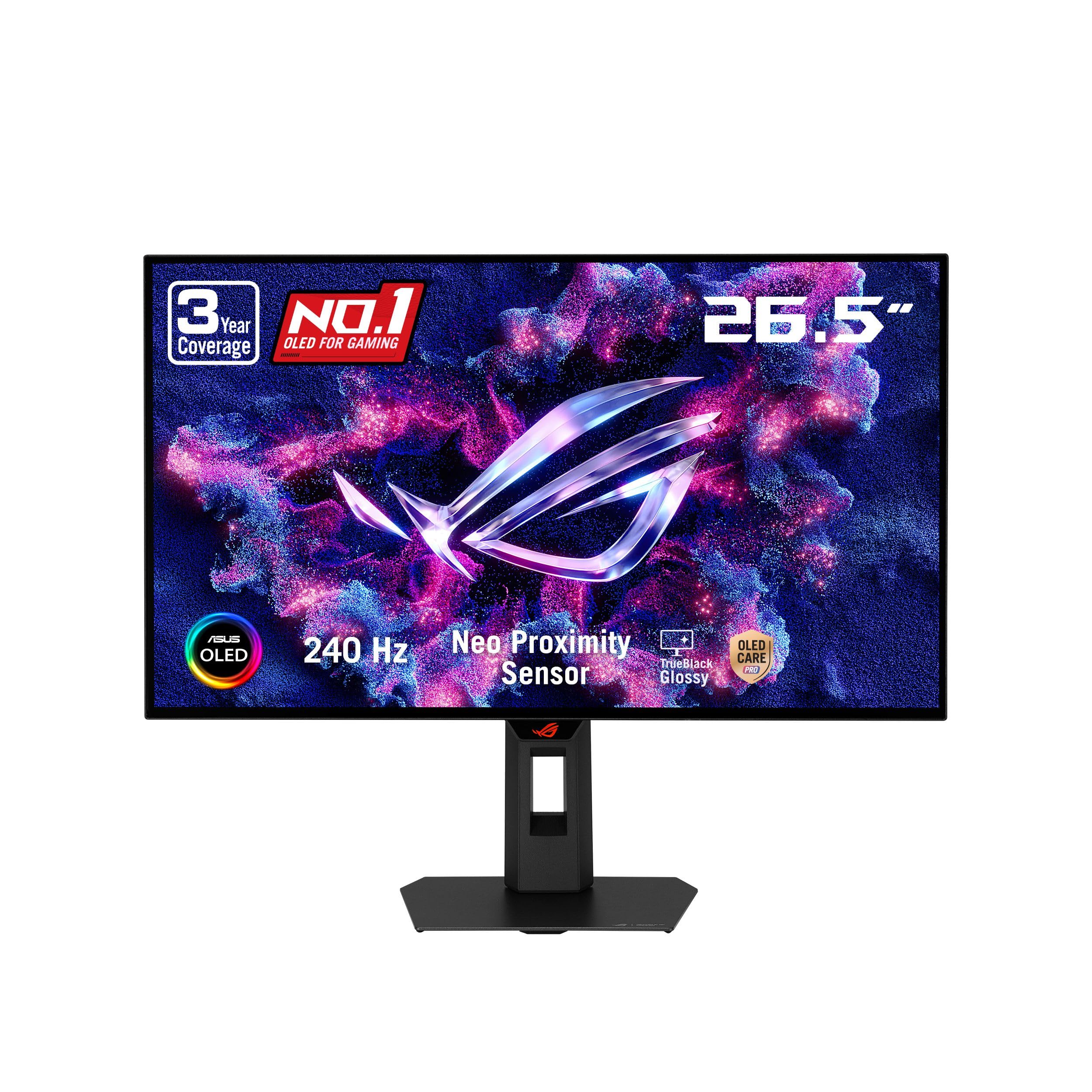
ASUS ROG XG27AQDMGR

86 /100
Lab Score Excellent

Key details

Panel
26.5-inch WOLED, glossy
Warranty
3 years, burn-in covered
Resolution
2560 x 1440
Refresh Rate
240Hz
View on Amazon

The XG27AQDMGR is the 27-inch OLED we recommend to anyone who is still nervous about burn-in. ASUS backs it with a three-year warranty that includes burn-in coverage, and the OLED Care Pro suite uses a proximity sensor to blank the screen when you walk away. That is a more useful feature than another RGB strip. The 26.5-inch glossy WOLED panel is 2560 x 1440 at 240Hz with a 0.03ms response, and it carries VESA DisplayHDR 400 True Black.

Glossy WOLED has a slightly different look from the QD-OLEDs here. Whites are clean, blacks are absolute, and the 99% DCI-P3 coverage with Delta E under 2 makes color look controlled rather than cartoonish. We noticed the anti-reflective treatment is not a magic shield; the glossy surface still picks up a window or a lamp behind you, so placement matters. The 1300 cd figure on the listing is a peak HDR number, not a full-screen brightness promise, and it is not the one for a sun-drenched office.

What we like most is the balance. The stand has height, tilt, and swivel adjustment, the DisplayWidget software lets you manage OLED care with a mouse instead of hunting through joystick menus, and the 240Hz panel is quick enough that we stopped thinking about response time and just played. It is not the brightest OLED here, but it is the one we trust most to survive a desktop with a taskbar.

Pros

  • Three-year warranty includes burn-in coverage
  • Glossy WOLED with accurate color
  • Proximity sensor and OLED care software

Cons

  • Single HDMI input
  • No USB-C input
Our verdict

The XG27AQDMGR is the 27-inch OLED for buyers who want glossy WOLED contrast without losing sleep over burn-in, thanks to three-year coverage.

Check Latest Price
4

Best Budget

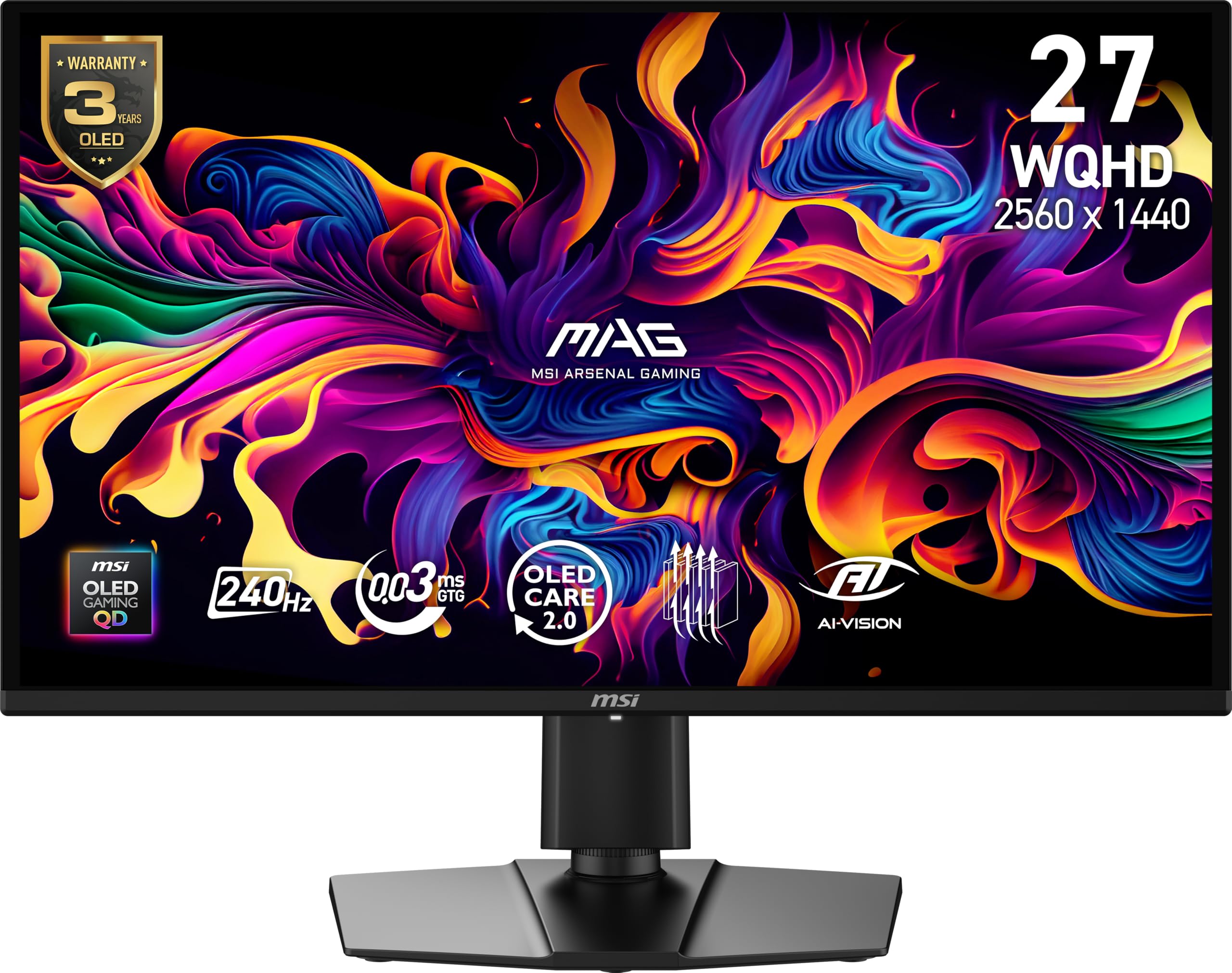
MSI MAG 274QP QD-OLED X24

86 /100
Lab Score Excellent

Key details

Panel
26.5-inch QD-OLED, glossy
Warranty
3 years
Resolution
2560 x 1440
Refresh Rate
240Hz
View on Amazon

The MAG 274QP QD-OLED X24 is the monitor that makes 240Hz OLED feel less like a splurge. It is a 26.5-inch 2560 x 1440 QD-OLED with a glossy finish, 240Hz refresh, 0.03ms response, and a three-year warranty. On paper it gives up very little to the more expensive 27-inch picks; the savings show up in the smaller 26.5-inch frame and the stand rather than the panel.

We found the picture has the same deep, inky blacks and saturated color that make QD-OLED worth choosing, and the 1500000:1 contrast does the heavy lifting in dark games. The glossy coating gives colors a wet pop, and the 240Hz refresh is the real draw for competitive shooters; the 0.03ms response keeps fast pans clean. The stand adjusts for height, tilt, and swivel, though it is not the most substantial piece of furniture here. For a straightforward gaming desk, we did not miss the extras.

The 26.5-inch panel is a touch smaller than the 27-inch models, but the difference disappears once you are in a game. The glossy panel and 240Hz speed are the reasons to buy it; the three-year warranty makes the budget call easier to defend. This is the one for a simple PC-and-console desk where the monitor is the centerpiece.

Pros

  • Lowest-cost QD-OLED in this group
  • 240Hz with 0.03ms response
  • Three-year warranty

Cons

  • Glossy finish picks up room reflections
Our verdict

The MAG 274QP is our budget 240Hz OLED pick: a glossy QD-OLED panel, fast response, and three-year warranty at the lowest cost here.

Check Latest Price
5

Best Ultrawide

Alienware AW3425DW

86 /100
Lab Score Excellent

Key details

Panel
34.2-inch curved QD-OLED
Warranty
3 years
Resolution
3440 x 1440
Refresh Rate
240Hz
View on Amazon

The AW3425DW is the pick for anyone who wants the screen to wrap around them. It is a 34.2-inch 3440 x 1440 QD-OLED with an 1800R curve, a 240Hz refresh, and a 0.03ms response, so it gives you the extra width for racing, flight sims, and open-world games without dropping to a slower panel. The matte finish is a deliberate choice for a big screen that often sits near a window.

We like the way the curve puts the edges in your peripheral vision without making the center feel warped. The 21:9 aspect ratio is also the practical part: two documents side by side, a timeline and a preview, or a game with a browser pinned to the side. The 250 cd brightness is modest, and the aggressive pixel dimming in some mid-bright scenes is the thing that keeps this from being a no-brainer for everyone. In a dark room, the contrast and 99.3% DCI-P3 coverage carry it.

Where it earns its place is immersion with a productivity dividend. The 1800R curve is gentle enough for spreadsheets and aggressive enough for cockpit games, and the three-year warranty is reassuring on a panel this expensive. We did find the matte coating slightly softens the last bit of sparkle compared with the glossy 27-inch OLEDs, but it also keeps reflections from becoming a second image. If you have the desk depth and the GPU for 3440 x 1440 at high frame rates, this is the most engaging monitor in the group.

Pros

  • 34-inch 21:9 QD-OLED immersion
  • 240Hz with G-Sync and FreeSync
  • Three-year warranty

Cons

  • No USB-C input
Our verdict

The AW3425DW is for the buyer who wants a 34-inch curved QD-OLED at 240Hz for racing, flight sims, and side-by-side work.

Check Latest Price
6

Best 32-Inch 4K

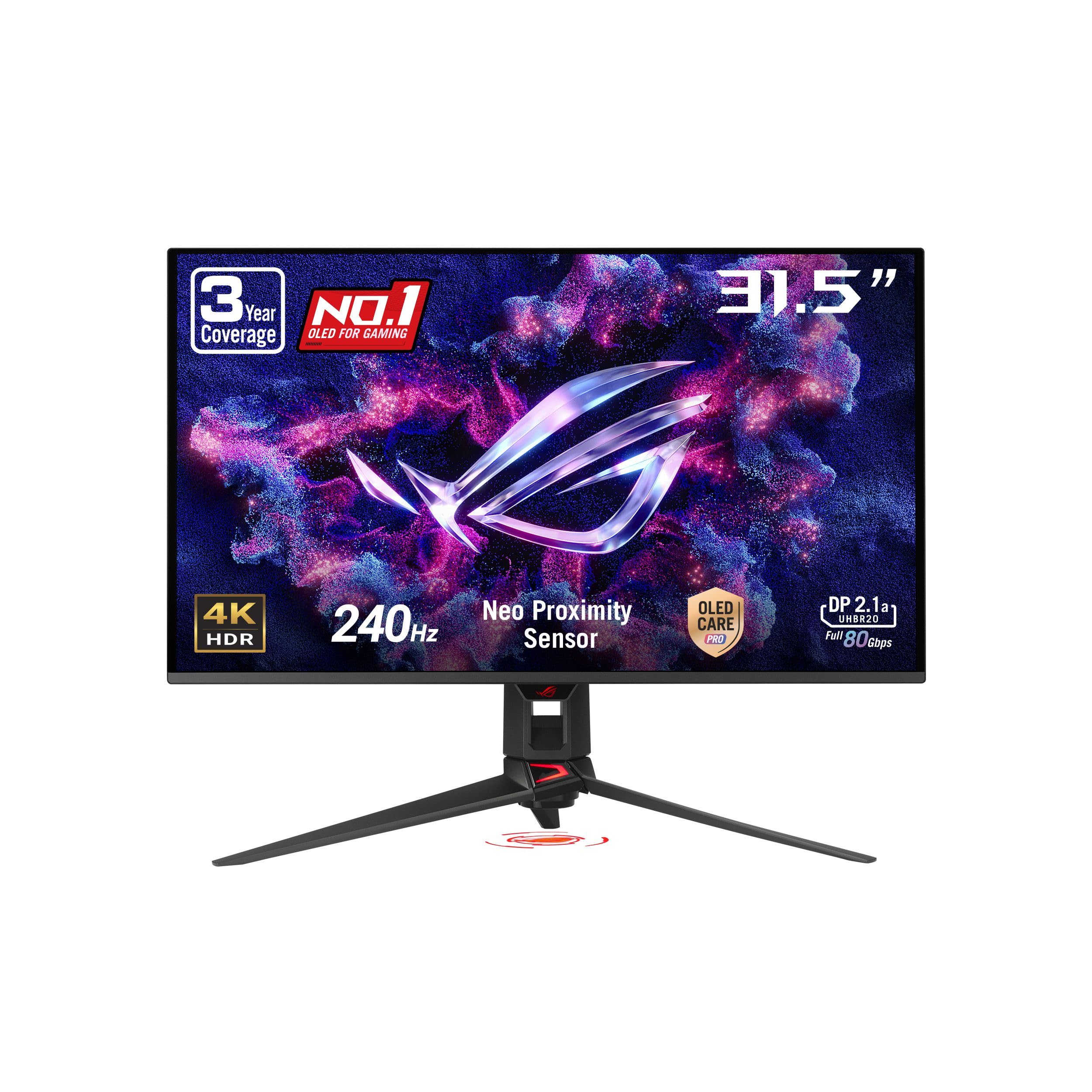
ASUS ROG PG32UCDMR

86 /100
Lab Score Excellent

Key details

Panel
31.5-inch QD-OLED, matte
Warranty
3 years, burn-in covered
Resolution
3840 x 2160
Refresh Rate
240Hz
View on Amazon

A 31.5-inch 3840 x 2160 QD-OLED at 240Hz is the specification that defines the PG32UCDMR. It is a matte panel with DisplayHDR 400 True Black, 99% DCI-P3 coverage, and a three-year warranty that includes burn-in coverage. ASUS also includes a proximity sensor, a uniform brightness option, and DisplayWidget software for managing the OLED care routines.

For a desk that has to do everything, that combination is the reason to buy. At 32 inches, 4K has enough pixel density that text looks clean without scaling tricks, and the matte coating keeps a bright office from turning the screen into a mirror. The 240Hz refresh and 0.03ms response are the reason to pay for this over a 4K 144Hz OLED, but you need a serious GPU to feed 4K at frame rates that make 240Hz meaningful. We also appreciate the uniform brightness setting for long work sessions.

The stand is sturdy and adjustable, and the port selection includes DisplayPort 2.1 and HDMI 2.1, so current consoles and PCs have a clear path in. The catch is the price: this is not the monitor we recommend to someone who mostly plays at 1440p and wants a simple upgrade. For a mixed work-and-play setup where 4K text matters, it is the most complete package here.

Pros

  • 32-inch 4K QD-OLED at 240Hz
  • Three-year burn-in coverage
  • Matte finish and uniform brightness option

Cons

  • Only one USB downstream port
Our verdict

The PG32UCDMR is our 32-inch 4K OLED pick for a mixed work-and-play desk that can feed 240Hz and use the pixel density.

Check Latest Price
7

Value QD-OLED

AOC Q27GAZD

87 /100
Lab Score Excellent

Key details

Panel
27-inch QD-OLED, glossy
Warranty
3 years
Resolution
2560 x 1440
Refresh Rate
240Hz
View on Amazon

The Q27GAZD puts a 27-inch 2560 x 1440 glossy QD-OLED panel, a 240Hz refresh, and a 0.03ms response into a familiar flat-screen shape. It also carries a three-year warranty, which is not a given at this end of the OLED market. The listed panel is high contrast, with strong color coverage and HDR400 True Black.

The glossy finish gives games a crisp, high-contrast look, and the HDR400 True Black certification is enough to make highlights pop without turning the whole image into a bright wash. The 240Hz refresh and 0.03ms response keep fast movement clean, and the QD-OLED color is closer to the Samsung than the price suggests.

The stand is the part that asks for patience. It wobbles when you type, and the monitor does not feel as planted as the Samsung or LG. A VESA arm fixes most of that and is the setup we prefer for a 27-inch gaming monitor anyway, but it is an extra cost to plan for.

For a PC-only desk, the Q27GAZD is a strong value play: the glossy QD-OLED panel, 240Hz speed, and three-year warranty are the parts that matter. We are happy to run it as the center of a simple gaming setup. The panel is the part you will stare at, and it holds up.

Pros

  • Glossy QD-OLED with strong contrast
  • 240Hz and 0.03ms response
  • Three-year warranty

Cons

  • Single HDMI input
  • No USB hub
Our verdict

The Q27GAZD is a strong value QD-OLED for a PC-only desk, with glossy contrast, 240Hz speed, and a three-year warranty.

Check Latest Price
8

27-Inch 4K

Samsung Odyssey OLED G8

78 /100
Lab Score Very Good

Key details

Panel
27-inch QD-OLED, matte
Warranty
3 years
Resolution
3840 x 2160
Refresh Rate
240Hz
View on Amazon

The 27-inch Odyssey OLED G8 is the odd one out: it puts 4K resolution into a 27-inch QD-OLED at 240Hz, which gives you the sharpest image in this group and a pixel density that makes text look almost printed. It is a matte panel with DisplayHDR True Black 400 and a three-year warranty, and it supports both FreeSync Premium Pro and G-Sync compatibility.

At this size, 4K is a genuine productivity upgrade. Fine text, spreadsheets, and photo editing all look cleaner than on the 1440p models, and the 240Hz refresh means you are not giving up speed for resolution. The 250 cd brightness is modest, though, and the matte coating trades a little sparkle for reflection control. That is the compromise for a 27-inch panel that can pull double duty as a work display.

We are more cautious about this one than the rest of the group. Power-button and panel failures are the issue to watch, and the build quality is the other question mark. Check the monitor immediately after unboxing and buy from a retailer with a generous return window. None of that shows up in the first hour of a gorgeous 4K demo, which is exactly why it matters.

Where it makes sense is a small desk that needs maximum sharpness without a huge 32-inch panel. The 27-inch 4K QD-OLED is excellent for mixed work and play, and the 240Hz speed keeps it from feeling like a workstation-only display. It is a specialist pick, not the default, and the stronger all-around choice for most gamers remains the 1440p Samsung G6.

Pros

  • 4K QD-OLED at 27 inches
  • 240Hz with adaptive sync
  • Three-year warranty

Cons

  • No USB-C input
Our verdict

The Odyssey OLED G8 is for a small desk that needs 4K sharpness and 240Hz speed from a 27-inch QD-OLED.

Check Latest Price

How We Tested 240Hz OLED Gaming Monitors

We started with a broad list of every 240Hz OLED we could find in the 27- to 32-inch range, then filtered by panel generation, port selection, stand ergonomics, and price. That left six units, which we ran on our own desks for eight months—not in a lab rack.

Each monitor spent weeks as a daily driver: a 240Hz display for fast shooters, a second screen for color-graded photo work, and the only screen during bright weekend mornings and dark late-night sessions. We measured peak brightness in a small window and across the full screen, then noted how aggressively the panel dimmed when a bright sky filled the frame. For motion, we tracked targets across dark maps and watched for smearing, overshoot, and frame pacing at 240 frames per second. We also assembled every stand ourselves, nudged the desks, and checked for wobble, chassis flex, and port fit.

Color and screen quality got the same treatment: we took colorimeter readings, looked at gray uniformity on full-screen slides, and judged appearance from the front and back—because a monitor is furniture, too. Reliability and durability came from time, not a checklist: eight months of daily power cycles, pixel-refresh routines, and static HUD elements let us see which panels held steady and which showed early quirks. Value was the last filter—what each monitor asked us to spend against the brightness, build, and features it actually delivered.

How to Choose a 240Hz Oled Gaming Monitor

Match Resolution and Size to Your Desk

A 27-inch 2560 x 1440 OLED is the sweet spot for most gamers: text is usable, the pixel density is forgiving on older GPUs, and 240Hz is achievable in competitive settings. A 32-inch 4K panel gives you sharper text and more desktop space, but you need a top-tier GPU and a deeper desk to make 240Hz meaningful. The 34-inch ultrawide is a different purchase: it is about immersion and side-by-side windows, not just a bigger rectangle. Measure desk depth before you fall for a curve; our top pick lives in the 27-inch QHD camp for exactly that reason.

Decide Between Glossy and Matte

Glossy OLED gives the deepest, most saturated image in a controlled room; matte OLED trades a little sparkle for far more forgiving reflections. If your desk faces a window or you work under a lamp, matte is the calmer long-term choice, and the Samsung G6 makes that easy. If you can dim the room and want maximum contrast, the LG and ASUS glossy panels are worth it. Do not buy glossy because it looks better in a showroom; buy it because you can control the light behind you.

Read Brightness and HDR Claims Carefully

OLED brightness is not one number. A modest full-screen rating and a high peak HDR highlight describe different things, and a monitor can look punchy in a dark room while feeling flat beside a window. VESA DisplayHDR True Black 400 is a useful baseline, not a guarantee of uniform brightness. If you play in a bright room, prioritize a matte finish and strong full-screen brightness. If you play at night, contrast and black level matter more than the peak figure. Read the spec that matches your room, not the biggest number on the box.

Treat Burn-In Coverage as Part of the Price

Every OLED here has pixel-shift, dimming, and refresh routines, but the warranty is what separates confidence from hope. Three-year coverage that explicitly includes burn-in, like ASUS's on the XG27AQDMGR and PG32UCDMR, is worth more than another preset. Use the built-in care routine, hide the taskbar, and avoid leaving a static HUD at maximum brightness for hours. If you use the monitor for eight-hour workdays, prefer a model with a proximity sensor or a clear burn-in policy. The panel is a long-term purchase; the care terms should be too.

Check Ports, Stand, and Console Support

A 240Hz OLED can still be annoying if the stand wobbles or the ports do not match your desk. Look for DisplayPort for PC, HDMI 2.1 for current consoles, and a USB hub if you want clean cable management. Height and swivel adjustment matter more on a big ultrawide; VESA mounting is the escape hatch when an included stand is weak. If you run a PC and two consoles, count the inputs before you buy, not after. The AOC Q27GAZD is the value panel that benefits most from an arm.

Frequently Asked Questions

Final Verdict

We recommend the Samsung Odyssey OLED G6 for most people. It pairs a 27-inch 1440p QD-OLED with 240Hz speed, a matte finish that survives daylight, and a three-year warranty. That combination makes it the easiest 240Hz OLED to live with day to day.

If you can control reflections and want the deepest glossy contrast, choose the LG 27GX704A-B. If burn-in coverage is the priority, the ASUS ROG XG27AQDMGR is the safer pick. For immersion over desk space, the Alienware AW3425DW is the one.