8 Best 27-Inch OLED Gaming Monitors of 2026: Glossy vs Matte Solved

Find the best 27-inch OLED gaming monitor for your setup: glossy vs matte, HDMI 2.1 vs 2.0, and dimming quirks explained to get perfect contrast for your room.

OLED gaming monitors promise perfect blacks and instant response, but that promise shatters the moment afternoon sun hits a glossy screen or HDR auto-dim kicks in mid-match. Many gamers buy based on specs alone and end up with a monitor that fights their room's lighting.

Choosing the right screen finish and connectivity isn't marketing fluff—it's the difference between an immersive, reflection-free experience and constant frustration. This guide shows exactly how to match a 27-inch OLED to your setup, so you avoid the common pitfalls that reviews rarely highlight.

From 240Hz glossy panels that excel in darkened dens to matte 480Hz beasts for bright esports arenas, the right choice depends on your actual gaming space—not just your GPU.

1

Best Overall

LG 27GX704A-B

89 /100
Lab Score Excellent

Key details

HDMI Version
HDMI 2.1
Refresh Rate
240Hz
Panel & Finish
WOLED, glossy
HDR Certification
True Black 400
View on Amazon

The LG 27GX704A-B brings a stunning glossy WOLED panel and dual HDMI 2.1 ports to a 27-inch form factor, offering a premium gaming experience for both PC and current-gen consoles. OLED’s self-emissive pixels deliver absolute black levels and vivid colors that make everything from dark horror scenes to neon-soaked cyberpunk landscapes look dramatically richer than any IPS or VA counterpart. VESA DisplayHDR True Black 400 certification and a 1300-nit peak brightness ensure that bright highlights pop without crushing shadow detail, giving HDR games convincing depth.

The glossy screen coating amplifies perceived contrast and sharpness, giving images a wet, glass-like clarity that matte panels can muddle. Even SDR content benefits from the extra vibrancy, and text remains crisp at 1440p. That visual punch pairs with buttery motion: a 240Hz refresh rate and 0.03ms GtG response time strip away ghosting and motion blur, keeping fast-paced shooters silky smooth and responsive.

Reliability gets real attention with LG’s OLED Care suite, which automatically runs pixel refresh cycles and uses a proximity sensor to dim the display when you step away — reducing burn-in risk during extended static content. A two-year parts-and-labor warranty backs the panel, adding a layer of protection for long-term ownership.

Connectivity turns the monitor into a hub: two HDMI 2.1 inputs let you connect a PS5 and Xbox Series X simultaneously at 1440p 120Hz with VRR, while DisplayPort 1.4 handles PC duties up to 240Hz. A built-in USB hub (one upstream, three downstream) keeps keyboard and mouse cables tidy, so switching between devices is practically effortless.

This monitor is aimed squarely at gamers who can control ambient light and want the richest possible image quality. The glossy finish creates distracting reflections in bright rooms, so a dim or dark environment is essential to unlock its full visual potential. Owners should inspect the unit immediately after delivery — a small number of monitors ship with physical defects like cracked screens or bent frames, though the warranty covers issues once reported. If your setup is sunlit or you prioritize extreme esports speed over cinematic depth, the matte 480Hz sibling offers a different set of compromises.

Pros

  • OLED panel produces true blacks and vibrant, lifelike colors that make games and movies astonishingly immersive.
  • Glossy screen gives images a high-contrast, glass-clear finish that enhances perceived sharpness and depth.
  • 240Hz refresh rate with 0.03ms response time eliminates motion blur for fluid, responsive gameplay.
  • Dual HDMI 2.1 ports plus DisplayPort 1.4 and a USB hub make it a seamless hub for PC, PS5, and Xbox.
  • Mid-range price packs in premium OLED features, making it a standout value among 240Hz HDMI 2.1 monitors.

Cons

  • Some units arrive with physical defects like cracked screens or bent frames, so a prompt inspection after delivery is critical.
Our verdict

If you can game in a dim environment and open the box carefully to check for shipping damage, the LG 27GX704A-B’s glossy OLED and flexible connectivity make it the top pick for a vibrant dual-platform gaming display.

Check Latest Price
2

Best for Competitive Gamers

ASUS XG27ACDNG

87 /100
Lab Score Excellent

Key details

HDMI Version
Refresh Rate
360Hz
Panel & Finish
QD-OLED, matte
HDR Certification
True Black 400
View on Amazon

Unlike 4K OLED panels that cap at 240Hz, the XG27ACDNG prioritizes 360Hz refresh at 1440p, pairing razor-sharp motion with a matte coating that resists reflections in bright rooms. Its QD-OLED panel is backed by a custom heatsink, a proximity sensor that dims when you step away, and a 3-year warranty that explicitly covers burn-in — a combination aimed squarely at marathon competitive gamers.

Motion at 360Hz is virtually blur-free; the 0.03ms response eliminates ghosting even during frantic flick shots. The true 10-bit color depth and DisplayHDR 400 True Black produce deep inky blacks and accurate gamut coverage, making both esports titles and HDR cinematic scenes pop. Build quality is premium, with a sturdy stand and neat cable management that stand up to daily use.

This monitor fits competitive FPS, MOBA, and battle royale players who demand the absolute smoothest 1440p OLED and don't mind tweaking settings. VRR flicker can be noticeable in dim scenes or when framerates fluctuate wildly, so it's less suited to horror-game binges or flicker-sensitive eyes. Firmware updates sometimes cause ELMB to underdeliver on motion blur reduction, making it a feature to skip rather than rely on. Buyers comfortable with minor firmware quirk navigation and occasional flicker will find the speed and color well worth the tradeoff.

💡 If VRR flicker distracts during dark sequences, disabling adaptive sync for those titles can help — the monitor's native 0.03ms response keeps motion crisp even without VRR.

Pros

  • Blazing 360Hz refresh rate eliminates motion blur entirely, making fast-paced gameplay incredibly fluid.
  • Stunning color accuracy and inky QD-OLED blacks with true 10-bit support deliver vivid HDR and SDR content.
  • Premium build quality and sturdy stand give a high-end feel that withstands long gaming sessions.
  • Gloss-free matte screen and brilliant HDR brightness create a visually striking presentation for daily use and gaming.

Cons

  • ELMB may not reduce motion blur as expected after a firmware update, leaving users to rely on raw panel speed.
  • VRR flicker can be distracting in dark scenes or when framerates dip, particularly noticeable in shadow-heavy horror titles.
Our verdict

For esports players demanding 360Hz OLED clarity, a matte finish, and robust burn-in defenses, the ASUS XG27ACDNG delivers — expect some VRR flicker in shadow-heavy scenes and be ready to skip ELMB.

Check Latest Price
3

Best Budget OLED

Samsung Odyssey OLED G5

86 /100
Lab Score Excellent

Key details

HDMI Version
HDMI 2.0
Refresh Rate
180Hz DP, 144Hz HDMI
Panel & Finish
QD-OLED, matte
HDR Certification
HDR10
View on Amazon

The Samsung Odyssey OLED G5 delivers the deep blacks and instant pixel response of QD-OLED at an entry-level price, making it the most approachable 27-inch OLED for pure PC gaming. While some budget OLED monitors pair low prices with nearly unusable HDR and limited console support, the G5 manages a capable 1440p signal over HDMI at 144Hz and a full 180Hz over DisplayPort — a meaningful step up for desk-based competitive play.

The matte panel handles reflections well in moderately lit rooms, and SDR content shines with vibrant, accurate colors and the signature inky blacks OLED is known for. Auto-dimming behavior, built in to protect the panel from burn-in, can darken entire scenes proportionally and erode shadow detail in dimly lit scenes. This makes the G5 less suited for cinematic HDR or horror titles that depend on subtle darkness, but for brightly lit competitive maps and desktops the tradeoff is manageable.

Budget-conscious PC gamers who use DisplayPort and sit in a controlled lighting setup get the most from this monitor. Console players and those who rely on HDMI are capped at 144Hz, and anyone who demands a bright, consistent HDR presentation or fine shadow detail should look elsewhere. For the price, the G5 excels as a fast, contrast-rich display for competitive and everyday gaming.

💡 Use DisplayPort for the full 180Hz refresh rate — HDMI tops out at 144Hz.

Pros

  • Solid build quality that matches premium expectations, despite the lower price point
  • Deep, true black levels and punchy colors that give SDR games and video a lifelike look
  • Exceptional value, especially during sales, making OLED gaming accessible

Cons

  • HDMI 2.0 connection caps refresh at 144Hz, so DisplayPort is mandatory for the full 180Hz motion
  • Out-of-box dead pixels can occur, requiring a warranty replacement in some cases
Our verdict

This monitor is the right call for DisplayPort-equipped rigs that value contrast and speed over peak brightness.

Check Latest Price
4

Best Value QD-OLED

MSI MAG 271QPX

88 /100
Lab Score Excellent

Key details

HDMI Version
HDMI 2.0
Refresh Rate
240Hz
Panel & Finish
QD-OLED, semi-glossy
HDR Certification
True Black 400
View on Amazon

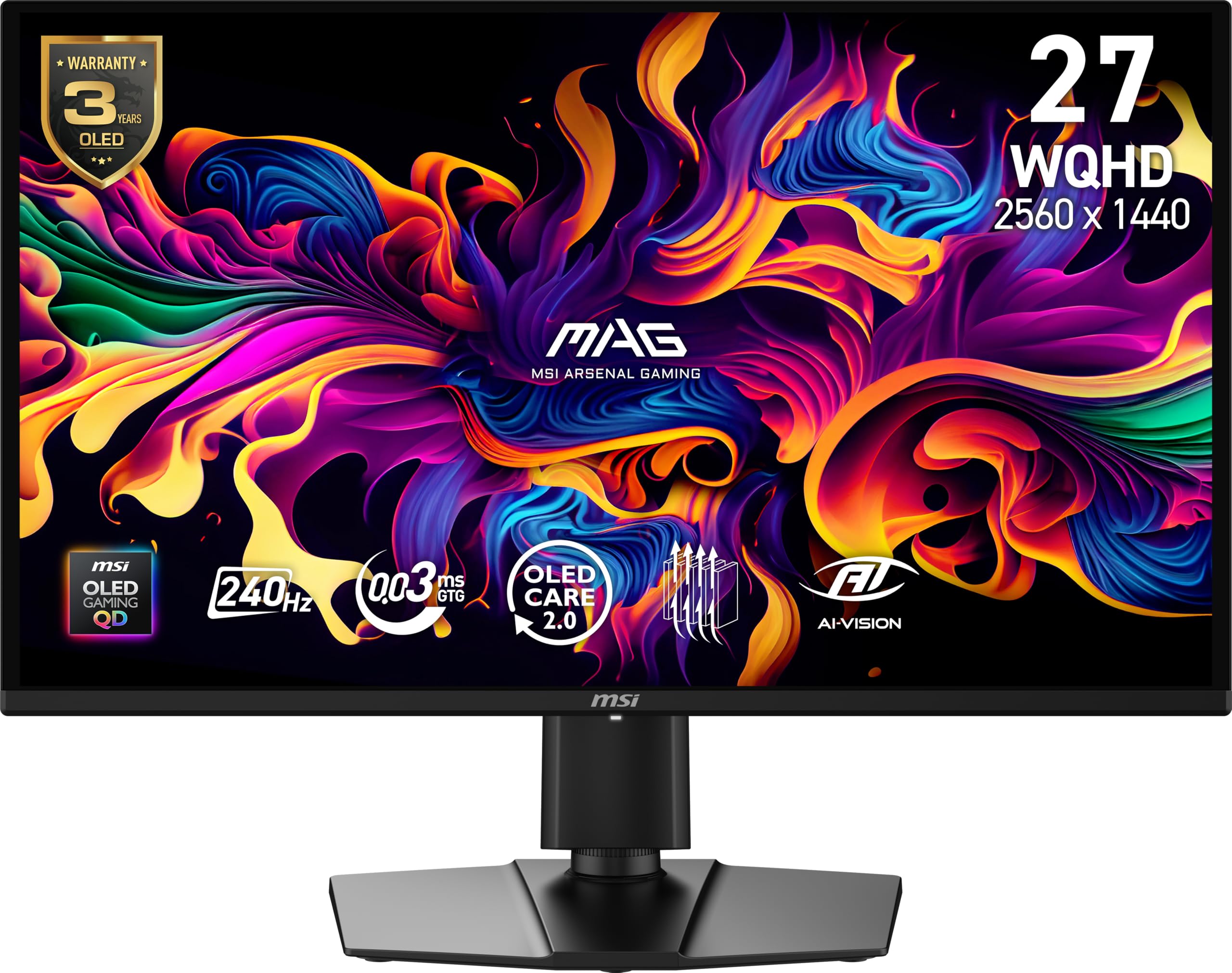
QD-OLED's true blacks and 1000-nit peak HDR transform dark game environments, while 240Hz and 0.03ms response keep motion crisp. The semi-glossy screen keeps reflections manageable, and out-of-box sRGB/DCI-P3 calibration rivals monitors costing hundreds more. HDR400 True Black certification ensures deep shadow detail without the raised black floor of edge-lit displays.

Where the feature-packed 360Hz competitors bundle USB-C hubs and KVM switches, this MSI stays focused: one DisplayPort, one HDMI 2.0, and a clean design. Build quality is solid with minimal bezels, and the fanless cooling is silent. It sidesteps the glossy reflections that some WOLED panels introduce, making it a better fit for rooms with ambient light.

Budget-conscious gamers who value image depth over I/O flexibility will find this monitor a strong fit. Console players are constrained by the HDMI 2.0 port — high-refresh 1440p is a PC-only affair. VRR flicker can appear during dim, variable-frame scenes, a QD-OLED characteristic that diminishes with a stable frame cap. Dead pixels or brief black screens have been noted on some units, though MSI's 3-year warranty and burn-in protection provide a safety net.

💡 Locking frame rates or disabling VRR in atmospheric titles that trigger flicker keeps the image rock-steady.

Pros

  • Packs QD-OLED contrast and 240Hz smoothness into a mid-range price bracket, delivering a near-premium experience.
  • Factory calibration provides color-accurate sRGB and DCI-P3 coverage that rivals monitors costing 30-50% more.
  • Slim, modern design with minimal bezels and a clean cable-management-friendly stand.

Cons

  • VRR flicker may show up in dark game scenes when frame rates fluctuate; a trait common to QD-OLED panels.
  • Dead pixels or momentary screen blackouts are possible, requiring a panel exchange in some cases.
Our verdict

If factory color accuracy matters more than HDMI 2.1 and you can accept the occasional VRR flicker that plagues most QD-OLEDs, this MSI offers the richest contrast-per-dollar today.

Check Latest Price
5

Best for Speed Demons (480Hz)

LG 27GX790A-B

83 /100
Lab Score Excellent

Key details

HDMI Version
HDMI 2.1
Refresh Rate
480Hz
Panel & Finish
WOLED, matte
HDR Certification
True Black 400
View on Amazon

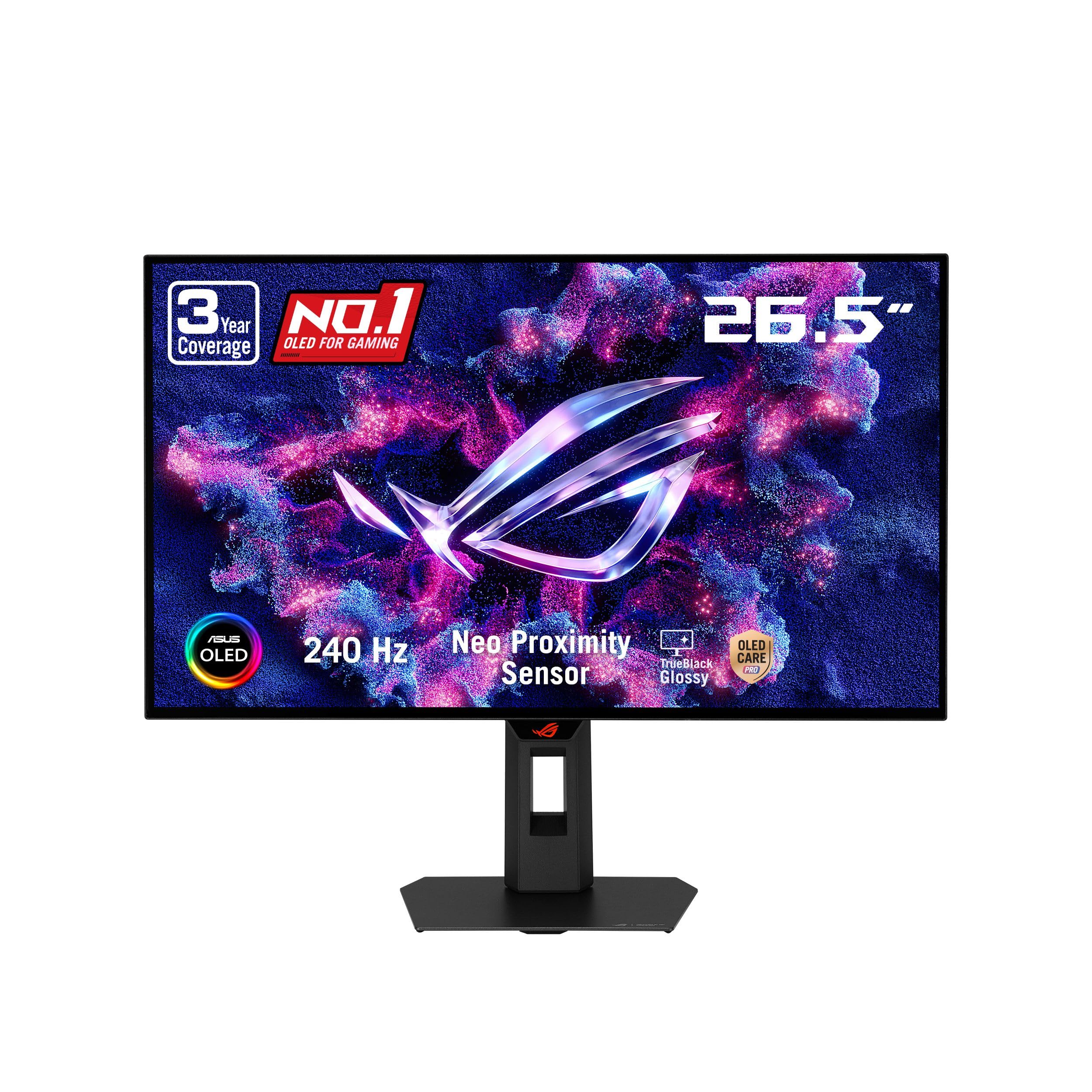
The LG 27GX790A-B pushes OLED motion clarity to 480Hz, outpacing the 240Hz glossy alternative for sheer fluidity. The matte coating keeps reflections at bay without washing out the vivid WOLED panel, which still produces deep blacks and excellent color pop. DisplayPort 2.1 sits ready for the latest GPUs, so bandwidth won't bottleneck your frame rates.

Motion feels instantaneous — 0.03ms GTG response time and the 480Hz refresh combine to erase perceptible ghosting, even during frantic flick shots. Colors remain punchy across the 98.5% DCI-P3 gamut, and the anti-glare layer lets you focus on the game rather than your room's lighting. OLED Care tools run quietly in the background to manage burn-in risk.

This monitor targets competitive FPS players running an RTX 50-series or equivalent GPU who treat 480Hz as the final upgrade. Console gamers and casual users will find the refresh ceiling excessive. You should be comfortable with the possibility of power-on or no-signal issues that require a warranty claim — reliability hiccups can happen with cutting-edge panels.

💡 To get the most from HDR, use a dimly lit room and avoid placing the monitor opposite a window.

Pros

  • Unmatched 480Hz refresh rate delivers the smoothest possible motion for competitive gaming.
  • Matte coating drastically reduces glare while preserving vivid colors and deep blacks.
  • Blistering 0.03ms GTG response time erases motion blur and ghosting entirely.
  • DisplayPort 2.1 future-proofs connectivity for upcoming high-bandwidth GPUs.

Cons

  • In brightly lit rooms or with HDR content that demands high peak luminance, the screen may feel dim.
Our verdict

For the competitive shooter who sees 480Hz as the final frontier and owns a GPU that can push it, this monitor is unrivaled — provided you're ready to handle a potential return if your unit acts up.

Check Latest Price
6

4K Gaming

ASUS XG27UCDMG

87 /100
Lab Score Excellent

Key details

HDMI Version
HDMI 2.1
Refresh Rate
240Hz
Panel & Finish
4K QD-OLED, matte
HDR Certification
True Black 400
View on Amazon

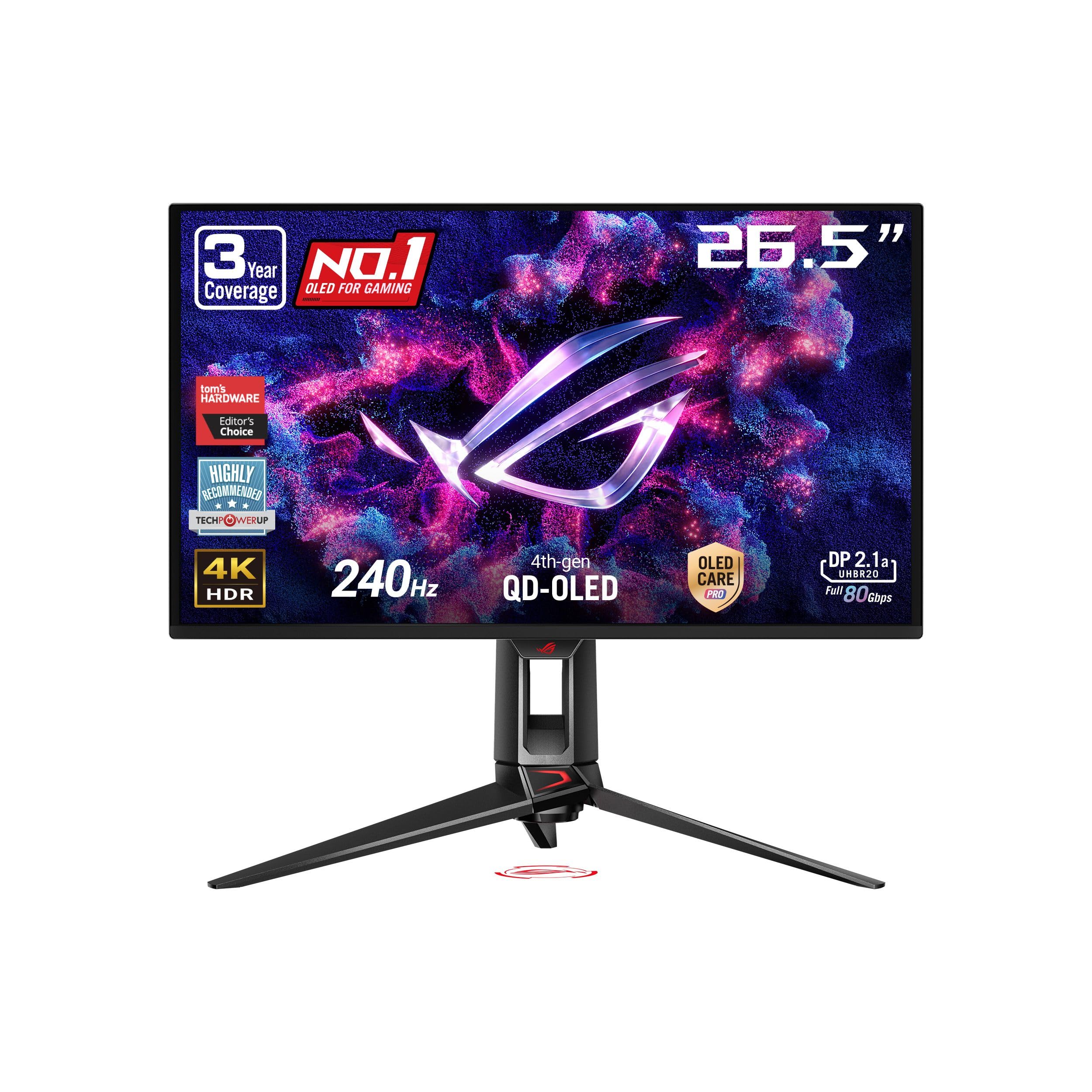
The XG27UCDMG delivers a sharp 4K image on a 26.5-inch QD-OLED panel, producing crisp text and detailed visuals that suit both high-end gaming and content work. Out-of-box color accuracy and a sturdy, premium chassis strengthen its appeal.

The 240Hz refresh rate and 0.03ms response time keep motion fluid, matching the performance expected from modern OLEDs. However, 1440p QD-OLED monitors at half the price offer a gaming experience that feels nearly identical in most titles, leaving the extra resolution to matter mainly for desktop clarity and color-critical applications.

Pros

  • Exceptionally sharp 4K picture with strong pixel density for text and fine details
  • Premium build quality and a clean, sturdy design
  • Accurate color reproduction straight out of the box

Cons

  • Price sits well above 1440p QD-OLED models with near-identical gaming image quality
Our verdict

Best for users who need true 4K resolution in a 27-inch OLED format for a mix of gaming and professional visual work, and who consider the higher cost worthwhile for that sharpness.

Check Latest Price
7

KVM & 360Hz

MSI MPG 271QRX

83 /100
Lab Score Excellent

Key details

HDMI Version
HDMI 2.1
Refresh Rate
360Hz
Panel & Finish
QD-OLED, glossy
HDR Certification
True Black 400
View on Amazon

MSI's MPG 271QRX pairs a 360Hz QD-OLED panel with KVM and USB-C, a combination that streamlines a multi-device racing setup. Its 0.03ms GtG response and deep blacks deliver competitive advantage, while the USB hub and KVM switch keep a desktop free of clutter.

Long-term reliability is less documented than for rival monitors with more extensive user feedback, leaving some open questions about consistent performance over time. This suits buyers who prioritize connectivity flexibility and are comfortable with a thinner track record.

Pros

  • 360Hz refresh and 0.03ms response eliminate motion blur in fast-paced titles.
  • Built-in KVM switch and USB-C with DisplayPort Alt Mode simplify control across two PCs.
  • QD-OLED panel produces deep blacks and vibrant HDR colors, enhancing dark-scene visibility.

Cons

  • Peak HDR brightness caps at True Black 400, limiting impact in brightly lit rooms.
  • In some units, a hardware defect can render the display non-functional; thorough initial testing is advised.
Our verdict

If a multi-device battle station with a single hub is the priority, this monitor's convenience is compelling — provided you accept a less public long-term reliability picture.

Check Latest Price
8

Budget SDR

AOC Q27GAZD

85 /100
Lab Score Excellent

Key details

HDMI Version
HDMI 2.0
Refresh Rate
240Hz
Panel & Finish
QD-OLED, glossy
HDR Certification
True Black 400
View on Amazon

The AOC Q27GAZD hits the essentials for PC gamers wanting OLED contrast without spending heavily. Colors are rich and blacks are truly deep in SDR, and the 240Hz refresh feels fluid for competitive play. However, HDR mode is dim and washes out image detail, so this monitor is effectively an SDR-only panel. Additionally, the sole HDMI 2.0 port handicaps console users who need 1440p120 support. Those who stick to DisplayPort and prioritize SDR gaming get a lot of OLED for the money.

💡 Use DisplayPort for full 1440p 240Hz — HDMI 2.0 caps at 144Hz and cannot deliver 1440p120 on consoles.

Pros

  • Excellent value for a 240Hz QD-OLED, delivering OLED contrast at budget pricing.
  • Deep blacks and impressive color depth in SDR content.
  • Sturdy build and straightforward assembly for a budget monitor.

Cons

  • HDR mode appears dim and washed out, so SDR is the real strength here.
  • HDMI 2.0 limits consoles to 1080p at higher refresh rates; full 1440p 240Hz requires a DisplayPort connection.
Our verdict

For PC gamers with a DisplayPort connection who prioritize deep SDR blacks and 240Hz motion over HDR or console flexibility, this budget QD-OLED delivers.

Check Latest Price

How to Choose

Refresh Rate

A 240Hz panel already feels liquid-smooth to most gamers; jumping to 360Hz or 480Hz only matters if your GPU consistently hits those frame rates in fast-paced shooters. High refresh monitors also sometimes introduce VRR flicker in dark scenes, so if you are sensitive to that, a stable 240Hz may be the safer bet.

For console gaming, 120Hz is the max, so a 144Hz or 240Hz monitor is plenty—paying extra for 360Hz or more yields no visible benefit on a PS5 or Xbox Series X.

Panel Type & Screen Finish

Glossy panels make colors pop with perceived deeper blacks, but any ambient light turns into distracting mirror reflections. Matte finishes diffuse reflections but can introduce a slight grain that softens the image. For a dark, controlled room, glossy wins; for a bright room or esports setup under overhead lights, matte is the only practical choice.

QD-OLED typically offers a wider color gamut and better color volume, while WOLED can hit higher peak brightness and often handles near-black detail with less banding. The difference is subtle in games, but if you also watch HDR movies, WOLED's brightness edge can matter.

HDMI Version

HDMI 2.0 caps 1440p at 144Hz on PC and often forces consoles to choose between 1080p120 or 1440p60. HDMI 2.1 is required for 4K 120Hz or 1440p 120Hz with VRR on a PS5 or Xbox Series X. Many budget monitors cut costs by sticking with HDMI 2.0, leaving console gamers hamstrung.

If you mix a gaming PC with a console, confirm both HDMI ports are version 2.1—some monitors list only one and the other may be 2.0. DisplayPort remains the cleanest path for PC high-refresh, but HDMI 2.1 gives you the flexibility to plug in anything.

HDR Certification

Look for VESA DisplayHDR True Black 400 or 500 for proper OLED HDR; plain HDR10 without hardware brightness rarely delivers impactful highlights. Even certified monitors can suffer from aggressive auto brightness limiting that darkens the whole screen in bright scenes, so check user reports on dimming behavior before you buy.

Peak brightness specs like 1300 nits apply only to tiny highlights, not full-screen. If you regularly game in a sunlit room, a matte monitor with at least True Black 400 will fare better than a glossy screen with higher peak numbers but no sunlight resistance.

Burn-in Protection & Warranty

All OLEDs use pixel shifting, logo detection, and automatic pixel refreshes to combat burn-in. These can briefly dim the image or interrupt gameplay. A warranty that explicitly covers burn-in—often three years from ASUS or MSI—is the strongest reassurance, because software safeguards can only do so much.

Monitors with a comprehensive heatsink or graphene film run cooler, slowing burn-in accumulation. Features that pause protection during fast-moving games help avoid dimming distractions, but be prepared to manually run pixel cleaning during breaks.

Frequently Asked Questions