8 Best 32-Inch Gaming Monitors of 2026: Beat the Dead Pixel Lottery

Find the 32-inch gaming monitor that pairs sharp 1440p visuals with high refresh rates and doesn't gamble your return window on dead pixels and dimming bugs.

Many 32-inch gaming monitors look brilliant on a spec sheet—1440p, 165Hz, 1ms—but out of the box they ship with dead pixels, auto-dimming you can't disable, or color calibration that leaves skin tones looking like a bad filter. The real difference between buyer's remorse and a seamless upgrade often comes down to picking a model that has proven itself across thousands of real gaming sessions, not just benchmark charts.

This guide cuts through the noise by targeting monitors that balance high refresh rates, sharp resolution, and sensible pricing without forcing you to play the panel lottery. We break down which specs actually matter for your favorite shooters, RPGs, or mixed-use setups, how to spot hidden usability quirks, and which return-window habits turn a risky purchase into a confident one.

By the time you finish reading, you'll know exactly which 32-inch panel fits your desk, your GPU, and your tolerance for tinkering—so you can spend more time gaming and less time boxing up returns.

1

Best Overall

Samsung Odyssey G55C

90 /100
Lab Score Outstanding

Key details

panel_type
VA
resolution
QHD 2560x1440
refresh_rate
165Hz
adaptive_sync
AMD FreeSync
View on Amazon

The 1000R curvature wraps the 32-inch QHD screen tightly around your field of view, pulling you into open-world and racing games. The VA panel's 2500:1 contrast ratio gives deep blacks and vibrant colors, and the 165Hz refresh rate with AMD FreeSync eliminates tearing for fluid motion.

Samsung quotes a 1ms MPRT response time, but that figure relies on backlight strobing; the panel's native pixel response is typical of VA technology, with some dark-level smearing visible in fast FPS titles. Competitive esports players will notice the faint trailing, but for most single-player and casual multiplayer gaming, motion clarity is more than adequate.

Brightness maxes out at 300 cd/m², serviceable for SDR content but falling short for impactful HDR — HDR10 support is present but doesn't elevate the experience. Out of the box, color accuracy can be inconsistent: some units may show a slight red or green cast. A quick calibration using the monitor's settings usually brings the picture in line.

Budget-conscious gamers moving to 1440p, first-time curved monitor buyers, and console players using 1440p 120Hz will get the most from this monitor. For color-critical design work, a factory-calibrated flat IPS monitor is a better match. Esports competitors chasing every millisecond should look to a faster IPS or TN panel. Note that the DisplayPort input can occasionally drop the signal — switching to HDMI avoids the issue and still delivers 1440p 120Hz for consoles.

💡 Using the HDMI input instead of DisplayPort avoids occasional signal dropouts and still provides 1440p 120Hz for console gaming.

Pros

  • Solid build and screen quality for everyday gaming.
  • Sharp 1440p picture with deep contrast for immersive visuals.
  • Outstanding value for a 165Hz 1440p curved monitor.
  • Smooth motion clarity and fast response for fluid gameplay.

Cons

  • Some units may show a red or green color tint out of the box.
  • DisplayPort connection may occasionally drop signal or cause black screens.
Our verdict

If you want a big, curved gaming display with crisp 1440p and fluid 165Hz motion without breaking the bank, the Odyssey G55C delivers. Just set aside a few minutes to tweak the color settings and consider using HDMI for a trouble-free connection.

Check Latest Price
2

Best Flat IPS Alternative

Samsung Odyssey G50D

89 /100
Lab Score Excellent

Key details

panel_type
Fast IPS
resolution
QHD 2560x1440
refresh_rate
180Hz
adaptive_sync
FreeSync, G-Sync Compatible
View on Amazon

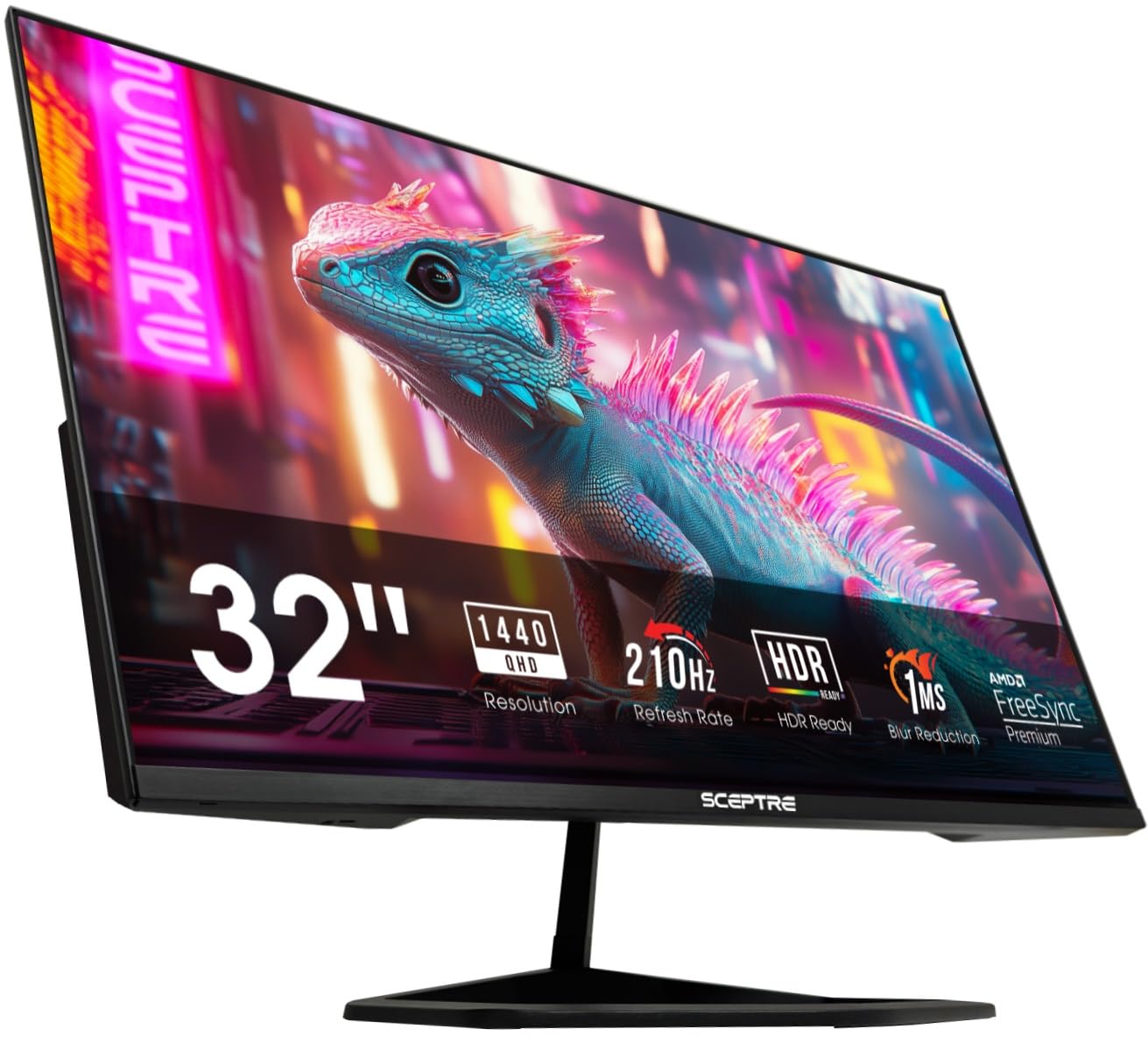
Unlike the curved VA top pick, the G50D’s flat Fast IPS panel provides sharper text and uniform brightness across the screen, avoiding the gamma shift that can make desktop work taxing. Paired with a 180Hz refresh, 1ms GtG response, and G-Sync Compatible support, fast-paced shooters enjoy sharp motion resolution with minimal ghosting, while tearing is eliminated on both NVIDIA and AMD GPUs.

The stand’s full adjustability — height, tilt, swivel, pivot — is uncommon at this price, and VESA mounting adds further flexibility for dual-monitor or ergonomic setups. Out of the box, the color temperature leans heavily blue, so you’ll need to tweak the RGB sliders or apply an ICC profile to achieve neutral grayscale and natural skin tones. This is a one-time tuning step, not a panel flaw, and the resulting accuracy satisfies color-sensitive work.

Flat IPS geometry makes this the right choice for users who split time between gaming and productivity, where crisp text and consistent screen uniformity matter more than immersive curve. If a deep, wrap-around viewing experience for racing or flight sims is a priority, the top pick’s 1000R curvature serves that need better. With a quick calibration, the G50D handles coding, photo editing, and general multitasking without compromise.

💡 A quick manual adjustment of the RGB color temperature or a downloaded ICC profile tames the default blue tint — spend a few minutes calibrating to get balanced, natural tones.

Pros

  • Crisp 1440p flat IPS panel with wide viewing angles and strong pixel density for sharp text and fine details
  • 180Hz refresh rate and 1ms GtG deliver fluid motion clarity with minimal ghosting in competitive gameplay
  • G-Sync Compatible and FreeSync support eliminate screen tearing across both NVIDIA and AMD graphics cards
  • Height, tilt, swivel, and pivot stand plus VESA mount capability for ergonomic multi-use setups

Cons

  • Default color temperature pushes a heavy blue tint; expect to manually calibrate RGB or use an ICC profile for natural tones
Our verdict

If you need a flat IPS gaming monitor that can double as a precise work display, the G50D’s adjustability and motion clarity make it the practical choice over a curved VA panel — just set aside ten minutes to tune the color yourself.

Check Latest Price
3

Best Premium 4K OLED

MSI MAG 321UPX QD-OLED

85 /100
Lab Score Excellent

Key details

panel_type
QD-OLED
resolution
4K UHD 3840x2160
refresh_rate
240Hz
adaptive_sync
FreeSync, G-Sync Compatible
View on Amazon

The MAG 321UPX’s QD-OLED screen produces deep, inky blacks and vibrant colors that make HDR content pop, all while maintaining a true 4K resolution at a 240Hz refresh rate. Unlike dual-mode OLED competitors that force a resolution choice, this monitor keeps every game running at native 4K with full speed — a cleaner solution for gamers who refuse to sacrifice fidelity for frames. The near-instant 0.03ms response time and G-Sync Compatible adaptive sync yield buttery motion clarity that benefits both fast-paced shooters and cinematic single-player titles.

HDR True Black 400 certification ensures highlights shine without washing out shadow detail, and the factory calibration out of the box is accurate enough for content creation. The USB-C port and integrated hub let you connect peripherals, though the 15W power delivery is meant for accessories rather than charging a laptop.

High-end PC gamers who prioritize image fidelity and motion performance will appreciate the MAG 321UPX’s balance of resolution and speed. The monitor also appeals to video editors and designers who rely on the wide color gamut and HDR accuracy. A caveat: some units ship with firmware that can cause random black screens. Applying the latest update or performing a quick power cycle resolves the issue, making this a minor early-adopter hassle rather than a dealbreaker.

💡 Download and install the latest firmware before heavy use — this sidesteps the black-screen annoyance some units exhibit out of the box.

Pros

  • True HDR with deep blacks and bright highlights for immersive gaming and movies.
  • Vivid QD-OLED colors with outstanding contrast that makes scenes pop.
  • 4K 240Hz resolution and 0.03ms response time deliver crisp, blur-free motion for fast-paced games.

Cons

  • Some units may exhibit random screen blackouts, typically resolved with a firmware update or power cycle.
Our verdict

For gamers who want a pure 4K high-refresh OLED without resolution switching, the MSI MAG 321UPX hits a sweet spot of speed and image quality at a competitive price — just be ready to install the latest firmware.

Check Latest Price
4

Best High-Refresh 1080P for Esports

AOC C32G2ZE

91 /100
Lab Score Outstanding

Key details

panel_type
VA
resolution
FHD 1920x1080
refresh_rate
240Hz
adaptive_sync
FreeSync Premium
View on Amazon

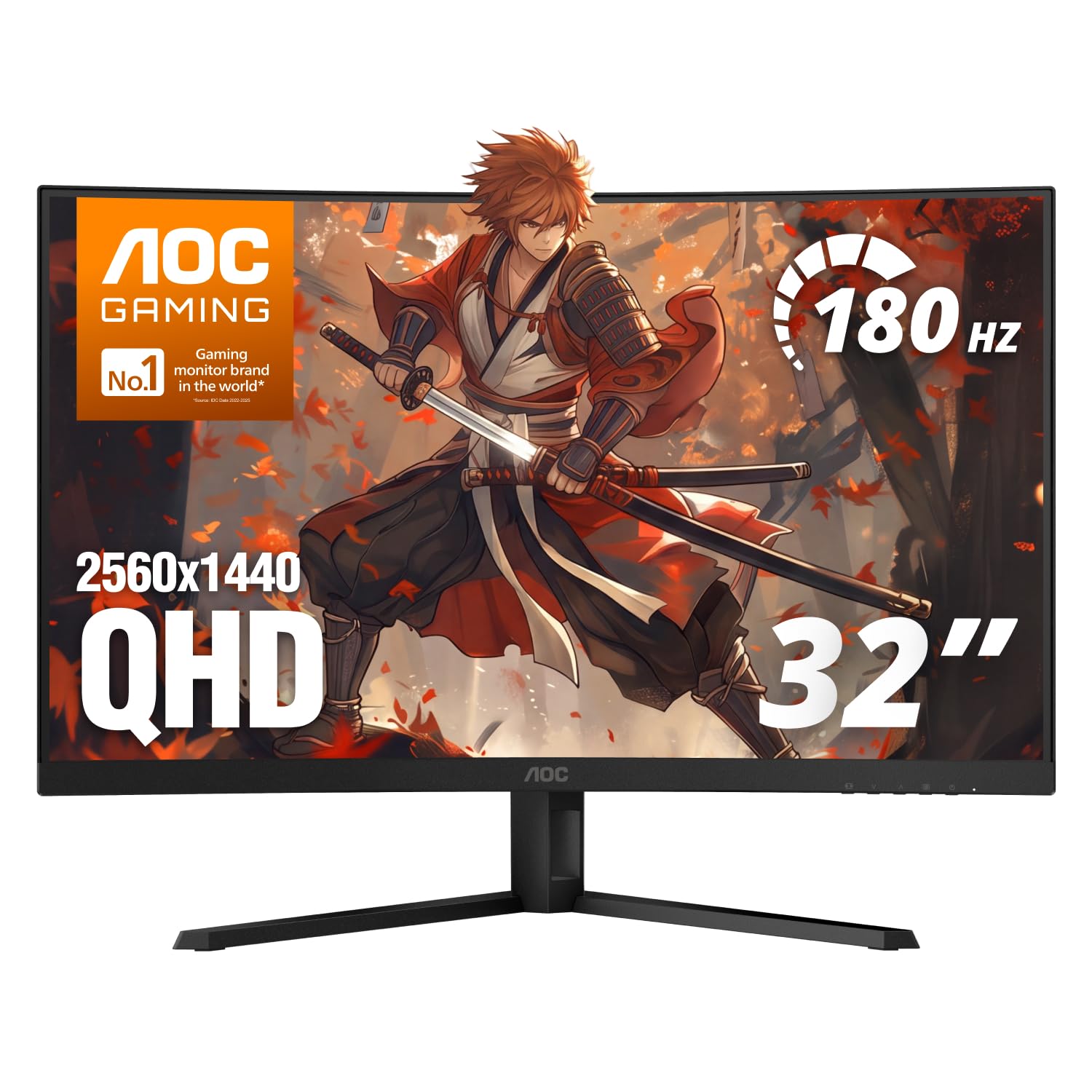
The AOC C32G2ZE prioritizes speed over pixel count, aiming squarely at fast-twitch FPS players who need every frame advantage. While higher-resolution 1440p options demand more GPU power to hit high frame rates, this monitor keeps input lag low by staying at 1080p, ensuring the 240Hz ceiling is reachable with a wider range of hardware. FreeSync Premium eliminates tearing without adding stutter, keeping motion fluid during rapid direction changes.

The VA panel delivers a high native contrast ratio, preserving shadow detail in dark corners without the washed-out haze common on budget IPS screens. Color saturation is lively out of the box, and the 1500R curve wraps the field of view just enough for immersion. The 1080p resolution stretched across 32 inches reveals its limitation when reading text or managing desktop windows — pixel edges are visible, making this a dedicated gaming display rather than a dual-purpose productivity monitor.

Competitive esports enthusiasts who prize framerate over fidelity will find the fastest home here. Console players using 1080p 120Hz modes also get a responsive large-format panel. If you spend more time in atmospheric RPGs or use the display for spreadsheet work, the soft text and lack of HDR will feel like a boundary, not a strength.

Pros

  • Sturdy build and vibrant picture quality that rivals more expensive options.
  • Deep contrast and surprisingly crisp visuals for a 1080p panel, enhancing visibility in dark scenes.
  • 240Hz refresh and 0.5ms response at a price that makes high-speed gaming accessible.

Cons

  • 1080p resolution on 32 inches leaves text noticeably soft for desktop use and lacks the sharpness needed for cinematic single-player games.
Our verdict

For esports and fast shooters where motion clarity trumps pixel density, the AOC C32G2ZE is a cost-effective gateway to 240Hz speed with a build quality that outpaces its price.

Check Latest Price
5

Best Budget 1440P Curved

SANSUI ES-G32C3

91 /100
Lab Score Outstanding

Key details

panel_type
VA
resolution
QHD 2560x1440
refresh_rate
180Hz
adaptive_sync
FreeSync
View on Amazon

The ES-G32C3 brings 2560x1440 resolution and a smooth 180Hz refresh rate to a 32-inch curved VA panel, all at a price that undercuts most competitors. The 1500R curvature wraps the image around your field of view without feeling extreme, and the claimed 125% sRGB and 95% DCI-P3 coverage produce notably saturated colors for a monitor in this price tier.

Gaming at 1440p on a 32-inch screen hits a sweet spot for sharpness-per-dollar. The 180Hz refresh and 1ms response time keep motion clear in fast shooters, and FreeSync support eliminates tearing across both AMD and G-Sync Compatible systems. The VA panel's deep native contrast gives dark scenes real weight, though peak brightness is a modest 300 nits, so HDR content won't pop the way it does on pricier HDR600 or OLED panels.

This monitor is for the buyer who wants 1440p high-refresh gaming in a large curved format and can accept the panel lottery as a known trade-off. Dead pixel reports appear more frequently here than with the top pick, so you'll need to unbox and test thoroughly within the return window. If you're willing to exchange a dud panel for a good one, the ES-G32C3 offers a level of color and resolution that's hard to match at this cost.

Pros

  • Sharp 1440p resolution combined with 180Hz refresh for crisp, fluid gaming at a budget price
  • Vivid 125% sRGB color gamut and 95% DCI-P3 coverage produce rich, saturated images on the 1500R curved screen
  • Low 1ms response time and FreeSync support minimize motion blur and eliminate screen tearing

Cons

  • Dead or stuck pixel risk is higher than with competing models
Our verdict

The SANSUI ES-G32C3 rewards the patient buyer with a color-rich 1440p 180Hz gaming experience at a price that leaves little room for complaint, as long as you check the panel right away and act fast on any defects.

Check Latest Price
6

4K Value Pick

KTC H32P22P

92 /100
Lab Score Outstanding

Key details

panel_type
Fast IPS
resolution
4K UHD 3840x2160
refresh_rate
165Hz
adaptive_sync
FreeSync, G-Sync compatible
View on Amazon

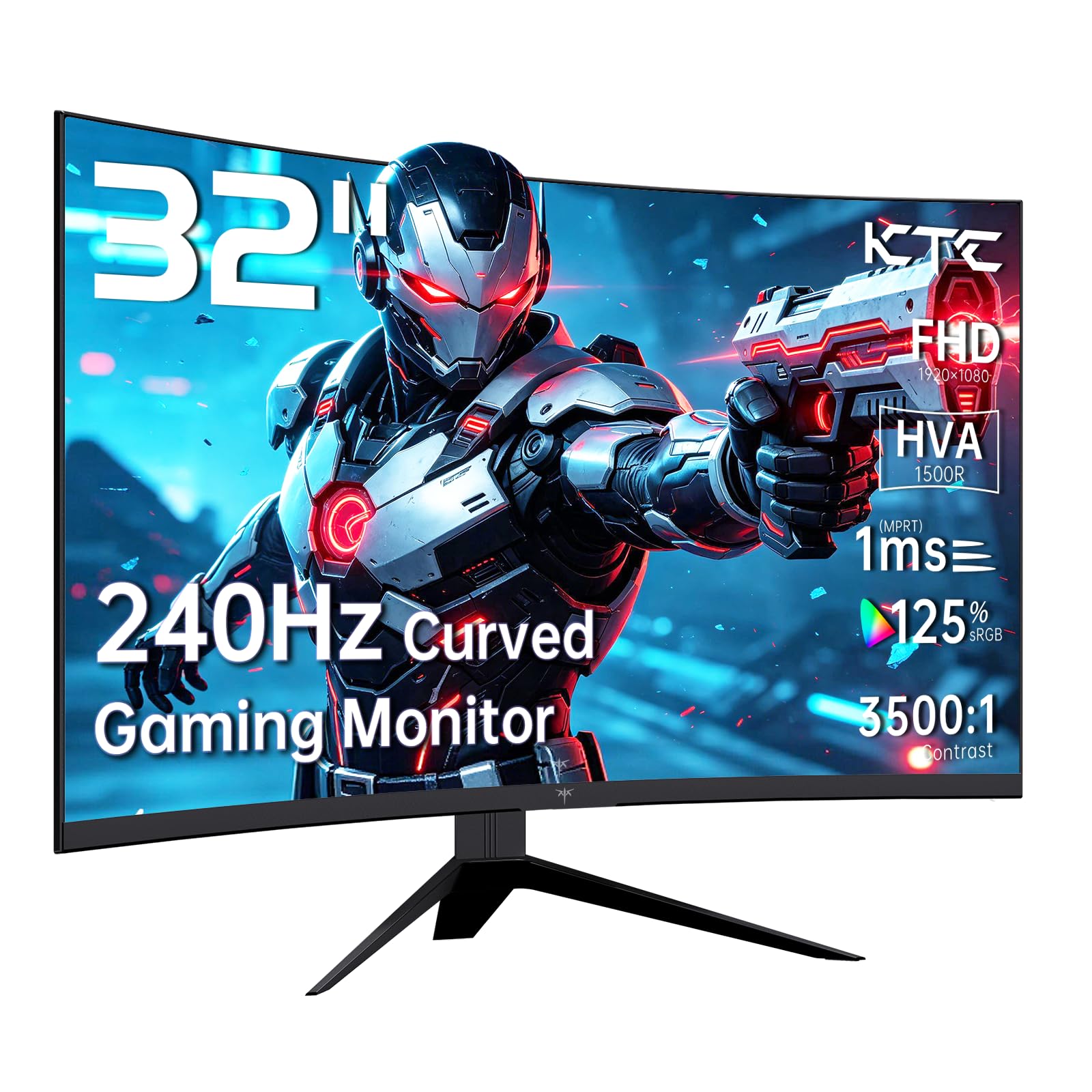
The KTC H32P22P pairs a 32-inch 4K Fast IPS panel with a 165Hz refresh rate, FreeSync and G-Sync compatibility, and a contrast ratio of 3000:1 — specs that usually command higher prices. The large screen doubles as a productivity canvas with crisp UHD text. HDR support is present but capped at 300 nits, tempering expectations for bright-room HDR. Color accuracy out of the box, motion clarity at full refresh rate, and long-term backlight uniformity are not yet benchmarked, so real-world visual performance is an open question.

Pros

  • 4K resolution at 165Hz provides sharp, fluid gameplay and crisp text for desktop tasks.
  • Fast IPS panel promises wide viewing angles with low input lag for competitive and immersive titles.
  • Compatible with both FreeSync and G-Sync, reducing screen tearing across AMD and NVIDIA GPUs.

Cons

  • HDR brightness limited to 300 nits, so highlights and bright-room HDR content lack punch.
  • The advertised 1ms MPRT response time uses backlight strobing, which can lower screen brightness and may cause visible flicker; the mode can be disabled.
Our verdict

This monitor fills a gap between budget 1440p panels and premium 4K flagships. It suits buyers willing to bet on specs alone, without community-validated color and motion benchmarks.

Check Latest Price
7

Well-Lit Gaming

LG 32GS60QC-B

87 /100
Lab Score Excellent

Key details

panel_type
VA
resolution
QHD 2560x1440
refresh_rate
180Hz
adaptive_sync
AMD FreeSync
View on Amazon

The LG 32GS60QC-B pairs a sharp 1440p VA panel with 180Hz refresh, 3000:1 contrast, and a deep 1000R curve. It delivers fluid motion and rich visuals at a budget-friendly price, making it a strong spec package for gaming in bright spaces where its picture quality stands out.

The auto-brightness feature, which responds to on-screen content, aggressively dims the display in dark scenes and there is no menu option to disable it. In a dim room or during shadow-heavy gameplay, the brightness shifts can be distracting. Under bright ambient light or with consistently bright games, the dimming is far less noticeable and the monitor's high refresh rate and contrast remain enjoyable.

Pros

  • Solid image quality with crisp 1440p resolution and strong contrast.
  • Smooth 180Hz refresh rate enhances gaming fluidity.
  • Great value for a high-refresh curved 1440p monitor.

Cons

  • Auto-brightness dimming in dark scenes cannot be turned off
Our verdict

Well-lit gaming setups get a crisp 180Hz curved display at a fair price; dark-room players should avoid it because the auto-dimming quirk has no workaround.

Check Latest Price
8

Fast 1440P Curve

ASUS VG32WQ3B

88 /100
Lab Score Excellent

Key details

panel_type
VA
resolution
QHD 2560x1440
refresh_rate
180Hz
adaptive_sync
FreeSync
View on Amazon

The VG32WQ3B delivers a sharp QHD picture on a 1500R curved VA panel, with 90% DCI-P3 coverage producing saturated, punchy colors that stand out in games and video. 180Hz refresh and the rapid 0.5ms GtG response keep fast motion crisp, while FreeSync eliminates tearing. HDR content gets a boost in vibrancy, though peak brightness is not OLED-level.

Long-term reliability through years of daily gaming is not yet established. This makes the monitor best for gamers who value immediate performance and are comfortable inspecting their unit upon arrival. Buyers who prioritize a field-tested track record of durability will find more assurance in the top pick, which carries deeper user history.

Pros

  • Vivid color reproduction with 90% DCI-P3 coverage makes games and media vibrant.
  • Fluid 180Hz refresh and 0.5ms GtG response deliver smooth, tear-free gameplay.
  • Strong value, packing 1440p 180Hz, HDR, and a curved VA panel at a mid-range price.

Cons

No notable drawbacks to flag.

Our verdict

If a fast 1440p curved panel with vivid color and an untested durability record fits your comfort zone, the VG32WQ3B delivers solid immediate results. For a safer, long-term bet with similar specs, the top pick offers a more established reputation.

Check Latest Price

How to Choose

Resolution: Sharpness vs. GPU Load

1080p at 32 inches has a pixel density of around 70 PPI, so individual pixels become visible up close. Text and UI elements can look soft, which is fine if you sit back and only game, but distracting in split-screen productivity. 1440p roughly doubles the pixel count and is the sweet spot for most gamers—it delivers a crisp image without requiring a top-tier GPU to hit 100+ fps in modern titles. 4K quadruples the pixel count again, making everything razor-sharp, but you'll need a high-end graphics card to push high refresh rates, and streaming or desktop apps may need resolution scaling adjustments.

Refresh Rate and Response Time

A 165-180Hz refresh gives you smooth, fluid motion that's a noticeable upgrade from 60Hz even in single-player games. 240Hz squeezes out a little more responsiveness that competitive FPS players will feel, but the jump beyond 165Hz is subtle for most people. Response time—especially on VA panels—determines how quickly pixels change color. '1ms MPRT' often refers to backlight strobing, while GtG numbers (like 0.5ms or 1ms) are more telling. VA panels can exhibit a minor dark smearing trail in fast-paced scenes; this is the trade-off for their deep contrast.

Panel Type: Contrast, Color, and Motion Clarity

VA panels dominate the budget and mid-range because they deliver deep blacks and high contrast, but off-angle viewing can wash out colors and fast motion can show a subtle dark smudge. IPS panels offer accurate colors and wide viewing angles, making them better for work and games with vivid art styles, though the blacks aren't as inky. OLED eliminates those compromises with pixel-perfect blacks and 0.03ms response times, but burn-in risk and higher prices remain real factors.

Adaptive Sync and Connectivity

FreeSync works with AMD GPUs and many Nvidia cards via G-Sync Compatible mode over DisplayPort, but not every monitor is seamlessly compatible. Look for monitors that explicitly list FreeSync Premium or G-Sync Compatible certification if you want tear-free gaming with an Nvidia GPU or a console like Xbox Series X. HDMI 2.1 bandwidth is critical for 4K 120Hz console support, while DisplayPort 1.4 is the standard for high-refresh PC play.

Curve and Ergonomics

A 1000R or 1500R curve wraps the image around your field of view, heightening immersion in racing games and RPGs. However, curved screens can distort straight lines and make spreadsheets look odd if you switch to productivity work. Flat panels with height, tilt, swivel, and pivot adjustments let you dial in ergonomics for long sessions and are easier to pair in a multi-monitor setup.

Frequently Asked Questions