9 Best 360Hz Gaming Monitor of 2026: OLED vs IPS for Your Playstyle

Find the 360Hz monitor that matches your playstyle and budget, from budget 1080p IPS to premium QD-OLED.

360Hz gaming monitors promise silky motion, but the technology splits into two camps: fast IPS for competitive esports and vibrant QD-OLED for immersive visuals. Each comes with real trade-offs – VRR flicker on OLED under fluctuating frame rates, dead pixels on budget IPS, and reliability concerns that surface months after purchase.

The right pick depends on what you value: raw speed, picture quality, or a dual-mode hybrid. This guide focuses on the monitors that deliver on their core strengths without hidden surprises, so you can focus on gaming, not troubleshooting.

1

Best Overall

ASUS ROG Strix XG27ACDNG

87 /100
Lab Score Excellent

Key details

Warranty
3 yr incl burn-in
Panel Type
QD-OLED
Resolution
QHD 2560x1440
Refresh Rate
360 Hz
View on Amazon

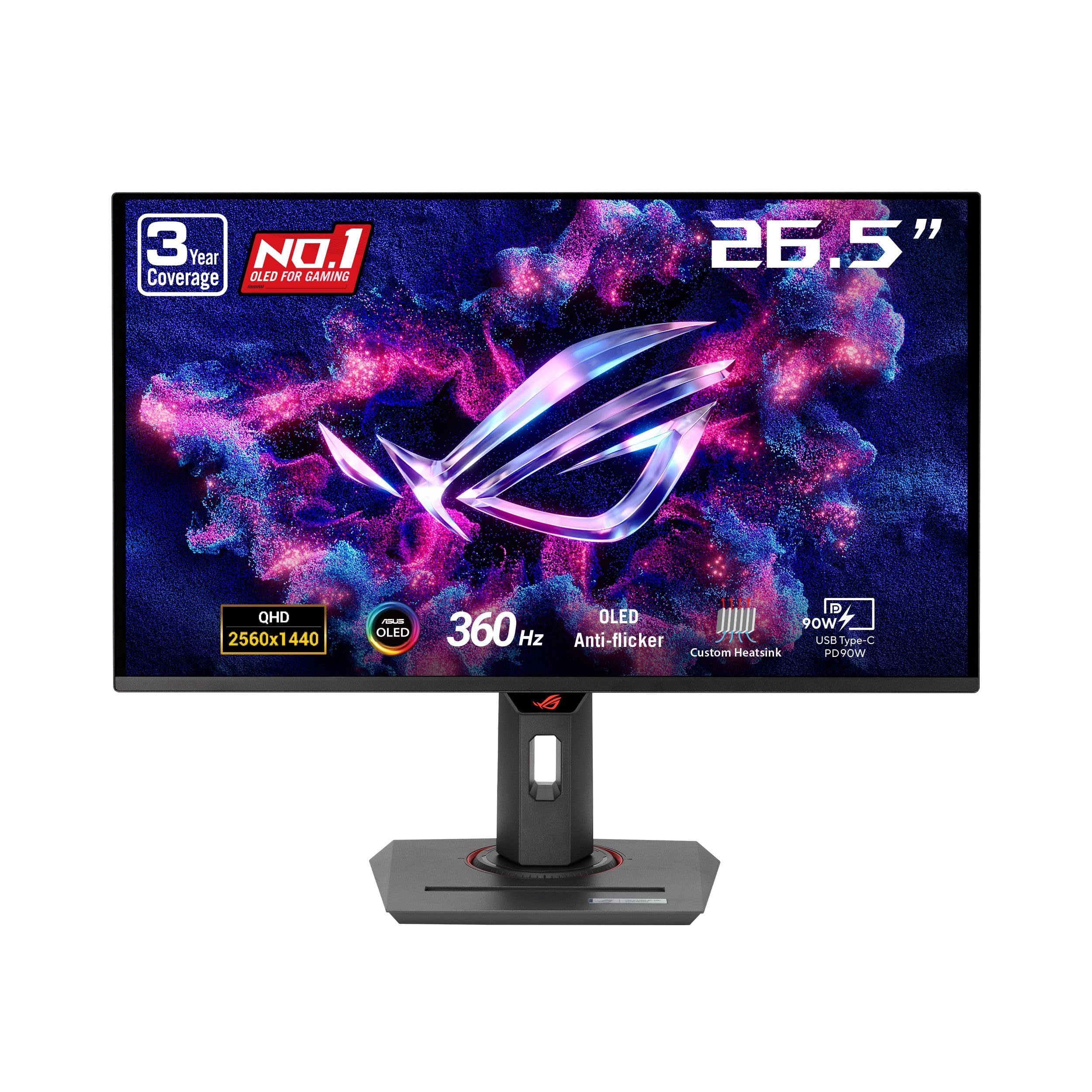
The ASUS ROG Strix XG27ACDNG pairs a QD-OLED panel with a 360Hz refresh rate and 0.03ms response time, delivering fluid motion and rich HDR visuals. The 3-year burn-in warranty covers the OLED panel, a safety net uncommon at this price tier.

This monitor targets competitive gamers who want both speed and image depth, as well as content creators needing accurate DCI-P3 coverage out of the box. The tradeoff: VRR flicker can occur during frame rate drops in some titles, a known behavior of the panel technology. For gamers who keep frame rates stable, it rarely surfaces.

In fast-paced shooters, the 360Hz refresh rate and near-instant response eliminate ghosting, while the QD-OLED contrast makes darker scenes pop. The anti-reflection coating helps maintain black levels in moderate lighting, preserving the immersive look.

The matte-finished chassis and adjustable stand feel robust, and the OSD layout is intuitive. Build consistency aligns with the ROG Strix line — no uneven gaps or flex in the panel frame.

💡 Disable G-Sync or FreeSync in titles where frame rates vary widely if flicker becomes noticeable.

Pros

  • Vibrant colors and deep blacks with 99% DCI-P3 coverage
  • 360Hz refresh rate and 0.03ms response eliminate motion blur
  • Premium build with solid stand and clean design
  • 3-year burn-in warranty reduces long-term risk for OLED owners

Cons

  • Adaptive sync can cause occasional flicker in games with erratic frame rates
Our verdict

The ASUS ROG Strix XG27ACDNG delivers flagship QD-OLED performance and the strongest warranty coverage in its class, making it the monitor to buy for competitive players who want HDR visuals without a compromise on speed.

Check Latest Price
2

Best Budget Esports Monitor

Alienware AW2523HF

90 /100
Lab Score Outstanding

Key details

Warranty
Panel Type
Fast IPS
Resolution
FHD 1920x1080
Refresh Rate
360 Hz
View on Amazon

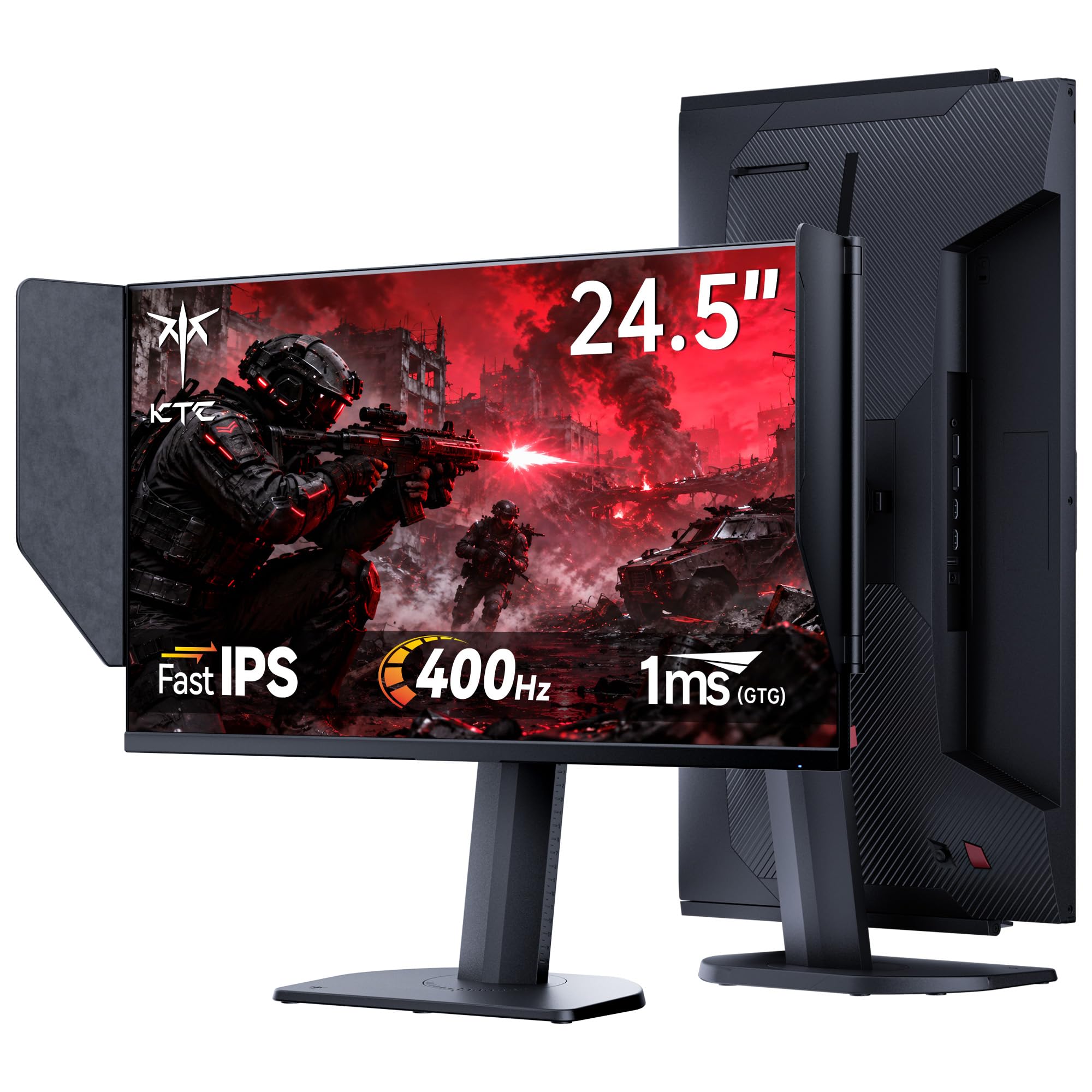
The Alienware AW2523HF delivers the smoothest 360Hz experience at the lowest price in its class. The fast IPS panel offers fluid motion with minimal ghosting, giving esports players a clear advantage in fast-paced shooters. Response time is snappy, and FreeSync Premium keeps tearing at bay without breaking the bank.

This monitor is built for players who prioritize frame rates over resolution or screen real estate. The 24.5-inch 1080p panel is compact enough for multi-monitor setups and easy to drive without a top-tier GPU. Dead pixels may appear on some units out of the box – a tradeoff worth knowing if you need a flawless panel immediately, though Alienware's warranty covers them.

Compared to the glossy QD-OLED models at triple the cost, the AW2523HF skips deep blacks and HDR pop, but that's not its job. It focuses entirely on raw refresh rate and response stability, making it a no-nonsense tool for competitive play.

💡 Inspect the screen for dead pixels immediately after unboxing; Alienware's warranty covers them within the first year.

Pros

  • Fast IPS panel delivers fluid motion at 360Hz with minimal ghosting.
  • Priced well below most 360Hz monitors, making high refresh rate accessible.
  • Colors and contrast are solid for an IPS panel, suitable for fast-paced titles.

Cons

  • Dead pixels may appear on some units out of the box
Our verdict

For esports players on a tight budget, this monitor offers the smoothest gameplay per dollar – just keep the warranty handy for pixel checks.

Check Latest Price
3

Best Value QD-OLED

MSI MAG 271QPX

85 /100
Lab Score Excellent

Key details

Warranty
3 yr manufacturer
Panel Type
QD-OLED (3rd Gen)
Resolution
QHD 2560x1440
Refresh Rate
360 Hz
View on Amazon

The MSI MAG 271QPX delivers the same third-gen QD-OLED panel as premium 360Hz monitors at a notably lower price. That glossy finish produces deep blacks and saturated colors that fast IPS panels cannot match, while the 0.03ms response time and 360Hz refresh rate make motion blur a non-issue in fast-paced shooters. Where the top pick adds a longer warranty and slightly higher user satisfaction, the MSI cuts cost without cutting core performance.

This monitor fits competitive gamers who want flagship OLED image quality without paying extra for extended warranty coverage. The periodic pixel refresh cycles – a standard OLED maintenance feature – may briefly interrupt gameplay, so it suits players who can take short breaks between sessions. Text fringing, inherent to QD-OLED panels, is noticeable on small fonts but rarely matters during gaming. If you prioritize color depth and motion clarity over warranty extras, this tradeoff is easy to accept.

Colors pop with the vibrancy unique to QD-OLED, and HDR content looks convincingly lifelike thanks to the True Black 400 certification. The fully adjustable stand and sleek design add to the package, though the monitor lacks the KVM switch and software suite of the higher-priced MPG sibling. For pure gaming performance at a lower entry point, this MSI is hard to beat.

💡 Schedule the pixel refresh for idle periods; the monitor prompts after several hours of use.

Pros

  • Outstanding price-to-performance ratio for a QD-OLED gaming monitor
  • Rich OLED color and deep black levels enhance visual immersion
  • Exceptional motion clarity at 360Hz with near-instant response

Cons

  • Text fringing appears on small fonts
  • Mandatory pixel refresh cycles can interrupt gameplay during extended sessions
Our verdict

For competitive gamers who value deep blacks and fluid motion over a longer warranty, the MSI MAG 271QPX delivers the core QD-OLED experience at a lower price.

Check Latest Price
4

Best Dual-Mode 4K/360Hz

LG 27G810A-B

87 /100
Lab Score Excellent

Key details

Warranty
Panel Type
IPS
Resolution
4K/1080p dual-mode
Refresh Rate
360 Hz (FHD)
View on Amazon

Unlike the OLED top pick, the LG 27G810A-B uses an IPS panel with a dual-mode that lets you switch between 4K 180Hz and 1080p 360Hz – a practical approach for gamers who want both high resolution and high frame rates without buying two monitors. At a mid-range price, it undercuts many dual-mode competitors, making it an attractive option for those who want the feature set without the premium.

This monitor suits early adopters who trust LG's reputation and prioritize the convenience of a dual-mode setup over having verified user feedback. Because comprehensive real-world testing across both modes is still pending, buyers should be comfortable with a degree of uncertainty regarding its performance in varied scenarios.

The 27-inch IPS panel delivers 95% DCI-P3 color coverage, making images vibrant in SDR. However, the DisplayHDR 400 rating limits peak brightness, so HDR content will not pop as it would on higher-tier displays. IPS contrast also results in elevated blacks in dark environments, a known limitation of the technology. For competitive play, the 360Hz mode at 1080p offers smooth response, although the resolution drop is noticeable for text and fine details.

Pros

  • Dual-mode allows switching between 4K 180Hz and 1080p 360Hz without a second monitor.
  • LG's Ultragear build quality and brand support provide consistent assembly standards.
  • Mid-range price for a branded dual-mode 360Hz monitor

Cons

  • HDR400 peak brightness is limited to 400 nits
  • IPS panel contrast yields gray blacks in dark rooms, a difference noticeable to those used to OLED or VA.
Our verdict

For gamers who trust LG's engineering and want the flexibility of a dual-mode monitor without the OLED price premium, the 27G810A-B offers a compelling package – provided you accept its real-world performance is not yet independently confirmed.

Check Latest Price
5

Best Budget 1440P 360Hz

ETiansu JY27N360Q

82 /100
Lab Score Excellent

Key details

Warranty
Panel Type
Fast IPS
Resolution
QHD 2560x1440
Refresh Rate
360 Hz
View on Amazon

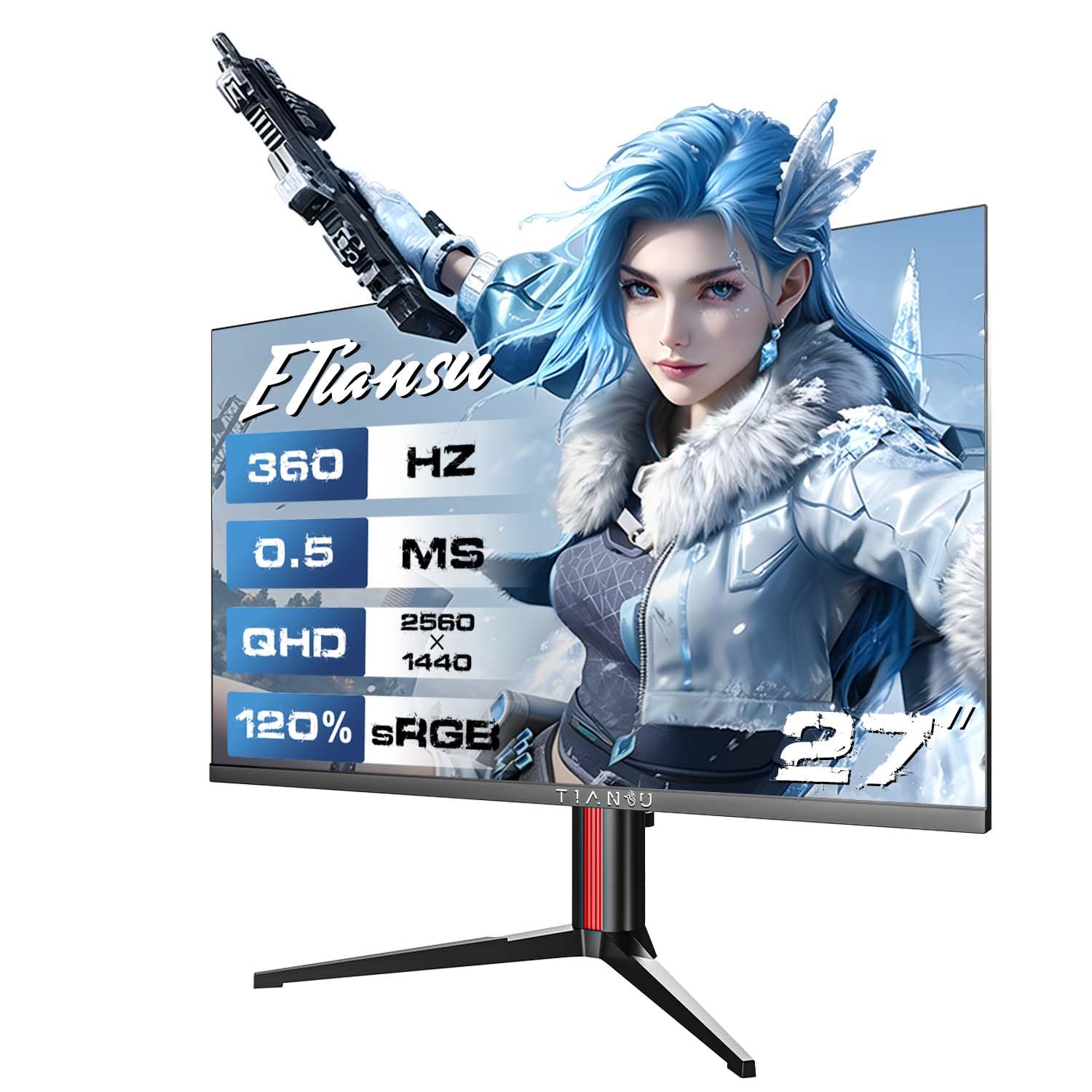
The ETiansu JY27N360Q matches the headline specs of monitors costing twice as much: a 27-inch QHD Fast IPS panel, 360Hz refresh rate, 0.5ms response time, and an ergonomic stand with height, tilt, and swivel adjustment. At this price point, no other monitor delivers that exact combination. The panel supports HDR400 and covers 120% sRGB, though HDR performance is limited to basic highlights — it’s built for speed, not visual depth.

Where this monitor differs from the budget 1080p 360Hz option is the resolution upgrade to 1440p, which sharpens text and detail for both gaming and desktop use. But that spec advantage comes with a tradeoff: real-world performance, color accuracy, and long-term reliability are unverified. Early adopters take on the uncertainty that comes with a new, unknown brand. If you need proven quality or have no patience for potential panel variance, this isn’t the safe choice.

Pros

  • Lowest price for a 1440p 360Hz IPS monitor with an adjustable stand
  • Fast IPS panel with 0.5ms response time suits competitive gaming
  • Ergonomic stand includes height, tilt, and swivel adjustments

Cons

  • Color accuracy and panel uniformity may vary between units
  • Long-term durability under heavy daily use is unconfirmed, which is a consideration for primary gaming setups
Our verdict

Buy this if you’re willing to gamble on unverified quality in exchange for the cheapest entry to 1440p 360Hz gaming with a proper stand — otherwise, stick with a more established option.

Check Latest Price
6

Premium OLED

Alienware AW2725DF

84 /100
Lab Score Excellent

Key details

Warranty
3 yr Adv Exchange
Panel Type
QD-OLED
Resolution
QHD 2560x1440
Refresh Rate
360 Hz
View on Amazon

The Alienware AW2725DF offers stunning QD-OLED picture quality with deep blacks and vibrant colors, and the 360Hz refresh rate ensures smooth motion in fast-paced games. Dell's 3-year advanced exchange warranty covers burn-in, adding value. Yet, some units may develop black screen issues after a few months, which introduces uncertainty for those seeking a set-and-forget monitor. Brightness is lower than some high-end IPS panels, though suitable for typical gaming rooms. For buyers who prioritize visual excellence and warranty protection over long-term certainty, this remains a compelling choice.

💡 Registering with Dell enables advanced exchange replacement within one business day, minimizing downtime if problems occur.

Pros

  • Deep blacks and vibrant colors make games look lifelike.
  • 360Hz refresh rate delivers buttery-smooth motion for competitive play.
  • Sturdy build with an attractive, adjustable design.

Cons

  • In some units, the screen may go black after months of use, requiring warranty service.
  • In brightly lit rooms, the screen may appear dimmer than high-end IPS panels.
Our verdict

If you prioritize QD-OLED visuals and Dell's warranty support over long-term certainty, this monitor offers a compelling package—just be aware that occasional unit issues may require a warranty claim.

Check Latest Price
7

Image Quality

Samsung Odyssey G6 G60SD

84 /100
Lab Score Excellent

Key details

Warranty
3 yr
Panel Type
QD-OLED
Resolution
QHD 2560x1440
Refresh Rate
360 Hz
View on Amazon

The Samsung Odyssey G6 G60SD delivers a breathtaking QD-OLED image with deep blacks and vibrant colors that make both competitive and single-player games immersive. Its sleek, thin design adds a premium feel to any desk setup.

However, the monitor may experience random screen blackouts or unexpected shutdowns during use, and the power button can become unresponsive over time. These issues make it a better fit for users with an extended warranty or a straightforward return process, rather than those needing a daily driver they can set and forget.

Pros

  • Stunning OLED picture quality with deep blacks and vibrant colors
  • Sleek, thin design with premium appearance

Cons

  • Power button may become unresponsive with normal use
  • Random screen blackouts or unexpected shutdowns can occur during use
Our verdict

Ideal for gamers who prioritize visual fidelity above all else and have access to a hassle-free return policy or extended warranty.

Check Latest Price
8

Budget Dual-Mode

Gawfolk GF600E

86 /100
Lab Score Excellent

Key details

Warranty
Panel Type
IPS
Resolution
4K/1080p dual-mode
Refresh Rate
360 Hz (FHD)
View on Amazon

The Gawfolk GF600E delivers a rare dual-mode capability – 4K at 180Hz for immersive titles and FHD at 360Hz for competitive play – at a price that undercuts most rivals. However, the complete absence of user review content means there is no independent verification of its performance, reliability, or panel consistency. This monitor is best suited for early adopters willing to accept uncertified quality in exchange for maximum specs on a budget. If you need assured performance or color accuracy, look elsewhere.

Pros

  • Dual-mode 4K/360Hz at a budget-friendly price
  • IPS panel with HDMI 2.1 and DP 1.4 supports modern consoles and GPUs.
  • Height-adjustable stand and built-in speakers add convenience for a compact setup.

Cons

  • No user review content exists to validate real-world gaming performance or panel quality.
  • Long-term reliability and quality control are unverified
Our verdict

This monitor works for gamers who prioritize raw specs over proven reliability and are comfortable with an unverified product.

Check Latest Price
9

Feature-Rich OLED

MSI MPG 271QRX

83 /100
Lab Score Excellent

Key details

Warranty
Panel Type
QD-OLED
Resolution
QHD 2560x1440
Refresh Rate
360 Hz
View on Amazon

The MSI MPG 271QRX packs the same glossy QD-OLED panel as the MAG version, delivering deep blacks and vivid colors at 360Hz. Its standout addition is a built-in KVM that lets you control two PCs with a single keyboard and mouse, plus the Gaming Intelligence app for adjusting settings without OSD menus. However, this model costs $51 more than the MAG 271QPX and has no user review data to confirm real-world performance — a notable gap for a premium-priced monitor. If you specifically need KVM and app integration in a QD-OLED, the MPG addresses that niche, but for most buyers the MAG offers the same visual experience with verified satisfaction.

Pros

  • Integrated KVM for seamless switching between two PCs with a single keyboard and mouse.
  • Gaming Intelligence app provides on-screen controls and profile management without OSD navigation.
  • Glossy QD-OLED panel delivers deep blacks and vibrant colors at 360Hz.

Cons

  • Absence of user feedback makes real-world performance and reliability uncertain.
  • Priced $51 above the similar MAG 271QPX, which has verified reviews and lower cost.
Our verdict

The MSI MPG 271QRX fits only if you specifically need KVM and app control in a QD-OLED 360Hz monitor; otherwise the MAG 271QPX delivers the same panel at a lower price with proven satisfaction.

Check Latest Price

How to Choose

Resolution

Resolution determines sharpness and GPU load. 1080p maximizes frame rates for competitive shooters but sacrifices detail in single-player games. 1440p offers a balance – sharp enough for immersion without requiring top-tier hardware. Dual-mode monitors let you switch between 4K for productivity and 1080p at 360Hz for gaming, but the 360Hz mode is locked to 1080p.

The trade-off: higher resolution forces lower graphical settings to maintain 360 FPS. For esports, 1080p is the practical choice; for visual games, 1440p or 4K at lower refresh may be better.

Panel Type and Response Time

IPS panels deliver consistent color and brightness with fast 0.5ms GtG response, ideal for bright rooms and long sessions. QD-OLED panels achieve 0.03ms response with infinite contrast and vibrant colors, but they are dimmer in well-lit environments and require burn-in management like pixel refresh cycles.

The hidden trade-off: OLED response times are marketing numbers – real-world motion clarity at 360Hz is excellent, but VRR flicker can appear when frame rates fluctuate. IPS is more tolerant of variable framerates.

Adaptive Sync

FreeSync and G-Sync eliminate screen tearing by syncing refresh rate to GPU output. Most monitors support FreeSync, and many are G-Sync Compatible. The trade-off: on OLEDs, adaptive sync can cause flicker during frame rate drops because of the panel's rapid voltage transitions. IPS panels rarely exhibit this issue.

If you play games with erratic frame rates (e.g., open-world titles), an IPS monitor with adaptive sync may be smoother in practice than an OLED that flickers.

Connectivity

HDMI 2.1 is essential for console gaming at 4K 120Hz or 1080p 360Hz, while DisplayPort 1.4 handles high bandwidth for PC. Some monitors include USB-C with power delivery for laptops. The catch: many budget 360Hz monitors skimp on HDMI 2.1, limiting console compatibility to lower refresh rates.

Check that the monitor has at least one HDMI 2.1 port if you plan to use it with a PS5 or Xbox Series X. Dual-mode monitors often require HDMI 2.1 for the 4K mode.

Reliability and Warranty

OLED burn-in is a real long-term risk, but manufacturers now include burn-in coverage in their warranties – ASUS and Alienware offer 3 years. IPS panels are generally more durable, but dead pixels can appear brand-new, especially in budget models.

The hidden trade-off: even with warranty, pixel refresh cycles can interrupt gameplay every few hours. For a daily driver, a monitor with a solid return policy and low defect rate is safer than cutting-edge OLED that might fail prematurely.

Frequently Asked Questions