6 Best 4K Gaming Monitor of 2026: Real HDR & Dual-Mode Value

Find a 4K gaming monitor that delivers true HDR, smooth high refresh, and reliable performance without hidden trade-offs.

Many 4K gaming monitors advertise high refresh rates and HDR, but real-world performance often falls short with flicker, dim screens, or panel defects. The gap between specs and everyday use can frustrate even experienced gamers.

This guide focuses on monitors that balance these claims with actual reliability and picture quality. We highlight the trade-offs: IPS versus OLED contrast, dual-mode versatility versus panel consistency, and HDR certification versus practical brightness.

Whether you prioritize deep blacks for immersive single-player games or stable high refresh for competitive play, the right choice depends on where you are willing to compromise. Here's how to decide.

1

Best Overall

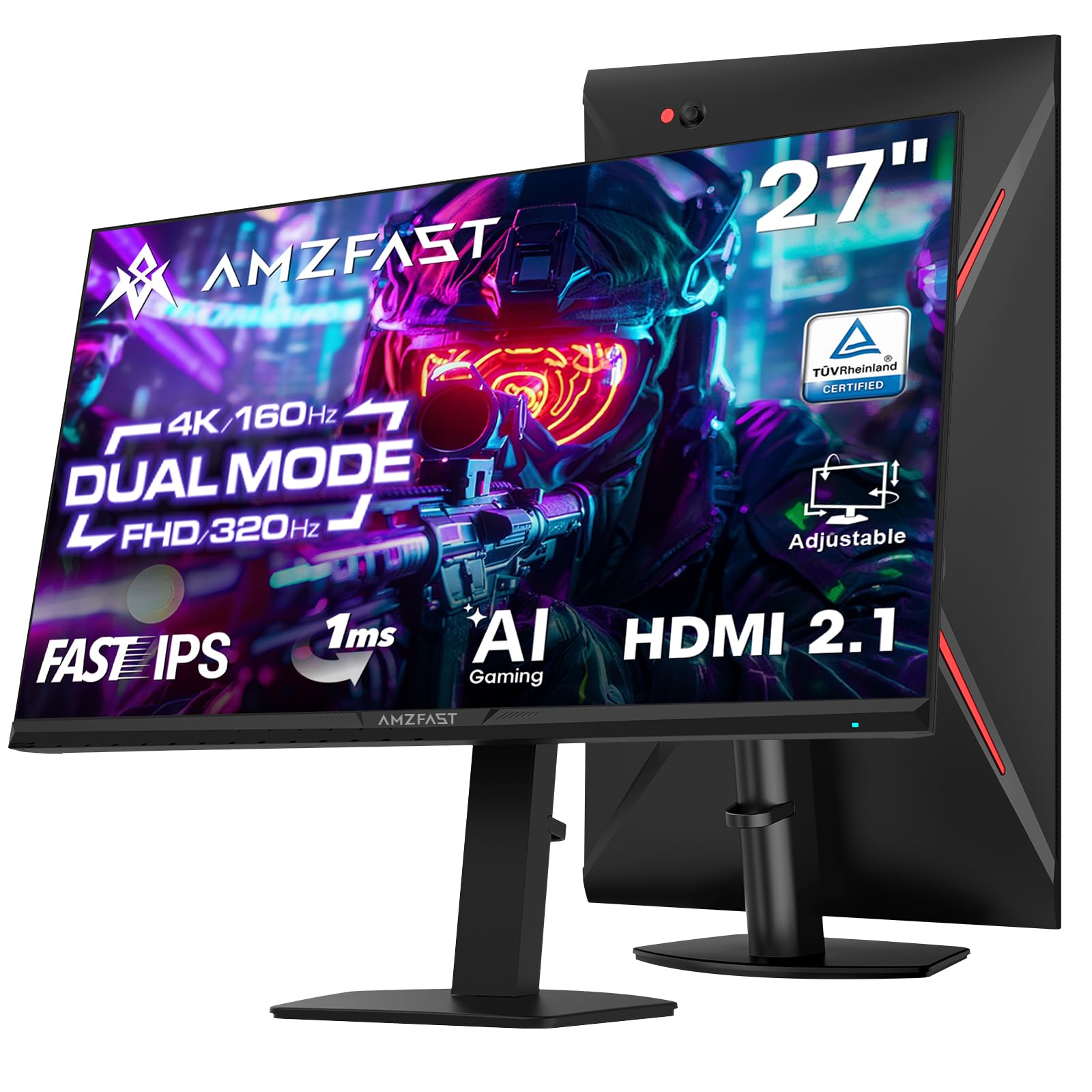
ASUS ROG Strix XG27UCG

88 /100
Lab Score Excellent

Key details

Panel Type
Fast IPS
Refresh Mode
160Hz/320Hz dual
Adaptive Sync
G-Sync/FreeSync Premium
Response Time
1ms
View on Amazon

The XG27UCG packs a 27-inch 4K Fast IPS panel that runs at 160Hz natively and switches to 320Hz at 1080p – a dual-mode feature rare at this price. Color coverage hits 95% DCI-P3 with DisplayHDR 400, delivering vibrant highlights and deep blacks for an IPS display. The 1ms response time and ELMB Sync keep motion blur in check during fast-paced gameplay.

In practice, G-Sync compatibility and FreeSync Premium maintain tear-free motion across a wide range of frame rates. The panel handles GPU transitions smoothly. Some units have been noted to briefly black out when switching inputs or after driver updates – a condition that often clears with a firmware update or a verified DisplayPort cable. This is an occasional behavior, not a constant flaw, and most users never see it.

This monitor targets gamers who want 4K resolution and high refresh rates without moving to OLED pricing. The dual-mode flexibility suits both immersive single-player titles and competitive shooters. The plastic chassis is a deliberate cost-saving choice – acceptable when the performance inside is this strong. Buyers should note that a small fraction of units may exhibit blackout events; if that potential makes you uneasy, a more expensive OLED alternative avoids that risk.

Connectivity includes USB-C with DisplayPort Alt Mode, two HDMI 2.1 ports, and DisplayPort 1.4, covering modern consoles and PCs. The stand offers tilt and swivel, though height adjustment is limited. For the price, the feature set is hard to match – a rare combination of resolution, speed, and color fidelity.

💡 If blackouts appear, check the DisplayPort cable quality and install the latest monitor firmware – most cases are traceable to signal handshake issues.

Pros

  • Sharp 4K clarity with strong HDR contrast boost and smooth motion at high refresh rates
  • Competitive pricing for a dual-mode 4K monitor
  • Vibrant, accurate colors out of the box with deep black levels for an IPS panel
  • Sleek gamer aesthetic with solid construction that feels sturdy on a desk

Cons

  • Occasional screen blackouts may occur during use
  • Plastic housing feels less premium than the price suggests
Our verdict

The XG27UCG delivers dual-mode 4K gaming with strong color accuracy and a price that undercuts OLED options – the right choice for gamers who prioritize performance and value over premium materials.

Check Latest Price
2

Best Premium OLED

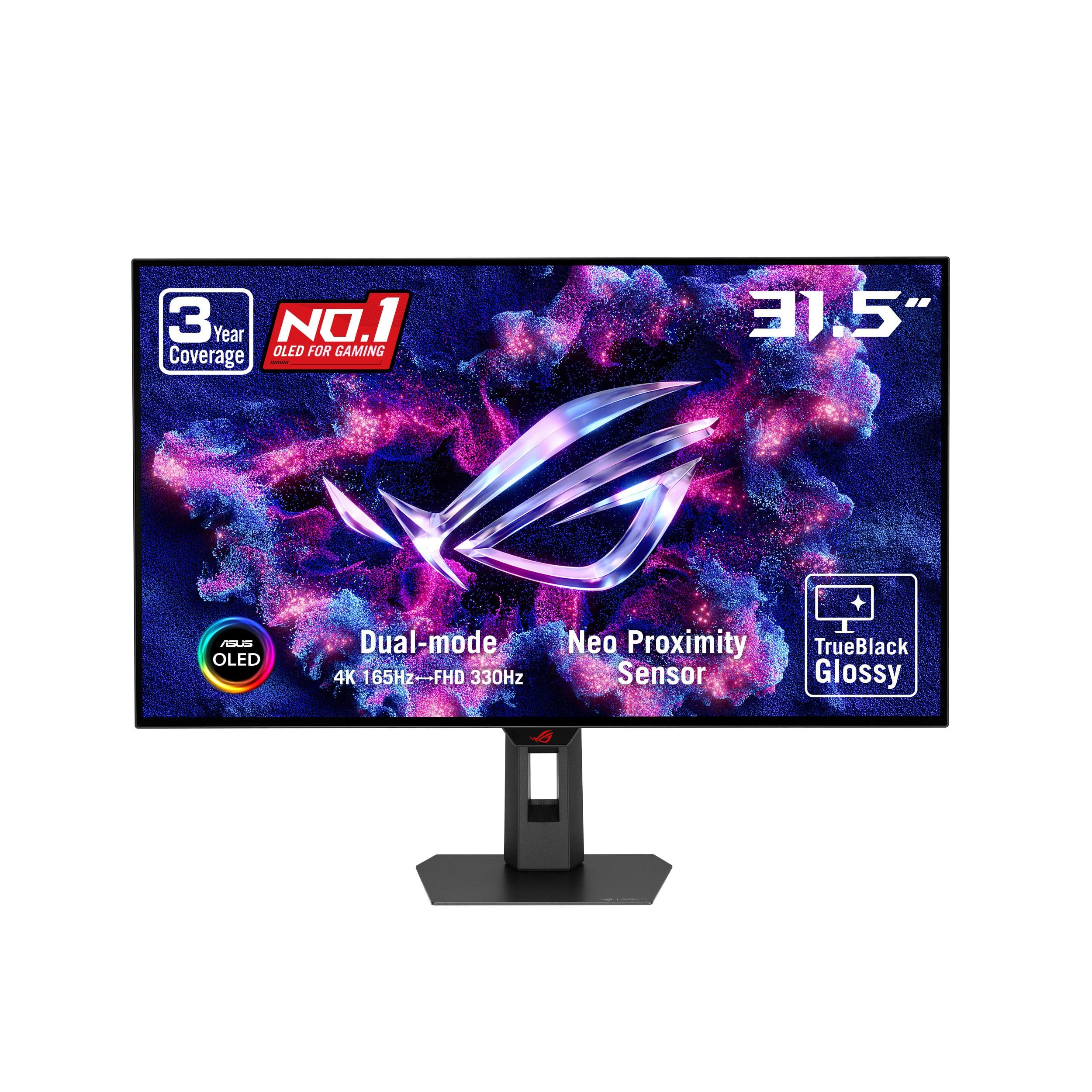
ASUS ROG PG32UCDM

92 /100
Lab Score Outstanding

Key details

Panel Type
QD-OLED
Refresh Mode
240Hz
Adaptive Sync
G-Sync Compatible
Response Time
0.03ms
View on Amazon

The 32-inch QD-OLED panel produces deep blacks and vibrant colors that IPS monitors cannot match, with a 240Hz refresh rate and 0.03ms response time that keep motion razor-sharp. Compared to the top pick's 27-inch Fast IPS, this ASUS offers a more immersive HDR experience and richer contrast, but at a higher cost and with some tradeoffs.

HDR content looks striking with DisplayHDR 400 True Black certification, and the 90W USB-C power delivery simplifies cable management for laptops. The high pixel density and glossy QD-OLED coating enhance clarity in controlled lighting. However, VRR flicker can appear in some games with variable frame rates, and text fringing may be noticeable on small fonts — these are inherent to the technology rather than defects.

This monitor suits enthusiasts who prioritize visual fidelity above all else and are comfortable with occasional flicker. It is not ideal for budget-conscious buyers or those sensitive to VRR flicker or text fringing. Additionally, a small number of units have arrived with dead pixels or power issues, so purchasing from a retailer with a good return policy is wise.

💡 If VRR flicker is distracting, disabling G-Sync for specific titles often resolves it without noticeable smoothness loss.

Pros

  • Deep blacks and vibrant QD-OLED colors with impressive HDR make games and media look outstanding.
  • Buttery smooth motion at 240Hz with zero ghosting for competitive gaming.
  • Sleek metallic build that looks premium on any desk.

Cons

  • VRR flicker may appear in some content, and text fringing can reduce sharpness on small fonts.
  • Occasional units have dead pixels or fail to power on, making return policies important.
Our verdict

For gamers who demand the best HDR and contrast and can live with the quirks, this is a top-tier OLED choice — but most should consider the top pick for broader reliability.

Check Latest Price
3

Best Large Curved Display

Samsung Odyssey G7 37"

84 /100
Lab Score Excellent

Key details

Panel Type
VA
Refresh Mode
165Hz
Adaptive Sync
FreeSync Premium Pro
Response Time
1ms
View on Amazon

The 37-inch curved VA panel delivers deep blacks and strong contrast that flat IPS monitors can't match, making games like cyberpunk or horror titles feel genuinely atmospheric. The 1000R curvature wraps around your peripheral vision, pulling you into the action rather than leaving you looking at a flat window. HDR600 support adds noticeable pop in specular highlights, though peak brightness stays below OLED territory.

This monitor suits gamers who want a large, immersive display for cinematic single-player experiences but don't want to pay OLED prices. The VA panel's 3000:1 contrast ratio and 4K resolution keep visuals crisp and punchy. However, the aggressive 1000R curve can feel unnatural for desktop productivity work or split-screen gaming — it's best appreciated in a dedicated gaming setup where you sit centered. The lack of built-in speakers means you'll need to budget for external audio unless you already use headphones.

💡 Connect external speakers via the headphone jack or use a USB-C soundbar to fill the audio gap without cluttering your desk.

Pros

  • Deep black levels and high contrast from VA panel enhance dark scenes and HDR content
  • Immersive 1000R curve on a 37-inch screen creates a natural wraparound viewing experience
  • 165Hz refresh rate and 1ms response keep fast-paced gameplay fluid and responsive
  • DisplayHDR 600 certification adds meaningful brightness and color depth for a mid-range monitor

Cons

  • For users who prefer flat screens or use the monitor for general desktop work, the 1000R curve may feel too aggressive and cause distortion
  • No built-in speakers means you must connect external audio
Our verdict

The Odyssey G7 37-inch delivers a level of immersion that smaller or flatter monitors can't replicate, but only if you can accept the pronounced curve and the need for separate audio.

Check Latest Price
4

Best Glossy OLED for Gamers

LG UltraGear 32GX850A

89 /100
Lab Score Excellent

Key details

Panel Type
WOLED Glossy
Refresh Mode
165Hz/330Hz dual
Adaptive Sync
FreeSync/G-Sync Compatible
Response Time
0.03ms
View on Amazon

The 32-inch glossy WOLED panel with TrueBlack 400 HDR delivers deep blacks and vibrant colors that IPS monitors cannot match. HDR content appears more lifelike, and the 0.03ms response time ensures motion clarity. Where the top pick emphasizes consistent performance, this LG focuses on image pop and dual-mode switching between 165Hz 4K and 330Hz FHD. The glossy finish enhances perceived contrast but requires a controlled lighting environment to avoid reflections.

This monitor is best for gamers who value color saturation and contrast above all else. The glossy screen reflects ambient light, so a dim or dark room is ideal. Some units have exhibited flickering or horizontal lines, and brightness is lower than typical LED monitors — these are not universal but worth checking after purchase. The dual-mode feature adds flexibility for switching between immersive 4K and high-refresh competitive play.

Setup is straightforward, and the small bezel maximizes screen space. The color gamut covers 98.5% DCI-P3, delivering rich, accurate hues. Its 32-inch size offers excellent pixel density for 4K without scaling issues. Brightness can be adjusted via settings to improve visibility in moderately lit rooms, but the monitor performs best in controlled lighting.

💡 For best results, use in a dim room and consider disabling VRR if flickering occurs.

Pros

  • Glossy OLED display delivers deep blacks and vibrant colors for HDR gaming.
  • Crisp detail and strong HDR performance make games and movies look lifelike.
  • Easy setup with a small bezel that maximizes screen real estate.

Cons

  • Brightness is lower than typical LED monitors, making it less suited for brightly lit rooms.
  • Flickering or display anomalies (black/red horizontal lines, text fringing) may appear on some units.
Our verdict

Best for gamers who prioritize OLED contrast and color vibrancy over brightness and want dual-mode flexibility, but be prepared to inspect for panel anomalies.

Check Latest Price
5

Value Mid-Range

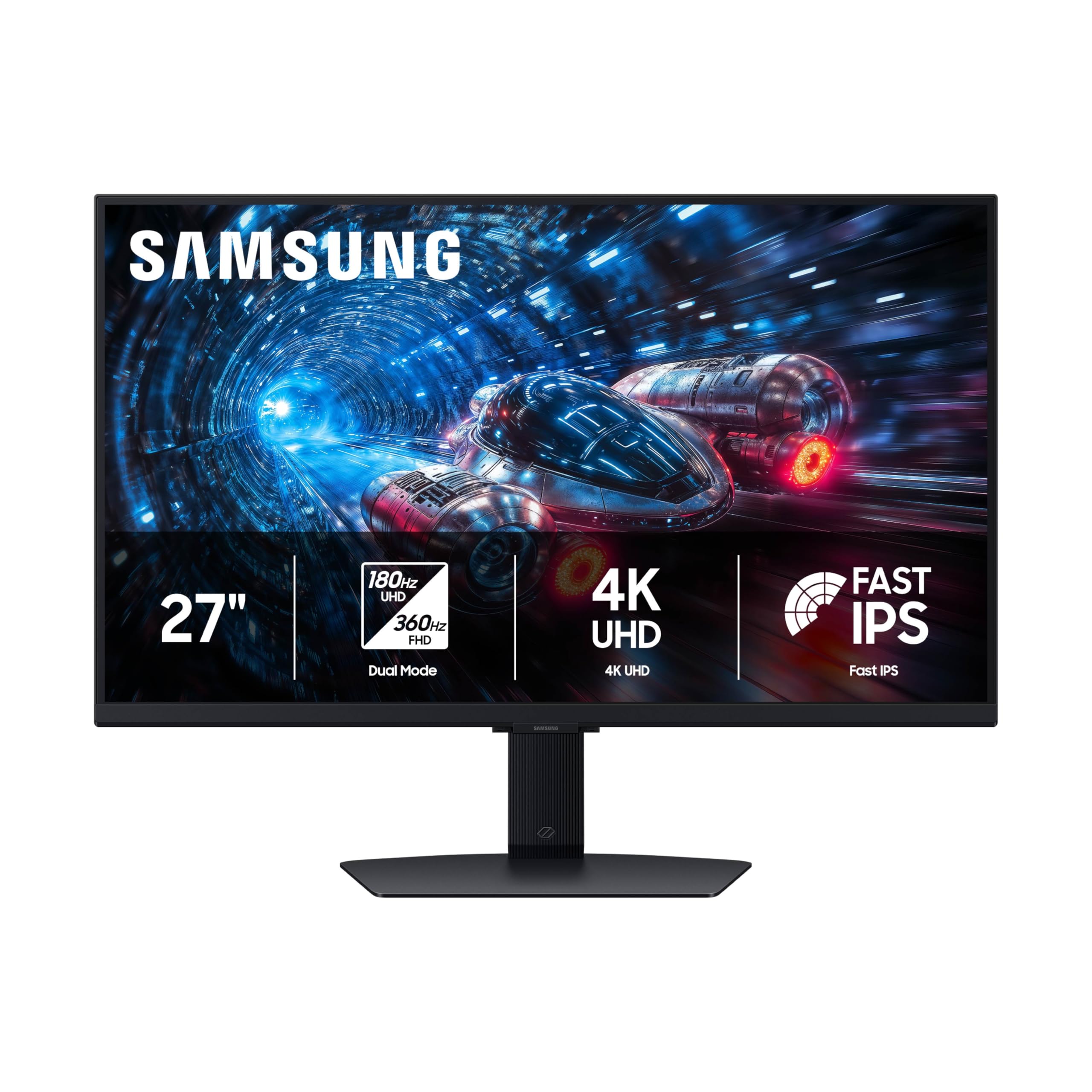
Samsung Odyssey G7 27"

85 /100
Lab Score Excellent

Key details

Panel Type
Fast IPS
Refresh Mode
180Hz/360Hz dual
Adaptive Sync
FreeSync Premium/G-Sync
Response Time
1ms
View on Amazon

The Samsung Odyssey G7 27-inch delivers dual-mode 4K 180Hz and FHD 360Hz on a Fast IPS panel with G-Sync and FreeSync Premium. Image clarity and motion handling are strong for the price. It lacks the feature depth of top-tier alternatives like higher HDR brightness and OLED contrast, and early production units may show minor quirks that are still being understood. This suits gamers who want a capable 4K dual-mode monitor from a well-known brand without moving to premium pricing, provided they accept typical IPS black levels and moderate HDR performance.

Pros

  • Sharp 4K images with smooth 180Hz refresh for fluid gaming.
  • Competitive pricing for a 27-inch dual-mode monitor with adaptive sync.

Cons

  • In dark scenes, IPS backlight glow reduces shadow definition
  • HDR highlights are modest at 350 cd/m²; best impact in controlled lighting.
Our verdict

Best for gamers who want a capable dual-mode 4K monitor from a well-known brand without stretching to OLED pricing, provided they can accept typical IPS contrast and moderate HDR.

Check Latest Price
6

Console HDMI 2.1

LG Ultragear 27G810A

87 /100
Lab Score Excellent

Key details

Panel Type
IPS
Refresh Mode
180Hz/360Hz dual
Adaptive Sync
FreeSync/G-Sync Compatible
Response Time
1ms
View on Amazon

The LG 27G810A brings dual-mode refresh rate to a 27-inch 4K IPS panel, letting console gamers switch between 180Hz at 4K and 360Hz at 1080p for smoother motion in fast-paced titles. HDMI 2.1 support ensures full bandwidth on PS5 and Xbox Series X. However, long-term reliability under daily heavy use remains unverified, making this a better fit for early adopters or those who prioritize feature flexibility over a track record of field performance.

Pros

  • Dual-mode 180Hz/360Hz lets you trade resolution for higher frame rates on the fly.
  • HDMI 2.1 allows full 4K 120Hz from PS5 and Xbox Series X without compression.
  • IPS panel delivers wide viewing angles and accurate colors out of the box.

Cons

  • Long-term durability under heavy daily use has not been verified by field experience.
  • HDR brightness at DisplayHDR 400 tier is modest; highlights lack punch in bright room conditions.
Our verdict

For console gamers who want dual-mode flexibility and HDMI 2.1 at a mid-range price, the LG 27G810A delivers on paper, but its unverified reliability makes it a better fit for those willing to test early or buy with a solid return policy.

Check Latest Price

How to Choose

Panel Type

IPS panels offer wide viewing angles and accurate colors, but native contrast is lower than VA or OLED. VA panels deliver deeper blacks and higher contrast, though off-angle viewing can wash out colors.

OLED panels provide infinite contrast and perfect blacks, but they are dimmer than LED panels and can suffer from burn-in over time. For competitive gaming, IPS fast pixel response is preferred; for cinematic single-player, OLED or VA shine.

Refresh Rate and Dual Mode

A 160Hz or higher refresh rate ensures smooth motion in fast-paced games. Dual mode lets you switch between 4K high refresh and FHD ultra-high refresh (e.g., 320Hz) for esports titles that benefit from maximum frame rates.

The catch: dual mode requires a manual switch and many gamers rarely toggle it. Consider if you truly play both visually rich and highly competitive games before paying extra for this feature.

Response Time

Response time ratings (e.g., 1ms GtG) are measured under ideal conditions. Real-world performance varies: IPS panels generally achieve consistent 3-5ms transitions, while VA can exhibit slower dark-to-light transitions (black smearing).

OLED panels achieve sub-0.1ms response, eliminating motion blur completely. For competitive shooters, lower response time reduces ghosting and improves target tracking.

HDR Certification

HDR certification like DisplayHDR 400 indicates a baseline brightness of 400 nits, but local dimming and color volume matter more. DisplayHDR 600 or True Black 400 (OLED) provide noticeably better HDR impact with higher peak brightness and deeper blacks.

Many budget monitors with HDR10 only accept HDR signals but lack the hardware to produce a convincing effect. Look for VESA DisplayHDR 600 or higher, or OLED True Black for meaningful HDR.

Adaptive Sync

Adaptive sync (FreeSync or G-Sync) eliminates screen tearing by synchronizing the monitor's refresh rate with the GPU. Most modern monitors support both, but G-Sync Compatible certification ensures a tighter experience.

FreeSync Premium adds low frame rate compensation (LFC) for smooth gameplay below the monitor's minimum refresh rate. For console gamers, HDMI VRR is also supported on Xbox Series X/S and PS5.

Frequently Asked Questions