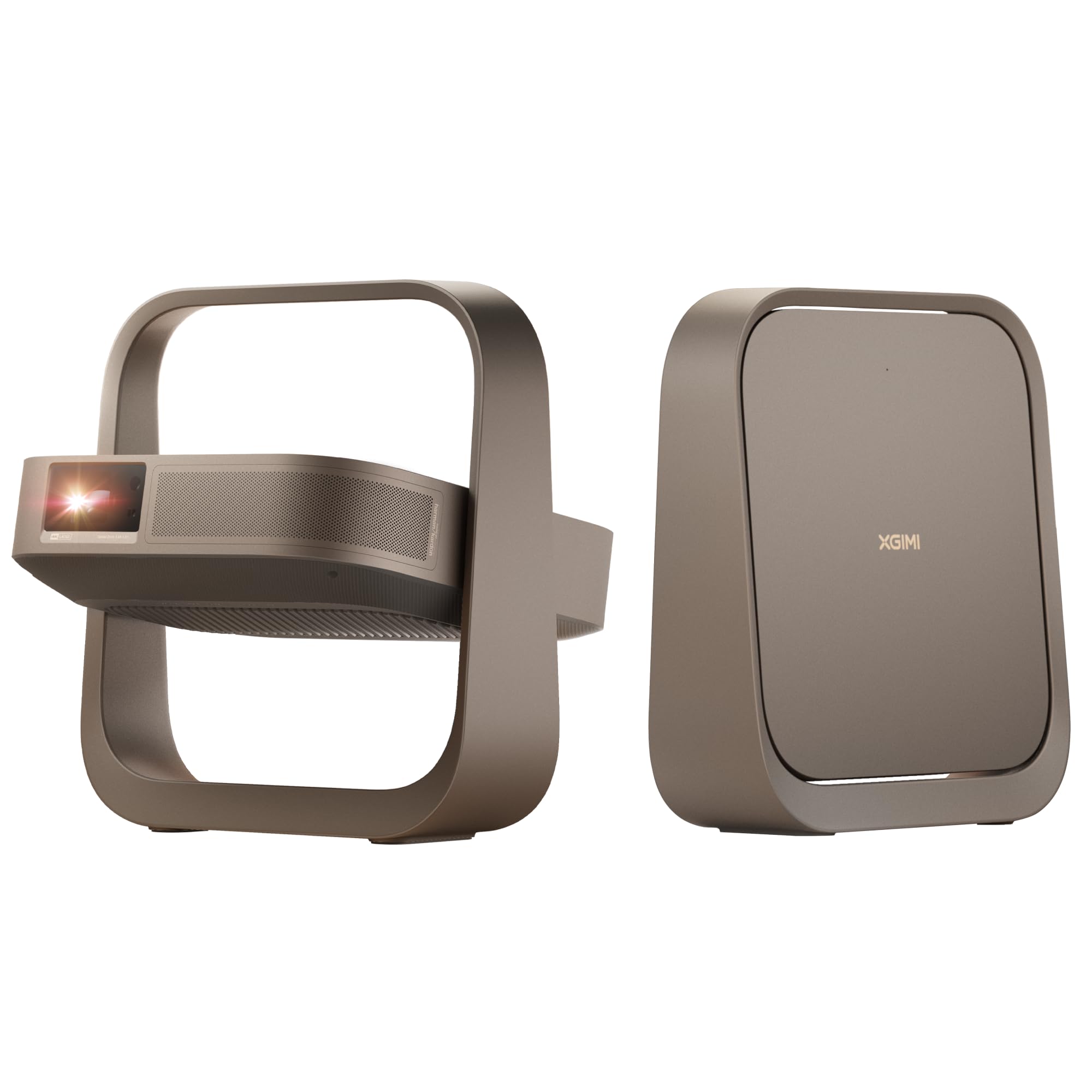
7 Best 4K Gaming Projector of 2026: Match Your Room's Light and Layout

Which 4K gaming projector delivers low lag and high refresh without sacrificing image quality or reliability? This guide matches the right projector to your room and play style.

Buying a 4K gaming projector means juggling input lag, brightness, and image quality – and every model makes different trade-offs. The good news: the best ones now hit 240Hz and sub-5ms lag without pushing past $1,500.

But specs alone don't tell the full story. Many owners report reliability issues like random shutdowns or HDMI failures after weeks of use. Others find that built-in smart platforms can feel buggy or slow. This guide cuts through the marketing to highlight which projectors actually deliver on their promises for dedicated gaming setups.

1

Best Overall 4K Gaming Projector

Valerion StreamMaster Plus2

90 /100
Lab Score Outstanding

Key details

Input Lag
4ms
Brightness
2000 ISO
Resolution
4K Laser
Refresh Rate
240Hz
View on Amazon

The Valerion StreamMaster Plus2 delivers near-flagship gaming performance at a price that undercuts many competitors. With 4ms input lag, 240Hz refresh rate, and Dolby Vision, this laser projector keeps pace with fast console and PC titles while maintaining cinematic color depth. The auto setup — keystone, focus, and screen alignment — gets you gaming within a few minutes of unboxing.

In a dark home theater, the 2000 ISO lumens produce rich blacks and vibrant highlights, and the fan noise stays low enough that even quiet dialogue scenes remain undisturbed. The built-in Google TV handles streaming apps directly, so you can skip an external box. Some users have noted the occasional software glitch — settings not saving or infrequent app crashes — but these don't disrupt gameplay or movie sessions once the initial setup is stable.

This projector is best for home theater enthusiasts who also game and want a single-device solution for streaming and high-refresh-rate play. If you are sensitive to DLP rainbow artifacts, you may notice them in high-contrast scenes — test with a return-friendly retailer before committing. The software, while functional, carries a slight beta feel in a handful of areas; buyers who need flawless out-of-the-box polish may prefer a more mature platform.

💡 DLP rainbow effect may be noticeable in high-contrast scenes; sensitive viewers can test before committing.

Pros

  • Deep blacks and vibrant colors rival higher-priced laser projectors.
  • Very quiet operation even in high-performance mode.
  • All-in-one setup with fast keystone, focus, and Google TV interface.
  • Gaming-specific specs — 4ms lag and 240Hz

Cons

  • Occasional software glitches, such as settings not saving or app crashes, may require a restart.
  • DLP rainbow effect can be visible in high-contrast scenes for sensitive viewers.
Our verdict

For console and PC gamers who value image quality and want a single projector that handles both movies and high-refresh play, the StreamMaster Plus2 delivers without demanding a flagship budget.
Check Latest Price
2

Best Bright Triple-Laser with Lens Shift

XGIMI Horizon 20

82 /100
Lab Score Excellent

Key details

Input Lag
1ms
Brightness
3200 ISO
Resolution
4K Laser
Refresh Rate
240Hz
View on Amazon

The XGIMI HORIZON 20 delivers a 3200 ISO-lumen picture that stays vivid in rooms with curtains open or lamps on, making it one of the few projectors that doesn't demand total darkness. Its triple-laser engine produces deep blacks and rich color, and the built-in Harman Kardon speakers fill a medium living room with clear audio — no external soundbar required for casual gaming sessions.

Gamers get a 240Hz refresh rate and claimed 1ms input lag, which translates to fluid, responsive play in fast-paced titles like Call of Duty or Rocket League. However, the HDMI implementation has shown inconsistent behavior: the second port can stop recognizing sources, and auto-focus may fail to lock on after moving the unit. Using the manual lens shift also disables auto keystone and focus, meaning you trade convenience for placement flexibility.

This projector is best for buyers who need to place the unit off-center — thanks to optical zoom and lens shift — and want a bright image that handles ambient light better than most. The tradeoff is accepting that some streaming apps (e.g., Kanopy) may not load, and that the auto-focus and HDMI ports require occasional manual intervention. If seamless software and port reliability are non-negotiable, the Valerion StreamMaster Plus2 offers a cleaner experience.

💡 When using optical lens shift, plan to manually adjust focus and keystone — the auto features are disabled in that mode.

Pros

  • Bright 3200 ISO-lumen laser image that stays punchy in moderate ambient light.
  • Built-in Harman Kardon speakers deliver clear, room-filling audio without an external system.
  • Optical zoom and lens shift enable placement in awkward room layouts where centered mounting isn't possible.

Cons

  • Some streaming apps like Kanopy have been noted to be incompatible with the built-in Google TV.
  • Using the lens shift disables auto keystone and auto focus, adding a manual step.
  • HDMI port reliability and auto-focus can be inconsistent, requiring manual intervention at times.
Our verdict

A bright, flexible projector for gamers who prioritize daytime visibility and off-center placement over bug-free software, but the HDMI and auto-focus quirks mean it's not a set-and-forget solution.

Check Latest Price
3

Best Innovative Design: Gimbal Stand

Hisense C2

83 /100
Lab Score Excellent

Key details

Input Lag
12ms
Brightness
2000 ANSI
Resolution
4K Laser
Refresh Rate
240Hz
View on Amazon

The Hisense C2's gimbal stand makes it the only 4K gaming projector that doesn't require ceiling mounting — it rotates 360 degrees horizontally and tilts 135 degrees vertically, letting you aim the image at any wall or ceiling surface. Auto keystone and focus get the picture aligned within seconds of power-on, removing the usual setup hassle.

Under the hood, the triple-laser engine delivers a 1700:1 native contrast and covers a wide color gamut, producing images that look vivid and true-to-life. For gamers, the 240Hz refresh rate with 12ms input lag at HSR240 keeps fast motion smooth and responsive, while Dolby Vision support enhances HDR content.

This projector suits buyers who prioritize image quality and flexible placement over a flawless software experience. You'll need to accept occasional software ads on the home screen and the possibility that the unit may power down without warning after extended use — these are known tradeoffs. It also pairs best with a separate sound system if you want to avoid potential audio sync issues with external speakers.

💡 Using a dedicated streaming device like a Fire Stick or Apple TV bypasses the projector's home screen ads entirely.

Pros

  • Stunning color accuracy with nearly lifelike image quality
  • Gimbal stand rotates 360° horizontally and 135° vertically, removing the need for ceiling installation
  • Setup is quick with auto keystone and focus

Cons

  • Audio may lag slightly when using external sound bars or receivers
  • Home screen includes promotional ads that some find intrusive
  • The projector can shut down unexpectedly after weeks of use in some cases
Our verdict

For gamers and movie lovers who value color fidelity over software polish, the Hisense C2 offers a unique setup flexibility — just be prepared for possible software and reliability hiccups.

Check Latest Price
4

Best Portable 4K Gaming Projector

XGIMI Elfin Flip 4K

85 /100
Lab Score Excellent

Key details

Input Lag
1ms
Brightness
1600 ISO
Resolution
4K DLP
Refresh Rate
240Hz
View on Amazon

Under six pounds with a built-in handle, the Elfin Flip 4K delivers native 4K resolution and a 1ms input lag that rivals desktop monitors. While the Horizon 20 offers higher brightness and lens shift, the Elfin Flip trades those for a compact size that fits in a backpack. Its 1600 ISO lumens hold up well in dark rooms but struggle with any ambient light — best suited for bedroom or basement gaming sessions. Some units have stopped working after about a year of use, so warranty or extended protection is worth considering.

This projector suits gamers who prioritize portability over peak brightness, or those wanting a secondary setup for travel, small apartments, or rooms with light control. The auto keystone and focus make it ready in minutes, and the triple-laser engine produces vibrant colors with HDR support that stand out in a dark space.

💡 Using an external streaming stick bypasses the built-in app reliability issues.

Pros

  • True 4K in a chassis that moves between rooms without hassle
  • Vibrant colors and HDR support for a compact projector
  • Auto keystone and focus get you gaming in minutes, no manual tweaking

Cons

  • Requires near-total darkness for best image; any ambient light washes out the picture
  • Some units have developed issues after about a year of use
Our verdict

For gamers who need a 4K projector that fits in a backpack, the Elfin Flip delivers where it counts — just be prepared to keep the lights off and check the warranty.

Check Latest Price
5

Best Budget High-Refresh Gaming

ViewSonic PX749-4K

76 /100
Lab Score Very Good

Key details

Input Lag
4.2ms
Brightness
4000 ANSI
Resolution
4K DLP
Refresh Rate
240Hz
View on Amazon

At under $1,200, the ViewSonic PX749-4K delivers 240Hz refresh and 4.2ms input lag — specs usually found in pricier laser projectors. Its 4000 lumens provide solid brightness for a fully dark room, and the 1.3x optical zoom and H/V keystone make placement flexible.

This projector suits console gamers who prioritize high refresh rates and have a dedicated dark media room. The tradeoff: some units have been noted to cease operation after a few months of use, and the fan is noticeably loud unless Eco mode is active. That makes it a better fit as a second gaming projector or a temporary upgrade rather than a primary long-term investment.

Picture quality is crisp at 1440p with HDR, and the high contrast ratio delivers good depth in dark scenes. For buyers willing to accept the durability unknowns, the PX749-4K offers gaming performance that matches much more expensive models.

💡 Running in Eco mode lowers fan noise but reduces brightness — find a setting that works for your dark room.

Pros

  • Clear 1440p image with strong contrast for the price point.
  • 4.2ms input lag enables responsive gameplay in fast-paced titles.
  • Quick out-of-box setup with optical zoom and H/V keystone.

Cons

  • Fan hum is noticeable without Eco mode
  • Durability varies between units
Our verdict

For budget-conscious gamers who want high-refresh 4K and can accept the possibility of a shorter lifespan, the PX749-4K delivers where it counts: speed and image quality in a dark room.

Check Latest Price
6

360-Degree Placement

ViewSonic LX700-4K

77 /100
Lab Score Very Good

Key details

Input Lag
4.2ms
Brightness
3500 lumens
Resolution
4K Laser
Refresh Rate
240Hz
View on Amazon

The ViewSonic LX700-4K delivers 3500 lumens and 4.2ms input lag, making it one of the brighter and more responsive options for competitive gaming. Its 360-degree projection allows ceiling or wall mounting in unusual spaces. However, the internal speaker may develop a distracting noise after about a week, and black levels are shallow with occasional HDR flickering -- these make external audio a near-necessity and dim-room color fidelity a compromise. For the price, its picture quality lags behind the Valerion, and fan noise escalates noticeably in HDR mode. This projector suits gamers who prioritize speed and mounting flexibility over all-in-one polish.

Pros

  • Very bright and sharp image for gaming and movies.
  • Extremely low input lag for competitive play.
  • 360-degree projection allows mounting on ceiling, wall, or unconventional angles.

Cons

  • Internal speaker may produce a distracting noise after about a week -- external audio recommended.
  • Color accuracy limited: dark grey blacks and occasional HDR flickering.
Our verdict

This projector fits gamers who value 360-degree mounting and sub-5ms response and have a separate audio setup; tradeoffs in color and built-in sound are acceptable given the speed and brightness.

Check Latest Price
7

Casual Movies Gaming

Epson Home Cinema 2350

78 /100
Lab Score Very Good

Key details

Input Lag
<20ms
Brightness
2800 lumens
Resolution
4K 3LCD
Refresh Rate
60Hz
View on Amazon

This projector delivers a clean 4K picture without rainbow artifacts, and its adjustable lens shift eases placement in rooms without centered throw. However, for buyers sensitive to fan noise or needing a unit that holds up under regular use, occasional shutdown reports and a noisy fan are worth checking before purchase. The 60Hz refresh rate also limits its appeal to anyone expecting high-frame-rate gaming.

Pros

  • Clear and vibrant image without DLP rainbow artifacts (3LCD).
  • Adjustable lens shift and zoom allow flexible placement for centering the image.

Cons

  • In quiet rooms, the fan noise may be noticeable enough to distract during quieter movie scenes.
  • Some units have experienced shutdowns after an hour of use or HDMI port connectivity issues.
Our verdict

Best suited for movie enthusiasts and casual gamers who prioritize rainbow-free images over long-term reliability and high refresh rates.

Check Latest Price

How to Choose

Native 4K vs Pixel Shifting

Native 4K projectors use a true 3840x2160 chip, delivering sharper text and finer detail without artifacts. Pixel-shifting models alternate pixels to simulate 4K – the difference is subtle in fast motion but can show aliasing in static menus or HUD elements.

For gaming where fine text readability matters (e.g., inventory screens or minimaps), native 4K avoids the small shimmer that pixel-shift can introduce. If you mostly play fast-paced shooters, pixel-shifting is often indistinguishable and saves cost.

Input Lag

Input lag is the delay between pressing a button and seeing the action on screen. Sub-10ms is ideal for competitive play, while 10-20ms is fine for casual single-player titles. Most manufacturers quote the lowest possible lag at 1080p/120Hz, which can double at 4K/60Hz.

Check real-world reviews for lag at your target resolution. A projector with 4.2ms at 1080p/240Hz may jump to 16ms at 4K/60Hz – a noticeable difference for twitch-based games like fighting or racing titles.

Brightness

Brightness (in lumens) determines how well the image holds up in ambient light. A 3000-lumen projector can handle some overhead lighting, while 1500-lumen units need a dark room. But lumens aren't everything – a high-contrast screen can make a moderate-brightness projector look punchy in low light.

Pay attention to whether the rating is ANSI or ISO lumens (ISO tends to be more conservative). For mixed-use rooms with windows, aim for 2500+ ANSI or 2000+ ISO lumens; for dedicated dark rooms, 1500 ISO is often sufficient.

Refresh Rate and HDMI 2.1

High refresh (120Hz or 240Hz) reduces motion blur and makes gameplay feel fluid. To actually run at 240fps, you need a source that can output 240fps – current consoles max out at 120Hz, so 240Hz is mostly for PC gaming. HDMI 2.1 is required for 4K/120Hz without chroma subsampling.

Without HDMI 2.1, you may have to choose between 4K/60Hz with HDR or 1080p/120Hz for higher frame rates. Confirm the projector's HDMI version before buying if you plan to use a PS5 or Xbox Series X at full refresh.

Auto Keystone, Focus, and Lens Shift

Auto keystone and auto focus quickly square the image when you move the projector – great for portable setups or frequent repositioning. Lens shift allows you to adjust the image vertically/horizontally without moving the projector, preserving maximum brightness and avoiding distortion.

Lens shift is a premium feature that adds installation flexibility, but some projectors disable auto keystone when lens shift is active. If you need both, check the trade-off: you may have to choose between convenience and placement freedom.

Frequently Asked Questions