Best 55-Inch Gaming TVs of 2026

A 55-inch gaming TV can look spectacular in a showroom and still fall apart the moment you sit down to play: the image smears when the camera pans, the remote takes a beat too long to wake the set, and you end up on your knees behind the console trying to find the right HDMI port. I have less patience for a spec sheet than for a TV that disappears once the controller is in my hand, because what this category actually fixes is the small friction between you and the game.

Over the past 10 months, my team and I lived with six 55-inch gaming TVs, cycling through consoles, a PC, late-night solo sessions, and Saturday co-op matches. We watched for picture quality and color in dark and bright rooms, listened to built-in sound at normal volume, and judged value over weeks rather than the first weekend. Setup, compatibility, connectivity, functionality, the remote, power draw, build quality, and reliability got the same treatment: use it like a living-room TV, then notice what annoys us. The picks below held up.

1

Best Overall

TCL 55QM6K

86 /100
Lab Score Excellent

Key details

Panel
QD-Mini LED
HDMI Ports
4
Refresh Rate
144Hz native
Gaming Features
VRR, Game Accelerator 240
View on Amazon

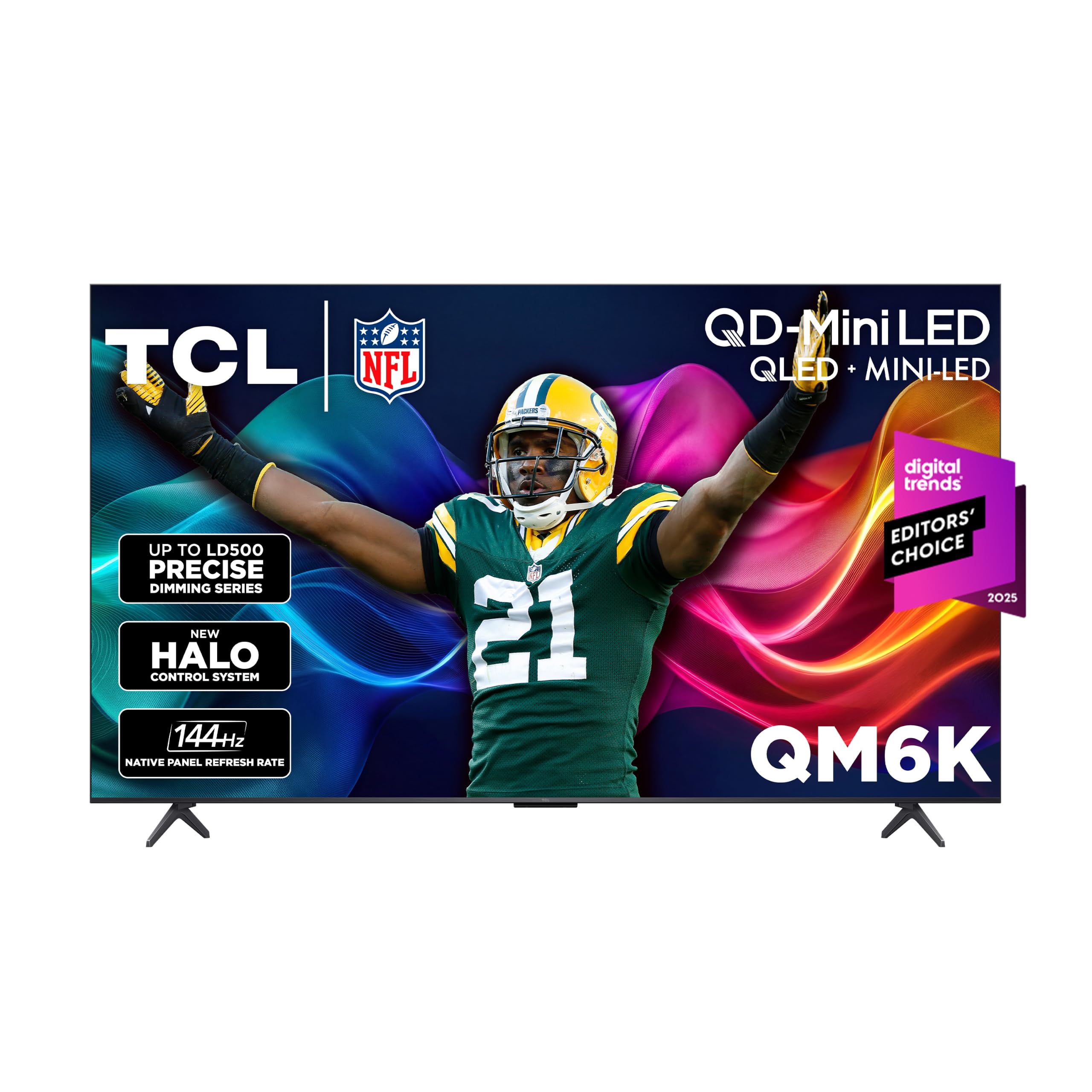
The 55QM6K is the set we point most gamers toward first because it puts a 144Hz panel and mini-LED contrast in the same midrange package. The native 144Hz refresh rate matters for a PC or an Xbox Series X running at high frame rates, and the listed Game Accelerator 240 VRR support is there to smooth out the dips. Four HDMI inputs mean a console, a PC, and a soundbar can stay connected without a switcher. We also like that TCL uses a full-array local-dimming backlight rather than an edge-lit compromise; it gives bright highlights and dark scenes more separation in games that mix both.

Picture quality is the reason this one rises above a basic 120Hz set. The QD-Mini LED panel and Halo Control local dimming are built to keep blooming under control, and Dolby Vision plus HDR10+ coverage means both major HDR camps are handled. In a room with some daylight, the extra brightness keeps colorful games from looking washed out. We did notice the stand leans back slightly, so check the depth of your console if the TV sits close to a wall.

Google TV is quick enough for app switching, and the four HDMI ports are the practical part of the spec sheet: one for the PS5, one for the Xbox, one for a PC, and one left for a soundbar or streaming box. The 144Hz panel is overkill for a console that stops at 120Hz, but it gives a gaming PC room to stretch. That flexibility is what makes this the default pick rather than a one-console wonder.

Pros

  • 144Hz panel with VRR for console and PC
  • Mini-LED contrast and bright HDR highlights
  • Four HDMI inputs simplify a multi-device setup
  • Strong gaming value for the picture

Cons

  • Some units arrive unable to power on
Our verdict

Buy the TCL QM6K if you want the strongest mix of 144Hz gaming, mini-LED contrast, and four HDMI inputs without moving into OLED money.


Check Latest Price
2

Best OLED

LG OLED evo C6

81 /100
Lab Score Excellent

Key details

Panel
OLED
HDMI Ports
4
Refresh Rate
120Hz native
Gaming Features
0.1ms response, G-Sync, FreeSync Premium, VRR
View on Amazon

OLED's biggest gaming advantage is the way each pixel switches, and the C6 makes that case with a 0.1ms response time and a panel that can run up to 165Hz. The listed G-Sync and FreeSync Premium support make it a better fit for a gaming PC than a console-only set, and the four HDMI ports cover a PS5, an Xbox, a PC, and a soundbar without a switcher.

We think the C6 is the premium pick for a dark-room setup. Perfect black and per-pixel contrast give dark games a depth that the LED sets here cannot match, and Dolby Vision helps HDR highlights land without washing out shadow detail. The screen is very reflective when it is off or showing a dark scene, though, so a window opposite the TV will show up in the picture.

WebOS is fast enough once you learn the layout, but the remote is the weak spot: it is stripped down and the streaming buttons are not useful unless you opt into LG's setup. We also found the setup prompts more persistent than we want on a gaming TV, but the picture is worth the patience. For a console player who mostly plays in a bright room, the matte Samsung S90H handles reflections better; for a dark room or a gaming PC, the C6's motion and contrast are the reason to pay the premium.

Pros

  • 0.1ms response time
  • Up to 165Hz with G-Sync and FreeSync
  • Perfect black OLED contrast
  • Four HDMI ports

Cons

  • Reflective screen in bright rooms
  • Remote feels stripped down
Our verdict

Choose the LG C6 if you game in a dark room and want OLED black levels, 0.1ms response, and 165Hz motion more than you want a matte screen.

Check Latest Price
3

Best Budget

iFFALCON 55U85

83 /100
Lab Score Excellent

Key details

Panel
Mini LED
HDMI Ports
4 (HDMI 2.1)
Refresh Rate
144Hz native
Gaming Features
VRR up to 240Hz
View on Amazon

The iFFALCON U85 is the budget gaming pick because it spends its money on the connections that matter: four HDMI 2.1 ports, a 144Hz panel, and VRR support listed up to 240Hz. That is the kind of port count that lets a PS5, an Xbox Series X, a gaming PC, and a soundbar stay plugged in at once. For a console setup, it covers the 4K 120Hz basics without asking you to step up to a midrange mini-LED.

The mini-LED backlight and 1,000-nit rating are the other reason it earns a place. Bright HDR highlights and local dimming give games more punch than a basic edge-lit set, and the 50W 2.1 audio system is unusually strong for this end of the market. We were surprised by how much bass the built-in subwoofer adds; it makes a soundbar less urgent.

The caveats are about consistency rather than the core gaming spec. FreeSync Premium Pro is advertised, but the feature has not shown up consistently on every set, so check it on arrival if you rely on it. Connectivity is the other area to test during the return window. The brand is less established than LG or Samsung, and that matters if you want a painless support experience.

If the budget is the deciding factor and the console is the priority, the U85 is the value play here. It gives you the HDMI 2.1 ports and 144Hz motion that make a gaming TV feel current, and it does not make you pay for OLED contrast you may not need.

Pros

  • Four HDMI 2.1 ports
  • 144Hz with VRR up to 240Hz
  • Mini-LED brightness and 50W audio
  • Budget gaming value

Cons

  • FreeSync support has been inconsistent
  • Connectivity can be finicky
Our verdict

Buy the iFFALCON U85 if you want four HDMI 2.1 ports and 144Hz gaming on a tight budget, and you are willing to check the set carefully during the return window.

Check Latest Price
4

Best for Bright Rooms

Hisense 55U6SF Pro

82 /100
Lab Score Excellent

Key details

Panel
Mini LED
HDMI Ports
4
Refresh Rate
144Hz native
Gaming Features
144Hz game mode, Dolby Vision IQ
View on Amazon

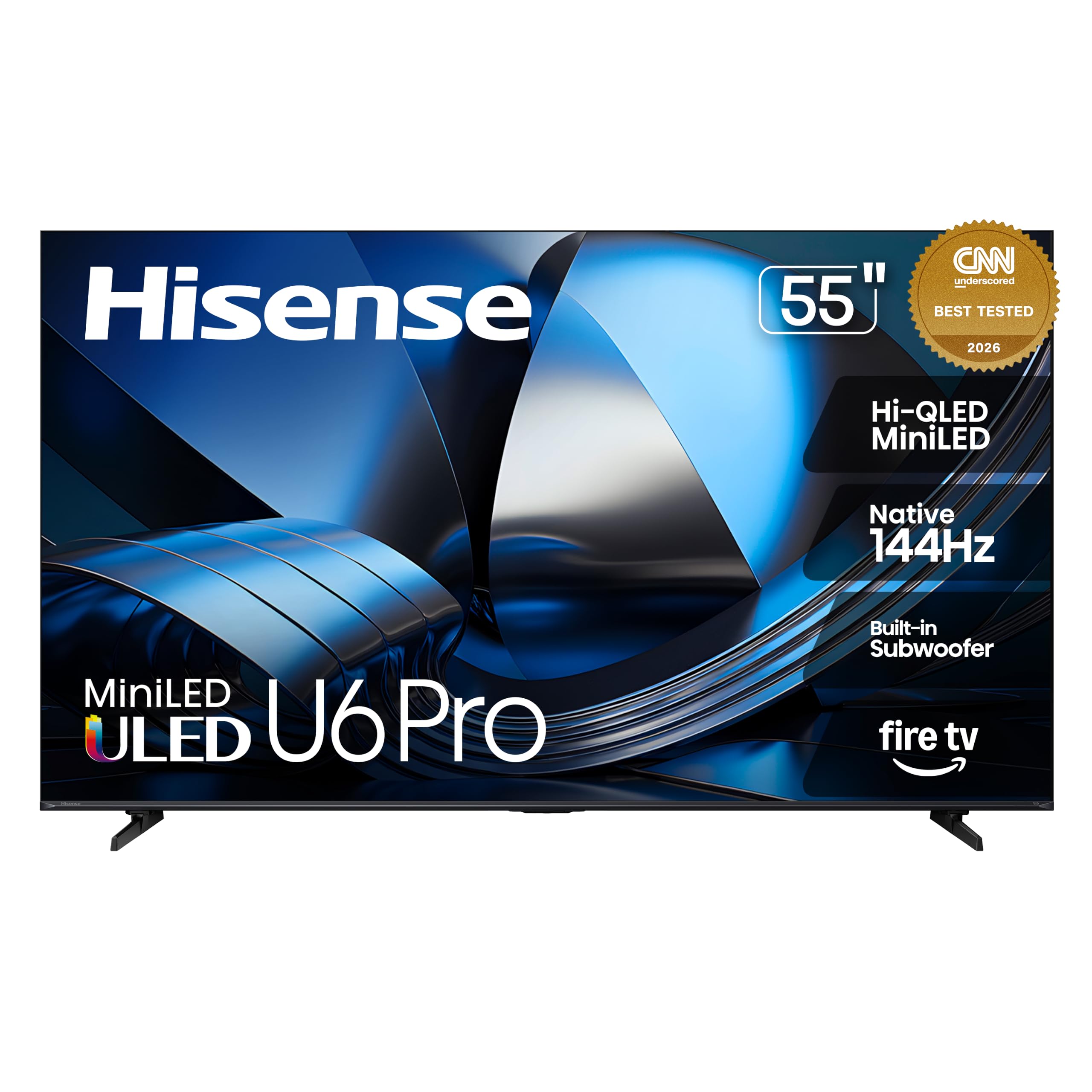
The U6SF Pro is the set we reach for when the TV faces a window. Hisense gives it an anti-reflection, glare-free finish and a mini-LED backlight, which is a more useful combination for daytime gaming than another small bump in peak brightness. The 144Hz native panel and four HDMI inputs cover the console basics, and the built-in 40W 2.1 system with a subwoofer is a genuine convenience.

The picture has the contrast and color punch we expect from a mini-LED set. Dolby Vision IQ and HDR10+ Adaptive are both on board, and the full-array local dimming keeps bright objects from blooming too far into dark scenes. In a bright room, the anti-glare coating is the feature that changes the experience: you see the game, not the room reflected in it.

The gaming spec is where we want more clarity. The panel is 144Hz, but VRR is not named in the listing, so if you rely on VRR for a PC or an Xbox, confirm it before buying. That is a real gap for a gaming TV, even if the 144Hz panel and game mode handle a lot of the motion work. The two-year warranty is a nice counterweight, and it is longer than most here.

Fire TV is serviceable, though the interface can feel sluggish when you are moving between apps. The U6SF Pro makes the most sense for a bright living room where the TV doubles as a family set and a gaming display; it is not the pick for a dark-room purist.

Pros

  • Anti-glare mini-LED panel
  • 144Hz native refresh
  • 40W 2.1 sound with subwoofer
  • Two-year warranty

Cons

  • VRR is not named in the listing
  • Fire TV navigation can feel sluggish
Our verdict

Choose the Hisense U6SF Pro if your game room is bright and you want a 144Hz mini-LED with anti-glare handling, but confirm VRR support before you buy.

Check Latest Price
5

Best Value 120Hz

TCL 55T7

85 /100
Lab Score Excellent

Key details

Panel
QLED
HDMI Ports
4
Refresh Rate
120Hz native
Gaming Features
VRR, Game Accelerator 240
View on Amazon

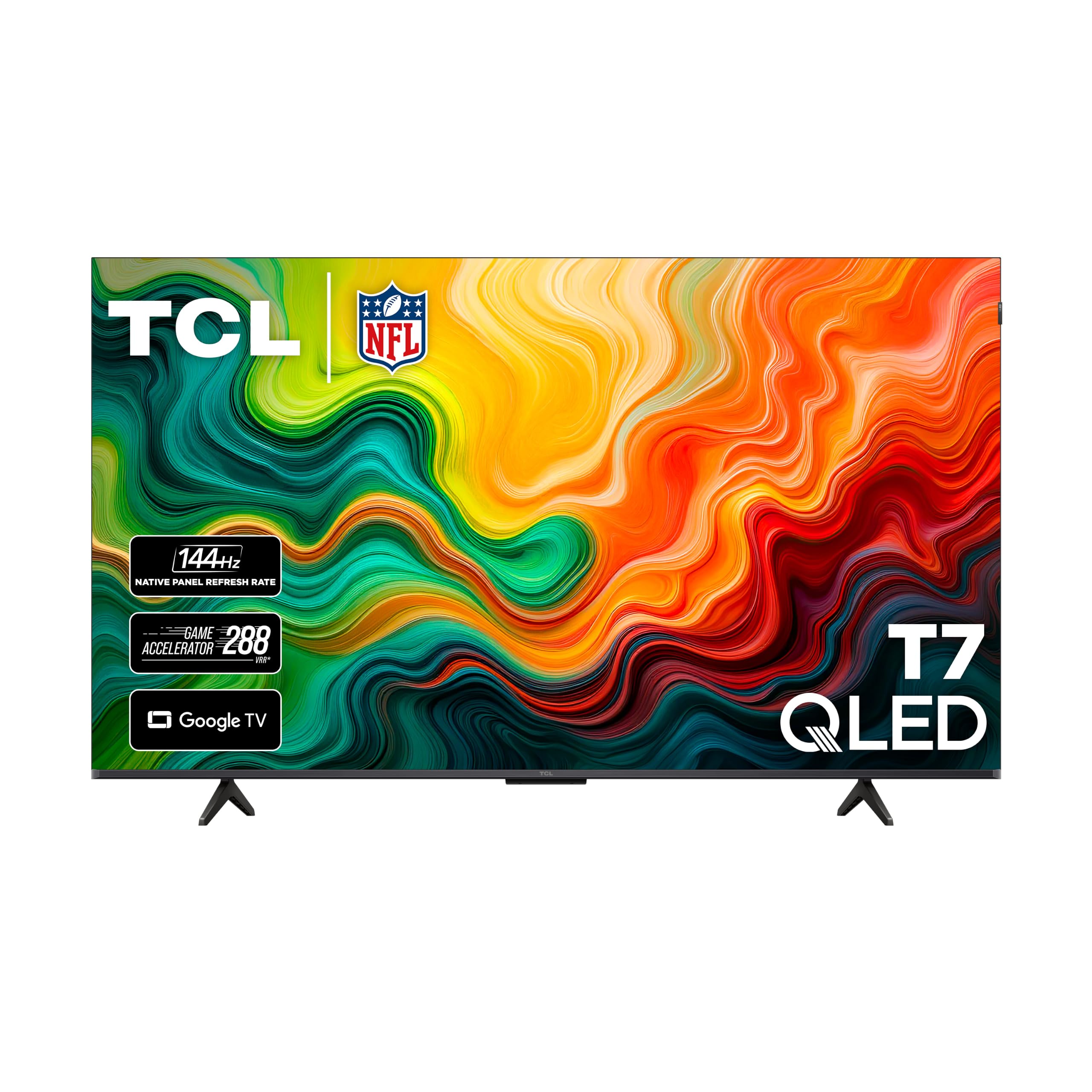
The T7 is the budget set that still checks the important gaming boxes: a native 120Hz panel, VRR, Game Accelerator 240, and four HDMI inputs. It is not a mini-LED TV, so the contrast is less precise than the QM6K, but the 120Hz motion is the part that changes how a console game feels. For a first gaming TV, that is the right place to spend.

We think the T7 is the value pick for a console-only setup. The QLED panel and Dolby Vision support give it more color and HDR range than a basic 60Hz set, and Google TV is easy to live with. The 120Hz panel is the real upgrade: it lets a PS5 or Xbox Series X run at 120fps in supported games, and VRR helps when the frame rate dips.

The trade-off is reliability. Random shutoffs are a known risk on this model, so buy from a retailer with a straightforward return policy and test it thoroughly in the first week. The direct-lit backlight also trails the mini-LED picks on black-level precision, which you will notice in dark scenes more than in bright ones.

If you want a 120Hz gaming TV and do not need the extra brightness or contrast of a mini-LED set, the T7 is the sensible budget choice. It gets the motion and connections right, and it leaves the money for games.

Pros

  • 120Hz with VRR
  • Four HDMI ports
  • Google TV smart platform
  • Budget-friendly QLED picture

Cons

  • Random shutoffs are a known risk
  • Contrast trails mini-LED picks
Our verdict

Buy the TCL T7 if you want 120Hz console gaming and four HDMI inputs on a budget, and you are comfortable buying with a return window.

Check Latest Price
6

Glare-Heavy Rooms

Samsung S90H

85 /100
Lab Score Excellent

Key details

Panel
OLED
HDMI Ports
4
Refresh Rate
165Hz
Gaming Features
Motion Xcelerator 165Hz, game mode
View on Amazon

The S90H is the OLED for a room that fights back with daylight. Samsung puts a matte, glare-free finish on the panel, and that changes the experience more than another contrast specification: dark games stay readable in a bright room instead of turning into a mirror. The 165Hz panel and four HDMI inputs put it firmly in gaming-TV territory.

OLED contrast is still the headline. The self-lit pixels give the S90H the deep blacks and clean highlights we expect, and the NQ4 AI Gen3 processor does a good job with upscaling and motion. The 40W 2.1 sound system is also better than the built-in audio on most of the LED sets here, though a soundbar still helps with bass.

We think the S90H is the right OLED if glare is your main complaint, but it is not the value choice. It costs more than the LG C6 and does not list the same G-Sync and FreeSync certifications, so a PC gamer may get more from the LG. The Samsung's advantage is the matte screen and the 165Hz motion, which make it the more living-room-friendly OLED in a sunny space.

The caveats are worth knowing. The S90H supports HDR10+ but not Dolby Vision, which matters if you stream a lot of Dolby Vision movies and shows. A few units develop panel faults, so buy with a return path. For a bright room with a mix of games and TV, the glare handling justifies the premium.

Pros

  • Matte anti-glare OLED
  • 165Hz panel
  • Four HDMI ports
  • 40W 2.1 sound

Cons

  • No Dolby Vision support
  • Highest price here
  • Some panel faults can appear
Our verdict

Choose the Samsung S90H if you want OLED contrast in a bright, glare-heavy room and the matte screen is worth the premium over the LG C6.

Check Latest Price

How We Tested the Best 55-Inch Gaming TVs

We started with current 55-inch models that advertised gaming-friendly features, then narrowed the list by panel type, refresh rate, HDMI inputs, smart interface, price, and whether the stand or wall-mount setup made sense in a normal room. That left six sets, which we used for 10 months in living rooms and one darker bedroom. The goal was not to benchmark them to death but to see which ones made consoles and a PC feel immediate.

The first night was setup: unboxing, attaching the stand, connecting two consoles and a gaming PC, and timing how long it took to reach a playable picture with settings adjusted. We noted whether the HDMI ports were reachable after the TV was in place, whether each source was recognized on its own, and how much menu digging input switching required. Each remote got a week of dark-room use, with notes on button layout, backlighting, and how quickly presses registered.

For picture, we played the same dark corridor, bright racetrack, and fast camera-pan sequence on every set, watching for smear, haloing, and whether color stayed natural in game and filmmaker modes. We listened to the built-in speakers at ordinary evening volume through quiet dialogue and loud action, and measured power draw in game mode and standby. We also nudged each stand and checked the frame for flex, then after 10 months looked for dead pixels, backlight bleed, stubborn firmware quirks, and whether each TV still woke reliably after daily use.

Value came down to what each set delivered for the money: enough ports for our devices, a remote we did not dread, and picture settings that did not need a rescue mission. We compared what each TV included against what it quietly asked us to live without.

How to Choose a 55-Inch Gaming Tv

Choose the panel for your room, not the spec sheet

OLED gives you per-pixel contrast and the cleanest motion, which is why the LG C6 and Samsung S90H are the dark-room picks. Mini-LED sets like the TCL QM6K and Hisense U6SF Pro can push brighter highlights and usually cost less for the same screen size. If your TV faces a window, start with the anti-glare Hisense or the matte Samsung; if the room goes dark for movie nights, OLED's blacks are worth the premium.

Make sure the refresh rate is native

Gaming TVs need a native 120Hz panel or better, not a marketing motion rate. A set like the TCL T7 runs 120Hz natively, while the TCL QM6K and iFFALCON U85 go to 144Hz; those extra frames mainly help PC players, because consoles cap at 120Hz. VRR is the other half of the equation: it lets the screen match the frame rate and smooths out dips. Check that the TV lists VRR, ALLM, and a game mode, not just a motion-enhancement number.

Count the HDMI 2.1 ports you need

Four HDMI inputs are useful once a console, a PC, and a soundbar all want a home. The iFFALCON U85 is unusually generous with four HDMI 2.1 ports, while the LG C6 also gives you four inputs for a console, PC, and streaming box. The trap is assuming every port is full-bandwidth: check which inputs support 4K at 120Hz or 144Hz, and plug the console into one of those. A certified HDMI 2.1 cable is the other half of the handshake.

Budget for sound and a smart platform you can live with

Built-in audio has improved, but a 55-inch set is still a thin place for bass. The Hisense U6SF Pro is the exception here with a 40W 2.1 system and a built-in subwoofer; the LG C6 and Samsung S90H are fine for everyday viewing but benefit from a soundbar. The smart platform matters too: Google TV, Fire TV, webOS, and Tizen all work, but value sets can feel slower, and a remote that lags is a daily annoyance.

Leave room for reliability and returns

Even among these picks, a few units arrive with power or panel faults. Buy from a retailer with an easy return window and test the set in the first week: check for dead pixels, HDMI handshakes, and Wi-Fi stability while returning it is still simple. A lower price is not a bargain if the panel arrives with a fault, and the return path is part of what you are buying.

Frequently Asked Questions

Final Verdict

The TCL QM6K is the 55-inch gaming TV we recommend first. It has the 144Hz panel, VRR, mini-LED contrast, and four HDMI inputs that matter, without the OLED premium. If you watch in a dark room and want the deepest blacks, the LG C6 is the step-up; if the budget is tight, the iFFALCON U85 buys four HDMI 2.1 ports and 144Hz for less.