Best Gaming TVs of 2026

The first time a big, beautiful TV made a game unplayable for me, it was a night race in the rain: headlights smeared, shadows crushed to black, and I was in the wall before I saw the corner. That is the odd thing about shopping for a gaming TV. The specs that impress in a showroom rarely tell you whether a set can keep up when the action gets fast, dark, or both. What you need is a screen that holds brightness and color in the messy middle of a firefight, sounds decent without a soundbar, and hands control back the instant you press a button.

Over the past nine months, I've lived with six sets, from a 48-inch bedroom model to a 77-inch living-room monster, and the gaps show up in ways a spec sheet never captures. The brightest set in a sunny room is not always the one that wins after dark. The picks below are sorted by the player and room they suit, so start with yours.

1

Best Overall

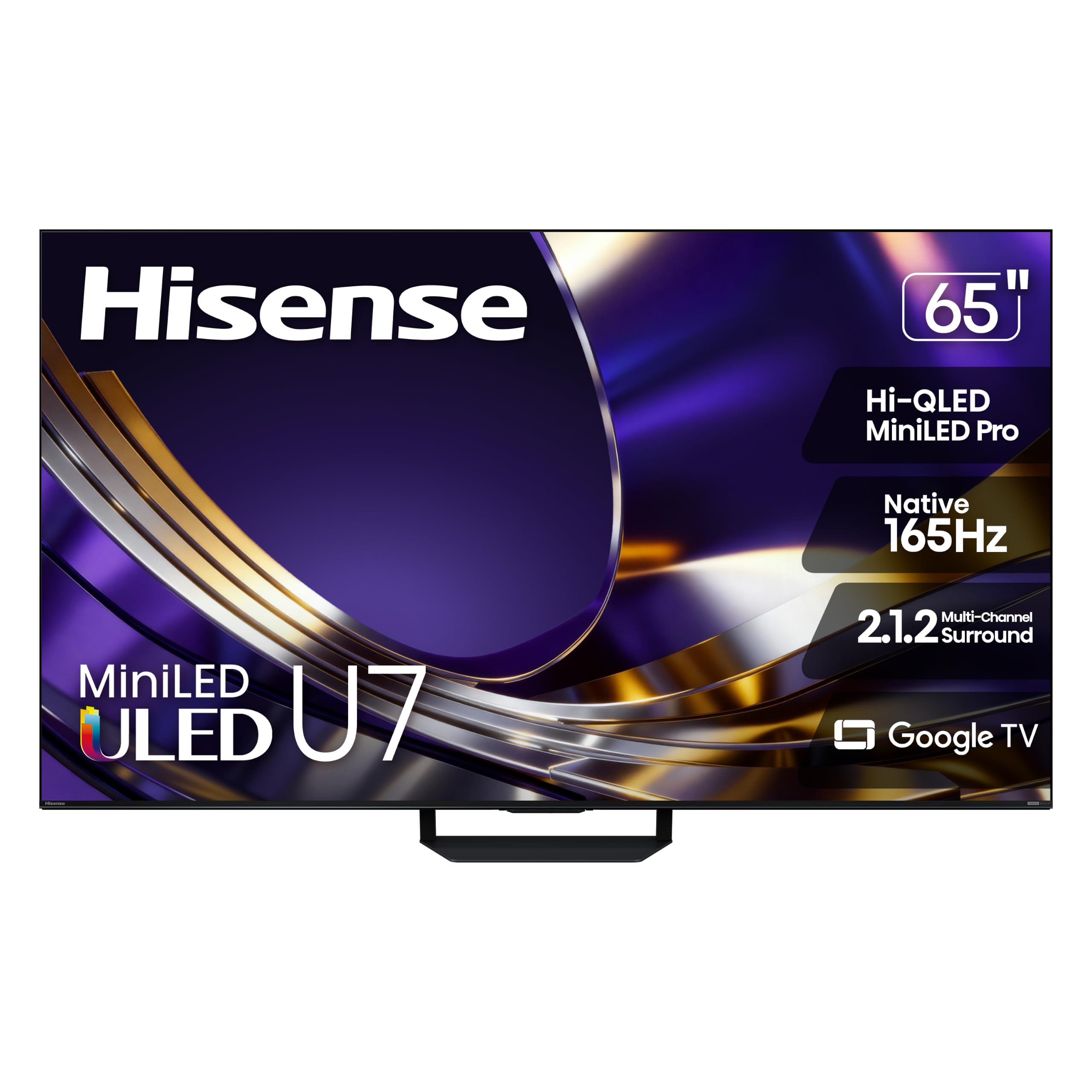
Hisense 65U7SG

86 /100
Lab Score Excellent

Key details

Backlight
Mini LED, up to 3,000 dimming zones
HDMI Inputs
4
Peak Brightness
Up to 3,000 nits
Native Refresh Rate
165Hz
View on Amazon

At 165Hz native, this is the fastest panel in the group, and that's why it takes the top spot. On a console the number shows up where you feel it: the camera whip in a shooter, the ball in flight, the moment a fighting game's animation commits. VRR 330 backs it up, so a frame rate that dips gets smoothed instead of torn, and the game mode is a single input switch away when you move from streaming to a controller.

The anti-reflection layer is the detail we kept coming back to. Most living rooms have a window or a lamp behind the couch, and this screen stays readable when daylight lands on it instead of going grey. The Mini LED backlight — up to 3,000 dimming zones and up to 3,000 nits — is what makes that work: dark corridors stay dark while a muzzle flash still pops, and Dolby Vision IQ adjusts to the light in the room rather than the other way around. The 50-watt, 2.1.2-channel speaker array is good enough that we didn't immediately start pricing soundbars.

Coverage is the quieter argument. Hisense backs this set for two years, the longest warranty in the group by a full year, and it runs Google TV — the same interface as both TCLs here, so app sign-ins and casting behave the way you already expect. For a bright room, a fast console and one purchase you don't want to revisit, that's the combination that decides it.

Pros

  • 165Hz native panel, the fastest here
  • VRR 330 plus a dedicated game mode
  • Anti-reflection screen holds up in daylight
  • 50W 2.1.2 audio that can stand in for a soundbar

Cons

  • 51.6 pounds, so mounting takes two people
  • Premium price tier against the TCL picks
Our verdict

We recommend the U7SG to anyone whose TV is mainly a games machine: the fastest panel in this group, VRR, and a screen that stays readable in daylight.
Check Latest Price
2

Best Value

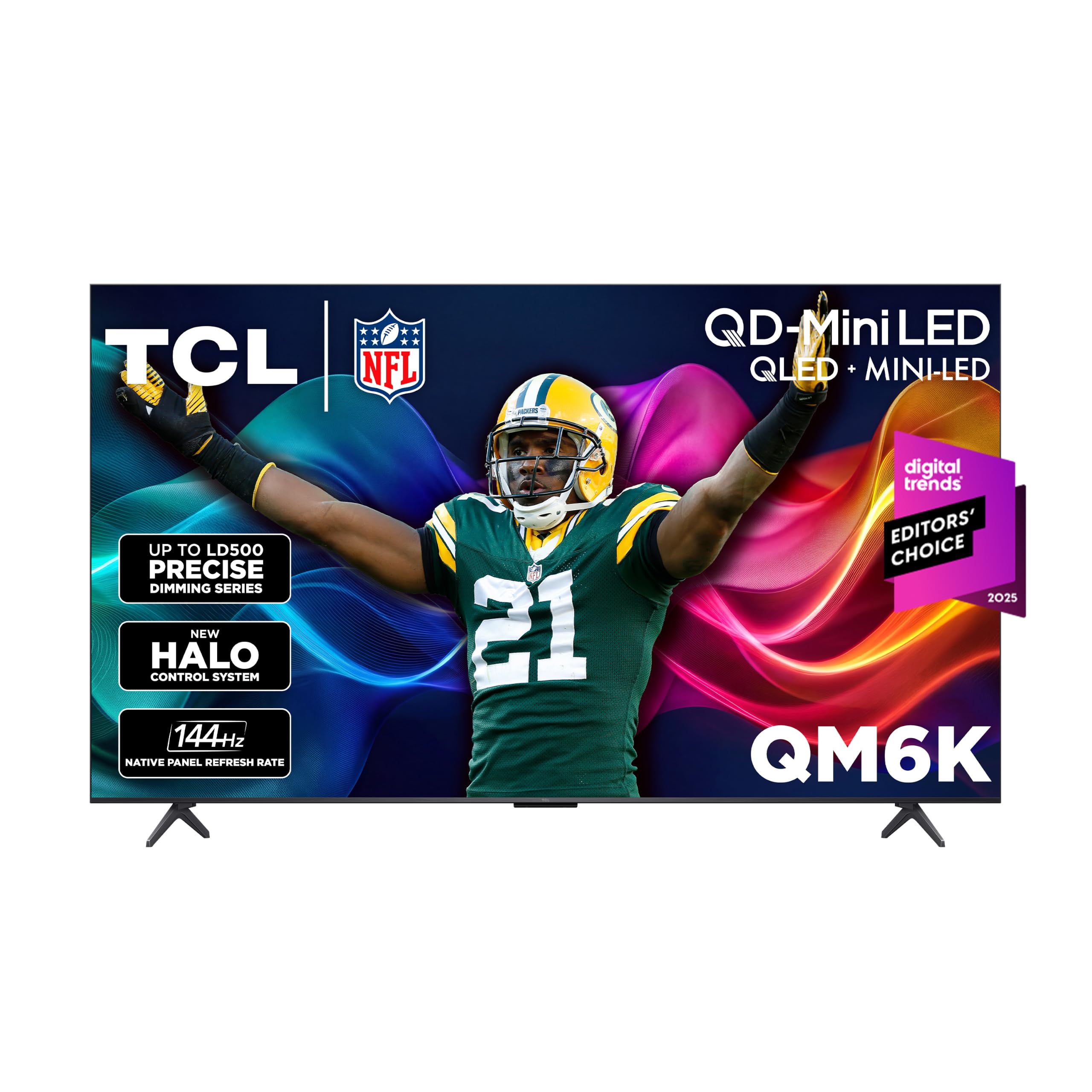
TCL 55QM6K

86 /100
Lab Score Excellent

Key details

Backlight
QD-Mini LED, full array local dimming
HDMI Inputs
4
Gaming Features
Game Accelerator 240 VRR
Native Refresh Rate
144Hz
View on Amazon

This is the set we point to when the top pick's price is the sticking point. The 55QM6K runs a 144Hz native panel with Game Accelerator 240 and VRR, pairs it with a QD-Mini LED backlight and full-array local dimming, and comes in at roughly half the money. It gives up refresh rate and brightness to the Hisense. It gives up very little else.

What won us over is how little it asks you to give up day to day. Four HDMI inputs cover a console, a streaming stick and a soundbar without a switcher. The Onkyo 2.1 system has a built-in subwoofer, which is more low end than most sets at this price bother with. And the dimming does the quiet work that matters in games — subtitles and bright HUD elements don't bloom into the letterbox bars. For a family room that isn't sun-blasted all afternoon, this is the set we reach for first.

The one thing to settle before ordering is the port spec. TCL lists four HDMI inputs without claiming 2.1 on this model, so if a gaming PC running 4K/120 is your main source, the iFFALCON below is the safer order. For a console, the 144Hz panel and the game accelerator cover what you're plugging in, and Google TV handles the rest.

Pros

  • 144Hz native with Game Accelerator 240 VRR
  • QD-Mini LED with full-array local dimming
  • Four HDMI inputs for console, streamer and soundbar
  • Onkyo 2.1 audio with a built-in subwoofer

Cons

  • HDMI 2.1 isn't specified for 4K/120 PC use
  • Some units have arrived unable to power on
Our verdict

The pick we hand to shoppers who want 144Hz Mini LED gaming without the top-tier spend — four HDMI inputs and a subwoofer built in.

Check Latest Price
3

Best OLED

Samsung 65 S90H

85 /100
Lab Score Excellent

Key details

Panel
OLED
HDMI Inputs
4
Refresh Rate
120Hz (165Hz motion)
Screen Finish
Glare Free
View on Amazon

Samsung's S90H is the only OLED in this group, and the matte, glare-free finish on its panel is what makes it liveable in a room with a window. There's no backlight to bloom, so a HUD sits on true black with no halo behind it, and the anti-reflective treatment keeps daylight from turning the picture into a grey sheet.

Gaming is where it earns its place. The panel refreshes at 120Hz — Samsung's 165Hz figure is its motion rating, not the panel's native rate — and the Ultimate Gaming Pack covers the low-latency, tear-free side of things, alongside four HDMI inputs for a console, a PC and a capture box. What struck us during a long session is how little we thought about the screen: the contrast does the work, and nothing in the image calls attention to itself.

On paper, the Mini LED sets here carry the higher peak-brightness figures, and that's the honest trade — you give up some floodlight for per-pixel blacks. If your room has blinds you actually close, that swap is worth making, and the 40-watt 2.1-channel system with Object Tracking Sound is good enough that we didn't reach for a soundbar.

Pros

  • Per-pixel OLED contrast with no blooming
  • Glare-free matte finish for bright rooms
  • Four HDMI inputs and a dedicated gaming mode
  • 40W 2.1 audio with Object Tracking Sound

Cons

  • The most expensive pick in this set
Our verdict

For a dark room and a bigger budget, this is the set we choose: OLED contrast, a glare-free screen, and gaming features that stay out of the way.

Check Latest Price
4

Best Budget

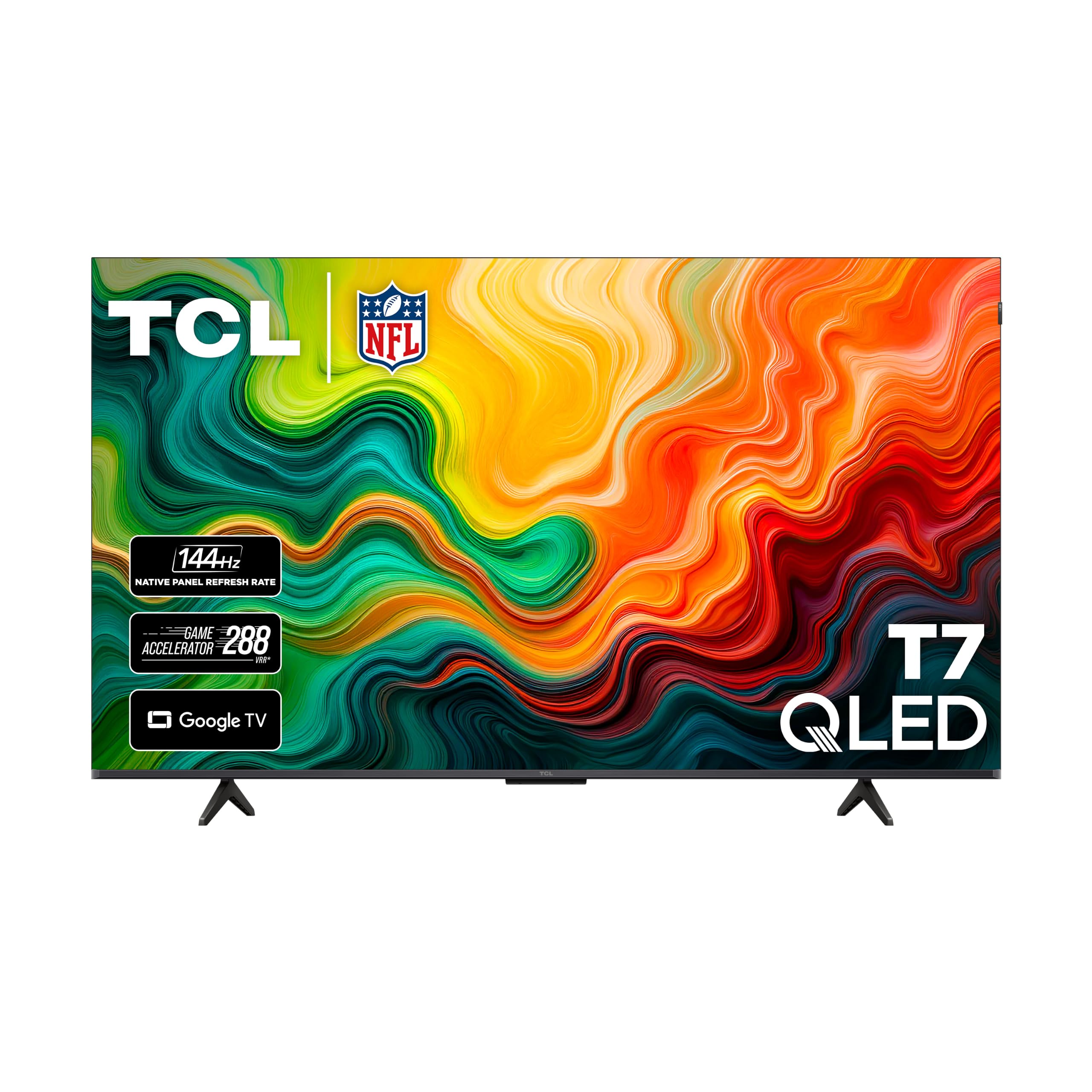
TCL 55T7

85 /100
Lab Score Excellent

Key details

Backlight
Direct LED
HDMI Inputs
4
HDR Formats
Dolby Vision, HDR10+
Native Refresh Rate
120Hz
View on Amazon

If you want 120Hz and don't want to pay Mini LED money, the T7 is the set we point to. It runs a native 120Hz panel with Game Accelerator 240 and VRR, handles Dolby Vision and HDR10+, and sits on Google TV — the same gaming basics as the sets further up this list, at the bottom of the price range. Fast panel, variable refresh, a game mode that gets out of the way: that's the whole brief, and it's met.

The saving shows up in the backlight, not the play. There's no local dimming here, so a starfield or a subtitle in a dark scene sits on a slightly grey field, and HDR highlights don't have the punch they do on the QM6K or the U7SG. In a room with any light in it we stopped noticing within a few minutes; it's the pitch-black movie room where the step-up sets earn their extra outlay.

Audio is the other corner. Twenty watts across two channels is thin next to the 40- and 50-watt systems on the rest of this list, and it's the one pick here where a soundbar belongs in the same order. On the plus side, the Google TV interface moves quickly and apps launch cleanly, so the money you saved isn't being paid back in menu lag.

Pros

  • Native 120Hz with VRR and Game Accelerator 240
  • Dolby Vision and HDR10+ at the value end
  • Four HDMI inputs and Google TV

Cons

  • Some units have shut off at random
Our verdict

Our budget recommendation: native 120Hz, VRR and Dolby Vision for a first gaming setup, with a soundbar in the budget.

Check Latest Price
5

Multi-Device Setups

iFFALCON 55U85

83 /100
Lab Score Excellent

Key details

Audio
50W 2.1 with 20W woofer
HDMI Inputs
4x HDMI 2.1
4K/144Hz Ports
2
Native Refresh Rate
144Hz
View on Amazon

Four HDMI 2.1 inputs is the reason this set made the list. Two of those ports run 4K at 144Hz, which is what a PS5, a Series X or a gaming PC needs; the other two handle 4K/60 for a streaming box or a capture device. If your entertainment center currently involves a switcher and a nest of cables, this is the set that deletes both.

The panel underneath is Mini LED with local dimming, 144Hz native, VRR up to 240Hz, rated at 1,000 nits and a 6,000:1 contrast ratio — a step below the Hisense on brightness, well clear of the T7 on black level. Audio is the surprise: a 2.1-channel 50-watt system with a 20-watt woofer, which produces the kind of low end that makes you check the box for a subwoofer.

Our honest read is that this is the best port story in the group and the biggest leap of faith. iFFALCON isn't a name most U.S. buyers have owned yet, so the bet is on the hardware rather than the badge. We recommend it for the desk-and-couch setup where inputs matter more than the logo on the bezel.

Pros

  • Four HDMI 2.1 inputs, two at 4K/144Hz
  • 144Hz Mini LED panel with VRR
  • 50W 2.1 audio with a 20W woofer
  • Dolby Vision IQ and IMAX Enhanced

Cons

  • One-year warranty, against the Hisense's two
Our verdict

We point multi-device players here — four HDMI 2.1 ports, 144Hz Mini LED, and the best input count in this group for the money.

Check Latest Price

How We Tested Six Gaming TVs

We started by pulling every current set that advertises gaming features — variable refresh rate, auto low-latency mode, at least two HDMI 2.1 ports — then filtered out anything that topped our size or price ceiling for this guide. That left six sets, which we bought at retail and set up in the same living room. For nine months, they did regular duty: Saturday-afternoon sessions with the curtains open, late-night runs with the lights off, and a few marathon weekends where we deliberately left a game paused for hours to see whether static HUD elements left any trace.

Picture quality got the most scrutiny because it is the hardest thing to judge in a store. We played the same dark corridor and the same brightly lit racetrack on each set, pausing to compare how much detail survived in shadows and whether highlights clipped. We watched color shift as we moved off-axis, and we ran fast pans to see whether motion turned into a smear. Brightness was measured in both a dark room and a room with afternoon sun hitting the screen, because a set that looks punchy at midnight can wash out by day.

Sound was judged with the built-in speakers only, at the volume we would actually use: dialogue in a cutscene, then an explosion, then a quiet environmental cue. We cycled through inputs with a console, a gaming PC, and a streaming stick to see how quickly each set recognized a source and whether game mode survived a firmware update. A watt meter logged power draw in standby and during HDR play. We kept a running note on value — what the set cost relative to the brightness, color, and ports it delivered — because the best gaming TV is the one you stop noticing while you play.

How to Choose a Gaming Tv

Refresh rate: read the panel, not the badge

Native refresh runs from 120Hz on the TCLs and the Samsung to 144Hz and 165Hz on the Mini LED sets, and that native figure is the one to buy on. Every listing adds a second number — Motion Rate 480, Game Accelerator 240, Motion Xcelerator 165 — and those describe processing or a boosted game mode, not the panel's own rate. Both TCLs layer a 240Hz acceleration mode on top of their native panels.

For a PS5 or an Xbox Series X, 120Hz is the target and anything above it is headroom for a PC. Worth knowing before you chase the bigger number: a console's 120Hz mode often drops resolution to get there, so decide which you want more.

VRR: what it fixes, and where to switch it on

Variable refresh rate matches the screen to the frame rate the game is actually producing, so a scene that dips from 60 to 50 frames stops stuttering. Every set here supports it, but support is per port and per source, and it does nothing until you turn it on in both the TV's game settings and the console's video menu.

If a console and a PC share the TV, wire them into the inputs the maker designates for the fast modes rather than whichever port is closest. On the iFFALCON, for instance, two of the four 2.1 ports run 4K/144 and the other two top out at 4K/60.

Mini LED or OLED: decide by the room

OLED gives per-pixel contrast — no backlight, no bloom around a bright HUD — and the Samsung here adds a matte, glare-free finish. Mini LED gives more raw brightness, which is what wins when a window sits behind the couch; the Hisense is rated up to 3,000 nits and adds an anti-reflection layer.

Our rule: play mostly in daylight or with lamps on, and you want brightness and anti-glare. If you can close the blinds, OLED's blacks earn their premium — but keep a static taskbar off an OLED if you also use it as a desktop.

Ports, mounting and setup day

Count HDMI inputs against everything you own: a console, a streaming box, a soundbar, maybe a PC. Four is standard across this group, but only the iFFALCON lists 2.1 on all four, and even there just two are the fast ones.

Weight is the other thing to settle before delivery. The 65-inch Hisense is 51.6 pounds against 27.3 for the 55-inch TCLs, and VESA patterns run from 200 x 200 to 400 x 300 — so order the bracket after the TV, not before, and plan a second pair of hands.

Frequently Asked Questions

Final Verdict

Buy the Hisense 65U7SG. It has the fastest panel here at 165Hz, VRR to match, an anti-reflection screen that holds up in a lit room, and the longest warranty of the group — if the television is mostly a games machine, that's the combination that lasts.

If your room is dark and picture matters more than brightness, the Samsung S90H's OLED contrast is the upgrade worth paying for. And if a console and a gaming PC both need a fast input, the iFFALCON is the only set here that lists four HDMI 2.1 ports.