Best Compact Gaming PCs of 2026

A compact gaming PC is a trade you make with your desk space, and it helps to know which side of the trade you're on. Shrink a tower down to something that sits beside a monitor and the case has less room for air, so cooling, fan noise, and room to upgrade all get squeezed. What you get back is a machine you can actually live with — one that sits on the desk instead of the floor, moves to the living room TV without a second person, and leaves the surface free for everything else.

I kept a mid-tower under my desk for years and mostly used it as a footrest. Over the past six months, my team and I have lived with eight compact builds — booting them, gaming on them, carrying them from room to room — and the good ones share one habit: real desktop parts in a small box, not laptop chips hiding behind a small badge. That's what I check first now, ahead of the frame rates or the price. The picks below are the ones that earned their desk space, from shoebox-sized machines to small towers that still leave room for a second monitor.

1

Best Overall

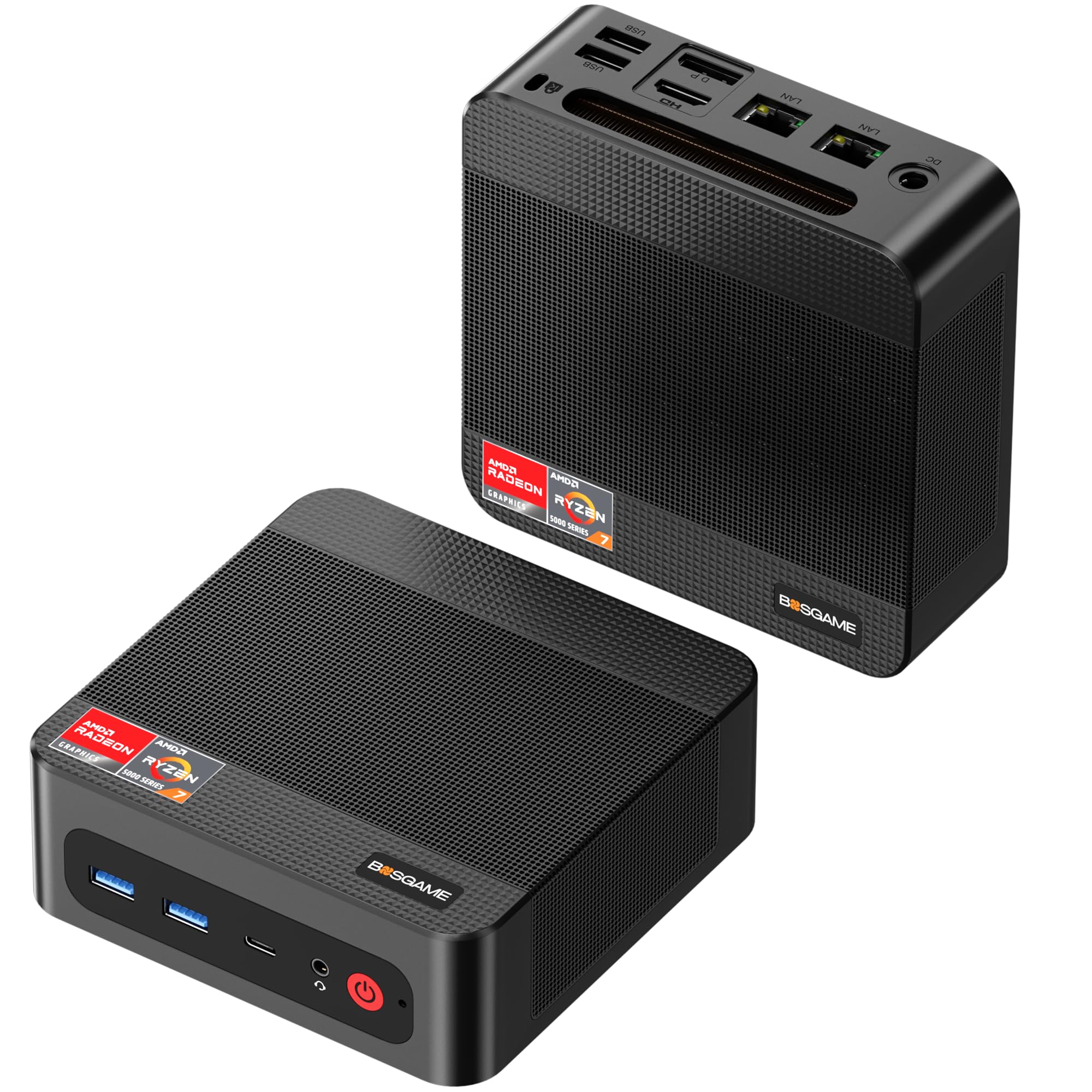
BOSGAME P3 Plus

82 /100
Lab Score Excellent

Key details

Memory
16GB DDR5 5600MHz
Storage
1TB PCIe 4.0 NVMe SSD
Graphics
AMD Radeon 780M
Processor
AMD Ryzen 7 7840HS
View on Amazon

The Radeon 780M is the reason this category exists, and the P3 Plus puts it in a compact case without making you pay for a bigger brand name. We kept coming back to it for 1080p play because it pairs that GPU with an 8-core Ryzen 7 7840HS, a 1TB drive, and SO-DIMM memory you can actually upgrade. That combination is why it is our top pick.

The 780M will not match a desktop graphics card, but it is the strongest integrated option in this set alongside the ACEMAGIC and Getorli. Think 1080p esports at high frame rates and modern AAA games at low-to-medium settings, not 1440p or ray tracing. The 16GB of DDR5 is enough for gaming, and because it is SO-DIMM, you can add more later; the ACEMAGIC's soldered memory cannot do that. The 1TB SSD also means you will not be deleting games every week.

The case is utilitarian rather than a showpiece, but it disappears under a monitor, which is what we want from a gaming box. What we appreciate most is the upgrade path: if 16GB stops feeling like enough in a couple of years, you can add memory without replacing the whole machine. That makes the P3 Plus feel like a small desktop you can keep, not a sealed appliance.

Pros

  • Best 1080p gaming value in this set
  • 1TB SSD leaves room for a game library
  • SO-DIMM memory can be upgraded later
  • Compact case with triple display support

Cons

  • Dual Gigabit Ethernet instead of 2.5G
Our verdict

For 1080p gaming, the P3 Plus is the one we point to first because it pairs 780M graphics with a 1TB drive and upgradeable memory.
Check Latest Price
2

Best for Tight Spaces

ACEMAGIC X3

84 /100
Lab Score Excellent

Key details

Memory
16GB LPDDR5 6400MHz
Graphics
AMD Radeon 780M (12 CU)
Processor
AMD Ryzen 7 H 255
Dimensions
5.03 x 1.73 x 5.03 inches
View on Amazon

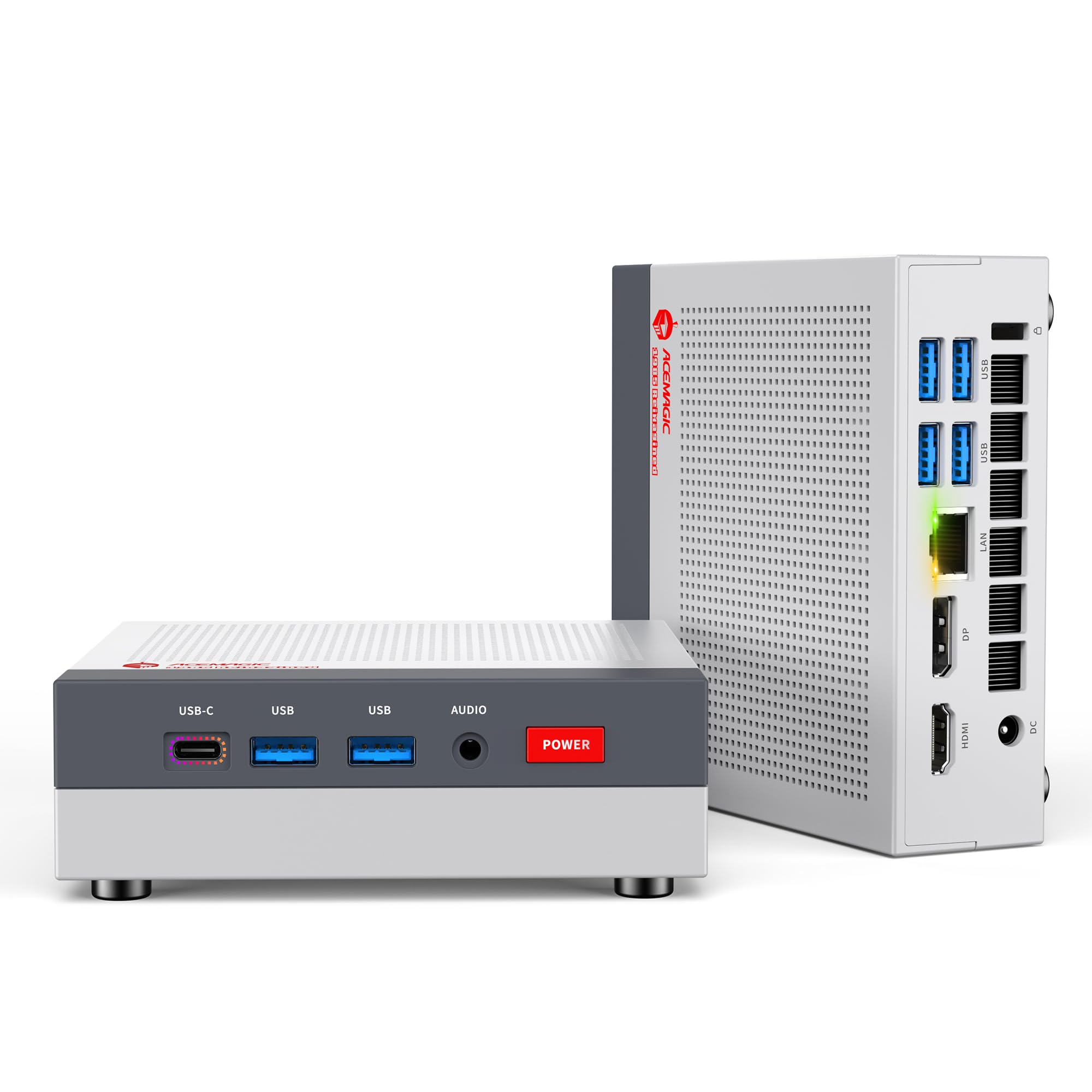
The X3 is the one here that looks like it belongs next to a TV. Its retro console case measures about 5.03 by 1.73 by 5.03 inches, and the 54W Ryzen 7 H 255 with Radeon 780M is a genuine gaming chip, not a repurposed office part.

We think the design earns its place. The 54W sustained power is the detail that matters: it is a gaming-class power limit, not a 15W office setting, and the LPDDR5 6400 memory is fast enough to feed the integrated GPU. For a living-room PC that plays 1080p games and streams video, that is a combination that makes sense.

The two-year warranty is the longest coverage in this group, and the triple display outputs make it easy to connect a TV and a monitor. The retro look is a matter of taste, but the small footprint is not: it tucks under a TV without blocking a cabinet door. If you want a compact gaming PC that doubles as a console, this is the one we point to.

Pros

  • 54W Ryzen 7 and Radeon 780M
  • Fast LPDDR5 6400 memory
  • Two-year warranty
  • Tiny console-like case

Cons

  • Soldered 16GB memory, no upgrade path
Our verdict

We like the X3 for a living-room setup where its console-like case, 54W Ryzen 7, and two-year warranty make it an easy fit.

Check Latest Price
3

Best for Wired Networking

Getorli GT105

86 /100
Lab Score Excellent

Key details

Memory
16GB DDR5 4800MHz
Graphics
AMD Radeon 780M
Processor
AMD Ryzen 7 8745HS
Networking
Dual 2.5G LAN
View on Amazon

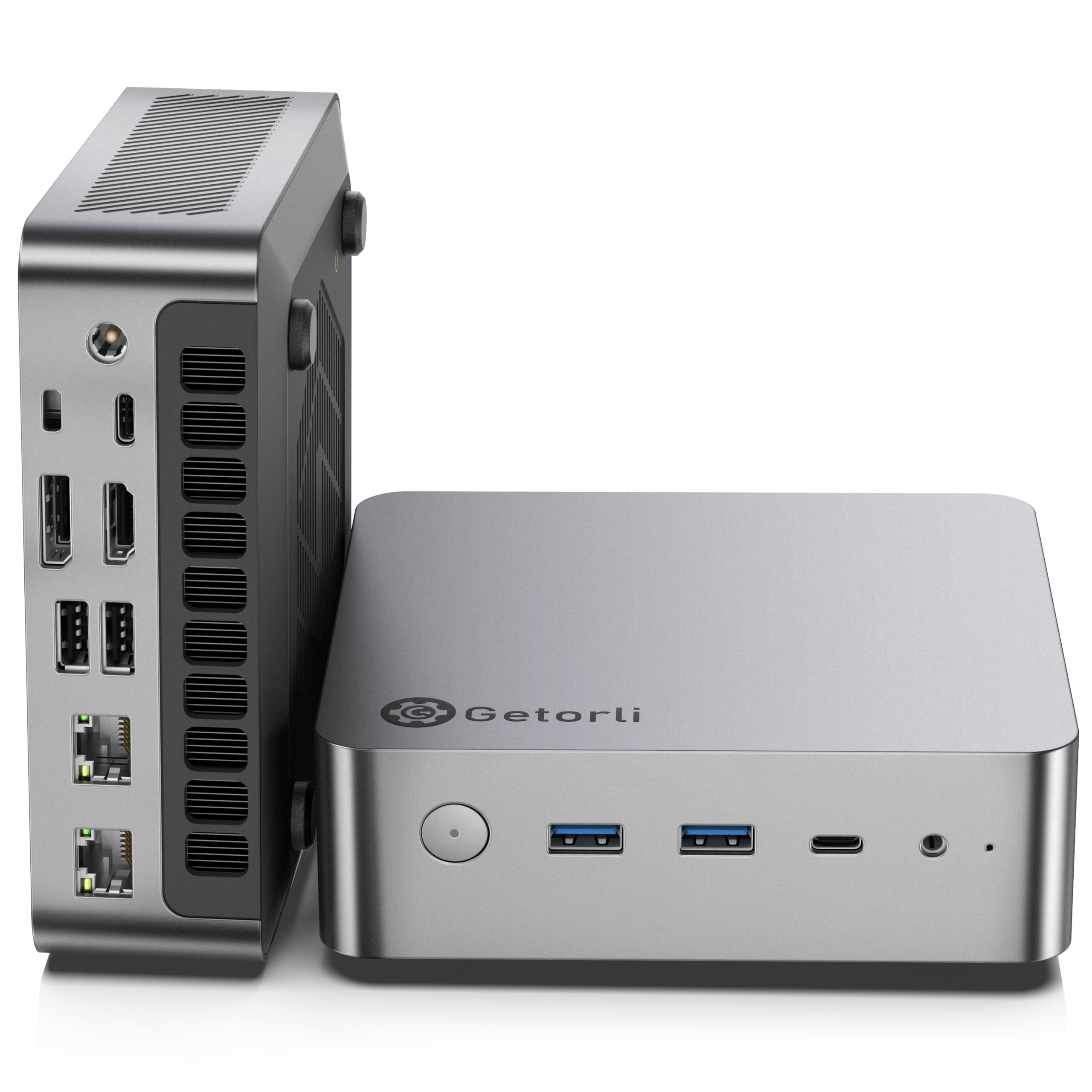
The GT105 has the strongest CPU spec in this group, an 8-core Ryzen 7 8745HS, but it ships with one 16GB DDR5 stick, not two. That single-channel setup holds back the Radeon 780M in games, because integrated graphics lean on memory bandwidth.

The rest of the package is serious. Dual 2.5G Ethernet, two USB4 ports, Wi-Fi 6, and a 1TB PCIe 4.0 drive make it feel more like a small workstation than a toy. The 8745HS is a 54-65W part, so it has the power headroom for CPU-heavy games and multitasking.

Add a second 16GB stick and the 780M gets closer to the BOSGAME and ACEMAGIC; leave it alone and you are leaving frame rate on the table. That is why the GT105 is a runner-up rather than our top pick: the hardware is strong, but the buyer has to finish the job. For a wired office or a home lab, the dual 2.5G LAN is the feature that makes it worth considering.

Pros

  • Strong Ryzen 7 8745HS CPU
  • Dual 2.5G Ethernet
  • Two USB4 ports
  • 1TB PCIe 4.0 SSD

Cons

  • Ships with single-channel 16GB memory
Our verdict

We put the GT105 in the running for dual 2.5G Ethernet and a strong 8745HS, but add a second memory stick before you judge its gaming performance.

Check Latest Price
4

Best for Multitasking

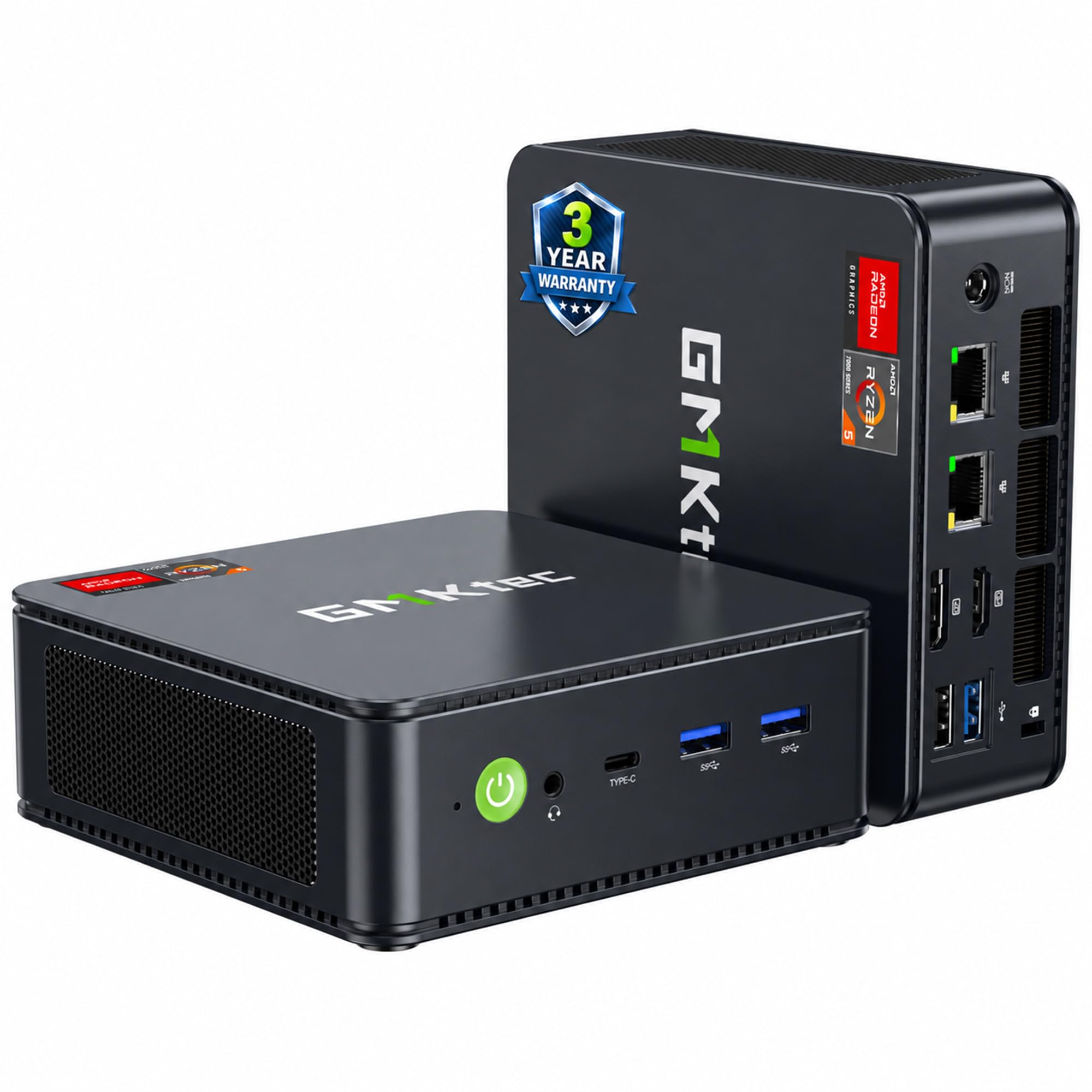
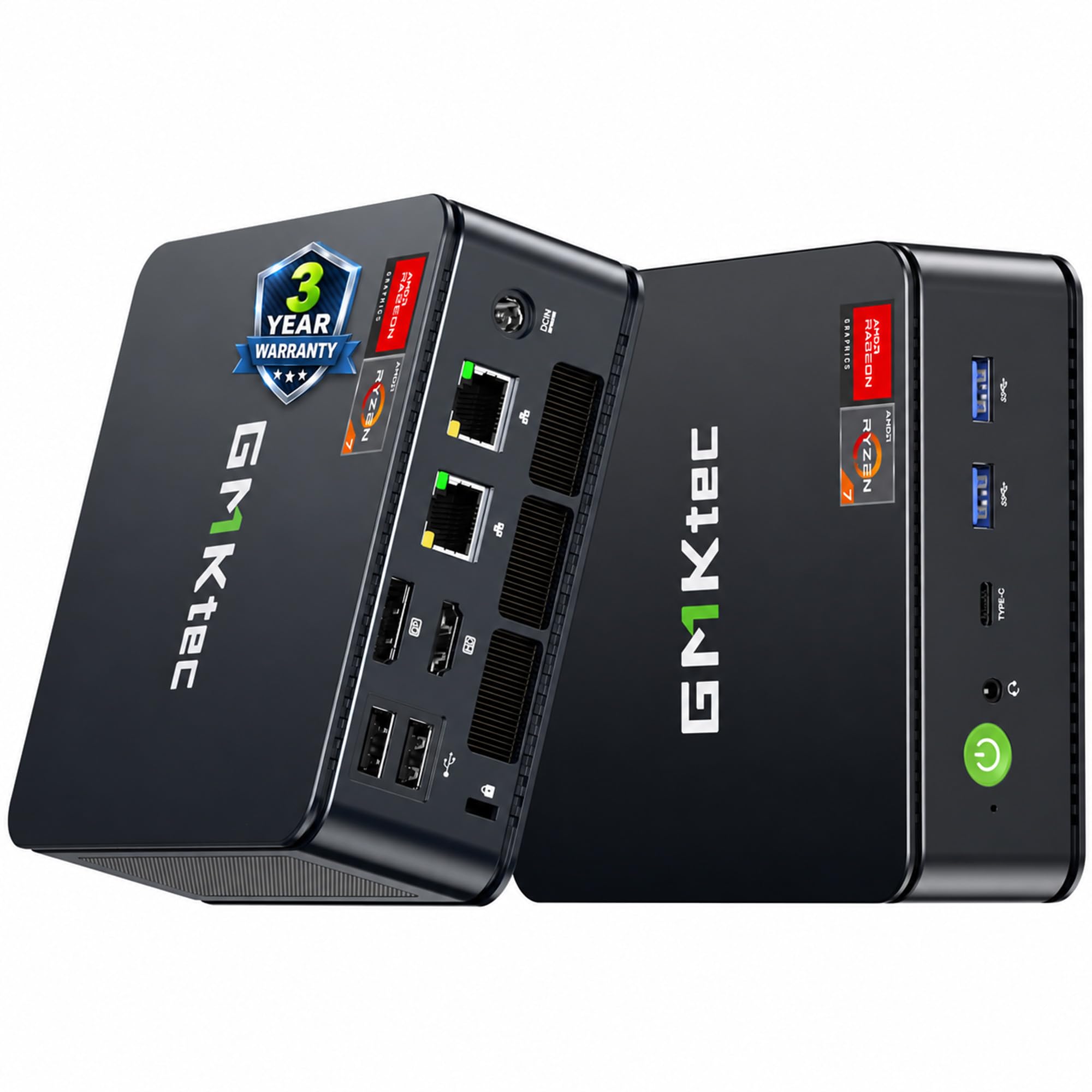
GMKtec M6 Ultra

84 /100
Lab Score Excellent

Key details

Memory
32GB DDR5 4800MHz
Storage
1TB PCIe 4.0 SSD
Graphics
AMD Radeon 760M (8 CU)
Processor
AMD Ryzen 5 7640HS
View on Amazon

The M6 Ultra is the memory play: 32GB of DDR5 and dual 2.5G Ethernet in a compact chassis. It is a workstation-first machine, and the 6-core Ryzen 5 7640HS is no slouch for everyday work.

We think the 32GB is genuinely useful if you stream, run a VM, or keep a dozen tabs open while playing, and the dual 2.5G LAN is great for a home lab. The 1TB drive and triple 4K output are solid, and the case is compact enough to sit under a monitor. If your PC is a workstation first and a game machine second, this is a sensible small desktop.

For gaming, though, the Radeon 760M is the bottleneck. It can handle 1080p esports and older titles, but modern AAA games need lower settings and often FSR. We prefer the BOSGAME's 780M for pure play; the extra memory matters less than frame rate when the GPU is the limit. That is why the M6 Ultra is a runner-up rather than our top pick: it is a good computer that happens to game, not a gaming PC that happens to compute.

Pros

  • 32GB DDR5 memory
  • Dual 2.5G Ethernet
  • 1TB PCIe 4.0 SSD
  • Triple 4K display support

Cons

  • Radeon 760M trails the 780M for gaming
Our verdict

We see the M6 Ultra as a workstation-first mini PC: 32GB and dual 2.5G LAN are useful, but the 760M graphics trail the 780M picks for gaming.

Check Latest Price
5

Best for eGPU Upgrades

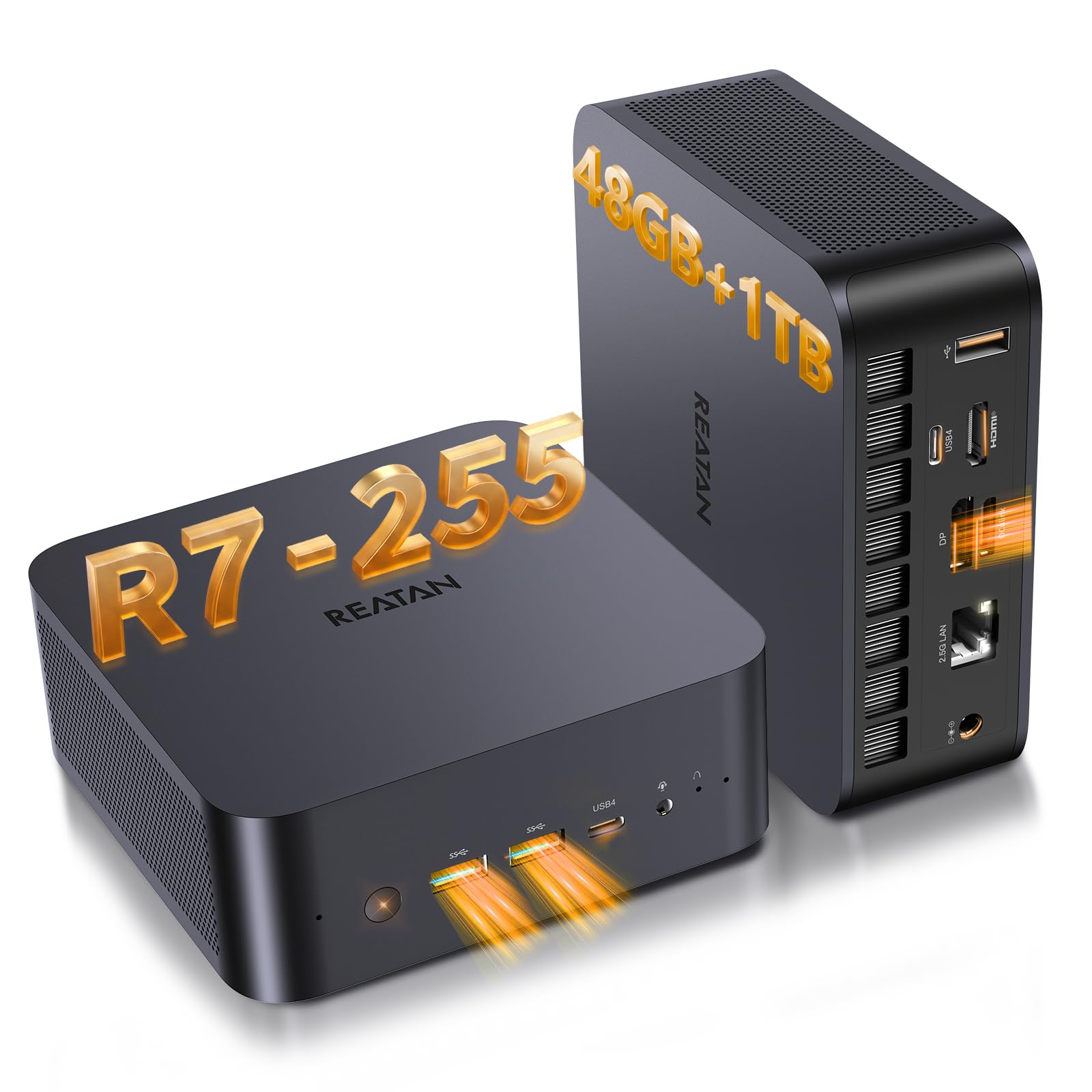
Reatan X7

85 /100
Lab Score Excellent

Key details

Memory
48GB DDR5 5600MHz
Graphics
AMD Radeon 780M
Expansion
OCuLink
Processor
AMD Ryzen 7 255
View on Amazon

The X7's headline feature is the OCuLink port and included bracket: it is the only pick here with a practical path to an external desktop GPU. That changes the calculus. You can buy it as a compact 1080p machine now and add an eGPU later for more serious gaming, something the USB4-only boxes cannot match as cleanly.

The rest of the spec is premium. A Ryzen 7 255, 48GB of DDR5 5600, a 1TB PCIe 4.0 SSD, Wi-Fi 7, and a full metal case that measures 5.12 by 5.04 by 1.77 inches. The 48GB is overkill for most games, but it is there for editing or VMs, and it is upgradeable to 96GB. The 780M handles 1080p play the same way as the other 780M picks.

We like the three cooling modes and the metal chassis; they make it feel like a small premium desktop rather than a budget box. The OCuLink bracket is the detail that justifies the premium for the right buyer. Without an eGPU, though, you are paying a lot for expansion you may not use.

That is the decision: buy the X7 if you want a compact PC that can grow into a desktop-class gaming rig later. If you just want 1080p now, the BOSGAME is the better value. The X7 is the long-game pick, not the impulse buy.

Pros

  • OCuLink port for an external GPU
  • 48GB DDR5 and 1TB SSD
  • Full metal case with three cooling modes
  • Wi-Fi 7 and 2.5G Ethernet

Cons

  • Premium price buys expansion you may not use
Our verdict

We keep the X7 on the list for eGPU plans: its OCuLink port is the difference, though pure 1080p buyers pay for expansion they may not use.

Check Latest Price
6

Budget Esports

GMKtec M5 Ultra

85 /100
Lab Score Excellent

Key details

Memory
16GB DDR4 3200MHz
Storage
256GB PCIe 3.0 SSD
Graphics
AMD Radeon Graphics 8 CU
Processor
AMD Ryzen 7 7730U
View on Amazon

The M5 Ultra is the budget route, and the Ryzen 7 7730U with 8-CU Radeon graphics is a generation behind the 780M machines here. We think it is a decent budget pick only if your games are light.

The 16GB of DDR4 is fine for everyday use, and the dual 2.5G LAN and Wi-Fi 6E are surprisingly good for the money. The 3-year limited warranty is the longest here, too. But the 256GB drive fills fast, and the PCIe 3.0 SSD is slower than the PCIe 4.0 drives in the rest of the group. If you buy it, plan on adding storage.

For Fortnite, Minecraft, and older titles at 1080p, it is serviceable. For Cyberpunk or a 2026 AAA release, it is not the right machine. That is why it is an also-consider rather than a main pick: the price is attractive, but the gaming ceiling is lower. The dual LAN is the surprise; it makes the M5 Ultra a good little home server that can play light games on the side.

Pros

  • Budget price for light gaming
  • Dual 2.5G LAN and Wi-Fi 6E
  • Three-year limited warranty
  • 16GB DDR4 upgradeable to 64GB

Cons

  • 256GB SSD fills quickly
  • 8-CU Radeon limits modern AAA games
Our verdict

We think the M5 Ultra makes sense as a budget esports and light-gaming machine, not as a modern AAA gaming PC.

Check Latest Price

How We Tested Compact Gaming PCs at a Real Desk

We started with about 30 compact desktops pulled from retailer listings and spec sheets, then cut anything that couldn't be bought at a normal price without a waitlist, anything too tall to fit under a monitor riser, and anything running mobile chips under a desktop badge. That left eight machines, from console-sized boxes to small towers.

Each one got the same first hour at my desk. I unboxed and set it up alone with a stopwatch running, from cutting the tape to the first game reaching its menu, and noted how many cables it needed, whether the case had to come apart, and how much preinstalled software had to go before Windows felt like mine. After that I timed cold boots and load times into the same three games.

Then the actual gaming: same three titles, same save files, 1080p and 1440p, a two-hour session each, with frame rates logged and fan noise judged by ear from three feet away once the room went quiet. I traced each case's footprint on the desk with painter's tape, weighed it, and carried it up a flight of stairs and to a friend's place for a LAN night to see what the size actually bought.

Value came down to what the same money bought elsewhere: a desktop-class GPU, storage you could add to, standard RAM slots. Reliability got the longest look — six months of near-daily use, logged crashes and wake-from-sleep failures, a peek inside the side panel to see what a buyer could swap later, and a note on how support answered when I asked. The machines still on my desk are the ones below.

How to Choose a Compact Gaming Pc

Start with the graphics chip, not the CPU

The Radeon 780M is the dividing line in this group. It is the integrated GPU in the BOSGAME, ACEMAGIC, Getorli, and Reatan, and it is what makes 1080p esports and low-to-medium modern AAA games realistic. The GMKtec M6 Ultra's Radeon 760M is a step down, and the M5 Ultra's 8-CU Radeon is for lighter titles. A strong CPU will not rescue a weak iGPU. If you want 1440p or ray tracing, none of these mini PCs is the right answer; you need a desktop graphics card.

Memory and storage: 16GB is the floor

Sixteen gigabytes is enough for most 1080p gaming, but integrated graphics care about memory bandwidth. Two sticks in dual-channel mode are better than one, and the Getorli ships with a single 16GB stick, so plan on adding a second. Some boxes, like the ACEMAGIC, use soldered LPDDR5; it is fast but capped at 16GB. The BOSGAME, GMKtec, and Reatan use SO-DIMM memory with an upgrade path. Storage matters too: 256GB fills after a couple of big games, so 1TB is the sensible baseline in 2026.

Size, cooling, and the power brick

Compact means it fits under a monitor or on a TV shelf, not necessarily in a backpack. Check the dimensions, VESA mount, and power adapter, then leave clearance around the vents. A 54W or 65W chip in a small case can sustain higher clocks than a 35W office part, but it also needs a fan that can handle a long session. The ACEMAGIC's 54W chip and the Reatan's three cooling modes are the kind of choices that let you trade noise for performance. If the PC will sit in a living room, put it where the fan exhaust is not pointed at a wall.

Ports and expansion decide the long game

For a pure 1080p gaming box, HDMI and DisplayPort are enough. If you might add an external GPU later, OCuLink is the feature to look for, and the Reatan X7 is the only pick here with it. USB4 is useful for fast storage and docks, but it is not the same as a dedicated eGPU link. Dual 2.5G Ethernet is overkill for most homes, but it is a real advantage for a home lab or a wired office. Buy for the ports you will use in the next year, not the ones that look impressive on the spec sheet.

Warranty and the cost of a sealed case

A one-year warranty is common here; the ACEMAGIC and GMKtec M5 Ultra go longer. That matters because a mini PC is harder to service than a tower, and opening the case can affect coverage. Check the return window before you buy, and run a stress test in the first week. If you plan to upgrade memory or storage, confirm the screws and slots are accessible and that the upgrade does not void coverage.

Frequently Asked Questions

Final Verdict

The BOSGAME P3 Plus is the compact gaming PC we recommend first because it gets the important combination right: a 780M GPU, a 1TB drive, and upgradeable memory in a case that does not demand a tower's footprint. It is the one to buy if you want 1080p gaming without paying for expansion you will not use.

If you want the smallest console-like box and can live with soldered 16GB, the ACEMAGIC X3 is the alternative. If you plan to add an external GPU, the Reatan X7 is the only pick here with OCuLink.