11 Best Mini Gaming PC of 2026: Real 1080P Performance Under $1,000

Which mini gaming PCs under $1,000 actually run modern titles? A practical guide for budget-conscious gamers.

Walk into any mini PC listing and you'll see 'gaming' slapped on everything from a Ryzen 5 office box to a flagship monster. The reality: most compact desktops under $1,000 cannot maintain playable frame rates in modern AAA titles. The integrated GPU is the bottleneck, not the CPU.

The choice usually comes down to this: a proven budget model with thousands of reviews and modest graphics, or a newer box with a stronger GPU but higher risk of a dead unit or fan defect. Both have their place, but they serve different buyers.

This guide cuts through the marketing noise. It focuses on real-world gaming performance, cooling behavior, and long-term reliability across the most popular mini PCs that can actually deliver a decent 1080p experience at the right settings.

1

Best Overall

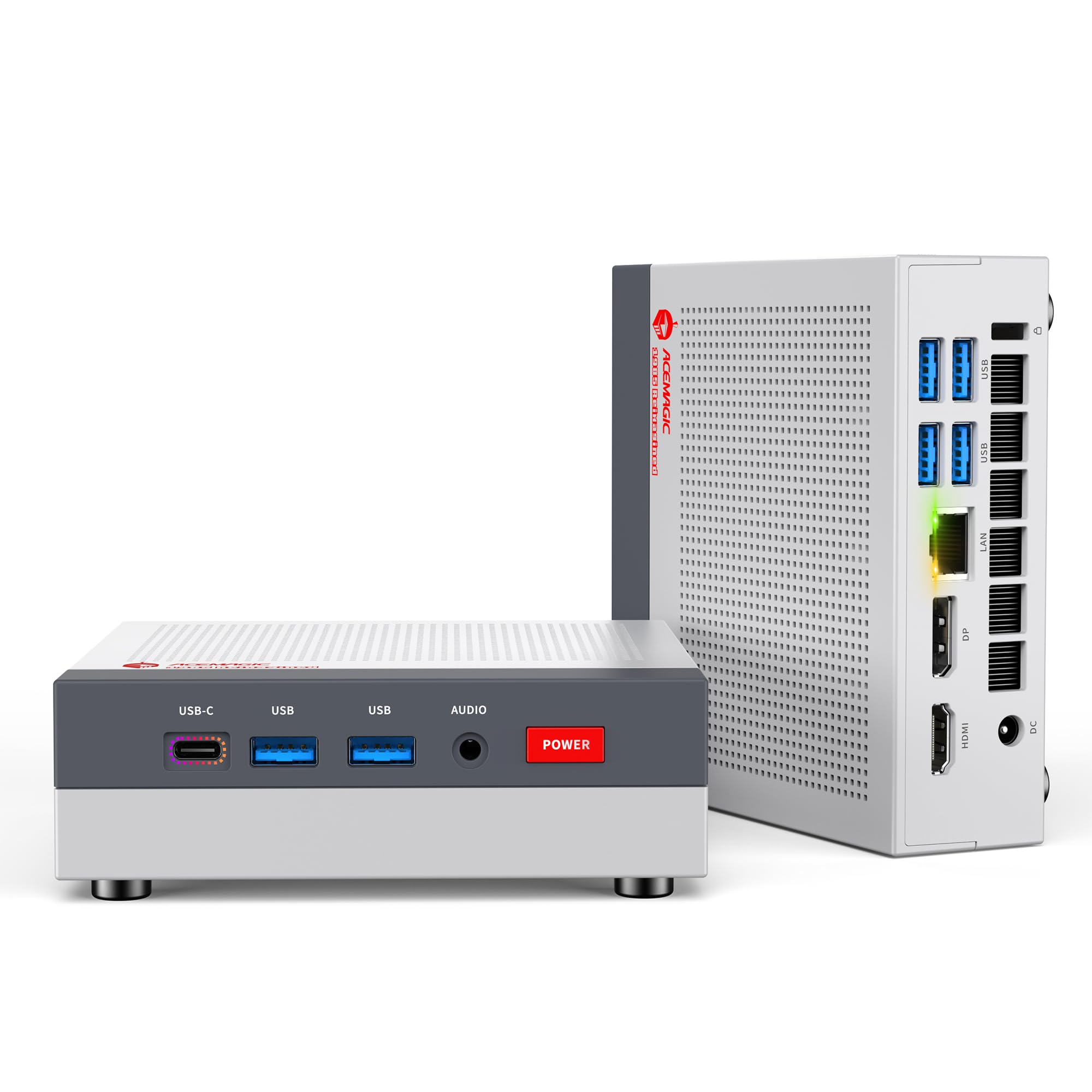
ACEMAGIC K1

88 /100
Lab Score Excellent

Key details

Ports
WiFi 6, triple display
CPU & GPU
Ryzen 7 7730U, Radeon 680M
RAM & Type
16GB LPDDR4X non-upgradeable
Storage & Slots
512GB NVMe, dual M.2
View on Amazon

Customer reports consistently highlight satisfaction with daily multitasking, quiet operation, and out-of-box reliability — a rarity among budget mini PCs. The Radeon 680M graphics handle 1080p esports and older titles smoothly, but buyers expecting modern AAA performance at high settings will find the GPU limits clear.

The dual-outlet cooling keeps fan noise low during typical office and media use, and the compact chassis fits easily behind a monitor. The 16GB LPDDR4X RAM is soldered to the board, making any future capacity increase impossible without replacing the entire unit.

Two M.2 slots allow storage expansion up to 4TB, partly offsetting the fixed memory. Triple display output via HDMI, DisplayPort, and USB-C supports productivity setups or multi-window workflows without an external dock.

This mini PC suits first-time buyers who want a box that works out of the gate for home office, streaming, and light gaming. Those needing more than 16GB RAM or higher frame rates in demanding titles should look at alternatives with upgradeable memory or a stronger integrated GPU.

Pros

  • Consistent positive customer feedback with few reported defects across thousands of units
  • Compact, quiet design with effective cooling for everyday workloads
  • Triple display support via HDMI, DisplayPort, and USB-C for productive multi-monitor setups
  • WiFi 6 and Bluetooth 5.2 cover modern wireless connectivity needs

Cons

  • Soldered 16GB RAM cannot be upgraded, limiting long-term flexibility
  • Radeon 680M graphics struggle with modern AAA titles at high detail settings
Our verdict

For buyers who want a well-reviewed, quiet mini PC for daily computing and occasional light gaming, the ACEMAGIC K1 offers consistent performance without the gamble of untested hardware.

Check Latest Price
2

Best for Gaming Performance

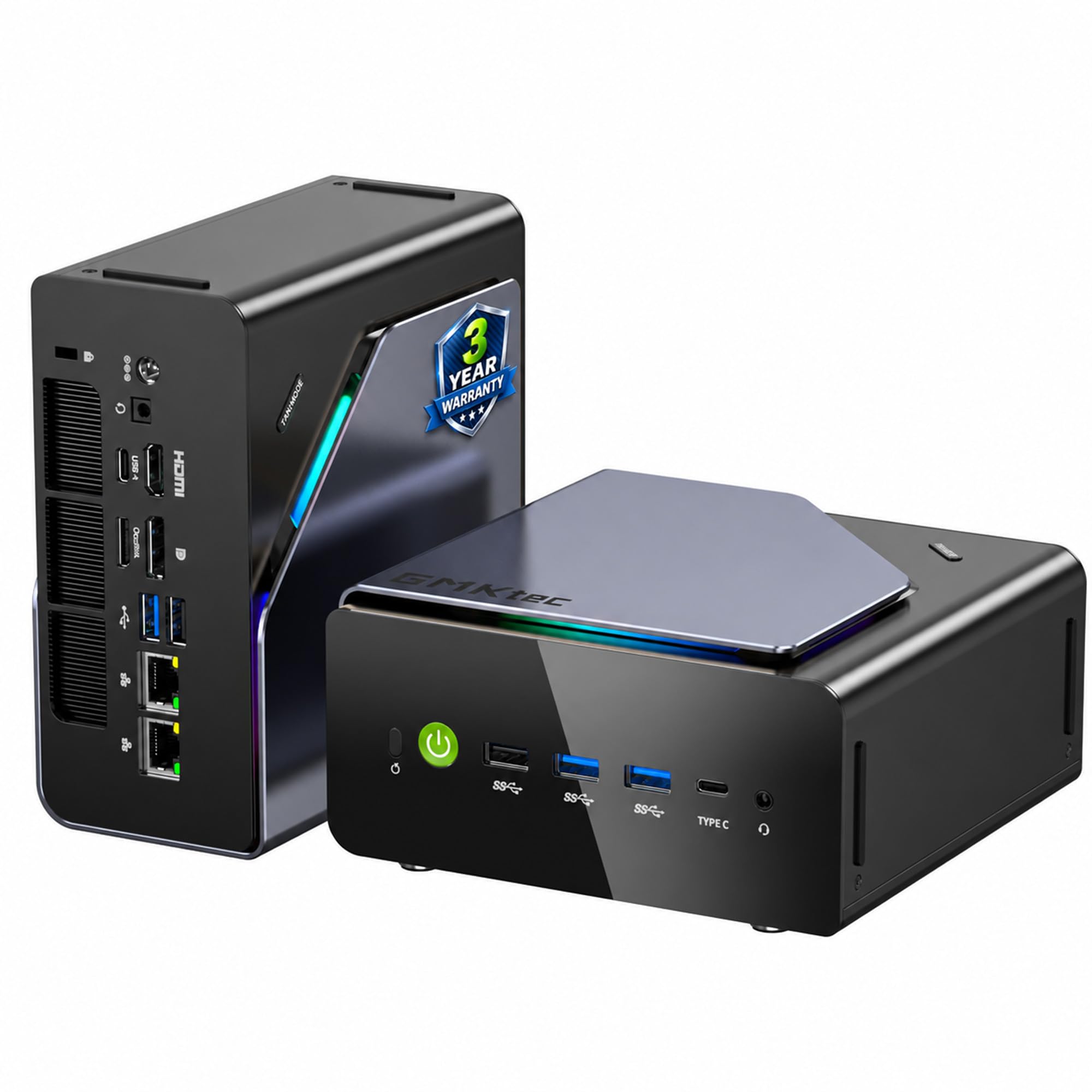
GMKtec K8 Plus

87 /100
Lab Score Excellent

Key details

Ports
Dual 2.5G LAN, USB4, Oculink
CPU & GPU
Ryzen 7 8845HS, Radeon 780M
RAM & Type
32GB DDR5-5600 dual slot
Storage & Slots
2TB PCIe 4.0, dual slot
View on Amazon

The GMKtec K8 Plus focuses on gaming where many mini PCs fall short. Its Radeon 780M integrated graphics handle modern AAA titles at 1080p with medium to high settings, a significant step up from the Vega-class GPUs found in budget alternatives. The 32GB of DDR5 RAM and 2TB NVMe SSD provide ample space for game libraries and multitasking, while the Oculink port offers a path to external GPU upgrades.

This mini PC suits gamers who want 1080p performance without building a full tower, or enthusiasts who need generous RAM and storage out of the box. The price sits above budget-friendly models, and the cooling fan can become audible during extended gaming sessions — less of a concern with headphones or in a lively room, but something to consider if silence is a priority.

Customer feedback consistently notes smooth gameplay in demanding titles, and the dual 2.5GbE LAN ports are a bonus for fast local transfers. The Oculink connector adds future-proofing for those who may want to attach a desktop GPU later. Long-term durability under heavy use can vary between units, as with many mini PCs.

💡 Using a headset or placing the mini PC under a desk can reduce perceived fan noise during gaming.

Pros

  • Radeon 780M delivers smooth 1080p gaming in modern AAA titles
  • 32GB DDR5 and 2TB SSD provide generous capacity for games and work
  • Oculink port allows adding an external GPU for future upgrades

Cons

  • Price is higher than many budget mini PCs, limiting appeal for cost-conscious buyers
  • Fan noise under load may be noticeable in quiet rooms
Our verdict

A strong choice for gamers who want mini PC convenience with real 1080p capability and upgrade options, provided the higher price and fan noise are acceptable.

Check Latest Price
3

Best Value with 32GB RAM

GMKtec M5 Ultra

85 /100
Lab Score Excellent

Key details

Ports
Dual 2.5G LAN, WiFi 6E
CPU & GPU
Ryzen 7 7730U, Radeon 8CU
RAM & Type
32GB DDR4 up to 96GB
Storage & Slots
512GB NVMe PCIe 3.0 dual
View on Amazon

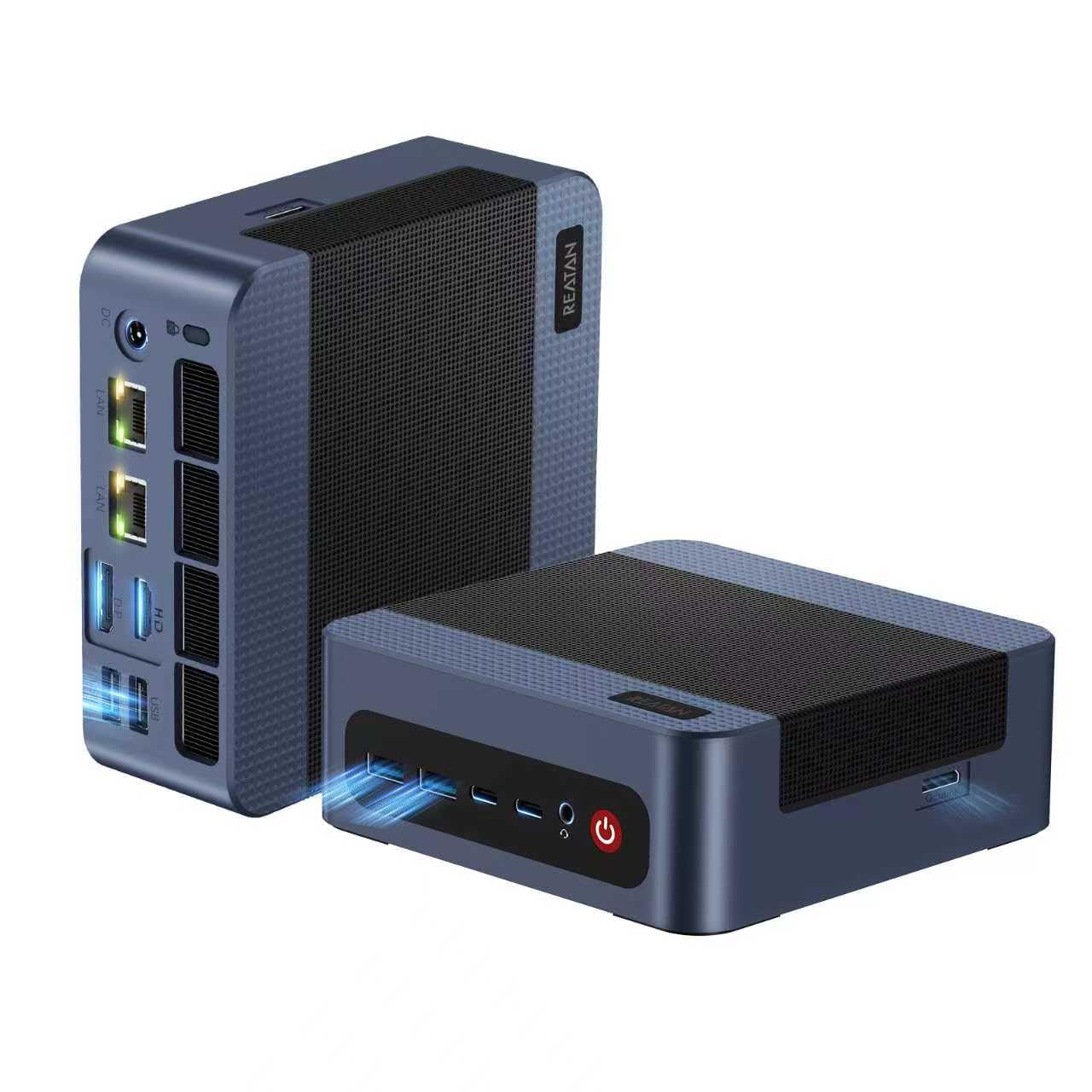
The GMKtec M5 Ultra delivers 32GB of DDR4 RAM and dual 2.5GbE LAN ports at a price that undercuts most competitors — making it a natural fit for multitasking and network-centric setups rather than high-end gaming.

With WiFi 6E and Bluetooth 5.2, wireless connectivity matches wired speeds for most home uses. The dual LAN ports allow direct connections to two separate networks or link aggregation for faster file transfers. Triple 4K display support via HDMI and USB-C handles multi-monitor productivity without hesitation.

This mini PC suits budget-conscious buyers who prioritize RAM and networking over raw gaming power. The integrated Radeon Graphics with 8 CUs handles older titles, esports, and light 3D work, but AAA games at high settings are off the table. If your workload involves virtualization, large spreadsheets, or running a home server, the 32GB memory and dual LAN make it a compelling option.

Pros

  • Generous 32GB RAM out of the box for heavy multitasking and light gaming
  • Dual 2.5GbE LAN ports enable fast local network transfers and home lab setups
  • WiFi 6E support provides low-latency wireless connectivity
  • Triple 4K display support expands productivity workflows

Cons

  • Integrated Radeon Graphics (8 CUs) cannot handle modern AAA titles at playable settings
  • DDR4 memory is slower than DDR5 found in newer mini PCs, affecting memory-sensitive workloads
Our verdict

A cost-effective choice for users who need 32GB RAM and dual LAN — gaming performance is secondary to productivity and networking.

Check Latest Price
4

Best for Quiet Office & Media

BOSGAME P4 Ultra

86 /100
Lab Score Excellent

Key details

Ports
Dual 2.5G LAN, WiFi 6E
CPU & GPU
Ryzen 7 7730U, Radeon 8CU
RAM & Type
16GB DDR4 dual-channel
Storage & Slots
1TB NVMe PCIe 3.0 dual
View on Amazon

The P4 Ultra runs near-silent even under office workloads, and the stock 1TB PCIe SSD with an open RAM slot makes it easy to justify the price for daily computing.

This is a fit for home office setups, media centers, or light productivity where a compact footprint and low noise matter more than frame rates. The integrated Radeon Graphics handles streaming and indie titles at 1080p, but modern AAA games will struggle. Buyers should also budget time to check for pre-installed bloatware, which has been reported in some units.

💡 Run a clean Windows install after unboxing to avoid any pre-loaded software concerns.

Pros

  • 1TB NVMe storage plus a spare SODIMM slot for RAM upgrades at a budget price.
  • Fan noise is minimal during everyday tasks, keeping work or living spaces quiet.
  • Triple 4K display support and dual 2.5G LAN enable multi-monitor productivity and network flexibility.

Cons

  • Integrated Radeon Graphics with 8 CUs cannot run modern AAA games at playable settings.
  • Some units have arrived with pre-installed malware, requiring a clean OS install out of the box.
Our verdict

If your priority is a quiet, expandable mini PC for office or media use and you're not chasing gaming performance, the P4 Ultra delivers without breaking the bank.

Check Latest Price
5

Best Budget High-Performer (Gamble)

FIREBAT A6

89 /100
Lab Score Excellent

Key details

Ports
WiFi 6, 2.5G LAN, triple display
CPU & GPU
Ryzen 7 7735HS, Radeon 680M
RAM & Type
16GB LPDDR5 soldered
Storage & Slots
512GB PCIe 3.0 dual M.2
View on Amazon

The FIREBAT A6 delivers a Ryzen 7 7735HS processor and Radeon 680M integrated graphics at a price where most competitors offer slower CPUs or weaker GPUs. That puts it a clear step ahead of the top-rated model in this guide for gaming performance, even at the same budget level.

The Radeon 680M with 12 compute units handles older titles at 1080p with solid frame rates and manages esports titles smoothly. Modern AAA games may require lower settings, but the hardware is capable for a budget system. Dual M.2 slots allow storage expansion up to 4TB, and triple display support adds flexibility for multitasking.

This mini PC is for buyers who prioritize raw specs over a proven track record. The soldered RAM means no future upgrades, and the limited number of units in use means long-term reliability is less certain than models with broader adoption. If you are comfortable with that tradeoff, the A6 offers exceptional value for light gaming and office use.

Pros

  • Combines Ryzen 7 7735HS with Radeon 680M for a budget-friendly gaming setup.
  • Handles 1080p gaming on older titles and esports with solid frame rates.
  • Dual M.2 slots allow storage expansion up to 4TB.
  • Triple display output via USB-C and standard ports for multi-monitor workflows.

Cons

  • RAM is soldered and cannot be upgraded, limiting future-proofing.
Our verdict

If you want the most gaming power for your money and can accept the unknowns of a newer model, the FIREBAT A6 is a compelling choice.

Check Latest Price
6

Best for Expandability & RGB

GMKtec K12

85 /100
Lab Score Excellent

Key details

Ports
Dual 2.5G LAN, USB4, Oculink, RGB
CPU & GPU
Ryzen 7 H 255, Radeon 780M
RAM & Type
32GB DDR5-5600 dual
Storage & Slots
1TB PCIe 4.0 triple M.2
View on Amazon

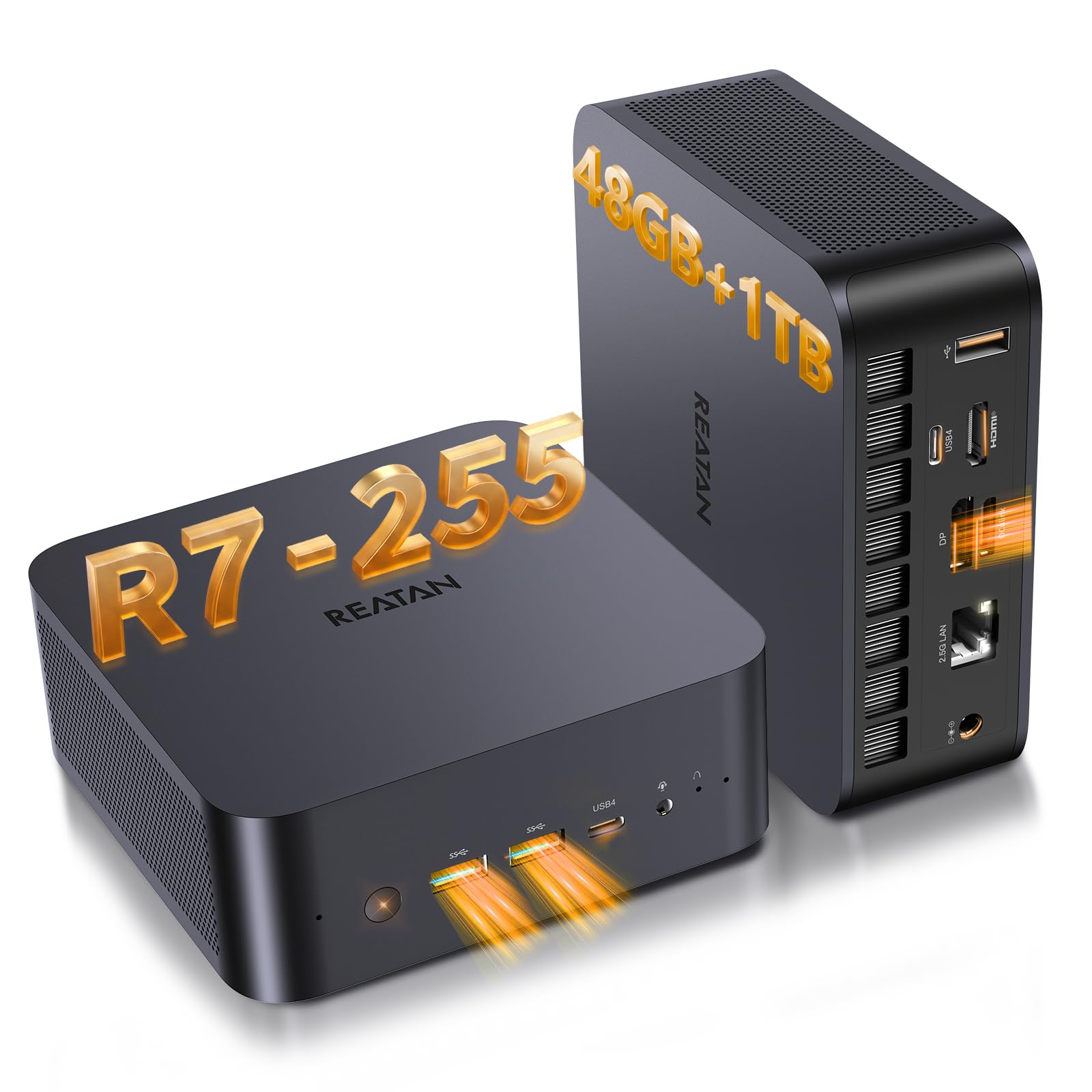
The K12 delivers the same AMD Radeon 780M graphics as the top gaming pick, but its real advantage is expansion. Three M.2 slots (up to 24TB) and a dedicated Oculink port for an external GPU let you adapt the system as your needs grow — something few mini PCs this size offer. Performance in 1080p gaming is on par with the faster K8 Plus, so the choice comes down to storage flexibility versus plug-and-play simplicity.

This machine is for the enthusiast who plans ahead — adding an eGPU or stacking NVMe drives over time. The tradeoff is that long-term reliability under sustained gaming loads has a shorter track record than some competing models, and the RGB lighting (13 modes) may be too flashy for a minimalist desk setup. If you value future upgrades over a decade of social proof, the K12 is a logical bet.

Pros

  • Triple M.2 slots support up to 24TB of internal storage
  • Oculink port enables external GPU upgrades for future performance gains
  • Customizable RGB lighting with dual-fan cooling keeps temperatures in check

Cons

  • Long-term durability under heavy gaming loads is less documented than for more established models
  • In quiet rooms, the dual fans and RGB lighting may be more noticeable than in typical living spaces
Our verdict

If storage expansion and eGPU support are your priorities, the K12 offers unmatched flexibility at this price — just acknowledge the shorter track record.

Check Latest Price
7

No Reviews

KAMRUI H1 7735HS

80 /100
Lab Score Excellent

Key details

Ports
WiFi 6, 2.5G LAN, triple display
CPU & GPU
Ryzen 7 7735HS, Radeon 680M
RAM & Type
16GB LPDDR5 soldered
Storage & Slots
512GB NVMe dual M.2
View on Amazon

The KAMRUI H1 delivers a strong CPU/GPU combination for its price bracket — the eight-core Ryzen 7 7735HS paired with Radeon 680M graphics can handle demanding tasks and modern titles at 1080p medium settings. Triple display support and dual M.2 slots add flexibility for multi-monitor setups and storage expansion.

Despite the attractive hardware, this model lacks any independent verification of its long-term reliability or performance. The absence of prior buyer experience means you are buying purely on paper specifications, making it a gamble compared to reviewed alternatives like the top pick in this category. Only consider if you have no alternative with established feedback.

Pros

  • Ryzen 7 7735HS and Radeon 680M offer solid performance for gaming and multitasking.
  • Triple display output and dual M.2 slots provide flexibility for productivity and storage.
  • Budget-friendly price for the hardware configuration.

Cons

  • RAM is soldered and cannot be upgraded after purchase.
  • No Oculink or external GPU expansion port for graphics upgrades.
Our verdict

Only worth considering if you are comfortable buying a mini PC without any established reliability track record, and the soldered RAM and lack of GPU expansion are acceptable tradeoffs.

Check Latest Price
8

Budget Alternative

KAMRUI E3B 7530U

88 /100
Lab Score Excellent

Key details

Ports
WiFi 6, triple display
CPU & GPU
Ryzen 5 7530U, Vega 7
RAM & Type
16GB LPDDR4X non-upgradeable
Storage & Slots
512GB NVMe
View on Amazon

The KAMRUI E3B has earned a strong reputation through extensive buyer feedback, making it a trusted choice for everyday computing. It handles office tasks, web browsing, and media streaming smoothly, and triple 4K display support adds multitasking flexibility. However, the Ryzen 5 7530U integrated with Vega 7 graphics cannot deliver playable frame rates in modern games — this is strictly a productivity machine, not a gaming rig. For buyers whose priority is verified reliability over gaming performance, this unit offers a low-risk route to a capable desktop experience.

Pros

  • Triple 4K display output for efficient multitasking and productivity workflows.
  • WiFi 6 and Bluetooth 5.2 provide fast, stable wireless connectivity.
  • 16GB of soldered LPDDR4X RAM and 512GB NVMe SSD handle daily tasks without slowdown.

Cons

  • Vega 7 graphics may struggle with modern AAA titles, even at low settings.
  • Soldered RAM prevents future upgrades beyond the included 16GB.
Our verdict

Best suited for office work, media consumption, and light productivity — skip this if gaming performance is on your list.

Check Latest Price
9

Slightly over Budget

GEEKOM A8 MAX

88 /100
Lab Score Excellent

Key details

Ports
Dual USB4, dual 2.5G LAN
CPU & GPU
Ryzen 9 8945HS, Radeon 780M
RAM & Type
32GB DDR5-5600 dual
Storage & Slots
1TB NVMe Gen4 dual
View on Amazon

With a Ryzen 9 8945HS processor and Radeon 780M graphics, this mini PC delivers strong gaming performance for its size — comparable to the top gaming pick in this guide. The 32GB DDR5 RAM and 1TB NVMe SSD handle modern titles without bottleneck. However, the $1,099 price point puts it $100 over the budget target, making it a stretch for buyers strictly under $1,000. For those who can flex their spending slightly, this is a capable machine; otherwise, the top pick remains the better value.

Pros

  • Ryzen 9 8945HS and Radeon 780M handle modern games at 1080p high settings.
  • 32GB DDR5 RAM and 1TB NVMe SSD provide fast multitasking and ample storage.
  • Dual USB4 and dual 2.5G LAN offer future-proof connectivity.

Cons

No notable drawbacks to flag.

Our verdict

This mini PC is best for buyers who want top-tier integrated graphics and are willing to accept a modest price premium over the budget-friendly alternatives.

Check Latest Price
10

AI Workstation

GEEKOM A9 Max

88 /100
Lab Score Excellent

Key details

Ports
WiFi 7, dual USB4, dual HDMI 2.1
CPU & GPU
Ryzen AI 9 HX 370, Radeon 890M
RAM & Type
32GB DDR5-5600 dual
Storage & Slots
1TB NVMe Gen4 dual
View on Amazon

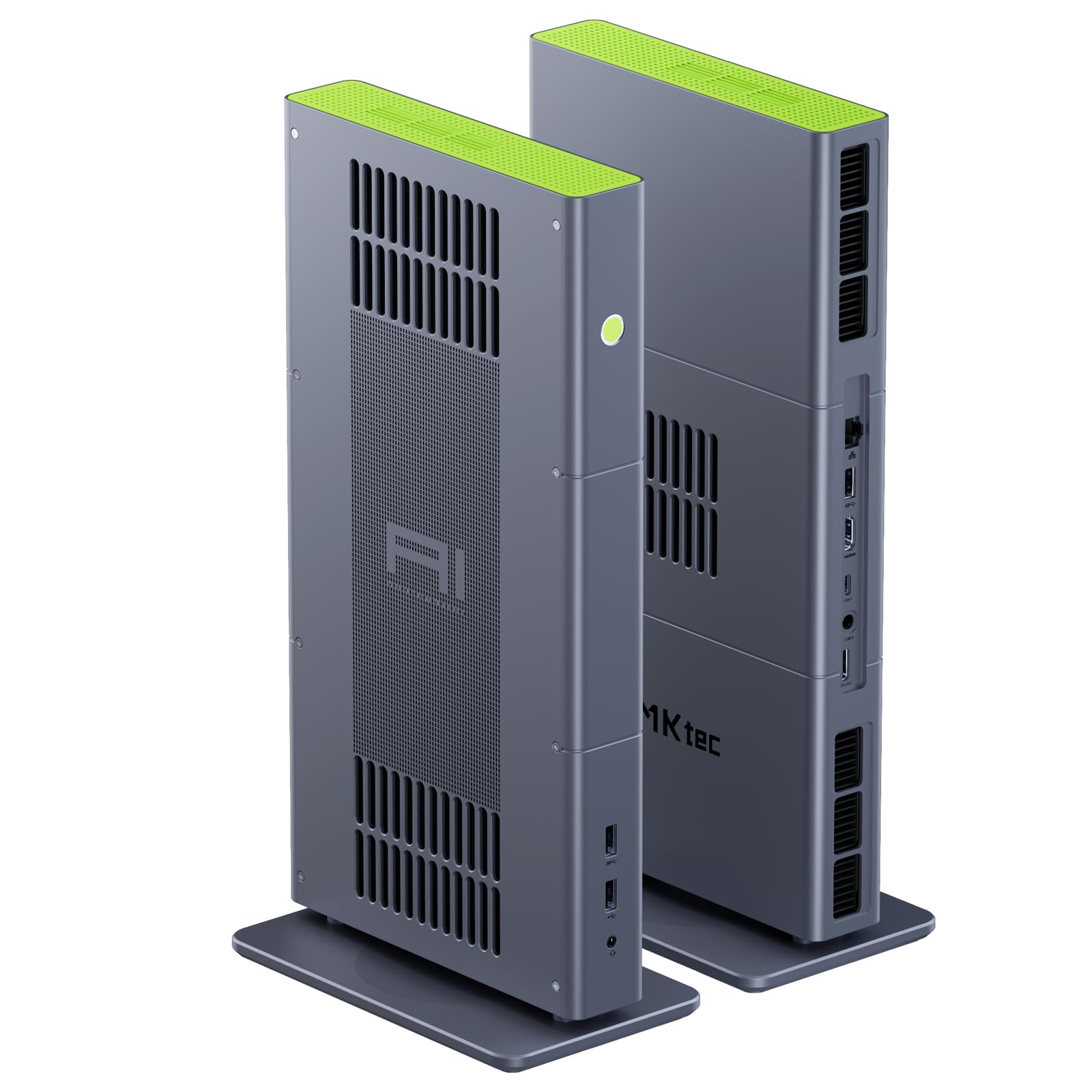
The GEEKOM A9 Max is a powerhouse for AI workloads with its Ryzen AI 9 HX 370 and 50 TOPS NPU, along with future-proof connectivity like WiFi 7 and dual USB4. However, at $1,299 it sits well above the $1,000 budget for this gaming-focused guide, and its AI-oriented hardware adds cost without benefit for gaming alone. For pure gaming, the Radeon 890M is capable but the premium price is hard to justify against cheaper alternatives.

Pros

  • Future-proof connectivity with WiFi 7, USB4, and dual HDMI 2.1
  • Strong AI NPU (50 TOPS) for local ML tasks, backed by a 3-year warranty

Cons

  • Premium price of $1,299 exceeds the $1,000 target for gaming mini PCs
  • AI-focused hardware adds cost that doesn't translate to gaming performance
Our verdict

Best suited for professionals who need local AI acceleration and a compact workstation; skip if your primary need is gaming within a $1,000 budget.

Check Latest Price
11

Flagship Power

GMKtec EVO-X2

78 /100
Lab Score Very Good

Key details

Ports
WiFi 7, dual USB4, HDMI 2.1
CPU & GPU
Ryzen AI Max+ 395, Radeon 8060S
RAM & Type
128GB LPDDR5X onboard
Storage & Slots
2TB PCIe 4.0 dual
View on Amazon

The EVO-X2 packs the most powerful integrated GPU in a mini PC today, the Radeon 8060S with 40 CUs, supported by 128GB of LPDDR5X-8000 memory and a 2TB SSD. This hardware crushes modern gaming and AI workloads, and its quad 8K display support pushes connectivity far beyond typical mini PCs. However, the price tag lands well above the $1,000 budget that defines this guide. For the buyer looking for a compact gaming PC under that ceiling, the EVO-X2 is not a viable option — it belongs to a premium tier reserved for users with no budget constraints and a need for top-tier compute performance.

Pros

  • Radeon 8060S with 40 compute units matches dedicated GPU performance in many titles.
  • 128GB of LPDDR5X-8000 memory handles massive multitasking and AI model loads without swap.
  • Quad 8K display output via USB4, HDMI 2.1, and DisplayPort 1.4 for multi-monitor setups.

Cons

  • For buyers targeting a sub-$1,000 gaming mini PC, the luxury pricing places this model out of reach.
  • In a quiet room, fan noise under sustained gaming load can be audible
Our verdict

If your budget can accommodate a premium workstation that also serves as a gaming powerhouse, the EVO-X2 offers unmatched mini PC performance. For anyone with a $1,000 ceiling, it simply does not fit.

Check Latest Price

How to Choose

CPU and GPU Performance

The GPU is the gatekeeper. Radeon 780M (12 compute units) handles titles like Cyberpunk 2077 at 1080p medium around 30-40 FPS. The older 680M (12 CUs but lower clock) manages 20-30 FPS. The 8 CU Radeon Graphics found in 7730U chips is best for esports and indie games.

CPU matters less for gaming framerates in this class, but matters for multitasking and productivity. Ryzen 7 HS-series chips (35W+) sustain higher boost clocks than U-series (15W), reducing stutter in CPU-heavy scenes.

RAM Capacity and Type

16GB is the minimum for modern games — more titles now recommend it. 32GB provides headroom for background apps, streaming, or virtual machines. DDR5 offers higher bandwidth than DDR4, which helps the integrated GPU share memory more efficiently.

Check upgradeability. Soldered RAM (common in budget models) means you are stuck with the factory configuration. Dual SO-DIMM slots let you double capacity later, saving you from buying a new unit in two years.

Storage and Expansion

NVMe SSDs are standard, but PCIe 4.0 drives cut load times in half compared to PCIe 3.0. A 1TB drive fills up fast with modern games — multiple M.2 slots allow adding a second drive without replacing the first.

Some models offer a 2.5-inch SATA bay for bulk media storage. If you plan to store a large game library, prioritize at least two storage slots to avoid external drives.

Cooling and Noise

Mini PCs have small fans that must spin faster to move the same air. Under full gaming load, many units hit 40-45 dB — noticeable in a quiet room. Dual-fan designs and larger heatsinks reduce fan speed and noise.

Thermal throttling is a hidden issue. If the cooler cannot sustain peak power, the CPU and GPU drop clocks mid-game. Look for reviews that mention sustained performance, not just burst benchmarks.

Ports and Connectivity

USB4 or Oculink ports allow adding an external GPU later, turning a mini PC into a real gaming rig. HDMI 2.1 supports 4K 120Hz output. Dual 2.5G LAN is useful for low-latency online gaming or home server use.

WiFi 6E provides faster wireless speeds and less interference, but Bluetooth range can vary. If you use wireless peripherals, check whether the Bluetooth module is stable in reviews.

Frequently Asked Questions