10 Best Computer Speakers of 2026: Immersive Sound Without the Gamble

Find computer speakers that deliver real immersion – whether for gaming or music – without exaggerated specs or hidden reliability issues.

Many computer speaker listings boast sky-high wattage and deep bass, but real-world performance often falls short. Meanwhile, popular 2.1 systems frequently suffer from reliability issues after just a few months of use, leaving buyers frustrated.

This guide cuts through the marketing noise to find speakers that actually sound good and last. We focus on honest specs like RMS power, real driver quality, and build materials – not peak wattage claims.

Whether you want a compact desktop setup for competitive gaming or a room-filling system for movies, the right choice depends on matching the speaker type to your space and priorities. Below are the picks that deliver on their promises.

1

Best Overall

Edifier R1280T

93 /100
Lab Score Outstanding

Key details

Drivers
13mm tweeter, 4" woofer
Power (RMS)
42W
Connectivity
3.5mm, RCA
Configuration
2.0
View on Amazon

The R1280T produces a clean, detailed soundstage that reveals nuances in recordings often masked by lesser speakers. The 13mm silk dome tweeter and 4-inch woofer combine for balanced, non-fatiguing playback, and the separate bass and treble knobs let you tailor the output to your room or taste. At 42 watts RMS, it has ample headroom for near-field listening without distortion.

Setup is straightforward: connect via RCA or 3.5mm, plug in the power, and the included remote gives volume control from across a desk. The wood veneer cabinet feels substantial and looks more like furniture than computer gear, and the front-firing port allows placement near a wall without muddying the bass. The remote is a practical addition for tweaking volume without reaching behind the desk.

This system is best for desktop listeners who value accurate sound reproduction — musicians, audiophiles, or anyone who spends hours at a computer with music as a priority. The lack of Bluetooth means you will need a wired source, and the 42-watt output is optimized for near-field use; it will not fill a living room. Long-term durability has been inconsistent for some units, so consider a warranty extension if you push them daily.

💡 Place the speakers on a desk at ear height and use the remote for volume adjustments; the front knobs work but are less convenient during focused listening.

Pros

  • Exceptional clarity and detail for desktop listening
  • Great value for audiophile-grade performance at this price
  • Attractive wood finish and solid build quality
  • Easy setup with a useful remote control for volume and tone

Cons

  • No wireless connectivity
  • Volume output suits near-field listening; long-term durability may vary
Our verdict

If you want desktop speakers that prioritize sound accuracy over wireless features, the R1280T is a clear pick at this price — just confirm your listening space is within arm's reach.

Check Latest Price
2

Best for Gaming

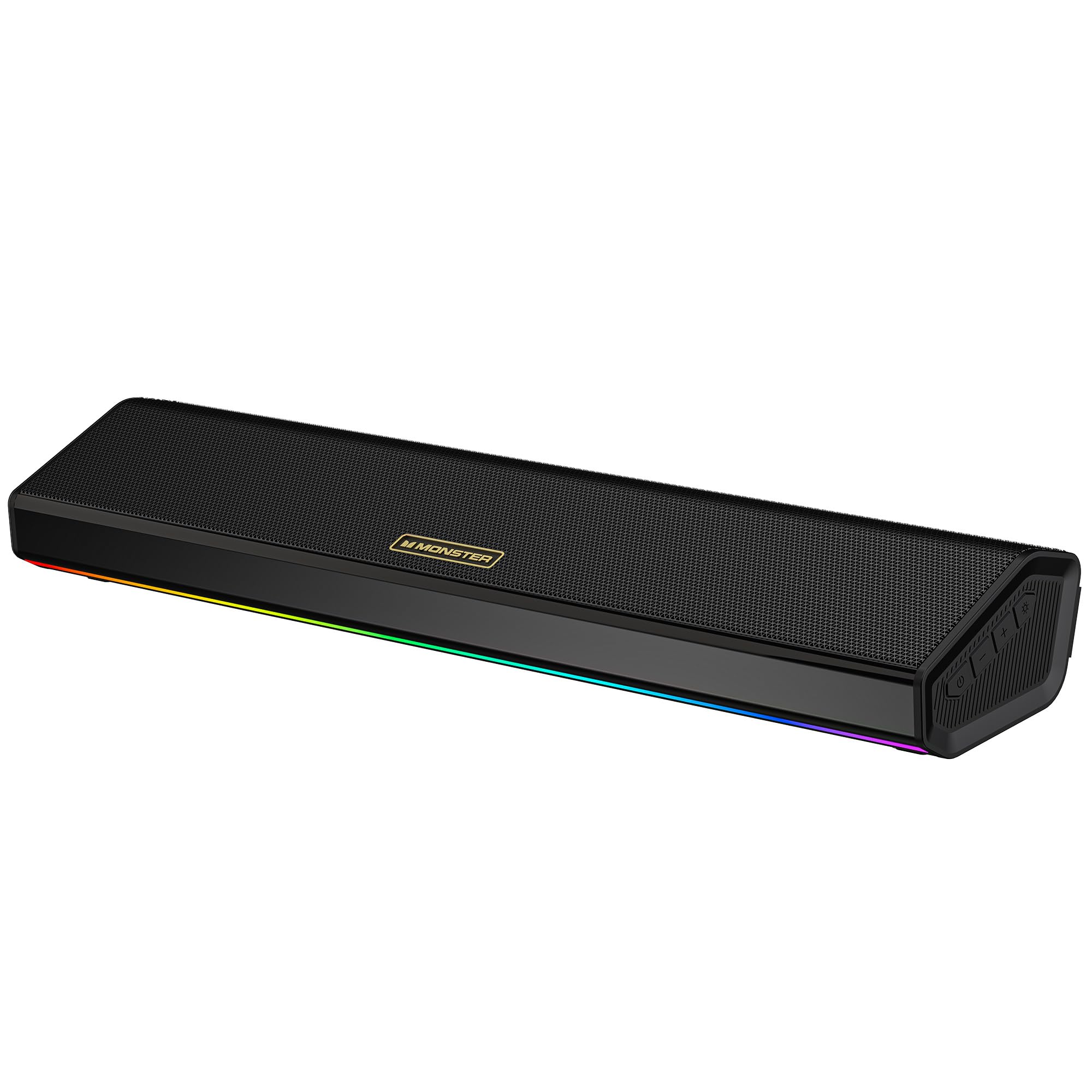
Edifier G2000

92 /100
Lab Score Outstanding

Key details

Drivers
2.75" full-range
Power (RMS)
32W peak
Connectivity
Bluetooth, USB, 3.5mm
Configuration
2.0
View on Amazon

Edifier G2000 combines gaming-specific EQ modes with RGB lighting in a compact 2.0 design. It connects via Bluetooth, USB, and 3.5mm, making it easy to switch between a PC, laptop, and phone. The sound is clear and detailed, with punchy mids that suit game audio and voice chat.

Where the G2000 differentiates itself from the top-pick R1280T is its focus on gaming aesthetics and input flexibility. However, its moderate volume and limited bass compared to 2.1 systems mean it’s best for near-field desktop use. The three EQ modes help tailor the sound, but don't expect room-filling output or subwoofer-level lows.

This speaker fits gamers who value desk space and lighting over raw power. For music listening or movies, a dedicated subwoofer would be needed to fill out the low end. It works best as a near-field companion for PC gaming sessions rather than room-filling playback.

💡 Place the speakers at ear level on a desk and use the gaming EQ mode to get the most from their moderate volume output.

Pros

  • Clear mids and highs with good detail for gaming and casual music.
  • Three EQ modes (gaming, movie, music) let you tailor the sound profile.
  • RGB lighting with adjustable effects adds desk ambiance.
  • Bluetooth, USB, and 3.5mm inputs make it easy to connect multiple devices.

Cons

  • Volume caps at moderate levels; not suited for filling a large room.
  • Bass lacks depth compared to dedicated subwoofer systems.
Our verdict

The G2000 is a good option for gamers who want RGB and multiple inputs in a compact size — add a subwoofer if you need deeper bass for movies or music.

Check Latest Price
3

Best 2.1 for Movies & Music

Logitech Z623

93 /100
Lab Score Outstanding

Key details

Drivers
12" subwoofer
Power (RMS)
200W
Connectivity
RCA, 3.5mm (3 inputs)
Configuration
2.1
View on Amazon

Thanks to THX certification, the Logitech Z623 delivers powerful, low-distortion audio that fills a medium to large room. It prioritizes raw impact and bass presence over the nuanced soundstage of more audiophile-oriented 2.1 systems, making it a clear choice for movie explosions and game soundtracks rather than critical music listening.

This setup is best suited for gamers and movie lovers who want loud, immersive audio in a living room or large desk area. The deep 12-inch subwoofer provides chest-thumping bass at high volumes, but component longevity can vary between units – some owners have experienced the subwoofer or satellites becoming non-functional after months of use. For buyers who prioritize maximum output and don't plan to keep the system for many years, the tradeoff may be acceptable.

Three analog inputs (RCA and 3.5mm) let you connect a PC, game console, and TV simultaneously, reducing cable swapping. At its price point, the Z623 offers more power than most competitors, though the reliability concerns are a notable boundary for long-term ownership.

💡 Running the system at moderate volumes and ensuring adequate ventilation around the subwoofer may help reduce electrical stress on the components.

Pros

  • THX-certified sound delivers powerful, immersive audio for large rooms.
  • Deep, punchy bass adds impact to action scenes and music.
  • High-output 2.1 system at a competitive price point for the power offered.

Cons

  • Subwoofer or satellites may become non-functional after months of use
Our verdict

The Logitech Z623 delivers the thumping bass and volume you want for movies and games in larger spaces – just weigh the potential for component issues against your need for years of hassle-free use.

Check Latest Price
4

Best Budget with Bluetooth

Creative Pebble V3

89 /100
Lab Score Excellent

Key details

Drivers
2.25" full-range
Power (RMS)
8W
Connectivity
USB-C, Bluetooth 5.0, 3.5mm
Configuration
2.0
View on Amazon

The Creative Pebble V3 brings USB-C power and Bluetooth 5.0 to a budget-friendly desktop speaker, setting it apart from ultra-basic wired models that lack wireless flexibility. Its Clear Dialog mode and compact form make it a practical choice for everyday listening without dominating desk space.

This speaker is best suited for USB-C laptop owners who value a tidy wireless setup and don't need room-filling volume. The Bluetooth connection can be intermittent in some environments, so having the wired 3.5mm input as a backup is useful for uninterrupted audio.

Despite its small footprint, the Pebble V3 delivers clear dialogue and decent stereo imaging for its price. The gain switch helps adjust output to suit near-field listening, making it a solid match for casual desktop use.

Pros

  • Good sound quality for its compact size and price
  • USB-C and Bluetooth offer modern connectivity at a budget price
  • Compact design fits easily on any desk without clutter

Cons

  • In larger rooms, the moderate volume may not fill the space adequately
Our verdict

For a clutter-free wireless setup on a USB-C laptop, the Creative Pebble V3 offers modern connectivity and decent sound without breaking the bank.

Check Latest Price
5

Best for Clarity & Build

Bose Companion 2 III

93 /100
Lab Score Outstanding

Key details

Drivers
Dual full-range
Power (RMS)
Connectivity
3.5mm (dual inputs)
Configuration
2.0
View on Amazon

The Bose Companion 2 Series III delivers crisp, articulate sound that makes vocals and acoustic instruments stand out. Its compact footprint and front volume dial with headphone jack add everyday convenience for desktop use.

Compared to the top-pick Edifier R1280T, the Bose lacks adjustable EQ and a subwoofer output, so what you hear is the final sound. It also outputs less maximum volume — fine for a quiet office or bedroom, but not for filling a large room or for heavy bass listening.

For office or casual listening where clarity matters more than deep bass, the Companion 2 III works well. At this premium price, you are paying for the Bose name and balanced tuning rather than feature flexibility or power — the absence of bass extension and moderate volume are intentional tradeoffs.

💡 Position the speakers at ear level and a few inches from walls to reduce bass muddling in small rooms.

Pros

  • Clear, crisp sound for vocals and acoustic music
  • Solid build with a compact desktop footprint
  • Front volume knob doubles as a headphone jack for quick switching
  • Two-year warranty adds peace of mind

Cons

  • In quiet settings, the absence of deep bass is noticeable for bass-heavy music
  • No subwoofer output or built-in EQ limits adjustment
  • Maximum volume is moderate; large rooms or loud listening may leave you wanting more
Our verdict

If you value vocal clarity and brand reliability over bass extension and volume, the Companion 2 III is a sensible desktop speaker — just know you are paying a premium for balanced tuning and a limited feature set.

Check Latest Price
6

Budget Casual

Creative Pebble 2.0

93 /100
Lab Score Outstanding

Key details

Drivers
Far-field + passive radiators
Power (RMS)
8.8W peak
Connectivity
USB
Configuration
2.0
View on Amazon

The Creative Pebble 2.0 delivers surprisingly clear audio for a budget-friendly pair of desktop speakers. Its compact footprint and USB-powered design make it a convenient choice for small desks or anyone who wants speakers that disappear visually. However, the small drivers limit bass extension significantly, and turning the volume up past about three-quarters introduces an audible hiss in quiet environments. These tradeoffs keep it from competing with larger 2.1 systems or premium 2.0 options, but for everyday Web browsing, video calls, and background music at moderate levels, the sound quality and ease of use are hard to beat at this price.

Pros

  • Clear, articulate sound that outperforms most speakers in its price range
  • Compact, attractive design fits easily on small desks or under monitors
  • Simple plug-and-play USB connection

Cons

  • White noise becomes audible at higher volume levels
  • Bass is limited due to small drivers; not suited for bass-heavy music or action movies
Our verdict

If your primary need is clear, unobjectionable desktop audio for everyday tasks at a very low price, the Creative Pebble 2.0 hits the mark. Avoid it if you want deep bass or room-filling volume.

Check Latest Price
7

Basic Audio

Amazon Basics 2.0

89 /100
Lab Score Excellent

Key details

Drivers
Full-range + bottom radiator
Power (RMS)
2.4W
Connectivity
USB + 3.5mm
Configuration
2.0
View on Amazon

Sound quality punches above its price point, and the compact footprint is ideal for tight desks. However, long-term consistency can be a concern - some units develop a silent channel after months of use. Additionally, the bright blue LED cannot be dimmed or turned off, which may be distracting in a dark room. These tradeoffs make it a budget option suited for basic desktop audio where these issues can be tolerated.

Pros

  • Clear stereo sound at a low price.
  • Compact size fits easily under most monitors.

Cons

  • Blue LED is always on and very bright, can be distracting in dark rooms.
  • One channel has been noted to lose audio output after extended use.
Our verdict

Good for basic desktop audio at a low cost if the bright light and potential long-term channel loss are acceptable tradeoffs.

Check Latest Price
8

Office Wireless

Logitech Z207

89 /100
Lab Score Excellent

Key details

Drivers
Active + passive radiators
Power (RMS)
10W peak
Connectivity
Bluetooth 4.2, 3.5mm
Configuration
2.0
View on Amazon

The Logitech Z207 provides dependable Bluetooth connectivity and an unobtrusive footprint for desktop setups. Audio quality leans toward the thin side, with weak bass that suits spoken word and background music more than critical listening. Build quality has shown inconsistency across units, so it's best suited for light everyday use rather than long-term heavy demand. For a simple wireless upgrade to an office or study, the Z207 delivers convenience at a reasonable price.

Pros

  • Bluetooth pairing is quick and maintains a stable connection
  • Compact size fits neatly on a desk without taking up space

Cons

  • Bass response is shallow, making music and movies sound thin in quieter rooms
  • Durability can vary between units, with some losing function over time
Our verdict

An affordable wireless option for office or casual desktop use where sound quality and long-term durability are secondary concerns.

Check Latest Price
9

Budget RGB

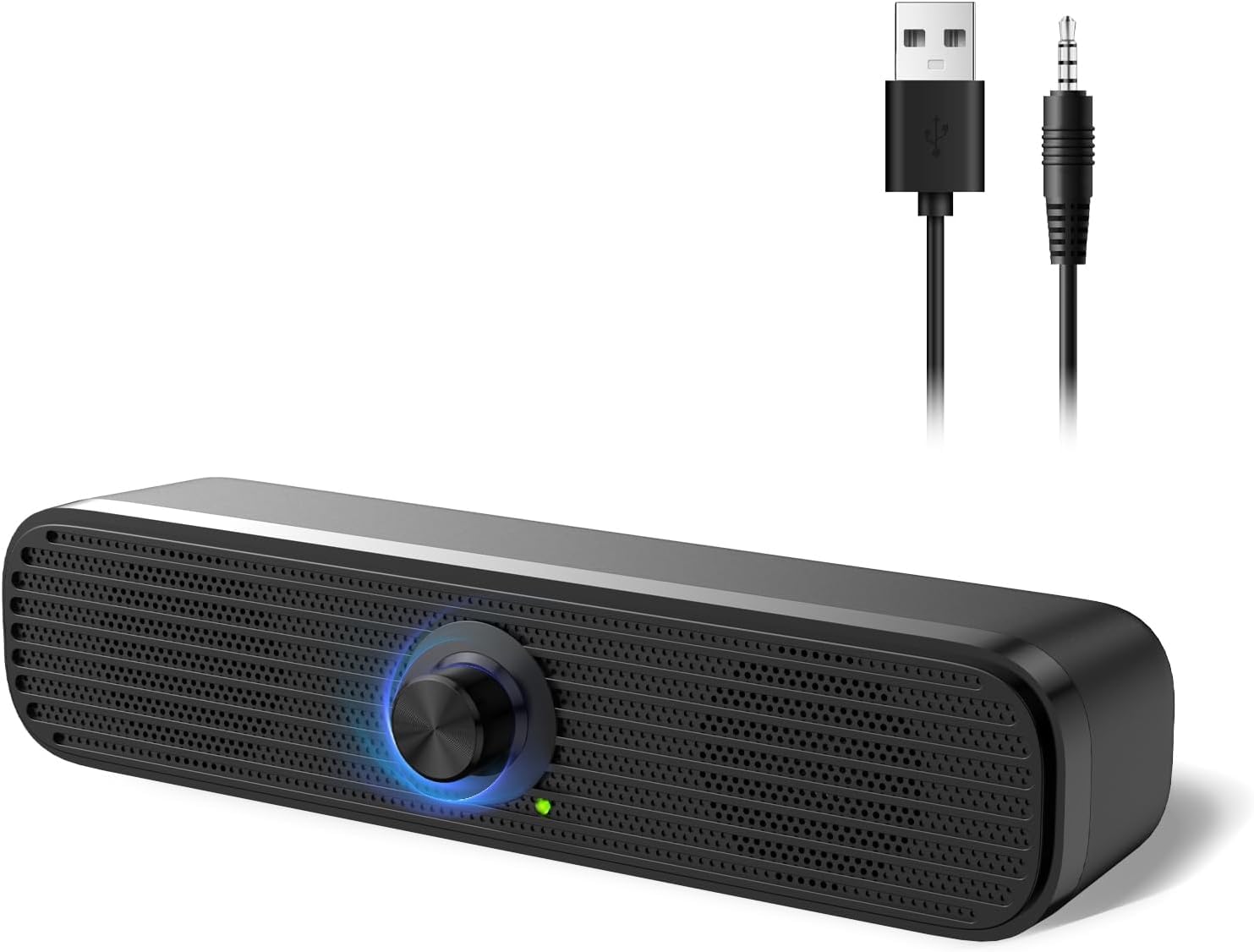
Nylavee SK400

89 /100
Lab Score Excellent

Key details

Drivers
Dual full-range
Power (RMS)
5W
Connectivity
USB + 3.5mm
Configuration
2.0
View on Amazon

The Nylavee SK400 brings six RGB lighting modes and touch controls to a budget-friendly desktop speaker. Audio clarity is good for casual listening, podcasts, and lighter gaming — enough to fill a small desk area. However, the 5W power output means volume is moderate; these are not suited for loud playback or larger rooms. The wired-only connection (USB power + 3.5mm aux) also means no Bluetooth for wireless streaming. For buyers prioritizing visual flair over wireless convenience and high output, the SK400 offers a straightforward value proposition.

Pros

  • Clear and balanced audio for everyday listening.
  • RGB lighting with multiple modes adds desk aesthetic.
  • Compact and stylish design complements small desk setups.

Cons

  • Volume is moderate
  • No Bluetooth
Our verdict

Ideal for budget-conscious gamers who want RGB desk aesthetics and clear sound for near-field use, and can accept the volume ceiling and wired-only setup.

Check Latest Price
10

Minimalist Desk

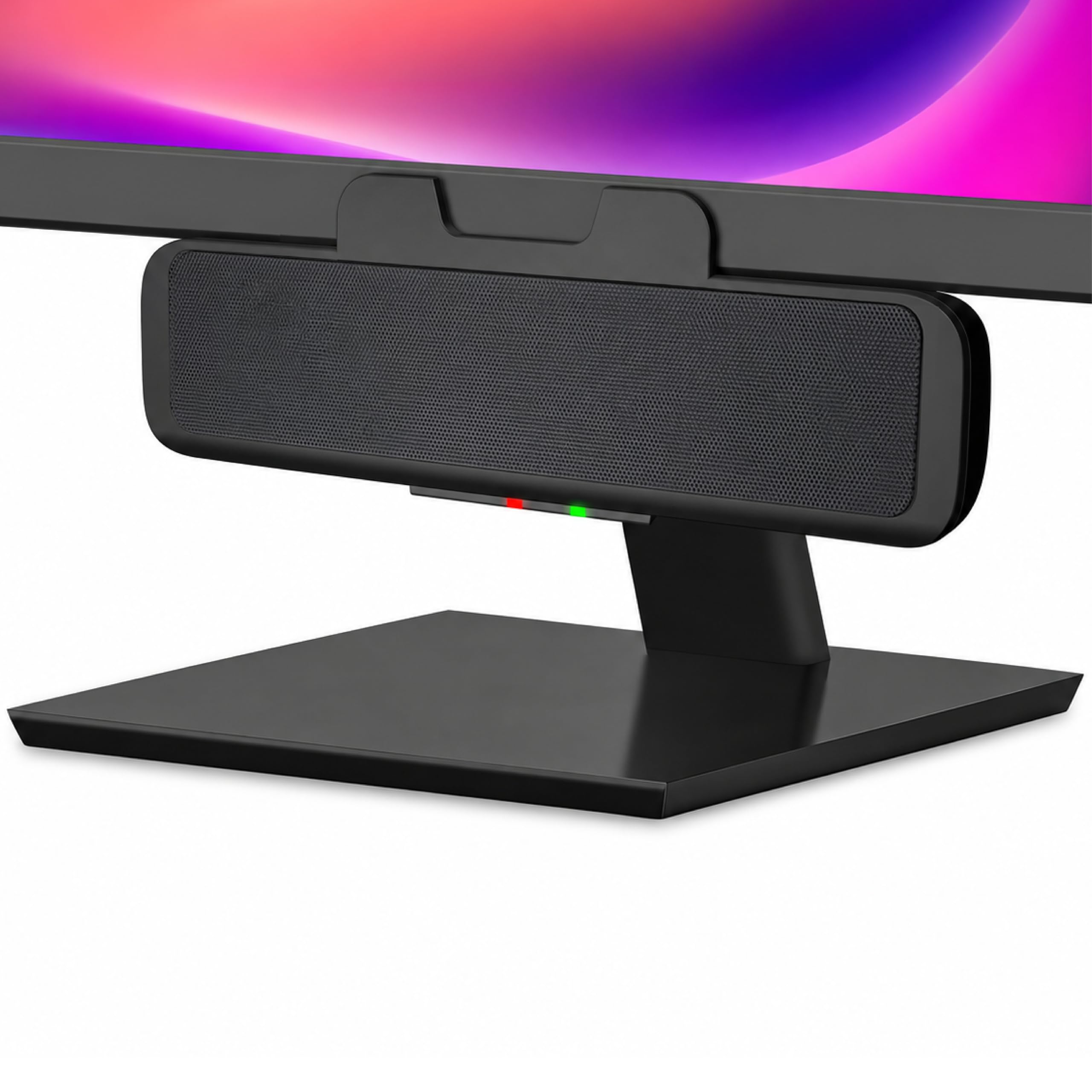
Bluedee Soundbar

88 /100
Lab Score Excellent

Key details

Drivers
Dual full-range
Power (RMS)
15W
Connectivity
Bluetooth 5.0, USB, 3.5mm
Configuration
Soundbar
View on Amazon

This compact soundbar delivers clear audio for casual desk listening, with Bluetooth and LED lights adding convenience at a mid-range price. Setup is quick and the single-unit design saves space. However, the volume tops out at moderate levels, making it unsuitable for filling a room or louder gaming sessions, and some units exhibit static noise at higher output. Bluetooth pairing can be intermittent, so a wired connection is more dependable.

Pros

  • Good sound quality for a compact soundbar
  • Easy setup and space-saving design
  • Bluetooth and LED lights add convenience

Cons

  • Volume may be insufficient for louder listening; some units produce static noise
  • Bluetooth connectivity can be finicky
Our verdict

A decent choice for a minimalist desk where background audio is enough, but not for those needing room-filling sound or reliable wireless playback.

Check Latest Price

How to Choose

Speaker Configuration

2.0 stereo speakers deliver clear left-right separation without a subwoofer, ideal for music and casual listening where deep bass isn't critical. 2.1 systems add a dedicated subwoofer for rumbling lows that enhance movies and games, but the sub takes up floor space and can cause bass boom in small rooms.

Soundbars combine multiple drivers in a single unit for a clutter-free desk, but sacrifice stereo imaging and often have limited maximum volume. Choose based on whether you prioritize desk space or audio immersion.

Power Output (RMS)

RMS (continuous) watts determine how loud and clean the speakers can play without distortion. Peak wattage is a marketing number – ignore it. For a small desk, 5-10W RMS per channel is sufficient for moderate listening; for room-filling volume in a living room, aim for 25W RMS or more.

A common trade-off: USB-powered speakers (typically under 10W RMS) are convenient but cannot compete with AC-powered bookshelf speakers in volume or headroom. If you frequently host game nights or watch movies with friends, invest in a powered 2.1 with at least 50W RMS total.

Connectivity

Wired connections (3.5mm, RCA, USB) provide the lowest latency and most stable audio, essential for gaming where audio sync matters. Bluetooth speakers add convenience for switching between devices, but Bluetooth 5.0 still introduces noticeable latency for competitive gaming and can suffer dropouts if the receiver is behind a metal desk.

Some speakers offer both wired and wireless inputs, letting you keep a dedicated PC connection while also streaming from your phone. If you plan to use the speakers with a TV or console, check for RCA or optical input – many budget computer speakers only have 3.5mm.

Drivers

Larger drivers (4 inches and up) move more air for deeper bass and higher volume, but they require larger enclosures. Smaller full-range drivers (2-3 inches) are common in budget speakers and can sound surprisingly clear for vocals and mids, but they roll off quickly in the low end.

Tweeters and woofers in two-way designs separate the frequency ranges for cleaner sound, but add cost. Passive radiators (used in Creative Pebble speakers) help extend bass response from small cabinets without a powered sub, though they cannot match a true subwoofer for impact.

Extra Features

RGB lighting adds ambiance for gaming setups, but the LEDs often cannot be turned off and may distract in a dark room. EQ modes (Game, Music, Movie) adjust frequency response to match content, but they are rarely as effective as manual bass/treble knobs found on bookshelf speakers.

A remote control is convenient for adjusting volume from across the room, but many budget remotes use IR that requires line-of-sight. Headphone jacks on the front of the speaker are a practical touch for late-night gaming without fumbling behind the PC.

Frequently Asked Questions