9 Best Curved Gaming Monitor of 2026: Which Curves Deliver Real Motion Clarity

Find the curved gaming monitor that matches your GPU and gaming style—from 240Hz esports to cinematic OLED—with practical advice on curves, resolution, and real-world reliability.

A spec sheet promising 1ms response and 165Hz should mean butter-smooth gaming, but it often doesn't. The gap between marketing numbers and what your eyes actually see—ghosting, black smearing on dark scenes—frustrates many buyers who assumed every high-refresh curved monitor would deliver the same motion clarity.

This guide focuses on what changes after setup: how a 1000R curve feels at your desk, whether a VA panel's color requires calibration, and which monitors stay stable through months of use rather than introducing flicker or signal drops.

The right match isn't about the most expensive panel; it's about pairing the curve radius, resolution, and panel technology to your viewing distance, GPU, and whether you value cinematic immersion or competitive reaction times.

1

Best Overall

AW3425DWM 34"

90 /100
Lab Score Outstanding

Key details

Curvature
1500R
Panel Type
VA
Resolution
3440×1440
Refresh Rate
180Hz
View on Amazon

The 34-inch 3440×1440 panel stretches a vibrant 95% DCI-P3 color gamut across a gentle 1500R curve, producing rich color depth and inky blacks that outclass typical VA ultrawides in this price band. 180Hz FreeSync Premium and a 1ms GtG response keep motion crisp, eliminating tearing and minimizing ghosting in fast shooters and racing sims without the black smearing that can plague slower VA panels. The result is an immersive, color-accurate screen that handles both cinematic single-player worlds and competitive multiplayer with equal composure.

Out of the box, calibration leans close to accurate, and the sturdy stand offers tilt, swivel, and height adjustment for easy ergonomic alignment. Once powered on, frame pacing stays consistent during adaptive sync, and input lag feels imperceptible—a sharp contrast to the intermittent black screens reported on some budget competitors. For users who split time between gaming and document work, the 1500R curve remains mild enough to preserve straight lines in spreadsheets and timelines, avoiding the distortion that comes with more aggressive 1000R panels.

The WQHD ultrawide layout makes multitasking effortless, giving creators and remote workers a spacious canvas for video timelines, code windows, or reference materials without the pixel density sacrifice of lower-resolution ultrawides. Productivity feedback aligns with this: side-by-side workflows feel natural, and the 95% DCI-P3 coverage yields color previews that are credible for design and photo work without a separate calibration tool.

The AW3425DWM fits PC gamers seeking a large ultrawide for immersive gameplay and daily productivity without stretching to OLED territory or accepting the motion artifacts of cheap VA alternatives. Console owners who expect HDMI 2.1 features or full ultrawide support are better served by 16:9 or 3840×1080 monitors, and esports purists craving the ultimate 240Hz motion clarity should look toward OLED. The delivery inspection step is the main tradeoff—if that's acceptable, the AW3425DWM delivers a polished, low-drama ultrawide experience.

Pros

  • Vibrant 95% DCI-P3 color and deep contrast outshine typical VA panels in this price range.
  • 180Hz FreeSync Premium and 1ms GtG response deliver smooth, tear-free motion with minimal ghosting.
  • Gentle 1500R curve keeps the display immersive without distorting straight lines for productivity tasks.
  • 34-inch ultrawide WQHD resolution provides excellent multitasking real estate for work and gaming side by side.
  • Competitive mid-range pricing makes the leap to ultrawide accessible without skimping on color performance.

Cons

  • Panel fragility has led to occasional hairline cracks during shipping—immediate inspection is crucial.
Our verdict

For PC gamers who want a 34-inch ultrawide with vivid color and tear-free 180Hz motion, the AW3425DWM sidesteps the flickering and burn-in worries that shadow OLED and cheap VA panels. The on-delivery panel check is a small hurdle for a display that otherwise offers a refined, dual-purpose experience.

Check Latest Price
2

Best 32-Inch Value

Odyssey G55C 32"

90 /100
Lab Score Outstanding

Key details

Curvature
1000R
Panel Type
VA
Resolution
2560×1440
Refresh Rate
165Hz
View on Amazon

Where premium OLED ultrawides chase infinite contrast, the Samsung Odyssey G55C carves its own path with a deeply curved 1000R 32-inch panel that wraps around your field of view. The 2560×1440 resolution delivers noticeably sharper details than 1080p without demanding a flagship GPU, and the 165Hz refresh rate keeps motion fluid in fast-paced scenes. VA panel contrast brings dark environments to life, making single-player adventures feel more cinematic than a flat IPS screen at this price can.

This monitor suits gamers stepping up from an older 24-inch 1080p display, especially those who favor RPGs, action games, and story-driven titles over competitive esports. The aggressive curve enhances immersion in a solo session but can look odd in a dual-monitor productivity setup. Some units exhibit a slight color tint that a quick OSD calibration corrects, and the DisplayPort input may need a cable swap to prevent signal dropouts. These are minor setup steps — not deal-breakers — for anyone comfortable with tweaking monitor settings.

💡 A quick calibration corrects out-of-box color tint, and a cable upgrade resolves occasional DisplayPort detection hiccups.

Pros

  • Excellent value for a 32-inch QHD curved gaming display with a deeply immersive 1000R panel.
  • Smooth 165Hz refresh rate and low input lag keep gameplay responsive and tear-free.
  • VA panel delivers rich contrast and vibrant colors, adding depth to dark game scenes.

Cons

  • Out-of-box color accuracy may need calibration to remove a slight tint.
  • DisplayPort connection may drop; a higher-quality cable can resolve the issue.
Our verdict

For single-player RPG and action fans stepping up from a flat 1080p screen, the G55C’s curve and 1440p clarity are a dramatic upgrade — budget a few minutes for initial color tuning and keep a spare DisplayPort cable on hand.

Check Latest Price
3

Enthusiast OLED Supremacy

AW3425DW OLED 34"

87 /100
Lab Score Excellent

Key details

Curvature
1800R
Panel Type
QD-OLED
Resolution
3440×1440
Refresh Rate
240Hz
View on Amazon

The AW3425DW steps beyond the practical 180Hz VA approach of the top pick to deliver a QD-OLED panel with per-pixel luminance control. That means true blacks — no glow, no blooming — and HDR highlights that reach 1000 nits for sunlit reflections and neon signs. The 240Hz refresh rate and 0.03ms response time render motion with a clarity that even high-end LCDs cannot replicate, making fast camera pans and lateral movement in shooters or racing games look exceptionally clean.

This panel is best matched with an RTX 4090 or 5090 to push 3440x1440 at frame rates near the 240Hz ceiling. It suits players who dive into narrative-driven single-player worlds — cyberpunk cityscapes, alien biomes, dark horror corridors — where the deep blacks and vibrant HDR colors add atmosphere. Burn-in is a real constraint: static health bars, minimaps, or Windows taskbars left visible for hundreds of hours may leave permanent ghosting. Enabling the monitor’s pixel refresh and screen move features, and varying content, helps manage the risk. Micro-abrasions on the anti-glare coating have been spotted on some newly unboxed units, so inspecting the panel immediately and exchanging if necessary is a worthwhile step.

💡 Enable the pixel refresh and pixel move features in the OSD, and avoid leaving static HUDs on screen for extended sessions to reduce burn-in buildup.

Pros

  • QD-OLED panel delivers deep, per-pixel blacks and strikingly vivid HDR colors.
  • 240Hz refresh rate and 0.03ms response eliminate motion blur for fluid fast-paced gameplay.
  • 3440x1440 ultrawide resolution with 1800R curve wraps around your field of view for full immersion.
  • VESA DisplayHDR TrueBlack 400 certification with 1000 nits peak brightness makes specular highlights pop in HDR content.

Cons

  • Micro-scratches on the screen coating have been noted out of the box, requiring careful inspection and possible return.
  • OLED burn-in can occur with static HUDs or taskbars left visible for long sessions
Our verdict

If absolute motion clarity and cinematic HDR are non-negotiable and you can swap game content frequently, the AW3425DW is a premium path into large-format OLED. Those who split time between work and gaming may prefer the top pick’s lower-maintenance VA panel and greater all-day comfort.

Check Latest Price
4

Best Budget 1440P 27"

Nitro EDA270U 27"

91 /100
Lab Score Outstanding

Key details

Curvature
1500R
Panel Type
VA
Resolution
2560×1440
Refresh Rate
180Hz
View on Amazon

The Nitro EDA270U serves up a sharp 2560x1440 picture at 180Hz, backed by FreeSync Premium for tear-free motion. The 27-inch screen with 1500R curvature keeps the action within a comfortable viewing distance, and the 1ms VRB backlight strobing helps reduce motion blur in fast shooters without introducing noticeable ghosting.

Where larger 1000R ultrawides aim for cockpit immersion, this 1500R panel strikes a balance that suits esports players who need to scan the entire screen quickly. It's the scrappy alternative to pricier high-refresh curved monitors, bringing 1440p clarity to a budget that often only gets you 1080p.

This monitor is for competitive gamers stepping up to 1440p who accept that out-of-box color may need manual calibration to reach its potential. Some units can occasionally lose signal or fail to power on, which is a trade-off for the aggressive price. If you're okay with a possible RMA and don't rely on factory color accuracy, the Nitro EDA270U delivers performance that belies its cost.

💡 Dial in the 'User' color temperature and adjust RGB values to your liking — the panel responds well and can deliver OLED-like vibrancy.

Pros

  • Sharp 1440p resolution and vibrant colors rivaling pricier panels after a bit of OSD tuning.
  • Exceptionally low price for a 1440p 180Hz curved monitor, making the jump from 1080p affordable.
  • 27-inch 1500R curve at an ideal size for competitive play
  • High 180Hz refresh rate and 1ms VRB minimize motion blur in fast games without overdrive artifacts.

Cons

  • Out-of-box color calibration tends towards a washed-out look, requiring manual adjustment through the OSD to achieve rich, accurate tones.
  • Some units can lose signal mid-game or refuse to power on, requiring a warranty exchange.
Our verdict

If you're willing to spend a few minutes calibrating colors and accept the possibility of an occasional signal hiccup, the Nitro EDA270U offers 1440p 180Hz curved gaming at a price that makes the upgrade from 1080p painless.

Check Latest Price
5

Premium 4K Curved for Consoles

Odyssey G7 37"

84 /100
Lab Score Excellent

Key details

Curvature
1000R
Panel Type
VA
Resolution
3840×2160
Refresh Rate
165Hz
View on Amazon

While super-ultrawide monitors stretch your view for sim racing and multitasking, the 37-inch Odyssey G7 plants a 4K UHD canvas in a 1000R curve that feels tailor-made for living room console gaming and cinematic PC titles. Its 165Hz speed and 1ms response bring monitor-grade fluidity to 120Hz PS5 and Xbox Series X gameplay, while the 3840x2160 resolution provides the pixel density of a high-end TV without the input lag.

This monitor is for the console player who wants a dedicated screen that matches the performance of a gaming monitor but with a larger, more immersive size than a 27-inch desk display. It suits a media console or desk with enough depth for the 1000R curve. No built-in speakers, so you'll need a headset or external sound system — the G7 is a screen, not a TV. PC users may also need to switch the color mode away from the default for accurate sRGB in desktop apps.

The 4K image is crisp with bright highlights from DisplayHDR 600, making sunlit scenes in open-world games pop without washing out shadows. The 1000R curve wraps around your peripheral vision — not as aggressive as an 800R but enough to reduce reflections and keep you pulled in. On PC, the 165Hz refresh and FreeSync Premium Pro keep tearing and stutter at bay, though competitive esports players may prefer a higher-refresh 1440p panel.

💡 Switch the picture mode to sRGB or use custom calibration for accurate desktop color — the default vivid setting prioritizes gaming pop over neutral tone.

Pros

  • Crisp 4K visuals with vibrant color and HDR600 brightness that bring out fine detail in both PS5 and PC games
  • Immersive 37-inch 1000R curve fills the field of view without overwhelming
  • 165Hz refresh rate and 1ms response deliver smooth motion clarity for fast-paced PC titles
  • FreeSync Premium Pro eliminates screen tearing on both PC and Xbox, providing fluid gameplay

Cons

No notable drawbacks to flag.

Our verdict

For console gamers seeking a big-screen 4K experience with monitor-level responsiveness and a deep curve that enhances immersion, the Odyssey G7 37-inch delivers — provided you have your own audio solution.

Check Latest Price
6

Super-Ultrawide for Sim Racing

Odyssey G93SC 49"

84 /100
Lab Score Excellent

Key details

Curvature
1800R
Panel Type
QD-OLED
Resolution
5120×1440
Refresh Rate
240Hz
View on Amazon

The 49-inch 5120x1440 super-ultrawide panel wraps a 1800R curve around your field of view, placing critical dashboard elements and side mirrors into your natural peripheral vision. With 240Hz refresh and a 0.03ms OLED response time, fast-paced turns in sim racing and flight sims feel immediate and blur-free, while FreeSync Premium Pro and G-Sync Compatible adaptive sync erase tearing.

Beyond gaming, the sheer width serves as a bezel-free dual-monitor replacement. Picture-by-Picture mode accepts two inputs simultaneously, letting you run a game on one half and Discord or a build guide on the other without breaking immersion. QD-OLED contrast ensures deep blacks and vibrant colors in both work and play.

Sim racers, flight sim enthusiasts, and productivity users with the desk real estate to accommodate its 47-inch width will appreciate the seamless view. A dark-room setup is ideal given the panel's brightness characteristics, and managing static elements helps preserve the OLED's lifespan. Power connector and board-level failures have been reported, so treating this like delicate avionics rather than a rugged appliance is wise.

💡 Enable the monitor's pixel refresh feature and consider auto-hiding taskbars or HUDs in extended sessions to keep the OLED panel healthy.

Pros

  • The 32:9 aspect ratio wraps around your peripheral vision, making sim racing and flight sims feel like a true cockpit.
  • Picture-by-Picture mode turns the monitor into two seamless 27-inch QHD displays, eliminating the bezel gap of a dual-monitor setup.
  • 240Hz refresh and near-instant 0.03ms pixel response keep fast motion free of ghosting, with tearing eliminated by adaptive sync.
  • QD-OLED panel delivers true per-pixel blacks and vibrant DCI-P3 color without backlight blooming.

Cons

  • In sunlit or brightly lit rooms, the 250-nit peak brightness can look washed out, especially in HDR scenes.
  • Static on-screen elements like game HUDs or taskbars may cause permanent burn-in over long-term use.
Our verdict

If a single-screen cockpit that disappears into your peripheral vision outweighs the need for bulletproof reliability, the G93SC delivers an unmatched sense of space — just budget for a protection plan and a light-controlled room.

Check Latest Price
7

Budget Esports

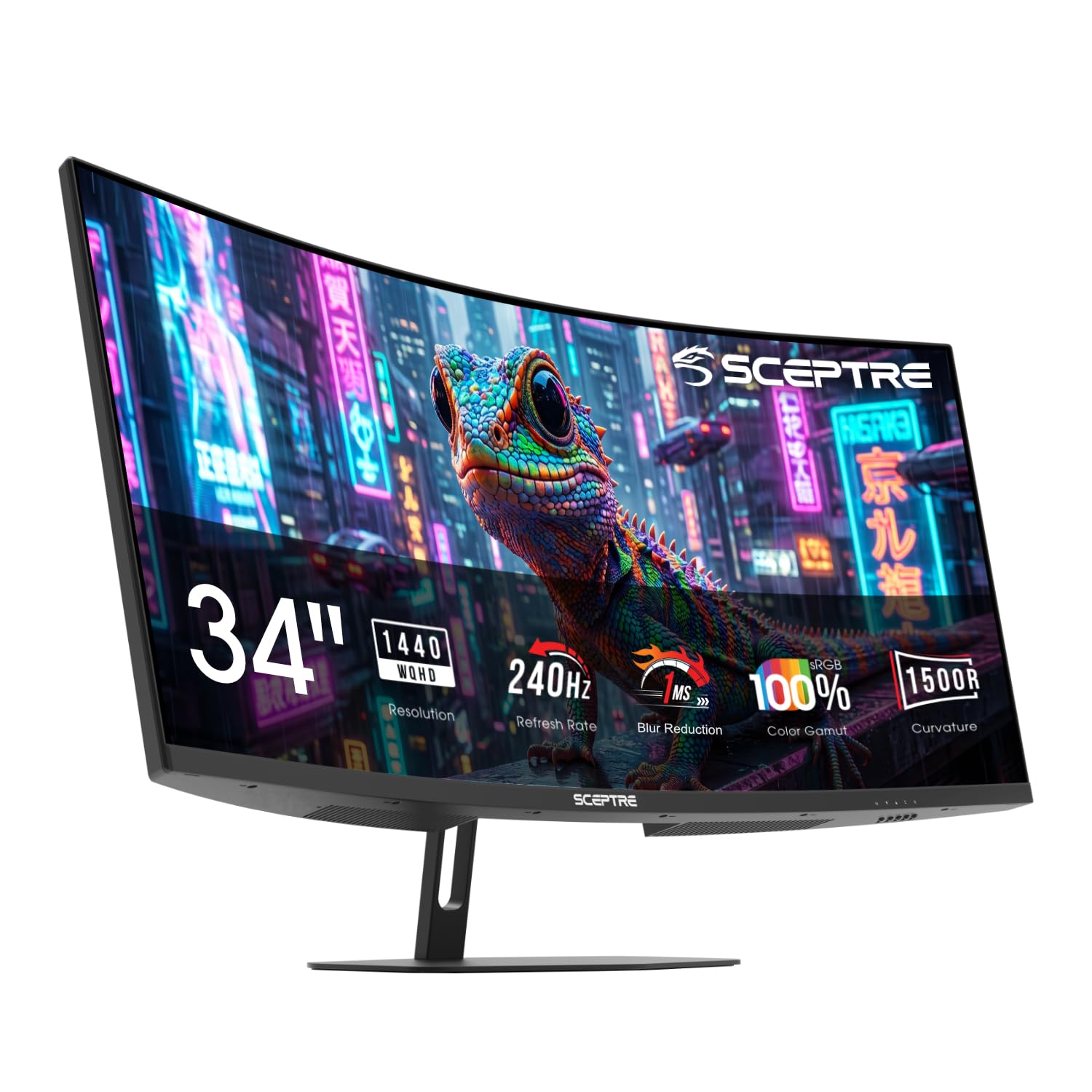
SANSUI 27" 240Hz

91 /100
Lab Score Outstanding

Key details

Curvature
1500R
Panel Type
VA
Resolution
1920×1080
Refresh Rate
240Hz
View on Amazon

The SANSUI 27-inch curved monitor delivers a genuine 240Hz experience at an aggressively low cost, pairing a 1500R curve with FreeSync and a 1ms MPRT response that keeps tearing and ghosting minimal during fast-paced matches. Colors appear surprisingly accurate after a few quick adjustments, and the 1080p resolution renders enemies sharply in motion where pixel density matters less. Setting it up is near-instantaneous, with a straightforward OSD and plug-and-play compatibility that gets you into the game without fuss.

There are boundaries that come with this price tag. At 27 inches, the 1080p pixel grid is visible if you lean in or use the monitor for text-heavy work, nudging it firmly into a gaming-first—not productivity—role. More importantly, unit reliability can vary; some monitors may stop powering on or develop functionality issues within months, which is the trade-off for such an affordable entry into 240Hz. Treat it as a high-frame-rate bridge rather than a permanent fixture on your desk, and you'll get exactly what you paid for.

Pros

  • Priced aggressively below other 240Hz curved monitors, making high-refresh gaming accessible.
  • Crisp 1080p picture with excellent colors after quick calibration
  • Hassle-free setup that gets you into 240Hz gaming within minutes.

Cons

  • Some units may stop powering on or develop issues within months
Our verdict

If you're chasing 240Hz on a tight budget and can handle the risk of an eventual swap-out, this is the right tool to bridge the gap between casual and competitive play.

Check Latest Price
8

Work-Play Ultrawide

TUF VG34VQ3B 34"

87 /100
Lab Score Excellent

Key details

Curvature
1500R
Panel Type
VA
Resolution
3440×1440
Refresh Rate
180Hz
View on Amazon

The 34-inch 1500R VA panel delivers 3440x1440 sharpness at 180Hz, with FreeSync Premium keeping gameplay tear-free and ELMB Sync reducing motion blur without disabling adaptive sync. 90% DCI-P3 color looks vivid out of the box for movies and editing.

The stand adjusts only for tilt, so a VESA arm is nearly essential for ergonomic comfort; the built-in speakers are weak, making external audio a must. Occasional dead pixels or power-on issues occur, so buying from a retailer with a no-hassle return policy is wise. The top-pick Alienware ultrawide sidesteps those quality concerns with better calibration, but if you plan on a monitor arm and headset, the VG34VQ3B's colorful 180Hz panel delivers strong value.

Pros

  • Great value in the 34-inch ultrawide category, frequently available under $300 during sales.
  • Crisp 3440x1440 image with vibrant 90% DCI-P3 color coverage and FreeSync Premium for tear-free gaming.
  • ELMB Sync reduces motion blur while FreeSync remains active, improving motion clarity in fast-paced titles.

Cons

  • The stand only tilts, lacking height and swivel, and the built-in speakers produce thin sound
  • Occasional units arrive with dead pixels or fail to power on out of the box, so buying from a retailer with a generous return policy reduces risk.
Our verdict

If you plan to mount on a VESA arm and purchase from a retailer with easy returns, the VG34VQ3B rewards you with vivid 180Hz ultrawide gaming that outclasses typical budget panels.

Check Latest Price
9

Big-Screen 240Hz

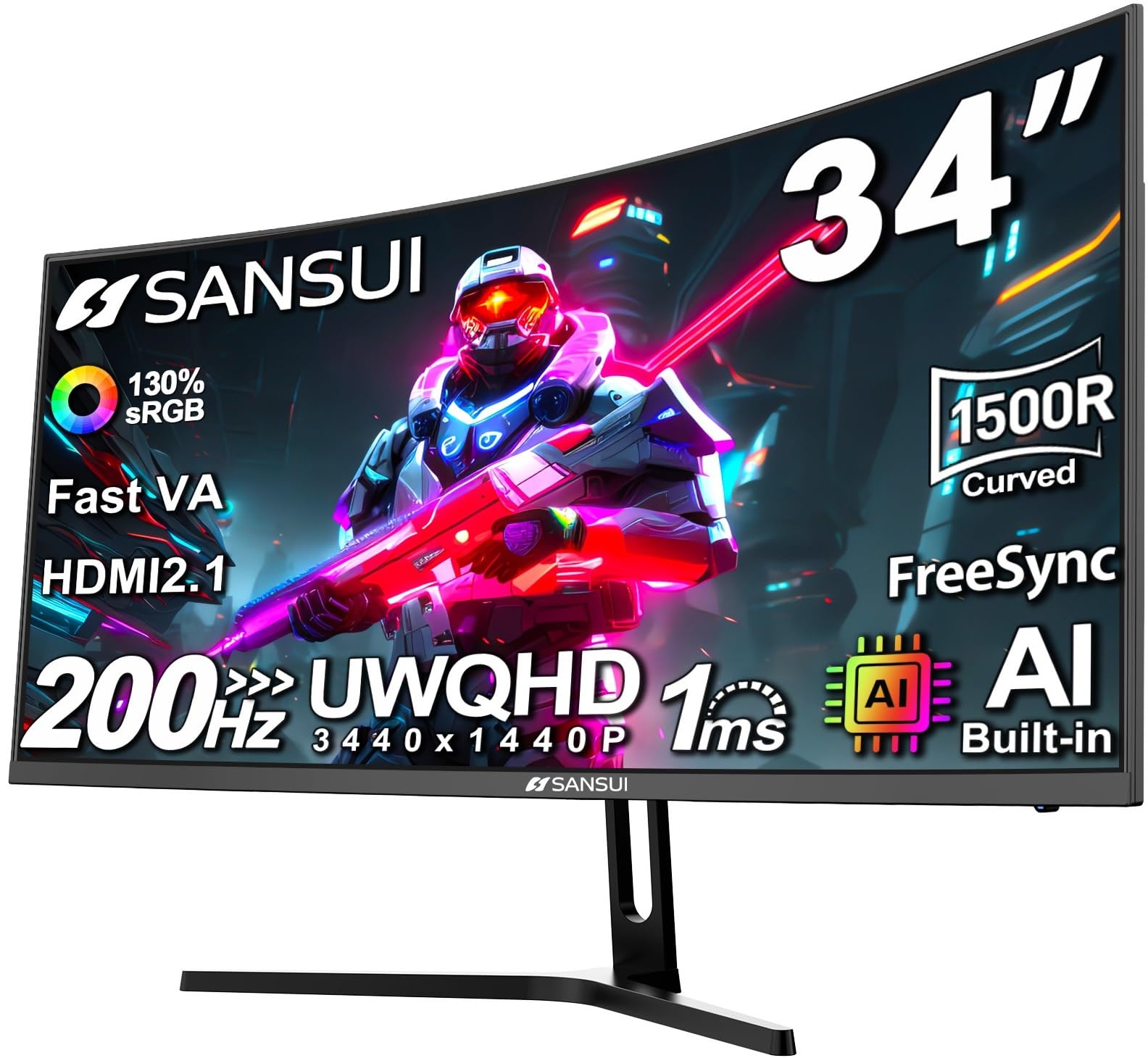
SANSUI 32" 240Hz

89 /100
Lab Score Excellent

Key details

Curvature
1500R
Panel Type
VA
Resolution
1920×1080
Refresh Rate
240Hz
View on Amazon

For under $200, the SANSUI puts a 32-inch curved display running at 240Hz on your desk — a specification that usually costs considerably more. The large screen and responsive motion handling satisfy competitive PC and console gamers who want an expansive view without lag, while FreeSync keeps tearing at bay. The trade-off is a low pixel density that leaves text and fine details visibly coarse, and the brand's quality control is uneven — some units can stop working without warning. This monitor is best treated as a disposable esports tool rather than a long-term daily driver; its value lies in raw speed and size, not longevity or sharpness.

Pros

  • Massive 32-inch curved screen with 240Hz and FreeSync at an entry-level price.
  • Bright, colorful image after simple OSD adjustments, with effortless assembly.
  • 1500R curve deepens immersion without extreme distortion for fast-paced games.

Cons

  • Visible pixel structure at this resolution makes fine text and distant details appear blocky.
  • Power delivery can be inconsistent
Our verdict

If you're a competitive gamer who treats monitors as short-term commodities and can live with visible pixels for the sake of speed, this is an unmatched value.

Check Latest Price

How to Choose

Refresh Rate: 144Hz vs 240Hz

Higher refresh rates reduce motion blur, but the gain from 165Hz to 240Hz is harder to perceive unless you consistently push those frame rates. A 240Hz VA panel can still exhibit black smearing in dark transitions that a 165Hz OLED wouldn't, so don't treat Hz alone as the measure of smoothness.

If your GPU can only deliver 100fps in your favorite RPG, a 240Hz monitor won't feel meaningfully different from a 165Hz one. For competitive esports with consistently high framerates, 240Hz does give a tangible edge in tracking.

Panel Type: VA vs OLED

VA panels dominate curved monitors because they deliver deep contrast at a lower price, but they struggle with off-angle color shift and slower dark-to-light transitions that cause ghosting. OLED offers instantaneous pixel response and true per-pixel blacks, but it's more expensive and carries a burn-in risk if you keep static HUDs on screen for hundreds of hours.

For everyday gaming and productivity mixed use, a well-tuned VA panel is the practical choice. Reserve OLED for cinematic single-player games and varied content where you're willing to baby the panel with pixel refresh cycles and varied usage.

Curvature: 1000R to 1800R

The lower the radius number, the more aggressively the screen wraps. 1000R matches the curve of the human eye at typical sitting distance (about 1 meter), creating deep immersion, but on a 34-inch or larger screen it can distort straight lines during spreadsheet work. 1500R to 1800R offers a gentler field of view that feels more natural for desktop applications while still enhancing gaming depth.

If you sit within 30 inches of the monitor, 1000R is immersive; beyond that distance, you may not perceive the curve at all, making 1500R or 1800R a safer bet for mixed use.

Resolution: 1080p to 4K

At 27 inches, 1080p starts to show visible pixelation on fine text and distant objects. 1440p is the sweet spot for 27 to 34-inch screens, offering sharp clarity without demanding a top-tier GPU. 4K on a 37-inch panel delivers stunning detail but requires an RTX 4070 Ti or faster to maintain high frames in modern titles.

Pairing a 4K curved screen with a mid-range GPU often forces you to lower in-game settings, negating the resolution advantage. Ultrawide 3440×1440 on a 34-inch is the most versatile choice for gaming and work.

Adaptive Sync

FreeSync Premium and G-Sync Compatible eliminate tearing and stutter by matching the monitor's refresh to your GPU's output. Without it, even a high refresh rate display can tear when frames dip. Look for at least FreeSync Premium or G-Sync Compatible certification, which guarantees tear-free operation and often includes low framerate compensation.

Console players benefit from VRR over HDMI, but not all monitors support it at 4K 120Hz; check for 'VRR HDMI' or 'FreeSync Premium Pro' if you plan to connect a PS5 or Xbox Series X.

Frequently Asked Questions