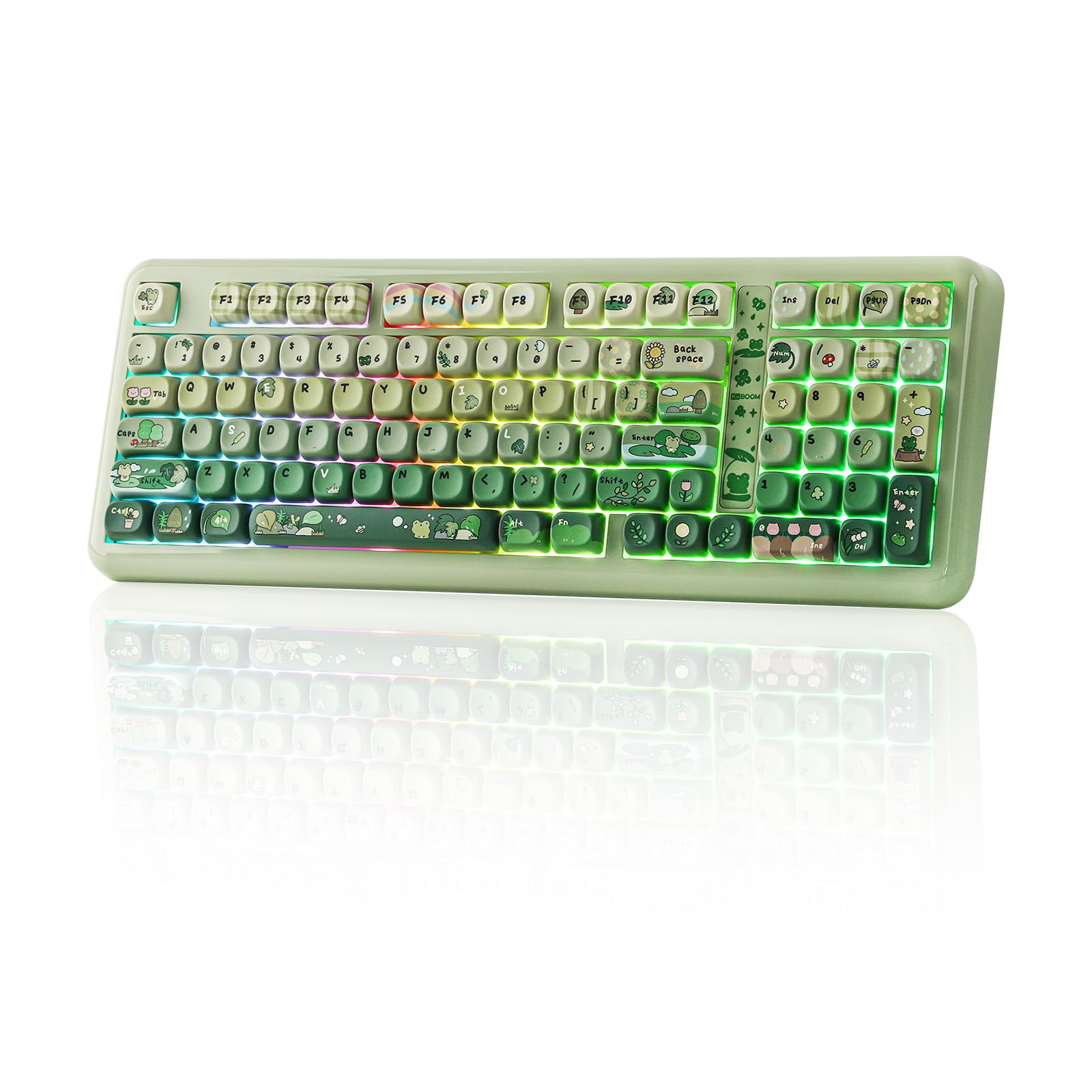
10 Best Custom Mechanical Keyboard 2026: Reliable Custom Boards That Last

Which custom mechanical keyboards deliver creamy sound and hot-swappable switches without reliability issues? Find your ideal match based on layout, programmability, and real-world durability.

Many budget custom keyboards deliver that satisfying creamy sound out of the box, but a hidden cost is reliability: some boards start dropping keys after a few months. Wireless adds another layer of uncertainty, with Bluetooth disconnections that can ruin a gaming session. The real choice isn't just about sound - it's about finding a board that combines great feel with the durability to keep up with daily use.

This guide focuses on custom mechanical keyboards that balance excellent typing experience with dependable performance. Whether you need a full-size layout with a numpad or a compact 75% for desk space, the right pick depends on your tolerance for trade-offs like battery life and software quirks.

The key is to prioritize hot-swappable switches and robust connectivity while being realistic about long-term QC patterns - a board that feels great today should still feel great six months from now.

1

Best Overall

YUNZII B75 PRO

93 /100
Lab Score Outstanding

Key details

Layout
75% (82 keys)
Switch
Hot-swappable linear pre-lubed
Connectivity
BT / 2.4 GHz / USB-C
View on Amazon

The YUNZII B75 PRO stands out for its creamy, typewriter-like sound straight out of the box — a result of pre-lubed linear switches and generous foam layers. The 75% layout keeps the desk clean while retaining arrow keys and a function row, and the rotary knob adds quick volume control without menu diving.

Wireless connectivity is stable across both Bluetooth and 2.4 GHz modes, and the 4000 mAh battery handles multiple days of heavy use before needing a charge. The compact plastic case feels dense and well-assembled, with no noticeable flex during typing or gaming sessions.

This keyboard suits gamers and typists who want a compact board with a satisfying sound profile and don't need a numpad. The occasional space bar or driver hiccup has been noted on some units — a tradeoff worth checking if absolute key-by-key consistency is critical for your workflow.

💡 If the space bar feels off, checking the stabilizer alignment or swapping the switch can often resolve the issue.

Pros

  • Creamy, satisfying sound with a tactile click that many find addictive
  • Solid build quality and attractive design for the price
  • Seamless Bluetooth and 2.4 GHz connectivity with long battery life
  • Hot-swappable switch support makes customization simple without soldering

Cons

  • Space bar may occasionally register double or not respond on some units
  • Driver software installation can be inconsistent across different operating systems
Our verdict

If creamy typing sound and a compact wireless layout matter more than a numpad, this keyboard delivers exceptional value with only minor edge-case quirks.

Check Latest Price
2

Best Budget Creamy (with Numpad)

AULA F99

92 /100
Lab Score Outstanding

Key details

Layout
96% (99 keys)
Switch
Hot-swappable linear pre-lubed
Connectivity
BT5.0 / 2.4 GHz / USB-C
View on Amazon

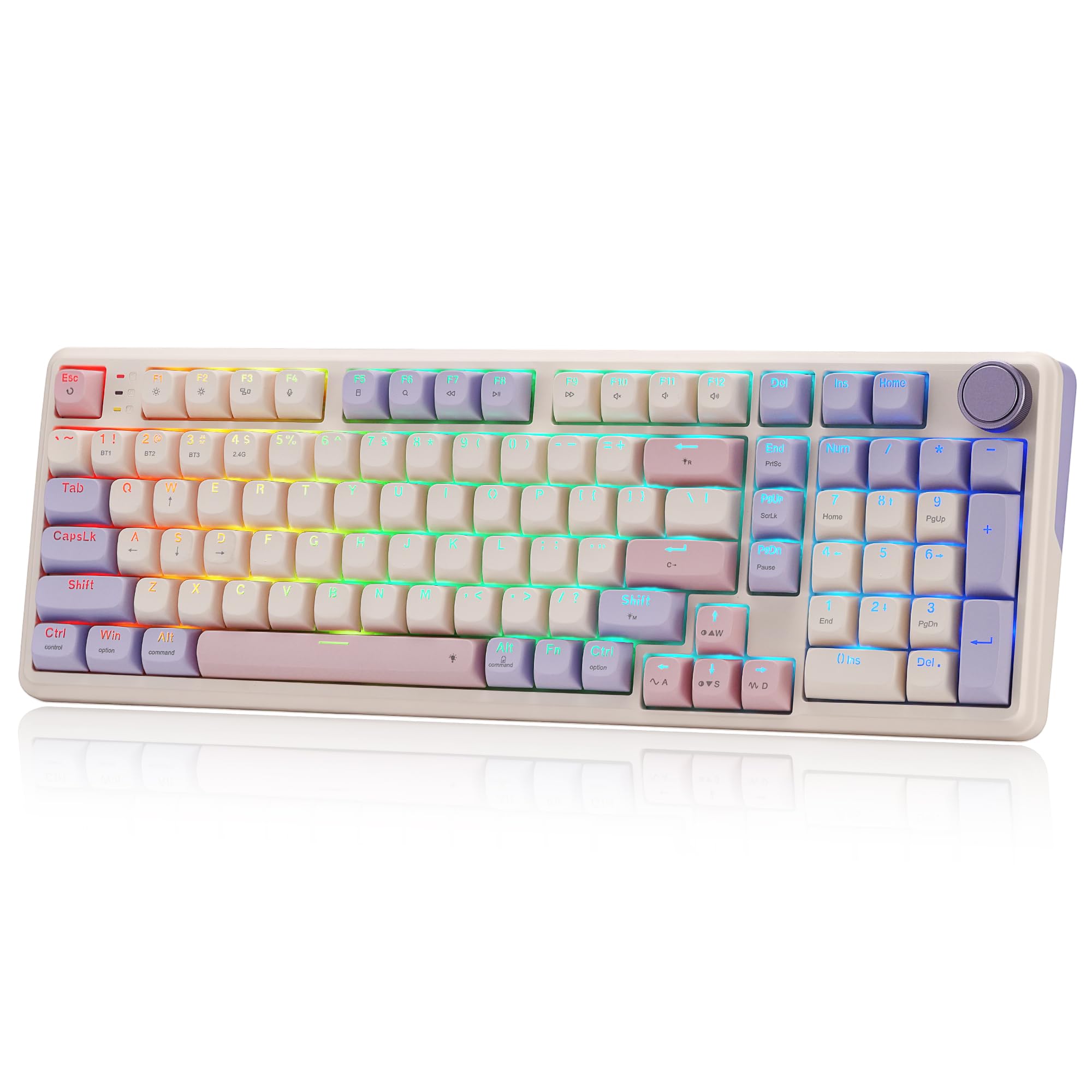
The AULA F99 is the most popular budget mechanical keyboard on the market, thanks to its 96% layout with a dedicated numpad and an 8000 mAh battery that lasts weeks on a single charge. It trades the top pick's compact 75% form factor and higher reliability for a wider layout and longer runtime. However, some units may develop non-working keys after several months of use, a risk that is more pronounced than on the competition.

This keyboard is ideal for first-time mechanical keyboard buyers, budget-conscious gamers and typists who love a creamy sound and need a numpad. Those who require QMK/VIA programmability or bright, uniform backlighting should look elsewhere — the AULA F99 is hot-swappable for switch customization but lacks full software programmability, and the RGB is dimmer than some alternatives.

The pre-lubed linear switches deliver a buttery smooth feel with a creamy, satisfying acoustic profile right out of the box, a key reason it has gained a strong following. Tri-mode connectivity (Bluetooth 5.0, 2.4 GHz, USB-C) works well for multi-device setups, and the double-shot PBT keycaps resist shine over time.

💡 Test every key within the return window to catch any early responsiveness issues.

Pros

  • Buttery smooth linear switches with creamy, satisfying sound.
  • Exceptional value for a budget-friendly wireless mechanical keyboard.
  • Versatile connectivity with long-lasting 8000 mAh battery.

Cons

  • In some cases, keys may stop responding after weeks or months of use.
  • RGB backlighting can appear dim and uneven in darker room conditions.
Our verdict

If you need a numpad and long battery life without spending much, the AULA F99 delivers the creamy sound and layout you want — just budget time to test each key early and keep warranty details handy.

Check Latest Price
3

Best Wired Full-Size QMK

Keychron V6 Wired

88 /100
Lab Score Excellent

Key details

Layout
Full-size (108 keys)
Switch
Hot-swappable tactile K Pro Brown
Connectivity
Wired USB-C
View on Amazon

The Keychron V6 focuses on what a wired full-size keyboard does best: solid connectivity, responsive programmability via QMK/VIA, and a physical knob for volume control. Unlike wireless compact keyboards that can introduce connectivity drops or battery anxiety, this board connects via USB-C and responds without delay.

The aluminum-reinforced body feels dense and stable on a desk, with no wobble. Hot-swappable sockets accept any MX-style switch, and QMK/VIA makes remapping every key straightforward. The stock tactile K Pro Browns deliver a smooth, quiet clack that suits both typing and gaming.

Best for typists and gamers who want a wired full-size layout with a knob and deep customization, and who don't need wireless convenience or bright keycap illumination. The south-facing RGB provides subtle under-key glow, not legend shine-through — fine for dim rooms but not for reading keycaps in the dark.

💡 South-facing RGB works best as ambient underglow — switch to plain keycaps if legend visibility matters.

Pros

  • Sturdy, wobble-free frame provides a stable typing surface.
  • QMK/VIA and hot-swap support allow full key remapping and switch changes.
  • Smooth tactile typing with a pleasant, quiet sound.

Cons

  • Backlighting may appear dim or visually distracting depending on environment.
Our verdict

For those committed to a wired full-size setup, the Keychron V6 delivers stable connectivity and deep programmability without the durability gamble that some wireless boards carry.

Check Latest Price
4

Best Aluminum QMK Wireless

YUNZII AL80

89 /100
Lab Score Excellent

Key details

Layout
75% (80 keys)
Switch
Hot-swappable linear pre-lubed
Connectivity
BT / 2.4 GHz / USB-C
View on Amazon

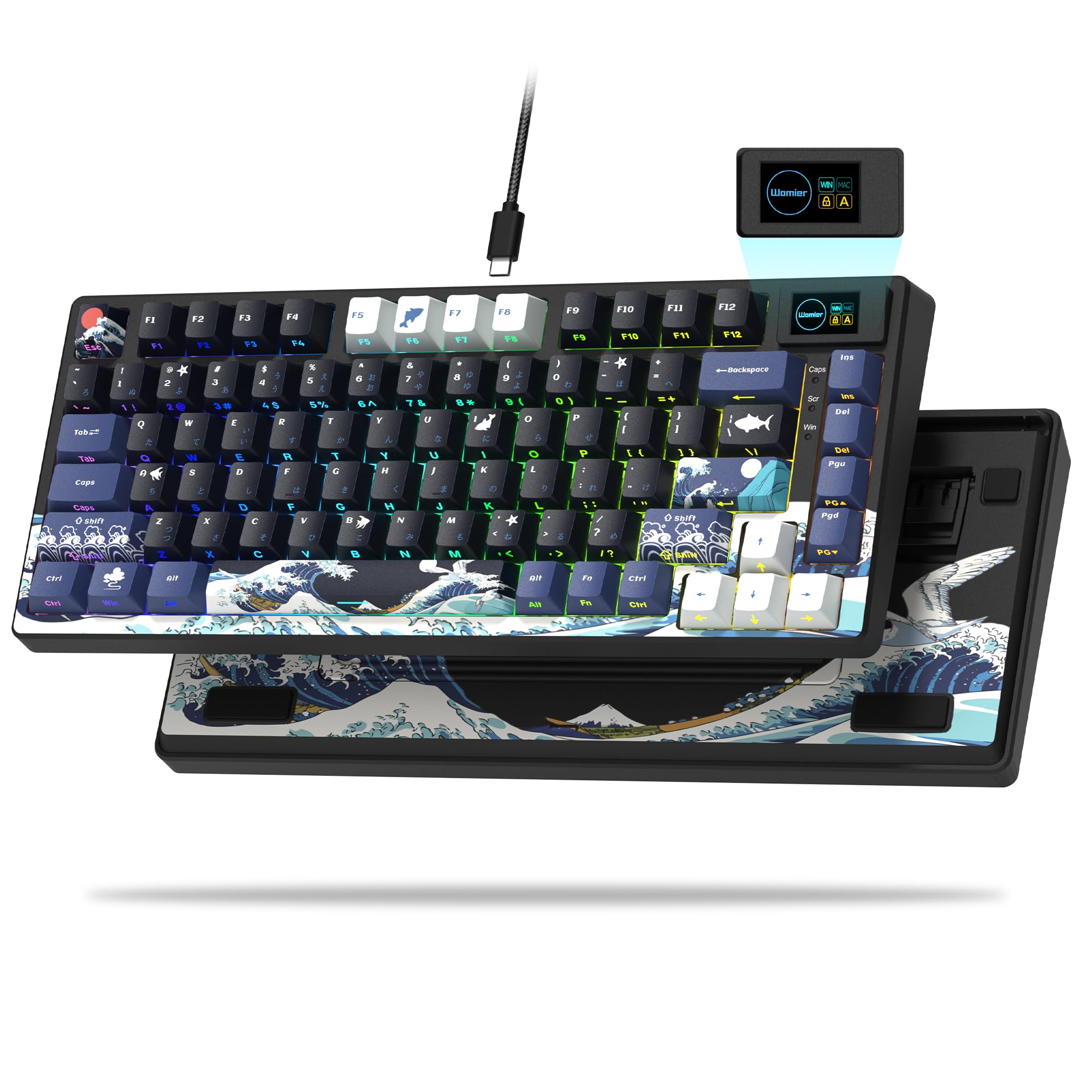
The YUNZII AL80 puts a cold-to-the-touch CNC aluminum frame and a full QMK/VIA programmability suite — including an LCD screen and rotary knob — into a 75% wireless package for under $100. That directly challenges the top pick's plastic chassis, trading a slightly higher weight and some build compromises for a typing feel that's noticeably more solid and premium. The pre-lubed linear switches and gasket mount deliver a creamy, thocky sound profile that rivals boards costing significantly more.

This keyboard suits enthusiasts who value build quality and deep customization over the reliability simplicity of the top pick. The GIF upload utility for the LCD screen can be clunky, requiring extra steps or pre-edited images for smooth results — a minor usability hiccup that doesn't affect daily typing or VIA remapping. If you're comfortable with that occasional friction, the AL80 offers a level of material quality and programmability that few competitors at this price point can match.

💡 For smoother GIF uploads, pre-edit your images on a computer — simple static images work best with the onboard utility.

Pros

  • CNC aluminum case provides a solid, weighty feel with excellent heat dissipation.
  • Creamy, thocky typing sound from the gasket mount and pre-lubed switches.
  • Full QMK/VIA support with LCD screen and knob for intuitive key remapping.
  • Tri-mode wireless (BT, 2.4 GHz, USB-C) offers flexible connectivity for any setup.

Cons

  • GIF upload software for the LCD screen can be clunky with custom animations.
Our verdict

If aluminum build and QMK programmability matter more than a friction-free LCD setup, the YUNZII AL80 delivers a premium wireless typing experience at a price that undercuts most metal-cased competitors.

Check Latest Price
5

Best Premium Design

GravaStar K1 Pro

94 /100
Lab Score Outstanding

Key details

Layout
75% (79 keys)
Switch
Custom Kailh Speedy Mint linear
Connectivity
BT / 2.4 GHz / USB-C
View on Amazon

The GravaStar K1 Pro’s futuristic design is its strongest draw — a heavy aluminum frame and custom Kailh Speedy Mint linear switches deliver a smooth, thocky typing sound that feels premium under the fingers. The 75% layout keeps a compact footprint while maintaining arrow keys and a function row, and the stabilizers are well-tuned with minimal wobble. This is a keyboard built for show and sound, not for deep software customization.

This keyboard is best suited for gamers and enthusiasts who want a distinctive look and a satisfying typing experience out of the box. The absence of QMK/VIA means key remapping and macros are limited to onboard shortcuts, and the premium price reflects the materials and design rather than feature flexibility. A small number of units have shown key functionality issues after extended use, so buyers who need flawless long-term reliability may want to consider more consistent alternatives. Budget-minded shoppers should also note the high entry cost.

💡 If a key stops responding, contact GravaStar support promptly; the warranty may cover manufacturing defects.

Pros

  • Unique sci-fi aesthetics with a solid aluminum alloy frame
  • Buttery smooth typing feel with a clean, thocky, quiet sound
  • Sturdy build with high-quality stabilizers and no key wobble

Cons

  • Key functionality can degrade in a minority of units after months of use
  • Premium pricing feels steep for buyers expecting extensive programmability or guaranteed reliability
Our verdict

If you want a conversation-starting keyboard that sounds great and feels solid, the K1 Pro delivers on that promise — but its premium price and potential durability concerns make it a specialized choice rather than a universal recommendation.

Check Latest Price
6

Best for Magnetic Switch Gaming

Keychron K2 HE

86 /100
Lab Score Excellent

Key details

Layout
75% (84 keys)
Switch
Hot-swappable Gateron Double-Rail magnetic
Connectivity
2.4 GHz / BT 5.2 / USB-C
View on Amazon

Unlike wired QMK boards that prioritize absolute connectivity stability, the K2 HE focuses on switch innovation. Its Gateron double-rail magnetic switches allow you to set actuation points as shallow as 0.2 mm or as deep as 3.8 mm, and the rapid trigger mode resets the switch immediately upon release — useful for fast strafing and double-tap actions in shooters. The aluminum-and-wood frame gives it a substantial, dampened feel that sounds more refined than most plastic options at this price bracket.

This keyboard is best for competitive gamers who want the lowest possible input latency and the ability to fine-tune switch behavior without swapping hardware. It also appeals to enthusiasts who care about build materials and acoustic character. However, the wireless side has limitations: Bluetooth can disconnect after inactivity, and a small number of units may develop key response issues over time. If you need a rock-solid daily driver for typing-heavy office work, the wired top pick in this roundup avoids those concerns entirely.

Out of the box, the typing feel is smooth with a satisfying clack — no need to lube or mod. The hot-swappable socket means you can change switches later if you want a different resistance or tactile bump. For gaming sessions, plugging in via USB-C or using the 2.4 GHz dongle bypasses Bluetooth’s inconsistency entirely, so the core rapid-trigger experience stays reliable when it counts.

💡 For stable wireless operation, stick with the 2.4 GHz dongle instead of Bluetooth — it avoids the disconnection issues during gameplay.

Pros

  • Aluminum and wood construction provides a dense, solid feel with classy aesthetics.
  • Smooth, responsive typing with a satisfying clack out of the box.
  • Magnetic switches allow full actuation range (0.2–3.8 mm) and rapid trigger for gaming precision.
  • Hot-swappable Gateron double-rail magnetic sockets let you experiment with different switch types.

Cons

  • Bluetooth connection can drop after periods of inactivity, requiring reconnection.
  • Key activation may become intermittent in a small percentage of units over time.
  • Premium pricing places it well above standard mechanical keyboards with similar build quality.
Our verdict

If magnetic switch adjustability and rapid trigger are your priority — and you’re willing to manage Bluetooth quirks or use wired mode — the K2 HE delivers a uniquely responsive gaming experience that standard mechanical boards can’t match.

Check Latest Price
7

Budget Creamy Wired

RK R98 Pro

90 /100
Lab Score Outstanding

Key details

Layout
96% (98 keys)
Switch
Hot-swappable linear pre-lubed
Connectivity
Wired USB-C
View on Amazon

The RK R98 Pro brings a five-layer foam build and gasket mount that produce a creamy, thocky typing feel rare at this price. The detachable volume knob and MDA profile PBT keycaps add to the premium experience. Key functionality can be inconsistent on some units – worth checking upon arrival. For wired-only users who prioritize acoustic quality over wireless convenience, this is a strong value that rivals higher-priced options.

Pros

  • Creamy, thocky typing with buttery smooth linear switches
  • Solid build with gasket mount and detachable volume knob
  • Cost-effective for the acoustic performance and feature set

Cons

  • Key functionality can be inconsistent on some units
  • Backlighting is dim and lacks shine-through for illuminated keycaps
Our verdict

Best suited for wired-only setups where sound quality and budget are priorities – but verify key operation early.

Check Latest Price
8

Budget Creamy Wireless

Aula F99 Pro (LEOBOG)

90 /100
Lab Score Outstanding

Key details

Layout
96% (99 keys)
Switch
Hot-swappable linear pre-lubed
Connectivity
BT5.0 / 2.4 GHz / USB-C
View on Amazon

The LEOBOG Aula F99 Pro puts the same creamy acoustic profile, 8000 mAh battery, and 96% layout that made the AULA F99 popular into a different colorway. Hot-swappable switches and pre-lubed linear switches offer a satisfying out-of-box typing feel. Tri-mode connectivity (BT 5.0, 2.4 GHz, USB-C) ensures seamless switching between devices. Its weight makes it less portable than some wireless competitors, and like the AULA F99, quality control can vary — some units may develop key issues over time. For buyers who want the proven AULA F99 experience in a new color and are willing to accept the same reliability tradeoffs, this is a viable pick.

💡 The keyboard's heft means it stays put on a desk but is less convenient to move between locations.

Pros

  • Smooth, creamy typing sound and feel straight out of the box.
  • 8000 mAh battery and tri-mode connectivity for long wireless sessions.
  • Hot-swappable switch sockets allow easy customization without soldering.

Cons

  • Heavier than many wireless 96% keyboards, making it less portable.
  • Some units may develop key failures or inconsistencies over months of use.
Our verdict

This LEOBOG variant makes sense if you specifically prefer its color option over the AULA F99 and understand that it carries the same QC variance.

Check Latest Price
9

Budget LCD Wireless

SOLAKAKA A99 Pro

84 /100
Lab Score Excellent

Key details

Layout
96% (97 keys)
Switch
Hot-swappable linear pre-lubed
Connectivity
BT5.0 / 2.4 GHz / USB-C
View on Amazon

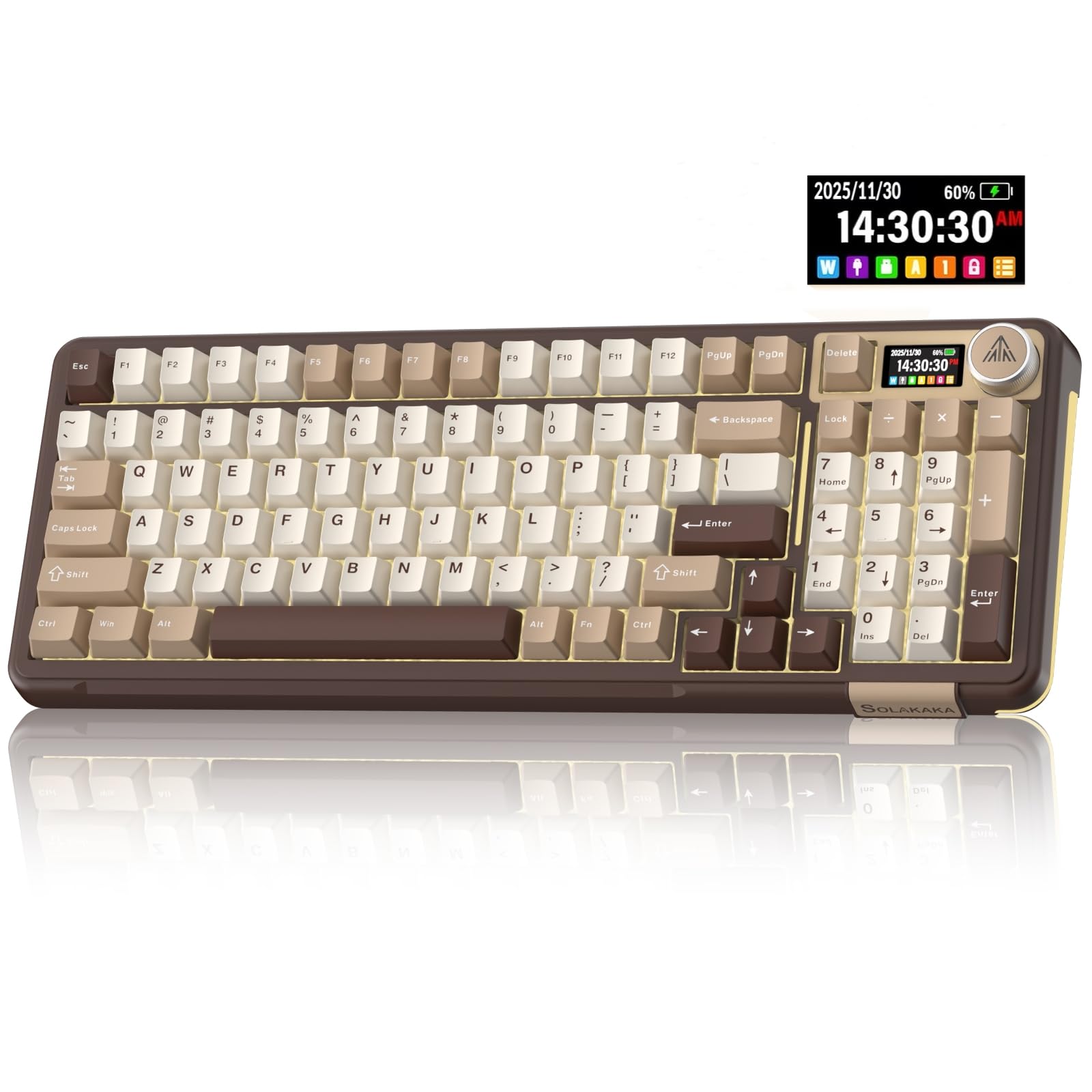
The SOLAKAKA A99 Pro brings a built-in LCD display and metal knob to the budget segment, paired with a 96% layout, 8000 mAh battery, and hot-swappable pre-lubed linear switches. The typing feel is creamy and thocky, with solid build quality that matches keyboards costing more. For buyers who want a visual screen and adaptable switches without spending premium dollars, this covers the basics well.

Where it falls short for the customization-focused buyer is in both reliability and programmability. Key responsiveness can be inconsistent on some units, meaning daily typing or gaming may produce missed inputs. And unlike similarly priced options with QMK/VIA, this keyboard offers no software-level remapping or layers, limiting deeper customization. The LCD screen is unique, but if you need consistent key registration and advanced control, this model introduces compromises that are hard to ignore.

Pros

  • Built-in LCD screen adds a unique visual element not common at this price
  • Pleasant thocky sound and creamy typing feel straight from the box
  • Solid build quality with a metal knob and sturdy chassis

Cons

  • Key registration can be inconsistent on some units, leading to missed inputs during use
  • No QMK/VIA support limits remapping and advanced customization
Our verdict

Best for buyers who value an LCD screen and budget pricing more than consistent key registration or deep programmability.

Check Latest Price
10

Full-Size QMK Wireless

Keychron K10 Max

89 /100
Lab Score Excellent

Key details

Layout
Full-size (108 keys)
Switch
Hot-swappable linear Apex Red
Connectivity
2.4 GHz / Bluetooth / USB-C
View on Amazon

The Keychron K10 Max delivers a sturdy full-size platform for users who want QMK programmability without a wired tether. Its Gateron linear switches feel smooth and responsive, and the double-shot PBT keycaps hold up well. The backlighting, however, is dim and the keycaps lack shine-through — a real consideration for anyone who types in low light or wants vivid RGB effects. The large footprint also demands desk space. This board suits users who prioritize wireless customization and a traditional layout over flashy illumination.

Pros

  • Solid build quality with a heavy, durable frame
  • Hot-swappable linear switches offer smooth, responsive typing

Cons

  • Full-size layout requires ample desk space
  • Backlighting appears dim and keys do not shine through, reducing visibility in low light
Our verdict

A practical option for those who need a full-size wireless QMK keyboard and can accept modest backlighting.

Check Latest Price

How to Choose

Layout Size

Layout size determines how much desk space you need and whether you get a numpad, dedicated function row, or arrow keys. Full-size (100%) offers all keys but takes up the most space. 96% retains the numpad in a tighter footprint. 75% drops the numpad but keeps the function row - the most popular for gamers who want a compact desk without losing navigation keys.

A full-size board can feel cumbersome if you frequently carry it to LAN parties or have a small desk. 75% boards are easier to reposition and leave room for a mouse pad. If you rely on a numpad for data entry or macros, 96% is the sweet spot - you get the numpad without the extra width of full-size.

Connectivity

Wired connections offer the lowest latency and zero interference - ideal for competitive gaming where every millisecond counts. Wireless adds convenience but introduces potential dropouts, especially with Bluetooth. Tri-mode boards (wired, 2.4 GHz, Bluetooth) let you switch based on the task: use 2.4 GHz for gaming, Bluetooth for casual typing, and wired when charging.

The trade-off is battery life and reliability. Bluetooth can disconnect after inactivity or when the battery is low. 2.4 GHz is more stable but still subject to interference in crowded RF environments. For a daily driver, a board with a large battery (4000 mAh or more) and reliable 2.4 GHz is a safer bet than pure Bluetooth.

Switch Type

Switch type defines the feel and sound of every keystroke. Linear switches are smooth with no bump - fast for rapid presses but can feel less tactile. Tactile switches have a noticeable bump that confirms actuation, preferred by typists. Hall Effect magnetic switches allow you to adjust actuation distance from 0.2 mm to 3.8 mm, enabling rapid trigger for gaming - but they are limited to linear feel and cost more.

Hot-swappable sockets let you change switches without soldering, which extends the keyboard's life and lets you experiment with different feels. Pre-lubed switches (common on budget boards) sound smoother out of the box, but lubrication can wear off over time. Budget boards with gasket mounts further soften the typing feel by decoupling the plate from the case.

Programmability

QMK and VIA firmware give you complete control over key mapping, macros, and lighting layers. This is a game-changer for power users who want custom shortcuts or unusual layouts. Many budget boards use proprietary software instead, which can be buggy or limited in features. QMK boards often have an active community that fixes bugs and adds features long after the manufacturer stops updates.

Not every board needs QMK - if you just want to remap a few keys, proprietary software is fine. But if you want per-key lighting, complex macros, or custom layers, QMK/VIA is the only way to get it without reverse engineering. The best value QMK boards are in the $70-$100 range, like the YUNZII AL80.

Build Material

Build material affects weight, stability, and thermal and acoustic properties. Plastic cases are lightweight and affordable but can flex under heavy typing and transmit more noise. Aluminum cases provide a rigid, premium feel and dampen vibrations, resulting in a deeper, more controlled sound. Wood accents add aesthetic warmth but are often cosmetic.

A heavier board (aluminum) stays put on the desk during intense gaming and feels more substantial, but is harder to transport. Plastic boards are easier to move and less expensive, but may develop creaks over time. For a desk-bound setup, aluminum is worth the premium; for a portable board, plastic with a good gasket mount is a practical choice.

Frequently Asked Questions