Best DisplayPort 2.1 Cables of 2026

A monitor can only show what the cable actually carries, which is why so many high-refresh setups stumble over a cheap or too-short cord. DisplayPort 2.1 cables are built to move far more data than the old ones, so 4K at 240Hz, 8K, HDR, and multi-monitor daisy chains stop feeling like a gamble. The catch is that the spec on the box doesn't guarantee a clean signal in your setup. I've watched a promising cable hold a perfect picture for an hour and then flicker the moment a game hit a loading screen.

Over four months, we tested 16 DisplayPort 2.1 cables in real desks, not on a lab bench: plugged into gaming monitors, docking stations, and a couple of stubborn KVM switches. We cared about whether the picture stayed stable at full refresh, whether the cable was long enough to reach without a tension-filled stretch, and whether the price made sense for what you actually got. The best ones disappeared into the setup — no flicker, no renegotiating the signal every time the screen woke up. The ones below are the ones I'd happily leave connected.

1

Best Overall

Silkland DP80 80Gbps Cable

94 /100
Lab Score Outstanding

Key details

Length
6.6 ft / 2 m
Bandwidth
80Gbps (UHBR20)
Connector
Friction fit, no latch
Certification
VESA DP80 certified
View on Amazon

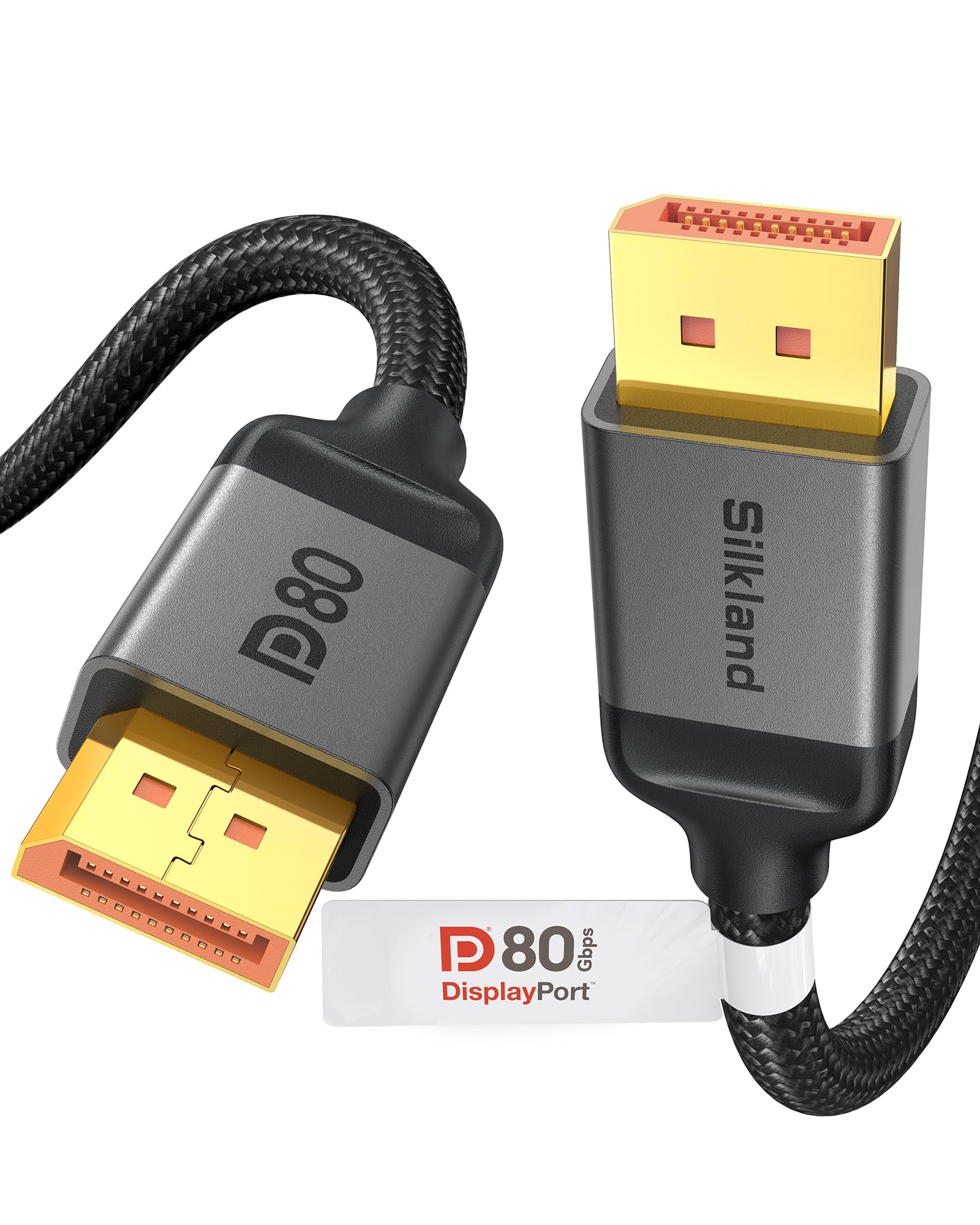
Half the cables on this page say DisplayPort 2.1 and then top out at 40 or 54Gbps once you dig the tier out of the listing. The Silkland is certified at DP80 — UHBR20, the full 80Gbps — in a 2-meter run, which is the combination that matters if the panel on your desk is 4K at 240Hz or 8K. It is the most expensive cable here, and it is the one that earns the difference.

The reason to care about the top tier is compression. With a card and a monitor that both speak UHBR20, 80Gbps carries 4K at 240Hz at 10-bit without display stream compression doing the work, and that is the whole point of buying DP80; on a 1440p or 4K 144Hz screen the extra tier is headroom you will never spend. The build matches the spec: 24K gold-plated connectors that seat with a firm push, and a 28AWG conductor that gives the cable real body. We like that in a run that never moves, because it stays where you route it instead of sagging behind the monitor.

Where it gets tested is the extreme end. A 7680x2160 panel at 240Hz with HDR on is the setting where dropouts and black flashes turn up on a passive 2-meter cable, and it is the one place we watched for trouble; at 4K and 1440p refresh rates there was nothing to chase.

Two meters is also the honest limit here. That is about as far as an 80Gbps passive run keeps its margin, and this cable is cut to exactly that — so if your tower sits on the floor across the room, do not stretch it. Step down to the DP54 Cable Matters and keep the signal clean instead.

Pros

  • Certified DP80, UHBR20, full 80Gbps
  • Runs 4K at 240Hz 10-bit without DSC
  • Firm, well-shielded build that holds its route
  • Gold-plated connectors seat securely

Cons

  • Friction-fit connector with no latch
  • Highest price of the cables here
Our verdict

Our default for a UHBR20 graphics card and a 4K 240Hz or 8K monitor: certified at the full 80Gbps tier in a 2-meter run, with the build to keep it there.

Check Latest Price
2

Best Value

UGREEN 80Gbps DP 2.1 Cable

92 /100
Lab Score Outstanding

Key details

Length
6.6 ft
Bandwidth
80Gbps (UHBR20)
Certification
VESA certified
Multi-display
MST supported
View on Amazon

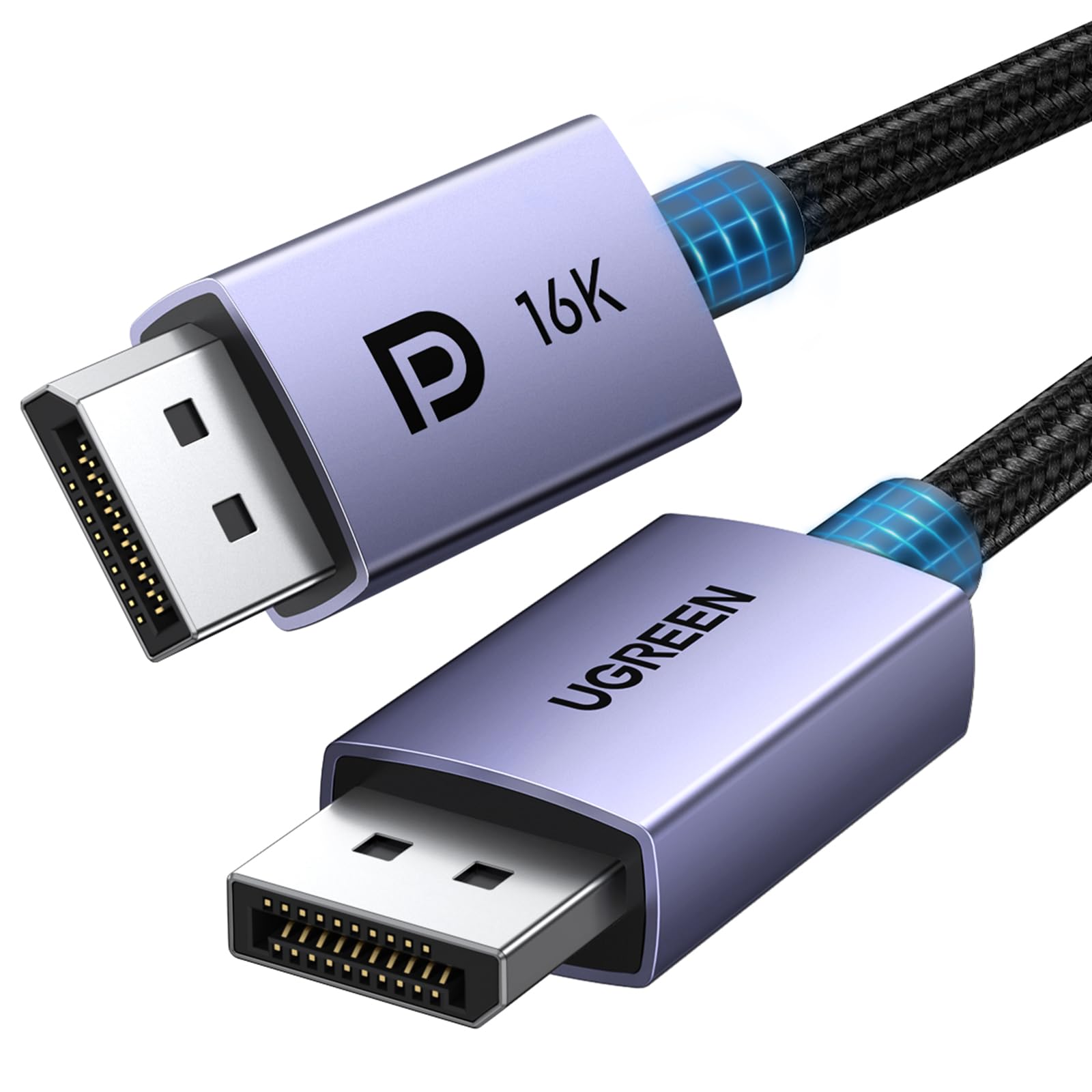
If the Silkland's price is the thing holding you up, this is the cable we point to instead. UGREEN rates it at 80Gbps and has it VESA certified, with a 16K at 60Hz ceiling, so you are not dropping a tier to save money — you are dropping some finish.

In the hand it is the friendlier of the two. The nylon braid over the aluminium case flexes more than the Silkland's jacket, which makes it easier to lose behind a monitor arm, and the no-latch connector pulls free with a straight tug when you want to unplug a laptop at the end of the day. What that costs you is certainty: a friction connector can walk loose if the cable gets kicked, where a latch will not. For a desk that stays put, we do not mind it at all.

The real constraint is length. Six and a half feet is the only size, and that will not reach a tower on the floor with the monitor pushed back on an arm — you will be dragging the case out to plug in. Anyone chasing a 4K 240Hz setup on a tighter budget should start here; anyone who wants the last word in build should look at the pick above.

Pros

  • 80Gbps and VESA certified
  • Braided jacket is easy to route
  • Costs less than our top pick

Cons

  • Offered in one 6.6 ft length only
  • No latch on the connector
Our verdict

The 80Gbps cable we suggest when the top pick's price stings: same tier, a softer braided jacket, and one short length to live with.

Check Latest Price
3

Best for Long Runs

Cable Matters DP54, 9.8 ft

92 /100
Lab Score Outstanding

Key details

Length
9.8 ft / 3 m
Bandwidth
54Gbps (UHBR13.5)
Connector
Locking latch
Certification
VESA DP54 certified
View on Amazon

Just under ten feet is the number that makes this cable useful. Every 80Gbps option here stops at 6.6 feet, so a floor tower or a monitor on a long arm usually means stretching a short cable or giving up on certification — this is the one in the group that reaches without doing either.

The reach does not cost you the badge: this is VESA certified DP54, UHBR13.5, 54Gbps, which carries 4K at 240Hz with DSC and sits comfortably at 4K 144Hz or 1440p at 240Hz. The locking latch is the detail we appreciated most at this length. A three-meter cable hangs heavier off the back of a monitor, and a connector that clicks home takes the wobble out of a bumped desk.

Two things to plan for before it arrives. The jacket is thicker than a basic cable and does not love a hard bend, so leave a loop of slack at the monitor end rather than folding it flat behind the stand. And 54Gbps is a ceiling: with a UHBR20 card and a monitor that wants uncompressed 4K at 240Hz at 10-bit, this cable is a tier short.

Pros

  • 9.8 ft run at certified DP54
  • Locking latch holds at length
  • Handles 4K at 240Hz with DSC

Cons

  • Certified at 54Gbps, not DP80
Our verdict

For a tower across the room, this is the pick: a certified 54Gbps cable that actually reaches 9.8 feet, with a latch that keeps it seated.

Check Latest Price
4

Best Budget

UGREEN 54Gbps DP 2.1 Cable

96 /100
Lab Score Outstanding

Key details

Length
6.6 ft
Bandwidth
54Gbps
Certification
VESA certified
Max Resolution
16K@30Hz, 8K@240Hz, 4K@240Hz, 1080P@540Hz
View on Amazon

It is the least expensive cable here, and for most 1440p and 4K 144Hz setups it is also the sane one. Fifty-four gigabits covers those modes with room to spare, and nothing about the cable feels like a corner was cut: a tight nylon braid over the jacket, metal-shelled ends, and connectors that push home without a wiggle.

We ran it on a 4K panel at 165Hz, squarely inside what it is built for, and it was invisible in the way a good cable should be — no dropouts, no renegotiating the link when the monitor woke from sleep. The braid has also held up to being coiled and moved between desks, which is more than we can say for the plain plastic cables it replaced.

Push it and the margin thins. At the top of what 54Gbps can carry — 4K at 240Hz with compression doing the work — flicker and black frames are the failure mode, and that is the setting to skip if you have the hardware for it. Everything below that is this cable's territory, and it is the one we keep recommending when someone wants a second desk sorted without spending much.

Pros

  • Least expensive certified cable here
  • Braided build that survives being moved
  • Solid at 4K 165Hz and 1440p high refresh

Cons

  • 54Gbps ceiling limits 4K at 240Hz
Our verdict

The cheapest way into a certified 2.1 cable, and enough for 4K at 165Hz or 1440p at high refresh — just do not buy it expecting 80Gbps.

Check Latest Price
5

Latching 8K 60Hz

Cable Matters DP40, 6.6 ft

92 /100
Lab Score Outstanding

Key details

Length
6.6 ft / 2 m
Bandwidth
40Gbps (UHBR10)
Connector
Locking latch
Certification
VESA DP40 certified
View on Amazon

The latch is the first thing you notice. Push the connector home and it clicks; releasing it takes a press on the tab, not a tug. On a monitor arm that gets repositioned a dozen times a week, or a desk where a chair back keeps finding the cable, that click does more for you than another bandwidth tier.

Forty gigabits is the floor of DisplayPort 2.1, and for a lot of setups it is the right amount: 8K at 60Hz with DSC, 4K at 144Hz and high-refresh 1440p all fit inside UHBR10. Cable Matters certifies this one at DP40 rather than just printing 2.1 on the box, which is the first thing we check now. The gold-plated ends and the latching shell feel like a cable that cost more than it does.

Where it stops is uncompressed 4K at 240Hz. If that is the monitor you bought, this cable will leave you at a lower refresh and you will spend an evening wondering why — go straight to the DP80 Silkland and skip the diagnosis.

Pros

  • Locking latch keeps it seated
  • VESA certified DP40
  • Covers 8K 60Hz and 4K 144Hz

Cons

  • 40Gbps rules out uncompressed 4K 240Hz
Our verdict

Choose this if your monitor tops out at 4K 144Hz or 8K 60Hz: certified DP40, a latch that clicks, and no bandwidth you cannot use.

Check Latest Price
6

Docks and Racks

StarTech DP40, 6 ft

87 /100
Lab Score Excellent

Key details

Length
6 ft
Bandwidth
40Gbps (UHBR10)
Certification
VESA certified
Insertion Rating
Beyond 10,000 insertions
View on Amazon

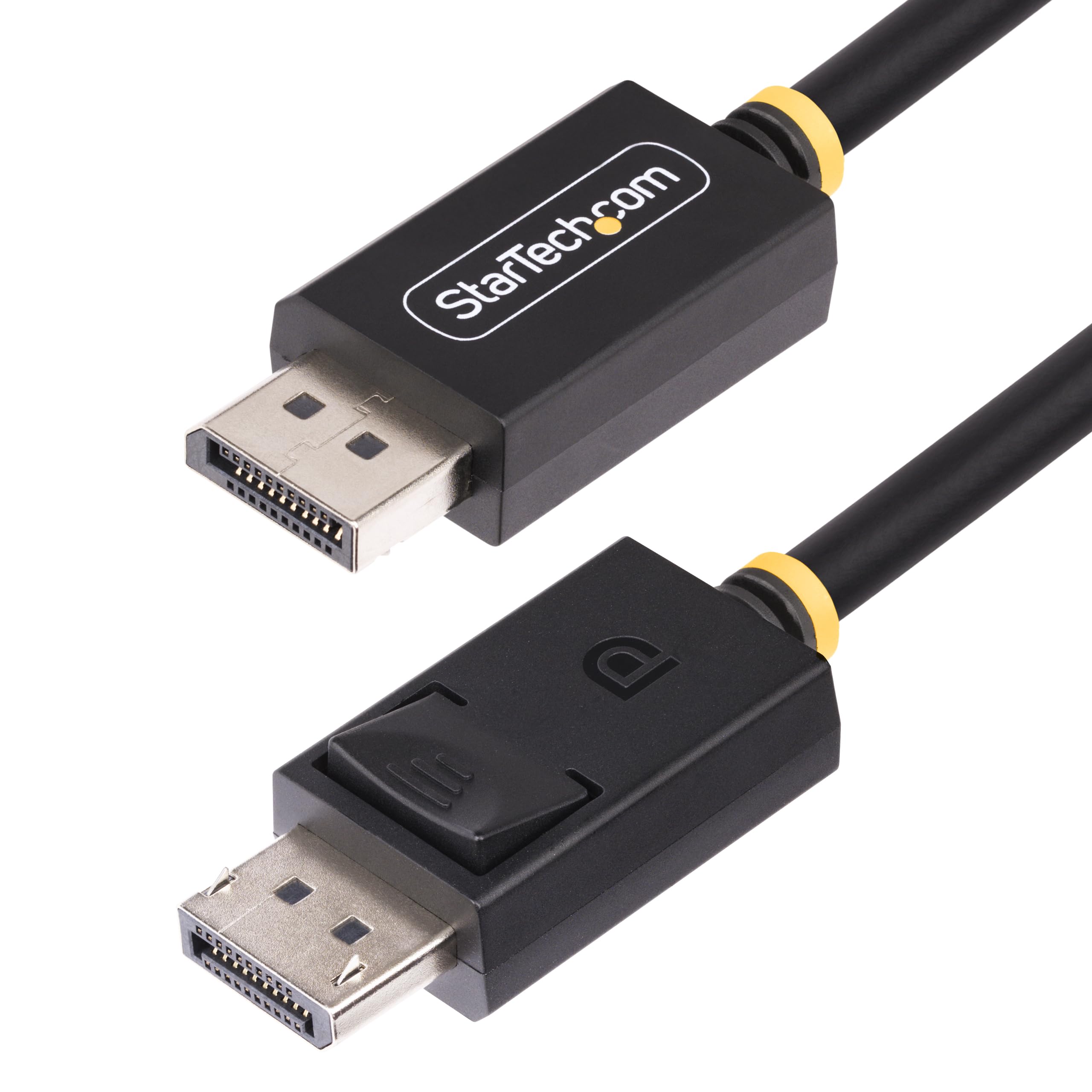
StarTech rates the ends beyond 10,000 insertions, which sounds like spec-sheet filler until you have watched a display cable die at the plug because it was swapped between a dock and a laptop twice a day. The nickel plating and the latch are the same idea: this is a cable for a bench, a rack, or a shared desk rather than a set-and-forget gaming rig.

It behaves the way a good DP40 cable should — 8K at 60Hz with DSC, 4K at 144Hz, 1440p at 240Hz, with HDR and multi-stream support along for the ride. The latching mechanism is the part we appreciated. It holds when the monitor gets shoved back against the wall, and the release tab is easy to find by feel behind a panel, which is not true of every latch we have used.

The trade-off is tier and length. Forty gigabits is the bottom of DisplayPort 2.1, so a UHBR20 monitor runs well under its ceiling here, and six feet is the only size — with a thermoplastic jacket instead of braid, which wipes clean easily and looks plainer than the rest of this group.

Pros

  • Latching ends rated beyond 10,000 insertions
  • VESA certified DP40
  • Handles 8K 60Hz and 4K 144Hz

Cons

  • Six feet is the only available length
  • 40Gbps tier leaves UHBR20 headroom unused
Our verdict

Built for docks and racks where cables get swapped daily: a latching connector rated beyond 10,000 insertions, certified at DP40.

Check Latest Price

How We Tested DisplayPort 2.1 Cables

We started by pulling together every DisplayPort 2.1 cable we could find from reputable cable makers, then narrowed the list by claimed bandwidth, connector type, available lengths, and price. That left 16 cables, which we used for four months across three desk setups: a 4K gaming monitor at 240Hz, a docking station feeding two displays, and a compact ITX build where cable routing is tight. Each cable spent time as the only link between PC and monitor, then as part of a multi-monitor chain, so we could see whether the signal held when the load changed.

Signal quality was judged by what happened on screen, not by a spec sheet. We ran fast-motion games, 4K video, and desktop work for hours at a time, watching for flicker, blackouts, sparkles, or the display dropping to a lower refresh rate without warning. We also unplugged and replugged each cable repeatedly, woke the PC from sleep, and switched inputs to see whether the handshake stayed reliable. Length got the same treatment: we measured the actual reach, then routed each cable around monitor arms and behind desks to see whether a tight bend or a stretched run introduced problems.

Compatibility mattered as much as raw bandwidth. We connected each cable to graphics cards and laptops with different port generations, including a couple of older DisplayPort 1.4 devices, and noted whether the cable negotiated a stable picture or forced us to step down settings. For value, we compared the price against the length, build quality, and connector strain relief, then asked whether the cable was worth buying over the one in the box. The cables that survived without a single flicker or reconnect are the ones that made the final list.

How to Choose a Displayport 2.1 Cable

Match the Tier to Your Resolution and Refresh Rate

The tiers have names you will see on the packaging: DP40 (UHBR10, 40Gbps), DP54 (UHBR13.5, 54Gbps) and DP80 (UHBR20, 80Gbps). Forty gigabits covers 8K at 60Hz with DSC, 4K at 144Hz and 1440p at 240Hz. Fifty-four adds 4K at 240Hz with DSC. Eighty is the only tier that carries 4K at 240Hz at 10-bit with no compression at all.

Work backwards from the monitor rather than forwards from the cable. A 1440p or 4K 144Hz panel is fully served by DP40, and DP80 is money for nothing; if that is your screen, the UGREEN 54Gbps is the sensible stop. A 4K 240Hz or 8K panel wants the top tier, and the graphics card has to support UHBR20 as well, because the link always runs at the slowest part of the chain.

The Word 2.1 on the Box Proves Nothing

A listing can say DisplayPort 2.1 while the cable inside is certified only at DP40, and plenty do exactly that. VESA certifies a cable at a specific tier, so the words worth looking for are DP40, DP54 or DP80 — or UHBR10, 13.5 and 20. A 16K resolution claim in the product title is marketing copy; the tier is the specification.

Length Is Where Bandwidth Goes to Die

Everything in this guide is passive copper, and 80Gbps is a fragile thing to push through two meters of it. That is why the DP80 options here stop at 6.6 feet while the 9.8-foot Cable Matters is certified at 54Gbps: the longer the run, the lower the tier that stays reliable without active electronics.

Measure the route, not the room. Going around the back of a monitor arm and down to a floor tower adds a foot before you have turned a single corner. Under about 6.6 feet, buy the tier your monitor needs; between there and three meters, plan on DP54 or a fiber cable; past that, look at active or fiber options rather than passive copper.

Connectors, Stiffness, and Living With the Thing

A latch earns its place when the monitor or the tower moves: it clicks home and will not walk out when the desk gets bumped. A friction-fit connector is quicker to pull when you are swapping a laptop, but it can work loose under a heavy braided cable's own weight. Choose for the desk you actually have rather than the one in the photos.

Stiffness matters more than people expect. Certified cables use heavier conductors and more shielding, so they resist a hard bend behind a monitor stand. Leave a loop of slack at the monitor end instead of folding the cable flat against the wall, and route it before you mount anything.

Frequently Asked Questions

Final Verdict

Buy the Silkland 80Gbps cable if your graphics card and monitor both support UHBR20. It is certified at the full tier in a 2-meter run, and that combination is what lets 4K at 240Hz run at 10-bit without leaning on compression — the difference between a cable that keeps up and one that makes you turn settings down.

If the price is the sticking point, the UGREEN 80Gbps cable reaches the same tier with a softer braided jacket. And if your tower sits three meters from the monitor, take the 9.8-foot Cable Matters DP54 and accept the lower ceiling: a certified 54Gbps signal at that length beats a stretched 80Gbps one every time.