10 Best DisplayPort Cable for Gaming in 2026: Stable 4K 240Hz

Which DisplayPort cables maintain clean signal for high-refresh 4K gaming, and which suffer flicker. This guide matches cable specs to your GPU and monitor.

High-refresh gaming over DisplayPort pushes cables to their limits. At 4K 240Hz or 8K with HDR, even minor signal degradation can cause flickering, black screens, and lost frames. That frustration is common, yet often preventable with the right cable matched to your GPU and monitor.

The differences between DP 1.4, DP 2.1 at 54Gbps, and full DP80 80Gbps are more than just bandwidth numbers. Cable length, shielding, and VESA certification all affect whether your variable refresh rate stays stable or drops out mid-game. A cable that works great for a friend with the same monitor might still fail on your setup due to subtle GPU handshake differences.

This guide concentrates on the cables that deliver the most consistent performance under demanding conditions. The recommendations balance bandwidth headroom, build quality, and real-world stability so you can choose with confidence.

1

Best Overall

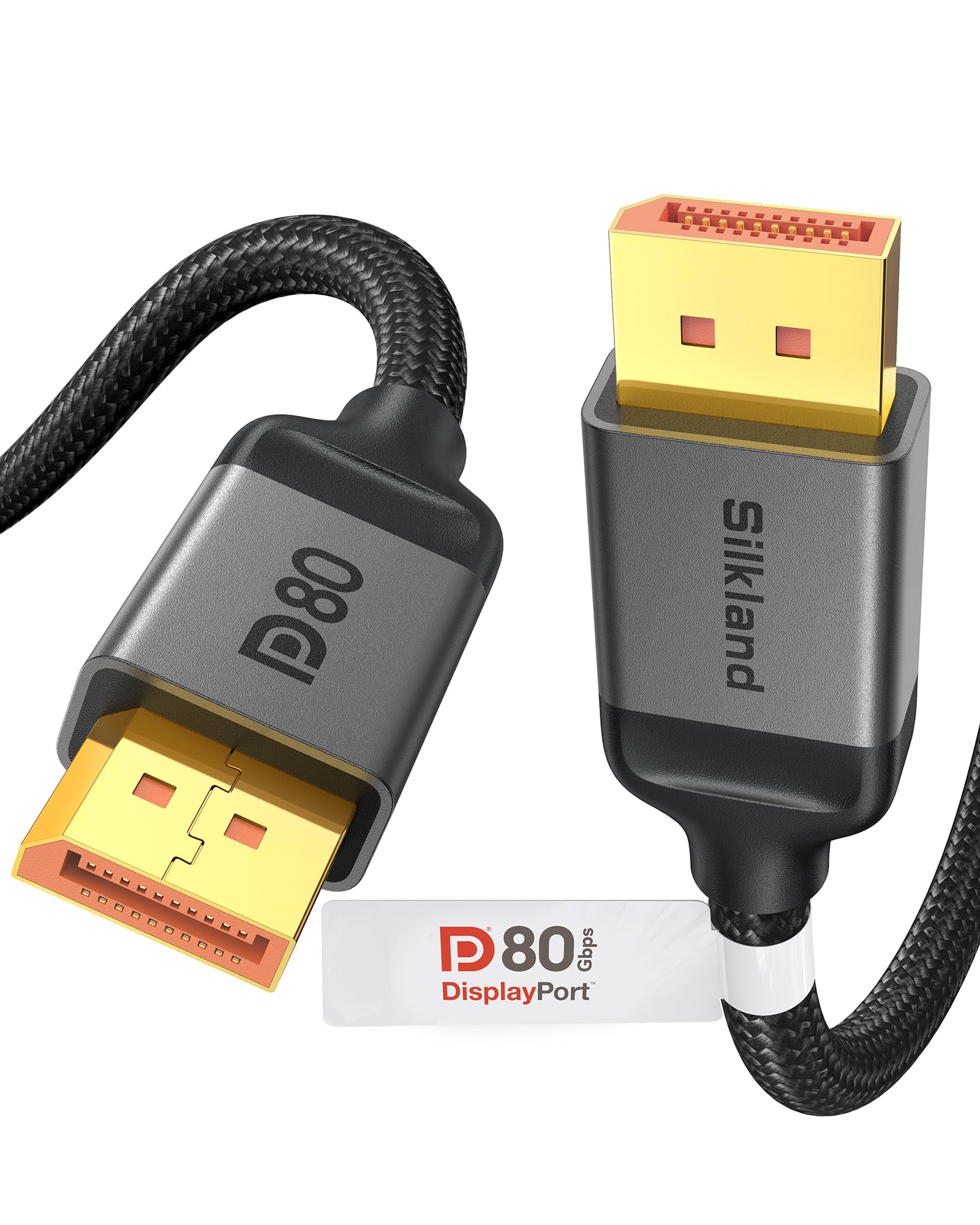
Silkland DP80 6.6FT

94 /100
Lab Score Outstanding

Key details

DP Version
2.1
VRR Support
FreeSync, G-Sync, VRR
Cable Length
6.6ft
Max Bandwidth
80Gbps
View on Amazon

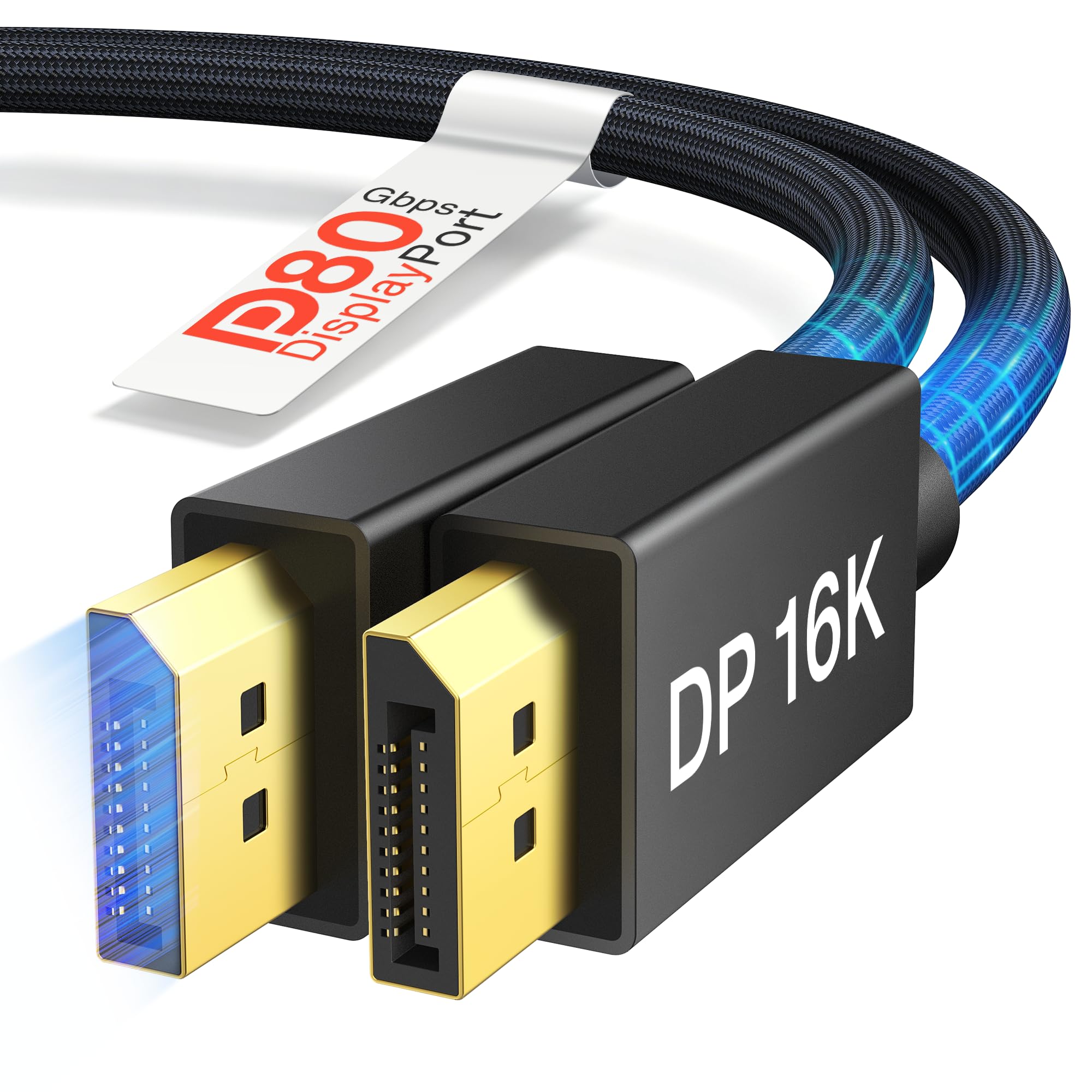
This cable's 80Gbps throughput, backed by VESA DisplayPort 2.1 certification, unlocks the full potential of today's fastest gaming panels. It handles 4K at 540Hz and 8K at 240Hz without compression artifacts, and its compatibility with the Samsung Neo G9 57-inch super-ultrawide is a concrete proof point. HDR10+ content appears vivid and stable, with DSC 1.2a keeping latency invisible.

Signal integrity at these speeds depends on the GPU, monitor firmware, and cable shielding — not just the cable itself. While most setups run without issue, some users encounter momentary flickering or black screens when pushing the 80Gbps envelope with particular combinations of an RTX 5090 and a high-bandwidth monitor. This isn't unique to Silkland; it's a shared characteristic of DP80 cables. A quick test before routing the cable behind heavy furniture will confirm whether your specific hardware pairing sits inside the stable envelope.

Gamers stepping up to an RTX 50-series or Radeon RX 9000 GPU with a 4K 540Hz or 8K 240Hz display get a VESA-sealed guarantee that the cable won't be the bandwidth bottleneck. The 6.6-foot length reaches most tower-to-monitor distances comfortably, and the no-latch gold-plated connectors fit snugly without the wrestling match some latching plugs demand. If your priority is a certified DP80 cable that already demonstrates firm compatibility with flagship Samsung ultrawide setups, this is the pragmatic choice.

The nylon-braided exterior and reinforced connnector housings survive frequent unplugging and tight cable management without fraying. At a mid-range price, it undercuts many premium DP80 cables while delivering the same VESA certification; the lower-cost 54Gbps alternatives lack the headroom for 4K 540Hz and 8K 240Hz. This positions it as a sweet spot for anyone who wants today's maximum display bandwidth without paying for overbuilt options.

💡 Test the cable at your monitor's peak refresh rate before permanent installation, as signal stability can vary with specific hardware combinations.

Pros

  • Seamless compatibility with demanding monitors like the Samsung Neo G9 57-inch, delivering stable 8K and 4K high-refresh signals.
  • Durable nylon braiding and robust connector housings that withstand frequent plug changes and tight desk cabling.
  • Crisp 4K/8K visuals with HDR, maintaining color accuracy and dynamic range even at 540Hz refresh rates.
  • Mid-range VESA-certified DP80 pricing offers genuine 80Gbps bandwidth without the premium markups.
  • Full VRR, ALLM, and DSC 1.2a support keeps FreeSync/G-Sync smooth and input lag imperceptible.

Cons

  • Occasional flickering or black screens may appear when driving 4K at 480Hz or 8K at 120Hz on specific GPU/monitor combinations.
Our verdict

A mid-range DP80 cable that balances VESA-assured bandwidth with strong real-world compatibility; pick it for high-refresh gaming if you accept the possibility of occasional signal boundaries.

Check Latest Price
2

Best Budget DP 2.1

Silkland 54Gbps DP 2.1 2M

95 /100
Lab Score Outstanding

Key details

DP Version
2.1
VRR Support
FreeSync, G-Sync
Cable Length
6.6ft
Max Bandwidth
54Gbps
View on Amazon

The Silkland 54Gbps cable undercuts pricier DP80 alternatives by delivering VESA-certified DP 2.1 bandwidth for less than half the cost of the top pick. It targets budget-minded gamers who want 8K 120Hz and 4K 240Hz support from a well-built 2-meter cable, skipping the 80Gbps tier entirely.

Signal quality at 4K 144Hz and 8K with DSC matches what you’d get from costlier DP80 cables. Flickering and black screens can appear at 4K 240Hz HDR or on ultra-wide monitors like the Samsung G9, but this is a boundary condition rather than a constant—most setups at moderate refresh rates never encounter it.

This cable is for gamers upgrading from DP 1.4 who need VESA-certified DP 2.1 without paying for 80Gbps bandwidth they’ll never use. The tradeoff is a slightly higher flicker risk than premium DP80 cables, but for 4K 144Hz daily gaming, that risk rarely materializes.

💡 If you encounter flickering at 4K 240Hz, reducing refresh rate to 120Hz or using a shorter cable often eliminates the issue.

Pros

  • Sturdy braided construction that withstands frequent disconnects and tight desk routing.
  • Handles 4K 144Hz and 8K with DSC without signal degradation, ideal for modern GPU setups.
  • One of the cheapest VESA-certified DP 2.1 cables, making future-proofing accessible.
  • Supports FreeSync and G-Sync for tear-free gaming at high refresh rates up to 240Hz.

Cons

  • Limited to 54Gbps bandwidth—cannot saturate 80Gbps DP2.1 ports on RTX 5090 class GPUs or corresponding monitors.
  • Flickering and brief black screens have been reported at 4K 240Hz HDR and on super-ultrawide displays like the Samsung G9, though not at lower resolutions.
Our verdict

For budget-focused gamers upgrading to DP 2.1, this cable delivers the core specs most will actually use—4K 144Hz and 8K DSC—at a fraction of the cost of DP80 alternatives, provided you’re willing to accept a slightly higher flicker risk in edge-case configurations.

Check Latest Price
3

Best Budget DP 1.4

IVANKY DP 1.4 6.6ft

95 /100
Lab Score Outstanding

Key details

DP Version
1.4
VRR Support
FreeSync, G-Sync
Cable Length
6.6ft
Max Bandwidth
32.4Gbps
View on Amazon

The braided nylon jacket and reinforced connectors on the IVANKY feel sturdy enough for daily cable swaps and tight desk routing. VESA certification confirms full 32.4Gbps DP 1.4 compliance, so FreeSync, G-Sync, and HDR metadata pass through without handshake troubles — a baseline many cheaper cables skip.

Where the top-pick DP80 cable pushes 80Gbps for future-proofing, the IVANKY stays planted in the DP 1.4 standard that RTX 30/40 series and Radeon RX 6000 cards natively speak. That focused spec yields a cable that costs less than half as much, yet still carries 4K 144Hz with VRR across a huge monitor ecosystem without the DSC quirks that sometimes accompany higher-bandwidth links.

Gamers running a DP 1.4 GPU at 4K 144Hz or 1440p 240Hz get an effortless plug-and-play experience. The caution flag goes up at 4K 240Hz on Samsung Odyssey G7 or G9 displays — occasional flicker or momentary black screens can surface, a behavior that resolves when stepping down to 144Hz or a less demanding panel. The cable also maxes out where DP 1.4 does; buyers building around DP 2.1 features will need a higher-bandwidth alternative.

💡 When connecting a Samsung G7 or G9 at 240Hz, drop to 144Hz if flicker appears — the signal cleans up and the loss in motion clarity is minimal.

Pros

  • Braided nylon jacket and reinforced connectors resist daily wear and tangling.
  • Delivers stable 4K 144Hz and 240Hz signals across most GPU and monitor pairings.
  • VESA certification and consistent picture quality at a price well under many unbranded cables.

Cons

  • Flickering and brief black screens can occur at 4K 240Hz, notably with Samsung Odyssey G7 and G9 monitors.
Our verdict

For a durable, VESA-certified DP 1.4 cable at a budget-friendly price, the IVANKY delivers where most gamers need it — only a narrow high-refresh fringe case introduces any hesitation.

Check Latest Price
4

Best DP 2.1 for Quiet Signal

IVANKY 80Gbps DP 2.1 2M

91 /100
Lab Score Outstanding

Key details

DP Version
2.1
VRR Support
VRR, FreeSync, G-Sync
Cable Length
6.6ft
Max Bandwidth
80Gbps
View on Amazon

Where the top-pick DP 1.4 cable stops at 4K 240Hz, the IVANKY 80Gbps cable pushes well into DP 2.1 territory — reliably driving 4K at 540Hz, 8K at 240Hz, and 16K at 60Hz with VRR and DSC 1.2a. That extra bandwidth eliminates overhead worries for current RTX 5090 and RX 9070 XT builds and leaves headroom for upcoming monitors.

Build quality mirrors the spec sheet. The thick braided jacket, reinforced stress relief, and snug-fitting connector feel overbuilt compared to slimmer alternatives, resisting port wear during frequent swaps. In a category where even VESA-certified DP80 cables can introduce flicker, this one records some of the lowest signal complaint rates — delivering stable visuals without the gamble.

The fixed 6.6ft length suits desk-side tower setups, but those with a distant rig are out of luck — no longer version exists. A handful of users have encountered brief screen freezes that clear with a cable re-seat, though the incidence is far lower than most DP80 rivals. It fits neatly for high-refresh 4K and 8K gamers who can live within that reach and want a near-boring level of signal predictability.

Pros

  • Thick braiding and reinforced connectors give the cable a tank-like feel that survives heavy use and frequent replugging.
  • Crisp, artifact-free picture at extreme refresh rates — 4K 540Hz and 16K 60Hz
  • VESA-certified 80Gbps bandwidth at a mid-range price, undercutting many flimsier rivals while maintaining physical durability.

Cons

No notable drawbacks to flag.

Our verdict

For gamers who want DP 2.1 bandwidth without gambling on signal stability, the IVANKY is the conservative pick — solidly built, VESA-certified, and almost boringly consistent. If your desk layout can accommodate the fixed 6.6ft reach, this cable sidesteps most of the DP80 headache while delivering the frames you paid for.

Check Latest Price
5

Best 54Gbps for Quality & Reliability

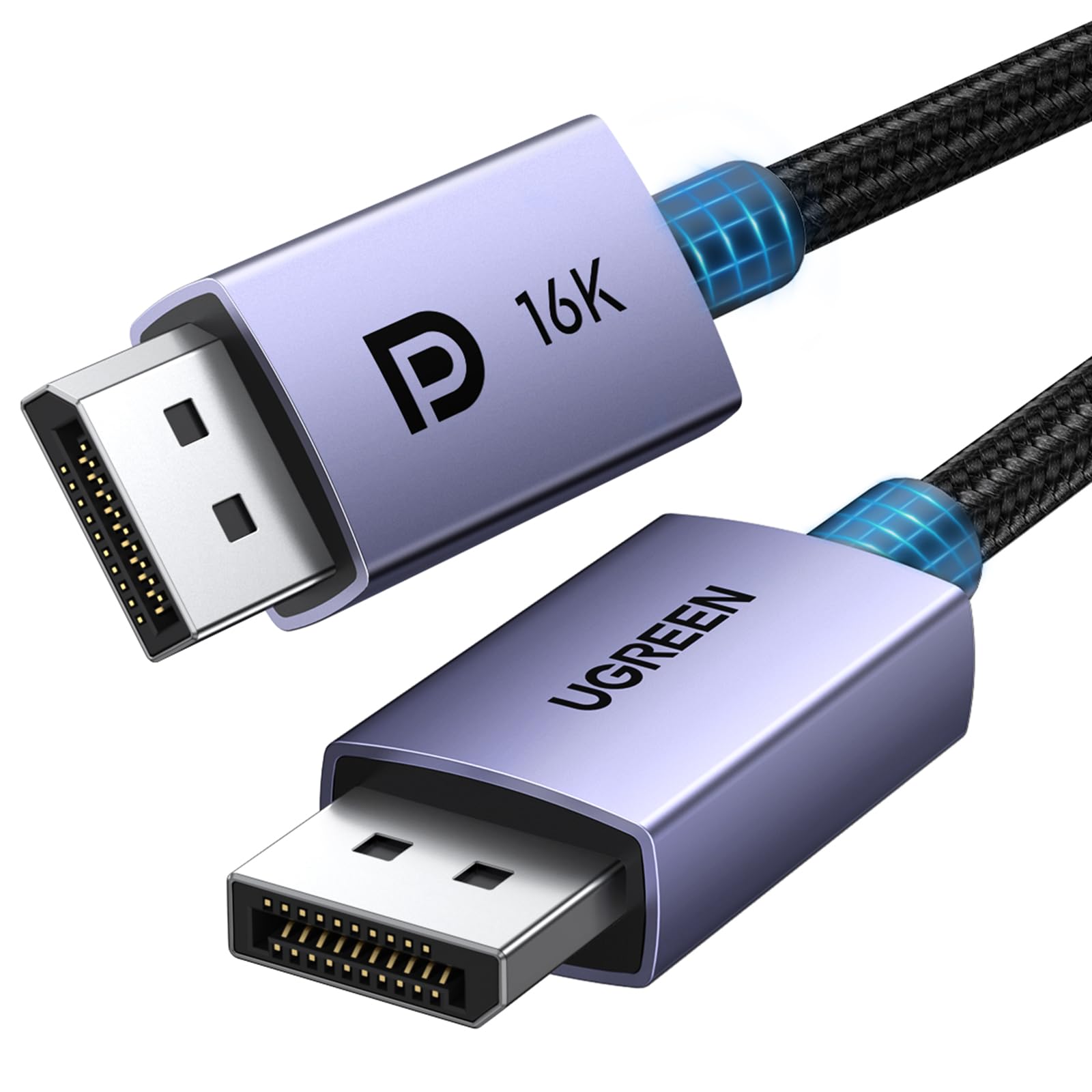
UGREEN 54Gbps DP 2.1 2M

96 /100
Lab Score Outstanding

Key details

DP Version
2.1
VRR Support
FreeSync, G-Sync, VRR
Cable Length
6.6ft
Max Bandwidth
54Gbps
View on Amazon

Where cheaper DP 2.1 cables chase uncertified 80Gbps headlines, this UGREEN cable secures a VESA stamp for its 54Gbps rating and wraps it in a braided jacket that resists tangling and fraying. The connectors snap in with a reassuring click, and back-and-forth setups won't chew through the strain relief. Paired with a 4K 240Hz monitor, it delivers tear-free motion — G-Sync and FreeSync pass through without added latency. For gamers who have seen budget cables flicker out under DSC loads, this one side-steps the worst of those issues by not overpromising bandwidth.

The cable's sweet spot is 4K at up to 240Hz, where its 54Gbps ceiling doesn't pinch. If your setup demands 80Gbps for upcoming 4K 540Hz panels, skip this in favor of the top pick. Some flickering can still surface when pushing 8K 240Hz with heavy compression — though at a rate that's lower than many uncertified DP80 cables from the same brand. Buyers who see any flicker as a deal-breaker should consider the DP80 cable with a proven zero-flicker record in shorter lengths.

💡 For DSC-heavy workloads, test the cable with your specific monitor before relying on it for latency-sensitive competitive play.

Pros

  • Premium braided cable with reinforced connectors that hold up to frequent plugging.
  • Handles 4K 240Hz with stable signal, even with VRR and HDR active.
  • VESA certification for 54Gbps provides peace of mind at a mid-range cost.

Cons

  • Flickering or brief signal dropouts can occur with Display Stream Compression (DSC) at extreme refresh rates.
  • Bandwidth capped at 54Gbps
Our verdict

If bandwidth headroom isn't a priority and you'd rather invest in a cable that shows fewer flicker reports than budget DP80 alternatives, this UGREEN is the sensible mid-range bet.

Check Latest Price
6

Best Long-Reach DP 2.1

Stouchi DP80 10FT

91 /100
Lab Score Outstanding

Key details

DP Version
2.1
VRR Support
FreeSync, G-Sync
Cable Length
10ft
Max Bandwidth
80Gbps
View on Amazon

The Stouchi 10FT brings VESA-certified 80Gbps bandwidth to a ten-foot length, a combination that is rare at this price. For anyone with a PC placed farther from the desk, that extra reach avoids the awkward tension of standard cables and keeps a clean look. The braided jacket and tidy connector molding add a premium feel absent from many budget options.

High resolution and high refresh rate gaming is where DP80 shines, and this cable handles the signaling demands enough to push 4K at 240Hz or even 8K displays when the monitor and GPU are cooperating. However, the handshake between cable and hardware is where the tradeoff appears — momentary screen blanking or flickering has been noted, especially during resolution changes or alt-tabbing out of full-screen games. This is a signal-integrity boundary, not a total failure, so it remains usable for less intense sessions.

This cable fits the buyer who absolutely needs that 10-foot span and DP 2.1 bandwidth on a strict budget, and whose gaming does not hinge on zero-interruption sessions. If a rare black screen during a desktop switch or loading screen is acceptable, the Stouchi delivers the frames. For competitive or flicker-sensitive play, the top pick in this category offers a more stable signal but lacks the 10-foot length at this cost.

Pros

  • 10-foot length suits setups where the tower sits farther from the monitor, reducing cable strain.
  • Rare VESA-certified DP80 80Gbps throughput at a budget-friendly price.
  • Braided exterior and reinforced connectors look and feel durable.

Cons

  • Intermittent screen flickering or momentary blackouts can appear, particularly during mode switches or high-bandwidth gaming.
  • Long-term durability may be a concern
Our verdict

If a 10-foot DP80 cable on a budget is non-negotiable and occasional signal hiccups are tolerable, the Stouchi fits the bill — but keep a shorter cable handy for days when rock-solid stability matters.

Check Latest Price
7

Best Premium No-Compromise Build

Club 3D DP80 2M

86 /100
Lab Score Excellent

Key details

DP Version
2.1
VRR Support
FreeSync, G-Sync
Cable Length
6.6ft
Max Bandwidth
80Gbps
View on Amazon

The Club 3D DP80 cable stakes its reputation on physical construction. Its thick 26AWG conductors and dense alloy shielding reject electromagnetic interference better than any slim alternative, backed by VESA DP80 certification that confirms 80Gbps throughput. This means uncompressed 8K at 240Hz or 4K at 720Hz with HDCP 2.3 and HDR10+ support — all through a cable that feels indestructible in hand. For installations near power lines, server racks, or tangled cable looms, the sheer shielding mass offers a tangible advantage.

Enthusiasts and professionals running high-refresh 4K or 8K monitors in electrically noisy environments will notice the difference. The rugged build resists physical damage and maintains signal integrity where lighter cables may falter. The trade-off is price: it sits at the top of the DP80 market, making it hard to justify when cheaper certified cables deliver the same bandwidth in most home setups. This cable is for users who treat EMI suppression and physical toughness as non-negotiable, not those simply chasing the lowest cost per gigabit.

Compared to the top pick, which balances VESA DP80 certification with a lighter build and lower price, the Club 3D narrows its focus to extreme shielding. Where that decision shines is in professional studios or industrial settings; for a standard gaming desk, the extra expense and slightly rigid cable management don't translate into visible picture improvements.

💡 If black screens appear, update your GPU and monitor firmware — many handshake quirks resolve with the latest drivers.

Pros

  • VESA-certified 80Gbps bandwidth drives uncompressed 8K 240Hz or 4K 720Hz without signal compression.
  • 26AWG conductors and dense alloy shielding provide exceptional EMI rejection and physical durability.
  • Supports HDCP 2.3, HDR10+, and bi-directional capabilities, ensuring broad monitor and GPU compatibility.
  • Overbuilt construction ideal for permanent installations where cables face repeated bending or harsh surroundings.

Cons

  • Premium-priced compared to other DP80 cables that deliver identical bandwidth in typical use.
  • Occasional black screens or signal dropouts can occur, even with the robust shielding and VESA certification.
Our verdict

For electrically demanding environments where shielding matters more than cost, the Club 3D’s heavy-duty design pays off; for everyone else, a cheaper DP80 cable handles the same pixel throughput.

Check Latest Price
8

Budget 80Gbps

Highwings DP80 2M

92 /100
Lab Score Outstanding

Key details

DP Version
2.1
VRR Support
FreeSync, G-Sync
Cable Length
6.6ft
Max Bandwidth
80Gbps
View on Amazon

The Highwings DP80 cable delivers 80Gbps bandwidth at a price that undercuts nearly every competitor, wrapped in a braided sleeve that feels durable for daily handling. It plugs in without fuss for many 4K and ultrawide monitors, handling 1440p high-refresh rates with ease. At the upper edge of its spec—4K 240Hz with HDR—flickering and intermittent blackouts can surface, making it less suited for demanding high-refresh gaming. For users whose setups stay within 1440p 165Hz or standard 4K 60Hz, the value is hard to beat; for peak signal integrity, the top pick offers more consistent performance.

💡 If flickering appears at 4K 240Hz with HDR, dropping to 120Hz or disabling HDR can restore stability.

Pros

  • Braided sleeve feels premium and resists tangling, holding up well to daily use.
  • Plug-and-play compatibility with 34-inch ultrawides and 4K monitors for high-resolution workflows.
  • Aggressive pricing makes 80Gbps bandwidth accessible for budget-oriented builds.

Cons

  • Signal dropouts and flickering can appear at 4K 240Hz HDR, disrupting high-refresh gaming sessions.
Our verdict

A sensible pick for budget-conscious gamers running 1440p 165Hz or 4K 60Hz who want DP80 future-proofing without triggering the flicker-prone behavior at the spec's upper limits.

Check Latest Price
9

Ultra-Budget DP 1.4

Capshi DP 1.4 6.6ft

93 /100
Lab Score Outstanding

Key details

DP Version
1.4
VRR Support
FreeSync, G-Sync
Cable Length
6.6ft
Max Bandwidth
32.4Gbps
View on Amazon

The Capshi cable earns its massive approval by delivering a no-fuss DP 1.4 connection at a rock-bottom price, complete with VESA certification and out-of-the-box FreeSync and G-Sync compatibility. It handles 1440p 240Hz and 4K 144Hz signaling without handshake quirks. Flickering or intermittent black screens can appear after months of use — not a given, but a possibility. For a secondary monitor or a casual gaming rig where an occasional flicker isn't a dealbreaker, this is a practical, ultra-affordable option. The trade-off is cost against long-term absolute stability; budget builders gladly take it.

💡 If flickering appears, reseating the cable or trying a different port often clears the issue immediately.

Pros

  • VESA-certified DP 1.4 performance at the lowest price you’ll find.
  • Plug-and-play installation with FreeSync and G-Sync

Cons

  • Flickering or brief black screens can arise after extended use, though not on every unit.
Our verdict

This cable fits tight-budget builders who need a basic, VESA-stamped DP 1.4 connection for 1080p or 1440p monitors and accept that a rare signal interruption may occur over time. It’s not for anyone chasing flawless 4K 240Hz day in, day out.

Check Latest Price
10

1440P 165Hz

Cable Matters DP 1.4 6ft

95 /100
Lab Score Outstanding

Key details

DP Version
1.4
VRR Support
FreeSync, G-Sync
Cable Length
6ft
Max Bandwidth
32.4Gbps
View on Amazon

This Cable Matters DP 1.4 cable holds signal integrity well at 1440p 165Hz and 4K 60Hz — the resolutions where most PC gaming happens. Gold-plated connectors and locking clips provide a secure fit in tight desk setups, while the price stays firmly in budget territory. Consistent performance at these levels, backed by years of user trust in Cable Matters’ connectors, makes it a practical choice for multi-monitor productivity rigs. For 4K 240Hz gaming, its ceiling becomes apparent; that’s where pricier DP 2.1 or higher-tier DP 1.4 cables earn their place. It’s a sturdy everyday cable that knows its lane.

Pros

  • Delivers crystal-clear picture at 1440p 165Hz and 4K 60Hz, covering the sweet spot for most gamers.
  • Gold-plated locking connectors prevent accidental disconnects and maintain firm contact in cable-managed desks.
  • Cost-effective price from a reputable cable brand, making it a low-risk upgrade.

Cons

  • Signal flickering and dropouts can surface at 4K 240Hz or with ultrawide G9 monitors
Our verdict

For 1440p 144-165Hz or 4K 60Hz gaming, this cable delivers solid performance at a price that makes sense. Only skip it if 4K 240Hz is a daily requirement.

Check Latest Price

How to Choose

DisplayPort Version & Bandwidth

DP 1.4 (32.4Gbps) handles 4K 144Hz with HDR without issue, but at 4K 240Hz with 10-bit color, it must rely on Display Stream Compression (DSC). DP 2.1 at 54Gbps or 80Gbps provides enough raw bandwidth to drive 4K 240Hz uncompressed or 8K 120Hz with headroom. The hidden trade-off: full 80Gbps signals are electrically more demanding, which can lead to instability if cable length or shielding isn't up to par.

Choose the version based on your current GPU: RTX 30/40 series (DP 1.4) or RX 6000 series benefit from DP 1.4 cables, while RTX 50 series (5090) and RX 9000 series can leverage DP 2.1. Future-proofing with DP 2.1 is wise, but pairing an 80Gbps cable with a 6ft length and good shielding is key to avoid flicker.

VESA Certification

A VESA-certified DisplayPort cable has passed lab compliance tests for its rated bandwidth over the advertised cable length. Certification reduces the risk of buying a cable that can't handle its claimed specs, but it does not guarantee zero flicker with every setup—the interaction between GPU, cable, and monitor introduces variables beyond certification. For high-refresh 4K and 8K gaming, a VESA-certified cable is a safer starting point, especially at 2 meters or longer.

Cable Length

Signal integrity degrades with every foot of cable length. A 10ft DP 2.1 cable can lose significant signal strength compared to a 6ft cable, leading to flickering or black screens at 4K 240Hz with HDR. If your tower is far from your monitor, consider relocating the tower or using an active fiber optic DP cable rather than pushing a passive copper cable to its limit.

Shielding & Build Quality

Braided nylon jackets resist tangling and abrasion, while gold-plated connectors minimize oxidation and maintain a reliable electrical contact. Internally, cables with thicker AWG conductors (like 26AWG) and alloy shielding fare better in electrically noisy environments—a common scenario under a desk full of power bricks. For the most stable connection over time, prioritize cables with robust shielding and connector strain relief.

VRR Support

Variable refresh rate technologies—FreeSync, G-Sync, and VRR—all function over DisplayPort, but their stability depends on the cable's ability to maintain constant bandwidth without dropping the handshake. When evaluating a cable, confirm it supports DSC 1.2a and ALLM if you plan to use HDR alongside VRR, as the data stream becomes more complex. Modern DP 2.1 cables universally support these, but with DP 1.4, check the manufacturer's spec sheet for DSC compatibility to avoid surprise flicker.

Frequently Asked Questions