7 Best Dual-Mode Gaming Monitor of 2026: 4K Clarity and High FPS Without the Premium Price

Find the dual-mode gaming monitor that balances 4K eye candy with high refresh for competitive play, from budget value to OLED immersion.

Dual-mode monitors promise the best of both worlds: crisp 4K for story-driven AAA titles and a high-refresh FHD mode for esports. But the category is split between budget options that cut corners on panel consistency and reliability, and premium models that command steep prices.

The real trick is matching the spec sheet to your actual setup. A monitor that boasts 4K 160Hz is useless if your GPU can only push 60Hz at that resolution. And many budget dual-mode panels suffer from intermittent power failures or color inaccuracies out of the box.

This guide focuses on the trade-offs that matter most: response time, connectivity requirements, and build quality. Whether you are upgrading for competitive FPS or want a versatile screen for work and play, these picks help you spend only where it counts.

1

Best Overall

SANSUI ES-G27D1U 4K

89 /100
Lab Score Excellent

Key details

hdr
HDR400
dual_mode
4K 160Hz / FHD 320Hz
ergonomics
Height, Pivot, Tilt
connectivity
2x HDMI 2.1, 2x DP 1.4, Speakers
View on Amazon

The SANSUI combines 4K 160Hz and FHD 320Hz in a single panel, with a Fast IPS screen that hits 1ms response time. This dual-mode capability lets you switch between high-resolution single-player titles and high-frame-rate competitive shooters without changing monitors. The included stand offers height, pivot, and tilt adjustments, and the built-in speakers eliminate the need for external desktop audio in a tight setup.

In practice, the dual-mode switch is handled through the on-screen menu and works as advertised for most sessions. Color reproduction out of the box can lean slightly washed-out – a quick calibration via the OSD improves the image noticeably. HDR400 support is present but limited; bright highlights lack the punch of higher-tier HDR implementations, so this panel is best used with SDR content or as a secondary gaming display for titles that don't demand HDR accuracy.

This monitor suits budget-focused gamers who want both 4K clarity and high-refresh FHD performance, console owners who need HDMI 2.1 for 4K 120Hz on PlayStation 5 or Xbox Series X, and anyone who values an ergonomic stand at this price point. The tradeoff is that some units may exhibit reliability quirks – random shutdowns or failure to power on have been noted – and color consistency can vary between panels. Buyers willing to accept this uncertainty get a feature set that normally costs significantly more.

💡 Take a few minutes to tweak the color settings in the OSD – it resolves the washed-out look on most panels.

Pros

  • 4K 160Hz and FHD 320Hz dual-mode in a single panel with Fast IPS and 1ms response
  • Built-in speakers reduce desktop clutter for casual gaming or media
  • Full ergonomic stand (height, pivot, tilt) at a budget-friendly price point
  • Dual HDMI 2.1 ports support 4K 120Hz on current-gen consoles
  • Sharp overall image after OSD color adjustment, with easy out-of-box setup

Cons

  • Occasional unit-to-unit reliability: some monitors may experience random shutdowns or fail to power on
  • Color accuracy can be inconsistent out of the box, with some panels appearing washed-out until adjusted
  • HDR400 provides only basic highlight contrast, not suitable for HDR-centric gaming or media
Our verdict

If the price and feature set align with your needs and you can work around the occasional panel variance and basic HDR, this is the most cost-effective way to get a 4K dual-mode gaming monitor with a proper stand and integrated audio.

Check Latest Price
2

Premium Performance Pick

LG 27G810A Ultragear

87 /100
Lab Score Excellent

Key details

hdr
HDR400
dual_mode
4K 180Hz / FHD 360Hz
ergonomics
Height, Swivel, Pivot
connectivity
HDMI 2.1, DP, USB hub
View on Amazon

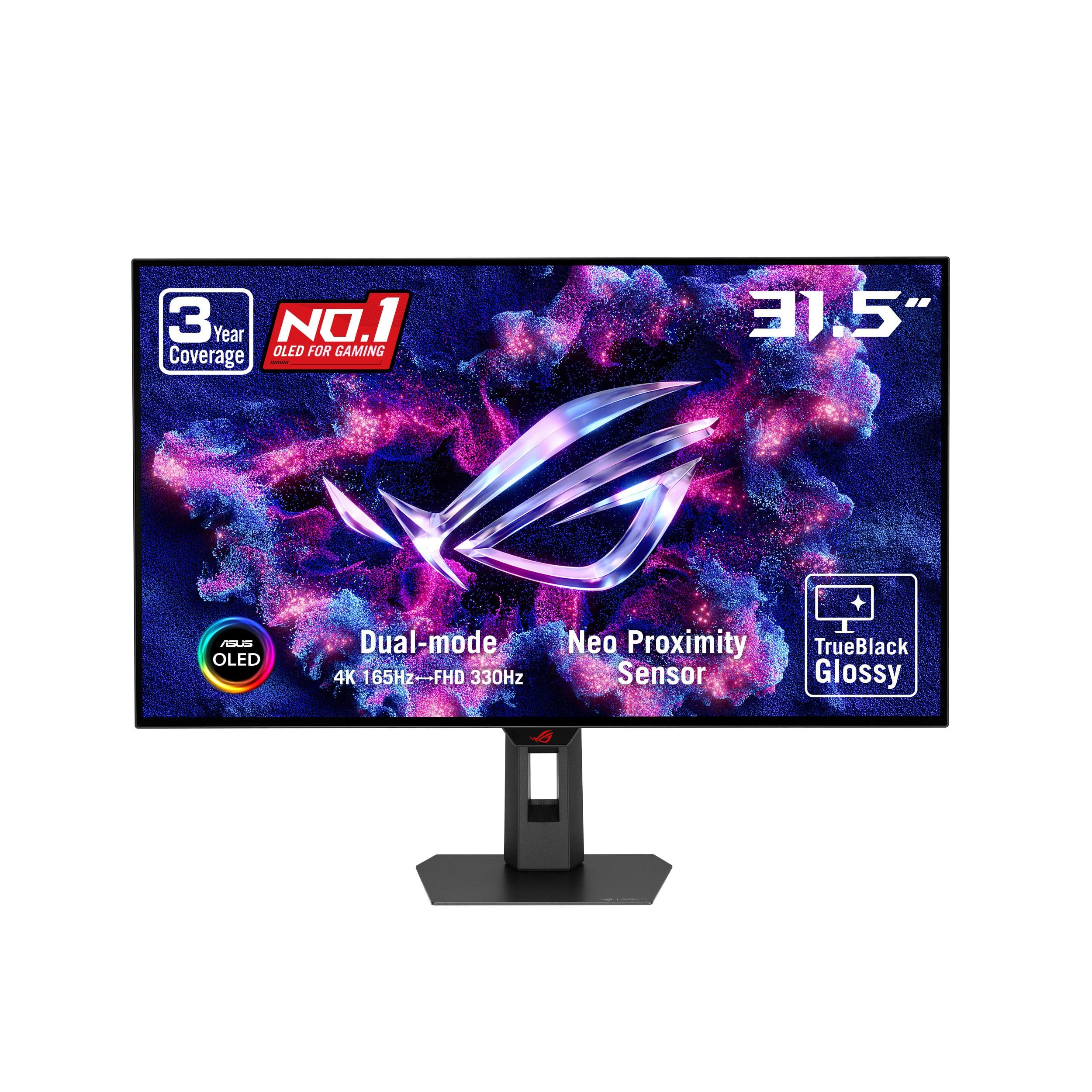
LG's 27G810A brings a 4K 180Hz and FHD 360Hz dual-mode panel with 1ms GtG response, G-Sync and FreeSync support, and a full ergonomic stand — a step up in refresh speed from the top pick, though at a higher price point.

This monitor suits competitive FPS players who prioritize the highest FHD refresh rate and value LG's brand reputation. Early user reports confirm sharp image quality and fluid motion, but the limited feedback means long-term durability under heavy use is not yet established — a consideration for buyers who keep monitors for years.

The full ergonomic stand offers height, swivel, pivot, and tilt adjustments, and connectivity includes dual HDMI 2.1 and a USB hub for easy multi-device setups. DisplayHDR 400 provides decent HDR for gaming, though not as impactful as OLED alternatives.

Pros

  • Premium dual-mode: 4K 180Hz and FHD 360Hz with 1ms GtG
  • Excellent motion clarity with G-Sync and FreeSync support
  • Full ergonomic stand with height, swivel, pivot, and tilt

Cons

No notable drawbacks to flag.

Our verdict

For gamers who want the fastest FHD refresh in a 27-inch dual-mode monitor and trust LG's build quality, the 27G810A is a strong mid-range option — just be aware that long-term feedback is still sparse.

Check Latest Price
3

Ultimate Immersion

LG 45GX950A OLED Ultrawide

86 /100
Lab Score Excellent

Key details

hdr
HDR True Black 400
dual_mode
5K2K 165Hz / WFHD 330Hz
ergonomics
Tilt, 800R Curve
connectivity
DP 2.1, HDMI 2.1, USB-C 90W
View on Amazon

Stunning OLED picture quality with deep blacks and vivid HDR colors defines this massive 45-inch ultrawide. Its dual-mode capability switches between 5K2K at 165Hz for detailed visuals and WFHD at 330Hz for competitive frame rates, all on a 21:9 canvas that fills your peripheral vision.

The aggressive 800R curve wraps around your field of view, but can feel disorienting for side-to-side productivity tasks. Some users have noted DisplayPort handshake quirks that require re-plugging the cable on initial connection — a minor nuisance once you know the workaround.

This monitor suits sim racers and flight sim pilots who want maximum immersion and can work around the occasional connectivity hiccup. It is less ideal for spreadsheet work or multi-monitor setups due to the curve and size, and the premium pricing reflects its enthusiast-grade panel rather than general-purpose value.

💡 A quick re-plug of the DisplayPort cable usually resolves the handshake issue on first connection.

Pros

  • Inky blacks and vivid colors from OLED panel with HDR True Black 400
  • Cinematic immersion from 45-inch 21:9 ultrawide with 800R curve
  • High-bandwidth connectivity with DP2.1 and 90W USB-C charging for modern GPUs and laptops

Cons

  • DisplayPort handshake issues may require unplugging and reconnecting on some systems
  • Premium price tag relative to standard 4K monitors
Our verdict

If your gaming setup demands the widest, most immersive OLED canvas and you can tolerate occasional DisplayPort hiccups, this LG delivers an unmatched experience for sim and flight titles.

Check Latest Price
4

Best Budget Curved

SANSUI ES-G27C1Q PRO Curved

89 /100
Lab Score Excellent

Key details

hdr
HDR400
dual_mode
QHD 280Hz / HD 400Hz
ergonomics
VESA, No Speakers
connectivity
2x HDMI 2.1, DP 1.4
View on Amazon

The SANSUI ES-G27C1Q PRO wraps a 1500R curved VA panel in a dual-mode package that switches between QHD 280Hz and HD 400Hz, all under $200. Unlike the flat 4K option in this roundup, the curvature pulls the edges into your peripheral vision, creating a more immersive feel for fast-paced titles. Color reproduction benefits from a quick tuning session, and the lightweight build makes setup straightforward even on smaller desks.

This monitor fits budget-conscious gamers who want high refresh rates and a curved screen without spending for 4K. Console players get HDMI 2.1 for 120Hz at QHD resolution. The tradeoffs are clear: no built-in speakers, a stand base secured by only two screws that may feel wobbly, and occasional reports of units not powering on after months of use. These are boundaries to accept, not dealbreakers, for the price point.

💡 A VESA mount (100x100mm) can replace the wobbly stand, and a small external speaker solves the audio gap.

Pros

  • Immersive 1500R curve with good color after a quick calibration
  • Dual-mode switching between QHD 280Hz and HD 400Hz for flexible gameplay
  • Lightweight and simple to assemble out of the box
  • Strong value for a curved dual-mode monitor under $200

Cons

  • No built-in speakers
  • Stand base secured by only two screws, creating possible instability
  • Some units may not power on or develop issues within months of purchase
Our verdict

For gamers who want an affordable curved dual-mode monitor and can accept the audio and stand compromises, this SANSUI delivers strong performance per dollar.

Check Latest Price
5

High-Review Value Contender

KOORUI G2741L 4K Dual

89 /100
Lab Score Excellent

Key details

hdr
HDR400
dual_mode
4K 160Hz / FHD 320Hz
ergonomics
Height, Pivot, Tilt
connectivity
2x HDMI 2.1, DP 1.4
View on Amazon

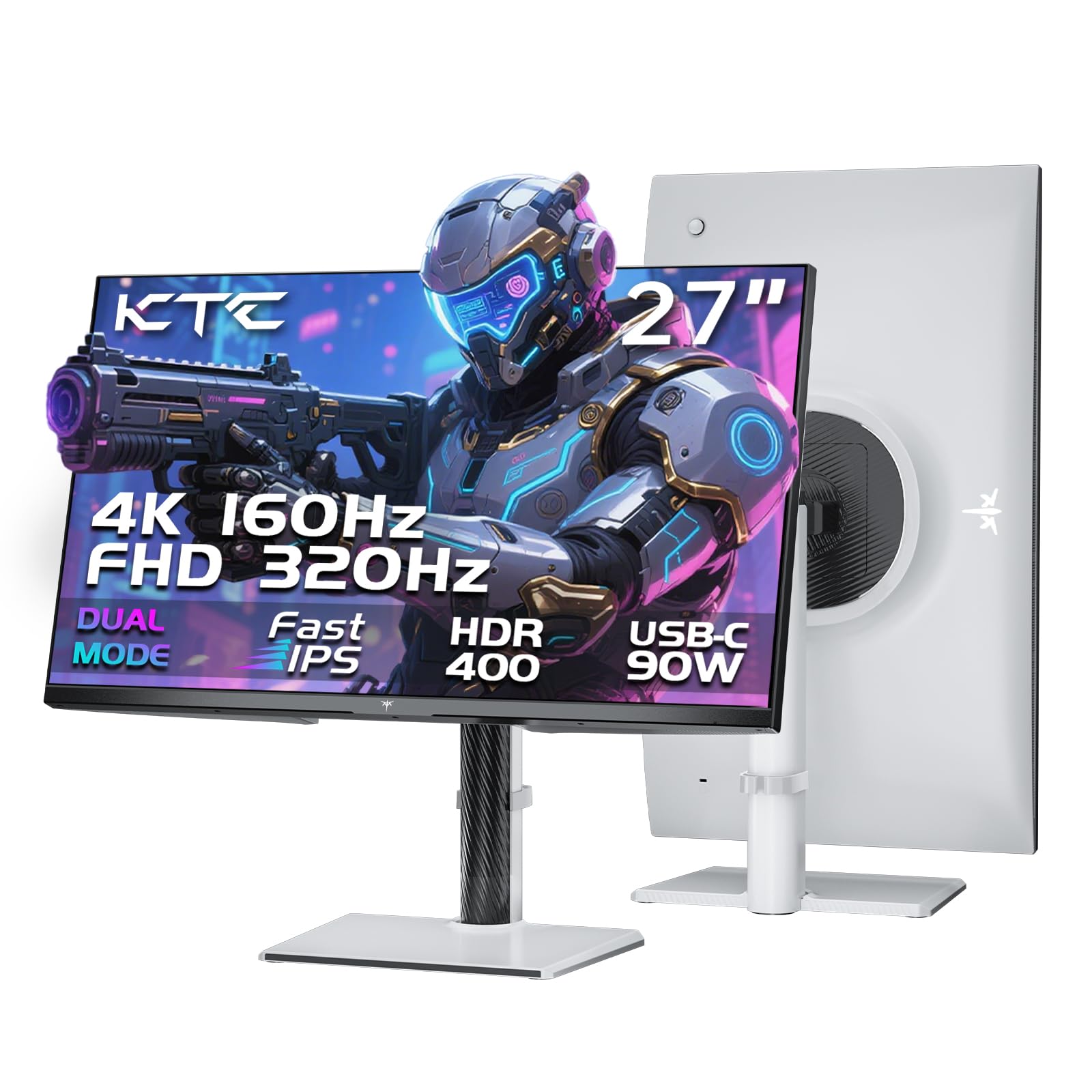
The KOORUI G2741L delivers a dual-mode experience with 4K 160Hz and FHD 320Hz, backed by a fast IPS panel and a stand that adjusts in height, tilt, and pivot. While the top-pick SANSUI offers a similar feature set at a slightly lower cost, the KOORUI has been adopted by a larger number of buyers, providing a more established track record. Panel consistency varies between units; some may exhibit screen tearing or ghosting, a tradeoff worth anticipating at this price tier.

This monitor suits budget gamers who want the flexibility of switching between 4K for rich visuals and FHD for higher frame rates, along with an ergonomic stand to dial in their viewing angle. The entry-level HDR400 means it won't deliver impactful HDR visuals, so those after vivid highlights should look elsewhere. The more significant consideration is quality control: occasional units may show image imperfections, so buyers should plan to test the panel soon after arrival.

💡 Inspect the panel for dead pixels, ghosting, and screen tearing during the first days of use to take advantage of return policies if needed.

Pros

  • Competitive price for 4K dual-mode with full ergonomic stand
  • Fully adjustable stand with height, pivot, and tilt
  • Fast IPS panel with 1ms response reduces motion blur

Cons

  • Entry-level HDR400 provides minimal improvement over standard SDR
  • Panel quality can vary, with some units exhibiting screen tearing or ghosting
Our verdict

The KOORUI G2741L is a budget-friendly entry into dual-mode gaming, best for buyers who can verify the panel quality within the return window and don't need HDR impact.

Check Latest Price
6

Samsung Fans

Samsung G7 G70F Dual

85 /100
Lab Score Excellent

Key details

hdr
HDR400
dual_mode
4K 180Hz / FHD 360Hz
ergonomics
Height, Swivel, Pivot
connectivity
HDMI 2.1, DP, USB hub
View on Amazon

This monitor delivers the same dual-mode capability as LG's 27G810A — switching between crisp 4K at 180Hz and ultra-smooth 1080p at 360Hz — but with Samsung's build and design. The Fast IPS panel provides vibrant colors and wide viewing angles, while the height-adjustable, tilt, swivel, and pivot stand makes long gaming sessions comfortable. It lacks built-in speakers, so plan for external audio. For buyers who prefer Samsung's ecosystem or want a direct alternative to the LG offering, this is a capable choice.

Pros

  • Dual-mode 4K 180Hz/FHD 360Hz with 1ms GtG for sharp and fluid gameplay
  • Full ergonomic stand with height, tilt, swivel, and pivot adjustments

Cons

  • No integrated speakers
Our verdict

This monitor is a solid choice for Samsung loyalists who want a 4K/FHD dual-mode monitor with an adjustable stand and are comfortable relying on the brand's reputation.

Check Latest Price
7

Mobile Use

InnoView INCPM703 Dual

87 /100
Lab Score Excellent

Key details

hdr
dual_mode
4K 120Hz / FHD 288Hz
ergonomics
Kickstand, Portable
connectivity
USB-C PD, HDMI, Speakers
View on Amazon

The InnoView INCPM703 Dual switches between 4K 120Hz and FHD 288Hz, with USB-C power delivery and integrated speakers in a thin, lightweight frame with a kickstand. Picture quality is crisp out of the box, and the monitor is easy to move between a desk and a travel bag. However, the 8ms response time can cause visible motion blur in fast-paced titles, and some units may experience occasional power-offs or HDMI connection hiccups that require a cable re-seat. This makes the monitor better suited as a secondary screen for remote work or casual console play rather than competitive gaming.

Pros

  • USB-C power delivery and built-in speakers enable a clean, single-cable setup with laptops and consoles.
  • Lightweight design with a kickstand makes it easy to move between workstations or pack for travel.
  • Sharp 4K picture and simple setup right out of the box.

Cons

  • In fast-paced games, the 8ms response time can introduce visible motion blur, limiting appeal for competitive play.
  • Some units may experience random power-offs or HDMI dropouts that require a power cycle or cable re-seat.
Our verdict

Best as a portable second monitor for remote work and casual console gaming — the motion blur and occasional power-offs are less disruptive in those roles.

Check Latest Price

How to Choose

Dual Mode Resolutions and Refresh Rates

Dual-mode monitors offer two resolution presets: a high-resolution mode (4K or QHD) for visually rich games, and a lower-resolution mode (FHD) that unlocks much higher refresh rates. The jump from 4K 60Hz to FHD 360Hz feels immediate in fast-paced shooters, but you lose pixel density and screen real estate.

Check that your GPU can drive the FHD mode at the advertised refresh. Many mid-range cards struggle to push 360 frames in FHD in modern titles. Also verify that the monitor uses a proper 1:1 pixel mapping when switching modes, not a blurry upscale.

Panel Type and Response Time

IPS panels dominate this segment because they offer balanced color and viewing angles. OLED panels provide superior contrast and near-instant response times (0.03ms GtG), but carry a higher price and risk of burn-in over years of static UI elements. Budget monitors often list MPRT response times instead of GtG; MPRT can be misleading because it relies on backlight strobing that may introduce flicker.

For competitive gaming, aim for 1ms GtG or better. Slower panels (8ms GtG) produce noticeable motion blur in fast scenes, making them unsuitable for esports.

HDR Certification and Brightness

Most monitors in the budget and mid-range carry VESA DisplayHDR 400 certification, which only guarantees 400 nits peak brightness. That is enough to brighten highlights in SDR content, but does not deliver the punchy contrast or color volume of true HDR (HDR600 and above). Many buyers are disappointed by the muted HDR performance of HDR400 panels.

If HDR matters to you, look for OLED or mini-LED monitors with HDR600 or HDR True Black. Otherwise, treat HDR400 as a nice bonus rather than a deciding spec.

Connectivity

Running 4K at 120Hz or higher requires HDMI 2.1 on both the monitor and your GPU or console. HDMI 2.0 caps out at 4K 60Hz. DisplayPort 1.4 can handle 4K 144Hz but needs DSC (display stream compression). For PC gaming, DP 1.4 is fine; for PS5 or Xbox Series X, HDMI 2.1 is mandatory to use the full dual-mode capability.

USB-C with power delivery is a welcome addition for laptop users who want a single-cable setup. It can charge your laptop while transmitting video.

Ergonomics and Built-in Speakers

Height-adjustable stands and VESA mounting support are valuable for long gaming sessions, allowing you to align the screen to eye level. Budget monitors often skimp on the stand, offering only tilt. Built-in speakers are rare even in mid-range models; if you do not want separate desktop speakers, confirm the monitor has them.

A flimsy stand with only two screws (as seen in some budget curved models) can wobble during intense gameplay. Prioritize models with a solid base and full ergonomic adjustments if you game for hours.

Frequently Asked Questions