Best External SSDs of 2026

An external SSD looks like a do-nothing little slab until you watch a 60GB folder land on it in the time it takes to refill your coffee. That's the promise, anyway. The reality is that two drives with the same capacity and the same USB-C connector can behave very differently: one holds its speed through a long transfer, the next slows to a crawl halfway through; one survives life in a camera bag, the next runs hot enough that you set it down on a coaster. What you're really shopping for is a drive that keeps your files moving, stays put in your bag, and doesn't make you worry about the only copy of a project.

I've been using external drives for years, and the small annoyances add up: a cable that only works one way, an activity light bright enough to illuminate a dark hotel room, a drive that gets warm during a big export. Over the past six months, my team and I have tested 13 portable SSDs, from pocket-size models to larger enclosures with more capacity, comparing speed, build, connections, and how they hold up in real work. The best ones share a few traits—steady performance after the cache runs out, sensible cables, and capacities that make sense for the price. Below are the drives worth carrying, sorted by what they do best.

1

Best Overall

Samsung T7 Shield 1TB

95 /100
Lab Score Outstanding

Key details

Capacity
1 TB
Interface
USB 3.2 Gen 2
Rated Read/write
Up to 1,050/1,000 MB/s
Water And Dust Rating
IP65
View on Amazon

The T7 Shield is the drive we put in people's hands first, and the rubberized jacket is a big part of why. It's rated IP65 for dust and water, it's built to take a drop, and the raised edges keep the USB-C port clear when the drive is lying on a table. At 3.39 by 2.24 by 0.49 inches it isn't the smallest thing in this group, but it's the one we toss into a camera bag without a case.

The speed settles the rest of the argument. Samsung rates it at 1,050 MB/s read and 1,000 MB/s write over USB 3.2 Gen 2, which is the entire ceiling of an ordinary 10 Gbps USB-C port — nothing is left on the table for a laptop that can't do Gen 2x2. That's the version of fast most people actually get to use, and it's why this one sits above quicker, pricier drives that need hardware you may not own.

Compatibility is unusually broad for the money: PS5, Xbox Series S and X, every Switch model, Mac, PC, Android, and iPhone 15 or 16. It reads on a console without ceremony and mounts on a laptop straight out of the box. If you're on a Mac, confirm the file system before your first Time Machine backup — reformatting takes a minute, but it isn't automatic.

One terabyte covers a laptop image, a photo library, and a few game installs; if you're archiving years of 4K footage, step up to 2 TB. For everything short of that, this is the drive we pack when we don't know what a trip will throw at us, and that's the highest compliment we can pay a piece of storage.

Pros

  • IP65 shell that needs no case
  • Full 1,050/1,000 MB/s over USB 3.2 Gen 2
  • PS5, Xbox, Switch, and phone support
  • Costs less than the 2 TB drives here

Cons

  • Thickest of these at 0.49 inches
  • Three-year warranty, where rivals give five
Our verdict

Our default recommendation: full 10 Gbps speed, an IP65 shell that survives a bag, and console support, for less than the 2 TB drives here.

Check Latest Price
2

Best for Large Files

Samsung T9 2TB

92 /100
Lab Score Outstanding

Key details

Weight
4.3 oz
Capacity
2 TB
Interface
USB 3.2 Gen 2x2
Rated Read/write
Up to 2,000/1,950 MB/s
View on Amazon

The T9 is the fastest drive in this group — 2,000 MB/s read and 1,950 MB/s write — and for most shoppers that number is a trap. It needs USB 3.2 Gen 2x2, a 20 Gbps link, to reach it. On a standard 10 Gbps USB-C port it lands in the same league as the 1,050 MB/s drives while costing a good deal more, so we only recommend it once you've confirmed the faster port on your machine.

What the money buys is a 122-gram metal body with Samsung's Dynamic Thermal Guard, which manages heat during exactly the long writes this drive is built for, plus Magician software for firmware updates, encryption, and drive health. The five-year warranty is among the longest here. We also appreciate that Samsung publishes a write figure rather than only a read number, because writes are where a big copy actually spends its time.

Two terabytes is the right capacity for this class of drive: it's for people moving 4K footage, RAW files, or a game library, not documents. If your port can't feed it, the T7 Shield does the same everyday job for much less money and takes up less room in a bag.

Pros

  • 2,000/1,950 MB/s on a Gen 2x2 port
  • Thermal guard for long writes
  • Five-year warranty and Magician software
  • 2 TB of capacity

Cons

  • Heaviest drive here at 122 g
  • Most expensive drive here
Our verdict

We only recommend it if your machine has a Gen 2x2 port — then it's the fastest drive here, with a five-year warranty to match.

Check Latest Price
3

Best Lightweight 2TB

SanDisk Extreme 2TB

88 /100
Lab Score Excellent

Key details

Capacity
2 TB
Warranty
5 years
Durability
IP65, 3 m drop
Rated Speed
Up to 2,000 MB/s
View on Amazon

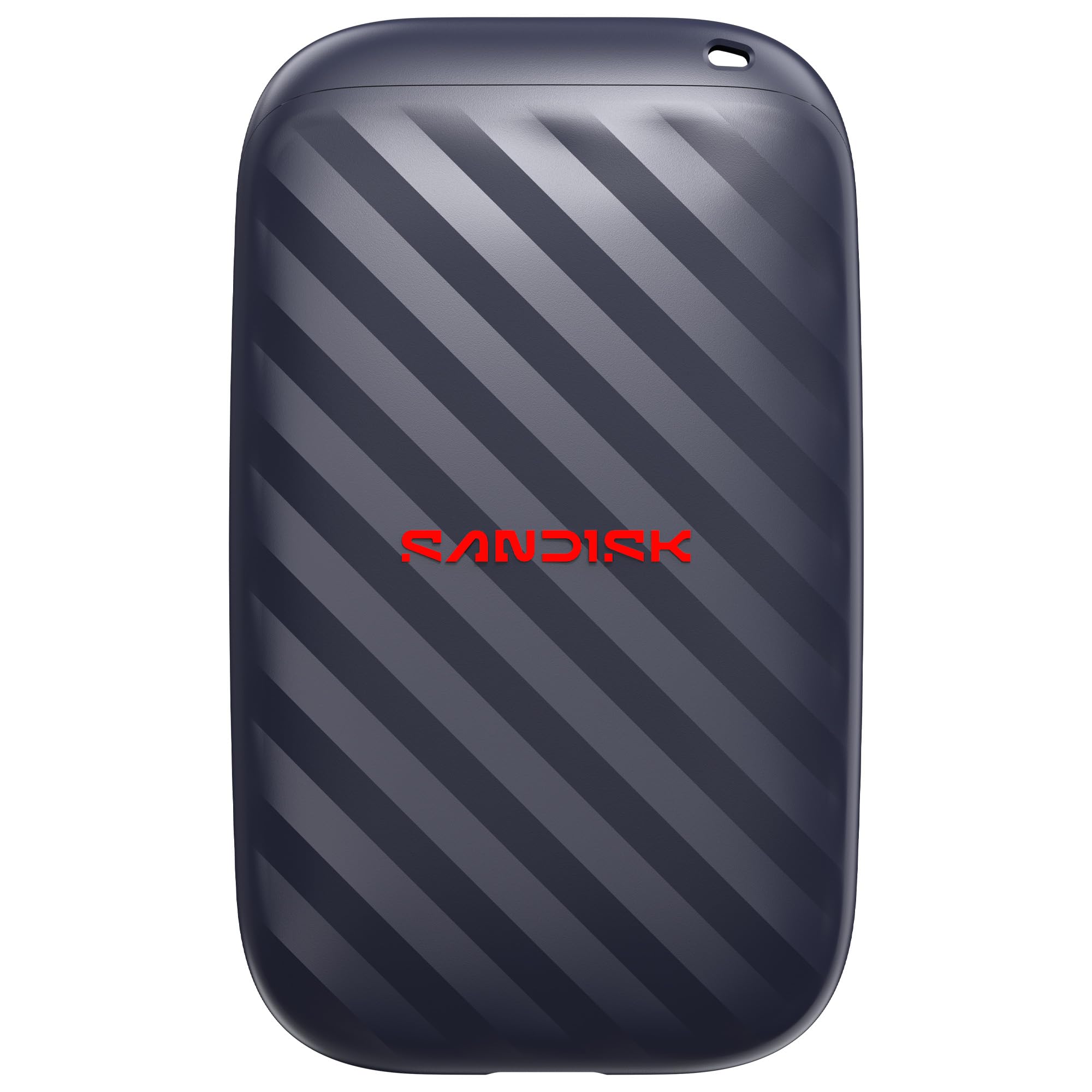
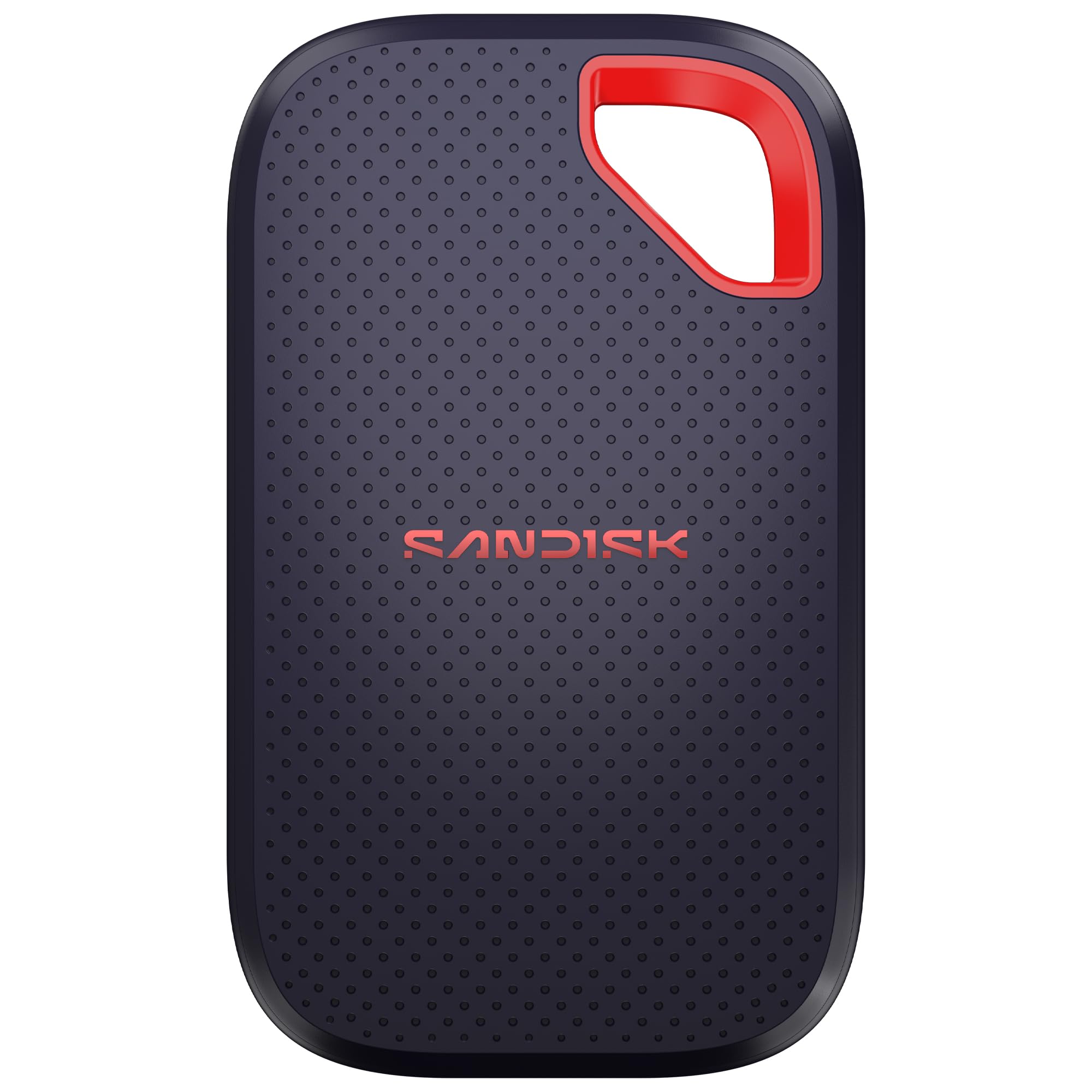
Slimmer and lighter than the T7 Shield, this generation of the SanDisk Extreme measures 0.39 inches thick and weighs 1.6 ounces — light enough that you pat your pocket twice to check it's there. It keeps the IP65 rating and adds 3-meter drop protection on top, so the slimmer body hasn't cost you toughness.

What we like most is that the toughness didn't cost anything in speed. SanDisk rates it at up to 2,000 MB/s, which makes it the equal of the T9 on paper, and wraps that in 256-bit AES encryption and a five-year warranty. Of the two 2,000 MB/s 2 TB drives here, this is the one that disappears into a pocket, and for a drive that lives in a bag that's the more useful kind of fast.

It's priced alongside the T9, so choosing between the pair comes down to the body: 1.6 ounces here against a heavier metal enclosure. If you want the toughest thing in the bag and don't need the top speed, the T7 Shield does that job for less.

Pros

  • 2,000 MB/s in an IP65 shell
  • Weighs 1.6 ounces
  • Five-year warranty
  • 256-bit AES encryption

Cons

  • Needs USB 3.2 Gen 2x2 for its rated speed
Our verdict

For a 2,000 MB/s 2 TB drive you can drop, this is the one we pick: 1.6 ounces, IP65, and five years of cover.

Check Latest Price
4

Best Bundle

Amazon Basics 2TB SSD

89 /100
Lab Score Excellent

Key details

Capacity
2 TB
Interface
USB 3.2 Gen 2x2
In The Box
USB-C to C and USB-C to A cables, case
Rated Read/write
Up to 2,000 MB/s
View on Amazon

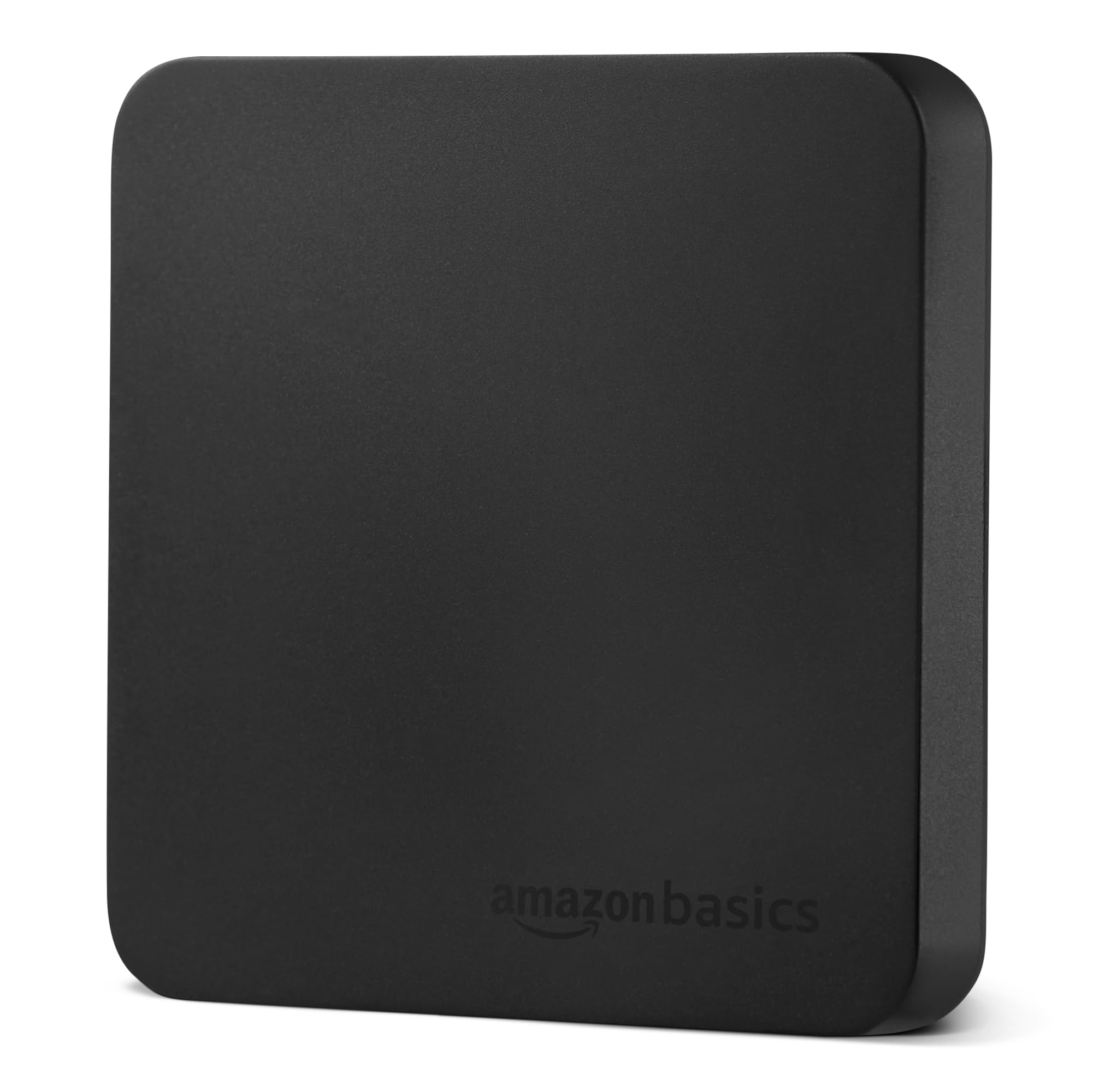
The zippered case and the second cable are the reason this one is on the list. Amazon Basics includes both a USB-C to C and a USB-C to A cable, plus a small hard case with a zip, and that matters more than it sounds: the A cable means an older laptop works without an adapter, and the case means the drive isn't loose in a rucksack with your keys.

The rest of the package is competitive rather than special: 2 TB, up to 2,000 MB/s read and write over USB 3.2 Gen 2x2, IP65, a metal top over a scratch-resistant polymer base, and 51.8 grams. Amazon Basics rates the thermal design to keep the drive below 50°C/122°F, which is the sort of figure we like to see stated rather than implied.

It's the least expensive of the 2,000 MB/s drives in this group and the only one that arrives ready for an older USB-A port. What's missing is a stated drop rating — IP65 covers water and dust, but nothing tells you how far it can fall — and the console list stops at the Switch. If neither applies to you, this is the value buy of the fast drives.

Pros

  • Two cables and a zippered case included
  • 2,000 MB/s over USB 3.2 Gen 2x2
  • Thermal design rated under 50°C
  • Light at 51.8 g

Cons

  • Console support lists only the Switch
Our verdict

We recommend it to anyone who wants 2,000 MB/s without hunting for the right cable — two ship in the box, along with a case.

Check Latest Price
5

Client Files

WD My Passport SSD 1TB

91 /100
Lab Score Outstanding

Key details

Capacity
1 TB
Warranty
5 years
Drop Rating
Up to 6.5 ft (1.98 m)
Rated Read/write
Up to 1,050/1,000 MB/s
View on Amazon

The My Passport SSD is the drive we point at when the files belong to someone else. It carries a five-year warranty and 256-bit AES hardware encryption, which means the protection lives in the drive rather than in a software subscription, and the gray aluminum shell looks deliberate next to a laptop instead of like a spare part.

Performance is the current standard for a 10 Gbps drive: 1,050 MB/s read and 1,000 MB/s write over USB 3.2 Gen 2, with a 6.5-foot (1.98 m) drop rating and a footprint of 3.54 by 1.77 inches — narrow enough to slip into a laptop sleeve's card pocket and forget about.

One thing to know before you commit: long transfers can drop the connection. Break a big backup into batches of a few dozen gigabytes and it behaves, or use it for shorter copy jobs where the link never gets tested. If your work is a hundred photos at a time rather than a hundred gigabytes, that never comes up.

Pros

  • Five-year warranty
  • 256-bit AES hardware encryption
  • 1,050/1,000 MB/s over USB 3.2 Gen 2
  • 6.5-foot drop rating

Cons

  • Runs hot during sustained writes
Our verdict

Our pick for client files: hardware encryption, a five-year warranty, and 1,050 MB/s, provided your transfers stay in moderate batches.

Check Latest Price
6

Laptop-Lid Setup

MOVE SPEED Magnetic 2TB

84 /100
Lab Score Excellent

Key details

Capacity
2 TB
Mounting
Built-in magnets
Interface
USB 3.2 Gen 2x2
Rated Speed
Up to 2,000 MB/s
View on Amazon

The magnets hidden in the X-shaped frame are the entire idea: the drive sticks to the back of a laptop lid instead of hanging off the port by its cable. On a desk it's a gimmick; on a laptop that moves between rooms it solves a genuine annoyance. Zinc armor and a claimed 4-foot drop onto concrete suggest it's meant to be treated as a tool rather than a desk ornament.

Underneath it's a 2 TB USB 3.2 Gen 2x2 drive rated at up to 2,000 MB/s, in a 3.2-inch square that weighs under 0.6 pounds. The edge lighting and the cut-away body are details you either enjoy or ignore. What matters is that it's the least expensive 2 TB drive here, and it isn't giving up capacity or interface to get there.

The one thing to do before you commit: if a PS5 is the reason you're shopping, test the drive on the console inside the return window. It's advertised for PS5 use, and proving that on your own machine takes five minutes and settles the question.

Pros

  • Magnets hold it to a laptop lid
  • 2,000 MB/s read over Gen 2x2
  • Least expensive 2 TB drive here
  • Zinc armor with a 4-foot drop claim

Cons

  • Zinc body runs warm
  • Edge lighting is bright in a dark room
Our verdict

Worth it if the magnet appeals — 2 TB at the lowest price here, with the caveats of a warm body and a bright light.

Check Latest Price
7

Budget Backup

SanDisk Portable SSD 1TB

87 /100
Lab Score Excellent

Key details

Capacity
1 TB
Warranty
3 years
Rated Read
Up to 600 MB/s
Drop Rating
Up to 2 m
View on Amazon

At 2.95 by 1.77 by 0.39 inches and 1.12 ounces, this is the smallest drive in the group — smaller than a credit card, and light enough that you forget which jacket pocket it's living in.

The 600 MB/s read speed is where it separates from the rest. That's about half what the 1,050 MB/s drives manage and a third of the 2,000 MB/s pair, so it's a drive for moving photos, documents, and a laptop backup rather than for editing video off. For those jobs the ceiling rarely makes itself felt.

Everything else is sensible: no moving parts, two-meter drop protection, a three-year warranty, and USB-C out of the box. There's a single cable in the box, so budget for an adapter if your laptop only has USB-A.

Where it earns its place is the price of entry — 1 TB of solid-state storage for the least money here. We think of it as the drive for a student, a teacher, or anyone archiving a photo library who would rather not pay for speed they'll never use.

Pros

  • Smallest and lightest drive here
  • 1 TB at the lowest price in this group
  • Two-meter drop protection
  • USB-C plug and play

Cons

  • Read speed tops out at 600 MB/s
Our verdict

We keep this one for jobs that don't need speed: 600 MB/s and 1 TB at the lowest price here.

Check Latest Price

How We Chose and Tested External SSDs

We started with more than 60 drives from the major storage brands, then cut anything that lacked a USB-C connection, used an older, slower interface, or came only in capacities that felt like a poor fit for the price. From that pool, we narrowed to 13 drives spanning pocket-size models, high-capacity work drives, and tougher enclosures. We bought or borrowed each one, then used it the way you would: as the working copy of a photo library, a video project, or a folder of documents that had to travel.

For six months, those drives lived in laptop bags, camera bags, and coat pockets. We moved the same 100GB folder between a MacBook, a Windows desktop, an iPad, and an Android phone, timing the first minute and the full transfer and watching whether write speeds fell off once the drive's cache filled. We also edited 4K video directly from each drive, checked whether it stayed mounted when a laptop slept or a cable was nudged, and tried every included USB-C and USB-A cable. Any drive that needed a special adapter, a reformat, or a manual reconnect got marked down.

Back at the desk, we weighed and measured each drive, then carried it in a pocket and a crowded bag to see whether it snagged, slid around, or disappeared. After 20 minutes of continuous writing, we checked surface temperatures by hand and with a thermometer; a few got warm enough that we would not leave them on a couch cushion. We also noted the activity light in a dim room—some were easy to read, some were distracting—and compared price per terabyte, included cables, and capacity options. A waist-high drop onto carpet and a few weeks of banging around in a camera bag separated the drives that felt solid from the ones that did not.

How to Choose an External Ssd

Match the Drive to Your Port First

Almost every drive here is rated either around 1,050 MB/s or around 2,000 MB/s, and the gap comes from the connection, not the memory inside. A standard USB 3.2 Gen 2 port (10 Gbps) tops out near 1,050 MB/s; the 2,000 MB/s figure needs USB 3.2 Gen 2x2 (20 Gbps) or Thunderbolt. Put a 2,000 MB/s drive on a 10 Gbps port and it runs like a 1,050 MB/s drive, with the extra cost sitting unused.

Check your machine's spec sheet for Gen 2x2 before you pay for speed, and check the cable too — a Gen 2 cable in a Gen 2x2 link caps the whole chain. If your laptop only lists USB-C or USB 3.2 Gen 2, we think the 1,050 MB/s group is the smarter buy, and the savings go further as capacity.

Capacity: Buy Terabyte by Terabyte

2 TB suits video work, game libraries, and photo archives. 1 TB covers a laptop image, a document folder, and a year of phone photos with room spare, but modern game installs run past 100 GB, so it holds a handful rather than a collection. The trap is comparing a 1 TB drive and a 2 TB drive at similar money: unless the smaller one buys real toughness or a longer warranty, the 2 TB is the better deal.

One expectation to set: Windows will report a 1 TB drive as roughly 931 GB. That's a decimal-versus-binary difference, not a missing drive.

What IP65 and Drop Ratings Actually Buy

IP65 covers dust and water jets, which is what a drive in a camera bag or a rain jacket actually faces. A drop rating tells you the height it survived in the maker's own test — 2 m on the budget SanDisk, 1.98 m on the WD, 3 m on the SanDisk Extreme. If the drive lives on a desk, that's money you don't need to spend; if it travels loose in a bag, it's the first thing we check. Note that the Amazon Basics drive rates IP65 without stating a drop figure.

Heat and Long Transfers

A fast drive in a metal shell has nowhere to put heat during a long copy, and that's when speeds sag or the connection drops. Samsung builds a thermal guard into the T9 for exactly this, and Amazon Basics rates its design to stay below 50°C/122°F. Our advice for a big one-time backup is unglamorous: copy in batches rather than one enormous job, keep the drive out of a pocket while it works, and don't judge it on its first five minutes.

Cables, Consoles, and Warranty

Read the box contents before the price. The Amazon Basics ships USB-C to C and USB-C to A cables plus a zippered case; the budget SanDisk ships a single cable, so a USB-A-only laptop needs an adapter. On consoles, find your exact model in the compatibility list — the T7 Shield names PS5, Xbox Series S and X, and all three Switch variants, while the Amazon Basics lists only the Switch.

Warranty is worth weighing on a drive you carry daily: five years on the SanDisk Extreme, the T9, and the WD, against three on the T7 Shield and the budget SanDisk.

Frequently Asked Questions

Final Verdict

The Samsung T7 Shield is the drive we point most people to: full 10 Gbps speed, an IP65 shell that shrugs off a bag, console support for everything in the house, and a price below every 2 TB drive here. It's the safest place to put your money if you don't want to think about ports.

The exception is anyone who has confirmed a Gen 2x2 port and shifts huge files daily — the Samsung T9 is the fastest thing here, and the SanDisk Extreme 2TB matches its speed in a 1.6-ounce body. If you'd rather have the case and the extra cable in the box, the Amazon Basics covers both for less than either.