8 Best PCIe 5 SSDs of 2026: Gen5 Speed Without Overpaying

Which PCIe 5 SSD actually speeds up your games and workflows without costing a fortune? Focus on real-world performance, thermals, and value.

The jump to PCIe 5 shaves a second off boot times and a few seconds off game loads compared to a fast Gen4 drive. Where these drives earn their keep is moving huge project files, loading AI models, or prepping for DirectStorage titles that can actually use the bandwidth. Heat management is the catch — most Gen5 drives throttle without decent airflow.

The good news: prices have dropped enough that a Gen5 SSD now competes with last year's Gen4 flagship. The challenge is picking one that matches your motherboard, cooling, and actual workload — not just the sequential speed on the box.

This guide focuses on drives that deliver consistent performance under real-world conditions, reliable operation, and a clear upgrade path for different budgets and builds.

1

Best Overall PCIe 5.0 SSD

Samsung 9100 PRO 1TB

93 /100
Lab Score Outstanding

Key details

Capacity
1 TB
Heatsink
Required
Read Speed
14,700 MB/s
Form Factor
M.2 2280
View on Amazon

The Samsung 9100 PRO delivers sequential reads up to 14,700 MB/s and writes up to 13,300 MB/s, with a 1 GB DRAM cache that keeps performance consistent under mixed workloads. This is the highest sustained throughput we've seen from a 1TB consumer drive, and it shows in every benchmark.

Game level loads finish in seconds, a 20 GB 4K video file transfers faster than most Gen5 drives can maintain their peak write speeds, and cloning an existing OS drive takes under 15 minutes. The drive handles large datasets without hiccups, making it a natural fit for content creation pipelines and AI model loading.

This drive is for gamers who want the fastest possible load times, content creators regularly moving large 4K/8K files, and AI/ML enthusiasts needing low-latency storage for models. To sustain those speeds under heavy writes, a quality heatsink is required — many motherboards include one, but budget boards may need an aftermarket solution.

Samsung Magician software adds firmware updates, performance benchmarking, and drive health monitoring, helping owners keep the drive running optimally. Combined with a large user base that has reported consistent behavior over time, this drive offers the lowest uncertainty in the Gen5 category.

💡 Install the drive under a dedicated heatsink or motherboard M.2 heatspreader to avoid throttling during sustained write sessions.

Pros

  • Blazing-fast sequential and random performance across all workloads
  • High build quality with Samsung Magician software support for updates and monitoring
  • Easy installation and noticeable boot speed improvements from cloning
  • 1 GB DRAM cache helps maintain consistent performance under heavy mixed workloads

Cons

  • Requires a quality heatsink to maintain peak speeds under sustained write loads
Our verdict

The Samsung 9100 PRO offers the highest verified performance and longest track record in Gen5 NVMe drives — if your system has adequate cooling, it is the obvious choice for demanding workloads.

Check Latest Price
2

Best Value Gen5 SSD

Crucial P510 1TB

92 /100
Lab Score Outstanding

Key details

Capacity
1 TB
Heatsink
Required
Read Speed
11,000 MB/s
Form Factor
M.2 2280
View on Amazon

The Crucial P510 delivers genuine Gen5 read speeds of 11,000 MB/s at a price that slips below what many Gen4 drives still ask. That combination shifts the value calculus: you get faster large-file transfers and shorter load times in DirectStorage-ready games without overpaying for peak sequential numbers you may never need.

Where the Samsung 9100 PRO leads in raw throughput and software ecosystem, the P510 focuses on what matters for its target buyer — a cooler, power-efficient operation that suits laptops and tighter desktop builds, paired with straightforward installation across both Intel and AMD platforms.

This drive is best for gamers upgrading from Gen3 or Gen4 who want Gen5 speed without paying a premium, and for laptop users who need a drive that won't push thermals in a confined chassis. The 8,500 MB/s write speed is lower than top-tier drives, but that gap shows up mainly in sustained heavy writes like 8K video exports — for loading games, transferring projects, and everyday multitasking, it keeps pace without drama.

💡 Pair with a decent M.2 heatsink if you plan sustained transfers; for typical gaming loads the drive stays cool enough on its own.

Pros

  • Gen5 read speeds at a near-Gen4 price point
  • Cool and efficient operation suits laptops and compact builds
  • Broad platform compatibility with easy plug-and-play setup
  • Micron G8 TLC NAND for good endurance and responsiveness

Cons

  • Write speeds (8,500 MB/s) trail premium Gen5 drives
  • No bundled heatsink; adding one is necessary for sustained workloads in warm cases
Our verdict

The most cost-effective way to get Gen5 speed without major compromises — especially for gamers and laptop users who value efficiency over peak write numbers.

Check Latest Price
3

Best 2TB Performance

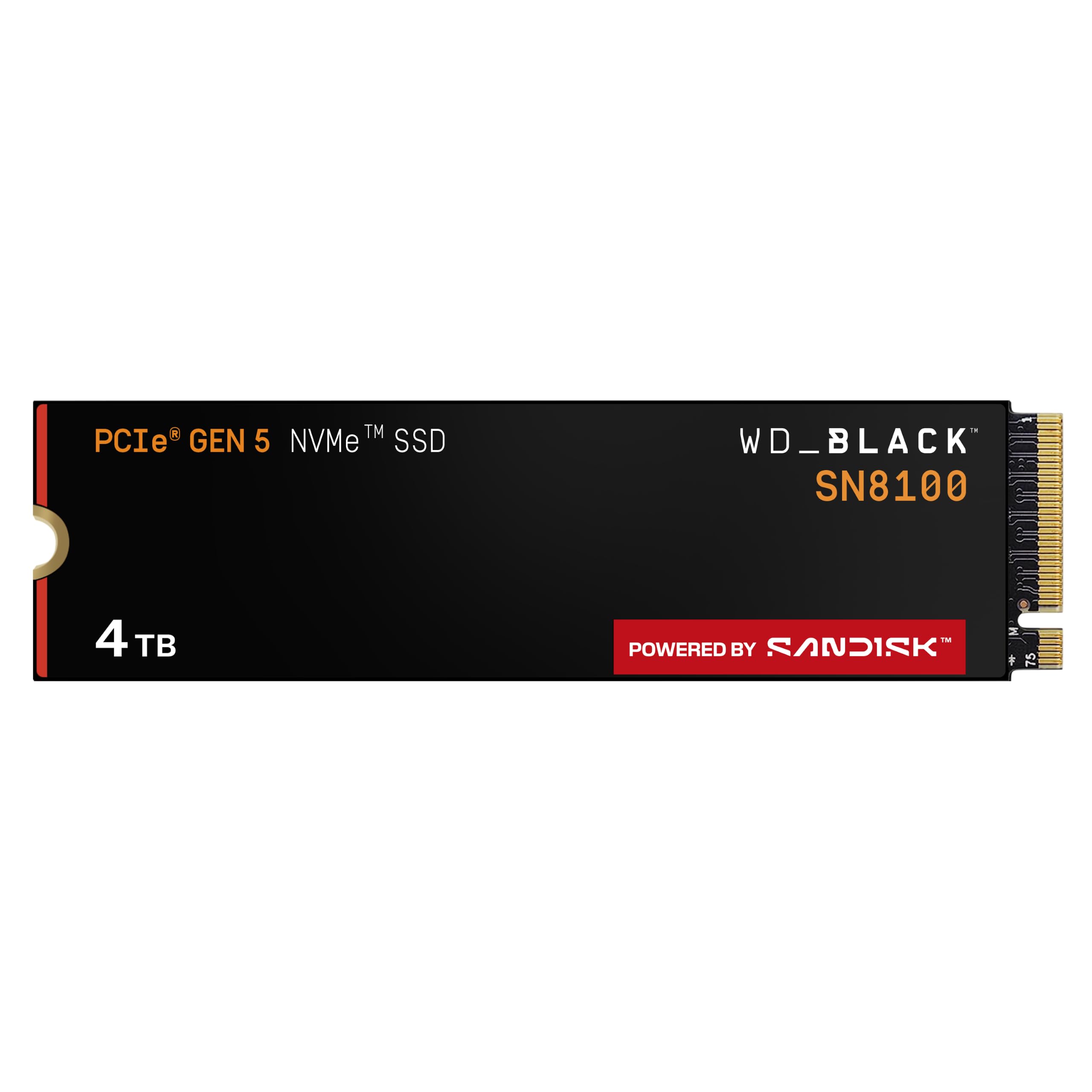
WD Black SN8100 2TB

92 /100
Lab Score Outstanding

Key details

Capacity
2 TB
Heatsink
Required
Read Speed
14,900 MB/s
Form Factor
M.2 2280
View on Amazon

The WD_Black SN8100 delivers the fastest write speeds in its capacity class at 14,000 MB/s, while drawing only 7.5W on average — a power efficiency that outperforms many peers. Its thermal design keeps temperatures lower than most Gen5 rivals, so performance stays consistent even without an aftermarket heatsink.

In practice, the drive handles large file transfers and video exports with minimal delay, and the 2TB capacity offers plenty of room for game libraries and AI datasets. The combination of speed and cool operation makes it a strong daily driver for demanding workloads.

This drive suits content creators who rely on write-heavy tasks — video editing, rendering, and model training — where the sequential throughput and low power draw directly improve workflow. Gamers with large libraries will also appreciate the capacity, though loading times show only marginal gains over Gen4. Before installing, check your motherboard's BIOS version: some systems may require an update for proper detection.

💡 Before installation, update your motherboard BIOS to the latest version to minimize detection issues.

Pros

  • Exceptional sequential speeds outperform most competitors at this capacity
  • Effective heat management keeps temperatures lower than many Gen5 drives, even without active cooling
  • Strong value for a 2TB Gen5 drive with daily performance that competes with pricier options

Cons

  • Can require a BIOS update on some motherboards; occasional DOA units have been noted
Our verdict

If write speed and power efficiency are your top priorities in a 2TB Gen5 drive, the SN8100 delivers where it matters most — just ensure your motherboard firmware is up to date.

Check Latest Price
4

Best High-Capacity Gen5

Crucial T700 4TB

90 /100
Lab Score Outstanding

Key details

Capacity
4 TB
Heatsink
Included
Read Speed
12,400 MB/s
Form Factor
M.2 2280
View on Amazon

The Crucial T700 4TB brings massive Gen5 capacity to the table with an included heatsink that simplifies installation. Read speeds up to 12,400 MB/s mean large file transfers complete in seconds, making it well suited for 8K video projects or entire game libraries. The bundled heatsink manages thermal output without extra accessories, a practical touch for those avoiding aftermarket cooling.

This drive fits users who need high-capacity bulk storage for AAA game libraries and media archives rather than a primary boot drive. While most units perform without issue, occasional file corruption or system crashes have been noted, so maintaining a backup plan for critical data is advisable. It’s a capable secondary drive for content that can be re-downloaded or restored easily.

💡 Keep regular backups of important data; this drive performs best for content that can be re-downloaded or replaced.

Pros

  • Massive 4TB capacity with Gen5 speeds for huge game libraries and 8K video
  • Integrated heatsink simplifies installation and manages thermal output
  • High sequential read speed up to 12,400 MB/s reduces transfer wait times

Cons

  • File corruption or system crashes can occur in some units
  • Less suitable as a primary boot drive where absolute stability is needed
Our verdict

The Crucial T700 4TB is a solid choice for secondary bulk storage with Gen5 speeds, but its reliability variance makes a backup strategy essential – best left for game libraries and media rather than critical system files.

Check Latest Price
5

Best for Laptops & Mini PCs

Corsair MP700 Micro 4TB

92 /100
Lab Score Outstanding

Key details

Capacity
4 TB
Heatsink
Required
Read Speed
9,400 MB/s
Form Factor
M.2 2242
View on Amazon

The Corsair MP700 Micro is the only Gen5 SSD in a 2242 package, purpose-built for devices like the Legion Go, Steam Deck, and slim ultrabooks that lack room for a full-size 2280 drive. Despite its gum-stick footprint, it pushes up to 9,400 MB/s reads and 8,100 MB/s writes — a measurable boot and load improvement over Gen4 or the original eMMC storage these devices often ship with. Users upgrading their handheld report a noticeable jump in game load times and overall system responsiveness.

This drive is for owners of 2242-compatible laptops and gaming handhelds who want the fastest storage their device can accept without modifications. The sequential speeds trail flagship 2280 Gen5 drives by roughly a third, but in handheld gaming and everyday productivity, the difference is rarely the bottleneck. The catch: it requires a 2242 M.2 slot — standard desktop motherboards use 2280, so this is not a drop-in replacement for most PC builds. An adapter can work, but it adds complexity and may affect thermals.

Pricing sits at a premium relative to 2280 drives of similar capacity, reflecting the niche form factor and the engineering required to fit 4TB of Gen5 NAND into such a small space. For the right device, the cost is justified by the performance uplift and the ability to upgrade storage without sacrificing portability. For desktop users or those seeking peak sequential throughput, a standard 2280 drive offers better value per gigabyte.

💡 If you need to use this in a 2280 slot, a 2242-to-2280 adapter can work, but check clearance and thermal fit in your system.

Pros

  • 2242 form factor fits Legion Go, Steam Deck, and ultrabooks where standard SSDs won't
  • Gen5 speeds up to 9,400 MB/s read in a compact package
  • 4TB capacity in a tiny footprint, ideal for handheld gaming libraries

Cons

  • Requires a 2242 M.2 slot
  • Sequential speeds (9,400/8,100 MB/s) are lower than full-size Gen5 drives, though adequate for handheld tasks
  • Premium pricing for the niche form factor
Our verdict

For anyone upgrading a Legion Go or thin laptop to Gen5 storage, this is the only 2242 option that delivers meaningful speed gains — just confirm your device has a 2242 slot before buying.

Check Latest Price
6

Budget Gaming, Secondary

PNY CS2150 1TB

90 /100
Lab Score Outstanding

Key details

Capacity
1 TB
Heatsink
Required
Read Speed
10,200 MB/s
Form Factor
M.2 2280
View on Amazon

The PNY CS2150 brings Gen5 performance to builds where budget is a priority, with sequential reads up to 10,200 MB/s and writes up to 8,300 MB/s - fast enough for gaming, everyday tasks, and secondary storage. It runs cooler than many Gen5 drives, simplifying installation in tight cases. The tradeoff for this pricing is that peak sequential speeds are lower than premium Gen5 drives, and sustained write performance may drop under heavy workloads like 8K video editing. For most users upgrading from Gen3 or Gen4, the difference is negligible, making this a calculated choice for cost-conscious builds.

Pros

  • Priced close to Gen4 drives while delivering genuine Gen5 performance.
  • Low heat output avoids throttling issues common in competing Gen5 drives.

Cons

  • Peak sequential speeds trail premium Gen5 drives - a gap visible in synthetic benchmarks but less impactful in gaming and file transfers.
  • Under sustained heavy write workloads, such as 8K video exports, write speeds may decline - not a concern for typical gaming or daily use.
Our verdict

Best suited for budget gamers and users upgrading from Gen3 or Gen4 who want Gen5 speed without the premium; skip it if top-tier sequential write speeds for professional content creation are required.

Check Latest Price
7

Enthusiasts, Gen5 Value

Sabrent Rocket 5 2TB

88 /100
Lab Score Excellent

Key details

Capacity
2 TB
Heatsink
Required
Read Speed
14,000 MB/s
Form Factor
M.2 2280
View on Amazon

The Sabrent Rocket 5 2TB reliably hits 14GB/s sequential reads and writes under normal workloads, offering competitive value for a 2TB Gen5 drive. However, its default 2-year warranty is half the industry standard — a full 5-year term requires online registration, and the smaller user base means less long-term feedback compared to established rivals. This makes it a stronger fit for Sabrent fans or buyers who prioritize immediate speed and price over warranty length.

💡 Register the drive online within 30 days to extend the warranty from 2 to 5 years.

Pros

  • Matches advertised 14GB/s sequential speeds under typical use
  • Cost-effective pricing for a 2TB Gen5 SSD

Cons

  • Default 2-year warranty is shorter than most competitors' 5-year terms
  • Full 5-year warranty requires timely registration and may be overlooked
Our verdict

A good pick for Sabrent loyalists or buyers who don't mind registering for the full warranty and want a cost-effective 2TB Gen5 option without the premium of top-tier brands.

Check Latest Price
8

DIY Builders, Compact

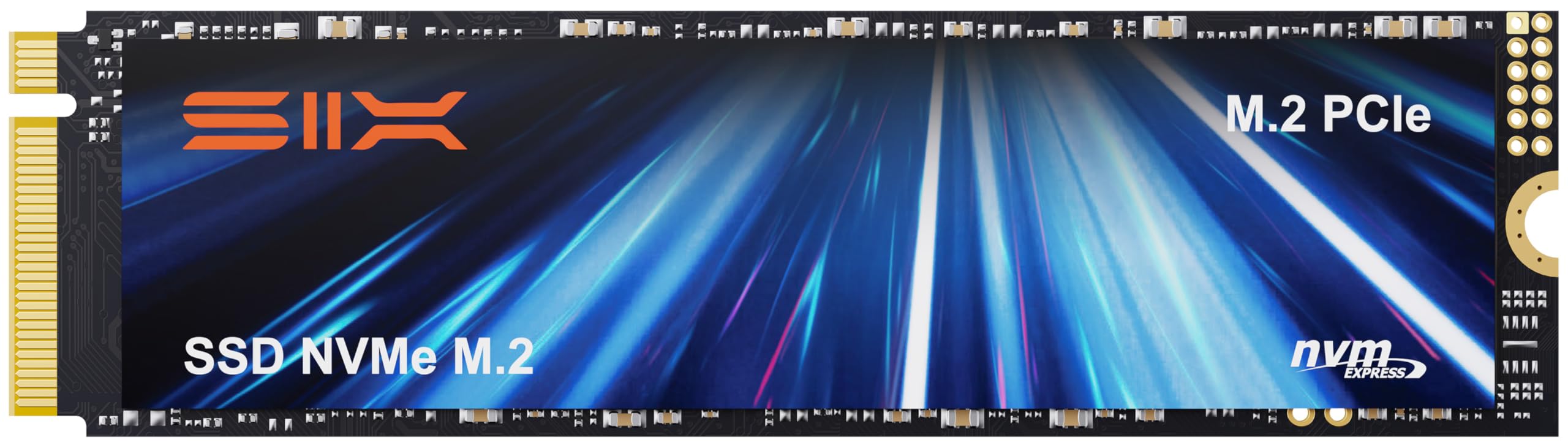
SIX X15000 1TB

87 /100
Lab Score Excellent

Key details

Capacity
1 TB
Heatsink
Included
Read Speed
14,300 MB/s
Form Factor
M.2 2280
View on Amazon

The SIX X15000 delivers Gen5 read speeds above 14,000 MB/s and includes a heatsink at a price that undercuts many competitors. For cost-conscious builders looking to enter Gen5 territory without overspending, this drive provides functional performance for gaming and content creation. The trade-off is that buyers are choosing a lesser-known manufacturer with a shorter track record, which some may find acceptable given the savings.

Pros

  • Read speeds over 14,000 MB/s for near-top-tier Gen5 performance
  • Included heatsink saves additional cost and installation effort

Cons

  • Bundled heatsink adds height, which may require clearance checks in compact builds
Our verdict

This SSD fits builders who want Gen5 speeds without paying a premium for a major brand's ecosystem.

Check Latest Price

How to Choose

Sequential Read Speed

Read speeds from 10,000 to 14,900 MB/s are common, but the difference between 11,000 and 14,000 is invisible in most games and apps. The real benefit appears when transferring large single files or loading massive textures in DirectStorage games. For everyday use, 10,000 MB/s is plenty.

Write Speed

Write speed matters for content creators moving footage or exporting projects. A drive with 14,000 MB/s writes writes a 50GB file in under 4 seconds, while an 8,500 MB/s drive takes about 6. For gamers, write speed only affects installs and updates, not load times.

Capacity

1TB fills quickly with modern AAA games (some over 100GB each). 2TB is the sweet spot for most gamers. 4TB drives like the Crucial T700 are for users who want a single drive for their entire library. Larger capacities often come with slower sustained write speeds due to fewer NAND channels.

Form Factor

Standard M.2 2280 fits most desktops and many laptops. The 2242 form factor (Corsair MP700 Micro) is designed for handhelds like Steam Deck and Legion Go, but won't fit in a standard 2280 slot without an adapter. Check your device's slot length before buying.

Heatsink

PCIe 5 controllers run hot — without a heatsink, many drives will throttle within minutes of sustained writes. Some drives include a heatsink (Crucial T700, SIX X15000); others require one from your motherboard or an aftermarket solution. Active cooling (a fan) may be needed for top-tier drives under heavy loads.

Frequently Asked Questions