7 Best FPS Gaming Mouse of 2026: Models That Avoid Double-Click

Best FPS gaming mouse guide helps you choose between lightweight optical-switch models and budget wired options – without the double-click lottery.

Most FPS gaming mice share an open secret: after a few months of use, the left click starts registering twice. It is the single most common complaint across budget and premium models, and it can cost you a clutch round.

The market is full of mice that feel great in the first week but degrade fast. The difference between a smart buy and a regret often comes down to two choices: the switch type under the button and the weight in your hand.

This guide cuts through the marketing noise and focuses on real-world performance and durability. You will find picks that balance speed, precision, and longevity – whether you are playing on a competitive budget or investing in esports-grade gear.

1

Best Overall

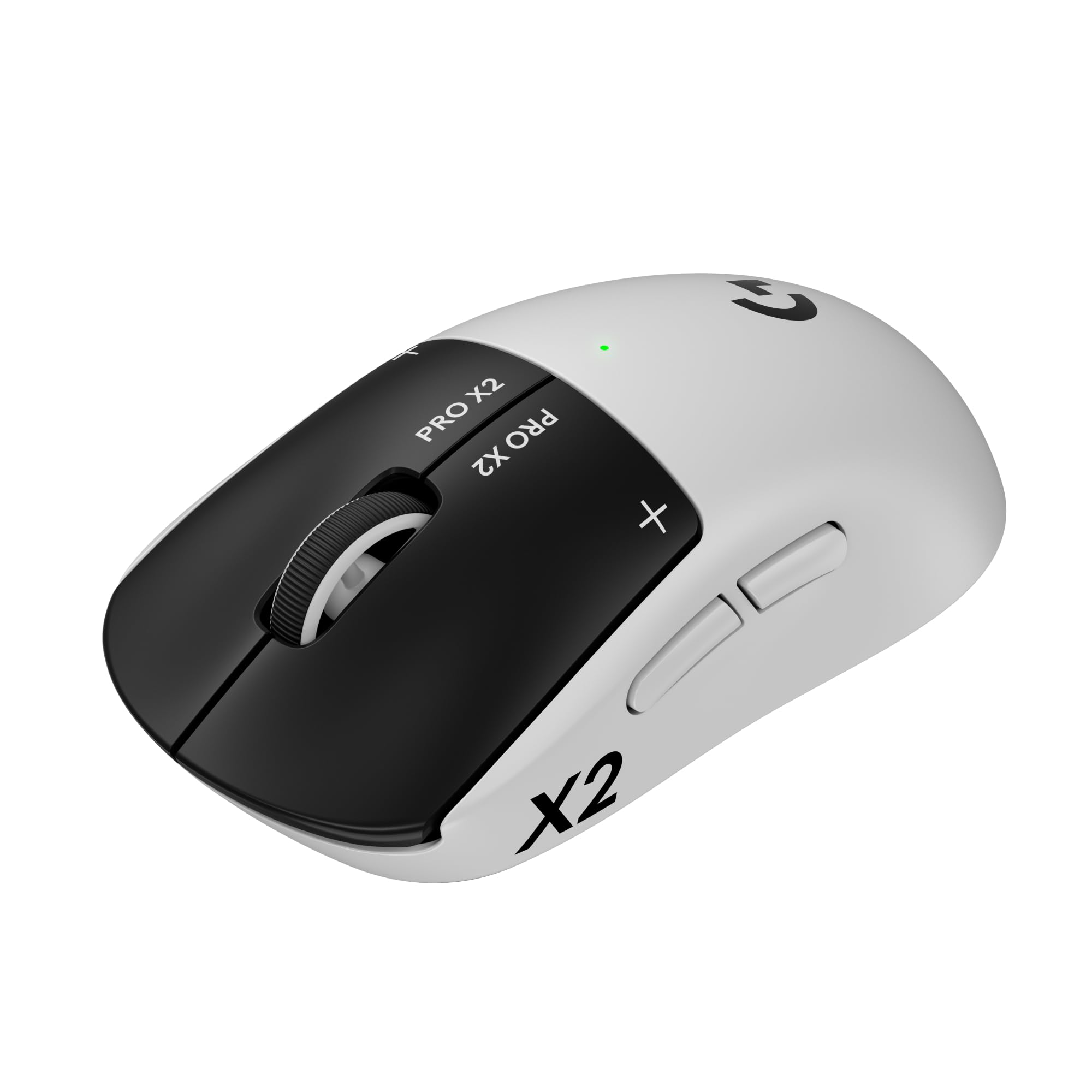
Razer Viper V3 Pro

92 /100
Lab Score Outstanding

Key details

Sensor
Focus Pro 35K
Weight
54g
Buttons
8 programm.
Connection
Wireless
View on Amazon

The Razer Viper V3 Pro combines a 54g frame with 8kHz polling and optical switches that eliminate debounce delay, giving competitive FPS players an edge in reaction time. The Focus Pro 35K sensor tracks movement with pixel-level accuracy, and zero debounce means each click registers the instant your finger lands.

At 54 grams, the mouse feels nearly weightless during fast flicks and tracking. The low-profile shape suits claw and fingertip grips well, allowing quick adjustments without the bulk of heavier mice. The 8kHz polling rate provides smooth cursor movement on high-refresh-rate monitors.

This mouse is built for serious FPS competitors who prioritize weight and polling speed above all else. The 54g weight and 8kHz capability are ideal for fast, precise movements on high-refresh-rate setups. However, at 8kHz polling, battery life drops significantly — players who need long sessions should charge mid-session or use 1kHz for extended play. Additionally, some units may develop button or scroll wheel issues over time, so checking warranty options is wise. The shape is right-handed and works best for claw and fingertip grips; palm grippers will find the low profile uncomfortable. It carries a premium price, reflecting its niche performance focus.

Pros

  • Delivers sub-60g weight and 8kHz polling for instant response in competitive FPS.
  • Optical switches eliminate debounce delay for near-instant click registration.
  • Accurate Focus Pro 35K sensor allows 1-DPI adjustments for precise aim.
  • Shape optimized for claw and fingertip grips reduces fatigue during long sessions.
  • Zero debounce delay ensures every click registers without lag.

Cons

No notable drawbacks to flag.

Our verdict

For FPS players who value every gram and millisecond, the Viper V3 Pro offers the lightest wireless package with 8kHz polling and optical switches.

Check Latest Price
2

Best Value Wired

Logitech G502 Hero

93 /100
Lab Score Outstanding

Key details

Sensor
HERO 25.6K
Weight
122g adj.
Buttons
11 programm.
Connection
Wired
View on Amazon

The G502 Hero stands out for its eleven programmable buttons and customizable weight system – a combination rarely seen at this price point. Its HERO 25K sensor delivers accurate tracking across a wide DPI range, matching the responsiveness of more expensive competitors. While lightweight wireless mice prioritize speed and minimal mass, this wired workhorse offers a heavier, more deliberate feel that suits players who want full control over every function.

This mouse is best for FPS gamers with larger hands who prefer a palm grip and want to assign multiple commands without reaching for the keyboard. However, the mechanical switches and scroll wheel have shown durability limitations; you should expect the mouse to last 1-2 years before double-click or scroll issues may appear.

The included five 3.6g weights let you shift the center of gravity forward or backward, ideal for finding a balanced swing in tracking-heavy shooters. For players comfortable with a heavier mouse, the G502 provides a stable platform for precise aim.

💡 Using the G HUB software's debounce setting may reduce accidental double-click triggers as the switches age.

Pros

  • Eleven programmable buttons positioned for quick access during gameplay
  • Adjustable weight system allows fine-tuning of balance and feel
  • High DPI range up to 25,600 provides precise sensitivity adjustment

Cons

  • Scroll wheel tension may loosen over months of use, affecting scrolling precision
  • Mechanical switches can develop double-click behavior after extended use, impacting single-shot accuracy
Our verdict

For FPS players who want maximum button control and weight customization on a budget, the G502 Hero delivers – provided you accept that its mechanical components may require replacement within a couple of years.

Check Latest Price
3

Best Budget Wireless

Logitech G305 Lightspeed

93 /100
Lab Score Outstanding

Key details

Sensor
HERO 12K
Weight
95g w/ AA
Buttons
6 programm.
Connection
Wireless
View on Amazon

The G305 delivers LIGHTSPEED wireless precision at a fraction of the cost of premium esports mice, with a single AA battery lasting over ten days of heavy use – a practical advantage for gamers who prioritize uptime over grams. The 95g weight sits comfortably in the middle, not too heavy for flick shots and not so light it feels insubstantial.

Tracking is consistent across cloth pads, with the HERO 12,000 DPI sensor keeping up with fast movements without noticeable smoothing. The plastic shell feels sturdy for the price, and the matte finish resists fingerprints. However, the mechanical switches are susceptible to double-click behavior over extended use – a known tradeoff in this budget segment.

This mouse is best for budget-conscious FPS players who want wireless freedom without worrying about charging. The ambidextrous shape suits both hand orientations and makes it easy to pack for LANs or travel. That said, the six programmable buttons limit complex macro setups, and the mechanical switches may develop double-click issues after months of use – a limitation to accept at this price point.

💡 Click switches are mechanical – a light touch reduces wear over time.

Pros

  • Solid build quality for a budget wireless mouse
  • Great value
  • Impressive 250-hour battery life on a single AA battery
  • Well-balanced 95g weight

Cons

  • Left and right clicks can develop double-click behavior after extended use
  • Occasional wireless dropouts or receiver failure has been noted
  • Only six programmable buttons
Our verdict

For FPS gamers on a budget who value wireless freedom and long battery life over the lightest weight, the G305 delivers consistent performance – just be aware of the mechanical switch lifespan.

Check Latest Price
4

Best Mid-Range Lightweight Wireless

Razer Viper V3 HyperSpeed

89 /100
Lab Score Excellent

Key details

Sensor
Focus Pro 30K
Weight
82g w/ AA
Buttons
6 programm.
Connection
Wireless
View on Amazon

At 82 grams with a Focus Pro 30K sensor and AA battery power, the Viper V3 HyperSpeed delivers genuine wireless lightweight performance at half the price of the top-tier Viper V3 Pro — but skips the optical switches and 8kHz polling that define that model.

This is for competitive FPS players on a budget who prioritize low weight and wireless freedom over absolute top speed or extra buttons. The ambidextrous shape suits both left and right-handed users, and the AA battery means no internal battery degradation over time. However, connectivity with the included dongle can be intermittent in some setups, unit reliability varies, and the six-button layout limits macro-heavy play. These tradeoffs are acceptable for players who want a lightweight entry point without spending twice as much.

Battery life is rated at 280 hours on a single AA, but some owners have reported faster drain under constant gaming use — keep a spare battery handy for long sessions. The 82g weight is noticeable when lifting and flicking in fast-paced shooters, and the symmetrical shape provides a neutral grip comfortable for claw and fingertip styles.

💡 Position the dongle within direct line of sight to reduce intermittent disconnects.

Pros

  • Great performance for FPS gaming
  • Lightweight design (82g) for competitive play
  • Comfortable ambidextrous shape

Cons

  • Battery life may fall short of the advertised 280 hours in some usage patterns
Our verdict

For budget-conscious FPS players who want a lightweight wireless mouse, the Viper V3 HyperSpeed offers strong performance and a neutral shape — just be prepared for possible connection quirks and shorter battery life than claimed.

Check Latest Price
5

Best Lightweight Wired

SteelSeries Rival 5

88 /100
Lab Score Excellent

Key details

Sensor
TrueMove Air 18K
Weight
85g
Buttons
9 programm.
Connection
Wired
View on Amazon

At 85g with 9 programmable buttons and a TrueMove Air sensor, the SteelSeries Rival 5 delivers the wired performance FPS players need for fast target acquisition. The low weight reduces fatigue during extended sessions, and the extra side buttons give you room for weapon binds, utility macros, or DPI profiles without reaching for a keyboard.

This mouse targets FPS gamers who want more controls than a typical six-button design but prefer a wired connection to avoid battery worries or wireless input delay. The side button layout works well for medium-to-large hands, though some users with smaller hands may find the top forward button a stretch. The scroll wheel has been noted to lose responsiveness over time, so players who rely heavily on wheel actions (like weapon switching or jumping) should consider this a potential boundary.

Build quality feels solid for a mid-range wired mouse, and the PrismSync RGB integrates seamlessly with other SteelSeries gear. For the price, you get competitive sensor performance and a button count that rivals heavier mice – a practical choice for gamers who value customization over the absolute lightest weight.

Pros

  • Good overall quality for the price
  • Lightweight 85g design reduces hand fatigue during long FPS sessions
  • TrueMove Air sensor with 18,000 CPI offers precise tracking
  • 9 programmable buttons allow extensive control customization without going wireless

Cons

  • Side button placement may not suit all hand sizes
  • Scroll wheel function can degrade with extended use; occasional malfunctions have been noted
Our verdict

Best for FPS players who want a lightweight wired mouse with plenty of buttons, provided you accept the scroll wheel durability as a known tradeoff.

Check Latest Price
6

Ultra-Budget Wired

Redragon M612 Predator

93 /100
Lab Score Outstanding

Key details

Sensor
Optical 8K
Weight
126g
Buttons
11 programm.
Connection
Wired
View on Amazon

The Redragon M612 packs 11 programmable buttons and customizable RGB for under $20 — an impressive feature set at this price. Its 126g weight and inconsistent build quality mean it is better suited as a general-use or MMO mouse than a lightweight FPS contender. Side buttons may be pressed unintentionally, and some units can develop issues within months.

Pros

  • Solid build quality for the price point.
  • Exceptional value given the number of programmable buttons and RGB.
  • Ergonomic shape fits larger hands comfortably.

Cons

  • Build quality can vary between units
  • Side buttons are sensitive and may be pressed unintentionally during use.
Our verdict

Best for budget-conscious gamers who need many buttons for MMOs or non-competitive use and can accept potential early replacement.

Check Latest Price
7

Weight Tunable

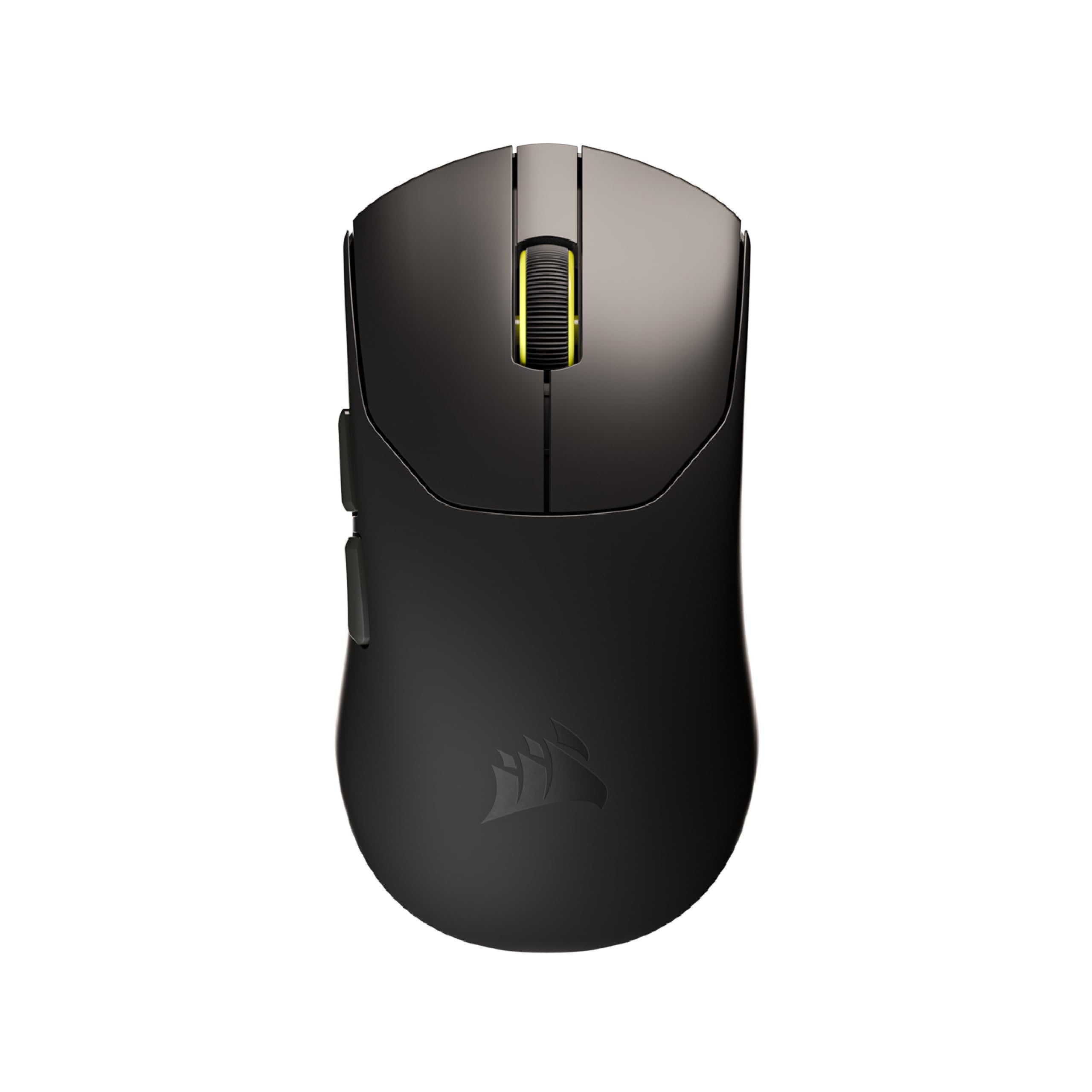
Corsair NIGHTSWORD RGB

91 /100
Lab Score Outstanding

Key details

Sensor
Pixart 3391 18K
Weight
119-141g adj.
Buttons
10 programm.
Connection
Wired
View on Amazon

The NIGHTSWORD stands out for its adjustable weight system, allowing you to shift balance and heft from 119g to 141g — useful for players who want to match a specific feel. The rubberized finish and Pixart PMW3391 sensor deliver solid tracking and grip. However, button and scroll wheel failures may appear over time, and the ergonomics can feel off for some hand sizes, making it a better fit for Corsair iCUE users than for FPS gamers seeking a long-term workhorse.

Pros

  • Adjustable weight system lets you dial in balance and heft across a 22g range.
  • Solid build with rubberized coating provides a secure grip during play.
  • High-DPI Pixart PMW3391 sensor and 10 programmable buttons for customized control.

Cons

  • Button and scroll wheel failures may develop over time, affecting long-term usability.
  • Ergonomics may not suit all hand sizes; some find the shape uncomfortable or cheap-feeling.
Our verdict

Makes sense for Corsair iCUE users who prioritize weight tuning over button longevity, but most FPS players will find more reliable options elsewhere.

Check Latest Price

How to Choose

Weight and Balance

Lighter mice (under 80g) let you flick faster and reduce fatigue during long matches, but they often feel insubstantial for palm grippers. Heavier mice provide stability but slow down rapid direction changes.

A weight between 60g and 100g is a safe middle ground for most players. Adjustable weight systems let you tweak balance, but they add grams – the lightest mice are fixed-weight.

Sensor DPI and Tracking

DPI numbers beyond 16,000 are marketing fluff – pro FPS players use 800–1600 DPI. What matters is tracking accuracy without acceleration or smoothing. Look for sensors like Razer Focus Pro or Logitech HERO that maintain 1:1 movement.

A sensor that spins out on fast swipes is worse than a lower DPI. The best sensors keep tracking perfectly even at high speeds, which you will feel when doing 180-degree flicks.

Wired vs. Wireless Latency

Modern wireless technology (Logitech LIGHTSPEED, Razer HyperSpeed) has closed the latency gap to within 1ms of wired. In blind tests, even pros cannot tell the difference.

The real trade-off is battery life and charging. Wireless mice require batteries or frequent charging, and high polling rates (8kHz) drain the battery much faster. Wired mice never need charging but can cause cable drag.

Switch Durability and Double-Click

Mechanical switches rely on metal contacts that oxidize and wear out, causing the dreaded double-click after months of use. Optical switches use a light beam that never degrades – they are rated for 100 million clicks without failure.

If you plan to keep a mouse for more than a year, investing in an optical-switch model (like the Razer Viper V3 Pro) saves the frustration of intermittent double-clicks. Many manufacturers still use mechanical switches even in premium mice, so check the spec sheet.

Button Count and Ergonomics

Extra buttons are useful for weapon binds or utility, but too many can cause accidental presses. A safe bet is 6–8 programmable buttons; 11+ buttons work for large hands but clutter the grip area.

Shape matters more than any other spec. Palm grip prefers a high arch, claw grip needs a shorter body, and fingertip grip works with ambidextrous designs. Try to match the mouse shape to your natural grip before buying.

Frequently Asked Questions