9 Best Gaming Controller 2026: Drift-Free Performance That Lasts

Find the best gaming controller for your platform and play style – from drift-proof Hall Effect sticks to reliable wireless, without the hype.

Every controller promises low latency, drift-proof sticks, and seamless wireless. Yet after a few months, many develop random disconnects, sticky triggers, or button failures that turn gaming sessions into troubleshooting sessions. The gap between marketing claims and real-world reliability is wider than ever.

The real choice isn't between flashy specs and basic build – it's about matching a controller's actual strengths to your hardware and playstyle. A 1000Hz polling rate means nothing if the wireless drops mid-round. Hall Effect sticks don't guarantee longevity if the bumper breaks first.

This guide cuts through the noise by focusing on what holds up over time: proven build quality, consistent connectivity, and features that genuinely improve gameplay without introducing new headaches. Whether you play on PC, Xbox, or Switch, the right controller is the one that works reliably every time you pick it up.

1

Best Overall

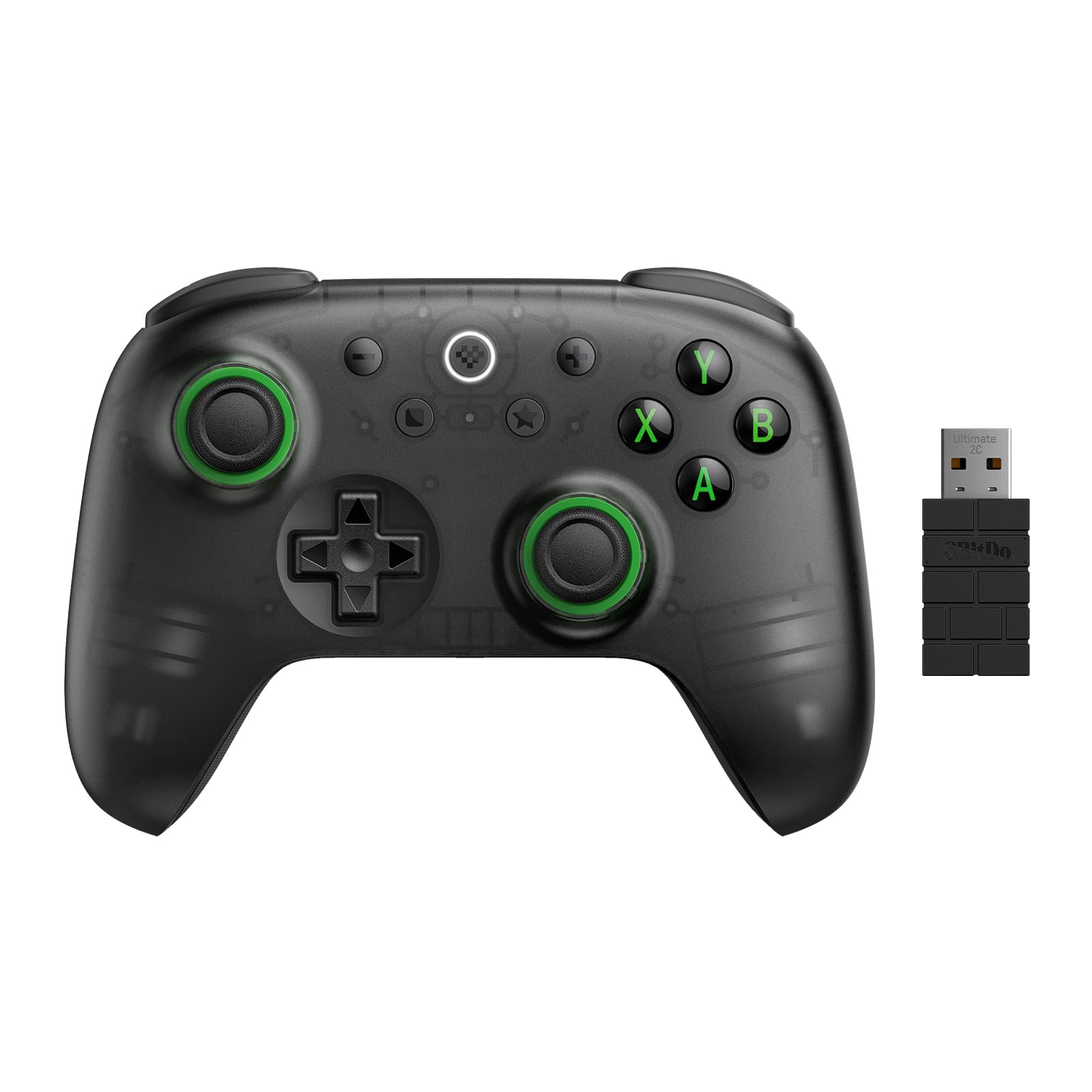
8BitDo Ultimate 2 Wireless

91 /100
Lab Score Outstanding

Key details

Wireless
2.4GHz, Bluetooth
Platforms
PC, Switch, Android
Polling Rate
1000Hz
Extra Buttons
2 back paddles
View on Amazon

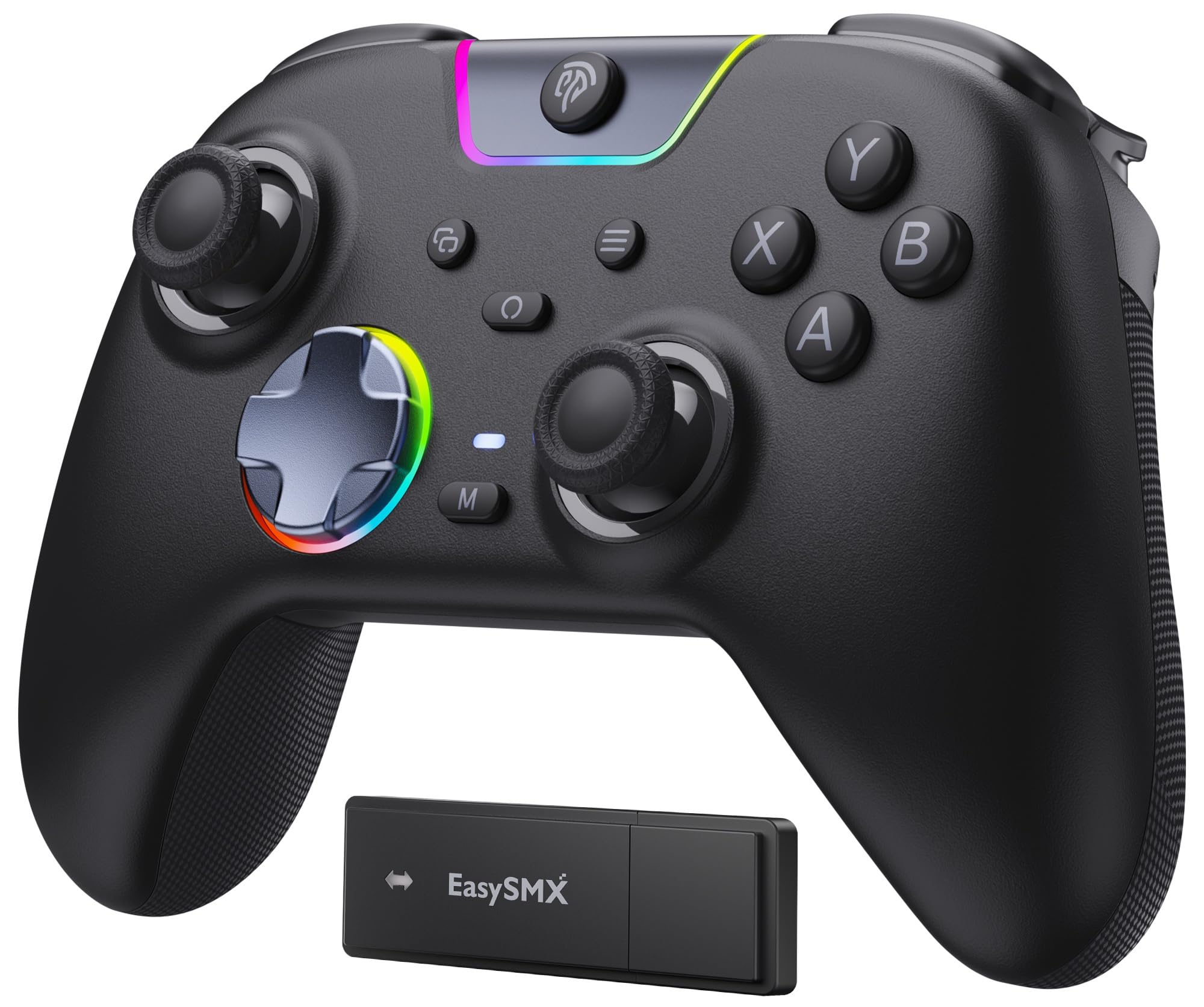
TMR joysticks and a 1000Hz polling rate deliver precise, low-latency input whether connected via 2.4GHz or USB-C. The hall effect triggers add a tactile feedback layer that feels deliberate in shooters and racers alike.

The controller has a solid, weighty build that suits extended sessions, and the contoured shape accommodates larger hands without strain. The charging dock is a practical inclusion – drop it on after playing and battery anxiety disappears. A small number of setups may see occasional wireless dropouts on 2.4GHz; keeping the receiver in direct line-of-sight helps maintain a stable connection.

This wireless controller fits PC, Steam, Switch, and Android gamers who want features normally reserved for more expensive models. It is not compatible with Xbox consoles – those buyers should check alternatives that carry official wireless support. The lack of a headphone jack means audio must go through your device; if wired audio is essential, a different controller may be a better fit.

The bundled dock, two rear paddles, and customizable RGB ring add convenience without pushing the price higher than many basic wireless controllers. For the asking price, you get a feature set that competes with controllers costing twice as much.

💡 Keep the 2.4GHz receiver within direct line-of-sight to minimize the chance of disconnects.

Pros

  • Solid build quality and premium weight
  • Comfortable ergonomics for larger hands during long sessions
  • Included charging dock and feature set at a competitive price
  • Smooth TMR joysticks with no drift and responsive face buttons

Cons

  • Not compatible with Xbox consoles
  • No built-in headphone jack
  • Wireless connection on 2.4GHz can drop out depending on receiver placement
Our verdict

For PC, Switch, and Android gamers who want premium features without a premium price, this controller delivers on the specs that matter – just keep the receiver in clear line-of-sight.

Check Latest Price
2

Best Xbox Wireless Controller

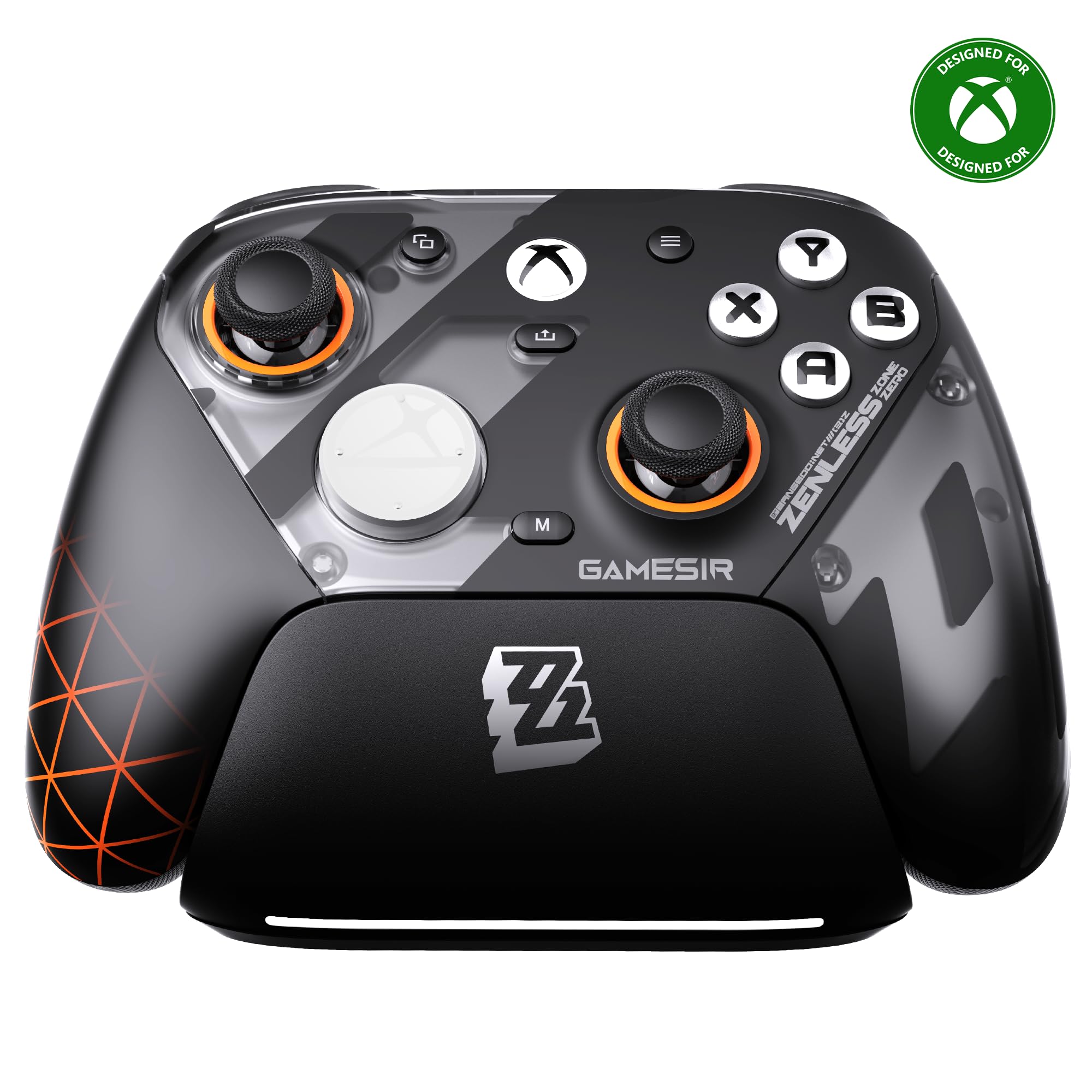
GameSir G7 Pro Wireless (ZZZ)

89 /100
Lab Score Excellent

Key details

Wireless
Xbox Wireless, 2.4GHz, BT 5.3
Platforms
Xbox, PC, Android
Polling Rate
1000Hz
Extra Buttons
4 remappable
View on Amazon

The GameSir G7 Pro Wireless stands out as the top-tier third-party Xbox controller with official wireless support, TMR joysticks, and Hall Effect triggers. Where the top pick in this roundup focuses on multi-platform value for PC and Switch, the G7 Pro is built around the Xbox ecosystem, pairing a charging dock and 1000Hz polling with the convenience of authentic Xbox Wireless connectivity. The build quality and materials feel dense and well-finished, and the four rear buttons are easily programmable through the companion app or onboard controls.

This controller is best suited for Xbox Series X|S owners who want a wireless alternative to the Elite Series 2 without the Microsoft price tag, as well as PC gamers who split time between console and computer and want a single controller for both. The higher price and Xbox focus mean it's not for budget-conscious buyers or those who play only on PlayStation or Switch. Some units have developed trigger or bumper issues after several months, so checking recent reviews and considering an extended warranty is a sensible precaution.

Customization is a strong suit here: the removable faceplate, adjustable trigger stops, and four remappable rear buttons give competitive players plenty of control over layout and feel. The sticks are smooth and responsive, and the overall ergonomics suit longer gaming sessions. The bundled charging dock keeps the controller topped up between uses, removing the need for batteries or cables.

💡 If you buy one, keep an eye on trigger and bumper responsiveness after a few months — an extended warranty or easy-return retailer is worth considering.

Pros

  • Good value for an officially licensed Xbox wireless controller with premium features.
  • Excellent customization via app and hardware buttons, including swappable faceplate.
  • Comfortable ergonomics with smooth sticks and responsive buttons for long sessions.

Cons

  • Stick drift can appear in isolated units after extended use.
  • Occasional trigger or bumper failure has been noted after a few months of use.
Our verdict

For Xbox gamers who want a wireless controller with TMR sticks and a charging dock without paying Elite Series 2 prices, the G7 Pro delivers on the feature set — just budget for a warranty in case of long-term issues.

Check Latest Price
3

Best for Competitive PC Gaming

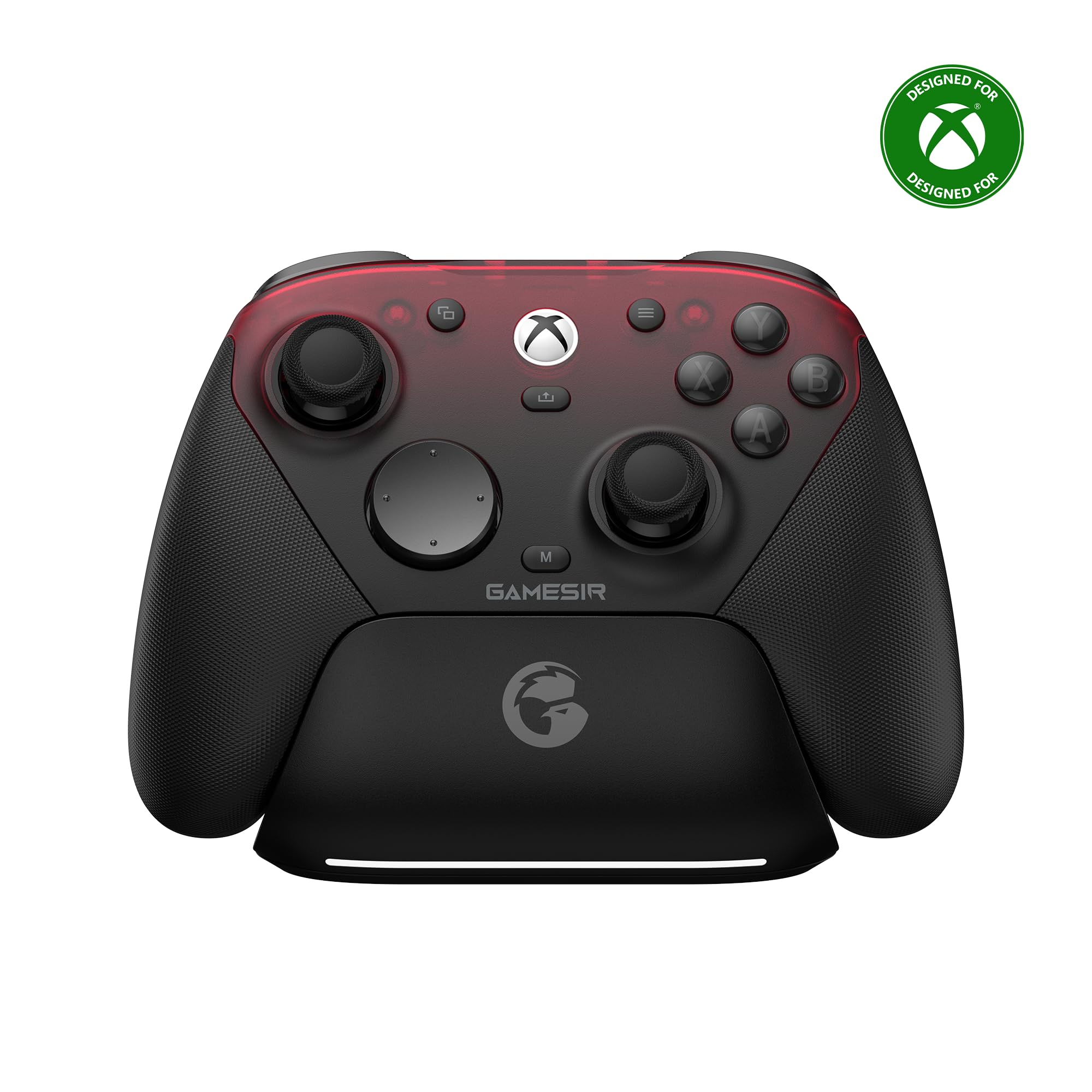
GameSir G7 Pro 8K PC

88 /100
Lab Score Excellent

Key details

Wireless
2.4GHz, USB-C
Platforms
PC only
Polling Rate
8000Hz
Extra Buttons
4 remappable
View on Amazon

The GameSir G7 Pro 8K is built around one thing: speed. While the 8BitDo Ultimate 2 offers the best all-round value for multi-platform use, this model targets a narrower audience: PC-only competitive players who want the absolute lowest input latency. Its 8000Hz polling rate (wired and 2.4G wireless), Gen-2 TMR joysticks, and optical face buttons deliver response times that undercut every 1000Hz controller on the market.

In high-refresh-rate shooters and racing sims, the difference is perceptible – smoother aim tracking and faster trigger inputs. The hall effect triggers with micro switch stops provide a crisp actuation point for rapid tapping. Build quality feels solid, with a weighty, textured grip that stays planted during intense sessions.

This controller is for PC esports enthusiasts who value every millisecond advantage and don't need console compatibility. Early units have shown occasional trigger or stick issues, so buying from a retailer with easy returns is worth factoring into your decision. If you need to switch between Xbox and PC, the top pick's slightly slower but more capable design is a better fit.

💡 Test the triggers and sticks within the return window – early unit issues can be resolved quickly.

Pros

  • 8000Hz polling delivers the fastest response available for PC gaming.
  • Optical face buttons and Gen-2 TMR joysticks provide a crisp, consistent feel.
  • Priced below many 1000Hz rivals, it offers top-tier latency without the premium markup.

Cons

  • Only works with PC
  • Some units can develop trigger or stick issues early on
Our verdict

For PC gamers who demand the lowest possible latency and are willing to verify their unit's condition, the GameSir G7 Pro 8K delivers unmatched responsiveness at a mid-range price.

Check Latest Price
4

Best Budget Wireless

GameSir Nova Lite 2

88 /100
Lab Score Excellent

Key details

Wireless
2.4GHz, Bluetooth
Platforms
PC, Switch, Android
Polling Rate
1000Hz
Extra Buttons
2 back buttons
View on Amazon

The Nova Lite 2 crams Hall Effect sticks and triggers, a 1000Hz polling rate over 2.4G or USB-C, and two remappable back buttons into a budget-friendly shell. The top pick (8BitDo Ultimate 2) offers more consistent wireless and longer battery life, but costs more than double – the Nova Lite 2 makes those tradeoffs to hit a lower price point.

This controller suits PC and Switch gamers who want modern features without a high investment, or as a travel spare. Battery lasts only 4-6 hours, and wireless connectivity can be spotty – best for short sessions or as a backup.

Build quality and ergonomics are comfortable for medium-to-large hands, and the mechanical D-pad provides satisfying feedback. Some units may show unresponsive face buttons or stick drift over time, so testing within the return window is wise.

💡 Place the 2.4G receiver in direct line of sight to minimize potential wireless dropouts.

Pros

  • Hall Effect sticks and triggers eliminate drift issues.
  • 1000Hz polling rate over 2.4G and wired ensures responsive gameplay.
  • Two back buttons and mechanical D-pad add customization.

Cons

  • Some units may have unresponsive face buttons or develop stick drift.
Our verdict

If you need a budget-friendly controller with modern features for short gaming sessions or as a travel backup, the Nova Lite 2 delivers where it counts – just keep a charging cable nearby and expect occasional wireless quirks.

Check Latest Price
5

Best for Customization & Screen

ManbaOne Interactive

89 /100
Lab Score Excellent

Key details

Wireless
2.4GHz, Bluetooth
Platforms
PC, Switch, Android
Polling Rate
800Hz+ wired
Extra Buttons
4 back buttons
View on Amazon

The ManbaOne stands out with a 2-inch interactive screen built into the controller face, letting you tweak button mapping, RGB lighting, and stick sensitivity without launching a phone app or PC software. That screen, combined with Hall Effect sticks and triggers, gives customization-minded players a level of direct control that few competitors offer at this price point.

This controller is best suited for tech enthusiasts who enjoy personalizing their gear and want a single wireless controller that works across PC, Switch, and mobile devices. The included charging dock and 1800mAh battery make daily use convenient. However, the ABXY buttons are soft and not clicky — a tradeoff that tactile-preference gamers should try before committing. Additionally, some units have shown trigger or bumper failure early on, so testing within the return window is advisable.

Wireless connectivity can be intermittent; occasional disconnects have been noted, particularly over Bluetooth. For those who prioritize rock-solid wireless performance above all else, the top pick in this category (the 8BitDo Ultimate 2) offers more consistent connectivity with TMR sticks and a higher polling rate. The ManbaOne compensates with its unique screen and a broader feature set for the same mid-range cost.

💡 Test all buttons and wireless modes within the return window to confirm the unit is free of early defects.

Pros

  • On-controller screen enables instant settings adjustment without a separate app
  • Solid build quality with a premium feel that matches its price tier
  • Generous feature set includes Hall Effect sticks, dock, and RGB lighting for the price

Cons

  • ABXY buttons are soft
  • Wireless connectivity can be intermittent, with occasional disconnects reported
  • Some units may develop trigger or bumper failure after a period of use
Our verdict

If you value direct on-the-fly customization and play across PC, Switch, and mobile, the ManbaOne offers a unique screen-based experience that justifies its mid-range price — just verify unit condition early.

Check Latest Price
6

Competitive PC

FLYDIGI Vader 5 Pro

80 /100
Lab Score Excellent

Key details

Wireless
2.4GHz, Bluetooth
Platforms
PC only
Polling Rate
~333Hz wired
Extra Buttons
8 remappable
View on Amazon

The FLYDIGI Vader 5 Pro delivers adjustable joystick tension and a solid tactile build, giving PC gamers control over stick resistance for different genres. Its 8 remappable buttons offer a clear competitive advantage. However, the adjustable tension collars can loosen over time, and the proprietary software is required to unlock features like gyro and back buttons – limiting full use to Windows without Linux or alt-OS support.

Pros

  • Adjustable joystick tension suits different game genres
  • High quality build and tactile feel
  • 8 remappable buttons for competitive advantage

Cons

  • Tension collars can loosen over time
  • Gyro and back buttons require proprietary software, limiting non-Windows use
Our verdict

This controller fits PC gamers who value adjustable stick feel and extra buttons, and who are comfortable using Windows-only proprietary software for full functionality.

Check Latest Price
7

PS5 Players

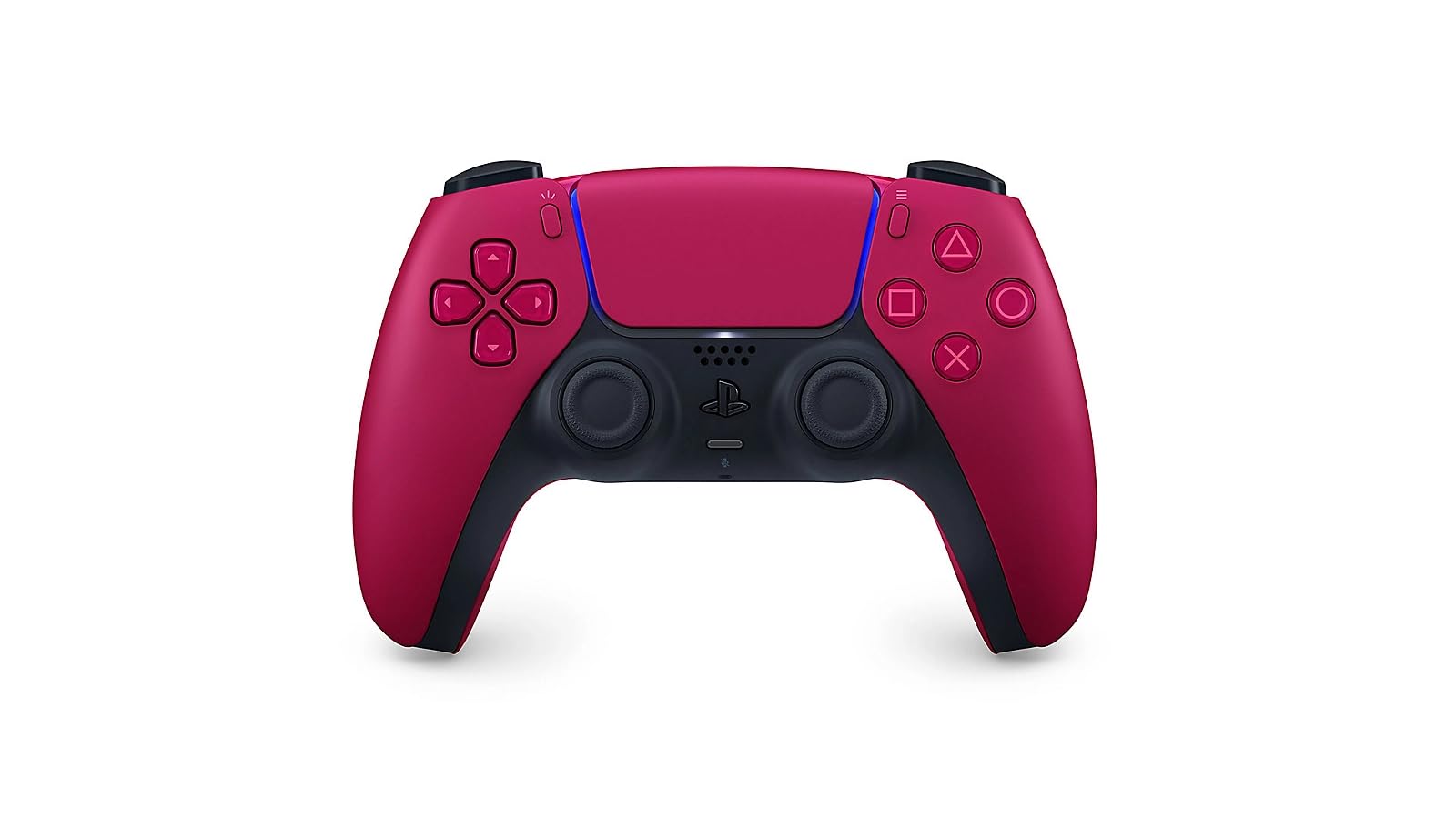
DualSense Edge

93 /100
Lab Score Outstanding

Key details

Wireless
Bluetooth
Platforms
PS5, PC
Polling Rate
Standard
Extra Buttons
Back paddles
View on Amazon

The DualSense Edge delivers modular stick replacement and adjustable triggers in a premium first-party build designed for competitive PS5 play. The construction and feel set it apart from standard controllers, and the ability to swap stick modules extends its useful life significantly. However, the battery lasts roughly five hours, so frequent charging or wired use is necessary, and the price is considerably higher than third-party alternatives with similar features. This controller rewards Sony loyalists who prioritize stick reliability and official design, but the battery and cost tradeoffs make it a narrow fit for most buyers.

Pros

  • High-quality construction with a premium feel
  • Replaceable stick modules extend the controller lifespan

Cons

  • Battery life is around 5 hours, requiring frequent charging or wired use
  • Higher cost for the feature set compared to third-party options
Our verdict

A solid choice for competitive PS5 players who value modular sticks, but only if battery life and price are acceptable tradeoffs.

Check Latest Price
8

Casual PC

Logitech G F310

89 /100
Lab Score Excellent

Key details

Wireless
Wired USB-A
Platforms
PC, Mac, Steam
Polling Rate
Standard
Extra Buttons
10 programmable
View on Amazon

The Logitech G F310 delivers consistent wired performance across PCs, Macs, and emulators at a price that's hard to beat. Its dated shape and tendency for buttons to get sticky over time limit it to casual use, and the 4-switch D-pad lacks the precision needed for fighting games. This is a practical spare or guest controller for older titles and platformers, but not a primary choice for anyone seeking modern feel or high-speed input.

Pros

  • Extremely durable
  • Great value at this price
  • Broad compatibility with PC, Mac, Steam, and emulators without additional software

Cons

  • Button responsiveness can degrade over time
  • Bumpers may break with normal use
Our verdict

A sensible backup or guest controller for PC, but skip it if you need modern ergonomics or plan to play fighting games.

Check Latest Price
9

Basic Xbox

PowerA Wired Controller

86 /100
Lab Score Excellent

Key details

Wireless
Wired USB-C
Platforms
Xbox, PC
Polling Rate
Standard
Extra Buttons
View on Amazon

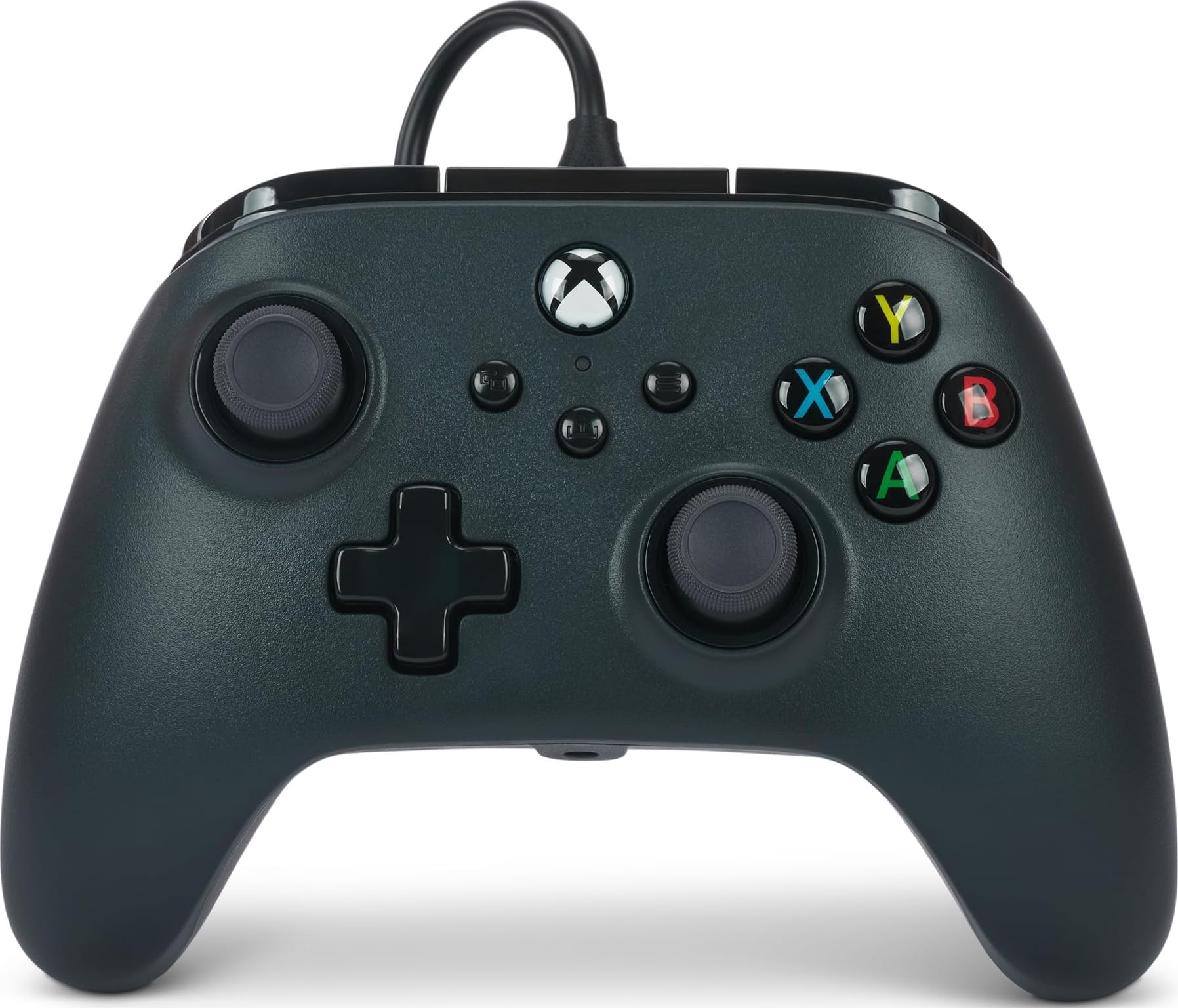
The PowerA Wired Controller is the most affordable officially licensed Xbox controller — a no-frills option that delivers consistent wired performance for basic gaming needs. It includes impulse triggers, dual rumble, and a 3.5mm audio jack, matching the standard Xbox layout. However, it lacks the Hall Effect sticks, wireless connectivity, and extra buttons found on modern controllers, making it unsuitable for competitive play or users seeking drift-proof durability. This controller serves best as a spare, a guest controller, or for younger players where budget and simplicity are priorities.

Pros

  • Officially licensed for Xbox and Windows at the lowest price on the market
  • Consistent wired performance with standard Xbox features including impulse triggers and audio jack

Cons

  • Wired-only design limits placement flexibility
  • Standard analog sticks can develop drift over time, unlike Hall Effect alternatives found on newer controllers
Our verdict

If you need a low-cost wired backup for casual use, children, or as a guest controller, this is the most affordable officially licensed option available.

Check Latest Price

How to Choose

Joystick Technology: Hall Effect vs TMR vs Traditional

Hall Effect and TMR joysticks use magnetic sensors instead of physical contact, which eliminates the wear that causes stick drift. However, not all magnetic sticks are equal: TMR (dual-sensor) offers better precision and lower power draw than basic Hall Effect, but both still depend on the quality of the mechanical assembly around them.

A controller with TMR sticks from a reliable manufacturer will outlast one with Hall Effect sticks from a brand with poor QC. For competitive shooters, TMR's finer resolution can translate to more consistent aim, but for casual play the difference is negligible.

Polling Rate: How Fast Is Fast Enough

Polling rate (measured in Hz) determines how often the controller reports its position to the PC. 1000Hz (1ms) is the current standard for competitive play and feels noticeably snappier than the old 250Hz. 8000Hz cuts latency further but only matters in fast-paced esports titles and requires a PC that can handle the data stream.

The trade-off: higher polling rates drain batteries faster and can cause CPU overhead in some games. For most players, 1000Hz over 2.4GHz wireless is the sweet spot – anything beyond is diminishing returns unless you're chasing frame-perfect inputs.

Wireless Connectivity: Stability Over Range

Wireless controllers use either Bluetooth, 2.4GHz via dongle, or proprietary protocols (like Xbox Wireless). 2.4GHz offers the lowest latency and most stable connection, but requires a USB port and line-of-sight isn't always reliable. Many controllers advertise 'wireless' but deliver random disconnects when the signal is obstructed.

Official Xbox Wireless is the most robust for Xbox consoles but rarely available on third-party controllers. Bluetooth is convenient for multi-device use but can suffer interference from other devices. Always check user feedback for connectivity complaints on the specific model you're considering.

Platform Compatibility: What Works Where

A controller may advertise PC, Switch, and Android support, but compatibility often comes with caveats. For example, some third-party controllers work wirelessly on PC but require a wired connection for Xbox. Others lose gyro or remapping features on non-primary platforms.

If you play across multiple devices, look for controllers that explicitly list all supported modes and read recent reviews to confirm they work as advertised. The safest bet is a controller that uses a 2.4GHz dongle for PC and Bluetooth for Switch – but expect to juggle pairing.

Extra Buttons and Customization

Remappable back buttons or paddles give you faster access to actions without lifting your thumbs. More buttons isn't always better – two well-placed back buttons are easier to use than four tiny ones. Software customization via an app allows you to remap, adjust trigger dead zones, and save profiles.

The hidden cost: software quality varies wildly. Some apps are buggy, require accounts, or don't save settings after reboot. Check reviews specifically for the companion software before relying on advanced customization.

Frequently Asked Questions