9 Best Gaming SSD of 2026: Which Actually Cut Load Times Without Heat

Which PCIe Gen4 and Gen5 SSDs deliver real gaming speed without overheating or sacrificing reliability – for PCs and PS5.

The marketing battle for faster storage has many gamers eyeing PCIe 5.0 SSDs, but real-world load times in today's titles barely benefit from speeds beyond 7,000 MB/s. The real bottleneck is no longer the drive – it's how the game engine loads assets.

Meanwhile, heat is the silent enemy of high-performance SSDs. A drive that runs too hot will throttle itself, turning a claimed 10,000 MB/s into a sluggish crawl inside your case. And reliability varies sharply: some once-trusted models now show a troubling pattern of early failures.

This guide cuts through the spec-sheet noise to highlight SSDs that actually deliver consistent speed, stay cool under pressure, and have a proven track record for long-term dependability – whether you're building a PC or expanding a PS5.

1

Best Overall

WD_BLACK SN850X 2TB

96 /100
Lab Score Outstanding

Key details

Speeds
7300 MB/s read
Capacity
2TB
Interface
PCIe 4.0 x4
View on Amazon

The WD_BLACK SN850X 2TB combines Gen4 sequential reads of 7300 MB/s and writes of 6300 MB/s with a 2TB footprint, landing at a cost per gigabyte that beats many comparably fast competitors. For gamers and power users, this translates to near-instant game level loads and snappy system boot times without the premium upcharge of drives like the Samsung 990 PRO.

In practice, the drive handles large file transfers and game installations with minimal delay, and most users find it keeps cool enough under standard airflow. A small number of units can stop functioning after months of use; while not a frequent occurrence, it is worth verifying the drive periodically if you are storing critical data without a backup.

This SSD is a strong fit for gamers building a high-end PC or expanding a PS5 library who want high capacity and top-tier Gen4 speed without stepping up to Gen5 pricing. It is less suited to those on a tight budget or anyone needing absolute long-term data integrity—though for the vast majority of buyers, the day-to-day performance and capacity justify the investment.

Pros

  • Consistent operation across thousands of hours of use
  • Lightning-fast load times for games and applications
  • Competitive price per gigabyte for Gen4 performance
  • Ample 2TB capacity for extensive game libraries
  • Simple plug-and-play installation

Cons

  • A small number of units can become non-functional after extended use, a consideration for long-term storage
Our verdict

For high-end gaming builds and PS5 expansion, the SN850X delivers top-tier speed and capacity with a reliability record that most buyers will find satisfactory.


Check Latest Price
2

Best Reliability for Gen4

Samsung 990 PRO 2TB

96 /100
Lab Score Outstanding

Key details

Speeds
7450 MB/s read
Capacity
2TB
Interface
PCIe 4.0 x4
View on Amazon

The 990 PRO delivers the highest Gen4 write speeds available (6900 MB/s) and near-zero failure reports, making it the most dependable option for demanding workloads like 4K video editing or large-file transfers.

This drive is for professionals and enthusiasts who prioritize long-term dependability and peak write throughput above all else. The premium price – often $100+ more than comparable 2TB drives – is justified only when absolute dependability is non-negotiable. For pure gaming, the top pick offers nearly identical real-world loading times at a lower cost.

Pros

  • Fastest Gen4 write speeds at 6900 MB/s for sustained large-file transfers
  • Near-zero failure reports across a large user base
  • Consistent sustained performance under heavy workloads due to DRAM cache and advanced controller

Cons

  • Costs significantly more than competing 2TB Gen4 drives with similar read speeds
Our verdict

If absolute write speed and near-zero failure risk are worth the extra cost, the 990 PRO delivers. Otherwise the top pick offers a better balance of price and performance.

Check Latest Price
3

Best Value Gen4

Crucial P310 1TB

96 /100
Lab Score Outstanding

Key details

Speeds
7100 MB/s read
Capacity
1TB
Interface
PCIe 4.0 x4
View on Amazon

The Crucial P310 delivers 7100 MB/s reads at a mid-range price that undercuts many Gen4 rivals, making it a strong contender for gamers who want fast load times without overspending.

This drive suits gamers upgrading from SATA SSDs or building a budget-conscious gaming rig where every dollar matters. The 1TB capacity holds several modern games, but heavy libraries will feel the limit — there is no 2TB version available. Very rare failures have been noted by some users, though the overall satisfaction rate is high.

Installation is straightforward across most PCs, laptops, and handhelds like the ROG Ally. Boot speeds and game loading times show a measurable jump from older drives, keeping the experience responsive without the premium price of top-tier Gen4 options.

Pros

  • Read/write speeds that rival more expensive drives for everyday gaming and multitasking
  • Cost per gigabyte is among the best in this analysis for Gen4 performance
  • Plug-and-play setup with no extra drivers needed for most systems
  • Plenty of room for multiple AAA titles despite the 1TB cap

Cons

  • Premature failure can occur in a small fraction of units within the first few months
Our verdict

If you need a fast Gen4 drive for gaming without paying a premium, the Crucial P310 delivers nearly all the performance at a budget-friendly price.

Check Latest Price
4

Best for PS5

WD_BLACK SN850 1TB HS

98 /100
Lab Score Outstanding

Key details

Speeds
7000 MB/s read
Capacity
1TB
Interface
PCIe 4.0 x4
View on Amazon

Installing this drive in a PS5 takes less than five minutes with no extra hardware – the console recognizes it immediately. The integrated heatsink fits the PS5 slot perfectly, so there is no need to buy a separate cooler or worry about thermal clearance.

Read speeds reach 7000 MB/s, which shortens game load times and file transfers noticeably. Write speeds of 5300 MB/s handle large game installations without bottleneck, and the drive stays thermally stable during extended play sessions.

This drive is a direct fit for PS5 gamers who want a simple upgrade and don't want to source a separate heatsink. However, the 1TB capacity fills up quickly with modern games, and upgrading to the 2TB version carries a significant price increase.

Pros

  • Plug-and-play installation in PS5, no extra heatsink required.
  • Immediate recognition by PS5 and PC hardware, no driver tweaks needed.
  • Fast game load speeds and rapid file transfers.
  • Integrated heatsink keeps temperatures under control during long gaming sessions.

Cons

  • For gamers with large libraries, 1TB capacity may require frequent game management.
  • Cost per gigabyte is higher than larger drives, and the 2TB version is priced steeply.
Our verdict

PS5 owners who prioritize a hassle-free installation and don't need more than 1TB will find this drive ideal; those with larger collections should consider the 2TB SN850X or a similarly priced 2TB alternative.

Check Latest Price
5

Best Gen5 for Early Adopters

Corsair MP700 Elite 2TB

92 /100
Lab Score Outstanding

Key details

Speeds
10000 MB/s read
Capacity
2TB
Interface
PCIe 5.0 x4
View on Amazon

The Corsair MP700 Elite hits around 10,000 MB/s sequential reads, putting it among the fastest Gen5 drives available without demanding the premium of top-tier models. For gamers still on Gen4, the WD_BLACK SN850X offers near-identical real-world load times at a lower cost, but if your motherboard supports PCIe 5.0 and you work with large sequential transfers, this Corsair makes the upgrade worthwhile.

This drive targets early adopters who already have a PCIe 5.0 slot and want to maximize bandwidth for large file workflows. Gaming benefits are minimal — most current titles see single-digit improvements over a fast Gen4 SSD. The 2TB capacity suits high-resolution video editing or rapid asset loading. Long-term reliability is still being established; the drive has a smaller user track record compared to established Gen4 options. Ensure your motherboard has an adequate heatsink, as the drive can run warm under sustained writes.

For those who need even higher sequential speeds, faster Gen5 options like the Samsung 9100 PRO reach beyond 14,000 MB/s, but they come at a significantly higher per-gigabyte cost. The MP700 Elite strikes a practical balance for buyers who want Gen5 access without the top-tier price tag.

💡 A good motherboard heatsink is recommended to avoid thermal throttling during extended writes.

Pros

  • Delivers ~10,000 MB/s sequential reads
  • Lower price than most other PCIe 5.0 SSDs with similar rated speeds
  • 2TB capacity provides ample space for large game libraries and creative projects

Cons

  • Long-term durability under heavy sustained writes is not yet as established as with popular Gen4 drives
  • Requires an adequate motherboard heatsink to maintain peak performance; some systems may need an aftermarket cooler
Our verdict

For early adopters with a PCIe 5.0 motherboard who want Gen5 speeds without overspending, the MP700 Elite delivers the bandwidth where it matters – just ensure your system's cooling is up to the task.

Check Latest Price
6

Top Gen5 Speed

Samsung 9100 PRO 1TB

93 /100
Lab Score Outstanding

Key details

Speeds
14700 MB/s read
Capacity
1TB
Interface
PCIe 5.0 x4
View on Amazon

The Samsung 9100 PRO 1TB hits 14,700 MB/s sequential reads and 13,300 MB/s writes, making it the highest-bandwidth consumer SSD on the market. For a gamer or creator moving multi-gigabyte project files, that raw speed cuts transfer times in half compared to Gen4 drives.

That speed comes with a heat penalty. Under sustained loads the controller pushes temperatures high enough to trigger thermal throttling unless the drive sits under a capable aftermarket heatsink. Many motherboards with Gen5 slots include a heatsink, but budget boards may not — check your setup before buying.

This drive suits early adopters with a PCIe 5.0 motherboard and a workload that actually benefits from sequential bandwidth — think 8K video editing, large dataset transfers, or uncompressed game asset compilation. For standard gaming where load times are already under ten seconds on a good Gen4 drive, the premium price and cooling demands make the 9100 PRO hard to justify.

💡 Install a high-quality aftermarket heatsink to maintain full performance during sustained writes.

Pros

  • Blazing fast sequential read/write speeds
  • Responsive overall performance for gaming and demanding tasks
  • Solid build quality and stability

Cons

  • Premium-priced at 1TB, with limited capacity options
  • Requires a high-quality heatsink to avoid thermal throttling under sustained loads
Our verdict

If you move massive files daily and have a Gen5 motherboard with a robust heatsink, the 9100 PRO delivers unmatched sequential speed. For most gamers, a top Gen4 drive offers nearly identical real-world performance for less money and less hassle.

Check Latest Price
7

Budget Gamers, Gen4

SIX X7400 1TB

88 /100
Lab Score Excellent

Key details

Speeds
7350 MB/s read
Capacity
1TB
Interface
PCIe 4.0 x4
View on Amazon

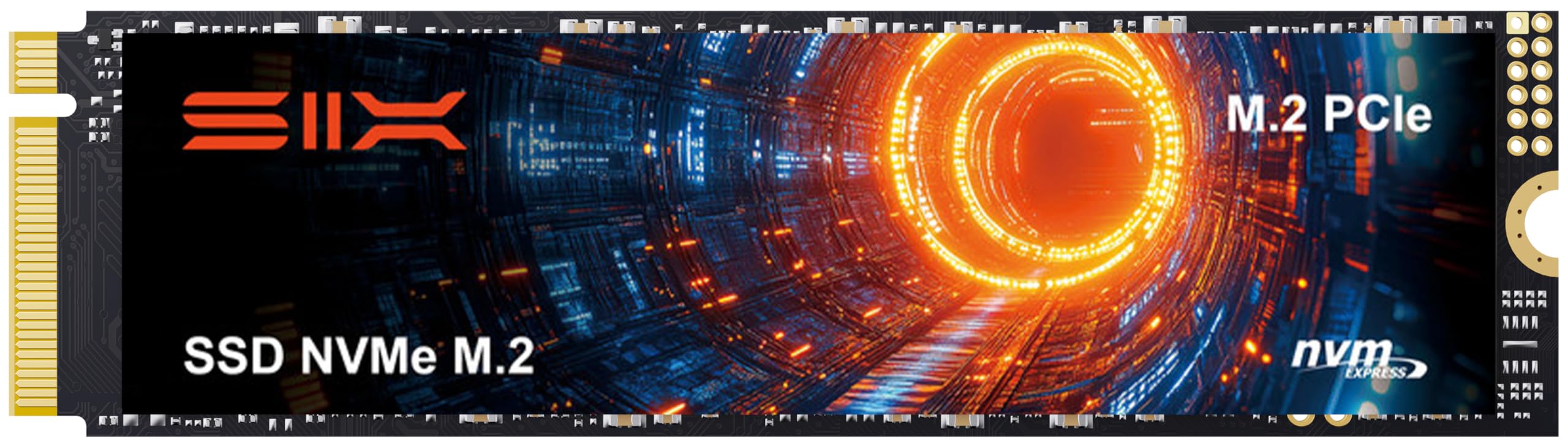
The SIX X7400 delivers competitive Gen4 read speeds up to 7350 MB/s at a price that undercuts many rivals. For standard PS5 or PC gaming, it offers quick load times and responsive performance. However, the bundled heatsink is basic — it can struggle to keep temperatures in check during extended heavy workloads, leading to potential throttling. Additionally, some PS5 Slim owners have reported the drive not being recognized. These factors, combined with a lower overall reliability record, mean the X7400 is best suited for budget-conscious builds where the price advantage outweighs the risk of occasional thermal or compatibility hiccups.

Pros

  • Gen4 speeds up to 7350 MB/s reads at an entry-level price point.
  • Simple installation with included heatsink and mounting hardware.

Cons

  • For sustained gaming sessions, the basic heatsink can lead to thermal throttling.
  • For PS5 Slim owners, the drive may not be recognized by the console.
Our verdict

Pick the SIX X7400 only if you are on a tight budget and building a standard PS5 or PC where you can accept basic cooling and skip PS5 Slim compatibility.

Check Latest Price
8

Budget Gamers, PS5

Acer Predator GM7 1TB

93 /100
Lab Score Outstanding

Key details

Speeds
7400 MB/s read
Capacity
1TB
Interface
PCIe 4.0 x4
View on Amazon

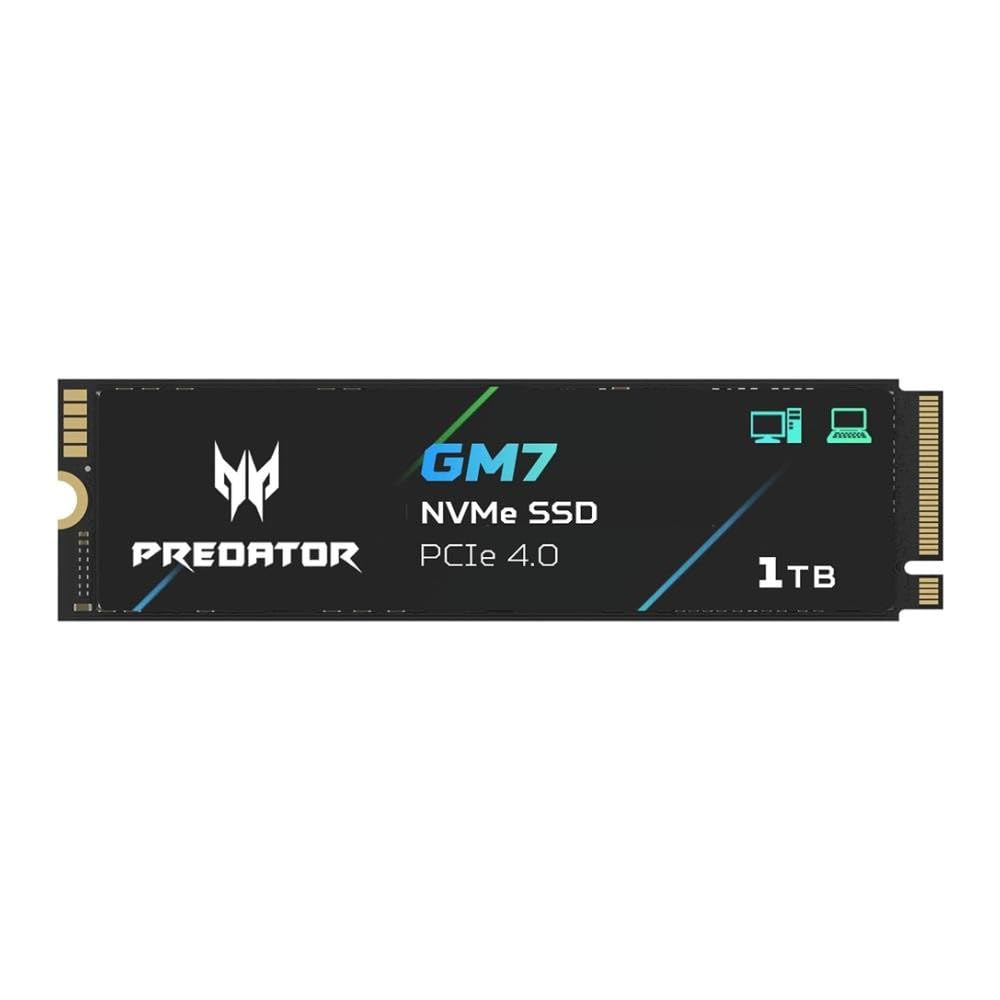
The Acer Predator GM7 delivers the headline Gen4 speeds gamers want at a mid-range price point. Early adopters report smooth installation and consistent gaming performance that matches the advertised 7400 MB/s reads and 6500 MB/s writes. However, the drive has only been on the market for a limited time, so its behavior under sustained heavy writes over years is not yet established. For budget-focused gamers who upgrade drives every couple of years, the performance-to-price ratio is attractive. Those expecting a multi-year workhorse may want to consider options with a longer track record.

Pros

  • Sequential read and write speeds up to 7400 MB/s and 6500 MB/s respectively for fast game loading.
  • Installation is simple with no additional software or configuration needed.
  • Early user reports indicate stable performance under gaming workloads.

Cons

  • Long-term endurance under sustained write activity has not been documented.
Our verdict

This drive suits gamers who want Gen4 speeds on a budget and plan to upgrade within a few years, but it is not recommended for those needing a long-term storage solution with a proven track record.

Check Latest Price
9

Legacy PC, Storage

Samsung 970 EVO Plus 2TB

96 /100
Lab Score Outstanding

Key details

Speeds
3500 MB/s read
Capacity
2TB
Interface
PCIe 3.0 x4
View on Amazon

The Samsung 970 EVO Plus 2TB offers fast PCIe 3.0 sequential reads and writes, making it a solid performer for everyday gaming and multitasking on compatible systems. Its 2TB capacity at a low cost per gigabyte provides generous storage for games and files. Long-term stability and simple installation add to its appeal for upgrading older PCs. However, the PCIe 3.0 interface prevents use in a PS5 and cannot match the speeds of Gen4/5 drives, so it is not suitable for high-end gaming builds built around the latest standards.

💡 Some motherboards may require a BIOS update before the SSD is recognized – a one-time step that is usually simple.

Pros

  • Fast PCIe 3.0 speeds keep boot times and game loads quick for daily use.
  • 2TB capacity offers significant storage at a budget-friendly price per gigabyte.
  • Simple installation into M.2 slots, requiring no extra cables.

Cons

  • Not compatible with the PS5, limiting its use to PC systems only.
  • In a high-end gaming PC with Gen4/5 slots, the PCIe 3.0 interface caps peak throughput
Our verdict

A cost-effective 2TB upgrade for older PCs or secondary storage, but not for PS5 or high-end gaming rigs needing Gen4/5 speeds.

Check Latest Price

How to Choose

Interface: PCIe Gen4 vs Gen5

Choosing between PCIe 4.0 and 5.0 is the first fork. Gen5 drives hit up to 15,000 MB/s, but today's games load in 10-15 seconds on a good Gen4 drive. The difference is often less than two seconds in titles like Cyberpunk 2077 or Call of Duty.

The real trade-off is heat: Gen5 controllers draw more power and dump more heat into your case. Without a robust motherboard heatsink or active cooling, they throttle down to Gen4 speeds anyway. For pure gaming, Gen4 is the practical choice.

Sequential Read/Write Speeds

Manufacturers quote sequential speeds because they're impressive in benchmarks. That number matters most for large file transfers – moving a 50GB game folder from one drive to another, or editing 4K video footage. For loading games, random IOPS (input/output operations per second) is more relevant, and most Gen4 drives exceed 1 million IOPS.

Don't chase the highest sequential number unless you move huge files daily. A drive reading at 7,000 MB/s feels identical to a 10,000 MB/s drive when launching a game.

Capacity

Modern AAA games like Call of Duty: Modern Warfare III or Starfield can exceed 150GB each. A 1TB drive fills up fast – you'll fit maybe five large titles. 2TB is the sweet spot for a primary gaming drive, leaving room for a couple of heavy hitters and regular updates.

Cost per GB drops significantly at 2TB. Paying extra for 4TB is rarely worth it unless you have a massive library and don't want to manage storage.

Reliability and Failure Rate

SSD failures are rare, but some models have higher than expected rates. User reports aggregated across thousands of reviews reveal that certain Gen4 drives from major brands fail at rates approaching 25% over a few years. A failed drive means lost game saves, operating system reinstallation, and potential data loss if no backup exists.

Looking at failure report percentages from long-term reviews gives a clearer picture than brand reputation alone. A drive with a hint of trouble in 5% of reviews is different from one with 25% – the latter is a gamble on your primary storage.

Thermal Management and Heatsink Quality

PCIe 4.0 and especially 5.0 SSDs generate significant heat under sustained writes. Without proper airflow or a heatsink, the controller can exceed 80°C and throttle performance. Some drives come with an integrated heatsink designed for the PS5's tight clearance, while others rely on your motherboard's heatsink.

A cheap thin heatsink may be inadequate for heavy workloads like copying large game files. If your case has limited airflow, prioritize a drive with a proven heatsink or plan to buy an aftermarket solution.

Frequently Asked Questions